
Creating Digital Work: Images & Design
WALT: Use digital tools to add images and design elements Success Criteria: I can insert images and change design features

What Makes Digital Work Look Good?
Think about your favorite websites or apps What do you notice about the pictures? What colors and fonts do you like?

Adding Images to Our Work
Images help tell our story Pictures make text more interesting We can resize and move images around Choose images that match your topic

Let's Practice: Finding the Right Image
Look at this story about animals Which image would fit best? Why did you choose that image? Share your thinking with a partner
Design Elements That Make a Difference
{"left":"Font styles and colors\nBackground colors\nText alignment\nBorders and spacing","right":"Make text easy to read\nUse colors that work well together\nKeep things organized\nDon't make it too busy"}

Your Turn to Create!
Start with your text document Add at least 2 images that match your topic Change one design element (font, color, or alignment) Make sure everything looks neat and tidy
Show and Tell: Our Digital Creations
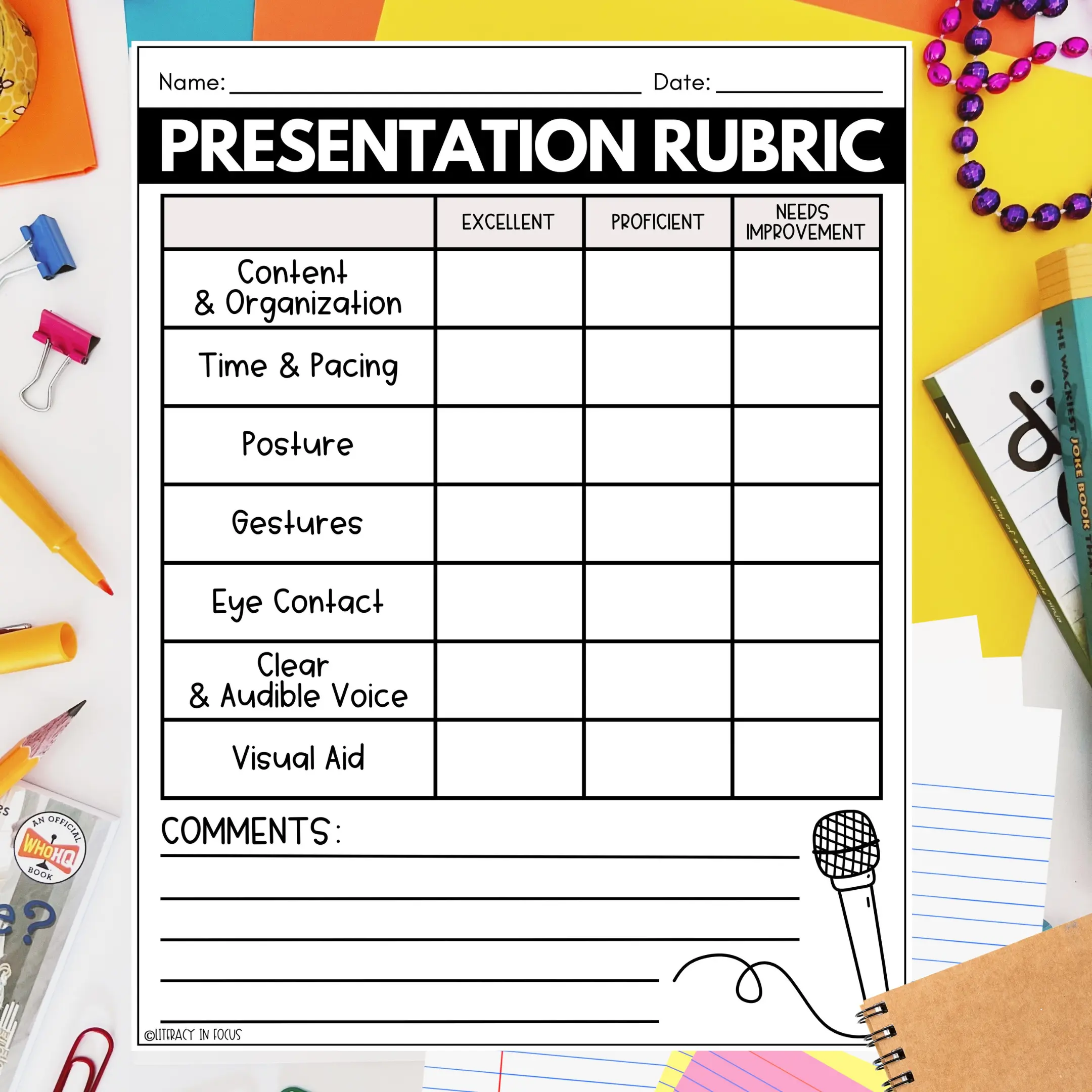
Share your enhanced document Explain why you chose your images Tell us about your design choices Give kind feedback to classmates

Remember
Images and good design help people understand our ideas better! Next lesson: We'll add sounds and animations to make our work even more exciting!