
Designing User-Friendly Digital Technology
Understanding User Experience (UX) Creating Better Digital Interactions Year 6 Technology

What is User Experience (UX)?
How people feel when using technology Includes emotions, satisfaction, and ease of use Good UX means simple, smooth, and helpful technology Designers research and test to improve UX
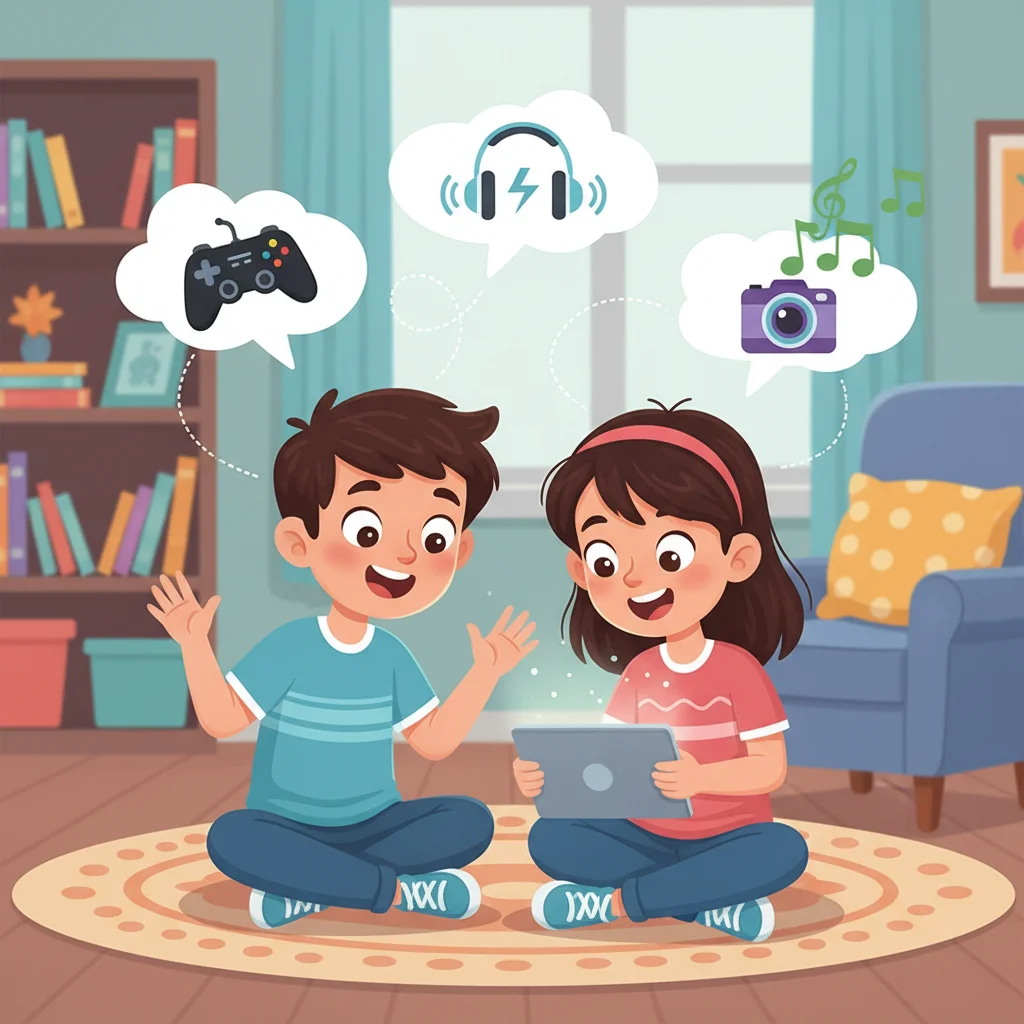
Think-Pair-Share: Your Tech Experiences
Think of your favorite app or game What makes it easy and fun to use? Share with a partner Discuss what makes technology frustrating
What Makes Technology Usable?
Easy to learn and understand Quick to complete tasks Few or no errors Clear navigation and instructions Example: Online shopping that's simple to use
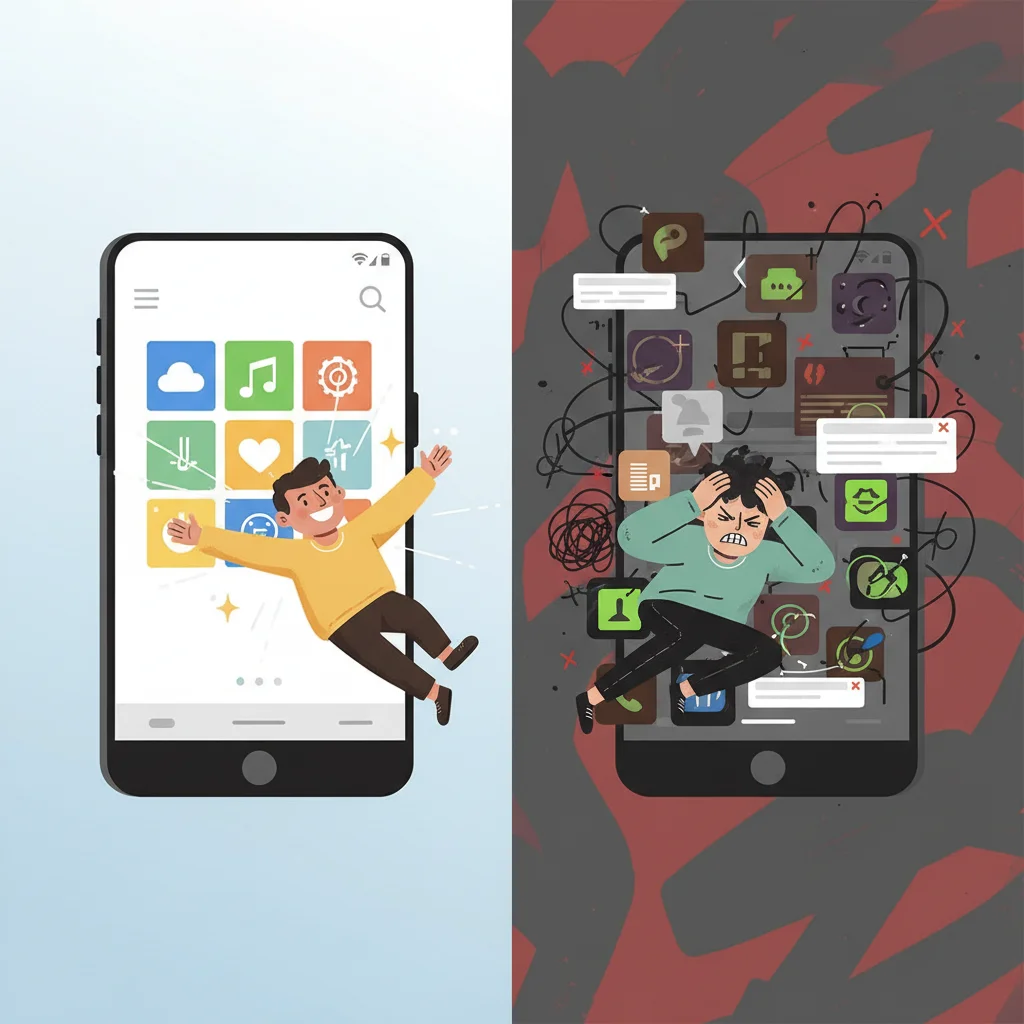
Good UX vs Poor UX
{"left":"Fast loading times\nClear buttons and menus\nHelpful error messages\nWorks on different devices","right":"Slow or crashes often\nConfusing navigation\nHard to read text\nDifficult to find features"}

Accessibility: Technology for Everyone
Designing for people with different abilities Screen readers for vision impairments Captions for hearing impairments Adjustable text sizes Makes technology inclusive for all users
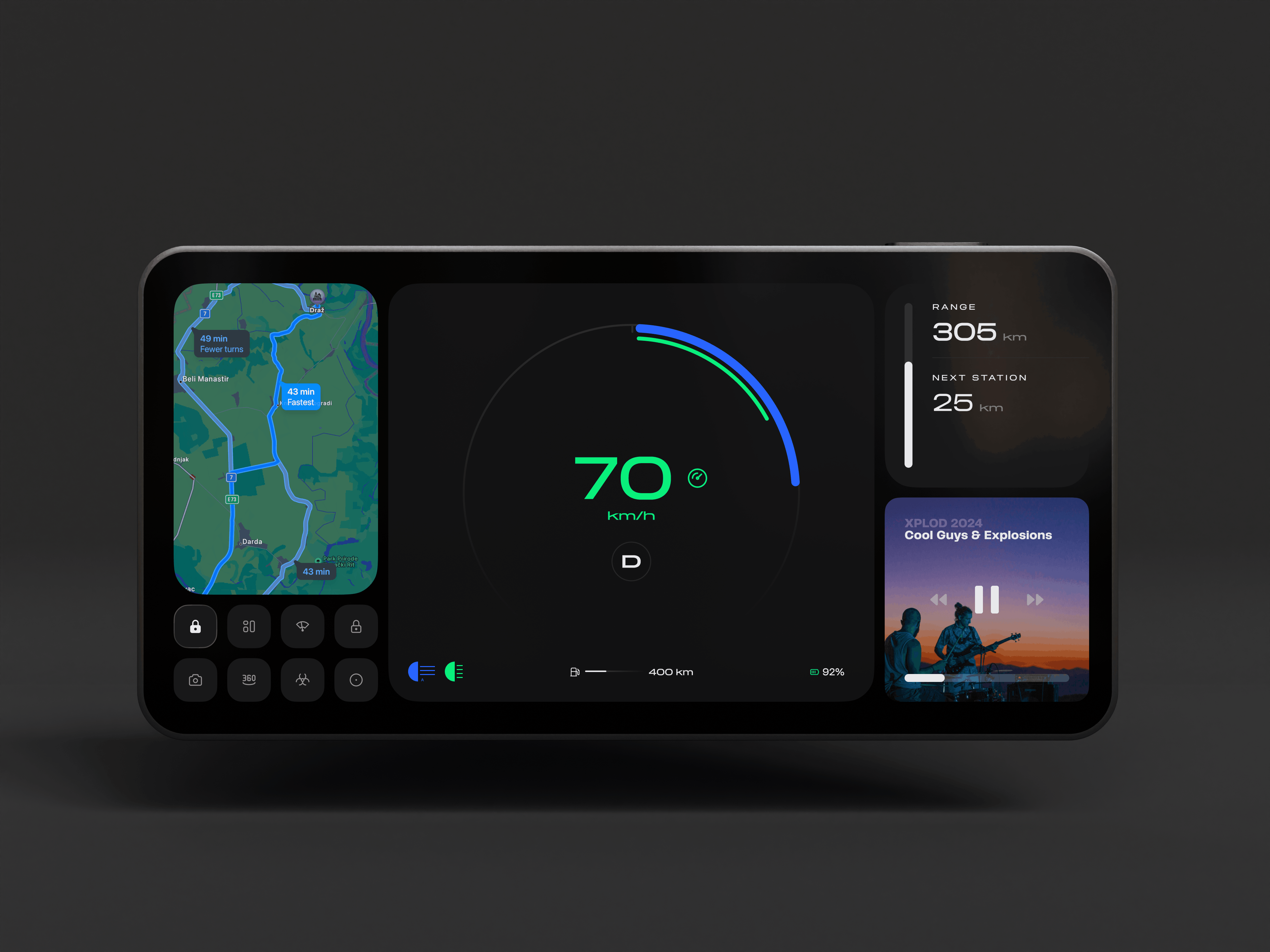
User Interaction: How We Control Technology
Clicking, tapping, typing, voice commands Should feel natural and intuitive Includes buttons, menus, icons, and controls Good interaction design makes tasks easy
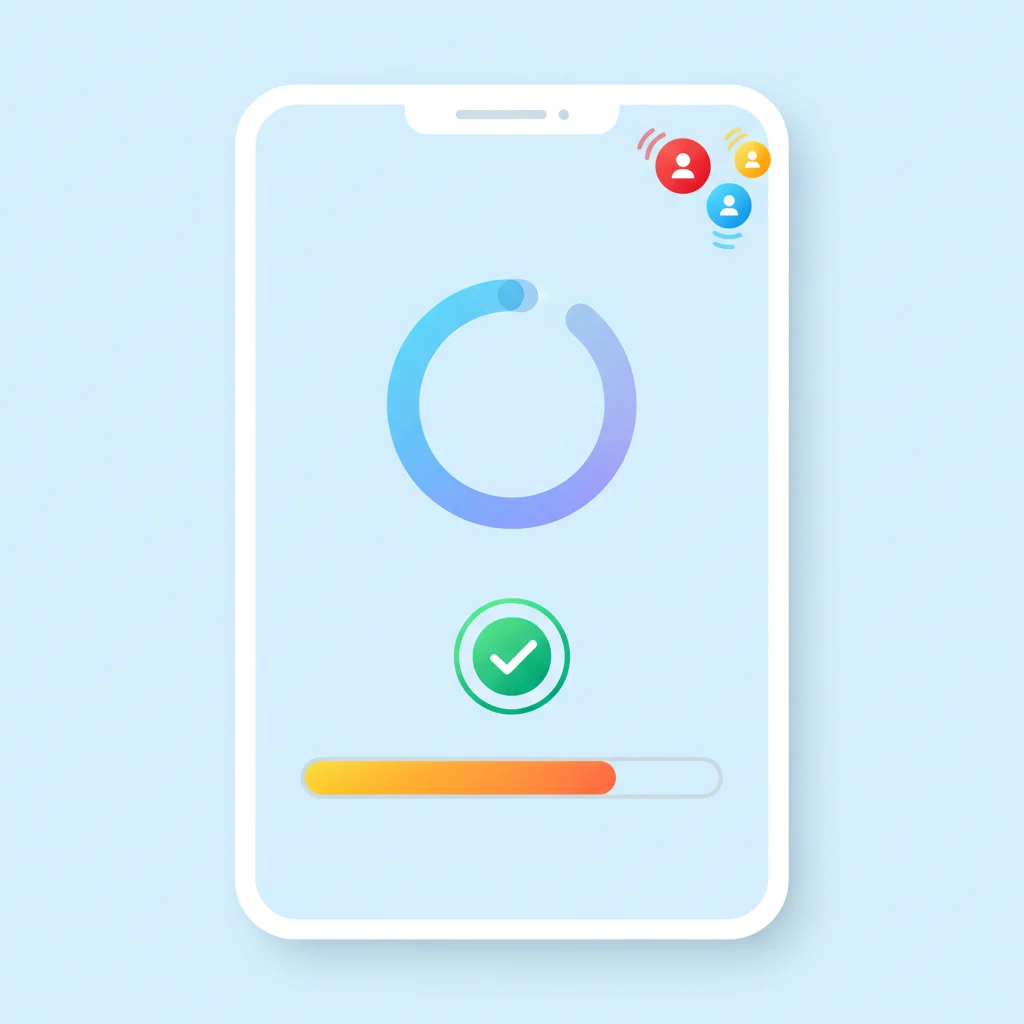
Discussion Question
Why is feedback important when using technology? Think about what happens when you: Click a button Send a message Save your work
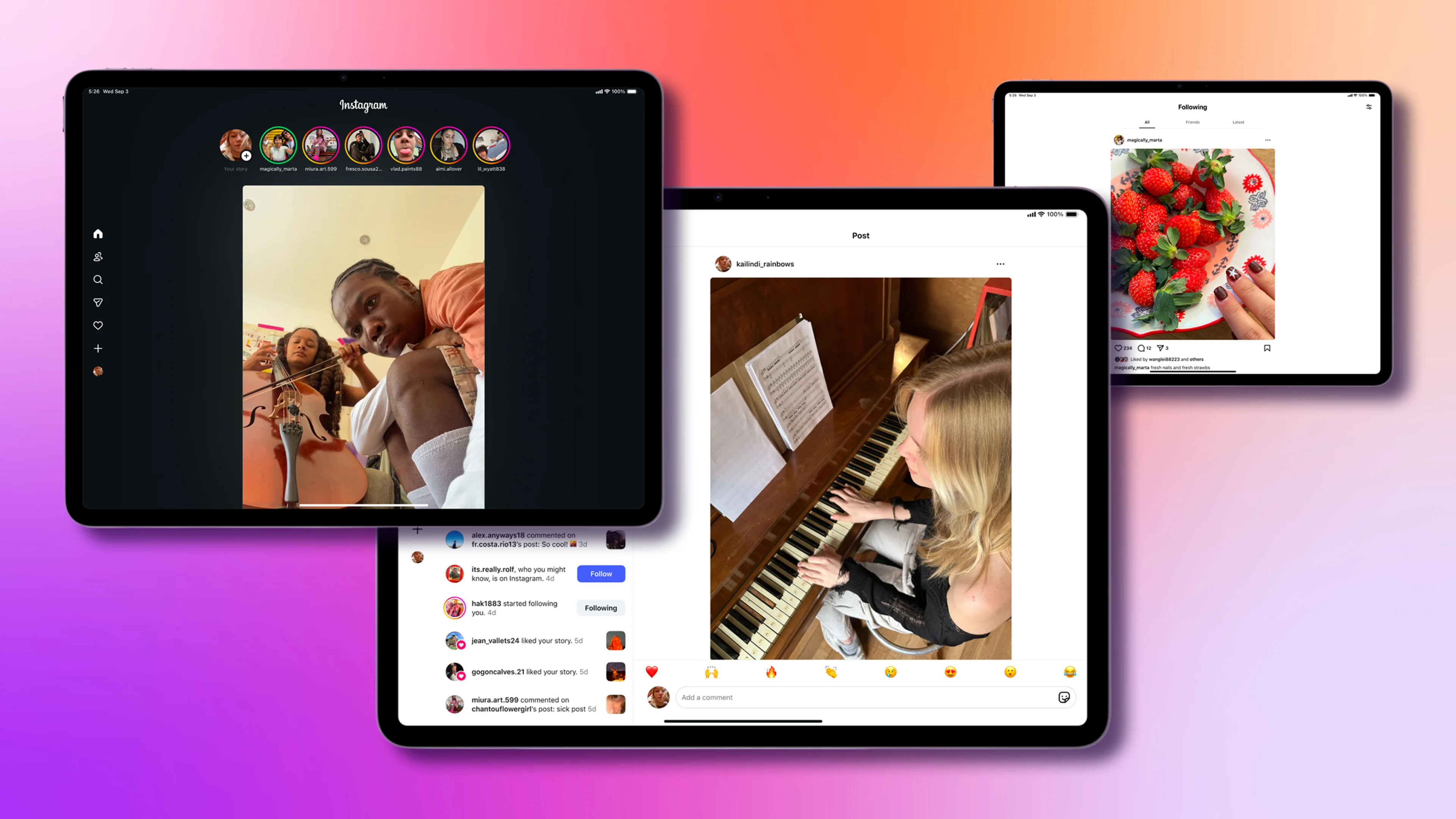
Real-World Examples: Instagram and Netflix

Design Challenge: Improve an App
Choose a school app or website you use Identify one problem or frustration Sketch or describe your solution How would your change improve the user experience?