
Digital Safety: Passwords, Privacy, Protection
Keeping Safe Online Year 9 Digital Literacy Building Essential Skills for the Digital World

Acknowledgement of Country
We acknowledge the Gunaikurnai people as the traditional custodians This land has been home to Aboriginal peoples for thousands of years We pay our respects to Elders past, present and emerging We commit to learning about and respecting Indigenous culture

How Are You Feeling? Kookaburra Scale
1 - Very worried about online safety 2 - A bit concerned about digital risks 3 - Neutral, learning about digital safety 4 - Fairly confident with online protection 5 - Very confident and digitally safe
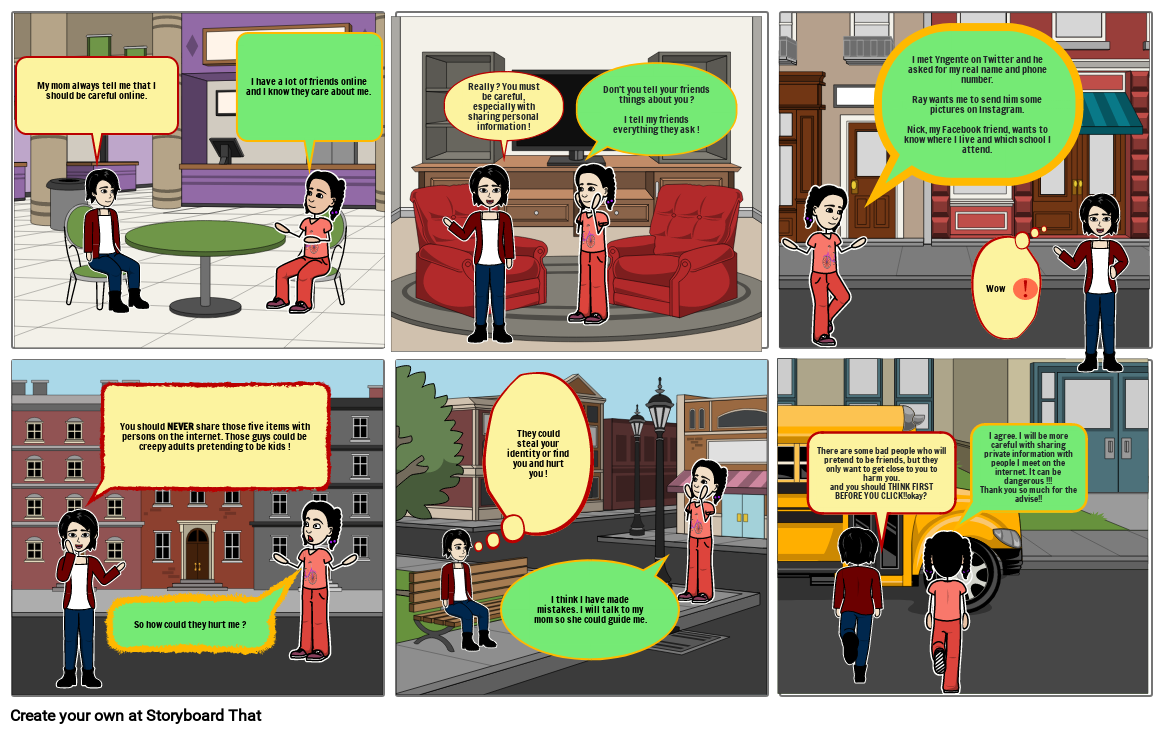
Digital Fails: Learn From Others' Mistakes
3-minute funny compilation of online safety fails Real examples of digital disasters Learn what NOT to do online Laugh while learning important lessons
Digital Disasters: Learning From Online Fails
Watch 3-minute compilation of digital safety fails Spot the mistakes in each scenario Discuss what went wrong and why Identify better choices for each situation
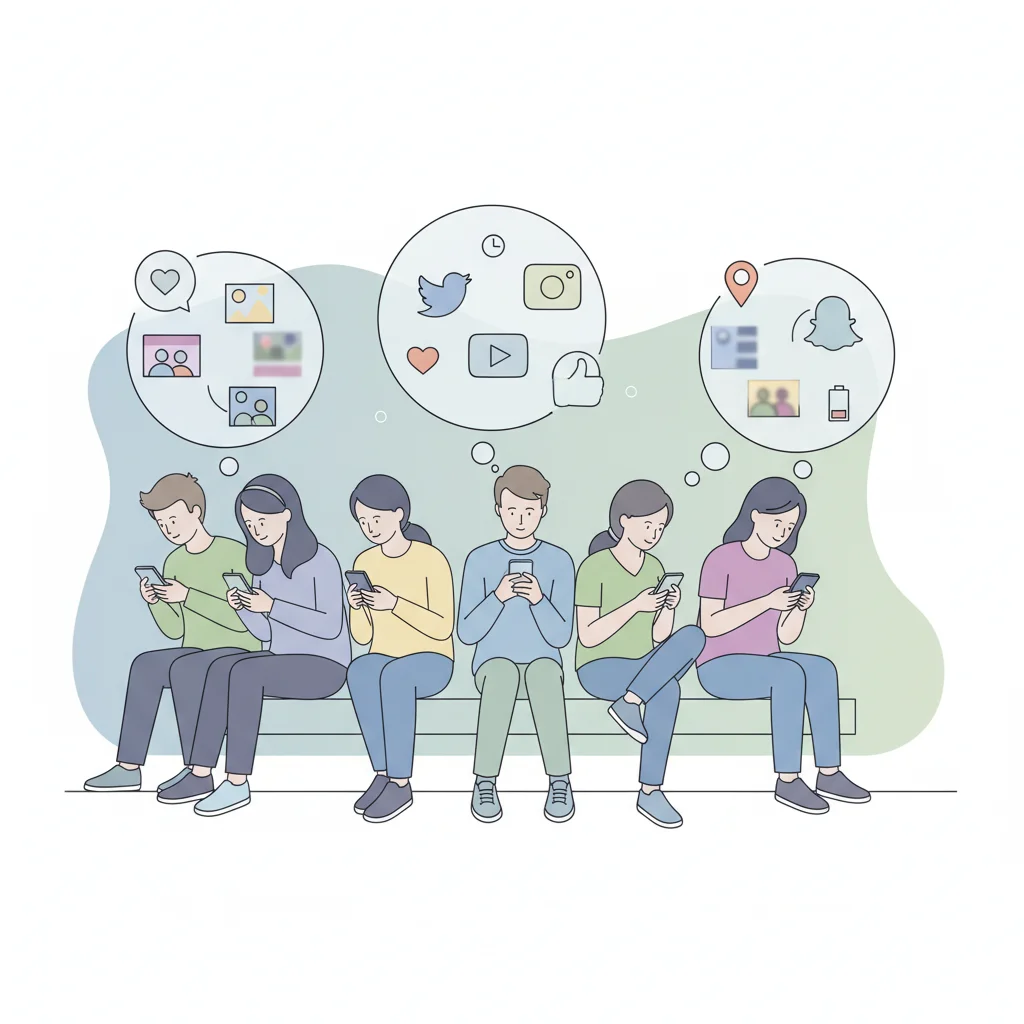
What Do You Share Online?
Think about your daily digital activities What information do you share on social media? Who can see what you post? How much personal data do apps collect?

Your Digital Footprint
Everything you do online leaves a trace Posts, searches, downloads, and clicks are recorded This data can be permanent and searchable Future employers and universities may check your digital footprint

Digital Footprint Audit
Search for your own name online Check what information appears Look at your social media privacy settings Discuss findings with a partner
Why Passwords Matter
Passwords are your first line of defense Weak passwords can be cracked in seconds Strong passwords protect your personal information One compromised account can lead to others being hacked
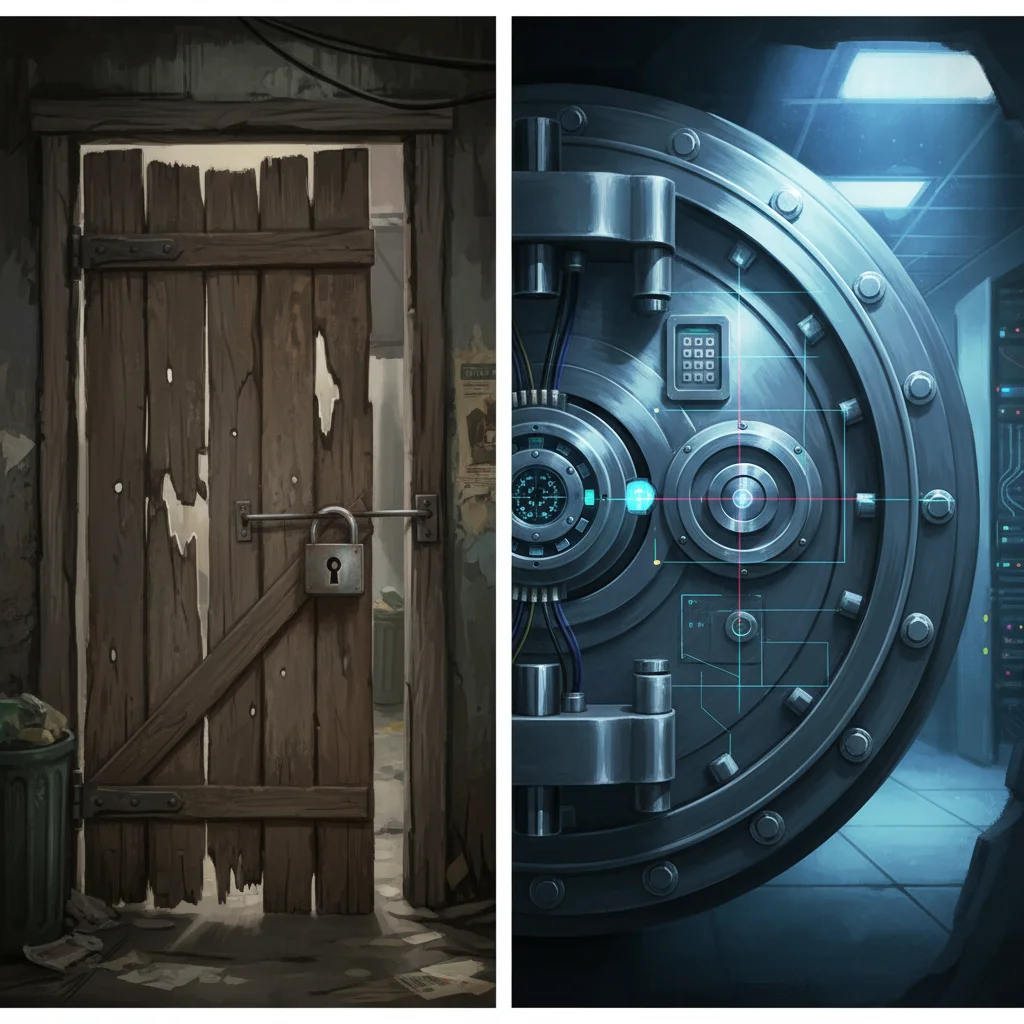
Weak vs Strong Passwords
{"left":"123456\npassword\nqwerty\nYour name + birth year\nPet's name","right":"P@ssw0rd123!\nTr0ub4dor&3\ncorrect-horse-battery-staple\nMyDog$Loves2Run!\nB3st_Fr13nd$_N4m3"}
Creating Strong Passwords
Use at least 12 characters Mix uppercase, lowercase, numbers, and symbols Avoid personal information Use unique passwords for each account Consider using passphrases
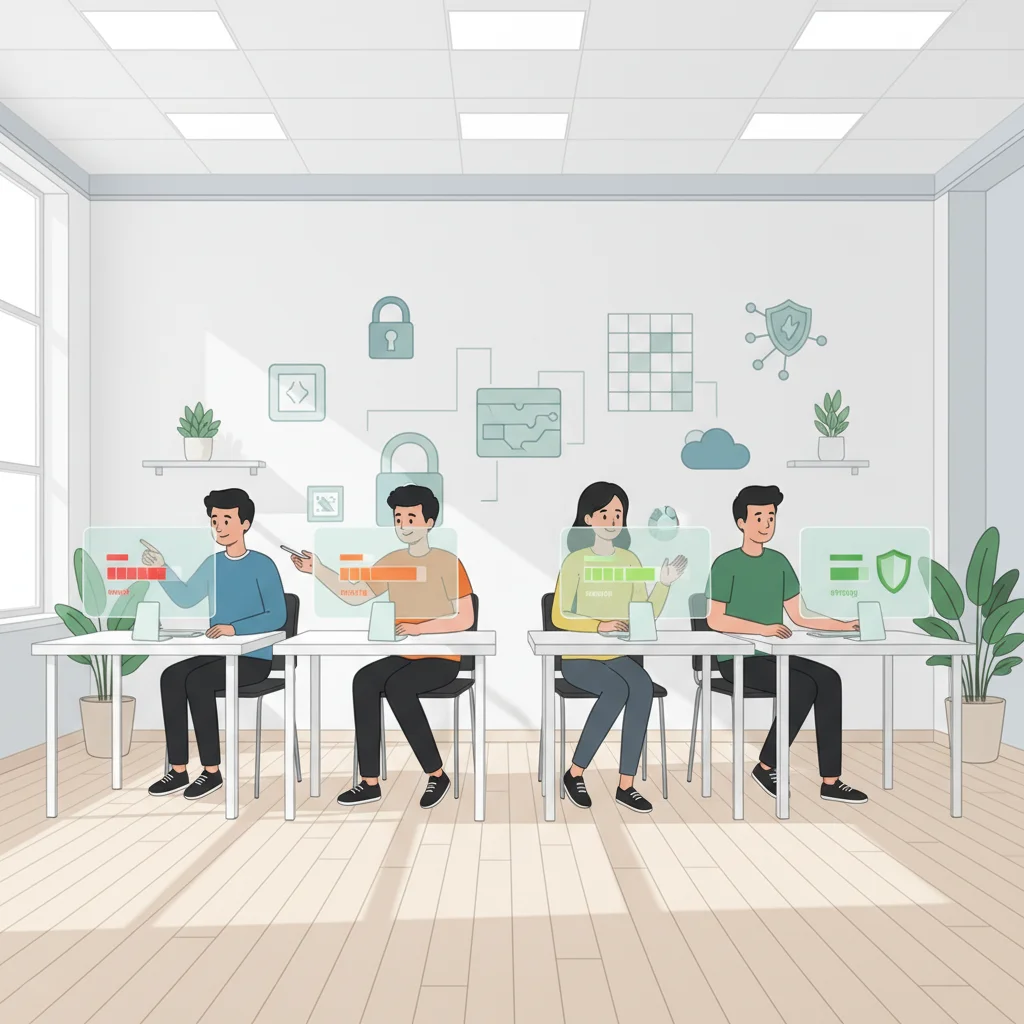
Password Strength Challenge
Create a strong password using the guidelines Test it using an online password strength checker Practice creating memorable passphrases Share techniques (not actual passwords!) with classmates
12 more slides available after you open the deck.
Download all 24 slides