
Exploring Digital Input and Output Devices
Year 3 Digital Technologies Learning about how we interact with computers 40 minutes of discovery and fun!

WALT (We Are Learning To)
Identify and classify input and output peripheral devices Explain the basic functions of these devices Categorise each device as input or output through activities

What devices do we use to talk to computers?
Think about your iPad at home What do you touch or press? How do you give instructions to your device?
:max_bytes(150000):strip_icc()/Physicalkeyboard_TarikKizilkaya_GettyImages-160948868-6eb87698bb2f4ece9bfca400ddbca30f.jpg)
Input Devices - Sending Information IN
Input devices help us send information TO the computer Like talking TO a friend Examples: Keyboard, Mouse, Touchscreen, Microphone
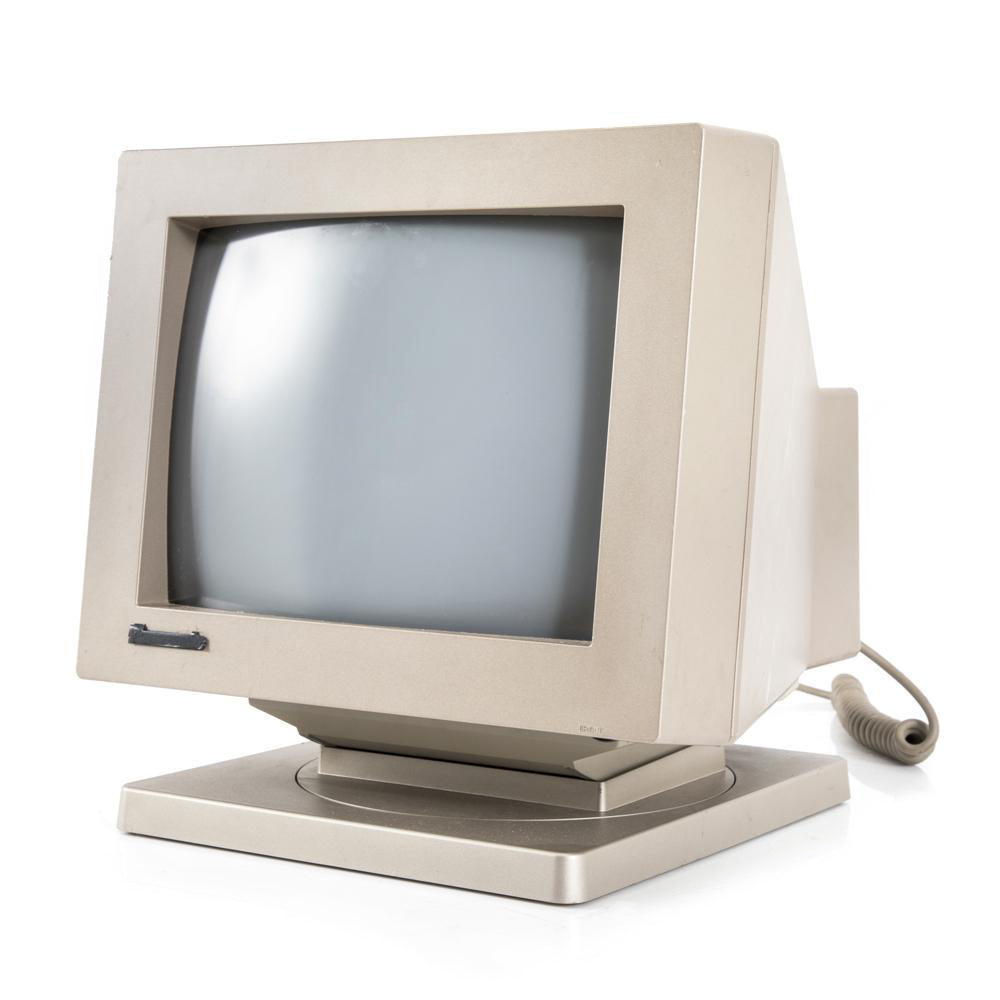
Output Devices - Getting Information OUT
Output devices show us information FROM the computer Like a friend talking back to us Examples: Monitor/Screen, Printer, Speakers, Headphones
Station Rotation Adventure!
Visit 4 stations around the room Handle and explore each device Discuss: Is it INPUT or OUTPUT? Work with your partner to decide

iPad Matching Challenge
Open Seesaw app on your iPad Drag devices to INPUT or OUTPUT boxes Record your voice explaining each choice Work with your partner to discuss

Success Criteria Check
Can you name 2 input devices and 2 output devices? Can you explain what each device does? Did you correctly sort devices in your iPad activity?