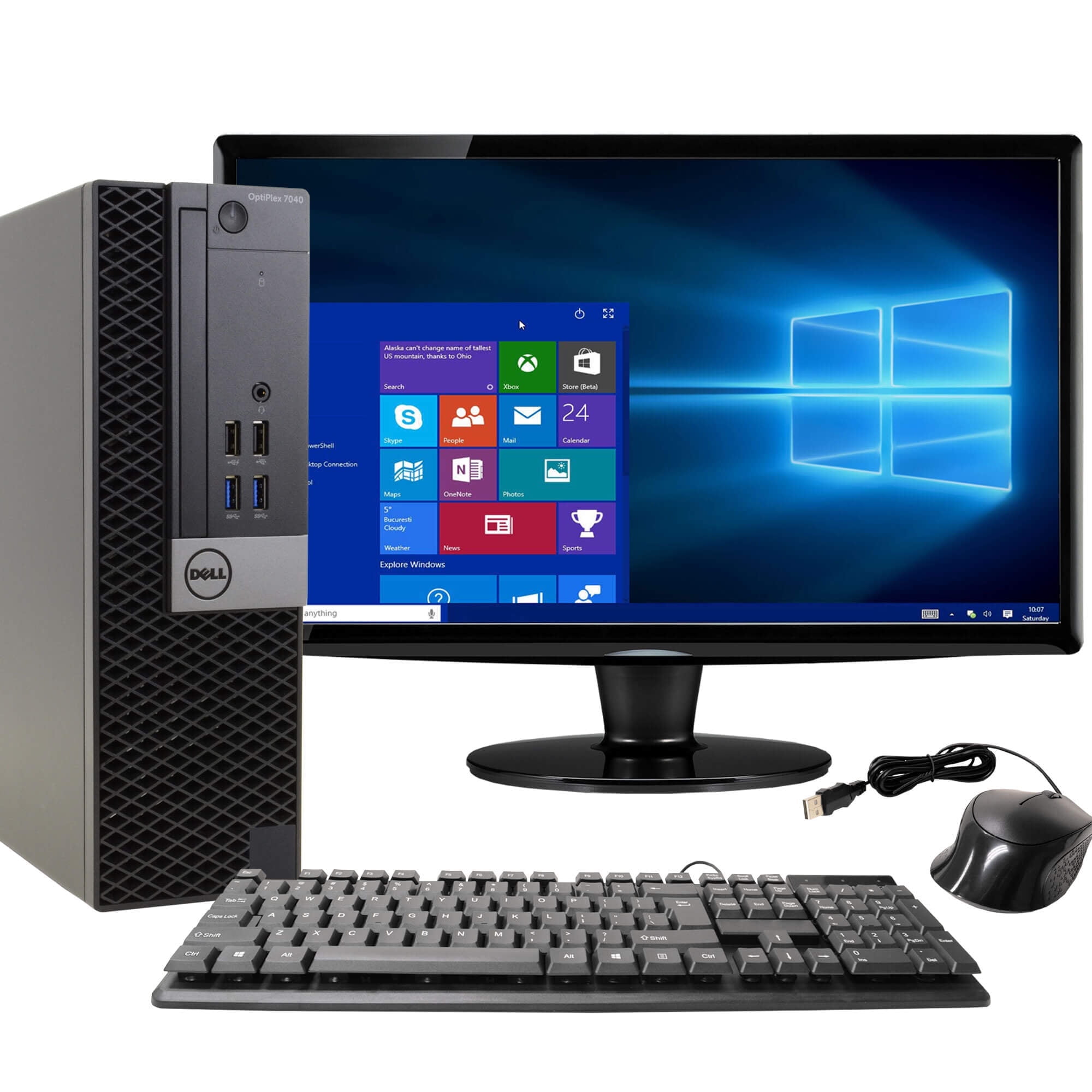
Hardware & Software Exploration
Year 4 Technology Understanding the parts of computers Learning about programs and apps

Test Introduction & Review
We'll have a short test at the end of class Review: Hardware vs Software Hardware = parts you can touch Software = programs and apps Remember: Be Respectful with technology

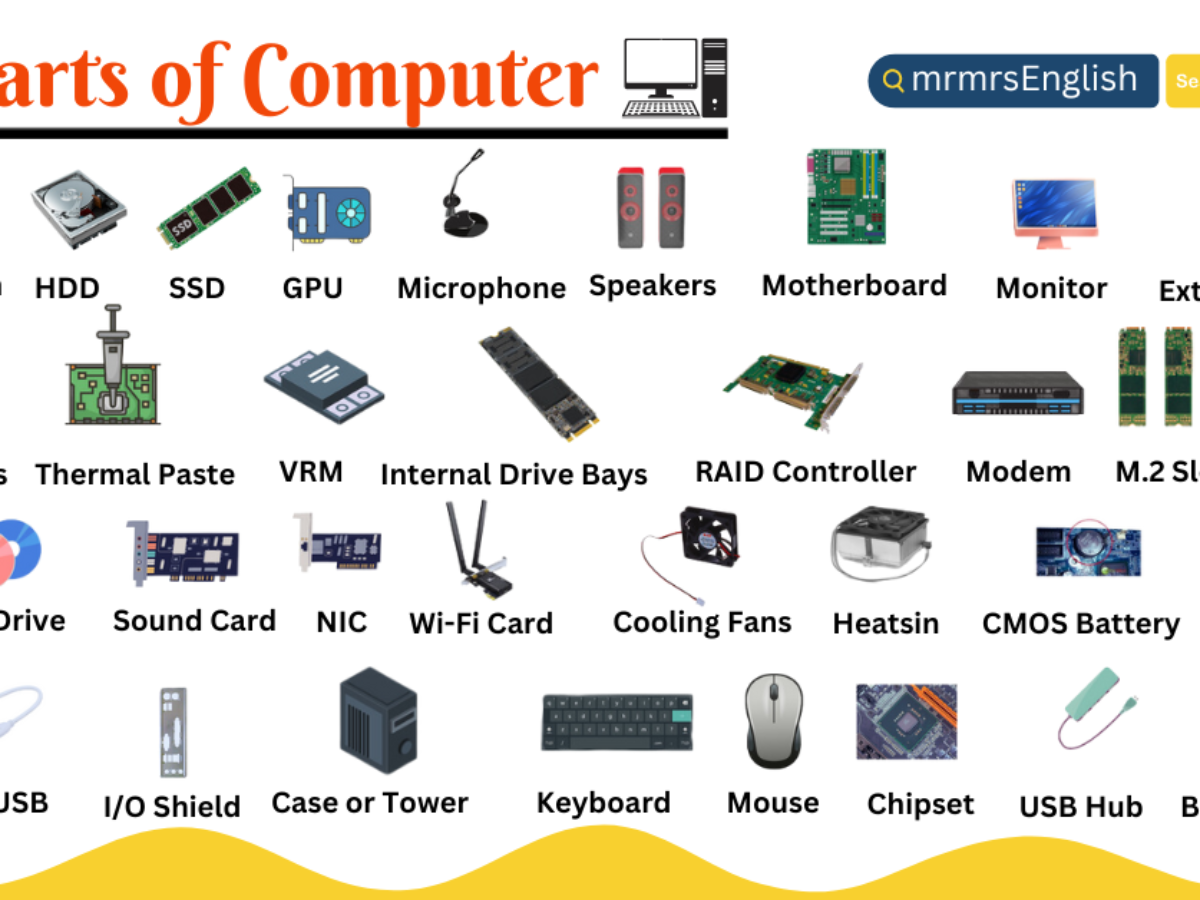
Computer Hardware Components
Hardware Functions
Keyboard: lets you type letters and numbers Mouse: helps you point and click on the screen Monitor: shows you pictures and words Speaker: plays sounds and music CPU: the brain that thinks for the computer RAM: helps the computer remember things quickly
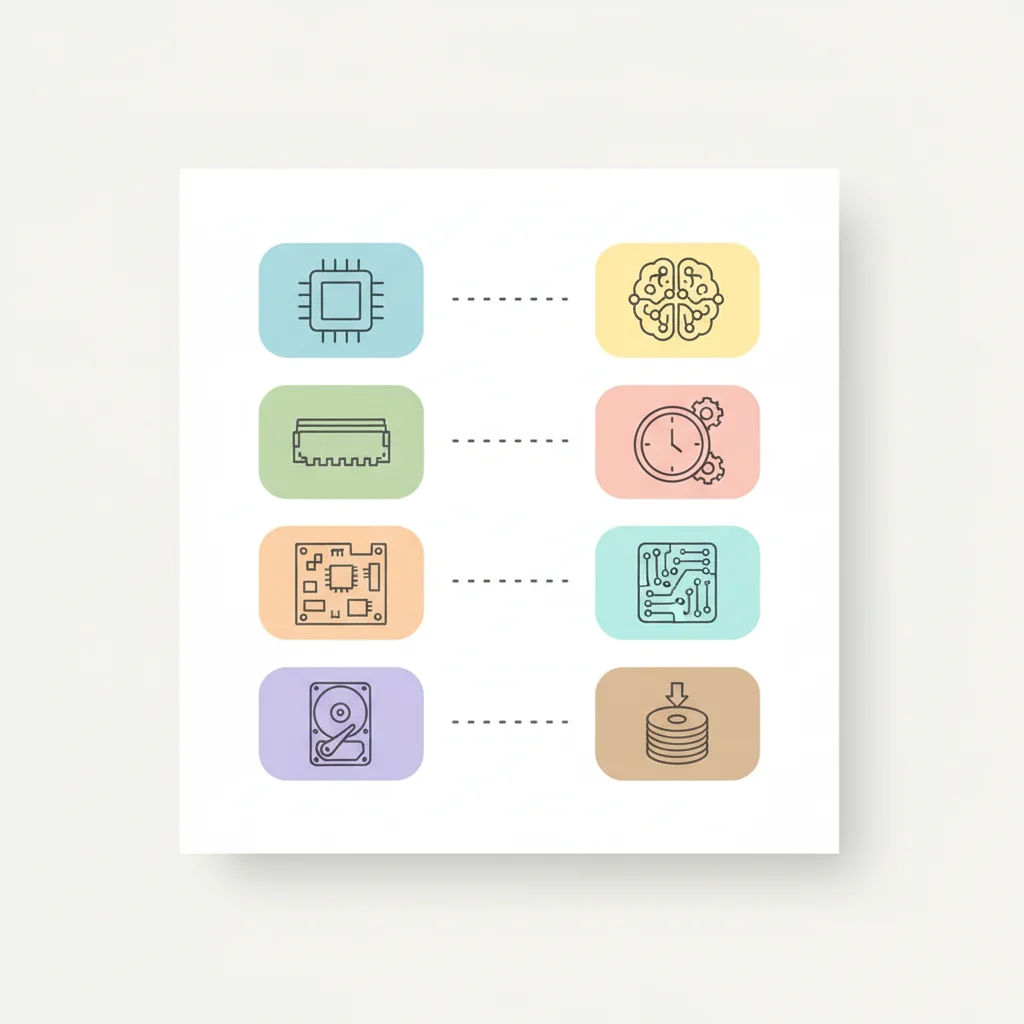
Matching Activity Preview
Work in pairs to match pictures with names Draw lines connecting hardware to its function Use your worksheet to practice Ask for help if you need it

Software Examples
Microsoft Word: for writing stories and letters Minecraft: a game for building and exploring Camera App: for taking photos Microsoft Teams: for talking with friends and teachers Software cannot be touched - it's made of instructions

Interactive Matching Challenge
Look at the mixed pictures on the board Decide: Is it hardware or software? Volunteers come up to sort them Let's work together to get them all right!

Key Learning Summary
Hardware = Physical parts you can touch Software = Programs and apps that give instructions Both work together to make computers useful
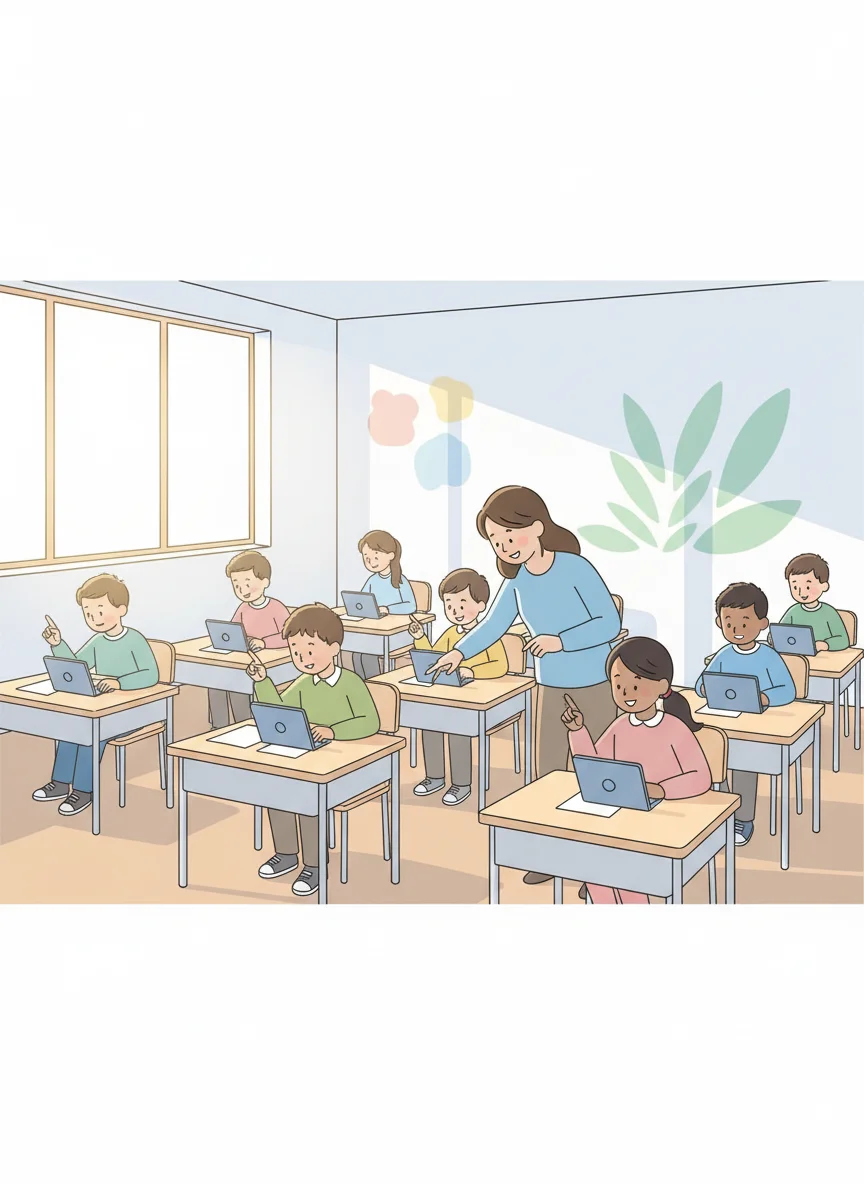
Test Reminder & Good Behaviour
Time for our quick test on the first two weeks Remember to be respectful with technology Use computers and devices safely Help others learn and be kind Great job learning about hardware and software today!