
Hardware vs Software: Tech Basics
Understanding the building blocks of technology Year 4 Digital Technologies Interactive learning adventure
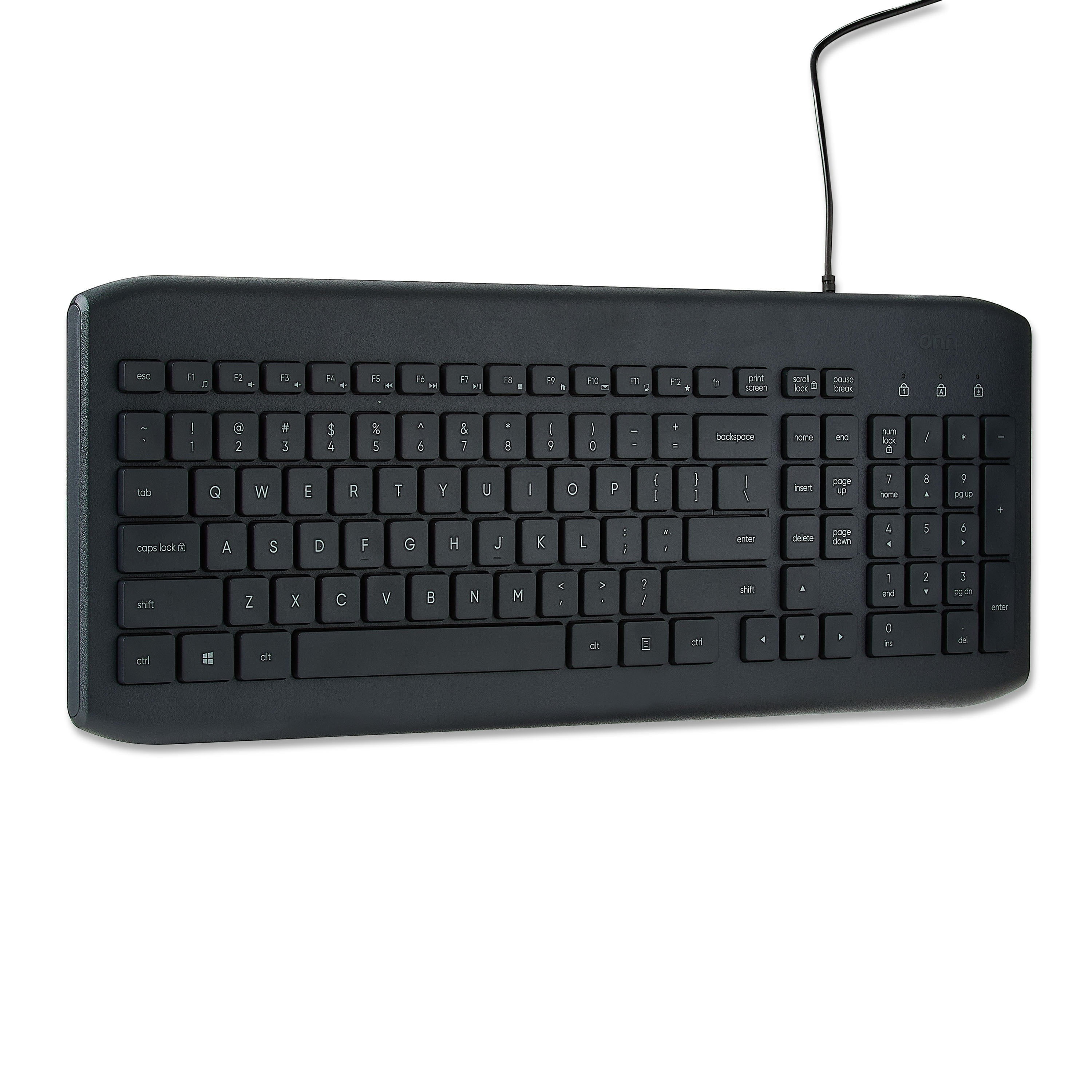
What Can You Touch?
Look around the classroom What technology can you physically touch? What technology exists but you can't touch it?
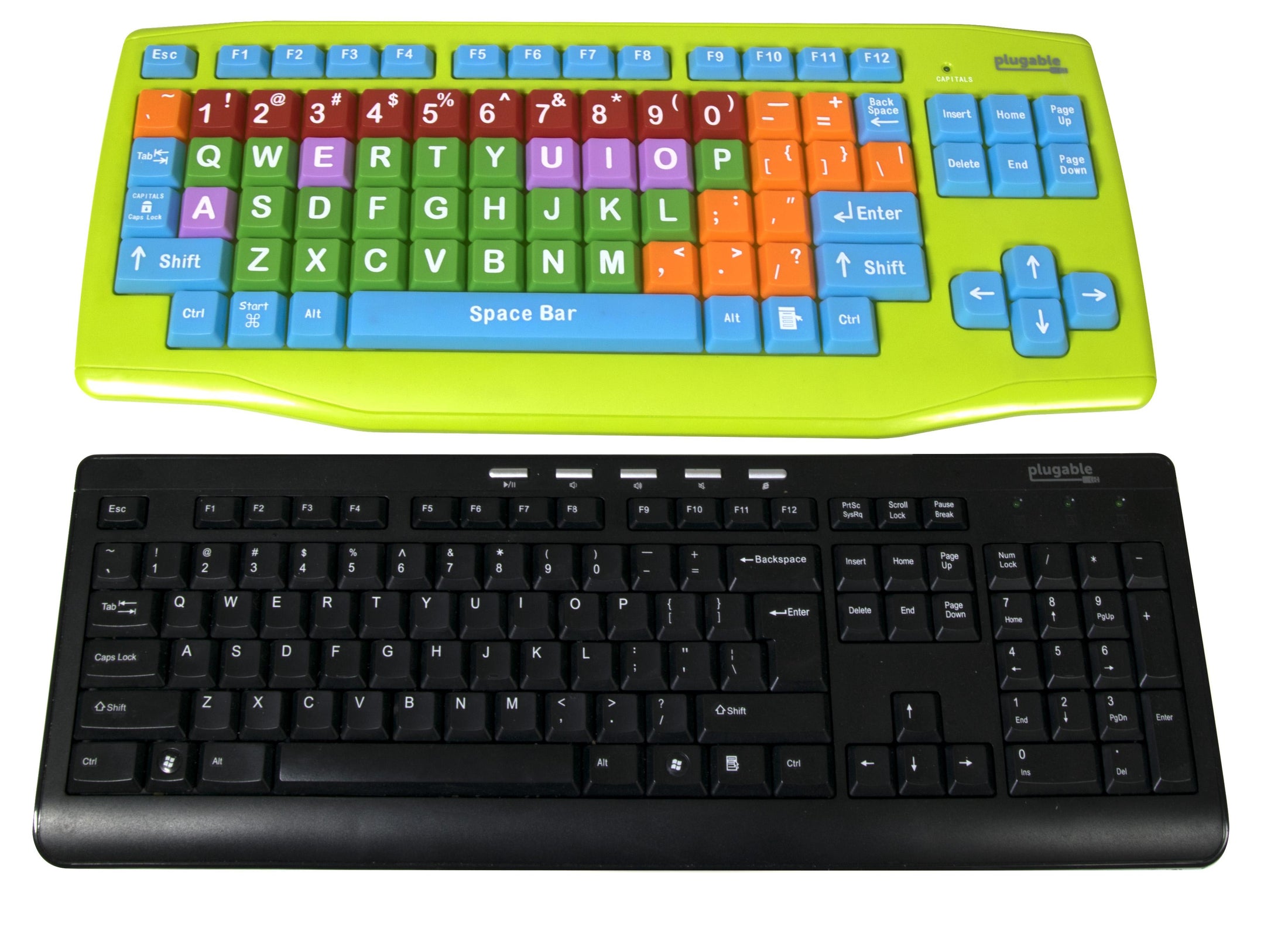
What is Hardware?
Hardware = parts you CAN touch Physical components of computers Examples: keyboard, mouse, monitor, speakers Each part has a special job to help the computer work

Hardware Matching Challenge
Work in pairs Match the picture to the correct name Write one sentence about what each part does Be ready to share your answers!

What is Software?
Software = programs you CANNOT touch Instructions that tell hardware what to do Examples: games, apps, word processing programs Software makes hardware useful and fun!
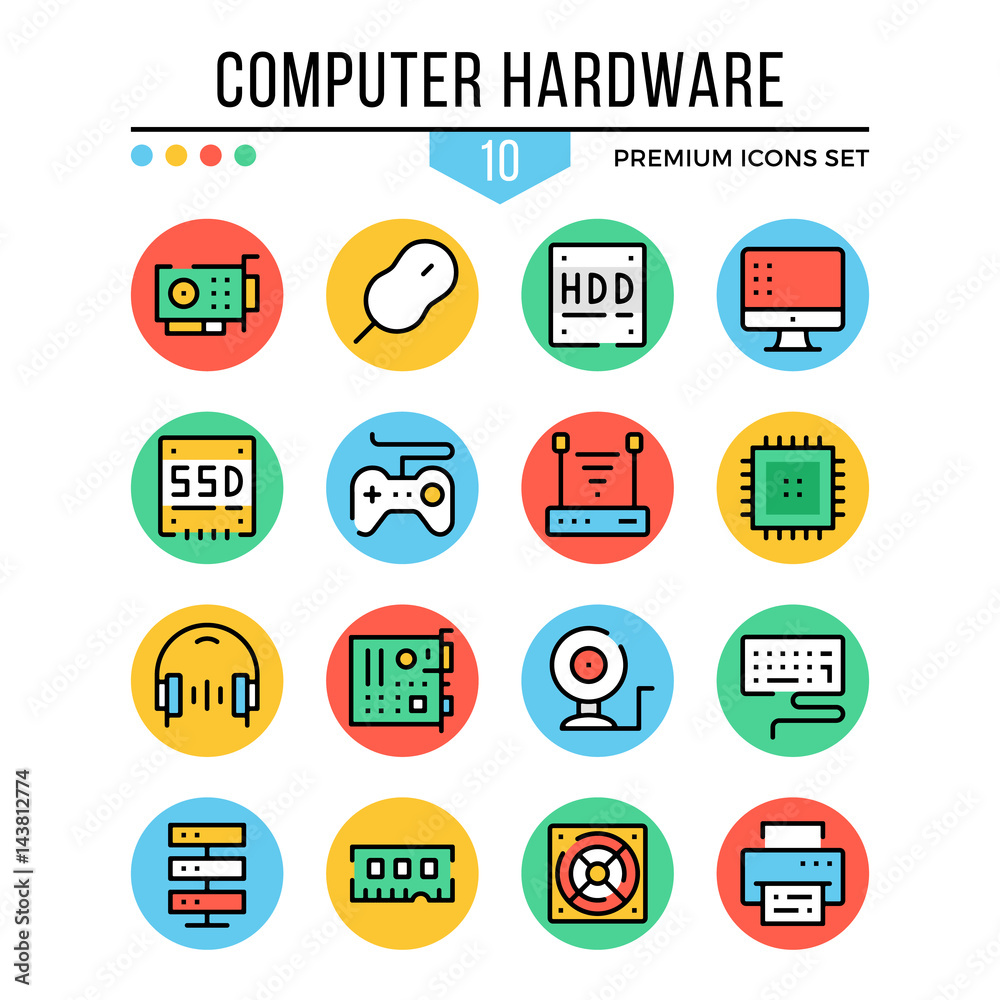
Hardware vs Software
{"left":"You CAN touch it\nPhysical parts\nKeyboard, mouse, monitor\nBreaks if dropped","right":"You CANNOT touch it\nPrograms and apps\nGames, word processing, camera app\nCan be deleted or downloaded"}

Interactive Sorting Game
Hardware or Software? Look at each picture Decide: Can you touch it or not? Drag items to the correct side!

Remember This!
Hardware and software work together like a team Hardware without software is like a car without a driver Software without hardware is like a driver without a car