Robot Control Training Adventures
Learning to navigate laptops Years 1-2 Digital Technologies 80-minute adventure

WALT - We Are Learning To
Open and close applications (Word, Paint, Internet browser) Minimise, maximise and move windows Use the start menu to find and launch applications Save work on the desktop
Success Criteria - I Can
Open and close different applications on my laptop Minimise and move application windows on the screen Use the start menu to find programs Save a picture I draw to the desktop
Meet Our Alien Robot Friend
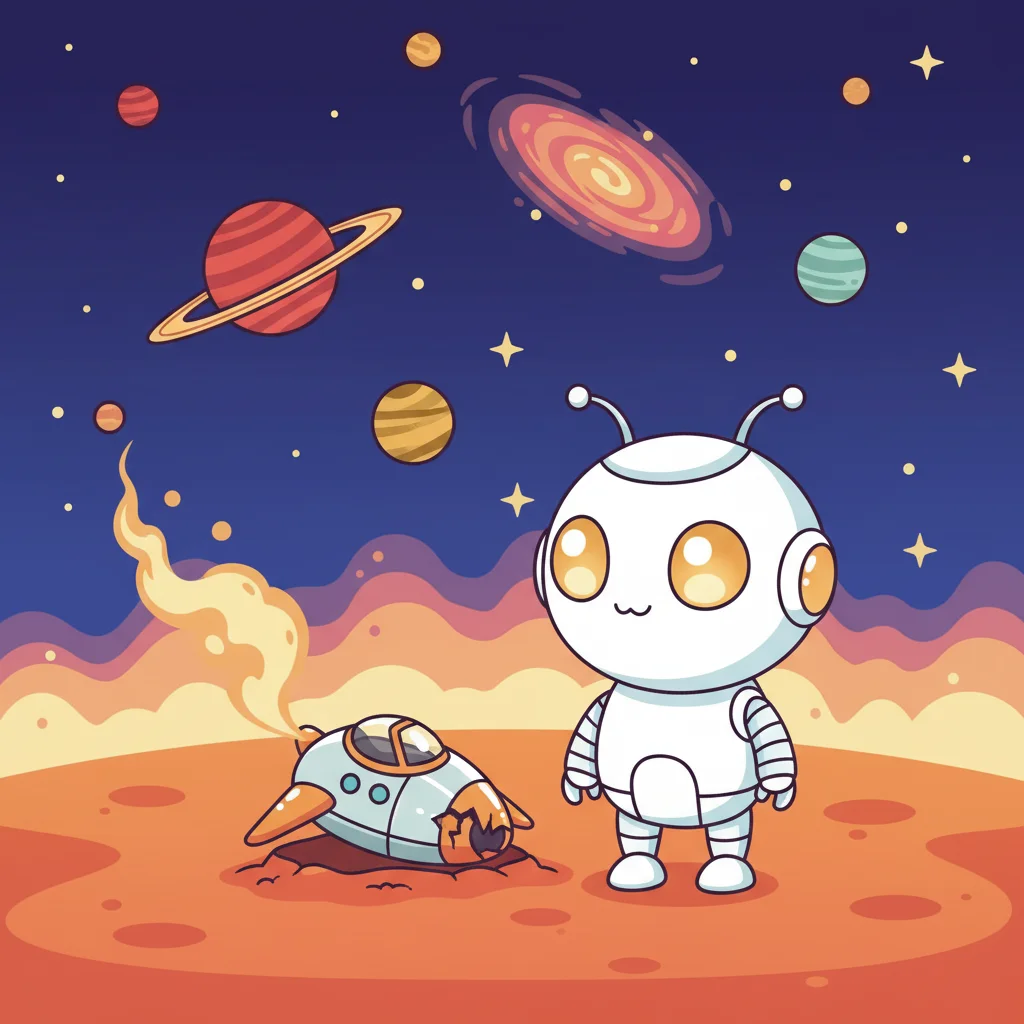
Our friendly alien robot has crash-landed on Earth and needs YOUR help! The robot only understands laptop commands - if you give the right instructions, it will respond and help you on amazing adventures!
Robot Says Game
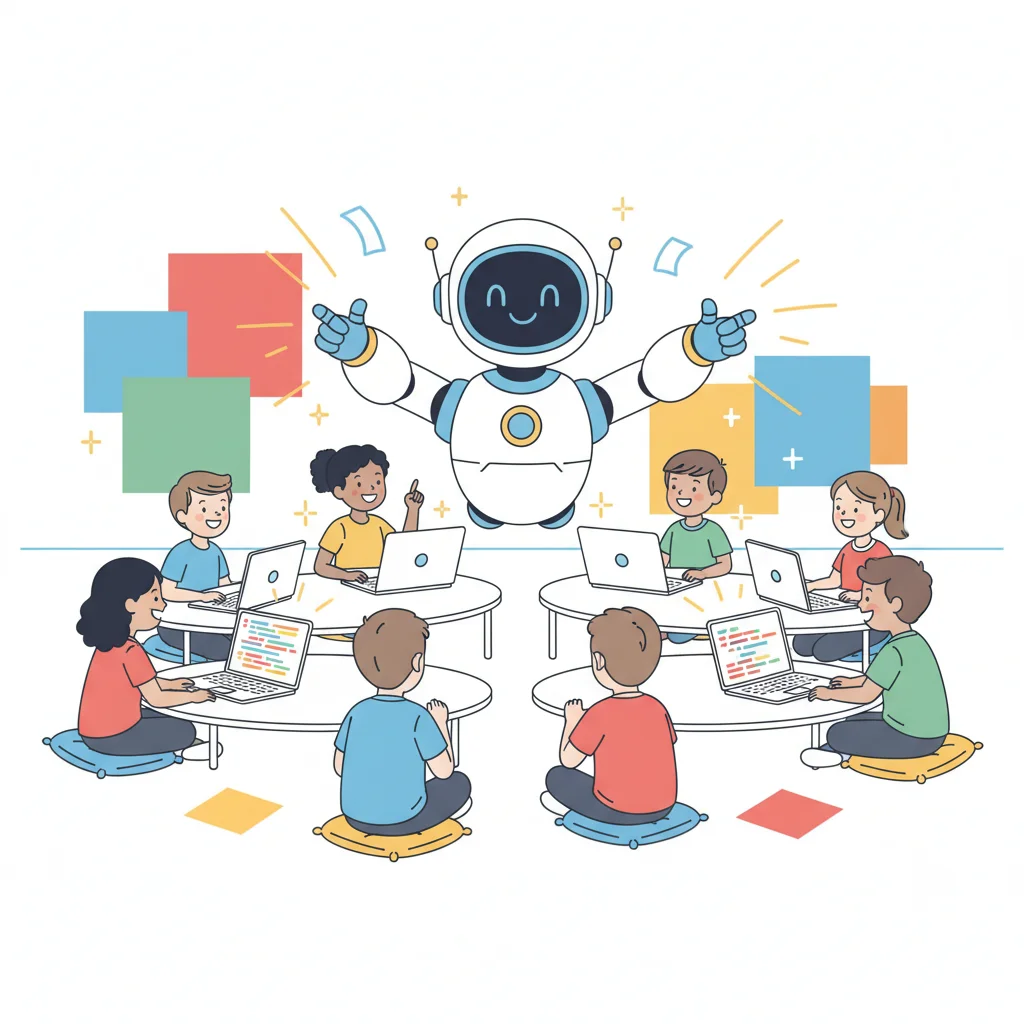
Listen carefully to the robot's commands Only follow instructions that start with 'Robot Says' Practice: 'Robot says open Paint' Practice: 'Robot says close the window' Be ready to help your classmates!

Navigation Skills Demonstration
Opening applications via the start menu Minimising, moving, and maximising windows Closing applications safely Saving files to the desktop

Window Gymnastics Practice
Minimise windows like a gymnast Move windows around your desktop Maximise and restore windows Open and close applications Use your robot training skills!
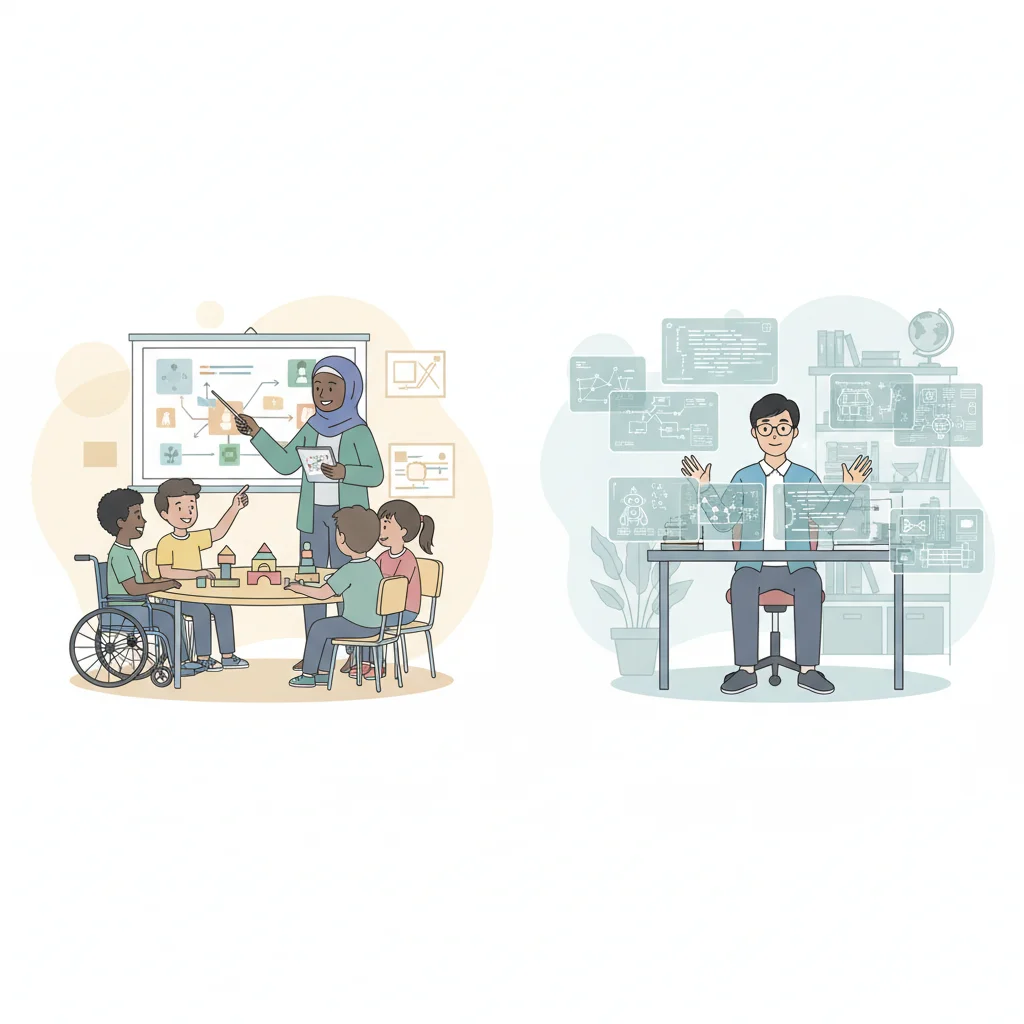
Differentiation Strategies
{"left":"Students needing support: One-on-one guidance, visual step-by-step aids, peer buddy system, simplified interfaces where possible","right":"Advanced learners: Experiment with additional Paint tools, manage multiple windows simultaneously, try typing short sentences, explore keyboard shortcuts"}
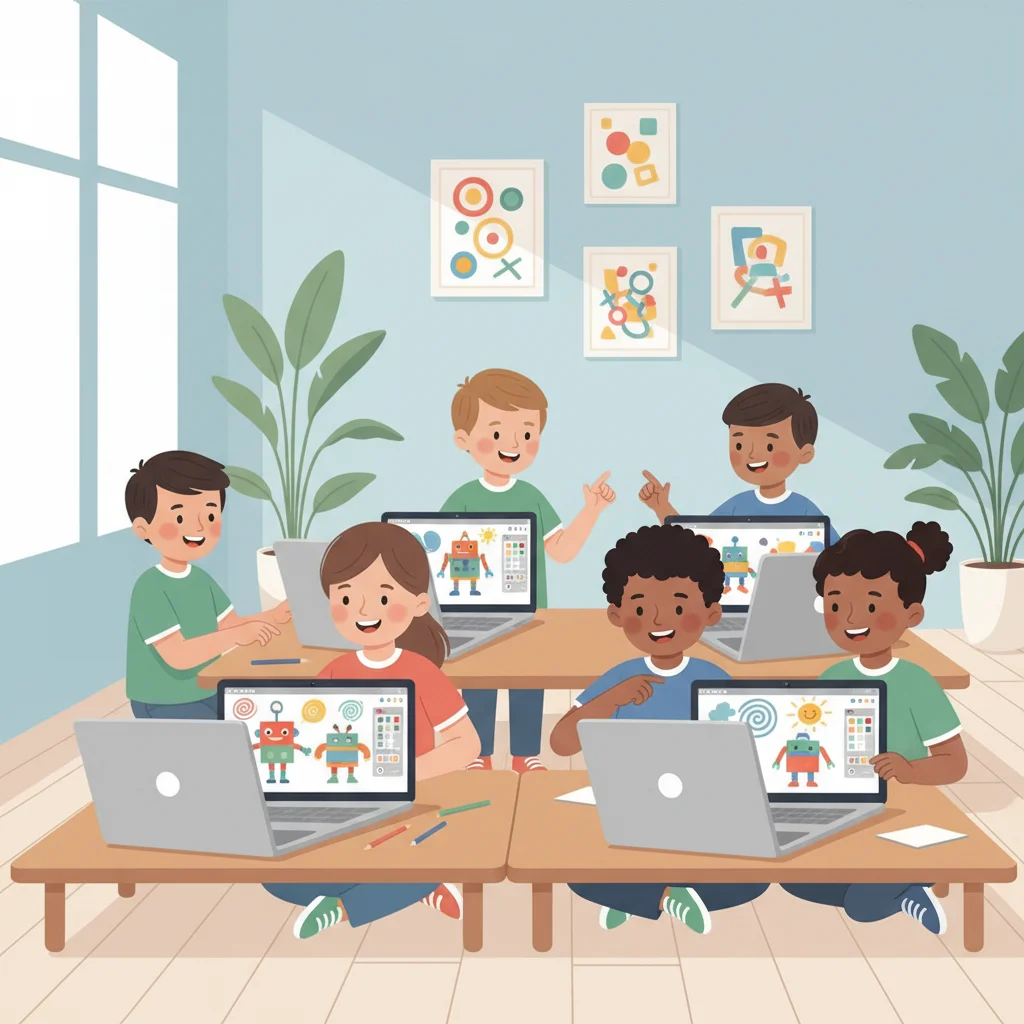
Application Hunt Challenge
Mission: Open Paint application Draw a simple shape or robot Save your file to the desktop Name your file something special Show your robot creation to a friend!
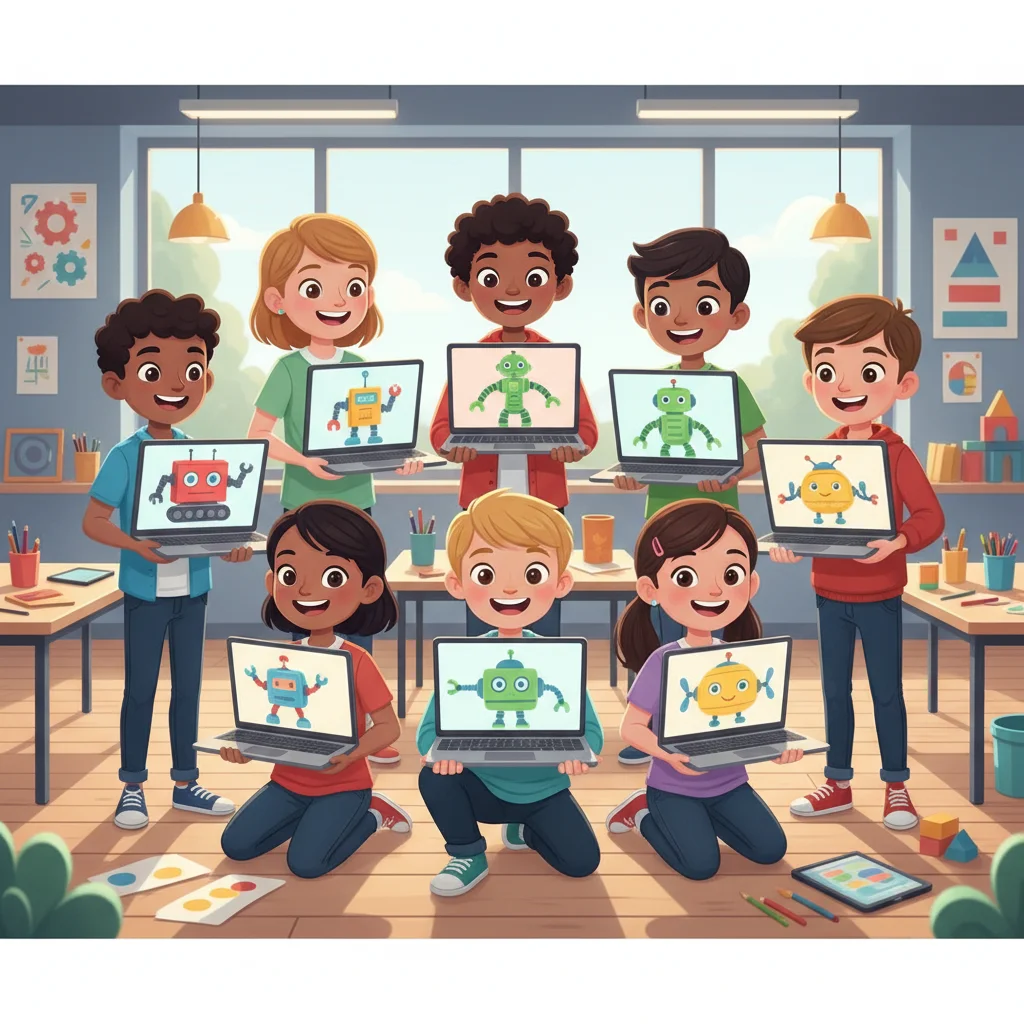
Robot Rescue Story Task
Create a digital picture of your robot friend Use Paint tools to draw and color Add 1-2 words like 'Hi!' or 'Help!' Practice using the keyboard for typing Share your robot rescue story!

Assessment Check
Can you open Paint from the start menu? Can you minimise and move a window? Did you save your robot picture to the desktop? Can you find your saved file?
Reflection & Next Adventures
How do these laptop skills help us solve problems? What was your favorite part of robot training? Extension: Create a story about your robot in Word Next time: Explore keyboard shortcuts and advanced navigation