
Spheros: Programming Our Digital World
Year 4 Digital Technologies Exploring coding with Sphero robots Interactive learning with movement and collaboration

WALT - We Are Learning To
Understand what digital systems are and how they work Program Sphero robots using block-based coding Create sequences of commands to make robots move Work collaboratively to solve coding challenges Document our learning using Seesaw

Success Criteria - How We Know We're Successful
I can explain what a digital system is I can connect my iPad to a Sphero robot I can create a program with at least 3 commands I can make my Sphero move in different directions I can work with a partner to complete challenges I can record my learning on Seesaw
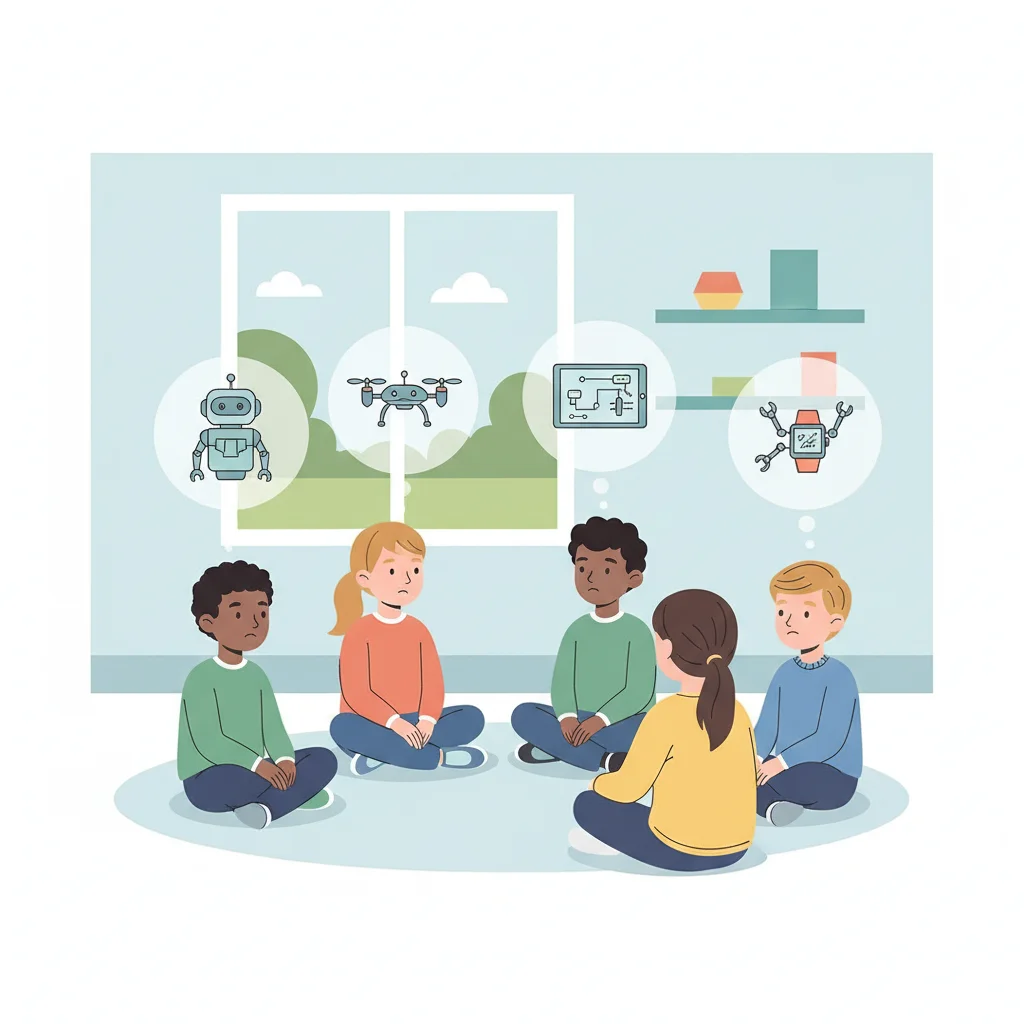
What Do You Already Know?
What is a robot? Have you seen robots before? Where? How do you think robots know what to do? What devices do you use that might be 'digital systems'?
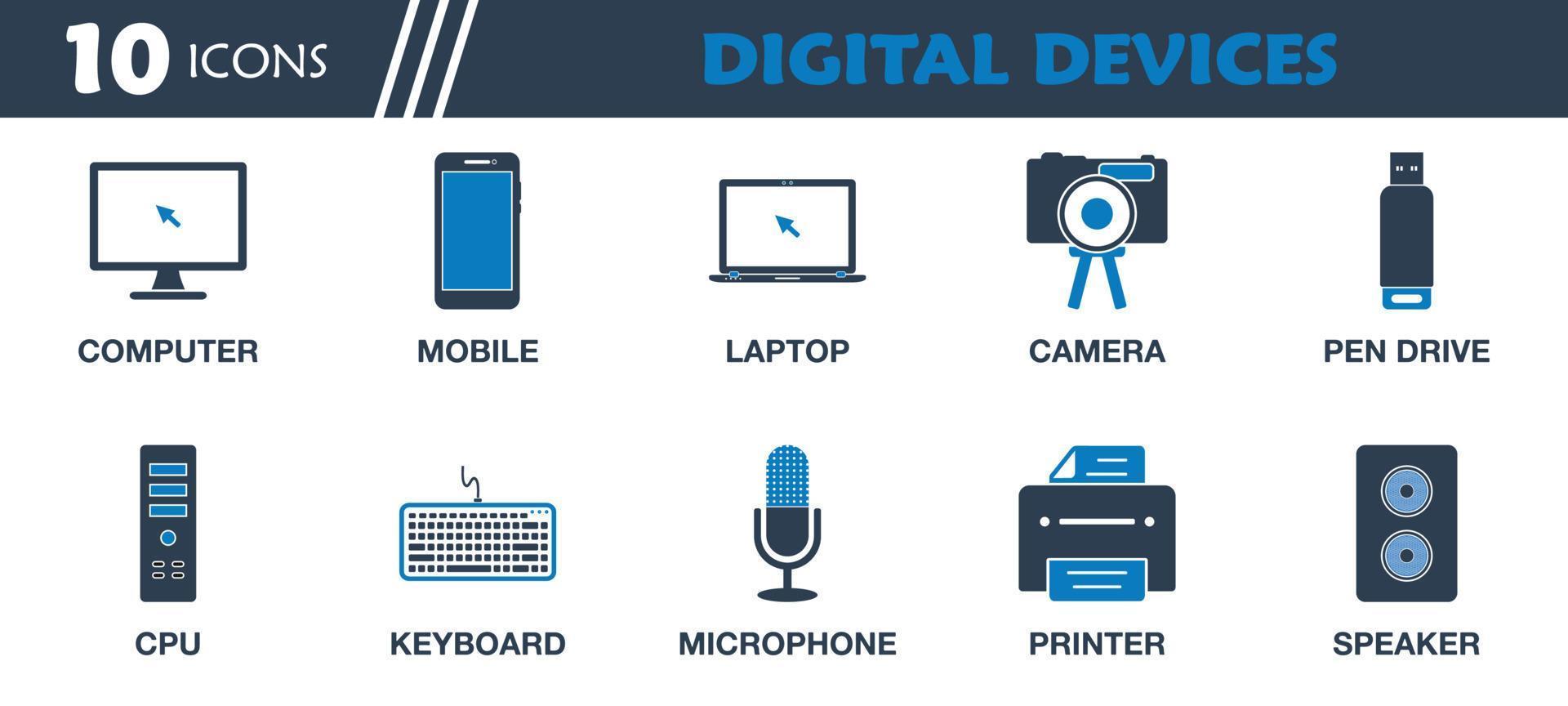
What Are Digital Systems?
Digital systems are devices that process information They follow instructions called 'programs' or 'code' Examples: iPads, computers, smart TVs, gaming consoles Sphero robots are digital systems we can program! They have inputs (what we tell them) and outputs (what they do)
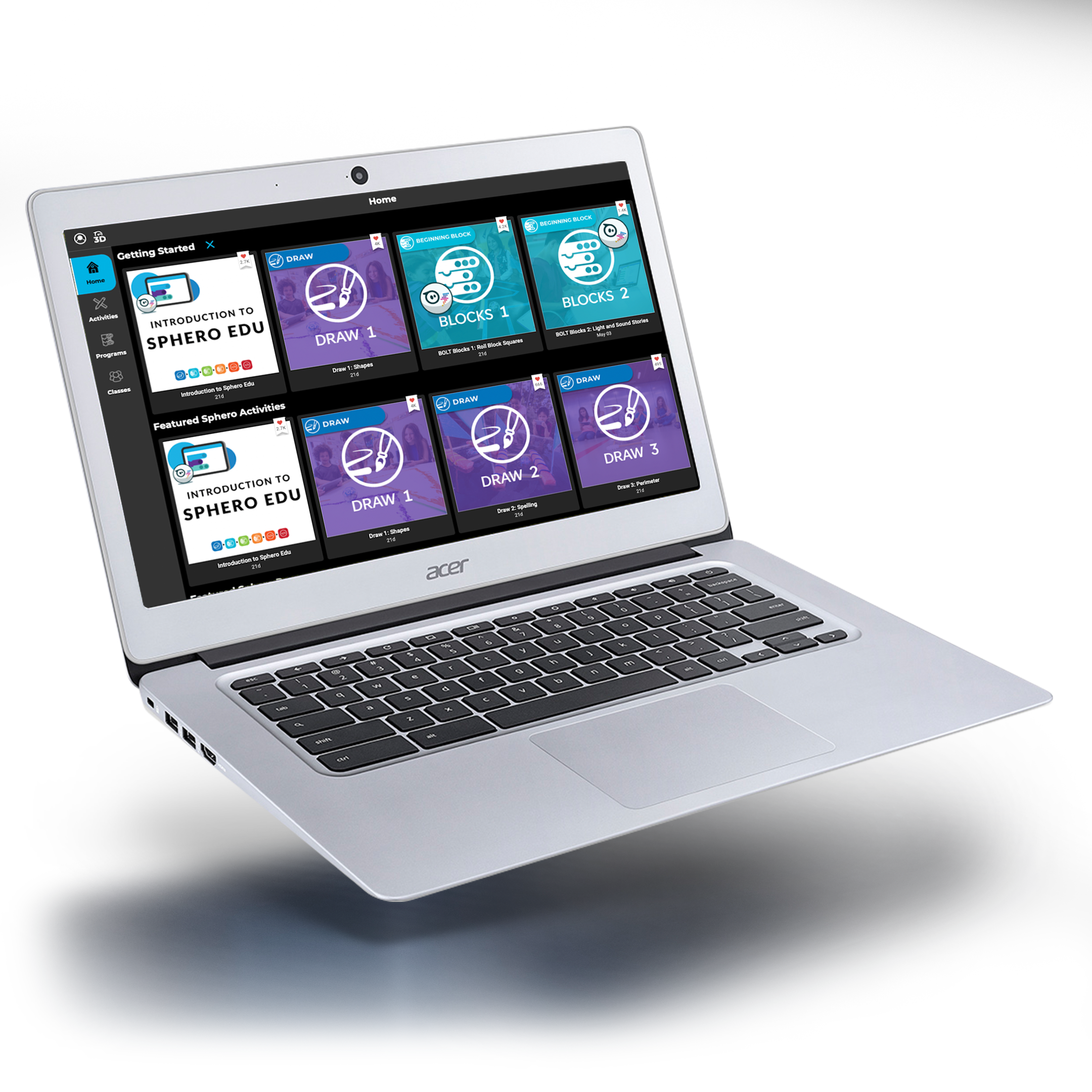
Meet Your Sphero Robot
Work in pairs to explore your Sphero Download the Sphero Edu app on your iPad Connect your iPad to the Sphero robot Try the 'Drive' mode first What do you notice about how it moves?

How Do We Program Sphero?
We use 'blocks' to create programs Each block is a command or instruction Drag blocks together to make a sequence The robot follows our sequence step by step We can make it move, change colors, and make sounds!

First Programming Challenge
Create a program to make your Sphero: Move forward for 2 seconds Turn right Move forward for 2 more seconds Change to your favorite color Test your program and see what happens!
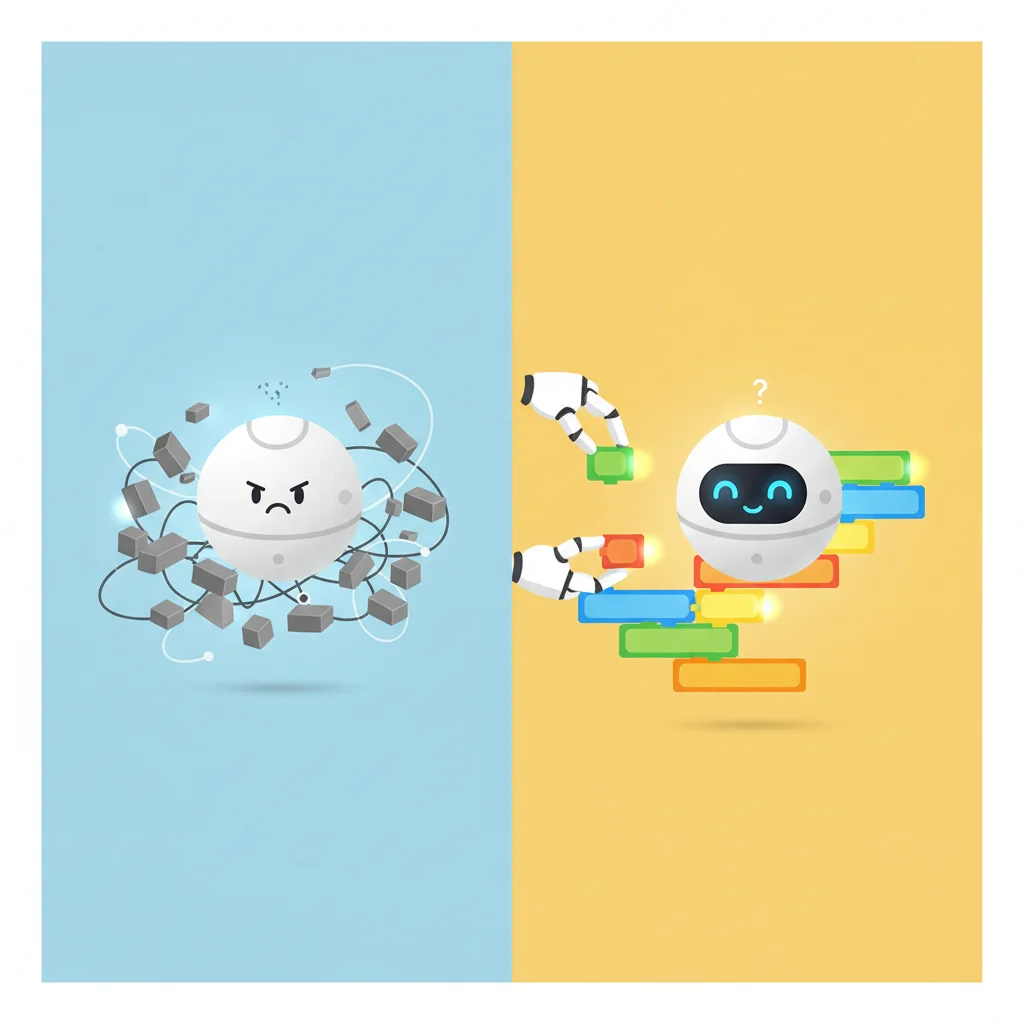
Debugging - When Things Go Wrong
{"left":"What is debugging?\nFinding and fixing problems in our code\nWhy might our Sphero not do what we expect?","right":"Wrong direction, wrong speed, missing commands\nHow do we fix it?\nCheck each block, test small parts, ask for help"}
Extension Challenge - Create a Dance
Advanced learners: Program your Sphero to 'dance' Use multiple movement commands Add color changes and sounds Make it spin, move in shapes, or follow a beat Record your dance program on Seesaw Share with the class!