
Word Processing Resume Creation Skills
Year 10 Technology Creating Professional Documents 60-minute lesson

Acknowledgement of Country
We acknowledge the traditional custodians of this land The Gunaikurnai people have cared for this country for thousands of years We pay our respects to Elders past, present and emerging We recognise their ongoing connection to land, water and culture
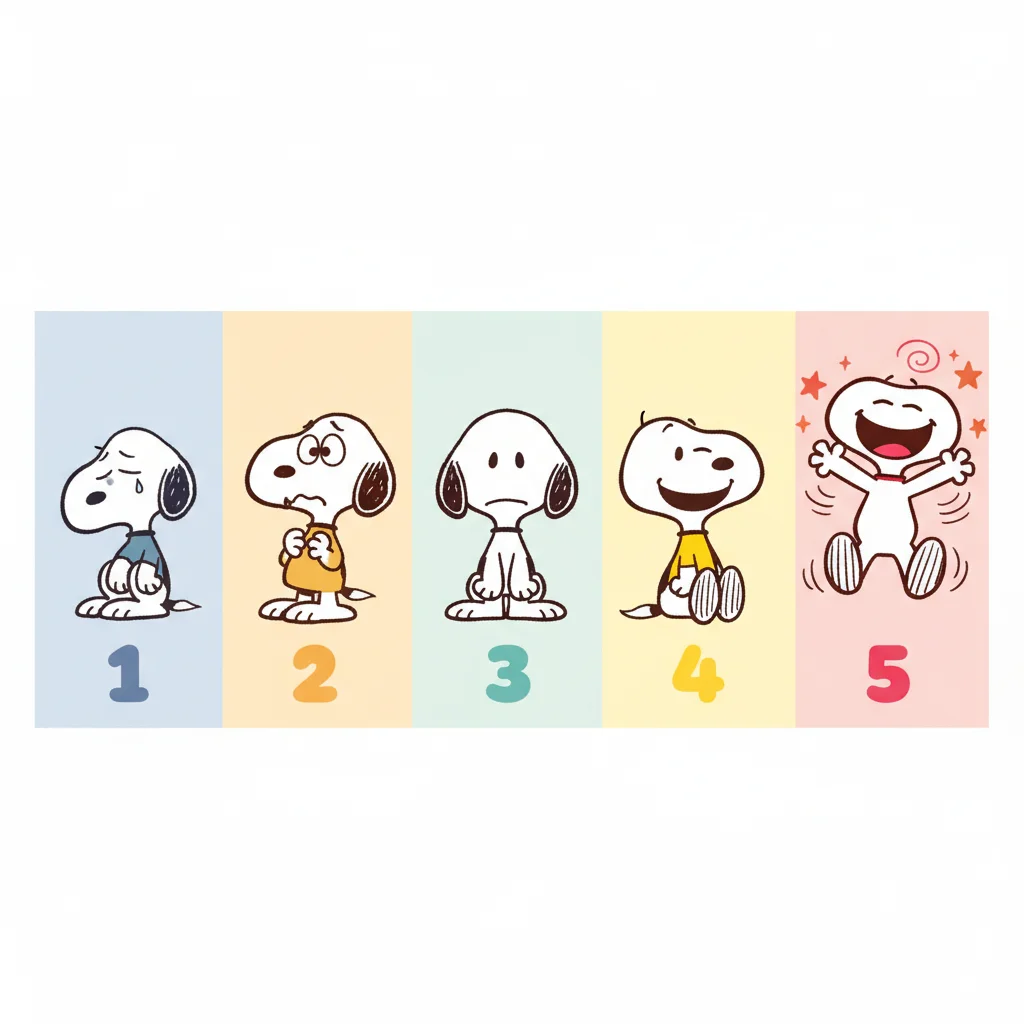
How Are You Feeling? Snoopy Scale Check-In
1 - Very Sad Snoopy (feeling overwhelmed or confused) 2 - Sad Snoopy (a bit worried about today's lesson) 3 - Neutral Snoopy (feeling okay, ready to learn) 4 - Happy Snoopy (excited and confident) 5 - Super Happy Snoopy (feeling amazing and ready!)

What is Word Processing Software?
Digital tools for creating and editing text documents Examples: Microsoft Word, Google Docs, Apple Pages Used for letters, reports, resumes, and assignments Essential skill for school and future careers
Key Word Processing Features
{"left":"Font styles and sizes\nBold, italic, underline formatting\nText alignment (left, center, right)\nBullet points and numbering","right":"Insert images and tables\nSpell check and grammar check\nSave and export options\nPage layout and margins"}
Why Do We Need Professional Resumes?
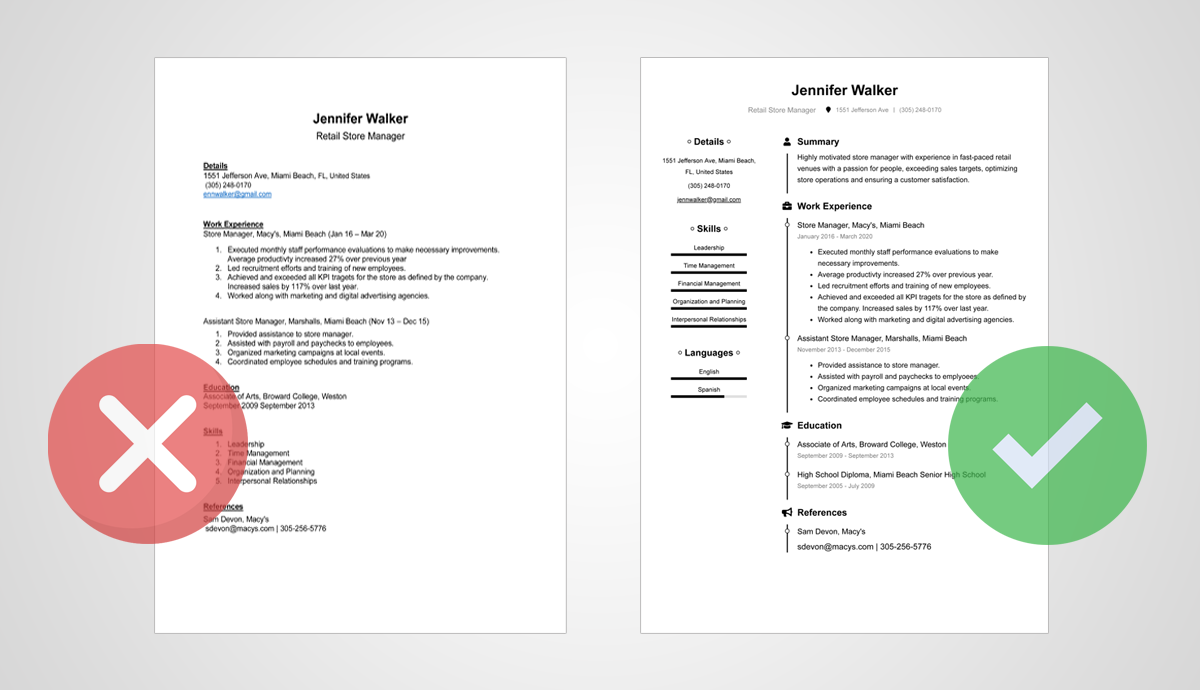
Think about it: What impression does a well-formatted document make? How might employers judge your attention to detail?
Resume Creation Process
Hands-On Resume Creation
Follow along as we create your resume: Step 1: Open your word processor Step 2: Type your name and contact info Step 3: Add section headings (Education, Skills, Experience) Step 4: Use bullet points for lists Step 5: Apply formatting (bold, font sizes) Step 6: Insert a placeholder image Step 7: Save with proper filename

Peer Review and Feedback
Partner with a classmate to review resumes Use the checklist to evaluate each other's work Look for: clear formatting, proper alignment, professional appearance Give constructive feedback and suggestions

Remember
"Good design is obvious. Great design is transparent." - Joe Sparano Your resume should be clear, professional, and easy to read These word processing skills will serve you throughout your education and career