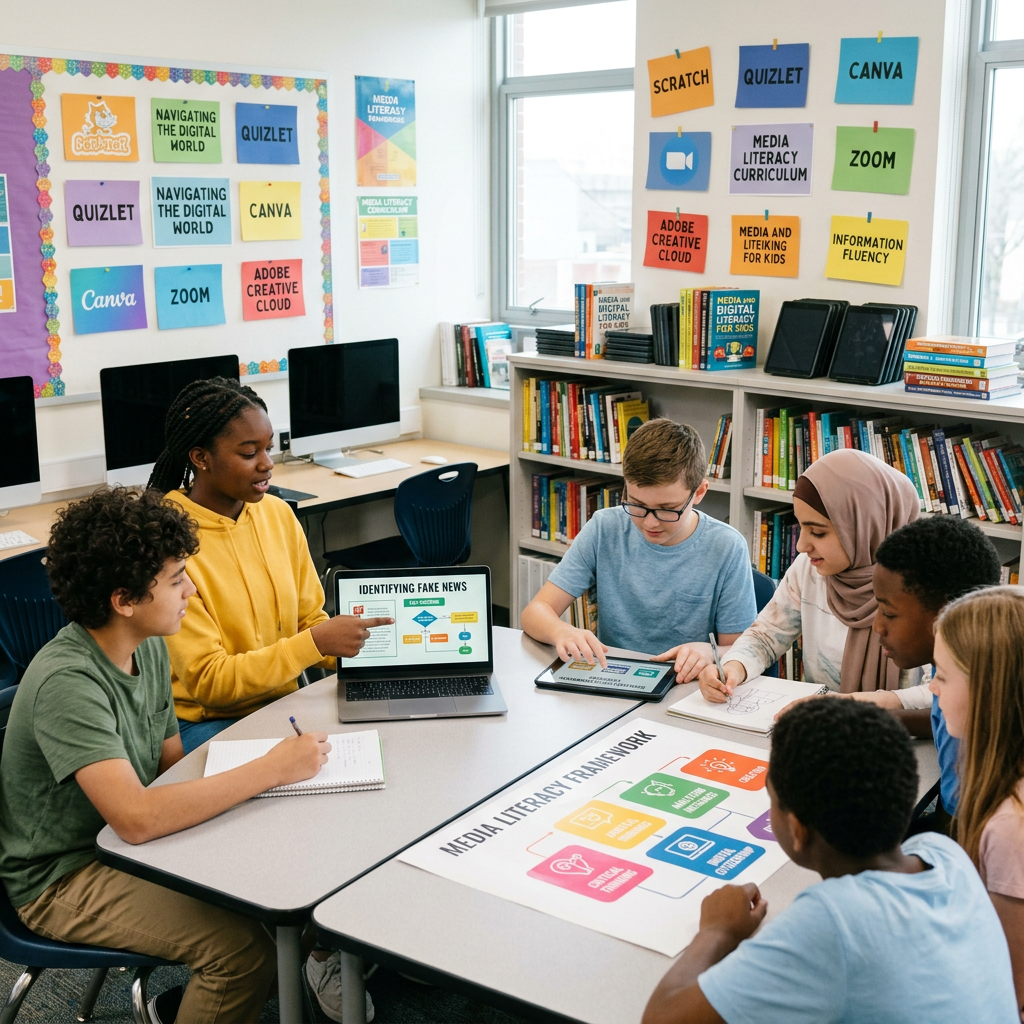
Digital Technology at School
Year 6 Technology Lesson Understanding how we use digital tools for learning

WALT & Success Criteria
We Are Learning To: • Understand why we use digital technology at school • Identify common digital tools we use • Discuss how digital tools support our learning • Develop basic typing skills Success Criteria - I can: ✓ Explain why digital technology is used at school ✓ Name digital tools we use at school ✓ Describe how digital tools help with learning ✓ Type using correct finger placement

Key Vocabulary Match
Match the terms with their meanings: • Digital Technology - Electronic tools and systems • Device - A piece of equipment (tablet, computer) • Software - Programs that run on devices • Internet - Global network connecting computers • Keyboard - Input device for typing • Purpose - The reason we use something • Tool - Something that helps us do a job

What is Digital Technology?
Digital technology includes: • Computers and tablets • Interactive whiteboards • Educational software and apps • Internet for research • Digital cameras • Printers and scanners These tools help us: → Learn new things → Create and share work → Communicate with others → Solve problems

Think-Pair-Share
Discussion Question: Why do we use digital technology at school instead of just books and paper? • Think about it for 1 minute • Share your ideas with a partner • Be ready to share with the class

Typing Basics - Home Row Keys

Guided Typing Practice
Let's practice together: 1. Place fingers on home row (ASDF JKL;) 2. Keep wrists straight and relaxed 3. Look at the screen, not your hands 4. Start with simple letter patterns: • asdf asdf asdf • jkl; jkl; jkl; • ff jj dd kk ss ll aa ;; 5. Try typing simple words: as, sad, ask, lad

Digital Tools at Our School
{"left":"Devices We Use:\nTablets for reading apps\nComputers for typing practice\nInteractive whiteboard for lessons\nDigital cameras for projects\nPrinters for sharing work","right":"How They Help Us Learn:\nResearch information quickly\nCreate colorful presentations\nPractice skills with games\nShare work with others\nSave and organize our files"}
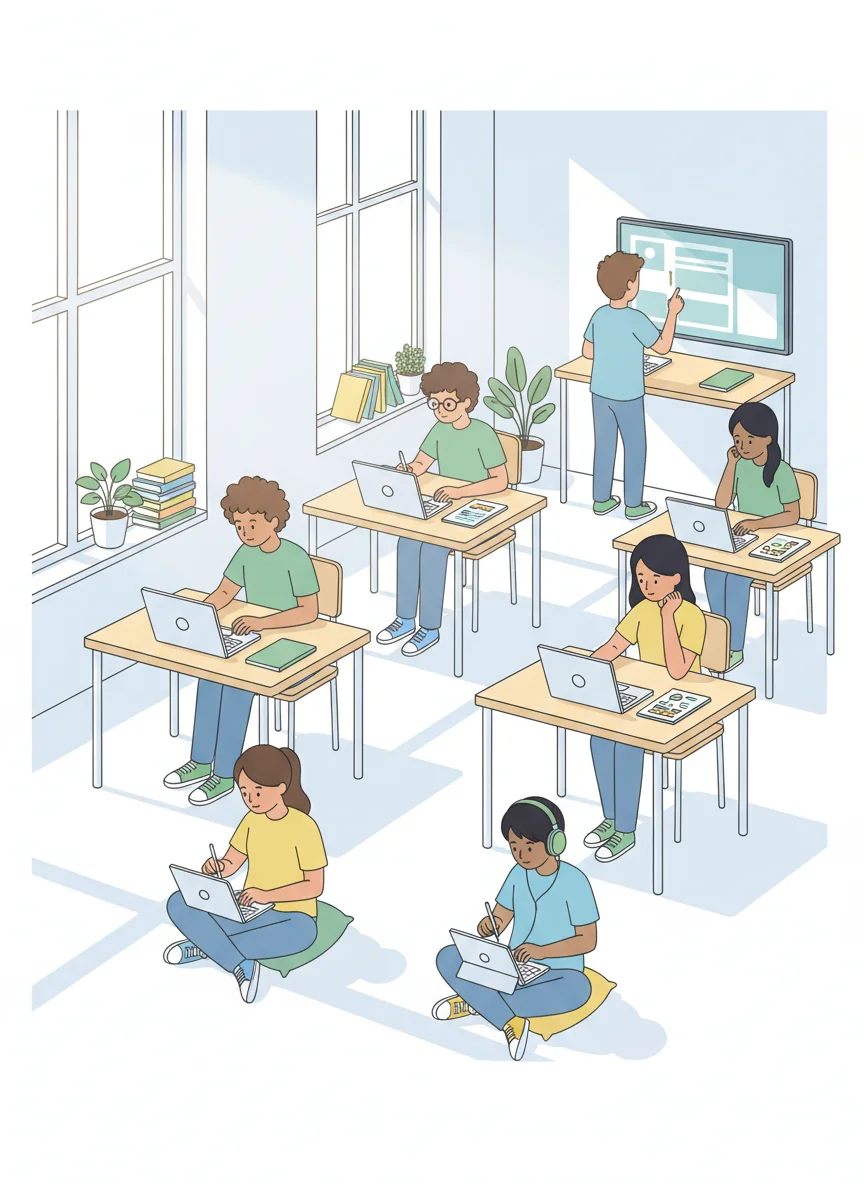
Your Digital Technology Challenge
Independent Tasks: ✓ Complete the digital technology worksheet ✓ Continue typing practice with home row keys ✓ Try the typing speed challenge ✓ Create a list of school subjects where you use technology Extension Activities: → Design a poster about 'Why We Use Digital Technology' → Type sentences about your favorite school subject → Research one new technology tool we could use at school Remember: Focus on accuracy before speed!
YouTube Videos for Learning
Educational channels teach coding and technology Videos show real-world examples of digital tools Always use with teacher permission and supervision Look for age-appropriate content creators

Digital Technology in Action - Watch & Discuss
Watch: 'Digital Tools at School' video Discuss: What tools did you see? Activity: Share your favourite school technology Question: How does technology help you learn?