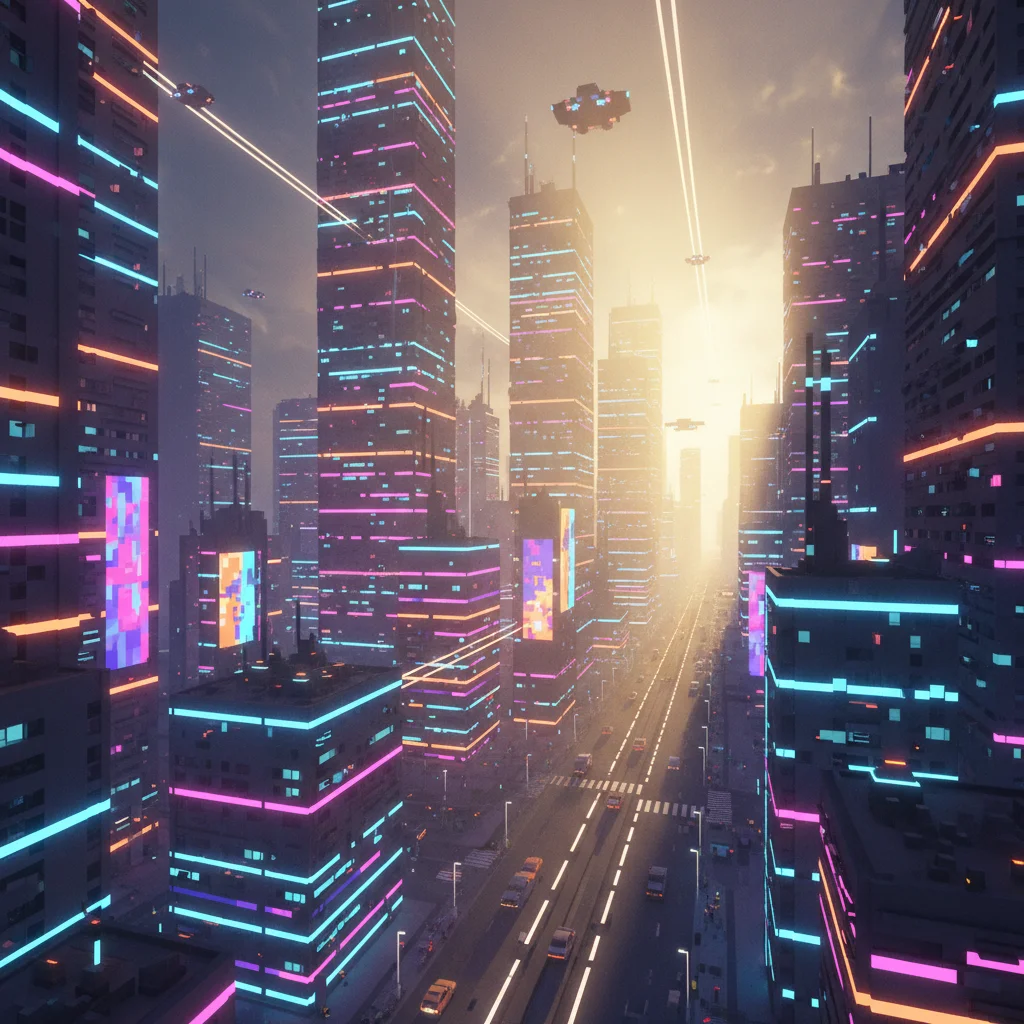
Mastering Light in MagicaVoxel
From Basic Environmental Lighting To Advanced Material Illumination Year 10 Digital Arts
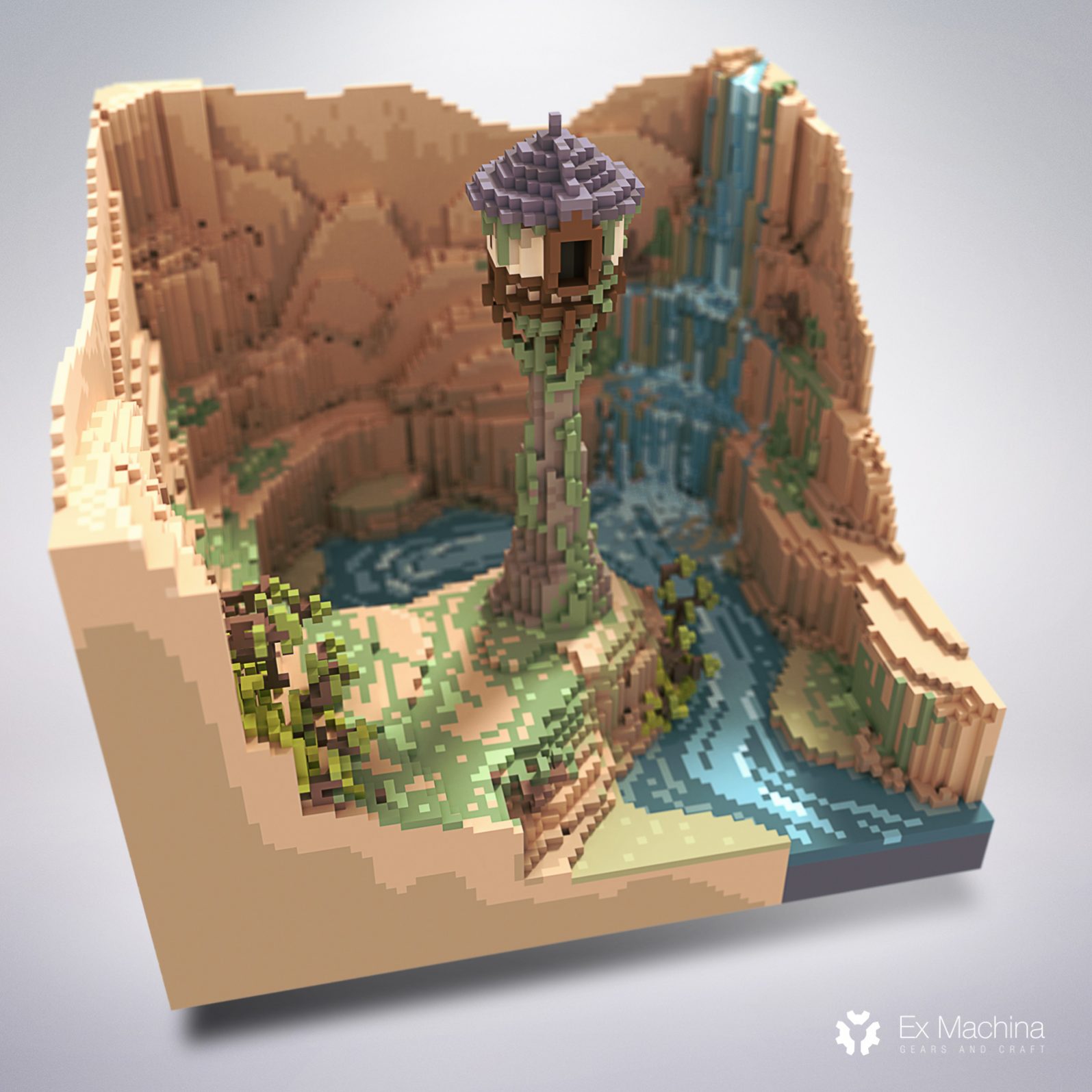
What is MagicaVoxel?
Free voxel art editor and renderer Creates 3D art using cube-based building blocks Powerful real-time lighting and rendering engine Popular for game assets, art, and animations
Learning Objectives
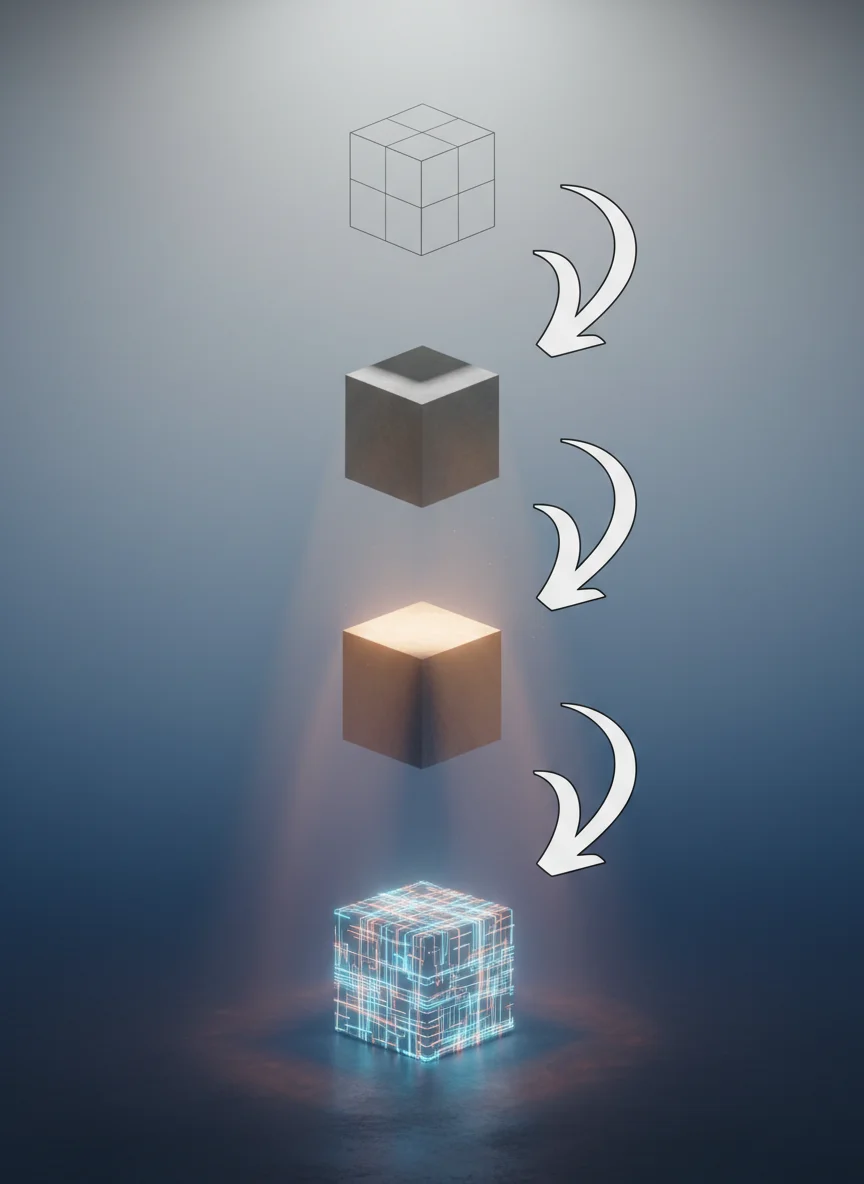
Navigate the Render tab and lighting interface Master environmental lighting (Sun and Sky) Create atmospheric effects with fog and materials Use emissive materials for glowing effects Apply advanced techniques for professional results
The Render Tab Overview
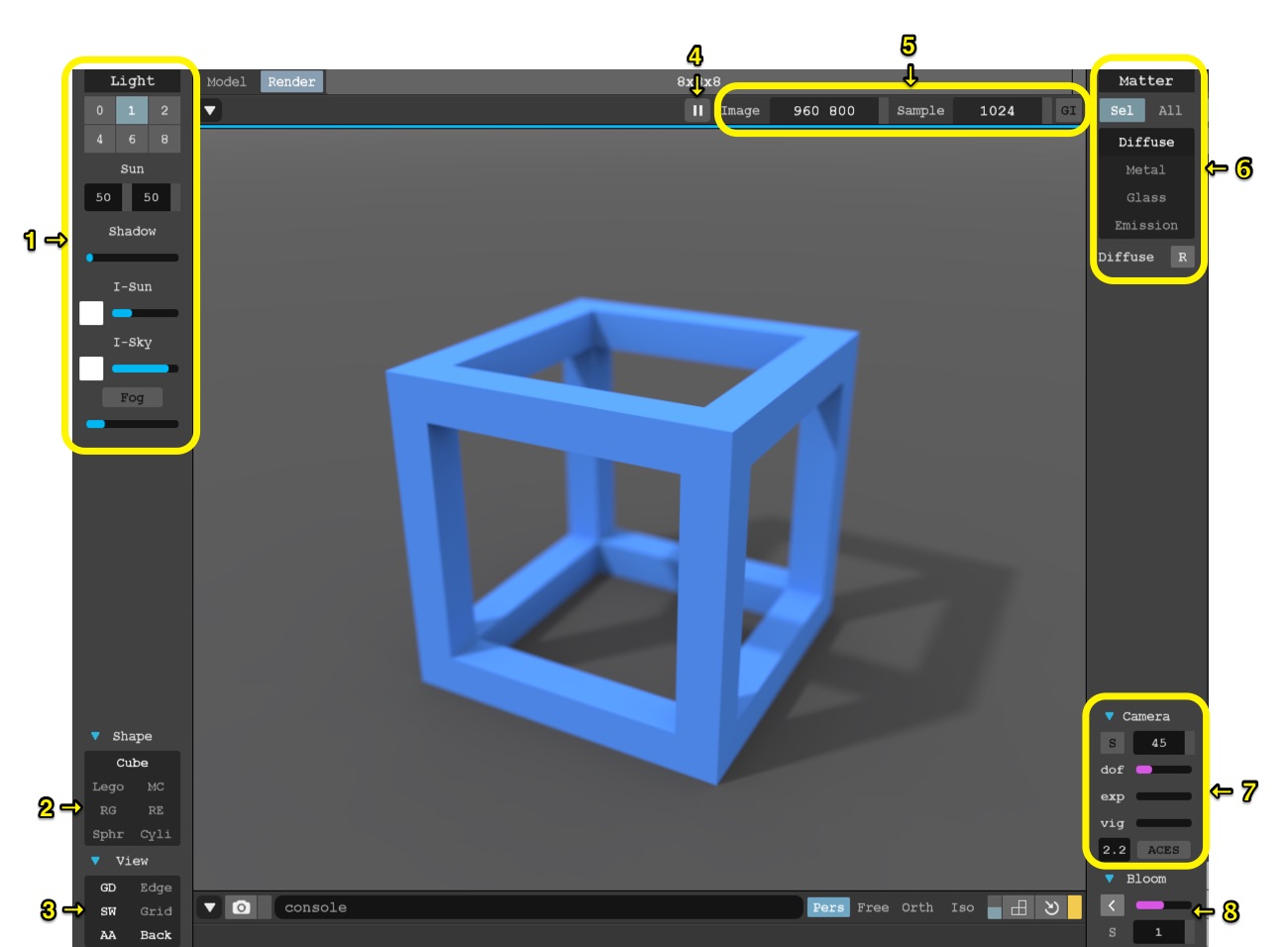
Switch from Model to Render mode for real-time lighting Right sidebar contains Light, Matter, and Camera controls Lighting changes happen instantly Grainy images will clear up as samples process

Model vs Render Mode
{"left":"Model Mode: Build and edit voxels\nNo lighting effects visible\nFast performance for construction\nBasic material colors only","right":"Render Mode: Real-time lighting preview\nAll lighting effects visible\nSlower but more accurate\nFull material properties displayed"}

The Sun: Direct Lighting
Controls the main directional light source Intensity slider adjusts brightness Rotation changes time of day and shadow direction Creates sharp, defined shadows Essential for outdoor scenes

The Sky: Ambient Lighting
Provides soft fill light from all directions Lightens shadows and dark areas Color picker changes atmospheric mood Works together with sun for realistic lighting Essential for balanced illumination
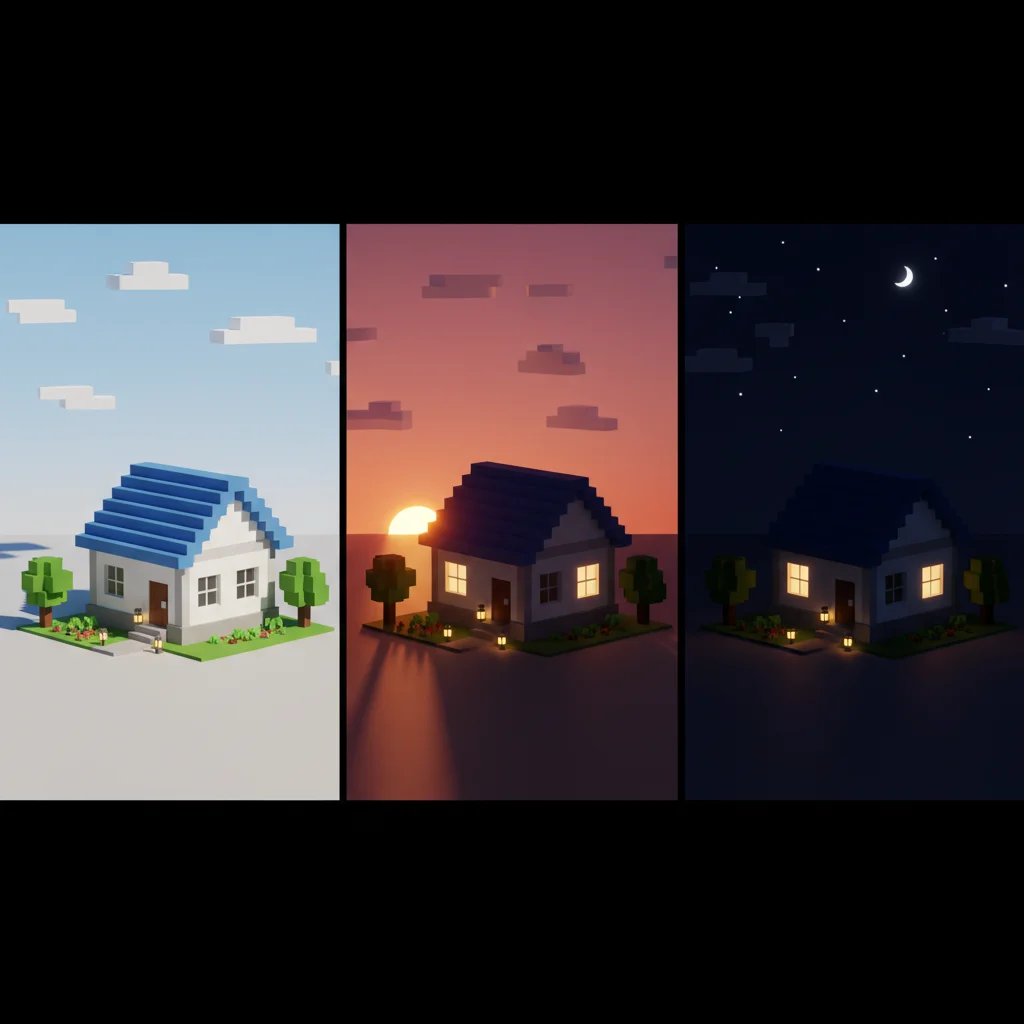
Quick Practice: Day to Night
Create a simple voxel house Start with bright sun and blue sky Gradually reduce sun intensity to zero Change sky color to dark blue Observe how the mood transforms
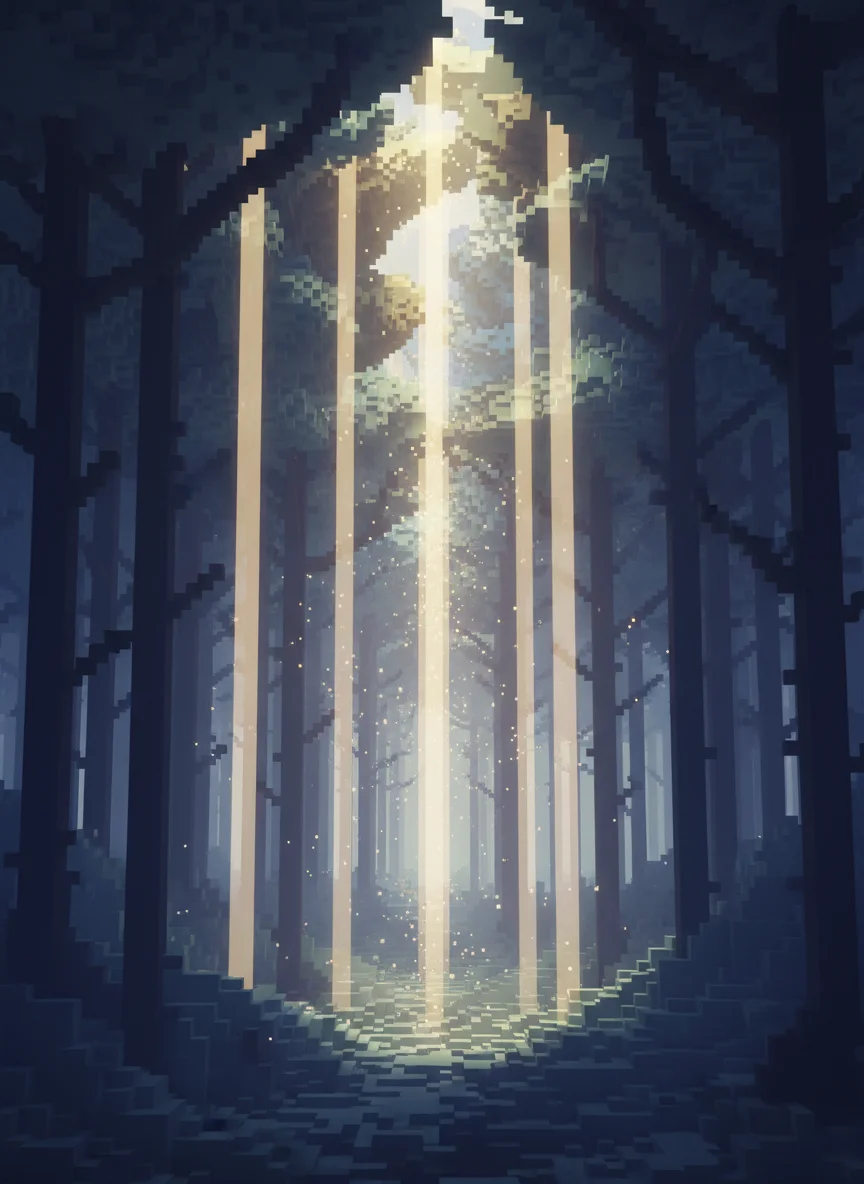
Creating Atmosphere with Fog
Fog Density controls thickness and visibility Scattering creates visible light shafts (God Rays) Fog color affects overall mood Essential for mysterious or dramatic scenes Works best with directional sun light
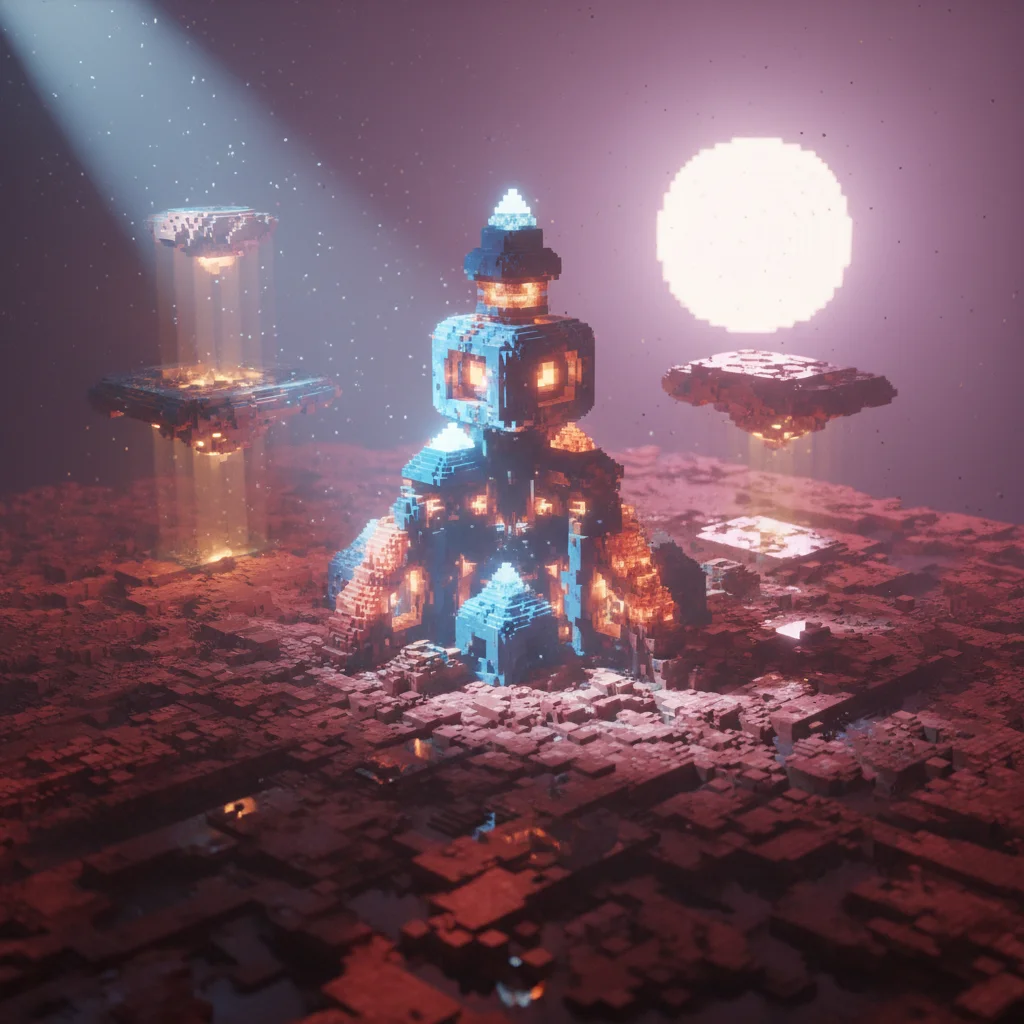
Professional Tip
"The difference between amateur and professional voxel art isn't the complexity of the models - it's the quality of the lighting."

Introduction to Materials
Materials define how surfaces interact with light Found in the Matter tab of right sidebar Each voxel color can have different material properties Key materials: Standard, Glass, Emit, Cloud Materials work with environmental lighting
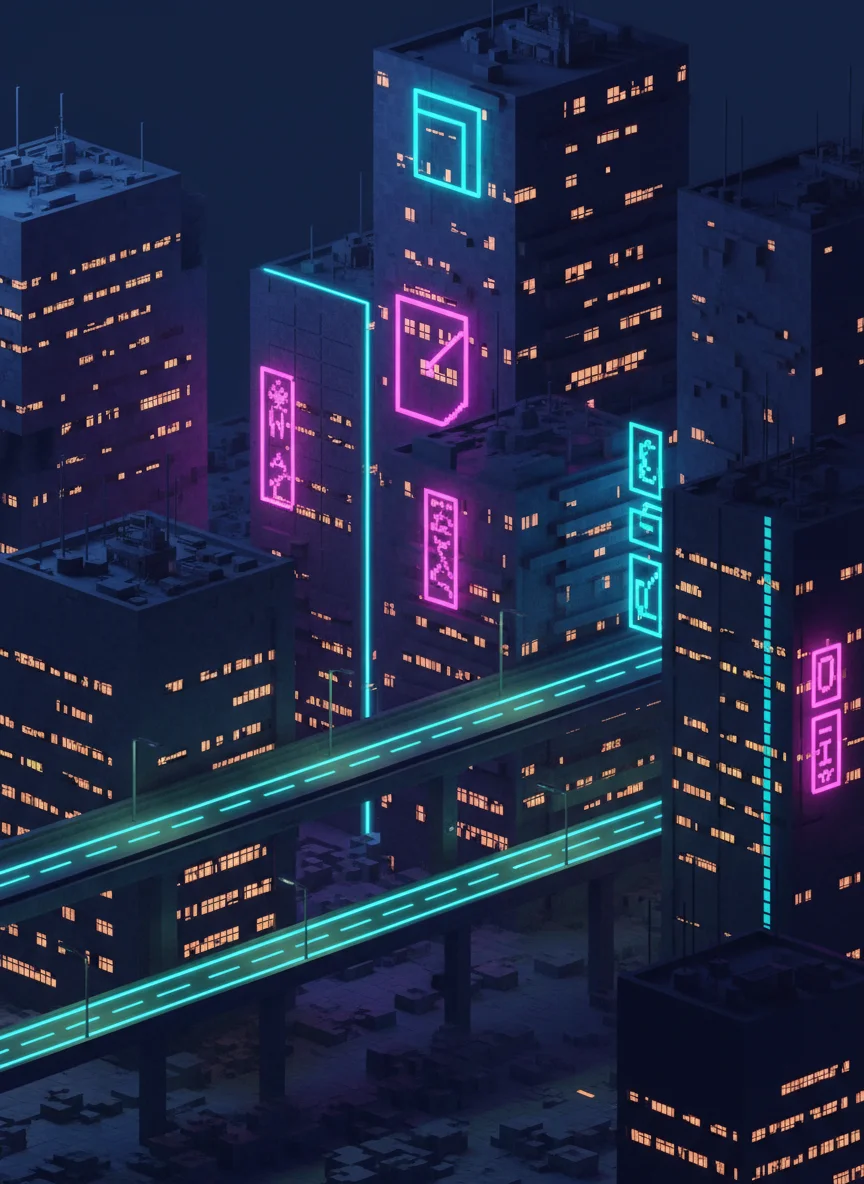
Emissive Materials: Making Things Glow
Select a color and choose Emit in Matter tab Power controls glow intensity Glow creates bloom effect around objects Works best in darker environments Perfect for neon signs, screens, and magical effects
9 more slides available after you open the deck.
Download all 21 slides