ScratchJr Interactive Story Creation Adventures
Years 4-5 Creating Digital Stories 45-minute Adventure
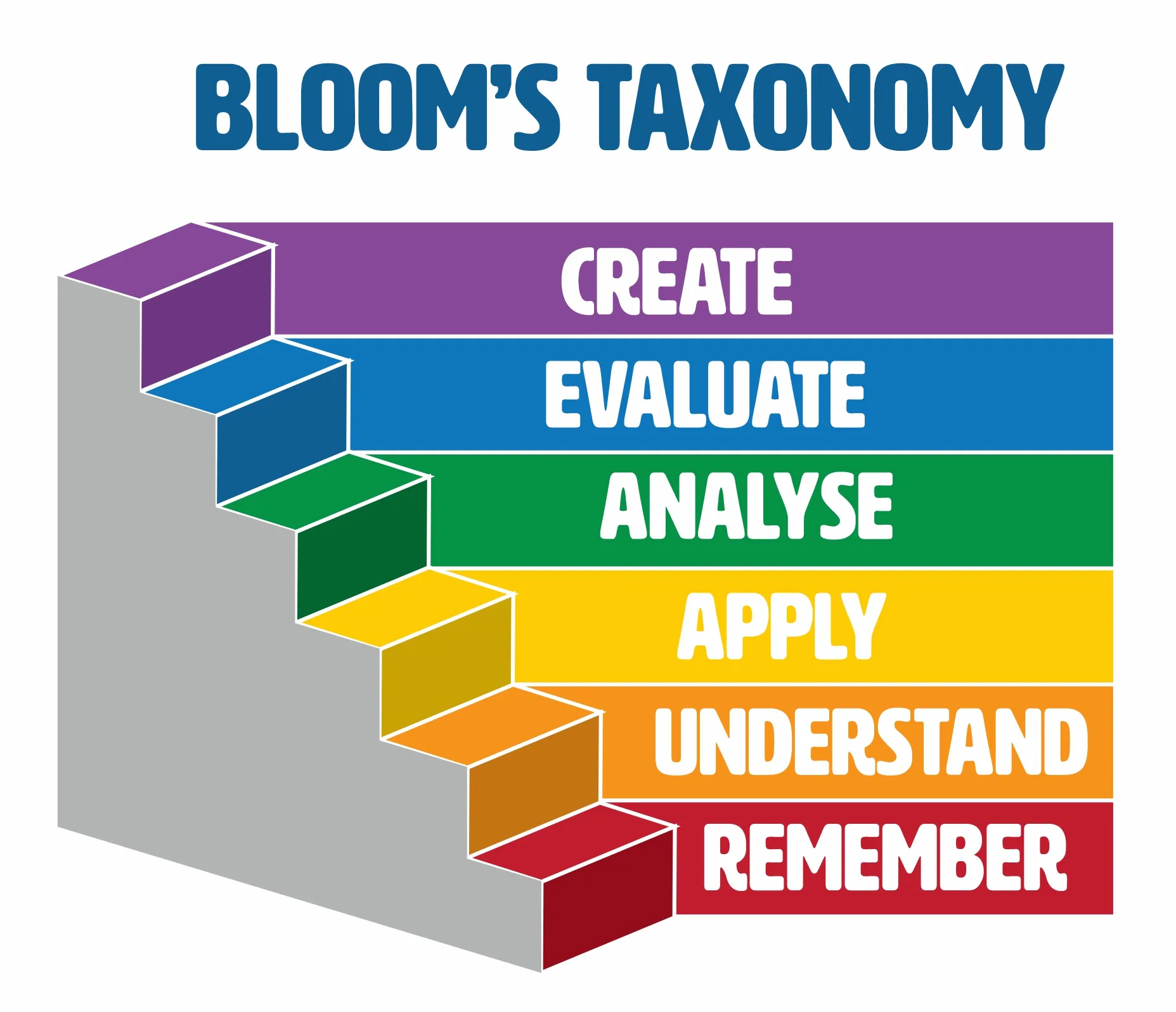
WALT - We Are Learning To...
Create an interactive story using ScratchJr Include motion, characters, backgrounds, and sounds Build at least three scenes that tell a story Use speech bubbles for character dialogue Share our stories and give helpful feedback
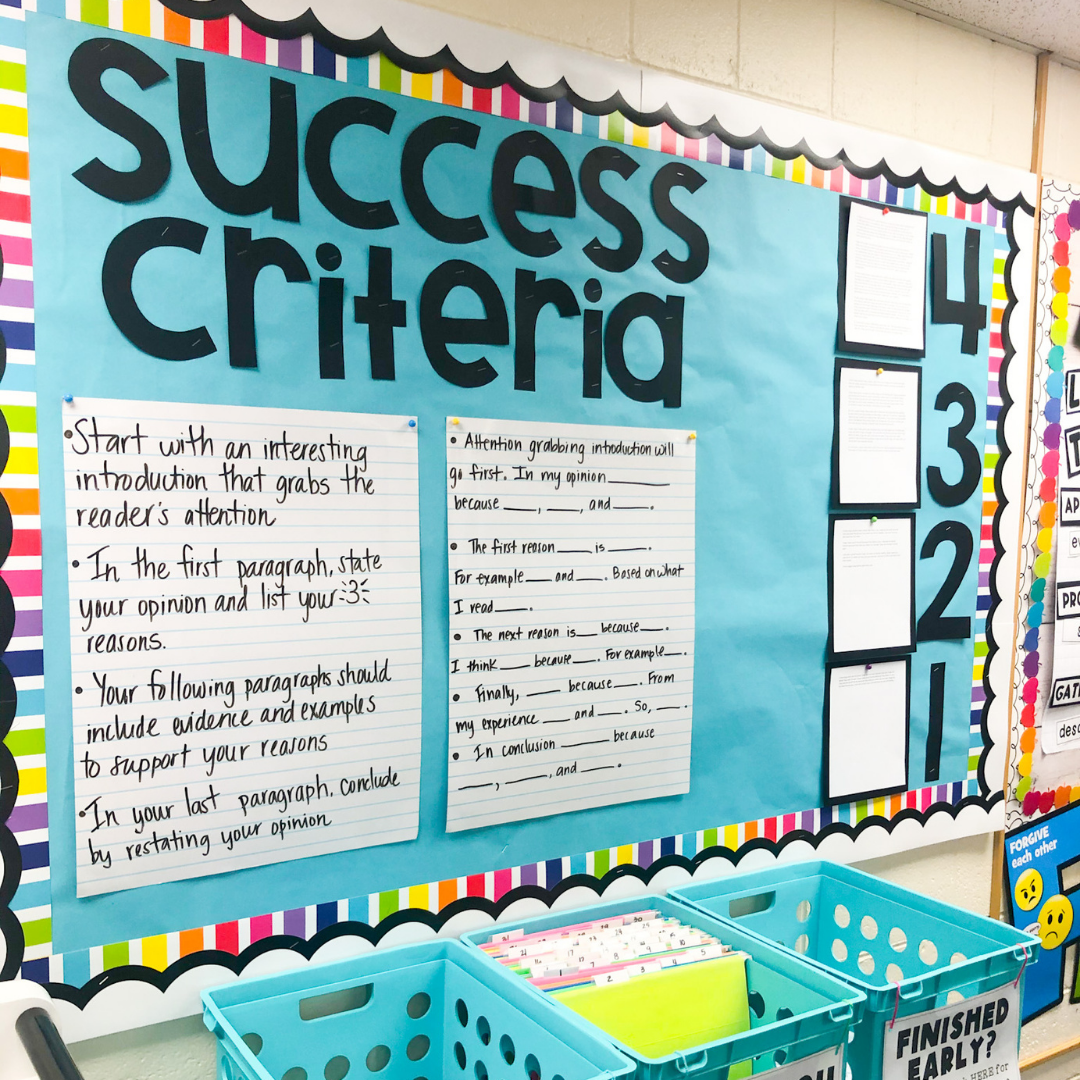
Success Criteria Checklist
✓ Story has at least 3 scenes ✓ Characters move using motion blocks ✓ Multiple characters with speech bubbles ✓ Different backgrounds for each scene ✓ Sounds enhance the story ✓ Scenes flow logically ✓ Share story with a classmate
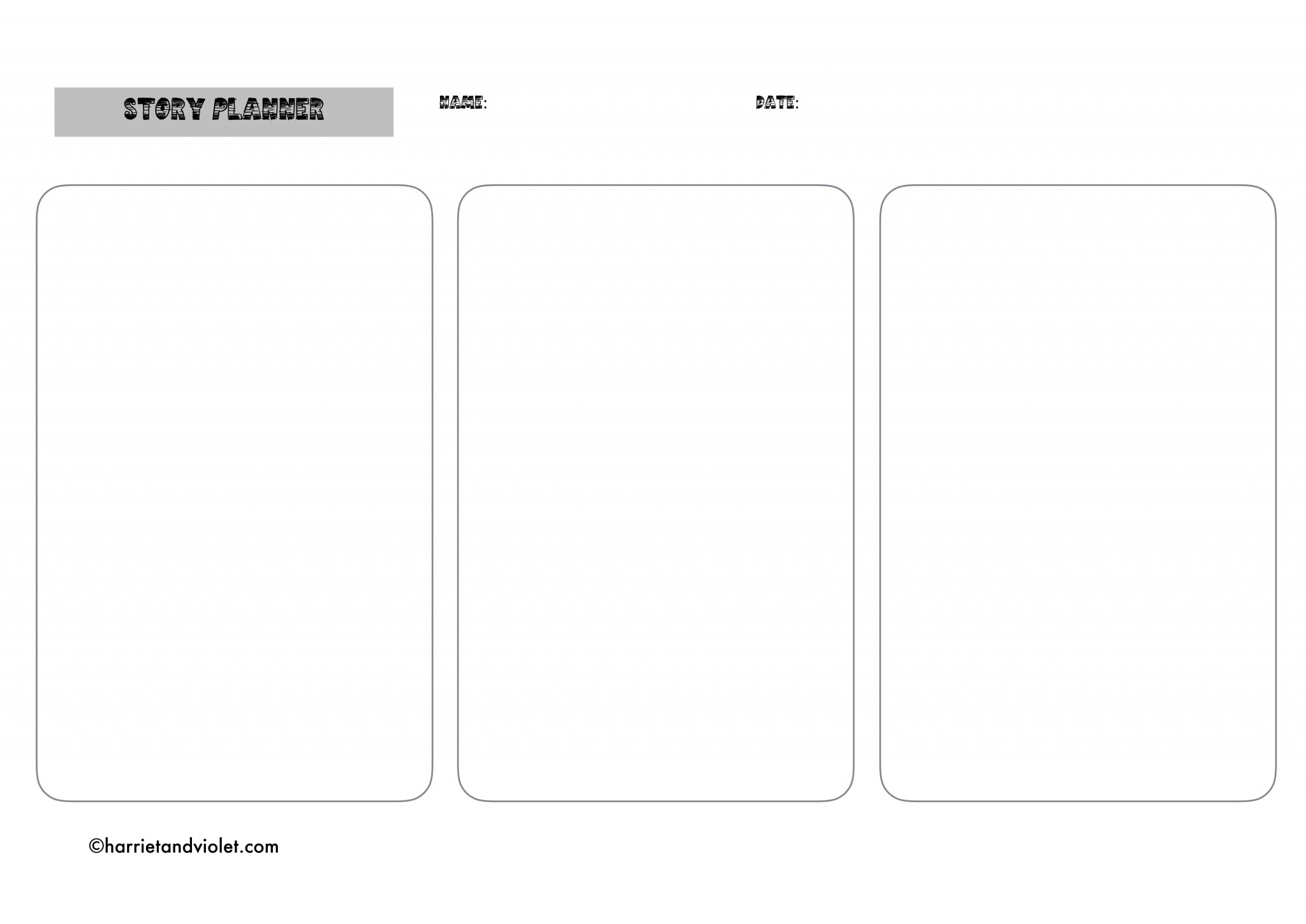
Story Planning Time
Use your Story Planning Template Choose your characters and settings Plan your beginning, middle, and end Think about what your characters will say Decide on sounds and actions for each scene
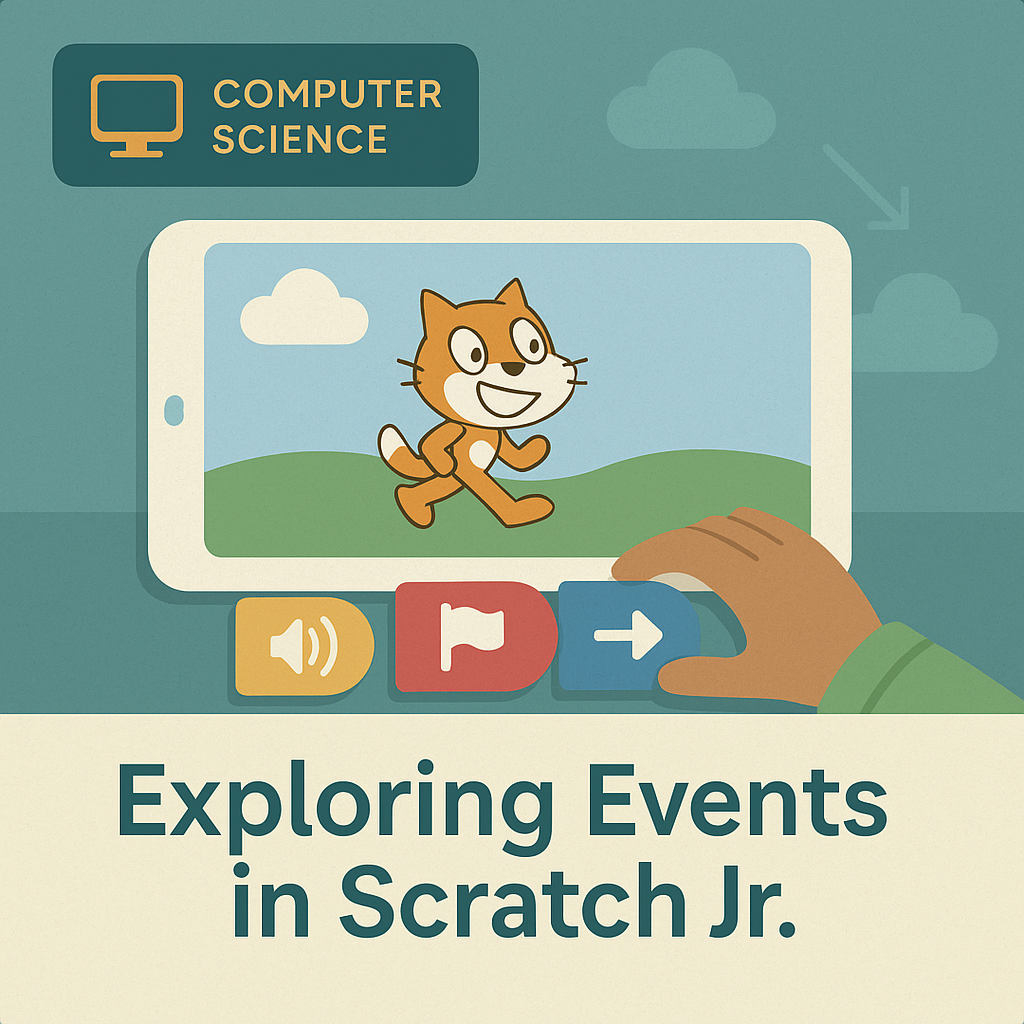
ScratchJr Story Elements
{"left":"Motion blocks make characters move\nSpeech bubbles show dialogue\nBackgrounds set the scene","right":"Multiple characters create interaction\nSounds add excitement\nScenes tell the story sequence"}

Story Creation Process
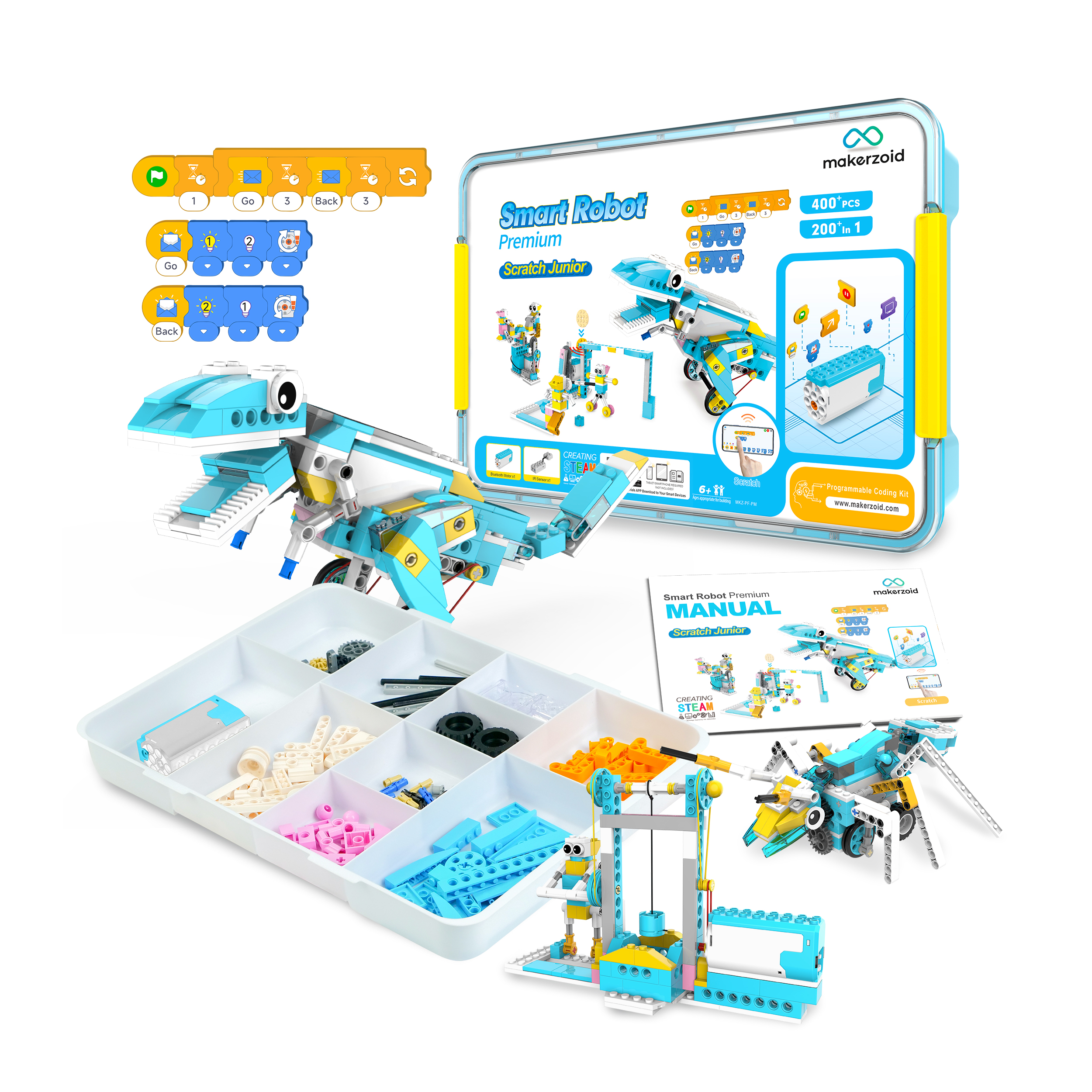
Extension Activities
Add extra scenes to your story Use advanced blocks like loops Create custom characters Design your own backgrounds Add more complex dialogue Include special sound effects Present to the whole class

Sharing & Reflection
"The best stories come to life when we share them with others!" Partner up and share your stories Give positive feedback using our prompts Celebrate creativity and problem-solving