
Stop Motion Animation: Photos to Movies
From Still Images to Moving Magic Year 8 Technology/Media Arts Creating Stories Frame by Frame
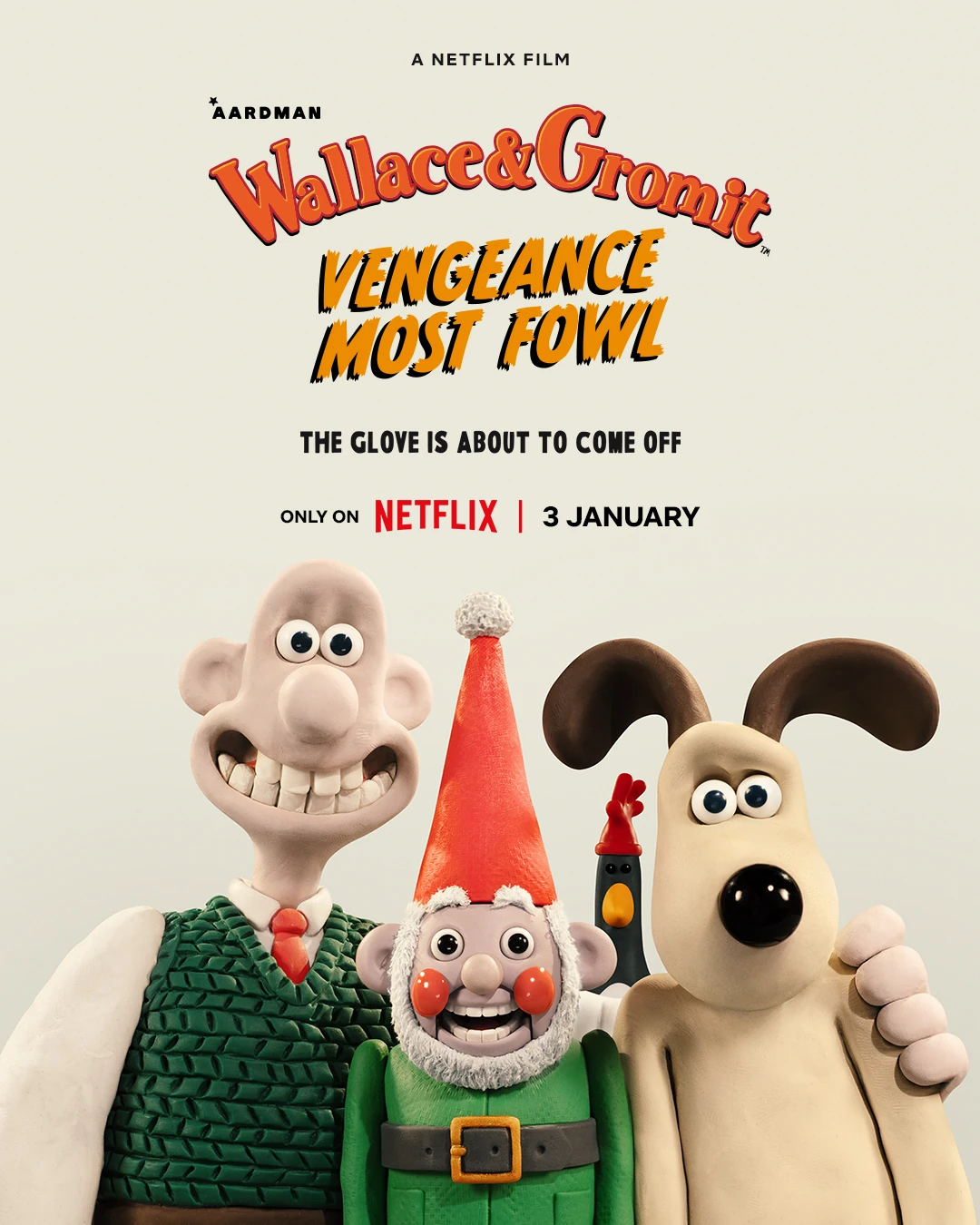
What is Stop Motion Animation?
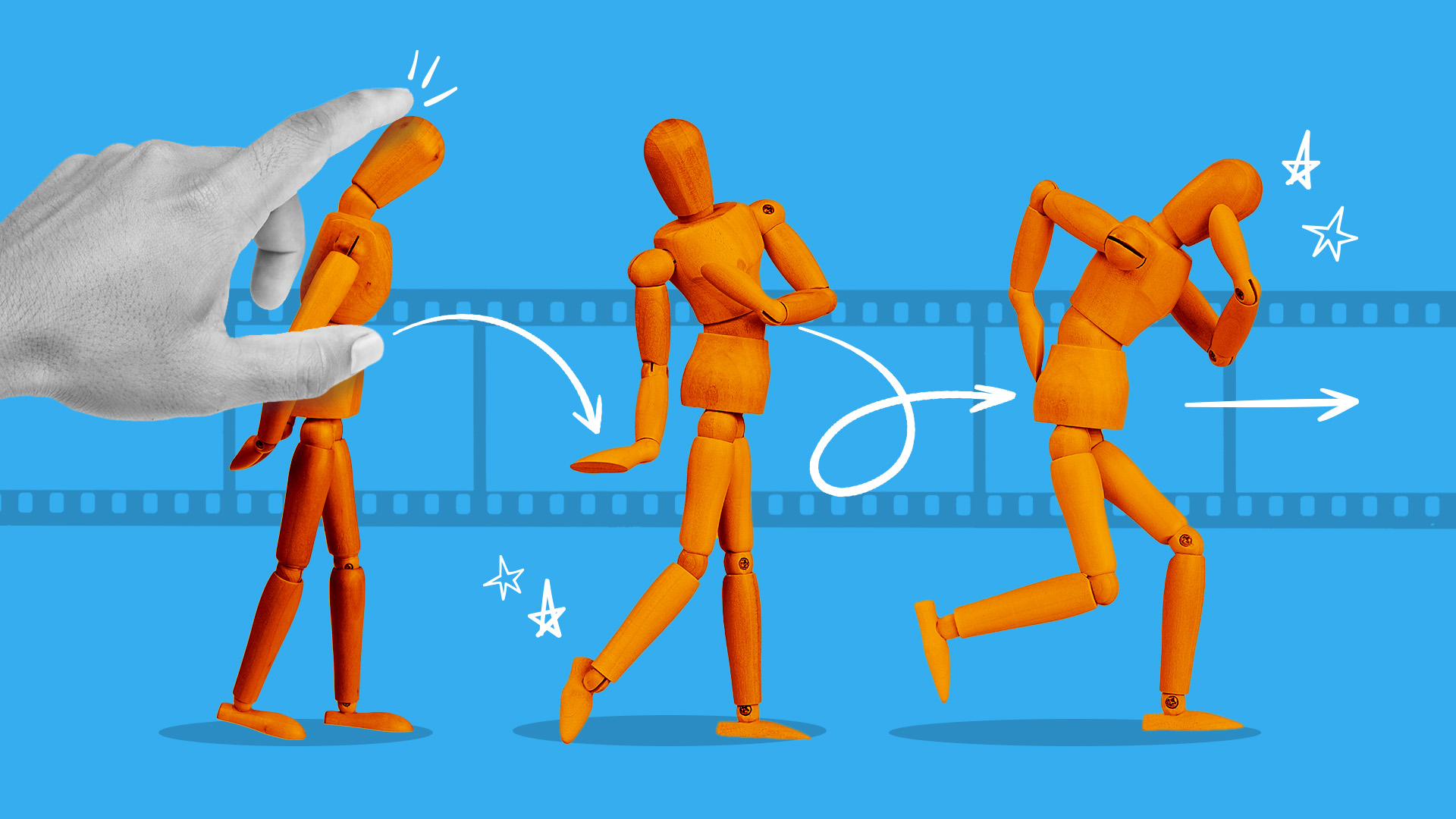
A technique where objects are moved in small increments Each movement is photographed as a single frame When played back quickly, creates the illusion of movement Used in films, TV shows, and online videos
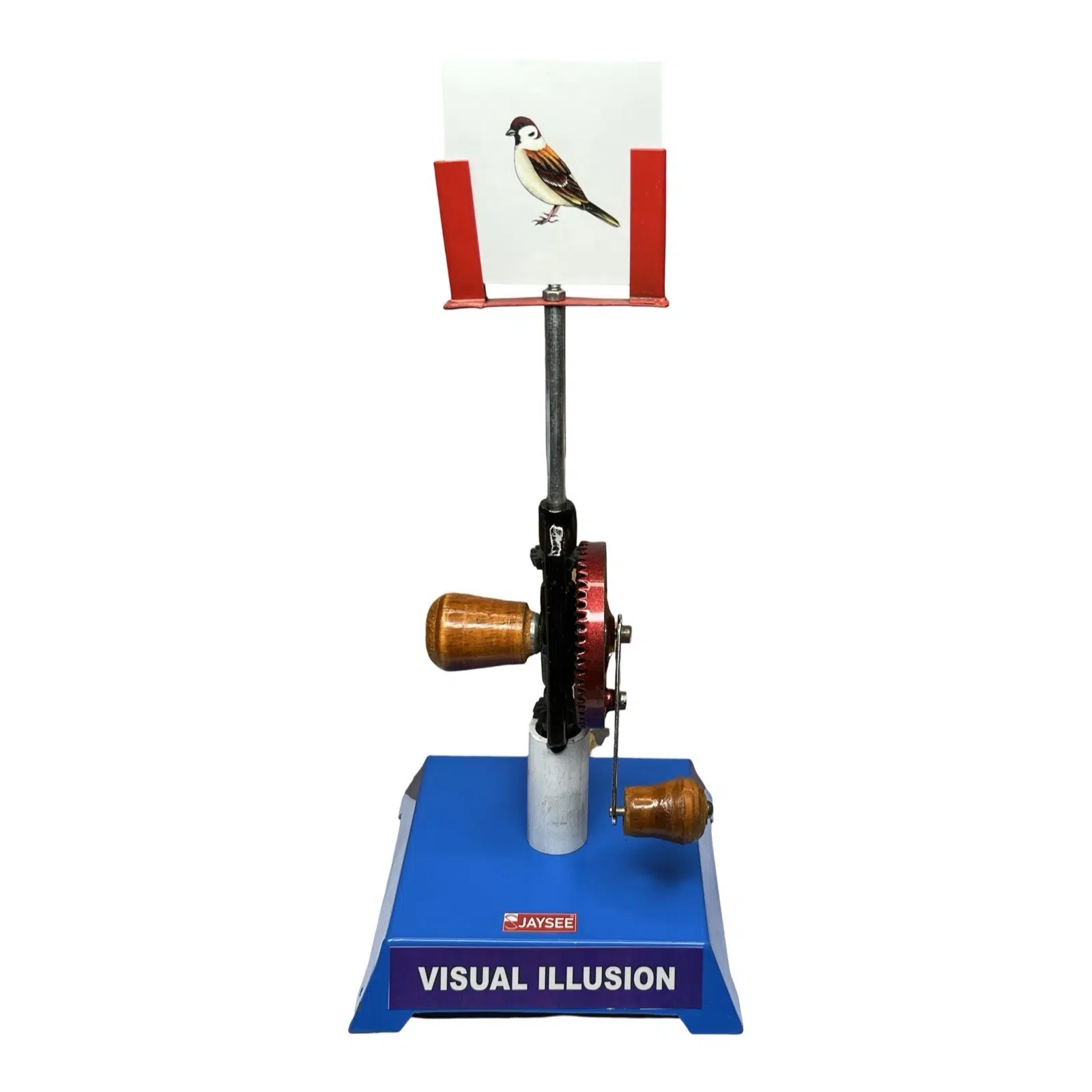
The Magic of Persistence of Vision
"Our eyes retain an image for about 1/10th of a second after seeing it. When images change rapidly enough, our brain fills in the gaps and creates the illusion of continuous movement."

Famous Stop Motion Movies

Traditional Animation vs Stop Motion
{"left":"Hand-drawn on paper or digital tablets\nArtists draw each frame\nFaster to produce\nSmooth, flowing movement","right":"Uses real objects and materials\nObjects moved physically for each shot\nTime-intensive to create\nUnique tactile, handmade feel"}

Essential Equipment for Stop Motion
Camera (smartphone, tablet, or DSLR) Tripod to keep camera steady Good lighting setup Characters/objects to animate Computer with editing software Lots of patience and creativity!
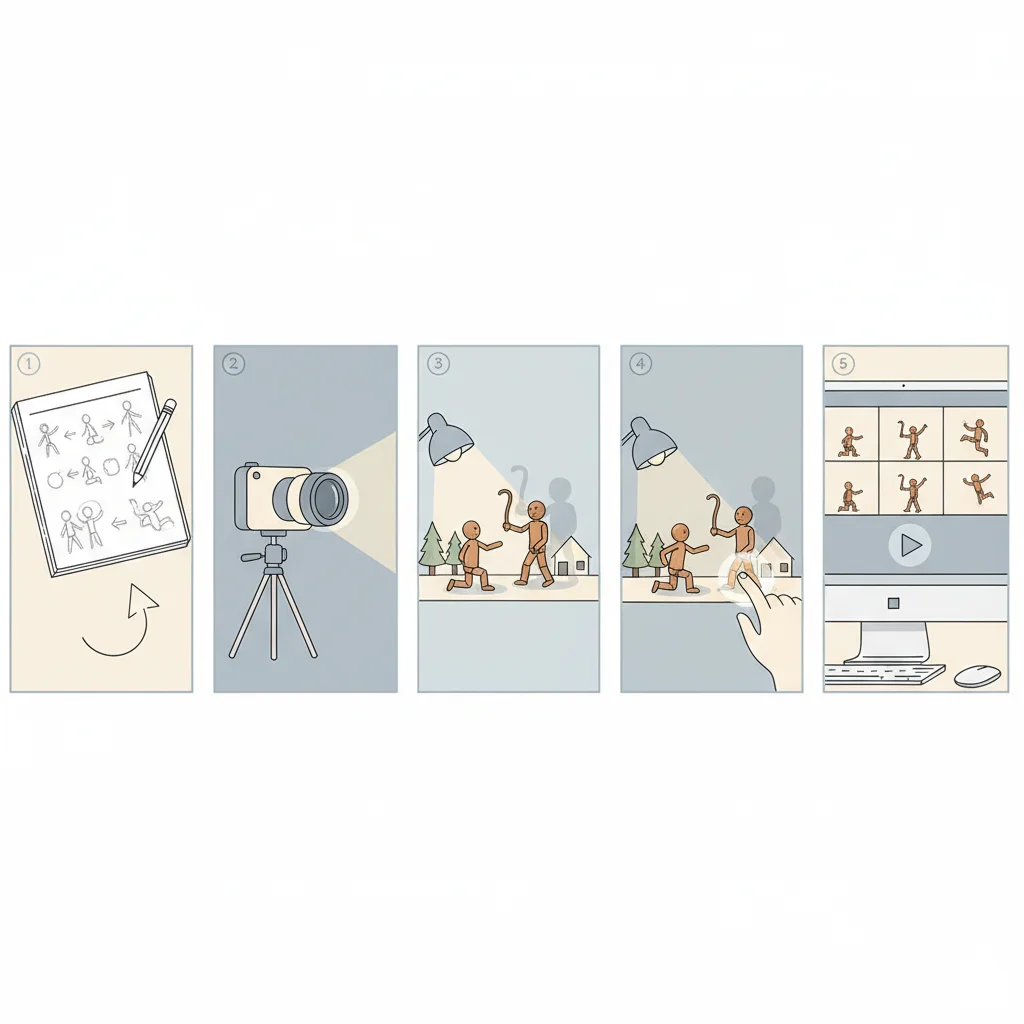
Step-by-Step Animation Process
1. Plan your story and create a storyboard 2. Set up your camera and lighting 3. Position your character for the first shot 4. Take a photo 5. Move character slightly 6. Take another photo 7. Repeat steps 5-6 hundreds of times! 8. Import photos into editing software 9. Play back at 12-15 frames per second
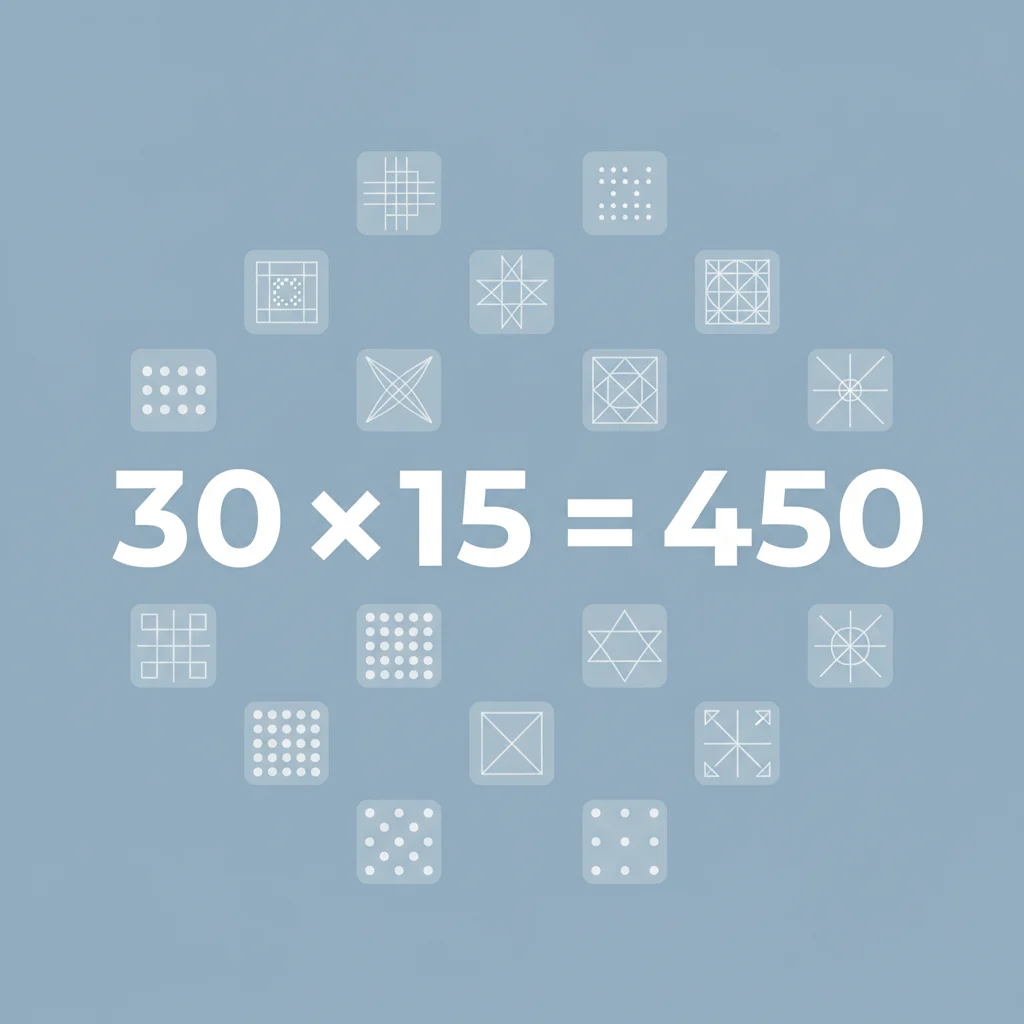
Think About It: Why So Many Photos?
If you want to create a 30-second animation at 15 frames per second, how many individual photographs would you need to take? Answer: 30 seconds × 15 frames = 450 photos! That's a lot of tiny movements!
Top Tips for Successful Stop Motion
Keep your camera completely still - use a tripod Make very small movements between shots Maintain consistent lighting throughout Plan your shots with a storyboard first Be patient - it takes time! Start with simple movements before trying complex scenes
Your Stop Motion Journey Starts Now!
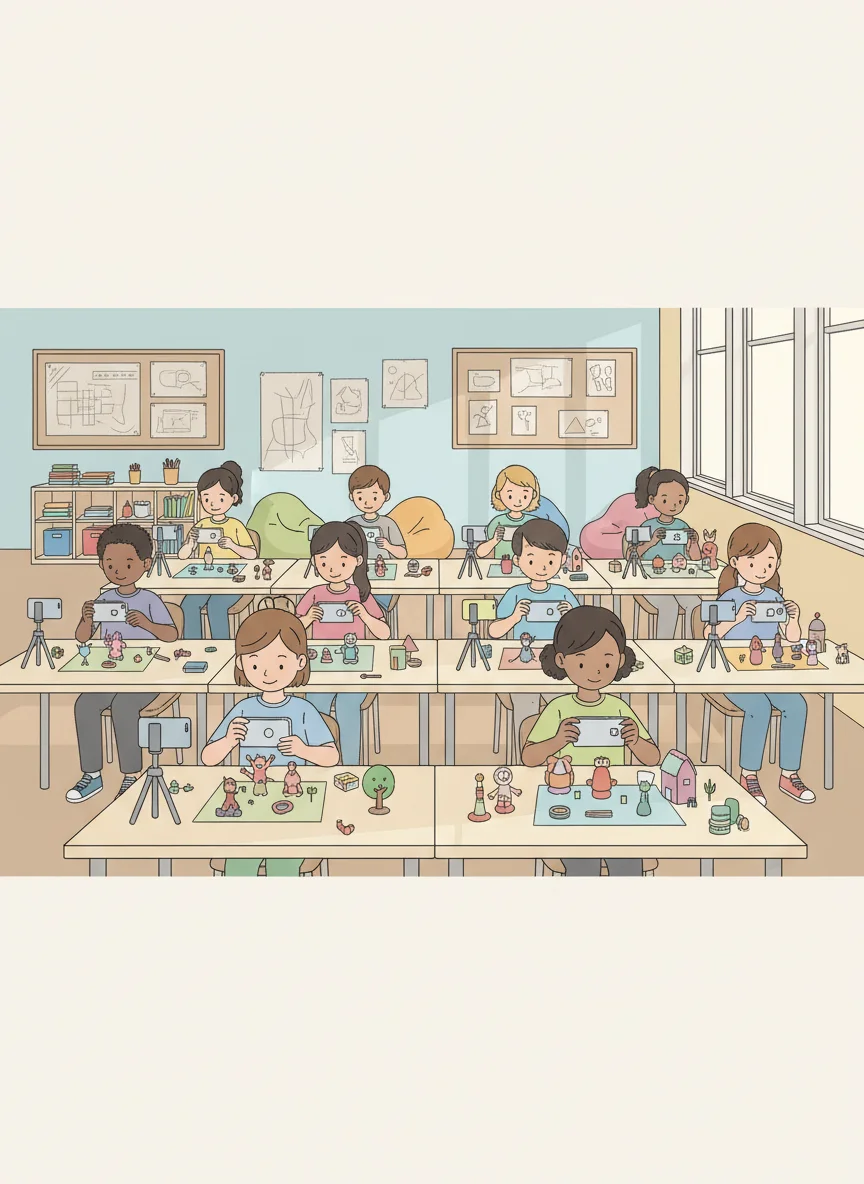
Download a stop motion app on your device Start with simple exercises - bouncing ball, walking figure Practice makes perfect - your first attempts will teach you lots Share your creations with friends and family Remember: every professional animator started as a beginner!