It is 9:10, the center rotation has started, and one group is supposed to practice short vowels. Two students are clicking anything that makes noise, one is guessing words from the picture, and another is waiting for help because the task directions were too loose. That is the moment when a phonics game either earns its place in the literacy block or becomes babysitting on a screen.
Good phonics games for kids solve a very specific classroom problem. They give students enough repetition to map sounds to print, blend, segment, and reread patterns without asking the teacher to manage every turn. The best ones hold attention, but engagement is not the goal. Accurate practice is.
That distinction matters. Some games give students many chances to click, drag, and celebrate, but very few chances to read with care. Others support a clear skills sequence and make center time more productive. Teachers need to know the difference, especially if they are also sorting out the difference between phonics and phonemic awareness, because those skills overlap in early reading instruction but should not be taught as if they are the same thing.
This guide takes a classroom-use approach, not a feature roundup. Each recommendation looks at purpose, instructional fit, trade-offs, step-by-step setup, differentiation, quick assessment ideas, and how to use Kuraplan to make aligned printables and visuals that match the skill students are practicing on screen.
That last part is what many lists skip.
A digital game can give students extra decoding reps. It cannot always give the exact word list, visual cue, recording sheet, or partner follow-up your lesson needs. Pairing the right tool with teacher-made supports is what turns a nice app into something you can use on Monday morning.
1. Teach Your Monster to Read
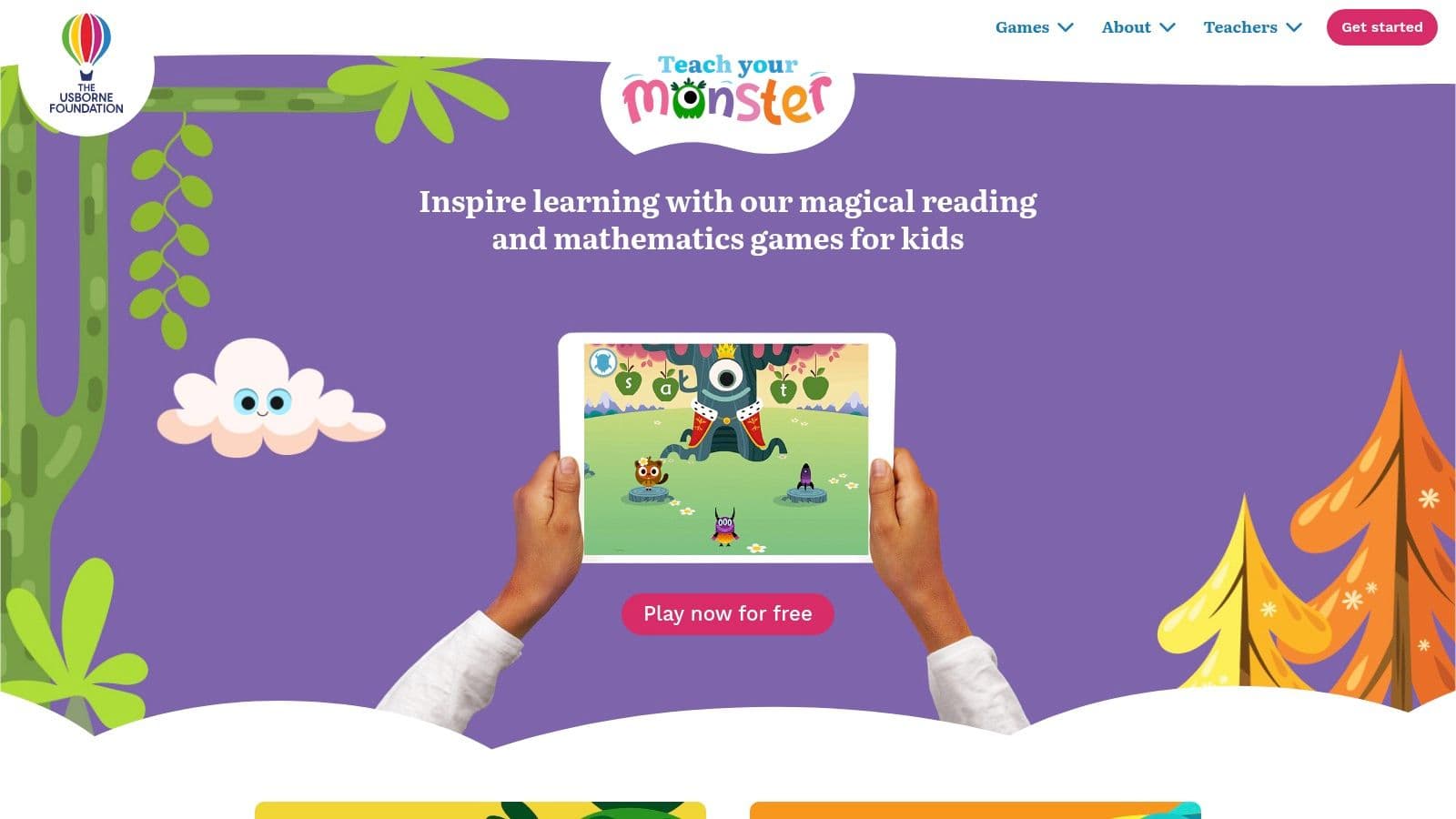
Monday morning center time is usually where a phonics tool proves its value. Students need to log in quickly, stay with the reading task, and get enough accurate practice that the minutes matter. Teach Your Monster to Read does that better than many early literacy games because the activities follow a clear reading path instead of sending students into random mini-games.
It fits best with Pre-K, Kindergarten, Grade 1, and some Grade 2 students who still need steady work on letter-sound links, blending, and simple word reading. In class, I use it when I want motivated repetition without reteaching the directions every five minutes. The story format helps, but its true strength is the sequence.
That sequence matters for instruction. Students get repeated practice with early decoding skills in an order that usually makes sense to a classroom teacher. The trade-off is that the program works best as supported practice, not as your main source of phonics teaching. Once students need more work with complex vowel patterns, connected text, and error correction, teacher-led small group instruction has to carry more of the load.
Where it works best
This is a strong choice for device centers, arrival work, and home practice. Schools also benefit from the web version on computers because it lowers access barriers when you are planning for a whole class instead of a few tablets.
I would not use it as open-ended reward time.
Students get more from it when the game is tied to a current class objective and followed by a short transfer task. That is also the point where teachers need to stay clear about the difference between screen-based sound play and actual reading practice. If your group is still mixing up oral sound work with print work, revisit the difference between phonics and phonemic awareness before assigning the game independently.
A classroom-ready implementation plan
Start with one target skill band. Do a fast baseline check before the first rotation. That can be letter-sound naming, blending three sounds, or reading a short list of decodable and nonsense words. Keep it brief, record it, and use the result to decide who should use the game now and who needs direct instruction first.
Then set it up with a routine students can repeat:
- Purpose: Build accurate practice with letter-sound correspondence, blending, and early word reading.
- Instructional objective: Students will read target sounds and words aloud during gameplay and transfer the pattern to print right after the session.
- Teacher model: Project one short round and teach the behavior you want. Headphones on. Say the sound. Read the word. Do not click ahead without trying.
- Center directions: Assign 10 to 15 focused minutes. Pair stronger independent readers together only if partner talk stays on task. Otherwise, keep it as a solo station.
- Follow-up task: End with something visible and quick. Read three matching words from cards, write one word with the target pattern, or sort picture cards by sound-spelling.
- Assessment check: Listen to one or two students read after the center. A 30-second oral check tells you more than completion data alone.
That last step is where many digital tools fall short in practice. The game can provide repetitions, but it does not automatically show whether the student can apply the same pattern away from the screen.
Differentiation and Kuraplan support
Keep sessions shorter for students with low stamina or heavy cognitive load. Five strong minutes plus a one-minute word read is often more productive than a long session with fading attention. For students who need more support, add magnetic letters, sound boxes, or teacher-led oral blending before they log in.
For students ready for more, add a printed extension tied to the same pattern. Have them read four decodable words, write a simple sentence, or reread a mini list for fluency. Kuraplan helps here because you can create matching word cards, picture sorts, exit tickets, and simple visuals that line up with the skill students just practiced on screen. That turns the game into one part of a usable lesson cycle instead of a separate activity floating beside your phonics block.
2. Starfall
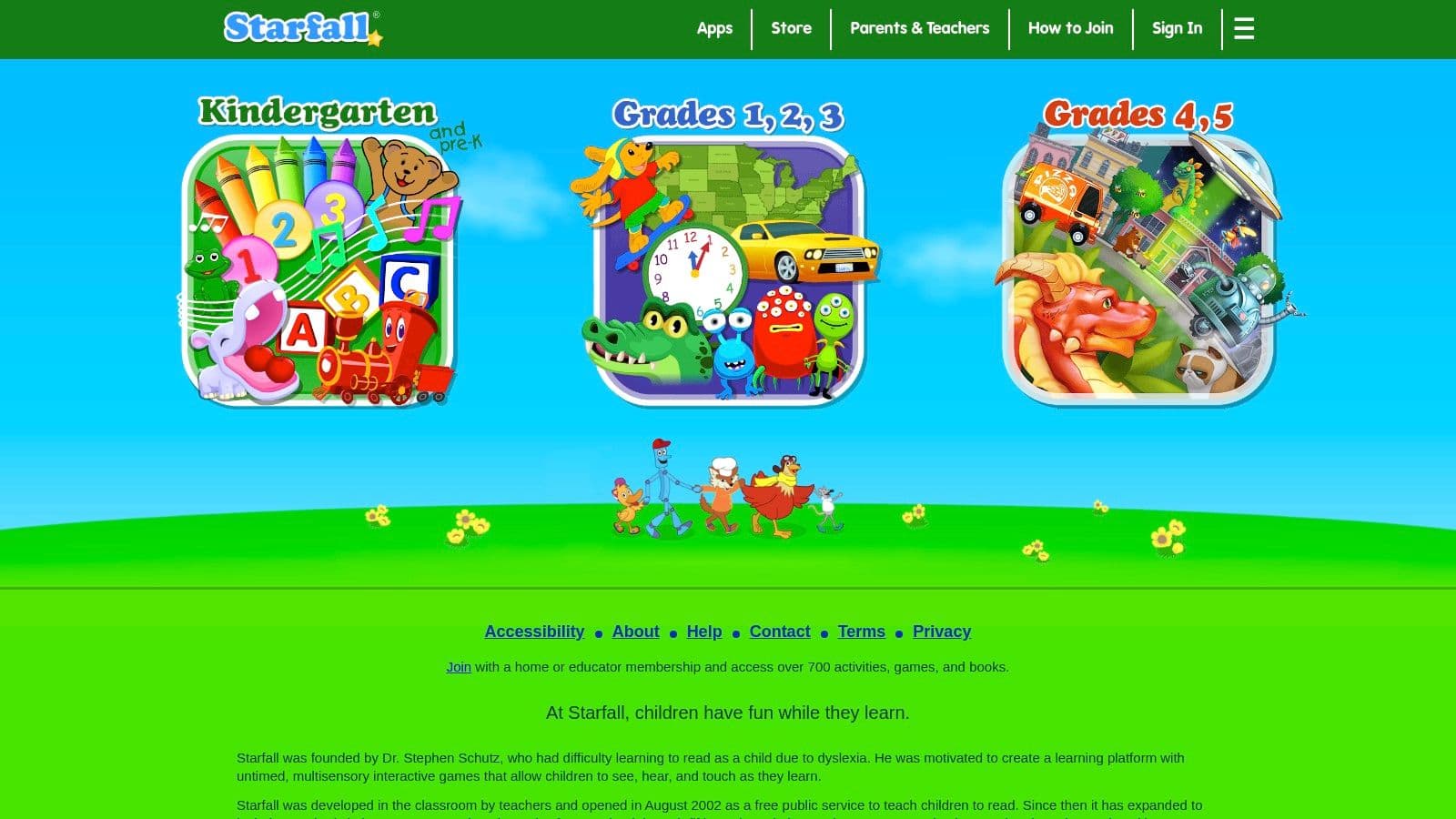
A common center problem looks like this. Students log in quickly, click confidently, and stay busy, but the practice drifts unless the teacher has already narrowed the target. Starfall solves part of that problem well because young children can use it with very little support. The teacher still has to supply the instructional frame.
That is why I treat Starfall as a practice tool, not the lesson itself. It works well for early phonemic awareness, letter-sound work, and simple phonics review in Pre-K through early elementary. The interface is gentle enough for students who are still learning how to handle a mouse, track audio directions, and work through a task independently.
Best use in a classroom plan
Starfall is strongest when the goal is narrow and visible. Assign one sound, one spelling pattern, or one short phonemic awareness task. Then require students to show the same skill away from the screen.
A simple implementation plan works well:
- Purpose: Build accurate practice with a taught sound or pattern.
- Objective: Students complete one assigned Starfall activity and then read, sort, or write words with the same target.
- Teacher setup: Open the exact activity before center time. Model what students should click, say, and notice.
- Student steps: Complete the activity, then move to a matching offline task.
- Quick assessment: Listen to one student read target words, or check a short written response before they leave the center.
That final transfer piece matters. If students can match and click during the game but cannot read or build the same pattern independently, the practice has not stuck.
What Starfall does well, and the trade-offs
Starfall gives teachers an easy entry point. Students usually learn the routine fast, and that saves time during center rotations. It also fits home use better than many tools because families can get started without much training.
The trade-off is instructional precision. Reporting is limited compared with intervention platforms, and the built-in differentiation does not replace teacher judgment. I would use Starfall for independent practice, partner review, or extra exposure to a taught skill. I would not rely on it as the main source of diagnostic data for students with significant decoding needs.
A stronger way to run the center
The mistake I see most often is over-assigning. “Go on Starfall” is too broad for six-year-olds. “Complete the short vowel o activity, then sort these picture cards by medial sound” gives you cleaner behavior and better learning.
Try a four-part routine:
- Name the target. Put the week’s skill where students can see it.
- Model the task. Show one example and say the sounds out loud.
- Add a matching printable or manipulative task. Word cards, sound boxes, or a quick write all work.
- Close with a check. One oral read, one sort, or one written word is enough.
If students still need stronger listening skills before the phonics work, pair Starfall with short oral practice from this guide on teaching phonemic awareness in a clear classroom sequence.
Differentiation and Kuraplan support
Many lists stop at a description of the game. The harder part is making the same activity usable for students who need different levels of support. Learning A-Z’s article on phonics games for kindergarten and early elementary students highlights how much teacher guidance still matters, especially when students are working on foundational reading skills.
With Starfall, make those adjustments in advance. For students with auditory processing needs, preview the target sound and reduce competing noise. For students with dyslexia or weak decoding, shorten the task and add printed sound boxes or letter tiles. For multilingual learners, front-load key vocabulary and add picture supports so the language load does not block the phonics goal.
Kuraplan helps with the follow-up work. You can create matching picture sorts, word cards, exit tickets, and visual supports that line up with the exact pattern students practiced on Starfall. That turns a familiar website into a usable lesson cycle with a purpose, an offline check, and a clearer path for differentiation.
3. Reading Eggs includes Fast Phonics
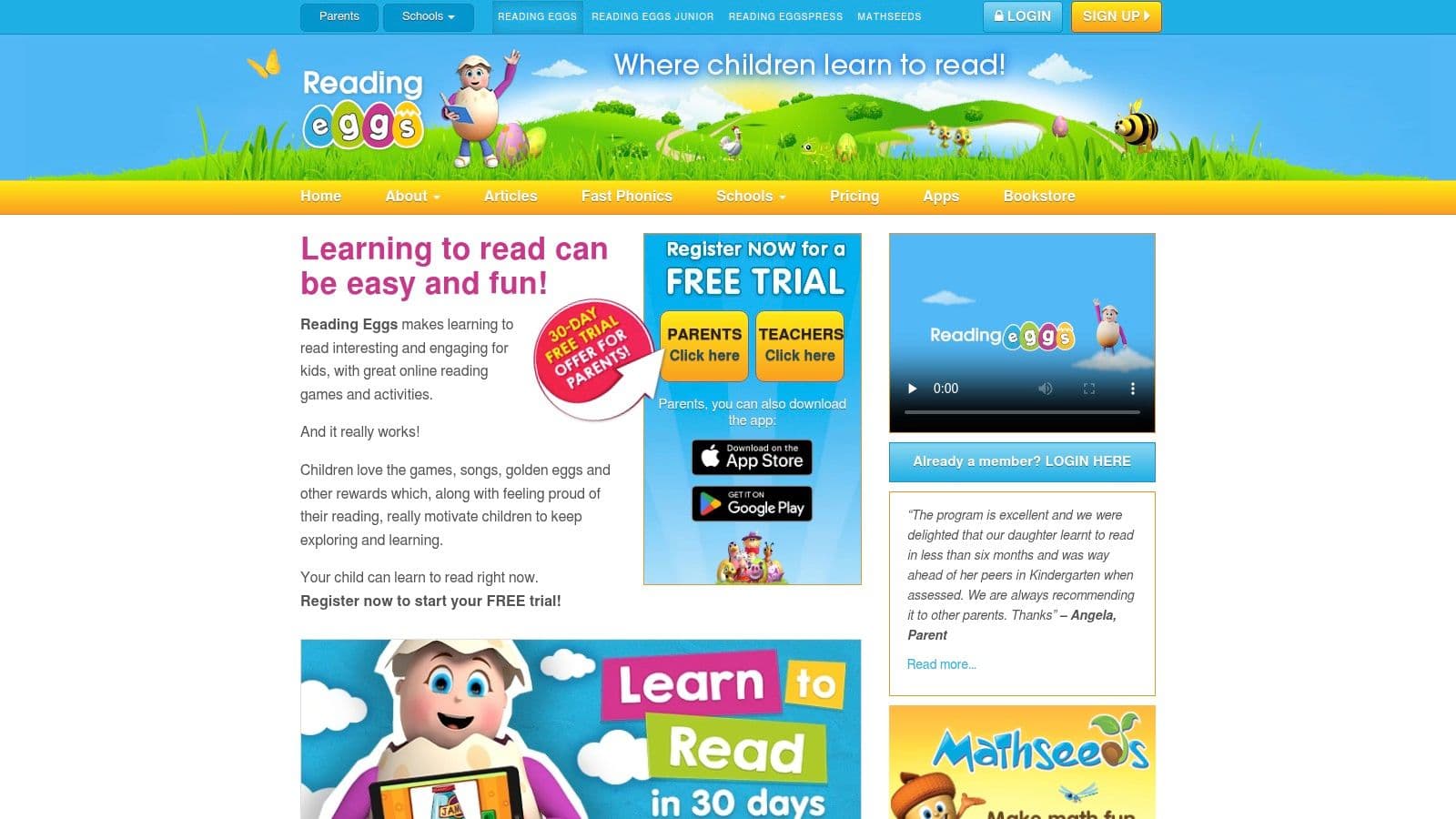
Monday center time is where a platform like this earns its place. One group is ready for short vowel review, another still needs tighter sound-symbol practice, and a few students need something they can continue at home without a long parent explanation. Reading Eggs works well in that kind of classroom because Fast Phonics sits inside a larger reading system, so the phonics lesson does not have to do every job by itself.
That setup is useful if you want students to practice a target pattern, then read connected text, then return the next day without learning a new interface. It is less useful if your goal is one quick game with very little setup.
Why it works in real instruction
Reading Eggs gives teachers room to build a lesson sequence instead of assigning isolated practice. I use Fast Phonics as the focused part of the routine, then pull in decodable reading or short independent follow-up only if it matches the week’s pattern. That keeps students from clicking through too much unrelated content.
The main advantage is continuity. Students can stay in one platform as their reading develops, which cuts down on transition time and repeated reteaching of procedures. The trade-off is that the platform can feel busy at first, especially for younger students or classes that need a very predictable center routine.
A classroom plan that keeps it manageable
Use it as part of a lesson cycle, not as the lesson itself.
- Purpose: Build accurate decoding with a clear phonics pattern and immediate reading practice.
- Objective: Students read and spell words with the target pattern after direct teacher instruction.
- Step 1. Teach first: Introduce the sound-spelling pattern in small group. Model blending, segmenting, and word reading.
- Step 2. Assign one matched Fast Phonics task: Keep the digital piece narrow. One lesson is usually enough for a center rotation.
- Step 3. Add a short transfer task: Follow with one decodable sentence strip, word sort, or dictated word check tied to the same pattern.
- Step 4. Review errors: Pull common mistakes from the digital work and reteach them in the next small group.
If students are shaky with oral sound work, teach that before asking them to decode on screen. This short guide on teaching phonemic awareness before phonics tasks is a useful planning companion.
Differentiation and assessment
Many phonics game lists stop too early. The program may be engaging, but teachers still need a plan for students who do not all process the same lesson in the same way.
For students who need more support, shorten the digital assignment and preteach the target sound with Elkonin boxes, mouth cues, or letter tiles. For students who are ready for more, add written dictation or a quick phrase reading task after the assigned lesson. For multilingual learners, preview the vocabulary in the reading task so the word meanings do not get in the way of the phonics goal.
Assessment should stay simple. Listen to a few students read target words after the activity. Check one transfer skill, such as blending, spelling, or reading in connected text. That tells you much more than completion alone.
Kuraplan helps with the part teachers usually have to build by hand. You can create printable word cards, sound boxes, picture sorts, exit tickets, and visual supports that match the exact pattern students practiced in Fast Phonics. That turns Reading Eggs from a useful subscription into a lesson sequence you can run, differentiate, and check the same day.
Best fit
Reading Eggs is a strong option for classrooms that want school-to-home continuity and enough content to support different reading stages. It is not my first choice for a stripped-down center with minimal teacher management. It is one of the better choices when you want a phonics game to fit inside a fuller instruction plan.
4. ABCmouse Age of Learning
A parent asks for something their child will readily open at home, and that changes the recommendation. In that situation, ABCmouse often makes sense because families already know the name, the setup is familiar, and younger children can get started without much coaching. For Pre-K through Grade 2, that home-use advantage matters.
ABCmouse works best as a reinforcement platform inside a bigger reading plan. It includes phonics and early reading practice, but it is built as a broad early-learning program, not a tightly sequenced phonics intervention tool. That trade-off is the key decision point.
Where it fits best
I would choose ABCmouse when the goal is carryover, especially for families who need one easy routine they can repeat several times a week. I would not choose it as my main tool for students who need precise reteaching of a specific sound-spelling pattern.
That difference matters in daily instruction. A broad platform can keep practice going. It can also scatter attention if the teacher does not narrow the task.
A classroom plan that keeps it useful
The cleanest way to use ABCmouse is to anchor it to one taught target. If the class worked on short a, CVC blending, or beginning digraphs that day, assign only enough app time to review that pattern, then follow it with a quick transfer task you can check.
A simple plan looks like this:
- Purpose: Reinforce a pattern students have already been taught.
- Objective: Students read, hear, or sort words with the target phonics feature during app practice, then show the same skill off-screen.
- Set-up: Choose the target skill before students log in. Tell families or center groups exactly what they are listening for or reading.
- During use: Keep sessions short so students stay with the phonics goal instead of wandering to unrelated activities.
- After use: Check one visible result, such as reading five target words, spelling three words, or writing one sentence with the pattern.
That last piece is what makes the program instructionally useful. Without it, students may spend time on the platform without giving you much evidence of phonics growth.
Differentiation and assessment
For students who need more support, preteach two or three words before they open the app and give them picture cues or letter tiles afterward. For students who are ready to extend the skill, ask for phrase reading or a short dictated sentence that uses the same pattern in connected text.
Assessment does not need to be elaborate. Listen to a student read a small set of target words, or collect a one-minute written check the next day. Completion data is helpful for participation. Transfer data is what tells you whether the practice stuck.
Kuraplan is useful here because it lets you make the missing teacher pieces fast. You can create matching word cards, picture sorts, mini exit slips, and simple visual supports tied to the exact phonics pattern students practiced, which helps turn a familiar home app into a lesson sequence you can monitor.
Best fit
Choose ABCmouse when family engagement, ease of use, and younger-student buy-in matter more than strict phonics precision. It is a practical option for reinforcement, homework, and early primary centers with close teacher direction.
If you need targeted intervention, there are stronger tools later in this list. If you need a phonics game families will use consistently, ABCmouse earns its place.
5. Nessy Reading and Spelling
Nessy Reading & Spelling is the one I’d look at first for students who need more than cheerful practice. It’s structured, cumulative, and much more intervention-friendly than a typical phonics game site. If you support Tier 2 or Tier 3 readers, or you teach in a dyslexia-aware setting, Nessy deserves a serious look.
Its tone is still game-based, but underneath that game layer is explicit skill teaching. That’s the key distinction. Some platforms motivate students. Nessy teaches and reinforces with more structure.
Strong fit for intervention
This isn’t a “drop kids in and hope” tool. It works best when a teacher knows why a student is using it and what pattern or concept needs reinforcement.
The built-in assessments and printable reinforcements help. So do the rule-teaching videos. For students who need repeated explanation, not just repeated exposure, that matters.
Classroom judgment: When a student keeps guessing from the first letter, I want a tool that slows them down and teaches the pattern explicitly. Nessy is better at that than most general phonics game platforms.
How I’d use it in a real school day
Nessy fits best in intervention blocks, special education support, or targeted small-group rotations. I wouldn’t make it a loose choice-time activity.
A practical routine:
- Objective: Reinforce a specific phonics, spelling, or morphology pattern with explicit review.
- Teacher pre-teach: Briefly review the target rule before login.
- Student practice: Complete the assigned Nessy activity path.
- Immediate application: Read words with the pattern, spell a few from dictation, then use one in a short phrase or sentence.
This sequence matters because many struggling readers can perform inside a familiar digital format without holding the pattern independently. The offline check catches that.
Differentiation considerations
Students with dyslexia often need cumulative review, cleaner visual presentation, and less split attention. Nessy is stronger than many game platforms in that regard, but teacher decisions still matter. Shorter sessions are often better than longer ones. Repeated return to the same pattern is usually more effective than rushing ahead.
For teachers building support around the program, Kuraplan can create aligned spelling sorts, sound boxes, tracing pages, and visual rule reminders. That helps bridge intervention sessions to classroom practice without designing everything manually.
If you need one of the better phonics games for kids who require explicitness more than novelty, Nessy stands out.
6. Lexia Core5 Reading
Lexia Core5 Reading is less of a “game site” and more of a full school reading system with gamified practice inside it. That distinction matters. If you’re a classroom teacher looking for a fun center tool, Lexia may feel heavier than what you need. If you’re a school leader or intervention team trying to connect phonics practice to MTSS or RTI decisions, it makes much more sense.
Its biggest strength is the combination of adaptive student work and teacher-facing data. You don’t just see that students logged in. You get a clearer picture of where support is needed.
Best use case
Lexia shines when the school is using common systems and wants progress monitoring to inform teaching. It’s also a strong fit when phonics needs to sit alongside fluency, vocabulary, structural analysis, and comprehension instead of being treated as a separate island.
That broader reading view matches what many schools want now. The larger game-based learning market was valued at USD 16.16 billion in 2023 and projected to reach USD 64.54 billion by 2030 in Grand View Research’s market report. Again, that projection doesn’t tell you what to buy. It does show why district leaders keep evaluating these platforms as long-term instructional systems rather than one-off games.
A practical rollout
Lexia works best when the adults are aligned before students ever log in. Classroom teacher, intervention teacher, and coach should know what counts as progress, what triggers teacher lessons, and how often data will be reviewed.
For a classroom-level routine:
- Core teaching: Teach the phonics pattern explicitly in your literacy block.
- Adaptive practice: Assign Lexia during a scheduled center or intervention time.
- Teacher response: Use the platform’s teacher lessons and offline resources for students who stall.
- Progress review: Check patterns in errors, not just time on task.
That last point is the one schools sometimes miss. Data is only useful when somebody acts on it.
What doesn’t work
Lexia is not the easiest choice for casual home use or individual family purchase. It also isn’t as instantly playful as some options for very young learners. Students who need fast novelty may prefer more obviously game-like platforms.
Still, for schools that need data-rich phonics games for kids inside a broader literacy framework, Lexia is hard to ignore. Kuraplan can support the teacher side by generating matching small-group lessons, printable reviews, and differentiated checks tied to the same decoding patterns your data meetings identify.
7. SplashLearn ELA Reading Phonics Games
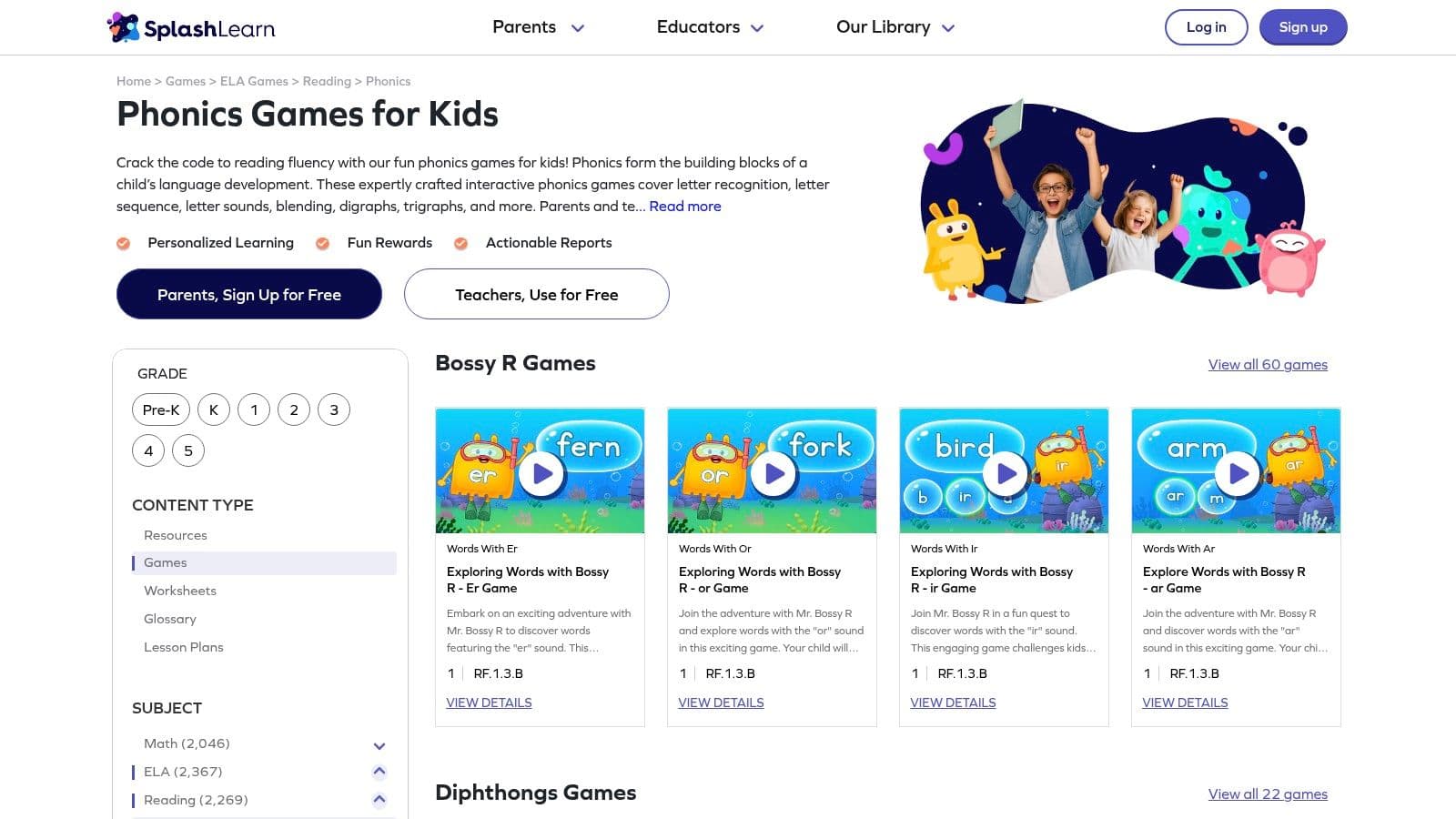
At 9:10, the phonics lesson is done, one group is ready for independent practice, and another still needs teacher support on digraphs. SplashLearn works well in that moment. SplashLearn Phonics Games lets teachers assign a single skill fast, which makes it useful for centers, short intervention blocks, and same-day follow-up after direct instruction.
Its strength is precision. Teachers can pull up one target pattern, assign a short activity, and keep the rest of the literacy block moving. That matters in real classrooms, where a tool often succeeds because it saves two or three minutes every rotation.
Where it fits best
SplashLearn covers early reading skills from letter recognition to digraphs, blends, trigraphs, and r-controlled vowels. That range makes it practical for mixed-readiness classes, especially when students need different review tasks tied to the same week’s instruction.
I would not use it as the main driver of phonics instruction. I would use it after explicit teaching, when students need more correct repetitions with a pattern you have already taught.
A classroom implementation plan
This is one of the easier platforms to turn into a repeatable routine if the purpose stays clear.
Purpose: reinforce a taught phonics skill through short, focused practice.
Objective: students read, sort, or identify words with one target pattern and then show transfer in print or writing.
Steps:
- Teach the pattern first. Model the sound-spelling connection during whole-group or small-group instruction.
- Assign one aligned game. Keep the digital task narrow. CVC words, beginning blends, digraphs, or vowel teams work well.
- Add an immediate paper task. Follow the game with a word sort, quick dictation, or decodable word list.
- Check for transfer. Ask students to read three new words or write two words with the same pattern.
- Use results for regrouping. Students who click accurately but cannot read or spell the pattern independently need teacher follow-up.
For offline practice, Kuraplan phonics worksheets for the same target skills are useful for making a matched exit ticket, center sheet, or quick reteach page right after the game.
Differentiation and assessment
SplashLearn is especially helpful when one class contains several readiness levels. One group can practice short vowels while another reviews vowel teams. The teacher can stay with the students who need direct correction.
The trade-off is straightforward. Because the activities are short and easy to assign, teachers can slip into using them as filler. That usually lowers the instructional value. The stronger move is to connect each assignment to a clear phonics objective and a quick check afterward.
Assessment should stay simple. Listen to a few students read target words aloud. Review one written response. Check whether the skill shows up away from the screen.
SplashLearn is a strong reinforcement tool for classrooms that already have a phonics sequence in place. Teachers who want fast, skill-specific practice will get a lot from it, especially when each game is paired with a short printed task and a quick transfer check.
Top 7 Phonics Games Comparison
| Program | Implementation Complexity 🔄 | Resource Requirements ⚡ | Expected Outcomes ⭐📊 | Ideal Use Cases 💡 | Key Advantages ⭐ |
|---|---|---|---|---|---|
| Teach Your Monster to Read | Low 🔄, browser-first, simple teacher roster and center use | Minimal ⚡, free web access; optional one-time app purchase per device | ⭐⭐, strong early decoding and letter‑sound mastery; 📊 clear progress tracking for Pre‑K–1 | Independent literacy centers, at‑home practice for Pre‑K–1 | Free web access; research-informed, highly engaging |
| Starfall | Low 🔄, intuitive interface for songs, stories, and mini‑books | Low‑Med ⚡, web/mobile; educator membership unlocks school access | ⭐, supports phonemic awareness and early decoding; 📊 effectiveness improves with full access | Whole‑group warmups, independent practice K–1 | Trusted, teacher‑friendly; affordable educator plans |
| Reading Eggs (incl. Fast Phonics) | Medium 🔄, placement and adaptive paths to manage | High ⚡, subscription pricing varies by home/school; devices and scheduled sessions | ⭐⭐⭐, broad scope from letters to fluency; 📊 strong measurable growth when used regularly | Core supplement or Tier 2 intervention K–3 | Extensive lessons/books, adaptive pathway, robust reporting |
| ABCmouse (Age of Learning) | Low 🔄, exploratory setup, Learning Path available | Low‑Med ⚡, Basic free tier; Premium subscription for full content | ⭐, high engagement and reinforcement; 📊 mostly informal measures | Family engagement, at‑home practice, free‑choice centers Pre‑K–K | Large activity library; free tier lowers barrier to entry |
| Nessy Reading & Spelling | Medium 🔄, structured assessments and individualized paths | Medium‑High ⚡, seat licenses/quotes for schools; printable reinforcements | ⭐⭐⭐, effective for struggling readers and dyslexia; 📊 useful for RTI progress monitoring | Tier 2/3 intervention and dyslexia‑aware instruction Grades 1–5 | Explicit structured‑literacy, multi‑sensory, dyslexia‑aligned |
| Lexia Core5 Reading (Cambium) | High 🔄, rostering, auto‑placement, teacher lessons and dashboards | High ⚡, district/school licensing; devices and implementation time | ⭐⭐⭐, comprehensive, data‑rich gains across reading strands; 📊 strong MTSS/RTI reporting | School‑wide literacy centers and intervention K–5 | Research‑based scope & sequence; powerful reporting and personalization |
| SplashLearn (ELA/Phonics Games) | Low‑Med 🔄, teacher account and assignment workflow | Low ⚡, free teacher accounts; parent subscriptions for home practice | ⭐, effective for targeted skill practice; 📊 quick assignment reports for checks | Targeted practice during centers or post‑lesson reinforcement K–5 | Easy rostering, skill‑organized mini‑games, classroom‑to‑home continuity |
Making Phonics Stick Your Next Steps
It is 9:20, your small group is working on short a, and one student just flew through a phonics game level but still reads cap as cup in decodable text. That moment matters. It tells you the game was engaging, but it also tells you what still needs teaching.
The strongest phonics games for kids fit a clear instructional job. They give students extra practice on a pattern you have already taught, and they make it easier to keep practice going across centers, intervention, and home use. The right choice depends on the problem you need to solve in your classroom. Teach Your Monster to Read works well for simple early practice. Starfall suits younger readers who need familiar center routines. Reading Eggs and Lexia fit schools that want a larger reading system. Nessy is often the better pick for intervention. SplashLearn is useful when you want quick assigned practice without much setup.
What matters most is implementation. A game should sit inside a teaching routine, not beside it. Start with one target skill. Give a quick baseline check. Teach the sound-spelling pattern directly. Use the game for brief, focused practice. Then check transfer in reading and writing.
That last step is where many tools rise or fall.
Students can look successful on a screen because they recognize the task format, remember the visual cues, or click through with confidence. The stronger check is whether they can read the same pattern in a decodable sentence, spell it in dictation, sort it against a contrasting pattern, or apply it during connected reading. If they cannot do that yet, the game needs tighter follow-up, not more minutes.
A practical plan helps. For each game in this guide, the goal is not just to describe what it does. The goal is to help you use it tomorrow. That means matching each tool to a purpose, setting a clear objective, running it with step-by-step routines, adjusting for students who need support or extension, and using quick assessment points to see whether the practice is carrying over.
Prep time is part of the trade-off, too. Teachers rarely have time to build a new picture sort, exit ticket, review sheet, and visual support for every phonics pattern. Kuraplan helps create standards-aligned printables, visuals, lesson materials, and assessments tied to the exact sound-spelling pattern students are practicing. That makes it easier to connect digital phonics work with small-group instruction and paper follow-up.
If you are also exploring broader educational games for kids, use the same filter. Ask what skill the game teaches, what evidence of transfer you will collect, and how it fits the rest of your literacy block.
Start small and stay specific. Pick one tool. Match it to one immediate need. Run it for a short cycle, then check accuracy, independence, and application in real reading.
Phonics sticks when practice is systematic, motivating, and tied to what students read and write every day.
If you want to turn these phonics game ideas into usable lessons quickly, Kuraplan can help you create aligned worksheets, visuals, lesson plans, and assessments for the exact sound-spelling patterns your students are practicing. It’s a practical option for teachers who want less prep and tighter follow-up after digital or hands-on phonics instruction.