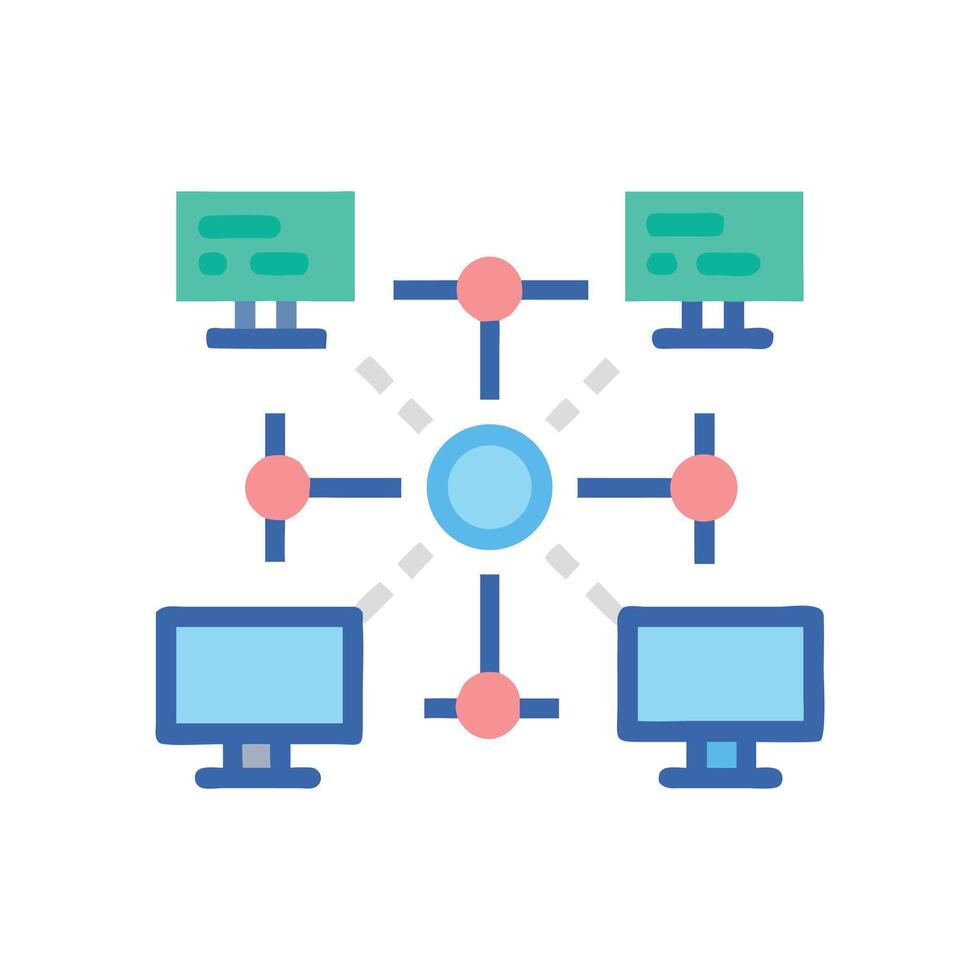
Computer Networks: Connecting Our World
Year 9 Computing Understanding How Devices Communicate
What is a Computer Network?
A group of two or more connected computers or devices Devices share resources and information Enables communication between different locations Forms the backbone of modern digital life
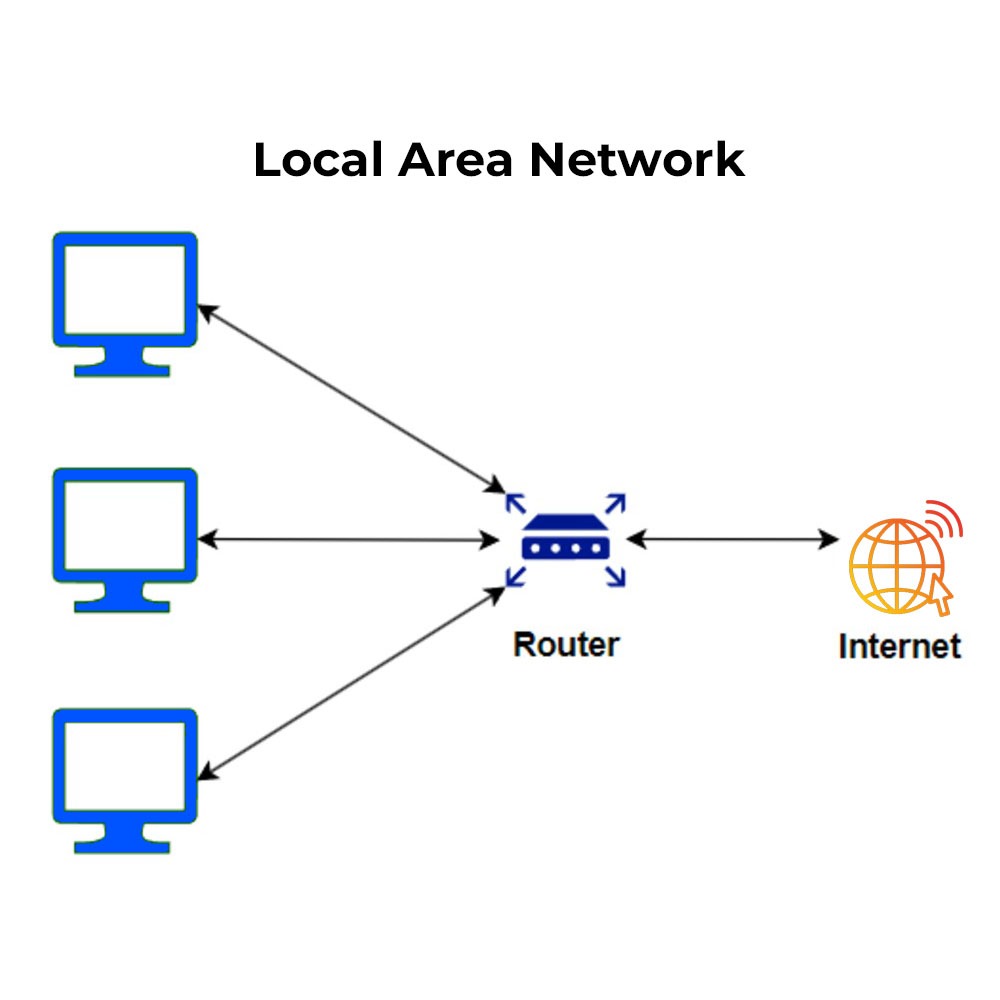
Types of Networks: LAN vs WAN
{"left":"Local Area Network (LAN)\nCovers small areas like homes, schools, or offices\nFast data transfer speeds\nExample: Your school's computer network","right":"Wide Area Network (WAN)\nCovers large geographical areas\nConnects multiple LANs together\nExample: The Internet connecting countries worldwide"}
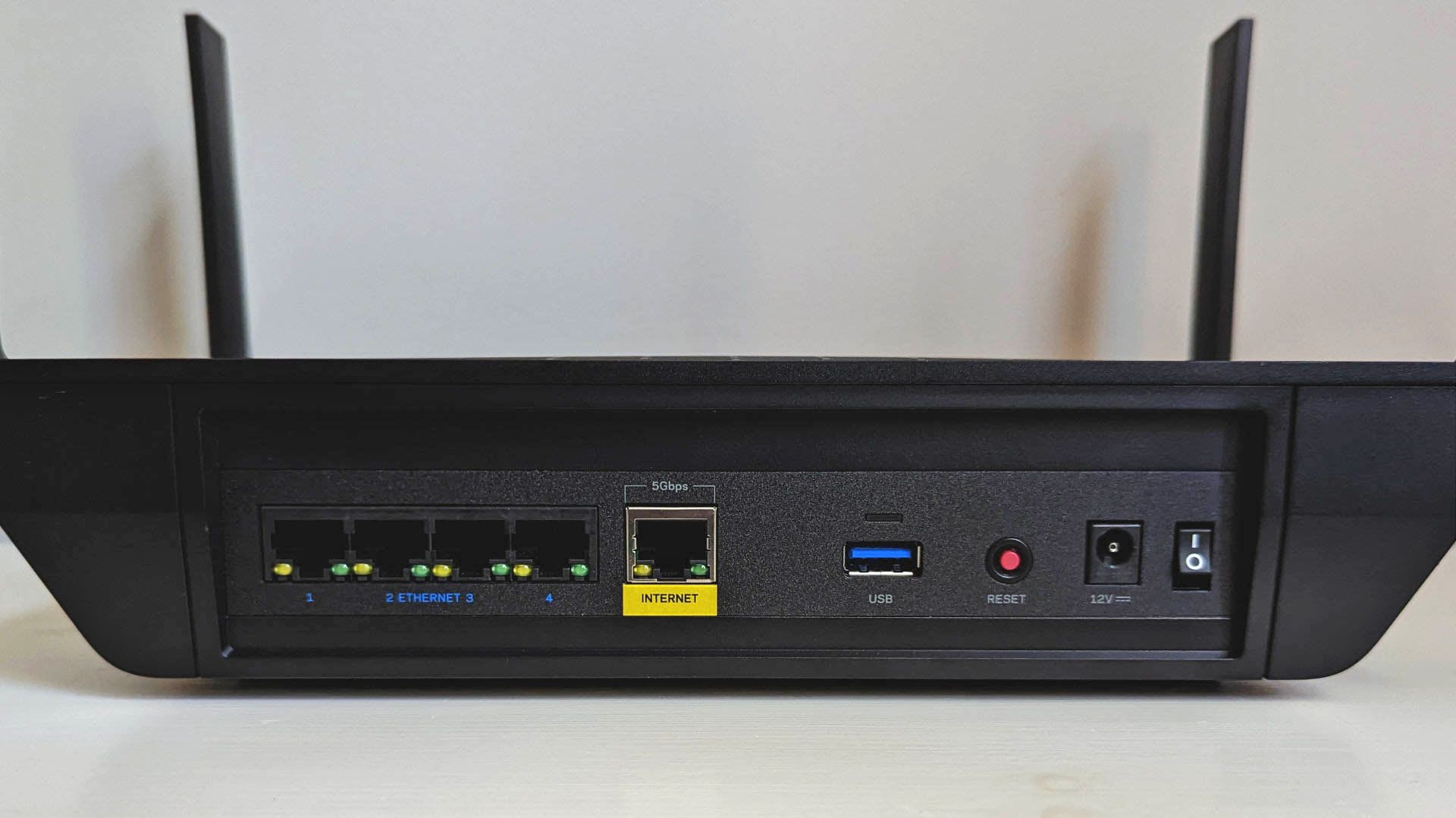
Network Components: The Building Blocks
Router: Directs data between networks Switch: Connects devices within a network Server: Provides services and stores data Client devices: Computers, phones, tablets that use the network

Common Network Devices
Router: Connects different networks and directs data traffic Switch: Connects devices within the same network Server: Provides services and resources to other computers
Routers: The Traffic Controllers
Direct data packets between different networks Connect your home network to the internet Choose the best path for data to travel Have multiple ports for wired connections Often include Wi-Fi for wireless devices

Network Switches: Smart Traffic Controllers
Connect multiple devices within a LAN Store MAC addresses to learn device locations Forward data only to intended recipient Reduce network collisions and improve speed Available in different port sizes (8, 16, 24+ ports) More intelligent than basic hubs
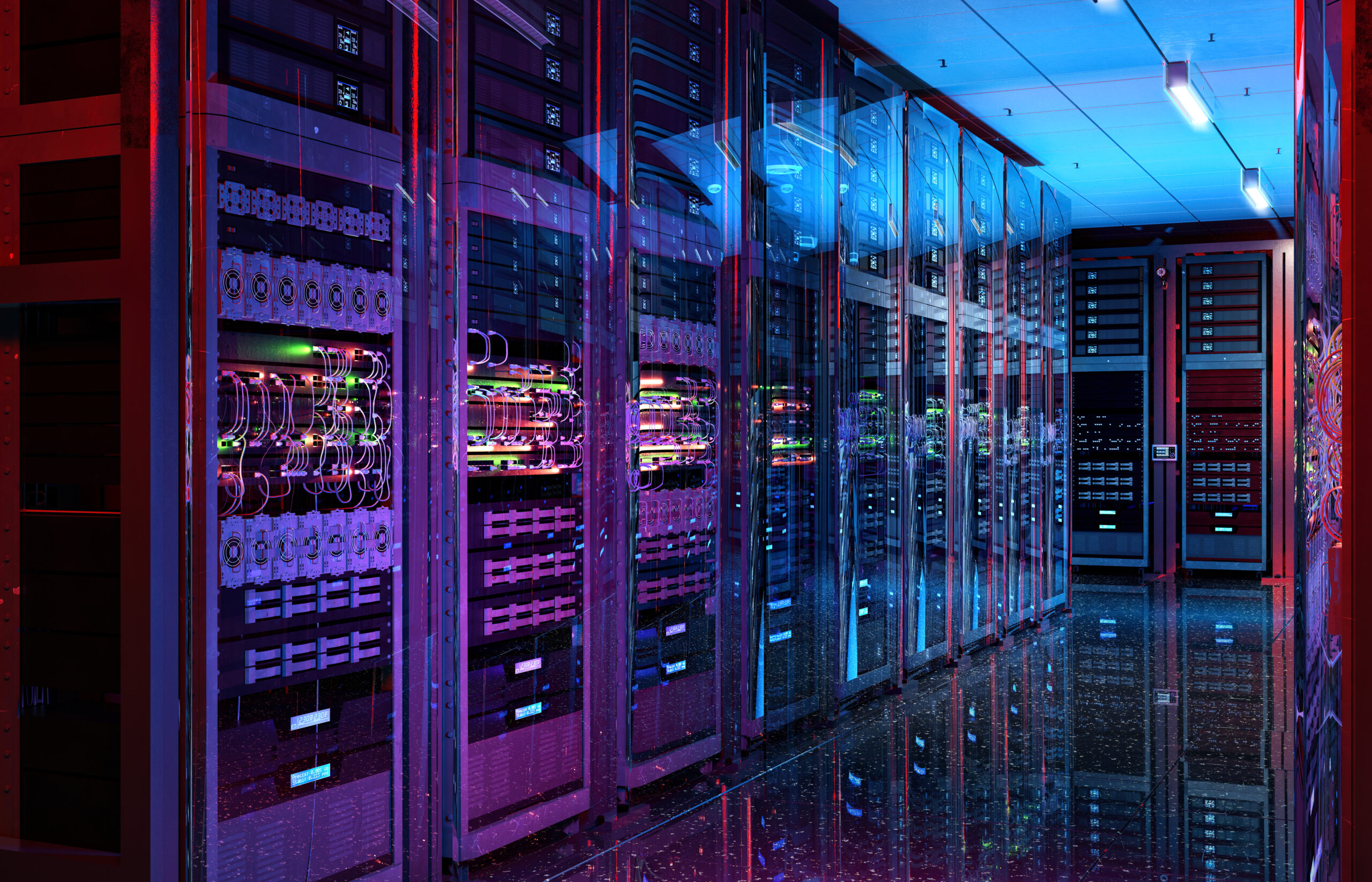
Servers: The Powerhouses of Networks
Powerful computers that provide services to other devices Store and share files across the network Host websites and web applications Manage user accounts and security permissions Process requests from multiple clients simultaneously Often kept in secure, climate-controlled rooms

Wireless Network Devices
Access Points: Extend wired networks wirelessly Connect devices like laptops and phones to network Wireless Routers: Combine router and access point Provide internet connection and Wi-Fi coverage Create wireless networks for homes and offices Use radio waves to transmit data signals

Network Security Devices: Protecting Our Networks
Firewalls act as digital barriers between networks Block unauthorised access and malicious traffic Intrusion Detection Systems (IDS) monitor network activity Alert administrators when suspicious behaviour is detected Both devices work together to keep networks safe
Future Network Technologies
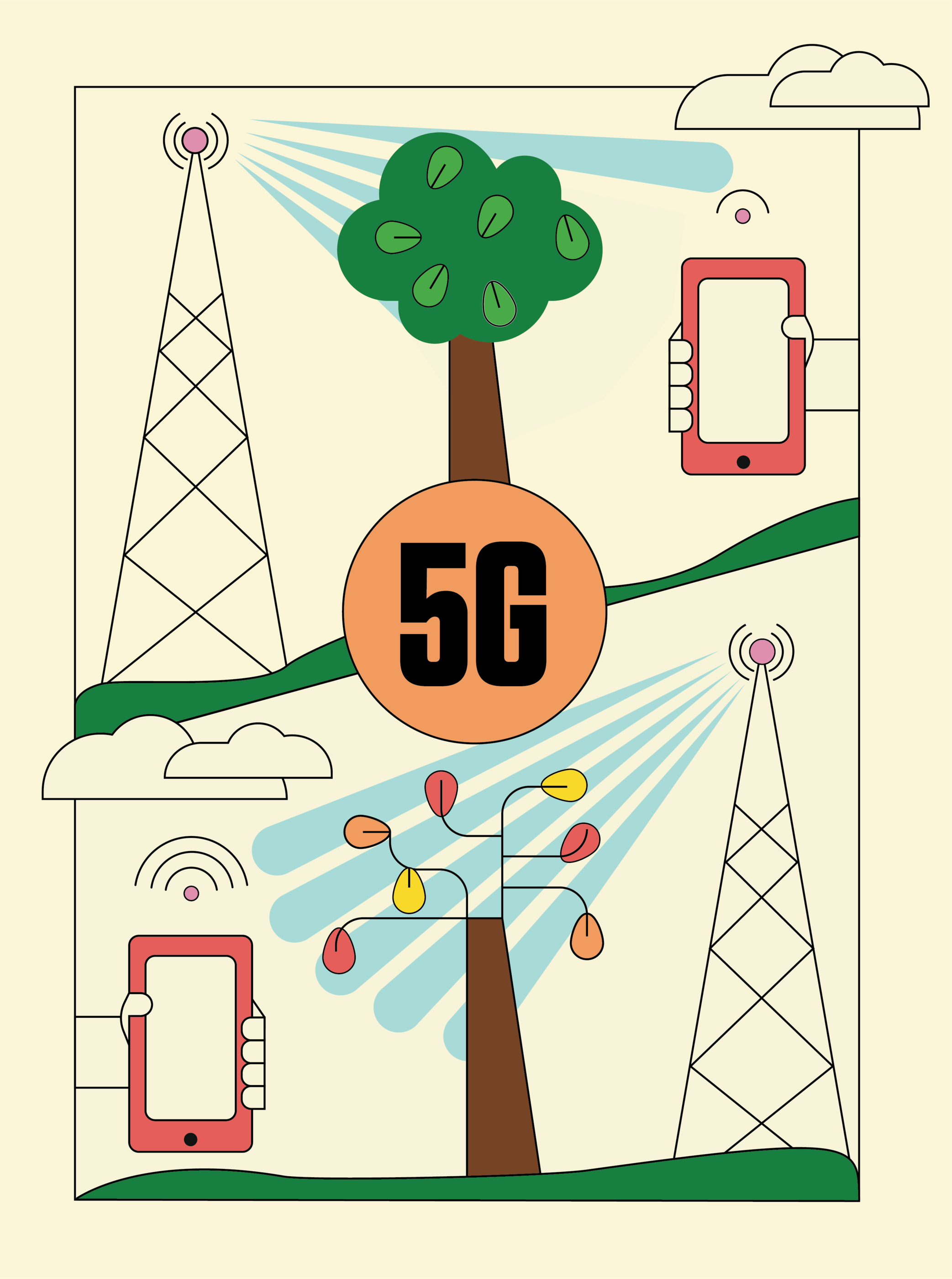
5G networks: Ultra-fast wireless connectivity for mobile devices Internet of Things (IoT): Everyday objects connected to the internet Quantum networking: Super-secure data transmission using quantum physics Satellite internet: Global coverage from space-based networks Smart cities: Connected infrastructure for traffic, lighting, and utilities
Network Devices: Summary & Roles
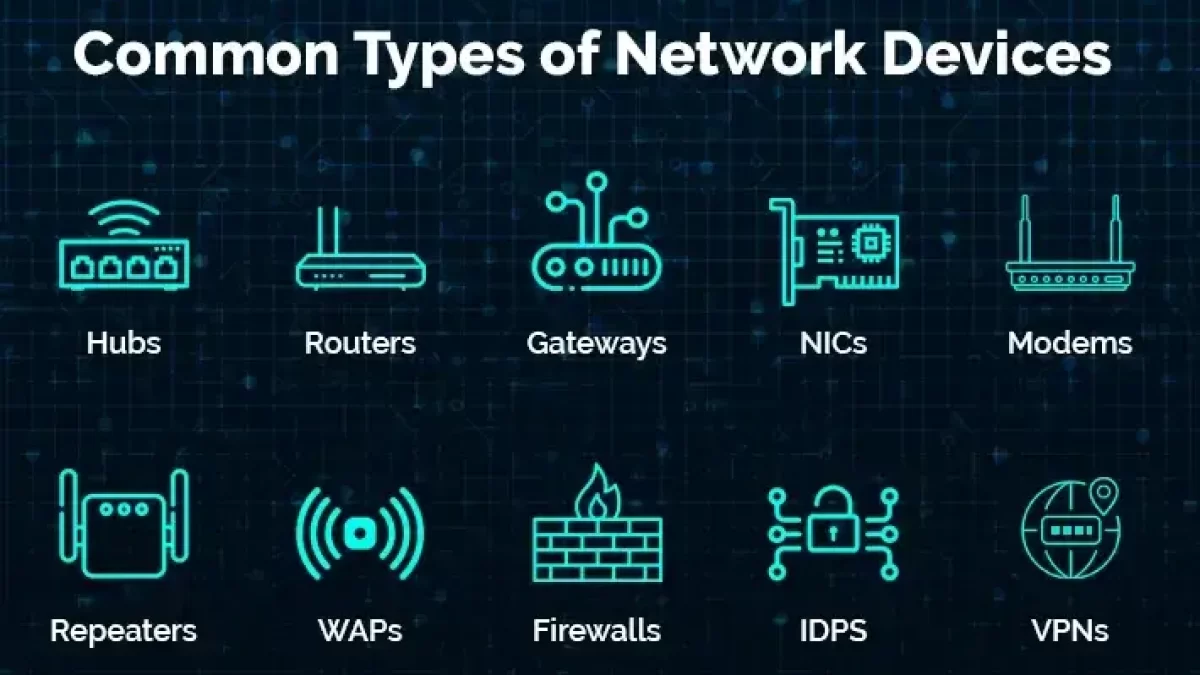
Router: Directs data between different networks Switch: Connects devices within the same network Hub: Simple device that repeats signals to all ports Modem: Converts digital signals for internet connection Access Point: Provides wireless network connectivity Firewall: Protects network from unauthorized access
4 more slides available after you open the deck.
Download all 16 slides