Introduction to Computer Networks
Year 9 Technology Understanding Networks and Their Purpose

What is a Computer Network?
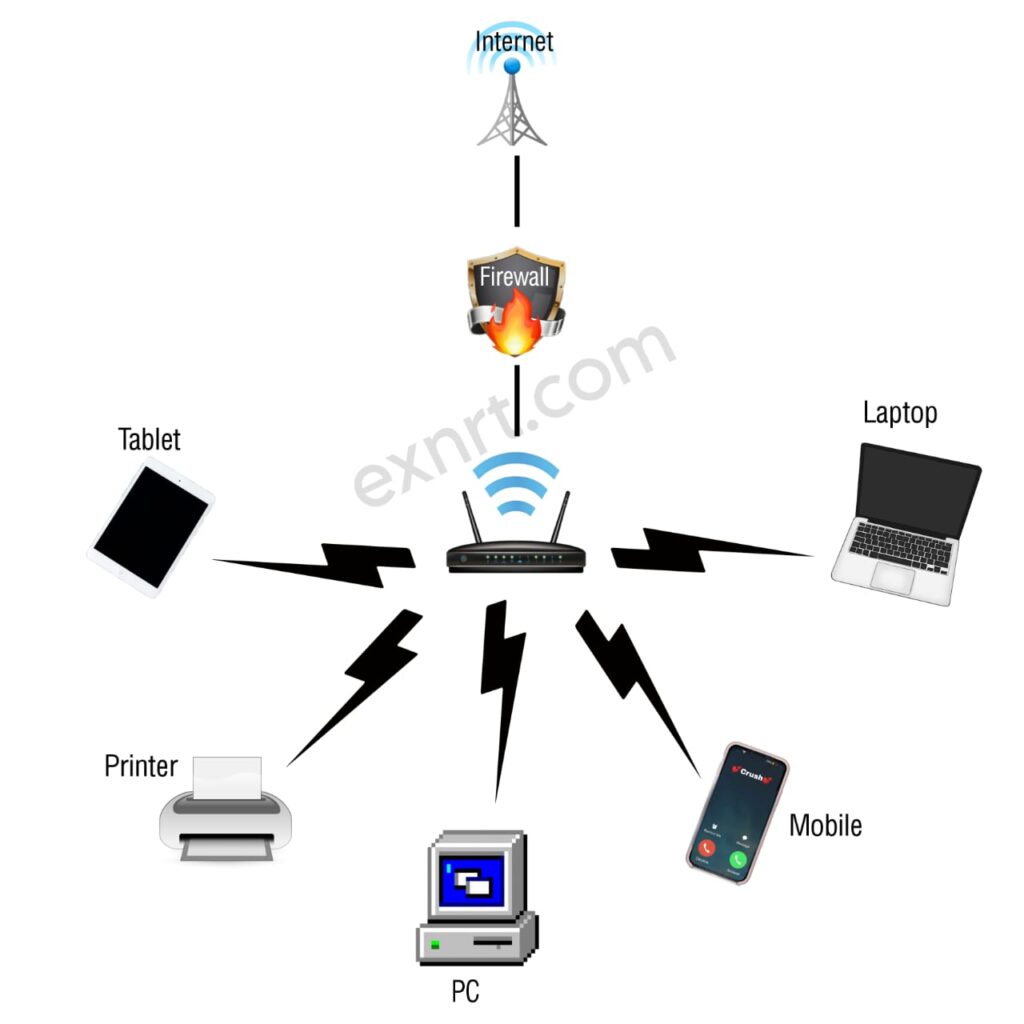
A group of computers and devices connected together Allows sharing of resources and information Enables communication between users Found everywhere - homes, schools, businesses
Types of Networks: LAN vs WAN
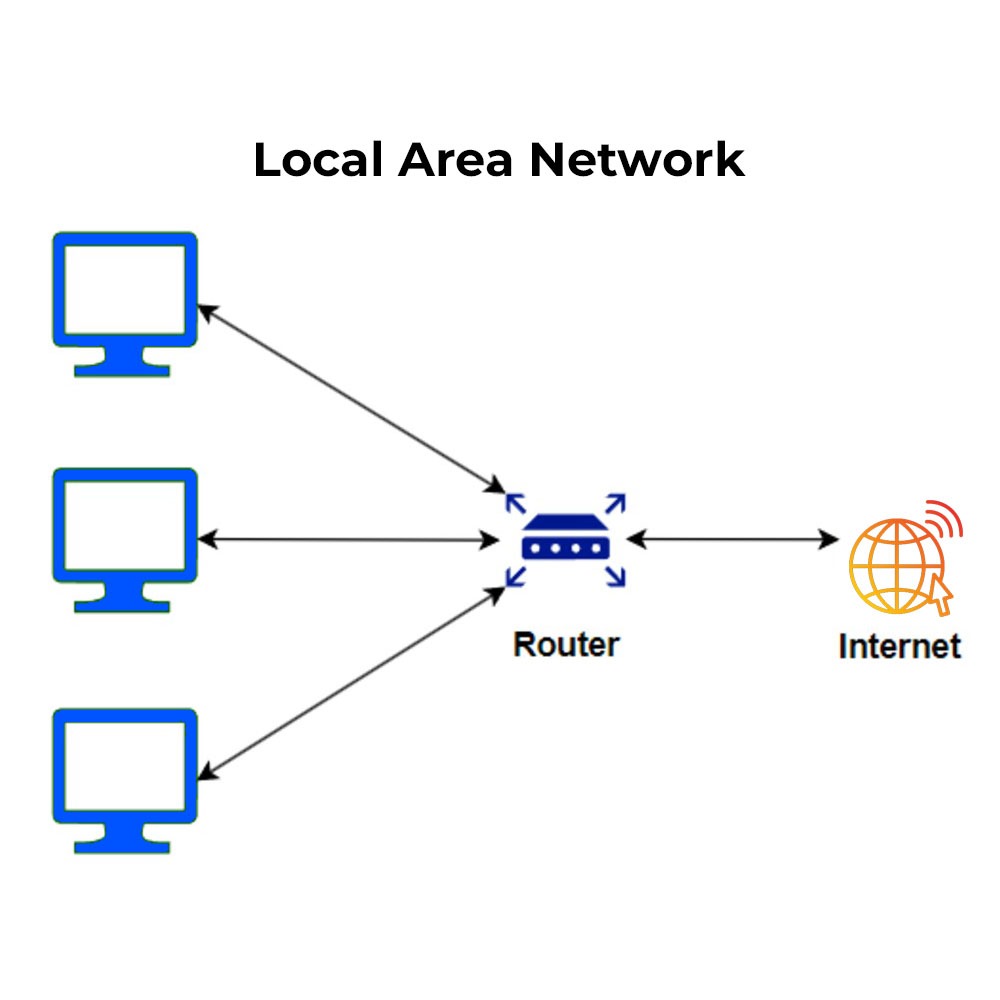
{"left":"Local Area Network (LAN)\nSmall geographical area\nSchool or home network\nFast data transfer","right":"Wide Area Network (WAN)\nLarge geographical areas\nThe Internet is the biggest WAN\nSlower than LAN but covers more distance"}

Key Network Devices
Router - connects different networks together Switch - connects devices within the same network Access Point - provides wireless connections Each device has a specific job in the network

How Data Travels in Networks
Network Role-Play Activity
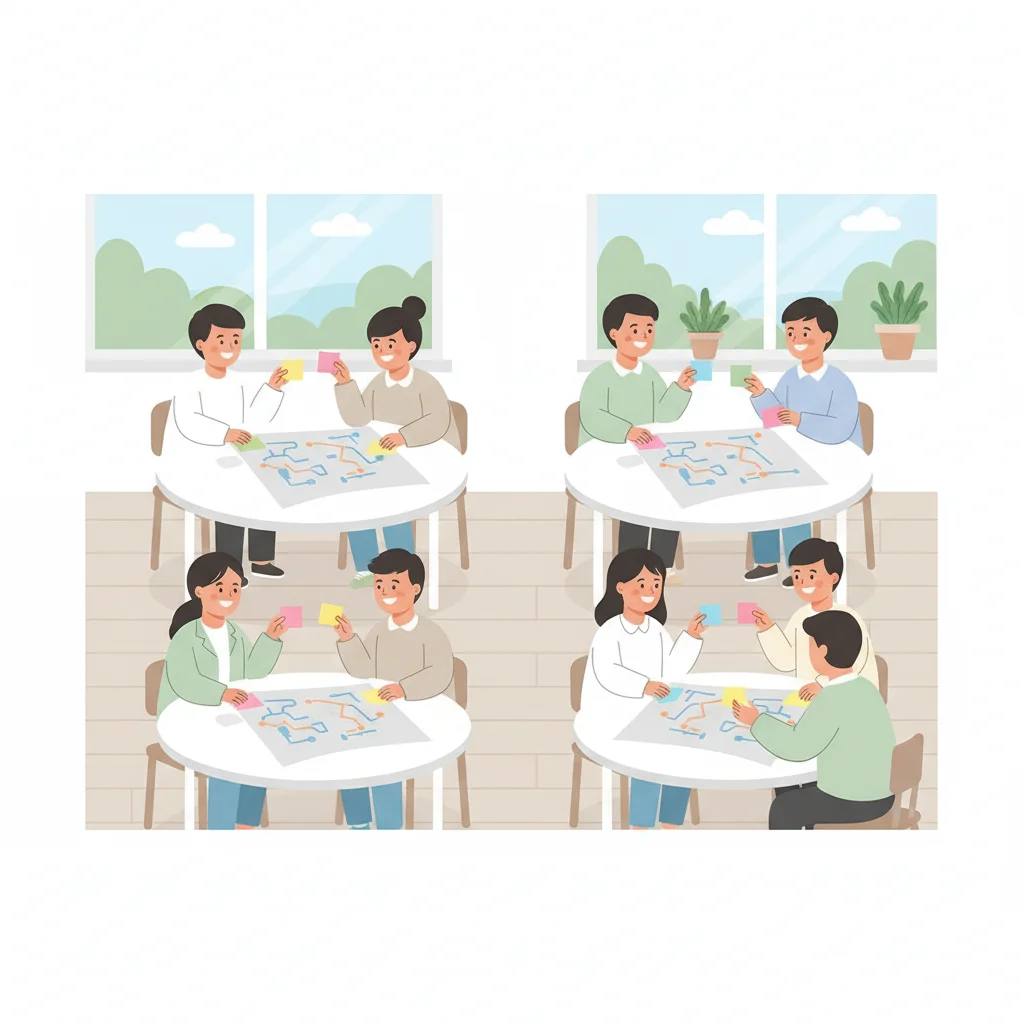
Form groups of 5 students Each person represents a network device or computer Pass 'data packets' (sticky notes) around your network Draw a diagram showing how data flows in your group

Why Are Networks Important?
Communication - email, messaging, video calls Resource sharing - printers, files, internet Entertainment - streaming, gaming, social media Learning - online resources, virtual classrooms

Quick Knowledge Check
1. What type of network is used in our school? 2. Which device connects different networks? 3. True or False: A switch connects devices in the same network 4. Name one way you use networks daily
Key Points Summary
Networks connect devices to share resources LAN = local area, WAN = wide area Routers, switches, and access points have different jobs Data travels in packets through the network Networks are essential in modern life
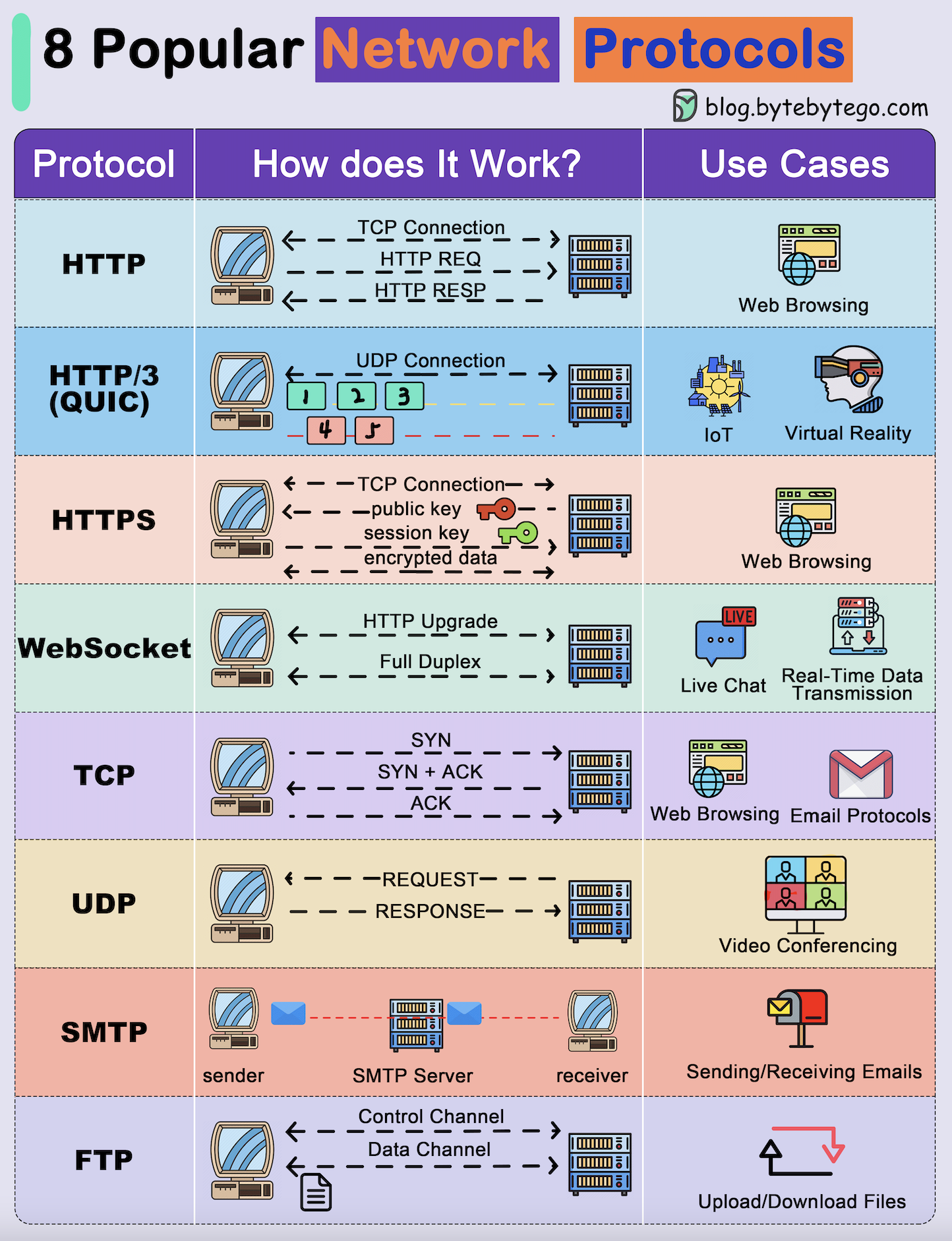
Network Protocols: The Rules of Communication
Protocols are sets of rules that devices follow to communicate Like a common language that all network devices understand HTTP - transfers web pages from servers to browsers FTP - moves files between computers over networks TCP/IP - breaks data into packets and ensures delivery

Network Security Basics
Firewalls act as digital barriers blocking unwanted traffic Encryption scrambles data to keep it private during transmission Use strong passwords with letters, numbers and symbols Only visit trusted websites with secure connections (https://) Never share personal information with strangers online Keep software and antivirus programs updated regularly
The OSI Model: Seven Network Layers
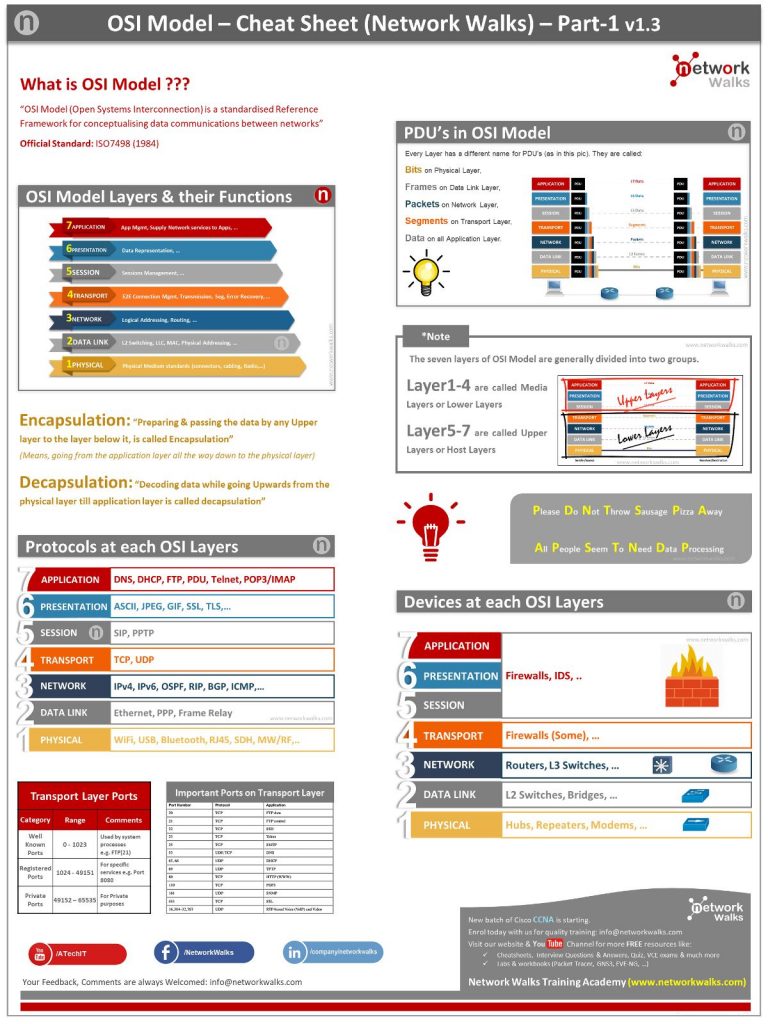
Layer 7 (Application): Programs you use - web browsers, email Layer 6 (Presentation): Encrypts and formats data for transmission Layer 5 (Session): Manages connections between devices Layer 4 (Transport): Ensures reliable data delivery Layer 3 (Network): Routes data through the internet Layer 2 (Data Link): Manages local network connections Layer 1 (Physical): Actual cables, Wi-Fi signals, hardware
5 more slides available after you open the deck.
Download all 17 slides