
Understanding Flowcharts
Year 8 Technology 60-minute lesson UK National Curriculum aligned
Learning Objectives
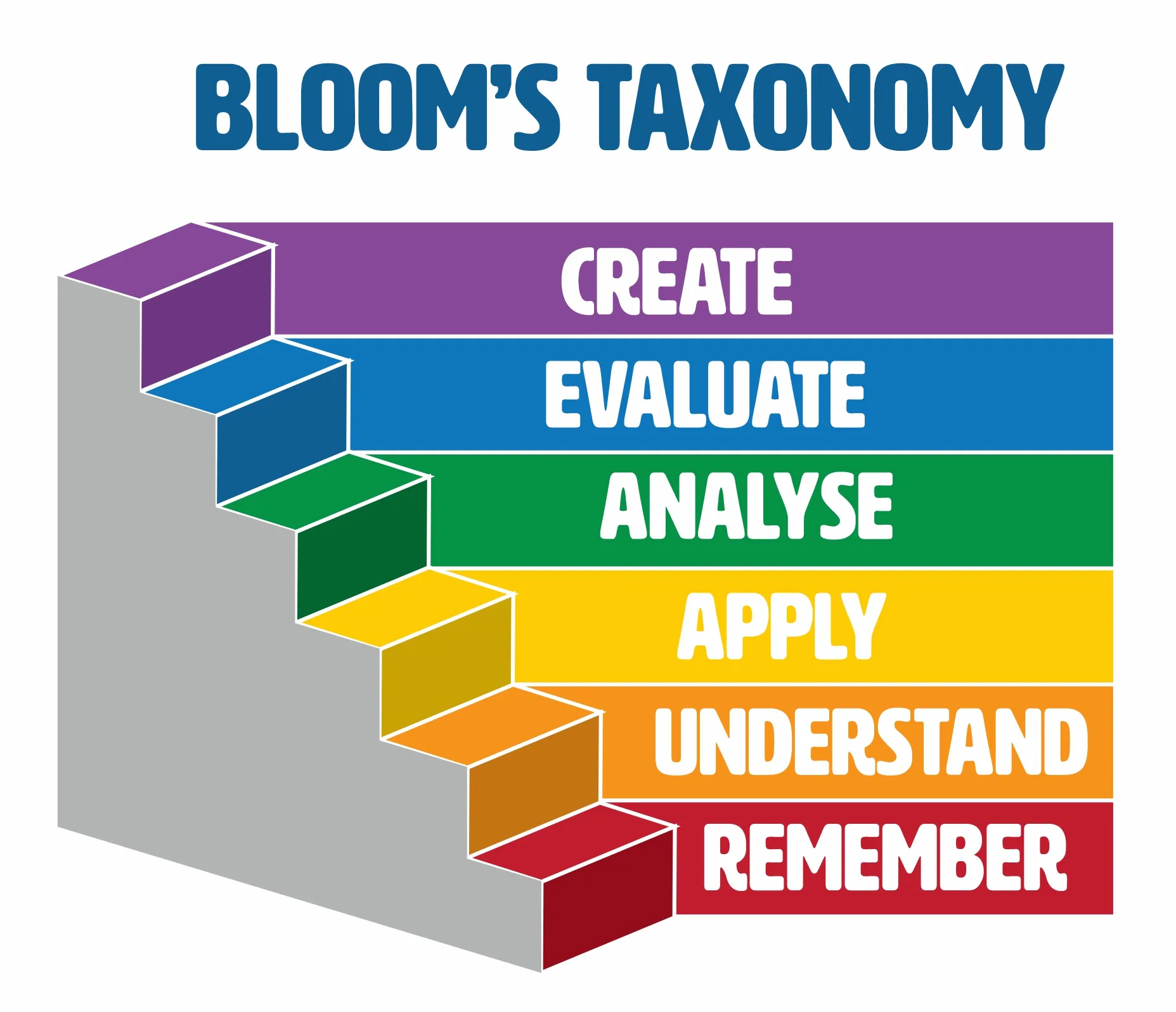
Define what a flowchart is and explain its purpose in computing Identify and understand common flowchart symbols Interpret simple flowcharts representing algorithms Create your own simple flowchart to solve a given problem

Starter: Mind Map Activity
What do you already know about flowcharts? Write down any ideas on your mini whiteboard Share your thoughts with the class No wrong answers - all ideas welcome!

What is a Flowchart?
A visual representation of a process or algorithm Shows step-by-step instructions in a clear sequence Uses standardized symbols to represent different actions Helps break down complex problems into manageable steps Essential tool in programming and problem-solving
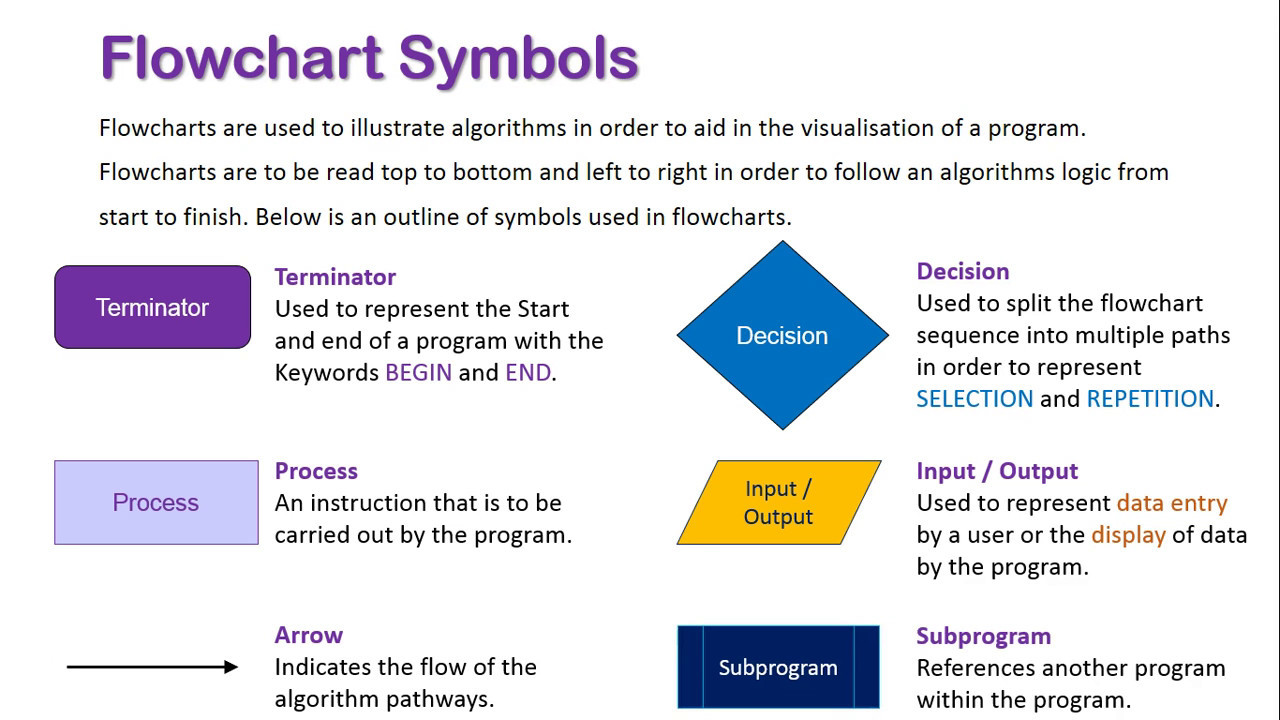
Flowchart Symbols Reference
:max_bytes(150000):strip_icc()/chemlab-59f678e9519de200110a0950.jpg)
I Do: Making a Cup of Tea
Teacher demonstrates creating a flowchart Simple, relatable everyday process Shows sequence of steps clearly Includes decision points (Add milk? Add sugar?) Demonstrates proper symbol usage

We Do: Number Check Algorithm
Class works together to analyze a flowchart Algorithm: Check if a number is even or odd Students identify each symbol and its purpose Trace through the flowchart with different inputs Discuss how decisions work in algorithms

Quick Check: Symbol Recognition
What symbol represents a decision? Which shape shows the start or end? How do we show input or output? What connects all the symbols together?

You Do: After School Decisions
Create your own flowchart independently or in pairs Problem: Deciding what to do after school Include inputs like time available and homework due Add decision points for different activities Use proper symbols and clear flow direction

Lesson Summary & Assessment
Flowcharts visualize step-by-step processes Standard symbols have specific meanings Decision points create different pathways Flowcharts help plan before programming Essential skill for computational thinking