
Cracking the Code: Binary Explained
How computers think with 0s and 1s Year 5 Science and Technology
What is Data?
Text messages and emails Photos and videos Music and sounds Games and apps All information stored on devices

Think About This...
How do you think computers store all this different information? What language do computers speak?
The Secret: On and Off States
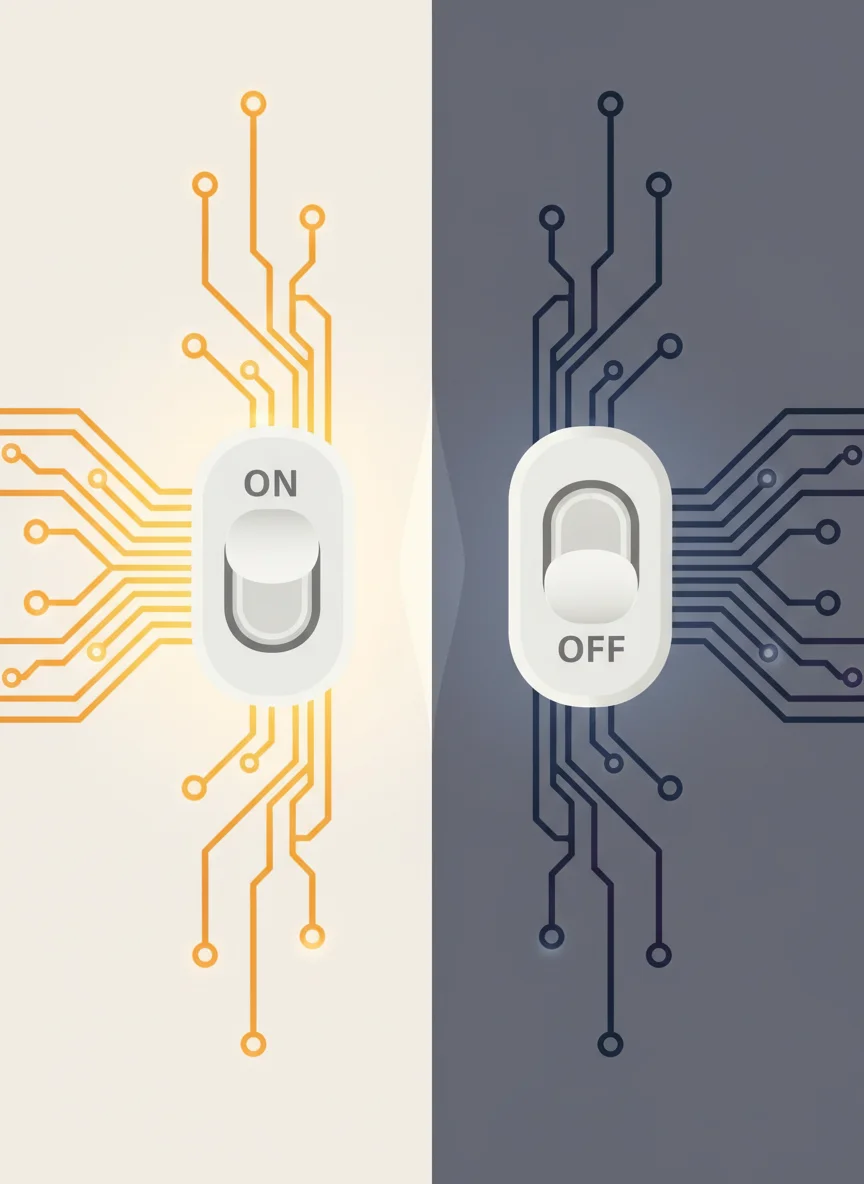
Computers only understand two states ON = electricity flowing OFF = no electricity Like a light switch! This creates a simple but powerful system
Meet Binary Code
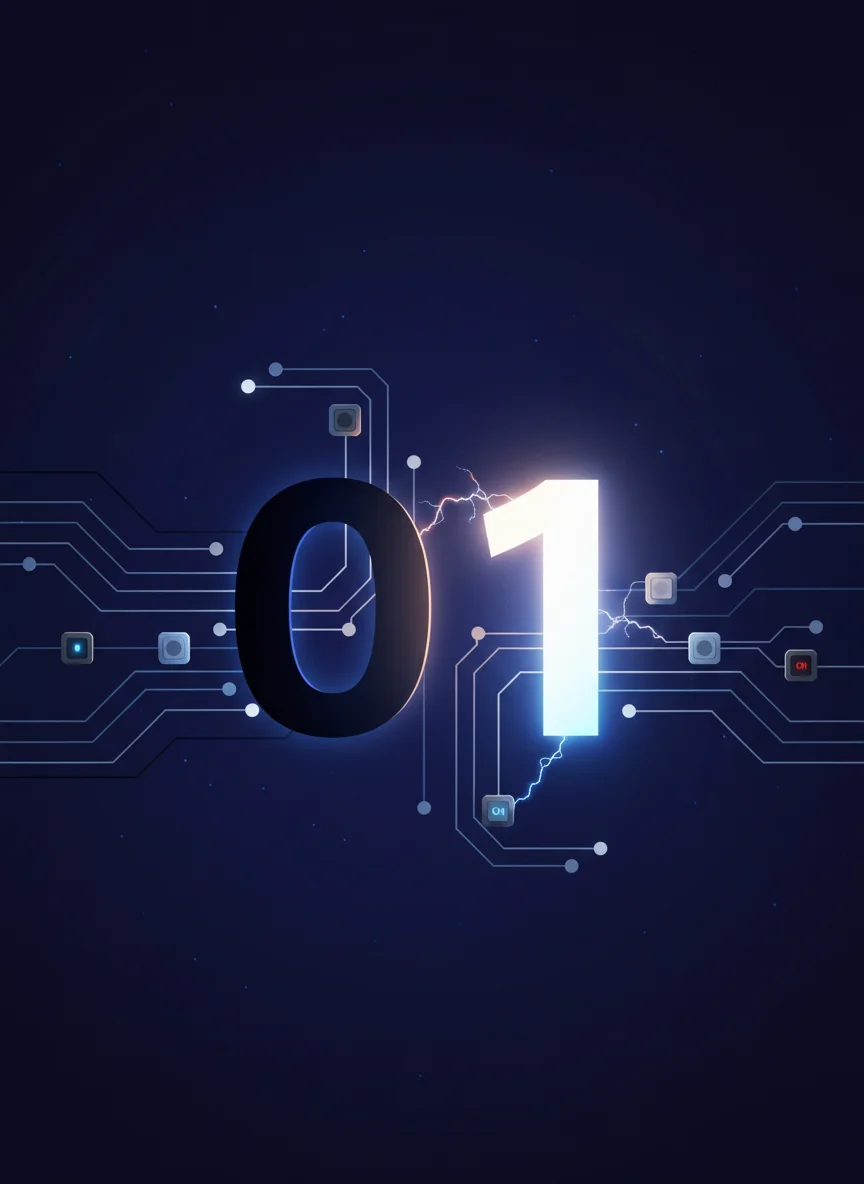
Binary uses only 0 and 1 0 means OFF 1 means ON Every piece of information becomes 0s and 1s It's the computer's language!
How Binary Numbers Work
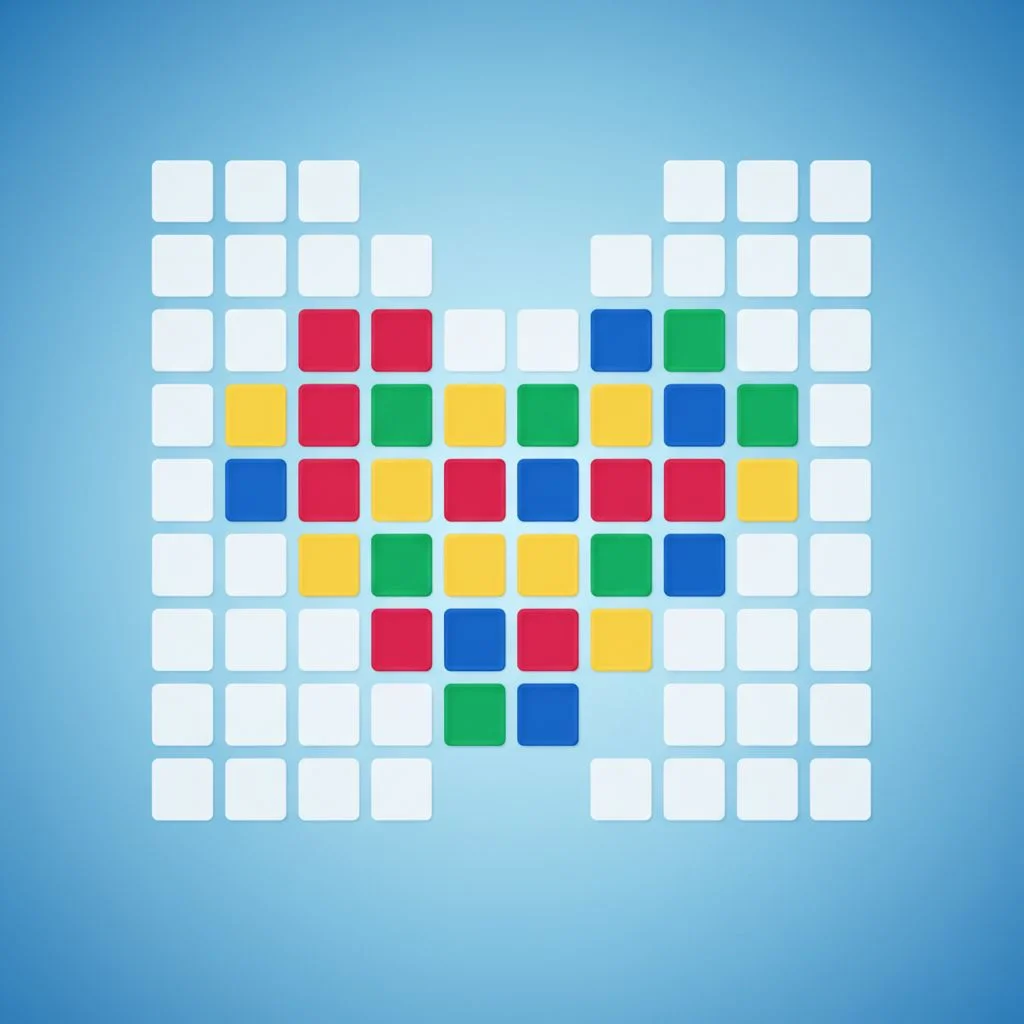
Pixel Art Challenge
Each square is a pixel Click to turn pixels ON (colored) Leave pixels OFF (white) Create simple pictures using binary states ON pixels = 1, OFF pixels = 0
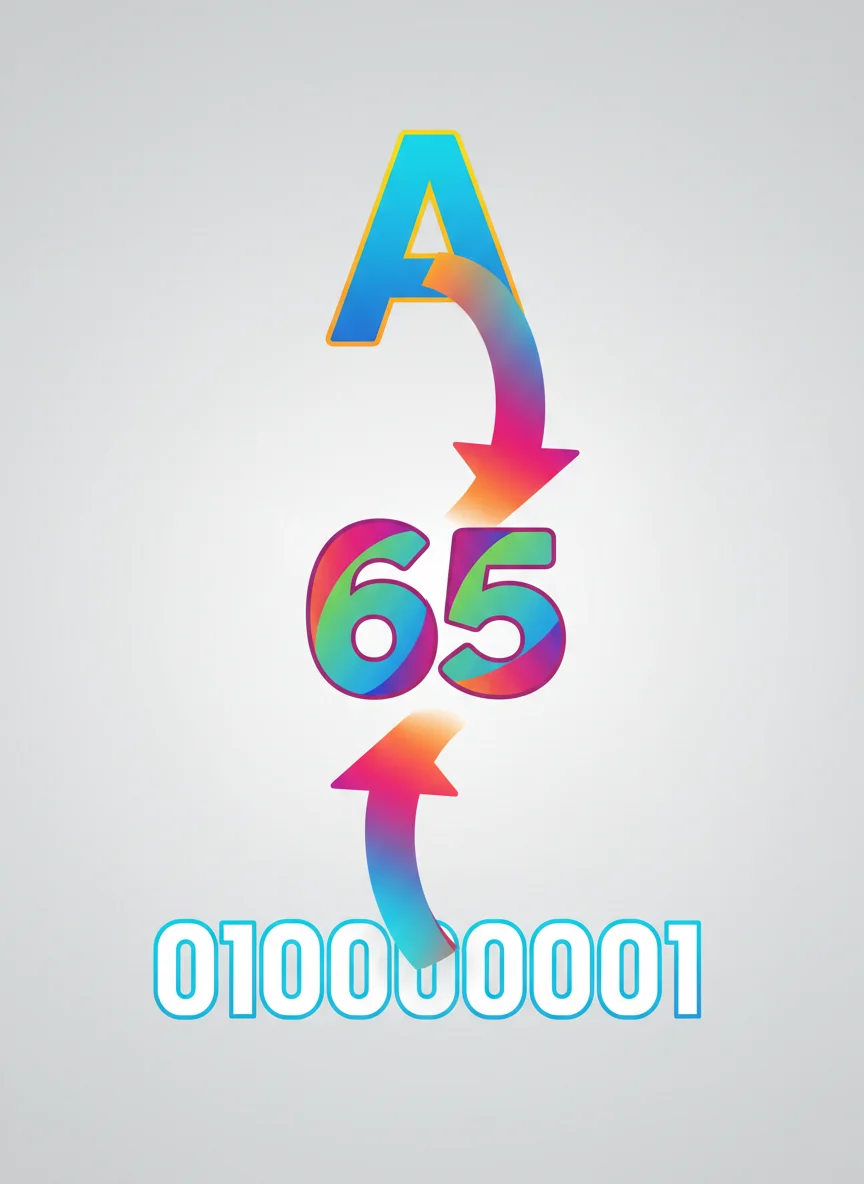
Letters in Binary - ASCII Code
Computers don't understand letters Each letter gets a special number (ASCII) That number becomes binary code Example: A = 65 = 01000001 Your name can be written in binary!
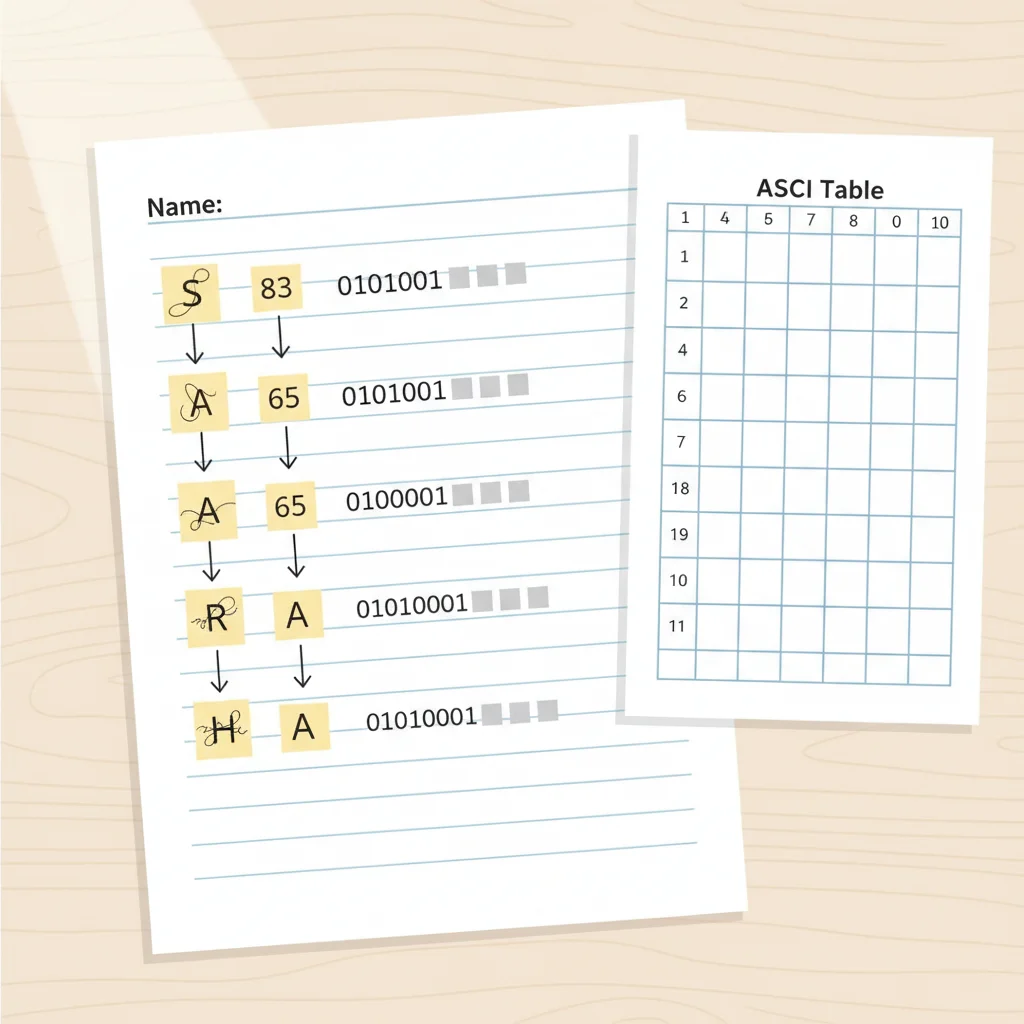
Write Your Name in Binary
Use the ASCII table to find your letters Convert each letter to its binary code Write out your complete name Share with a partner - can they decode it?

Why Binary Matters
Binary is simple, fast, and reduces errors All digital devices use binary From smartphones to space rockets! Understanding binary helps us understand technology