Instructional design might sound like a term for corporate trainers or curriculum specialists, but let's be real: every teacher is an instructional designer. Every choice you make—from the hook that kicks off a lesson to the questions you ask during a discussion—is a design decision that shapes how your students learn. The challenge isn't a lack of theory; it's the crushing lack of time to put that theory into practice while juggling grading, parent emails, and, you know, actually teaching.
This guide isn't about piling more complex frameworks onto your already-full plate. It’s about working smarter by refining the instructional design best practices you're likely already using. We'll break down 10 of the most impactful strategies into concrete actions you can use in your classroom tomorrow. Think of this as a practical toolkit, not another textbook.
We're cutting through the academic jargon to focus on what actually moves the needle for student learning. You'll find specific examples for everything from using backward design to make sure your lessons hit the mark to creating assessments that tell you what to do next. We’ll also touch on how modern tools can streamline the tedious stuff—like using an AI assistant like Kuraplan to map curriculum standards or generate differentiated materials—freeing you up to focus on the kids. Let's get straight to the strategies that work.
1. Standards-Based Design and Backwards Design (Objective Alignment & Curriculum Mapping)
Great lesson design isn't about finding fun activities first; it's about making sure every activity has a purpose. This is where starting with standards and using backward design is a game-changer. Think of the standard as your destination and backward design as your GPS. You start with the end in mind.
Popularized by Grant Wiggins and Jay McTighe, backward design flips lesson planning on its head. Instead of starting with Chapter 3 or a favorite project, you begin with the learning goal, usually a state or national standard like the Common Core or NGSS.
How It Works in Practice
The process is a simple, three-step sequence:
- Identify Desired Results: First, unpack the standard. What, exactly, do you want students to know and be able to do by the end? This becomes your clear, no-fluff learning objective.
- Determine Acceptable Evidence: Next, decide how students will prove they've met that objective. This is your assessment—maybe an exit ticket, a lab report, or a project. Designing this before planning activities ensures you're actually measuring what matters.
- Plan Learning Experiences and Instruction: Only now do you plan the daily lessons and activities. Every choice gets filtered through one question: "Does this help my students succeed on the assessment and master the standard?"
This approach guarantees that class time is spent on what's most important, cutting out the fluff and leading to deeper learning.
Actionable Tips for Implementation
- Unpack the Standards: Break down broad standards into kid-friendly "I can" statements. This makes the learning targets real for you and your students.
- Start with the Summative Assessment: For a new unit, try outlining the final test or project first. It will be your North Star for all your lesson plans. For those developing structured learning experiences, exploring various curriculum ideas for educational programs can be invaluable for aligning objectives with engaging assessments.
- Map Your Curriculum: Use a spreadsheet or a dedicated tool like Kuraplan to visually map your units. This helps you see which standards you've covered, find gaps, and make sure the year flows logically.
2. Differentiated Instruction
The "one-size-fits-all" approach leaves too many students behind. Differentiated instruction is simply the practice of tailoring what you teach and how you teach it to meet your students where they are. Instead of expecting everyone to learn the same way at the same pace, you proactively adjust the content, process, or product to make sure every learner can hit grade-level standards.
Championed by Carol Ann Tomlinson, this approach acknowledges that our students show up with a huge range of readiness levels, interests, and learning styles. By responding to those differences, we create a more equitable classroom where we're not just teaching to the middle.
How It Works in Practice
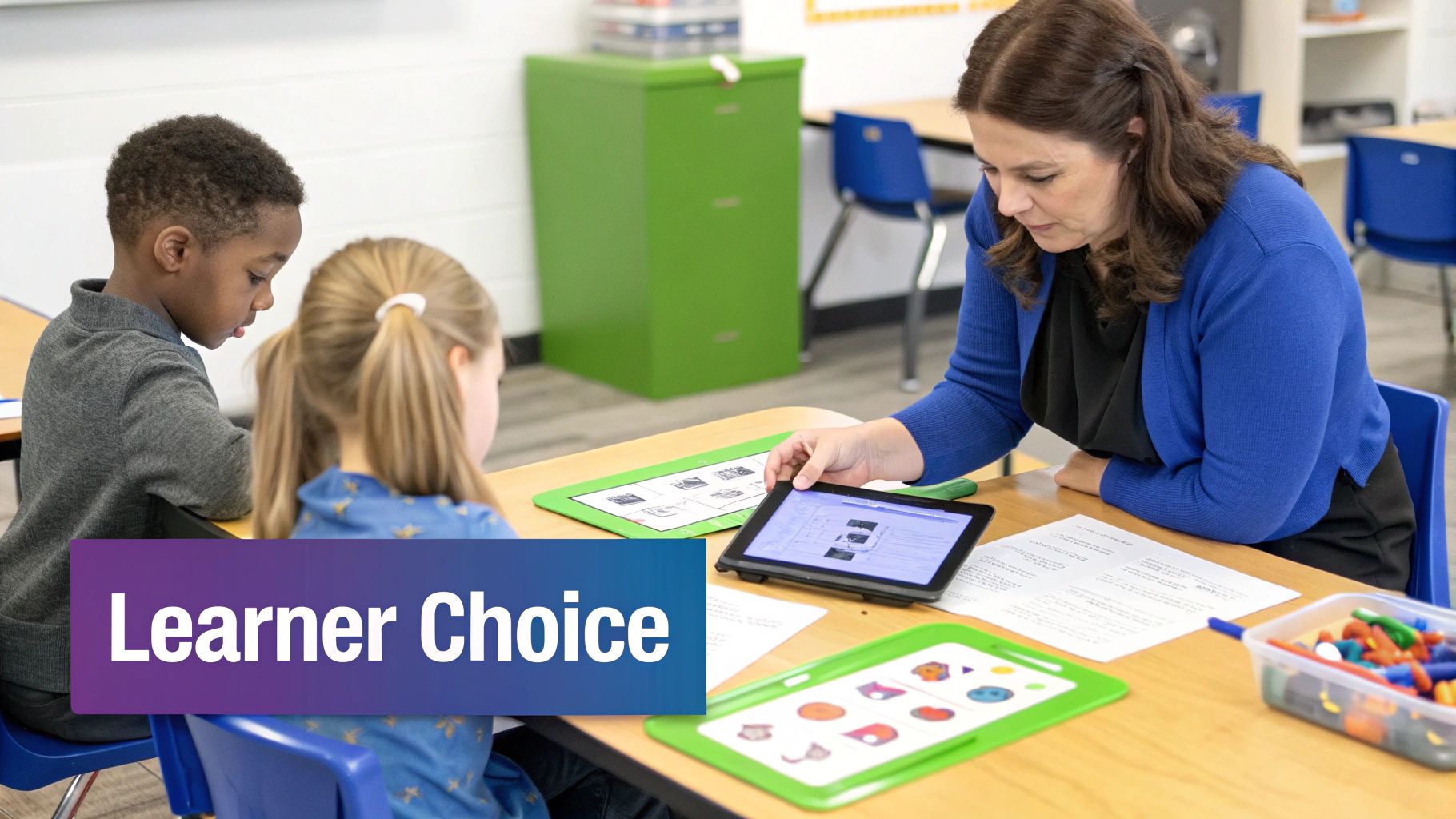
Differentiation isn't about writing 30 separate lesson plans. It’s about offering flexible paths to the same learning goal. You can adjust one or more of these elements:
- Content: Varying the resources students use. This could mean providing texts at different reading levels or offering both a video and a short article on the same topic.
- Process: Changing how students make sense of the material. Think flexible grouping for practice, offering manipulatives for tactile learners, or creating tiered assignments with different levels of complexity.
- Product: Giving students choices in how they show what they know. Instead of only a test, maybe they can choose to write an essay, create a podcast, or design a presentation.
This turns the classroom from a lecture hall into a workshop where learning is personalized and students are actually engaged.
Actionable Tips for Implementation
- Start Small: Don't try to differentiate everything at once. Pick one subject or one unit. Try offering a choice board for a final project or creating tiered exit tickets based on a quick check for understanding.
- Leverage Formative Data: Use quick checks like polls or short quizzes to create your flexible groups. These groups should be fluid, changing based on the skill you're teaching that day.
- Plan Anchor Activities: Always have a meaningful, self-directed "anchor" activity ready for students who finish early. This keeps the classroom running smoothly and avoids the dreaded "I'm done, now what?"
- Use Tech to Your Advantage: AI assistants can be a lifesaver here. Tools like Kuraplan can help you create differentiated materials, like leveled reading passages or tiered worksheets, in a fraction of the time.
3. Universal Design for Learning (UDL)
Instead of planning a lesson and then figuring out accommodations for students who need them, Universal Design for Learning (UDL) asks us to build a flexible lesson from the start. Think of it as building a ramp next to the stairs when you construct a building, rather than adding it on later. Everyone has a way in.
Developed by the folks at CAST, UDL is all about removing barriers by giving students multiple options for how they access information, engage with it, and show what they've learned. This proactive approach ensures that all learners can participate in meaningful, challenging work. It’s a cornerstone of equitable teaching and one of the most important instructional design best practices today.
How It Works in Practice
The UDL framework is built on three core principles:
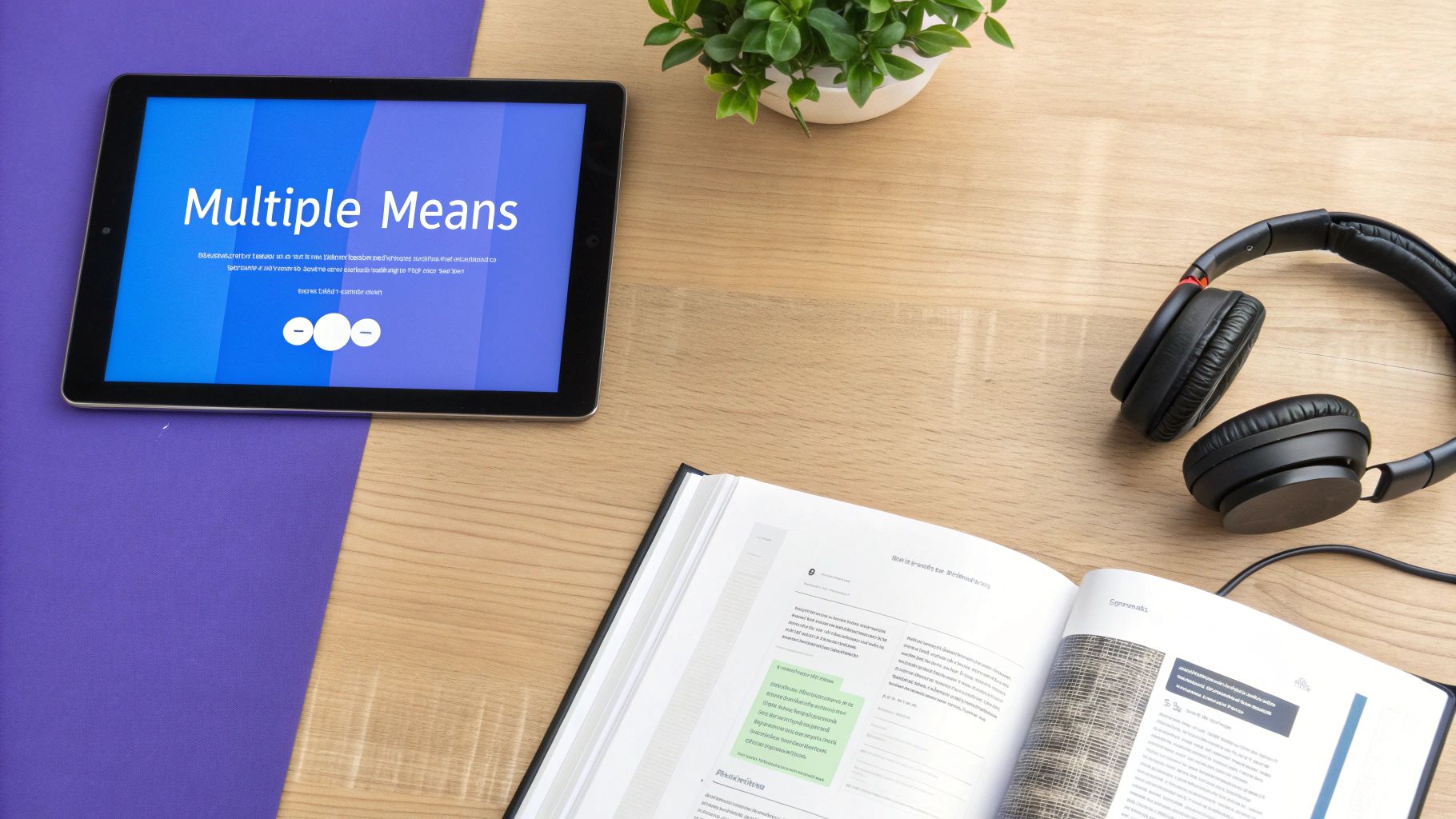
- Provide Multiple Means of Representation (the "What" of learning): Present information in different ways. A lesson on the water cycle might include a textbook reading, an animated video with captions, a hands-on model, and a class discussion.
- Provide Multiple Means of Action and Expression (the "How" of learning): Give students different ways to show you what they know. Instead of just a written test, they could create a presentation, build a model, write a script, or record a short video.
- Provide Multiple Means of Engagement (the "Why" of learning): Tap into what motivates your students. Offer choices in project topics, allow for group work, and connect lessons to their lives to make learning relevant.
Actionable Tips for Implementation
- Start Small: You don’t have to do it all at once. For your next assignment, just offer one alternative, like letting students choose between writing an essay or creating a short video.
- Embrace Technology: Digital tools are great for UDL. Use text-to-speech software, find videos with closed captions, and let students use speech-to-text for writing assignments.
- Build a Diverse Resource Library: Collect articles, videos, podcasts, and interactive websites on the topics you teach. When planning lessons in a tool like Kuraplan, you can link directly to these varied resources to build them right into your plan.
- Co-Plan with Specialists: Team up with your school's special education teachers or inclusion specialists. They are experts and can offer amazing strategies for designing lessons that work for everyone from the start.
4. Formative Assessment and Frequent Feedback
If backward design is your road map, then formative assessment is your real-time GPS. It’s the process of constantly checking for understanding while you're teaching, so you can make adjustments before students get lost. This moves assessment from being a final exam to an ongoing conversation about learning.
The big idea, championed by researchers like Dylan Wiliam, is that assessment should inform teaching, not just measure it. By gathering evidence of student learning in the moment, you can spot misconceptions, give targeted feedback, and adapt your instruction on the fly. It creates a classroom culture where mistakes are seen as learning opportunities.
How It Works in Practice
Formative assessment isn't a single tool; it's a collection of strategies you weave into your daily instruction. It's a continuous loop of checking in, giving feedback, and adjusting your plan.
- Check for Understanding: During a lesson, use a quick, low-stakes technique to see where students are. This could be asking for a thumbs-up/thumbs-down, using an exit ticket, or just listening in on partner discussions.
- Analyze the Evidence: Quickly figure out what the data is telling you. Did most of the class get it, or is there a common mistake popping up?
- Provide Timely Feedback & Adjust: Based on what you saw, give specific, actionable feedback. Just as importantly, adjust your teaching. This might mean reteaching a concept to a small group, clarifying a definition for the whole class, or moving on because everyone is ready.
This cycle ensures that your teaching is always targeted and responsive, preventing small learning gaps from turning into major roadblocks.
Actionable Tips for Implementation
- Plan Your Checks: When you're lesson planning, decide ahead of time when you’ll check for understanding and how you’ll do it.
- Use Low-Stakes Tools: Stick to quick methods like think-pair-share, digital polls, or whiteboard responses. The goal is gathering info, not assigning a grade. For a wide range of classroom-ready ideas, exploring various formative assessment examples can provide fresh inspiration for your lessons.
- Focus on Actionable Feedback: Instead of just "good job," give feedback that tells a student what to do next. For example, "Your topic sentence is strong. Now, try adding a specific piece of evidence from the text to support it."
- Make it Routine: The more you use these quick checks, the more normal it becomes for students. It stops feeling like a test and starts feeling like part of the learning process.
5. Scaffolding and Gradual Release of Responsibility
Great teaching isn't about giving students answers; it's about building a bridge to help them find the answers themselves. Scaffolding provides that temporary support to help students tackle complex ideas they couldn't handle alone. It’s the "training wheels" for learning.
This is best explained by the Gradual Release of Responsibility model, often called "I Do, We Do, You Do." This framework, rooted in the work of Lev Vygotsky, intentionally shifts the hard work from the teacher to the student. The goal is to build their confidence and skills until they can learn independently.
How It Works in Practice
The process moves through distinct phases:
- I Do (Focused Instruction): The teacher models the skill or thinking process out loud. This means clear explanations and think-alouds that show students exactly what success looks like.
- We Do (Guided Instruction): Students try the skill with teacher support. This might involve working through problems together as a class, using graphic organizers, or practicing with a partner while the teacher circulates.
- You Do (Collaborative & Independent Practice): Students apply the skill, first with classmates and then on their own. The supports are gradually removed as they show they're ready, moving them from needing help to being truly independent.
Actionable Tips for Implementation
- Provide Concrete Supports: Start with tangible tools like sentence starters, checklists, or partially completed notes. As students get more confident, you can fade these supports away.
- Use Anchor Charts: Create anchor charts with your students during the "I Do" and "We Do" phases. These visuals become a reference point for them when they're working on their own.
- Monitor and Adjust: Pay close attention. The trick is knowing when to step in with more help and, just as importantly, when to step back and let them try.
- Leverage Peer Support: Structure tasks so students can help each other. A simple "think-pair-share" is a powerful way for peers to act as scaffolds for one another. For more ideas on structuring these phases, explore in-depth resources on the Gradual Release of Responsibility model.
6. Active Learning and Student Engagement
Real learning happens when students move from being passive listeners to active participants. Active learning is the idea that students learn best by doing, thinking, and talking. It’s about creating a classroom where kids are busy grappling with ideas, not just sitting and getting information.
This approach shifts the focus from the teacher lecturing to students experiencing the content for themselves. When students are involved in problem-solving, debates, and hands-on tasks, they develop a much deeper and longer-lasting understanding of the material.
How It Works in Practice
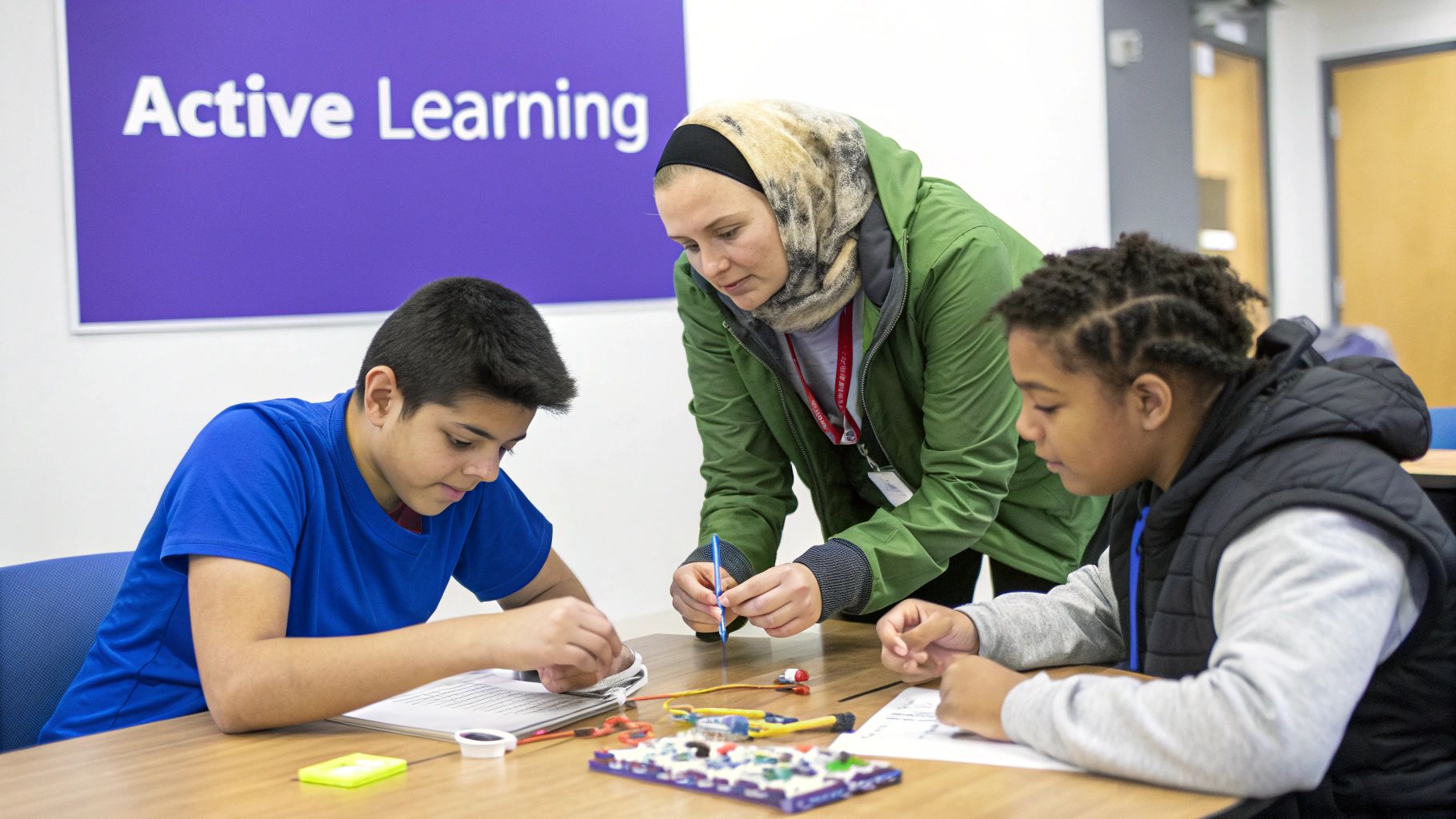
Active learning isn't a single strategy; it's a mindset. Instead of listening to a lecture on the water cycle, students might design an experiment to show evaporation. Instead of just reading a historical document, they might hold a debate on the author's point of view.
The main principle is to make students think and do. Key methods include:
- Collaborative Problem-Solving: Students work in pairs or small groups on a shared challenge, like a STEM project or a tough math problem.
- Discussion-Based Learning: Strategies like Think-Pair-Share or Socratic seminars get students talking, processing, and defending their ideas.
- Experiential and Hands-On Activities: Labs, station rotations, and simulations let students interact directly with the concepts they're learning.
This instructional design best practice makes learning a dynamic process, which leads to better retention and stronger critical thinking skills.
Actionable Tips for Implementation
- Structure Group Work: Don't just say "work together." Use established protocols like Kagan structures to give students roles and ensure everyone is participating.
- Start Small: Ease into it. Try a quick Think-Pair-Share before you jump into a complex, multi-day project. This helps build the collaborative skills your students will need.
- Provide Clear Expectations: Every active learning task needs a clear rubric or success criteria. Students have to know what the goal is before they can start working toward it. To explore a wide variety of engaging methods, check out these active learning strategies for students that can be adapted for any subject.
7. Competency-Based and Mastery-Based Learning
The traditional school model moves all students along at the same pace, whether they're ready or not. Competency-based learning flips that around. The core idea is simple: students move on to the next concept only after they've shown they've truly mastered the current one.
This approach respects that everyone learns at a different pace. It shifts the focus from grades to a clear picture of what a student actually knows and can do. Instead of a "B" in math, a report might show that a student has mastered fractions but is still working on algebraic thinking. It’s a much more accurate and helpful way to track progress.
How It Works in Practice
A competency-based classroom is more flexible and student-centered. Here's how it usually works:
- Define Clear Competencies: Learning goals are broken down into specific, measurable skills. Instead of a unit on "The American Revolution," a competency might be "Analyze the primary causes of the American Revolution using historical evidence."
- Provide Flexible Pacing and Support: Students work through material at their own speed. If they get it quickly, they can move on. If they need more time, they get extra support until they achieve mastery.
- Assess for Mastery: Assessment is ongoing. Students have to show they've met the competency, often through projects or performance tasks, not just a single test. Retaking an assessment is a normal part of the process—it's another chance to learn, not a failure.
This shift ensures that learning gaps are addressed right away, leading to more confident and resilient students. It is a key element in crafting effective instructional design best practices.
Actionable Tips for Implementation
- Start Small: Trying to change everything at once is overwhelming. Pilot the approach with a single unit or a specific skill, like a math standard or a type of writing.
- Create Competency Maps: Define your competencies with crystal-clear, measurable learning targets. You can use a planning tool like Kuraplan to map these skills out, showing how they build on each other.
- Offer Multiple Assessment Pathways: Let students show mastery in different ways. A student could demonstrate their understanding of a historical event through an essay, a presentation, or a short video.
- Embrace Reassessment: Build opportunities for students to try again right into your workflow. Frame it as "another chance to show what you've learned" after getting more practice.
8. Culturally Responsive Teaching
Great teaching goes beyond academics to honor the whole child, recognizing that learning is deeply connected to a student's identity. Culturally responsive teaching uses students' backgrounds and experiences as a bridge to help them master rigorous content. It’s not just about celebrating holidays; it's about making learning meaningful by connecting it to your students' lives.
Pioneered by scholars like Gloria Ladson-Billings, this practice is all about building real relationships and creating a classroom where every student feels seen, valued, and capable. By affirming students' identities, we can boost engagement, create a sense of belonging, and close achievement gaps. It's one of the most vital instructional design best practices for creating equitable classrooms.
How It Works in Practice
Culturally responsive teaching is woven into everything you do, from your curriculum choices to how you talk with students.
- Build a Foundation of Trust: It all starts with getting to know your students and their families. When you show you genuinely care about them and respect their cultural knowledge, you create a safe space for them to take academic risks.
- Integrate Culturally Relevant Content: Intentionally choose materials, texts, and examples that reflect your students' identities and experiences. Teach history from multiple perspectives, write math problems that solve real community issues, and fill your classroom library with diverse authors.
- Facilitate High-Level, Student-Centered Learning: Challenge students to think critically about the world, engage in conversations about identity and equity, and take ownership of their learning. The goal is to develop independent thinkers who connect what they learn in school to their own lives.
Actionable Tips for Implementation
- Audit Your Classroom Library: Look at your books. Do the characters and authors reflect the diversity of your students and the world? Aim for both "mirrors" (where students see themselves) and "windows" (where they get a view into other experiences).
- Incorporate Family and Community Knowledge: Invite families or community members to share their expertise or stories. This shows students that their home culture is a valuable asset.
- Leverage Student Choice: Whenever you can, let students choose topics for projects or texts for reading that connect to their personal interests and cultural background.
- Examine Your Own Biases: We all have them. Engage in professional development on equity and anti-bias work. Reflecting on your own cultural lens is the first step toward building a more inclusive classroom.
9. Integration of Technology and Digital Tools
In today's classrooms, technology isn't just a fun extra; it's a powerful tool for better teaching. But strategic tech integration isn't about using a flashy app just because it's new. It’s about choosing digital tools that amplify learning in ways that a worksheet can't. The goal is to have technology serve your teaching, not the other way around.
Frameworks like the SAMR model help us think about how we're using technology. The goal is to move beyond simply substituting a digital tool for a traditional one (like a Google Doc instead of paper) and toward redefinition, where tech allows for new kinds of learning tasks that weren't possible before.
How It Works in Practice
Effective tech integration always starts with your learning goal, not with the tool.
- Start with the Objective: First, decide what you want students to learn. For example, the objective might be for students to analyze the causes of a historical event.
- Select the Right Tool for the Task: Next, think about which digital tool would best help students meet that goal. Instead of writing an essay, maybe they could create a collaborative digital timeline, record a podcast debating different viewpoints, or build an interactive map. The tool is chosen because it enhances the learning.
- Plan for Skill Building and Application: Finally, plan how you'll teach students to use the tool itself. This includes teaching digital citizenship and making sure the focus stays on the learning, not on fighting with the tech.
This approach ensures that technology is a powerful partner in your classroom, making learning more dynamic and accessible.
Actionable Tips for Implementation
- Align Tools to Objectives: Always ask, "Does this tool help my students meet the learning target better?" If the answer is no, a low-tech option might be the right call.
- Teach Digital Citizenship: Explicitly teach students how to be safe and responsible online, including how to evaluate sources and respect others' work.
- Provide Analog Alternatives: Always have a non-digital option available. This ensures that students who lack reliable internet or device access at home can still participate fully.
- Start with One Tool: Don't overwhelm yourself or your students. Get really good at using one versatile tool (like Google Slides or a simple video creator) before adding more to your toolbox.
10. Explicit Instruction and Direct Teaching
While project-based learning and discovery are great, some things just need to be taught directly. Explicit instruction is a research-backed, teacher-led approach where learning is broken down into small, manageable steps. This isn't about boring drills; it's about giving students a clear, scaffolded path to mastering a new skill, ensuring no one is left behind to guess what they're supposed to do.
This approach is highly structured and incredibly effective for teaching foundational skills, complex procedures, and for supporting students who are struggling. The idea is simple: you don't learn complex skills by accident. They have to be taught directly, modeled clearly, and practiced with feedback until they become second nature.
How It Works in Practice
Explicit instruction usually follows the "I Do, We Do, You Do" sequence:
- I Do (Modeling): The teacher starts by clearly explaining the new skill and then models the entire process, often thinking aloud to make their internal thought process visible to students.
- We Do (Guided Practice): Next, the teacher and students work through examples together. The teacher asks a lot of questions to check for understanding and provides immediate, corrective feedback. This is the crucial bridge between watching and doing.
- You Do (Independent Practice): Once students are successful during guided practice, they get a chance to try the skill on their own. The teacher carefully monitors this practice to make sure they're reinforcing the correct steps, not practicing mistakes.
This structured progression helps manage the cognitive load, building student confidence before they are asked to work independently.
Actionable Tips for Implementation
- Break It Down: Deconstruct complex skills into the smallest possible steps. This prevents students from getting overwhelmed.
- Use Precise Language: Use clear, consistent language. Avoid jargon and define key vocabulary words before you start.
- Model Extensively: Show students multiple examples of the skill done correctly, as well as a few non-examples to point out common errors.
- Check for Understanding Continuously: Don't wait until the end. Use quick checks like thumbs up/down or turn-and-talks throughout the "I Do" and "We Do" phases to make sure everyone is with you.
10-Point Instructional Design Best Practices Comparison
| Approach | 🔄 Implementation complexity | ⚡ Resource requirements | ⭐ Expected outcomes | 📊 Ideal use cases | 💡 Key advantages |
|---|---|---|---|---|---|
| Standards-Based Design & Backwards Design | High — extensive upfront planning and curriculum expertise | Moderate–High — time for mapping, curriculum docs, mapping tools | Strong alignment to standards; measurable gains ⭐⭐⭐⭐ | District curriculum alignment, accountability contexts, standardized-test preparation | Creates coherent, accountable curricula; clear assessment-to-standard trace |
| Differentiated Instruction | High — ongoing planning, data-driven decisions | Moderate — varied materials, formative data, some tech | Improves engagement and closes gaps for diverse learners ⭐⭐⭐ | Heterogeneous classrooms, mixed-ability groups, inclusion settings | Multiple pathways to mastery; responsive to individual needs |
| Universal Design for Learning (UDL) | High — design lessons for multiple modalities up front | High — diverse formats, assistive tech, training | Broad accessibility and reduced need for individual accommodations ⭐⭐⭐⭐ | Inclusive classrooms, students with disabilities, accessibility initiatives | Benefits all learners; reduces stigma; aligns with legal accessibility requirements |
| Formative Assessment & Frequent Feedback | Moderate — routine design and data interpretation | Moderate — quick-assessment tools, teacher time for feedback | Rapid identification of misconceptions; faster interventions ⭐⭐⭐⭐ | Daily instruction, intervention cycles, formative-driven pacing | Timely feedback informs instruction; supports student growth and metacognition |
| Scaffolding & Gradual Release of Responsibility | Moderate — careful sequencing and observation | Low–Moderate — materials, teacher modeling time | Increased independence and competence over time ⭐⭐⭐⭐ | Introducing complex or new skills; guided-to-independent practice | Makes grade-level work accessible; builds confidence and autonomy |
| Active Learning & Student Engagement | Moderate–High — requires class management and protocols | Moderate — materials, collaborative spaces, prep time | Higher retention, motivation, and higher-order skills ⭐⭐⭐⭐ | Conceptual learning, project-based units, collaborative tasks | Boosts engagement, critical thinking, and collaboration skills |
| Competency-Based / Mastery-Based Learning | High — systemic grading and reporting changes | High — tracking systems, reassessment processes, PD | Deeper mastery and equitable advancement; proficiency-focused ⭐⭐⭐⭐ | Personalized pacing programs, mastery-focused schools, competency frameworks | Ensures mastery before advancement; increases student agency |
| Culturally Responsive Teaching | High — sustained teacher learning and community work | Moderate — diverse texts, community partnerships, PD | Increased engagement and achievement for marginalized students ⭐⭐⭐ | Diverse classrooms, equity initiatives, community-engaged curricula | Validates student identities; leverages cultural assets to close gaps |
| Integration of Technology & Digital Tools | Moderate — thoughtful tool selection and training | High — devices, connectivity, support, ongoing updates | Enhanced personalization and scalable differentiation ⭐⭐⭐ | Blended/hybrid learning, large-scale differentiation, data-informed instruction | Scales differentiation, provides analytics and accessibility features |
| Explicit Instruction & Direct Teaching | Low–Moderate — structured, sequential lesson design | Low — teacher preparation, clear materials | Efficient acquisition of foundational skills; measurable gains ⭐⭐⭐⭐ | Foundational skill instruction, early grades, students with learning gaps | Clear modeling and feedback; highly effective for basics and struggling learners |
Putting It All Together: Designing for Impact, Not Perfection
Trying to master all of these instructional design strategies can feel overwhelming. It's easy to feel like you need to implement everything at once. But the most effective teachers know a secret: the goal isn’t immediate perfection. It's intentional progress.
The real power of these instructional design best practices isn't in executing them flawlessly, but in using them thoughtfully. It’s about moving from accidental moments of great teaching to a deliberate, repeatable process for helping students succeed. When you consciously align an activity to a standard, scaffold a complex skill, or offer different ways for students to access information, you are building a classroom where every student has a better chance to thrive.
Your First Step: Choose One and Commit
Instead of trying to do it all, embrace the power of small, consistent changes. Pick one thing to focus on for your next unit:
- Refine Your Feedback Loop: Commit to using one new formative assessment technique, like exit tickets, and use that data to plan your very next lesson.
- Deepen Differentiation: For your next project, focus on offering just one alternative assignment or resource to better meet the needs of your diverse learners.
- Amplify Student Voice: Integrate one new active learning strategy, like a "think-pair-share," to shift the cognitive load from you to your students.
By focusing your energy on one practice at a time, you give yourself the space to learn, adapt, and see a real impact on your students. This turns a daunting list of best practices into a manageable, personal journey of professional growth.
Augmenting Your Expertise, Not Replacing It
You don't have to do this work alone or from scratch. The modern teacher's toolkit includes powerful platforms designed to handle the heavy lifting of curriculum planning, freeing you up to focus on the art of teaching.
Key Insight: Technology should be your co-pilot, managing the tedious parts of instructional design so you can focus on building relationships and facilitating deep learning.
This is where AI-powered tools become invaluable. For instance, a platform like Kuraplan can take the hours-long process of aligning lessons to state standards and do it in seconds. It can generate differentiated worksheets, suggest activities that align with UDL, and create rubrics based on your learning objectives. This isn't about giving up control; it's about augmenting your professional judgment. By letting technology handle the boring, time-consuming tasks, you get back your most valuable resources: your time and your creative energy to connect with your students.
Ultimately, great teaching is a continuous cycle of planning, teaching, reflecting, and refining. The best practices we’ve explored aren't a final destination but a compass to guide your journey. Start small, be consistent, and trust that every intentional choice you make builds a more equitable and engaging classroom for your students.
Ready to streamline your planning and implement these best practices with ease? Discover how Kuraplan can help you map curriculum to standards, generate differentiated materials, and build engaging lessons in a fraction of the time. Visit Kuraplan to see how you can reclaim your time and amplify your impact in the classroom.