FreePrintable

Internet Navigation Skills

A free, printable general worksheet ready for your classroom. Download instantly, print, and hand out to your students — no account needed.
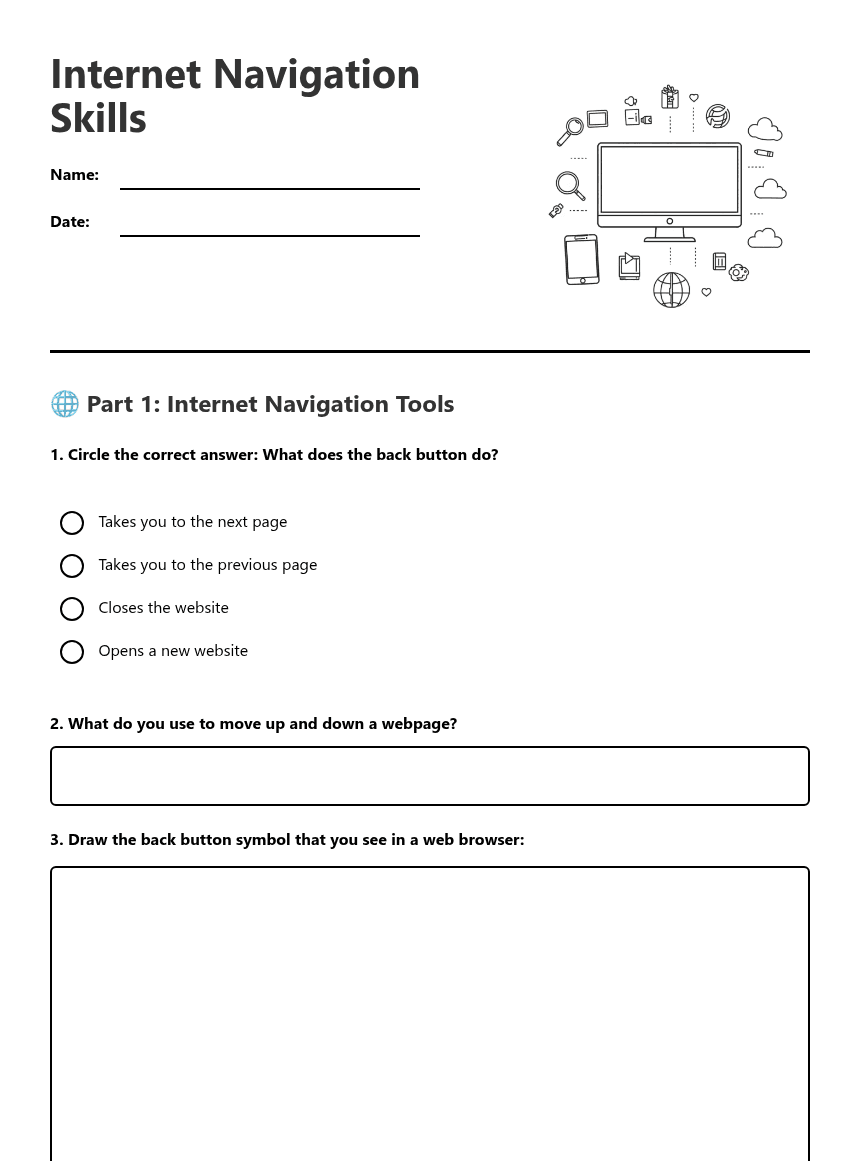
Internet Navigation Skills worksheet preview

Internet Navigation Skills

Internet Navigation Skills

Computer with internet browser showing navigation tools

🌐 Part 1: Internet Navigation Tools

1. Circle the correct answer: What does the back button do?

Takes you to the next page

Takes you to the previous page

Closes the website

Opens a new website

2. What do you use to move up and down a webpage?
3. Draw the back button symbol that you see in a web browser:

⭐ Part 2: Favourites and Bookmarks

4. Why would you mark a webpage as a favourite (bookmark)?

To delete it

To find it easily next time

To print it

To share it with everyone

5. Fill in the blanks:

When I want to save a webpage for later, I can mark it as a ____________. This helps me ____________ the page quickly next time I want to visit it.

6. Draw the star symbol used for favourites/bookmarks:

📚 Part 3: Types of Information Online

7. Tick all the types of information you can find on the Internet:

Facts and information

Pictures and photos

Videos

Games

Music

News stories

8. Match the information type with its example:
1. Video
2. Fact
3. Game
4. Picture
A. A photo of a cat
B. London is the capital of England
C. An online puzzle
D. A film about animals

🔒 Part 4: Internet Safety

9. Circle the correct answer: Which websites should you visit?

Any website you find

Only websites your teacher or parents say are safe

Websites with lots of adverts

Websites that ask for your personal information

10. What should you do if you see something online that makes you feel worried or uncomfortable?
11. Fill in the blanks about internet safety:

I should only visit websites that my ____________ or ____________ have said are safe. If I see something that worries me, I should tell a ____________ adult straight away.

🎯 Part 5: Navigation Practice

12. Put these navigation steps in the correct order by writing 1, 2, 3, 4:

____ Use the scroll bar to look at different parts of the page

____ Open a safe website

____ Mark the page as a favourite if you want to visit it again

____ Use the back button to return to the previous page

13. Explain in your own words what the scroll bar does:
14. Name three different types of information you might find on an educational website:

1. ________________________

2. ________________________

3. ________________________

About This Worksheet

Free Download

No sign-up, no email, no paywall. Just download and print.

Print-Ready

Formatted for standard paper. Clean layout, easy to read.

AI-Generated

Created with Kuraplan's AI, designed for real classroom use.

For Teachers & Parents

Use in classrooms, for homework, tutoring, or homeschool.

Need a custom version of this worksheet?

Kuraplan's AI generates custom worksheets in seconds — differentiated for every learner, aligned to your curriculum.

Generate Custom Worksheets — Free
No credit card Curriculum-aligned Under 60 seconds