You need a printable quiz fast, and the wrong multiple choice questions PDF choice wastes more time than it saves. A reading passage with answer keys, a math worksheet for grade 4, a custom unit test, and a standards-aligned quiz generator all solve different problems, even though they can all end up as a PDF on your desk. The practical question is not whether the resource can export. It's whether the grade fit is right, the answer key is clean, customization is enough, permissions won't block printing, and the questions still need a teacher's review before they go to students.
This list separates ready-made PDFs from tools that generate and export them, because teachers usually need both. Some days you want a ready-made comprehension set with minimal editing. Other days you need alternate forms, shuffled answers, or a quiz built from a lesson you already wrote. I've organized the options by the job they do best, so you can move straight to the right one instead of clicking through a dozen generic quiz builders.
1. Kuraplan
A teacher planning a unit test often needs more than a file that prints. The questions should match the lesson objective, grade level, standards, and assessment purpose. Kuraplan suits that workflow because worksheet creation sits alongside standards-aligned planning, rather than requiring teachers to build an unrelated quiz after the lesson is complete.
Best fit for lesson-linked worksheets
Kuraplan's free quiz maker supports quizzes and tests with several question types, including multiple choice questions with 2 to 6 options. Teachers can assign point values, produce a printable quiz, and include an answer key. Worksheet pages can also be opened, customized, and exported as a print-ready PDF. That combination helps when the same content needs to move from lesson planning into independent practice or assessment.
The practical advantage is alignment. A teacher working from a curriculum map can keep the worksheet connected to the lesson sequence, standards, and assessment goal. This reduces the work of rewriting questions later to correct a mismatch between what students studied and what the quiz measures.
Practical rule: use Kuraplan when the worksheet must support a specific lesson or standard. It is less useful when you only need a ready-made passage and questions with no planning work.
Kuraplan also brings several preparation tasks into one platform. It supports lesson plans, unit plans, printable worksheets, slides, and visuals for K–12 instruction. The site states that the service is trusted by 1,000+ schools and used by 30,000+ teachers. A free trial and a library of free resources make initial testing easier, while full subscription pricing is not listed publicly. Schools should therefore test the workflow, export quality, and review process before adopting it at scale.
The trade-off is review time. AI-generated questions can miss a standard, use an unsuitable difficulty level, or include an answer that needs correction. Teachers still need to check wording, distractors, page layout, and the answer key before printing.
- Pros: Standards-aware planning, customizable worksheet and quiz creation, printable PDFs, and answer keys in one workflow.
- Cons: AI-generated content requires accuracy and curriculum review, and subscription pricing is not fully public.
- Website: Kuraplan
2. CommonLit
CommonLit is the easiest fit when you need reading comprehension practice with multiple-choice questions already attached to the passage. It's built for grades 3–12, and that range makes it useful for upper elementary, middle school, and high school ELA teachers who need a ready-to-print reading packet instead of a blank quiz builder. The resource is strongest when the text itself matters as much as the questions.
Strong for printable reading sets
Most CommonLit texts include a Download PDF option, so the student copy and the questions can travel together in a format that prints cleanly. The platform also offers Target Lessons and CommonLit 360 units as printable PDFs, which helps when a teacher wants more than a single passage and a few questions. That makes it practical for bell ringers, exit tickets, small-group intervention, and homework packets.
The main trade-off is rights. Some texts can't be downloaded as PDFs because of copyright restrictions, so the button is not always available. That's not a flaw in the classroom design, it's a permissions issue that teachers have to check before planning a whole packet around one passage. The free core library is still a major advantage, especially for teachers who need consistent reading practice without building every item from scratch.
CommonLit also makes sense when a school wants predictable formatting and a familiar ELA structure. The passages, questions, and unit materials are set up for quick classroom use, and the PDF output stays readable for students who need a clean printed copy. If your main job is “give me a reading set with MCQs that prints well,” CommonLit is one of the safest bets.
For teachers building from standards, CommonLit works best as the text source, then the teacher layers in the instructional purpose. If you're planning the unit in a tool like Kuraplan, that can help you decide which passage, objective, and comprehension question type belong together before the PDF gets printed.
- Pros: Reliable reading + MCQ combination, printable PDFs, free core access for teachers.
- Cons: Some texts aren't downloadable, and district-level data features sit behind paid plans.
- Website: CommonLit
3. ReadWorks
ReadWorks is the better choice when you want structured reading practice with scaffolds built in. It's free, classroom-friendly, and designed for teachers who need passages with multiple-choice questions that don't feel like an afterthought. If CommonLit is strong on curated reading, ReadWorks is strong on guided practice.
Good for scaffolded comprehension
The platform offers different question sets, including Express sets with around 5 MCQs, plus Monitoring sets and other scaffolded options. That setup is useful when you want a shorter comprehension check rather than a long worksheet. The questions are built around reading strategies, so they work well for intervention, guided reading, and homework where the goal is to check comprehension without overwhelming students.
ReadWorks also provides downloadable printable materials and annotated PDFs that explain question design. That's a useful detail many teachers overlook, because it lets you see how the item was built, not just what the answer is. For new teachers, that can be the difference between copying a worksheet and understanding why the worksheet works.
Practical rule: if your students need support, choose the resource that gives you the scaffold, not just the answer key. ReadWorks is built for that kind of use.
The downside is customization. ReadWorks is not trying to be a full test-maker, so you don't get the same control over formatting or item assembly that you'd get from a dedicated quiz tool. That's fine if your priority is reading practice, but less ideal if you're building alternate forms or a high-stakes test packet.
For grades and content coverage, it works especially well in K–12 reading instruction where the teacher needs a fast printable set, a clear passage, and a few MCQs that support the lesson. If you're pairing it with a lesson plan in Kuraplan, ReadWorks can fill the comprehension side while Kuraplan handles the lesson flow and assessment alignment.
- Pros: Free for educators, scaffolded reading questions, strong classroom usability.
- Cons: Less formatting control than test-maker software.
- Website: ReadWorks
4. EasyTestMaker
A teacher with the questions already drafted can use EasyTestMaker to assemble a printable assessment without rebuilding the layout in a word processor. It supports multiple question types, alternate versions, question pools, and answer keys, so it fits test creation rather than ready-made worksheet browsing.
Best for custom tests and repeatable forms
The practical strength is export. EasyTestMaker sends a test to PDF or Word and formats the pages automatically, reducing manual page-break adjustments. That improves print readiness, although teachers should still inspect spacing, response options, and page breaks before copying.
Question pools and alternate versions help departments prepare parallel forms or limit answer-sharing between classes. They also require a cleaner item bank: ambiguous wording or uneven difficulty will carry into every version. EasyTestMaker organizes the test structure, but it does not replace teacher review of question quality or standards coverage.
For a standards-first workflow, draft the learning sequence and assessment targets in Kuraplan, then use EasyTestMaker for final item assembly and export. Teachers reviewing multiple-choice question design can also check whether each item has one defensible answer, plausible distractors, and wording suited to the grade level. That division of work keeps lesson planning separate from document production.
The answer key is convenient for teacher use, but confirm that it matches the intended form after randomization or alternate-version settings. A short review before printing prevents avoidable grading problems.
Practical rule: if you create tests repeatedly, prioritize dependable PDF export and answer-key handling over a long feature list.
EasyTestMaker's main drawback is access to advanced features. Paid plans are required for some capabilities, so it may be a poor fit for occasional users who only need a basic printable quiz. For a teacher or department that values quick assembly, alternate forms, and limited formatting work, the paid access may be easier to justify.
- Pros: Reliable PDF output, alternate forms, question pools, answer keys, minimal formatting work.
- Cons: Advanced features require paid plans.
- Website: EasyTestMaker
5. ProProfs Quiz Maker
A teacher who gives the same assessment online and on paper needs more than a worksheet generator. ProProfs Quiz Maker supports online quiz tools and printable PDF versions in one platform, so it fits departments that assign digital quizzes while keeping a paper copy for classroom use or accommodations.
Best when one quiz needs several formats
The print workflow is the main advantage. Teachers can print or download a quiz as a PDF in different modes, including quiz only or quiz plus answer key. The student copy and grading copy can therefore come from the same assessment, with less manual document editing. Review the exported file before printing, especially if the quiz includes imported material or generated items.
ProProfs can import or generate questions with AI from PDFs, DOCX files, and notes. That helps when a teacher already has source material and needs to turn it into a quiz. It saves setup time, but it does not remove the review workload. Check reading level, distractor quality, duplicate questions, and whether every item matches the intended learning target.
The platform also includes reporting and sharing options. Those features suit teams that want online response data while keeping a printable version available. For teachers who only need a small paper quiz, the extra tools may add more setup than value.
Access is the main trade-off. AI import and analytics require paid plans after the trial, so the cost makes more sense when quizzes are reused or reports are part of the workflow. Occasional users may prefer a simpler PDF tool with fewer account restrictions.
Use Kuraplan's quiz maker at the planning stage when the assessment must connect to lesson goals and standards, then use ProProfs for question assembly, sharing, and PDF export. This division keeps curriculum planning separate from document production and makes it easier to check coverage before printing.
- Pros: Print modes for quiz and answer key, AI-assisted import, reporting and sharing.
- Cons: Most advanced features require a subscription.
- Website: ProProfs Quiz Maker
6. Problem-Attic
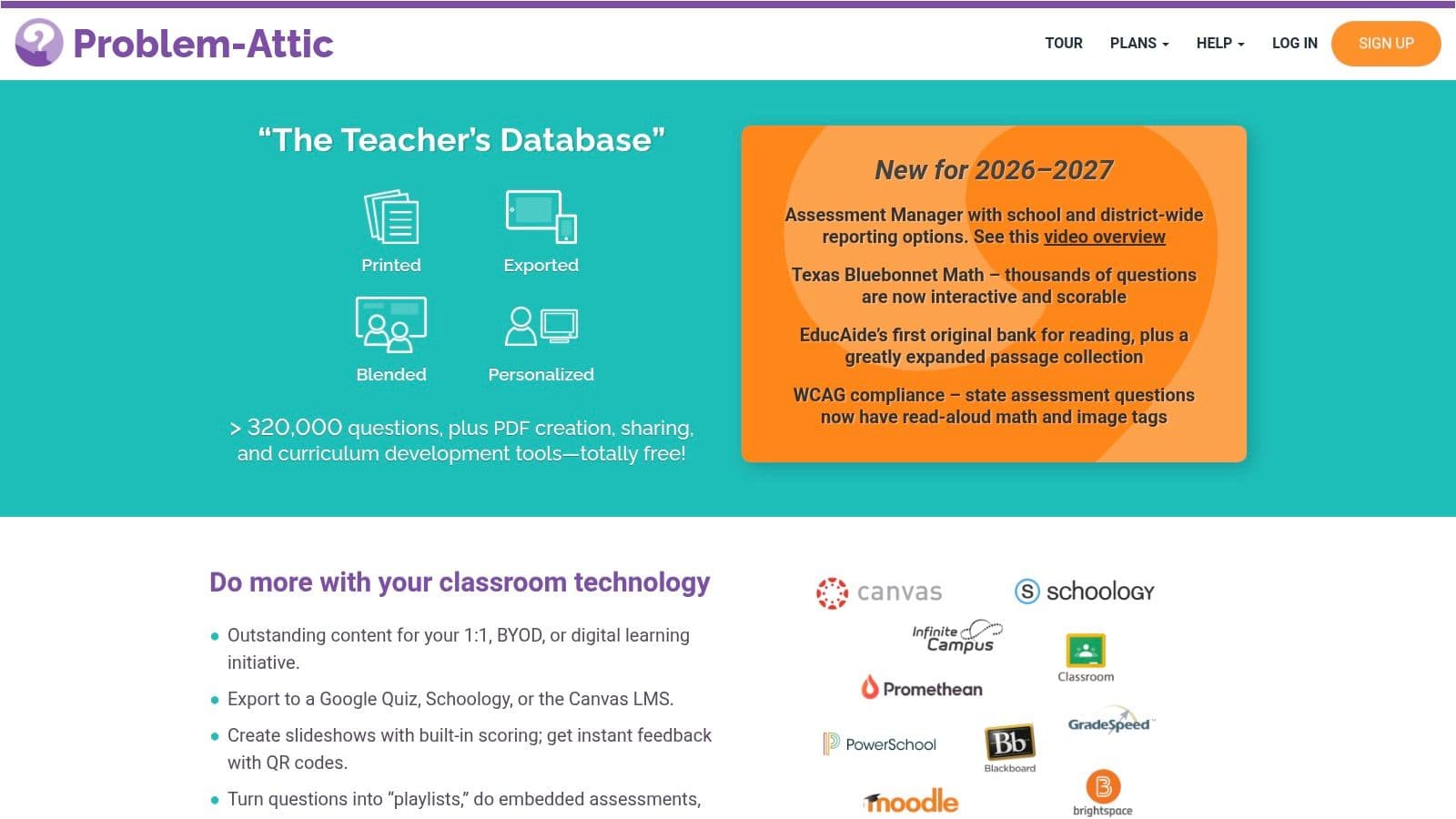
Problem-Attic is for teachers who need a serious item bank instead of a single worksheet generator. Its large collection of items from respected sources makes it especially useful for building custom test documents and exporting them as print-ready PDFs. If your main job is assembling many MCQs quickly, the speed comes from the bank, not from writing every question yourself.
Built for test assembly at scale
The most useful part of Problem-Attic is the Make PDF workflow. Teachers can pull items into a custom document, generate hosted PDF links, and create multi-form scrambled versions to reduce cheating. That's a real advantage for schools that want alternate test forms without manually rebuilding the assessment each time.
It also supports optional export to Google Quiz for digital delivery, which gives the platform more range than a paper-only tool. For a teacher or department that needs both printable packets and a digital backup, that flexibility matters. The free tier includes a very large question bank, so you can start exploring without building everything from scratch.
There are trade-offs. Individual teacher premium plans were discontinued, and subscriptions are school-wide only. That means it's not the best fit for someone looking for a small personal account to solve one worksheet problem. It makes more sense at the school level, where the subscription cost is easier to justify across multiple classes or departments.
Use Problem-Attic when the hard part is assembly, not idea generation. It's a bank-and-build tool, not a lesson planner.
If you're writing tests from a standards-based unit, this is one of the better places to assemble the final PDF after the lesson sequence is set. A planning tool like Kuraplan can help define the objective and sequence first, then Problem-Attic can fill the printable assessment shell with vetted items.
- Pros: Huge item bank, multi-form scrambling, hosted PDF links.
- Cons: School-wide pricing only, which can be a barrier for individual teachers.
- Website: Problem-Attic
7. Super Teacher Worksheets
A teacher who needs a printable math review, reading check, or seasonal practice page for elementary students can usually prepare it quickly with Super Teacher Worksheets. The platform is built for elementary MCQ worksheets, particularly across K–5, and its ready-made library reduces the need to write every item from scratch.
Best for K–5 paper practice
The multiple-choice worksheet and quiz generator creates PDFs with answer keys. That workflow suits short-notice lessons, homework, and repeat practice where clear formatting matters more than advanced assessment design. Ready-made worksheets cover common elementary skills, while generator tools provide some control over the final page.
Print quality is one of the site's practical strengths. Pages are clean and classroom-ready, and answer keys are generally provided separately or alongside the worksheet. Teachers should still check the key and scan the questions before printing, especially when adapting a generated sheet for a specific lesson objective.
Customization remains narrower than on dedicated test-building platforms. The library and generator support quick changes, but they do not replace careful item writing when you need tightly controlled standards coverage, varied difficulty, or a multi-section exam. Review time is low for routine practice and higher when the worksheet must match a detailed unit plan.
Access is the main trade-off. Many downloads and generator functions require membership, while free use is limited. It fits schools that already subscribe or teachers who value fast paper preparation, but it is less suitable as a permanent no-cost source.
For a standards-first workflow, organize the objective and lesson sequence in Kuraplan, then use worksheet generation tools to connect planning with customized practice. Super Teacher Worksheets can supply the quick K–5 print activity that follows, particularly when repetition and readability matter more than complex question design.
- Pros: Fast elementary worksheet creation, broad library, answer keys included.
- Cons: Free access is limited, and many downloads require membership.
- Website: Super Teacher Worksheets
8. Education.com
Education.com works well when you need a broad PreK–8 worksheet library with lots of printable MCQ-style practice. It's not limited to one subject or one grade band, which makes it useful for homes, classrooms, and tutoring situations where the teacher needs variety more than specialized depth. The platform is especially helpful for quick, consistent PDFs.
Broad coverage with simple printing
The platform's Download Worksheet workflow makes the printable version easy to reach, and the interactive worksheets have printable PDF counterparts. That's useful when a teacher wants to preview digitally, then hand out paper copies later. The range across subjects and grades also helps when different students need different levels of practice in the same room.
Premium membership provides unlimited printables and custom worksheet tools, which matters if the teacher is building packets regularly. Free accounts are more limited, so this is one of those resources that feels generous at first and then becomes more subscription-driven once daily use starts. The question is whether you need occasional access or ongoing production.
The practical advantage is consistency. Education.com tends to keep formatting predictable, which is a real plus when a teacher is printing across mixed grade levels. That makes it a decent option for tutors, parents, and elementary teachers who don't want to design every sheet by hand.
For curriculum alignment, Education.com is best used as the practice layer. If the lesson plan and standards mapping already live somewhere else, such as Kuraplan, Education.com can supply the printable reinforcement set without forcing you to rebuild the unit logic inside the worksheet tool.
- Pros: Broad grade coverage, consistent PDF formatting, interactive and printable modes.
- Cons: Free accounts are limited, and unlimited access requires Premium.
- Website: Education.com
9. K5 Learning
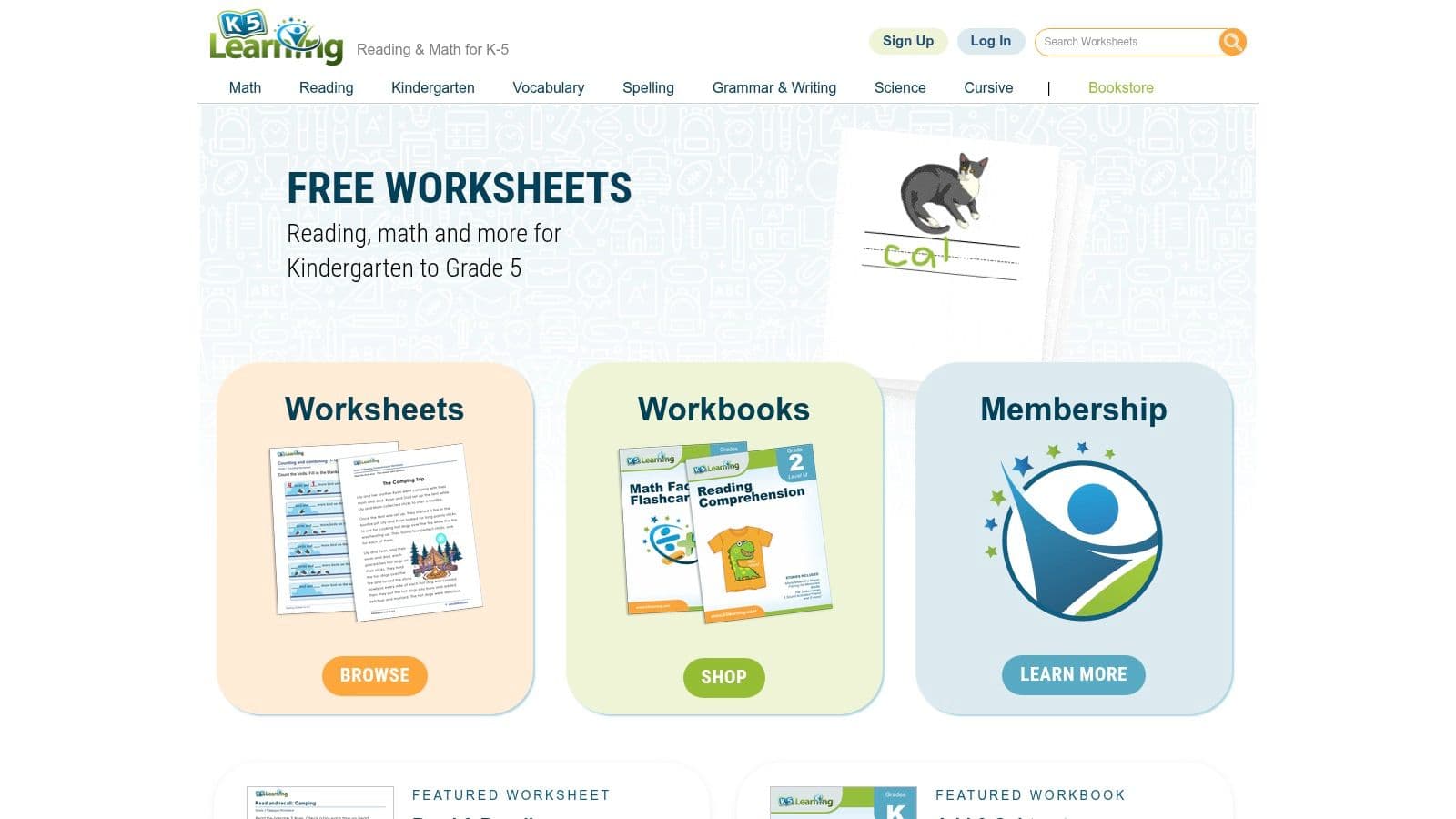
K5 Learning is a solid pick for foundational K–5 practice when you need printable reading and math worksheets with MCQs. It's organized in a way that makes it easy to find a worksheet, print the PDF, and hand it out without much setup. For early elementary homework packets, that simple workflow is a major advantage.
Useful for homework packets and basics practice
The worksheets are available in PDF form, and the answer keys are typically included on a second page. That detail is small but important, because it keeps the student page clean while preserving a fast grading workflow for the teacher. The site also offers workbooks as PDF files, which is useful when a teacher wants more than one sheet at a time.
The big strength here is clarity. The formatting is predictable, the library is easy to use, and the focus on early grades means the items usually match the developmental level of younger students. That makes it better for drill, review, and homework than for high-complexity assessment design.
The limitation is equally clear. The content is centered on elementary grades, so secondary teachers won't find much here. A membership is also needed to access the full library, which means the free materials may not be enough if you rely on it weekly.
For teachers who plan units first and print later, K5 Learning works best as the practice layer. Kuraplan can handle the standards-aligned planning and the assessment structure, while K5 Learning can supply a clean printable worksheet when the skill practice needs to be quick and familiar.
- Pros: Clear PDF formatting, answer keys included, useful for elementary homework packets.
- Cons: Mostly K–5 content, and the full library requires membership.
- Website: K5 Learning
10. CommonCoreSheets
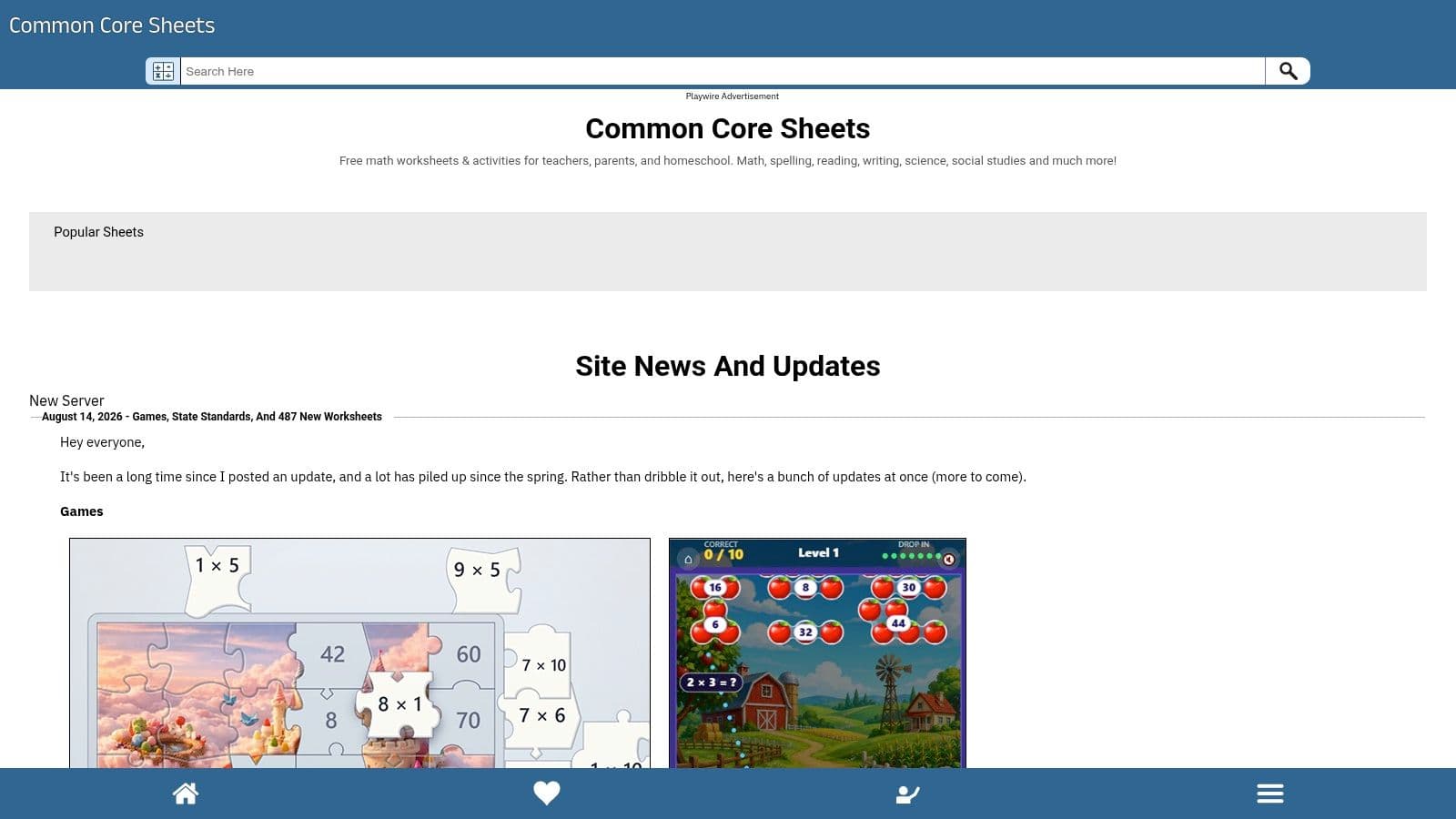
CommonCoreSheets is the best free option when the job is customizable math practice with printable MCQs. It's straightforward, fast, and built for teachers who want to generate a sheet, tweak the layout, and download the PDF without creating an account for most items. For short assessments and skill practice, it does the job well.
Free and flexible for math-heavy practice
The site offers Create New Sheet options, including explicit multiple-choice sets, and it provides an instant PDF download with an answer key. The layout controls are practical, too. Teachers can adjust font, spacing, and orientation before printing, which helps when students need larger text or a different page flow. That makes the printed result more teacher-friendly than many free worksheet sites.
The biggest advantage is cost. It's free, fast, and highly usable for quick practice or short assessments. The downside is presentation. The interface is more utilitarian than polished, and the content depth is strongest in math, with less ELA material than some broader sites. If your classroom needs mostly math review, that trade-off is easy to accept.
CommonCoreSheets is also useful when you need multiple versions for different groups. The multi-version creation makes it easier to hand out similar work without giving every student the exact same page. That's especially helpful for centers, homework, and review days.
Practical rule: if you need free math PDFs today, start here. If you need cross-subject unit coherence, start with the lesson plan first and let the worksheet come second.
For teachers who care about standards alignment, this is a good companion to a planning workflow in Kuraplan. Kuraplan can connect the objective to the unit and assessment rubric, while CommonCoreSheets can handle the printable math practice that supports the lesson.
- Pros: Free, fast, highly customizable layout, answer keys included.
- Cons: Interface is basic, and the strongest content coverage is math.
- Website: CommonCoreSheets
Top 10 Multiple-Choice PDF Resources Comparison
| Product | Core features | Quality (★) | Price / Value (💰) | Target audience (👥) | Unique strengths (✨) |
|---|---|---|---|---|---|
| Kuraplan 🏆 | AI lesson & unit planning, standards-mapped plans, 1‑click worksheets/slides, visuals, 24/7 AI assistant | ★★★★★ | Free trial / Freemium; school pricing available 💰 | K–12 teachers, teams & districts 👥 | ✨ Standards-trained AI, integrated assessments, unit coherence |
| CommonLit | Standards-aligned reading passages + MCQs, downloadable PDFs, units | ★★★★ | Free core; paid district features 💰 | Grades 3–12 ELA teachers 👥 | ✨ Large ELA library; teacher-ready printable passages |
| ReadWorks | Free K–12 passages, scaffolded question sets, printable PDFs | ★★★★ | Free 💰 | K–12 teachers seeking comprehension practice 👥 | ✨ Research-based scaffolds & annotated PDFs |
| EasyTestMaker | Test/quiz generator, MCQ & multi-type Qs, export to PDF/Word, alternate versions | ★★★★ | Freemium; advanced features paid 💰 | Teachers creating printable tests quickly 👥 | ✨ Reliable PDF formatting & versioning |
| ProProfs Quiz Maker | Quiz creator, AI-assisted import, print/download options, analytics | ★★★★ | Trial → paid plans for full features 💰 | Teachers/departments needing online+print & reporting 👥 | ✨ AI import from docs, flexible print modes & reports |
| Problem-Attic | 300k+ item bank, Make PDF workflow, multi-form scrambling, Google Quiz export | ★★★★ | Free tier; school subscriptions for full access 💰 | Teachers/districts assembling MCQ banks & exams 👥 | ✨ Massive item bank + multi-form anti-cheating tools |
| Super Teacher Worksheets | 20k+ K–5 printables, MCQ worksheet generator, answer keys | ★★★ | Low-cost membership; limited free 💰 | Elementary teachers & parents (K–5) 👥 | ✨ Extensive elementary library & easy generators |
| Education.com | PreK–8 printable & interactive worksheets, PDF downloads, custom tools | ★★★ | Limited free; Premium subscription for unlimited 💰 | Teachers & parents PreK–8 👥 | ✨ Broad coverage + interactive ↔ printable parity |
| K5 Learning | K–5 reading & math printable worksheets, answer keys, workbooks | ★★★ | Freemium; membership for full library 💰 | K–5 teachers & parents 👥 | ✨ Homework-ready formatting and clear answer keys |
| CommonCoreSheets | Free standards-tagged math (some ELA), customizable layout, multi-version PDFs | ★★★★ | Free 💰 | Elementary & middle math teachers 👥 | ✨ Instant multi-version PDFs, layout customization |
Choose, Export, Then Review Before Printing
If the goal is reading comprehension, CommonLit and ReadWorks are the easiest first stops. CommonLit is stronger when you want polished reading passages with printable PDFs, and ReadWorks is better when the teacher needs scaffolds and shorter MCQ sets. For broad elementary practice, K5 Learning and Education.com cover different needs, with K5 leaning toward clean foundational packets and Education.com offering broader PreK–8 variety.
For free customizable math, CommonCoreSheets is the most direct choice. For custom assessments and alternate forms, EasyTestMaker, ProProfs Quiz Maker, and Problem-Attic do the heavy lifting, especially when answer keys, scrambled versions, or item-bank assembly matter more than a pretty interface. That's where the PDF becomes a delivery format, not the main product.
Before you print, check five things. Keep the answer key separate when the class needs it separate. Confirm page breaks and spacing so the student copy reads cleanly. Look for duplicate versions if you need alternate forms. Check copyright or access limits if the download button is disabled. Make sure every question still matches the intended standard or skill, not just the topic title.
That last point matters more than most teachers think. A worksheet can look aligned and still miss the objective entirely. The history of multiple-choice testing shows why this format became central in mass education, because it supports fast scoring, standardization, and large-scale administration as noted in the history of the format. The design only works well, though, when the stem is clear, the distractors are plausible, and the item measures what you meant to teach, which is why assessment guidance still pushes teachers to write from learning outcomes and check item quality before reuse as explained in MCQ-writing guidance.
If you're using an AI-generated PDF, the review step is not optional. Kuraplan is the natural fit when you want to generate MCQs from a standards-aligned lesson or unit, then export worksheets, slides, and visuals in one workflow, but the teacher still needs to verify the fit before printing. For more ways to structure student practice, you can also use ChatGPT study guide prompts to think through how you want students to review before the quiz.
Kuraplan helps you turn a standards-aligned lesson into a printable worksheet, quiz, or full unit without starting from scratch. If you want a faster way to build multiple choice questions PDF materials that match your objective, visit Kuraplan and try it on your next lesson plan.