A standards-aligned lesson plan is due tomorrow, but the structure looks familiar because you've written it many times before. You need the objective, activities, differentiation, assessment, materials, and timing, yet rebuilding those sections from a blank page steals time from adapting the lesson to the students in front of you. That's why the best teaching lesson plan templates aren't necessarily the prettiest. They're the ones that match the planning job.
Planning and lesson preparation take an OECD average of 6.5 hours per week, or about 17% of teachers' total working time, according to OECD TALIS 2018 results. A useful template should reduce repeated formatting and prompting without hiding the professional decisions that make a lesson work.
The options below are organized by the problem they solve, from standards alignment and school-wide consistency to daily scheduling, visual presentation, collaboration, and ready-made classroom content. You'll find dedicated planning platforms, collaborative document templates, design tools, and resource libraries. Kuraplan is particularly useful for teachers who want standards mapping, differentiation, assessments, worksheets, slides, and visuals in one workflow. For printable planning documents, you can also streamline lesson PDFs before sharing them with colleagues or administrators.
1. Kuraplan
Kuraplan suits teachers who need to turn a curriculum goal into a workable lesson sequence. Designed for K–12 educators, it generates editable lesson and unit plans with objectives, activities, differentiation, assessments, and timing. It supports English, Math, Science, Social Studies, Technology, Arts, and Music.
Best for standards and outputs
Start with a standard or learning objective, then shape the plan around the students and materials available. For a fractions lesson, request a short direct-instruction section, guided practice, independent work, and a check for understanding. Then review whether the assessment requires students to demonstrate the intended skill. This keeps the generated structure tied to the learning goal instead of treating the template as a finished lesson.
The connected workflow is the main practical benefit. After drafting the lesson, you can create differentiated activities, an assessment rubric, a worksheet, slides, or a visual without rebuilding the same content in separate tools. Its daily, weekly, unit, project-based, gradual-release, 5E, and emergency-sub-plan formats also let you choose a structure that fits the planning problem. Explore the lesson plan generation features to review how the process works.
A weekly planner can extract a timetable from a photo. The AI teaching assistant can suggest planning ideas, classroom-management responses, and ways to address teaching problems. Those tools can reduce setup time during a crowded week, but they do not replace decisions about pacing, grouping, examples, or available resources.
Review before teaching: Check factual accuracy, developmental appropriateness, cultural responsiveness, standards alignment, accessibility, and hidden bias before students see AI-generated material.
Kuraplan is trusted by 1,000+ schools, and its site promotes resources for tens of thousands of teachers, along with 1,000+ free printable worksheets and free AI offers. These adoption claims and resource counts come from the supplied product information, while full pricing details are not listed in the available site content. A free trial and free resources are promoted, so check Kuraplan for current plans.
The main limitation is shared by AI planning tools: generated materials still need localization for your curriculum, school policies, student needs, language requirements, and classroom materials. Use the output as a draft, then adjust the sequence, instructions, and assessment before teaching.
2. Common Planner
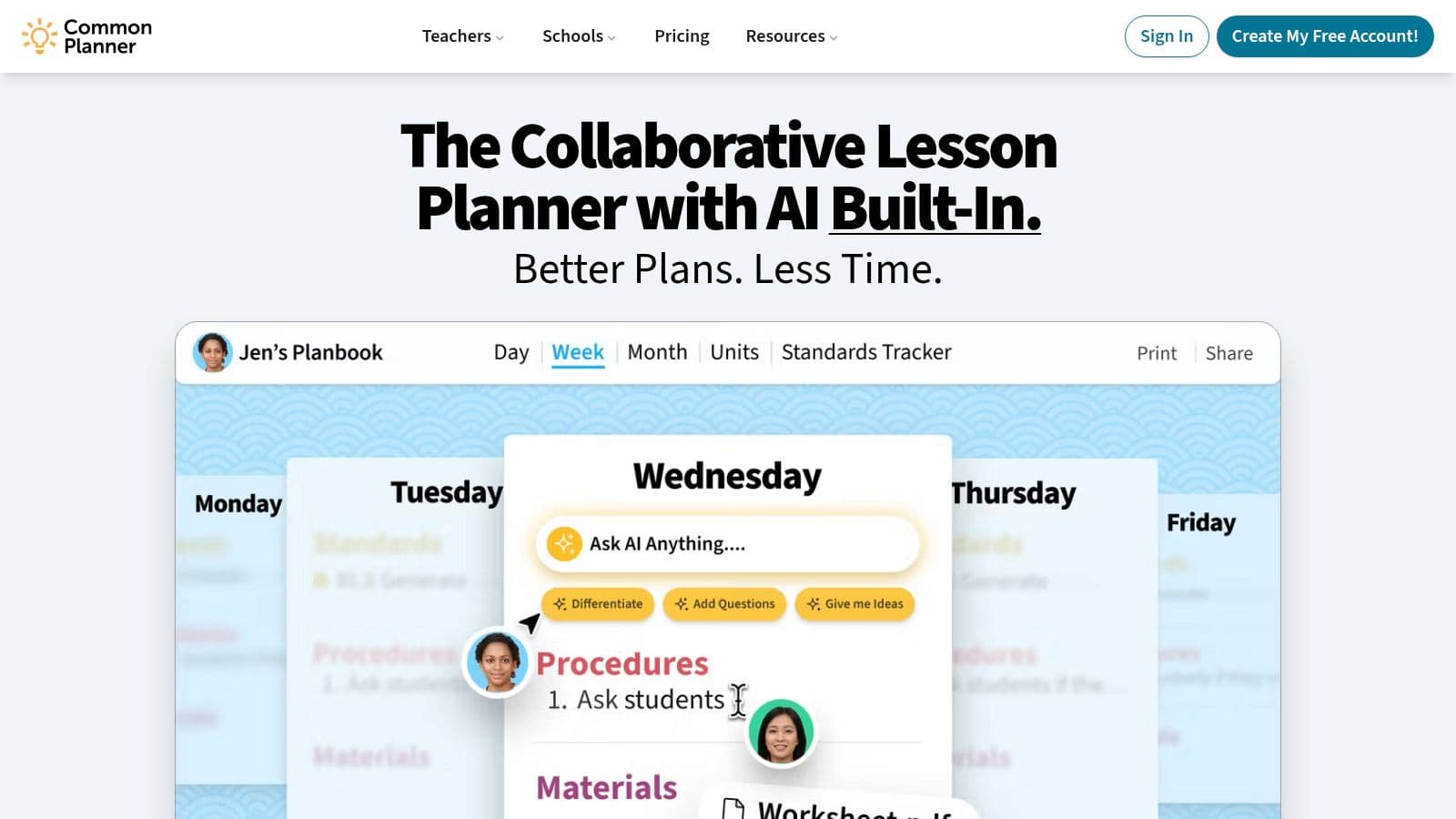
Common Planner, formerly Common Curriculum, solves a different problem from Kuraplan. It's built for teams that need a shared planning language across grades, departments, or an entire school. Individual teachers can create lesson plans, but the platform becomes more valuable when colleagues use common templates, shared planbooks, and connected unit structures.
The backward-design flow helps teams connect a unit's intended outcomes to individual lessons instead of storing disconnected daily plans. Departments can agree on fields for standards, objectives, activities, differentiation, assessment, and reflection, then adapt those fields for their subject areas. Real-time co-planning also gives grade teams a place to build lessons together rather than emailing separate document versions.
Adapt it for shared units
For a school-wide writing unit, create a required core structure with the standard, learning target, success criteria, anchor text, discussion prompt, formative check, and next instructional response. Let each teacher add flexible fields for reading level, language support, grouping, or subject-specific practice. That preserves consistency without pretending every classroom needs identical activities.
Common Planner also includes differentiation fields and special-education supports, which can make inclusive planning more visible. The limitation is adoption. A single teacher may not experience the full benefit if colleagues continue working in separate systems, and some features sit behind paid tiers. It's best suited to a school or district willing to establish shared expectations, archive plans, and maintain templates when staff change.
Explore Common Planner if your main planning question is, “How can our team plan in the same structure without making every lesson identical?”
3. Planbook
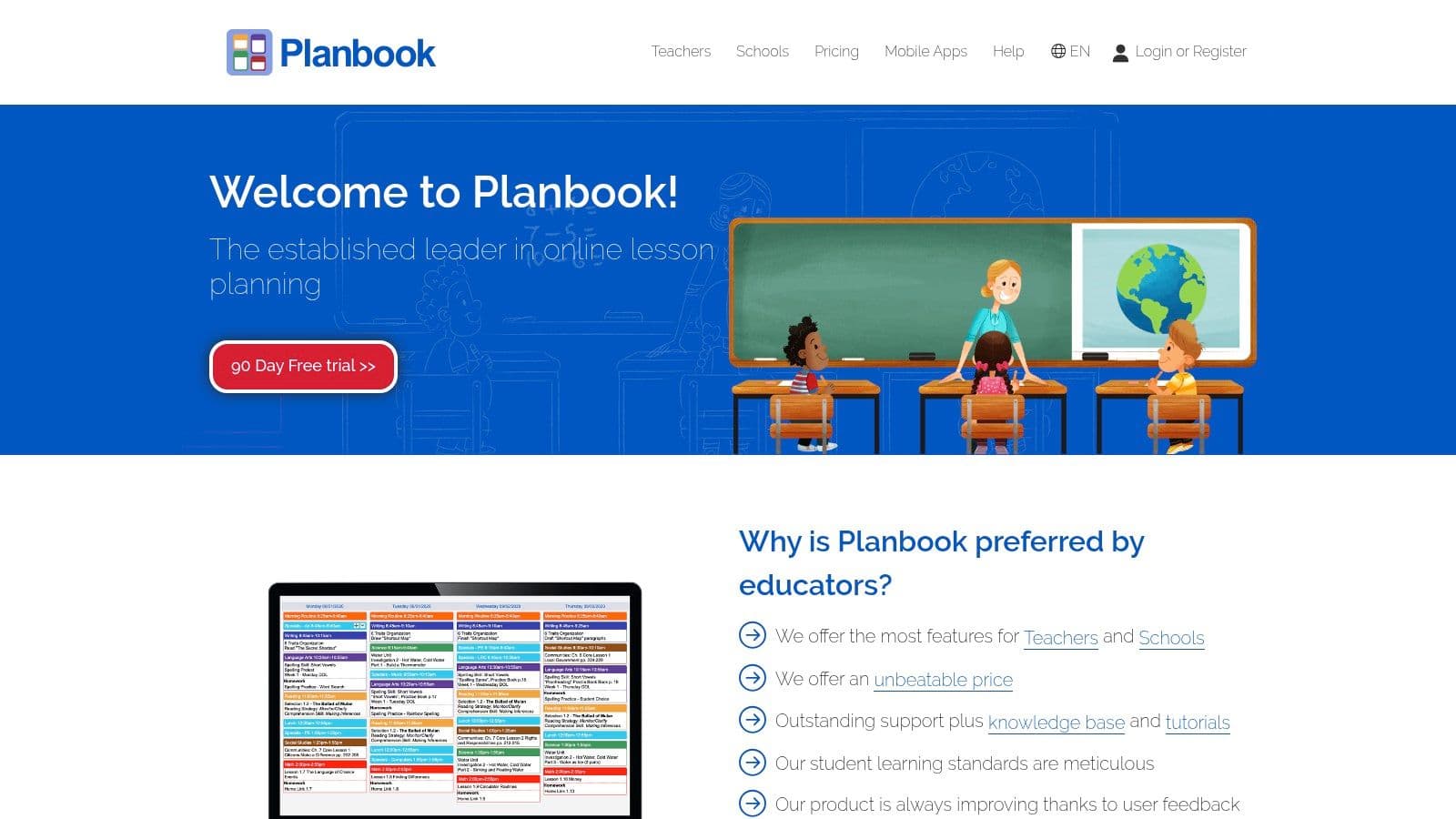
Planbook is a practical fit for teachers who need a dependable calendar-based planner rather than a full curriculum-design environment. Its customizable lesson fields let you create a structure that reflects your school's expectations, then attach standards, files, links, and notes to specific lessons. Daily, weekly, and monthly views make it easy to see whether a sequence fits the available timetable.
The copy-and-shift functions are especially useful when a class loses a day to an assembly, weather closure, testing, or an unexpected school event. Instead of rewriting every lesson, move the sequence and adjust the affected activities. That's a small feature, but it reflects real classroom planning better than a static document does.
Make daily planning easier to inspect
A useful Planbook template might include the standard, objective, materials, opening task, teacher model, guided practice, independent work, differentiation, assessment, homework, and reflection. Keep the fields short enough to scan during the day. If every section turns into a paragraph, the plan becomes a compliance document instead of a working tool.
Planbook also supports sharing with administrators, colleagues, and substitutes. That makes it helpful when someone needs to understand the lesson sequence without searching through email attachments. Its main strength is individual teacher planning, not deep school-wide curriculum mapping. The web pricing page may also require JavaScript, which can make direct plan comparisons less convenient.
Planbook is worth considering if you want flexible scheduling, reusable fields, and a fast way to shift lessons when the week changes.
4. Planboard by Chalk
Planboard by Chalk is the sensible starting point for an individual teacher who wants a digital lesson planner without adding a subscription cost. The web planner and mobile apps let teachers organize timetables and semesters, attach standards and files, copy lessons, shift schedules, and export or share plans.
The web-to-mobile connection matters when planning happens in small gaps rather than at one uninterrupted desk session. A teacher can sketch the next lesson on a laptop, check the plan from a phone, and adjust the sequence after a class runs short on time. The interface also has a relatively low learning curve for teachers moving away from paper or scattered documents.
Use it as a reusable daily frame
Build one template around the repeated decisions in your subject. A primary teacher might use learning intention, success criteria, phonics or vocabulary focus, modelling, guided practice, independent application, support, extension, and evidence of learning. A secondary science teacher might replace those fields with phenomenon, prediction, investigation, safety notes, data interpretation, discussion, and conclusion.
Planboard is less suitable when a school needs advanced curriculum mapping, complex unit architecture, or shared instructional governance. It's strongest as a practical planner for one teacher or a small team. Feature availability can also depend on mobile app updates, so check that the functions you rely on work consistently across the devices you use.
Visit Planboard by Chalk if free web-and-mobile planning is more important than advanced curriculum management.
5. Canva for Education
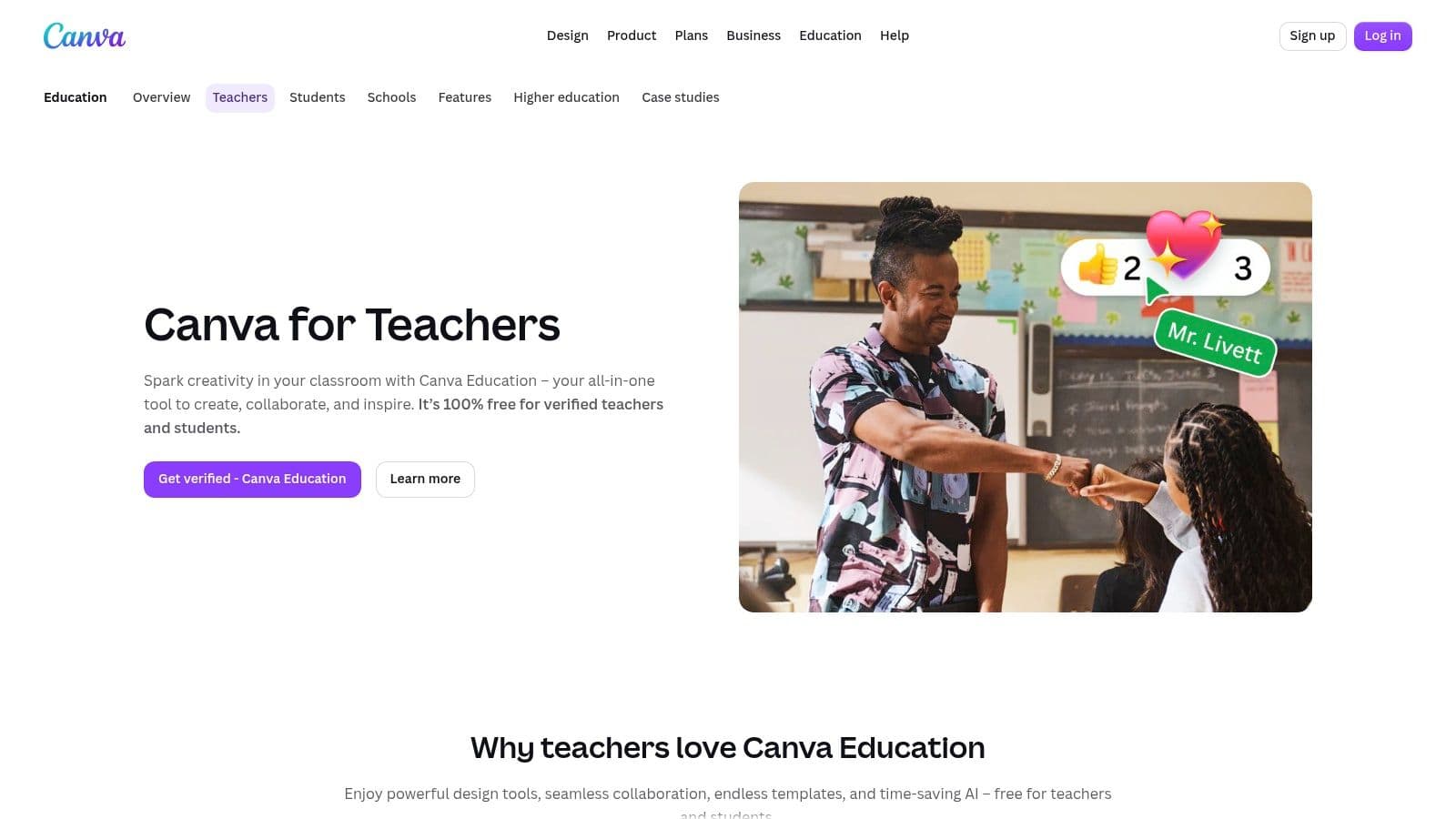
Canva for Education addresses the presentation problem. Sometimes a lesson plan needs to be printed for an observation, shared with a teaching partner, displayed in a planning meeting, or adapted into a visual document for a substitute. Canva's drag-and-drop editor makes it easy to create attractive daily, weekly, and subject-specific plans with icons, images, charts, and consistent school branding.
The education tier provides a large gallery of customizable templates, and verified K–12 teachers and their students can use the education offering at no cost. The strength is speed of visual editing. Duplicate a template for each class or period, change the lesson details, and export it as a PDF or share it digitally.
Keep design from replacing planning
For a geography lesson, use a clean page with the objective at the top, a map or image prompt beside the opening question, and separate spaces for modelling, group work, independent application, and assessment. For an art lesson, use visual references and material photos, but keep the learning goal and evidence of learning prominent. A polished page should help a colleague understand the lesson quickly, not distract from the instructional sequence.
Canva doesn't provide built-in scope and sequence, standards databases, or a connected unit flow in the way dedicated planning platforms do. Its extensive template gallery can also create clutter unless your team uses clear file names, folders, and version conventions. Use Canva for Education when the output needs to look polished, printable, and easy to share.
6. Microsoft Word Web Learning Templates
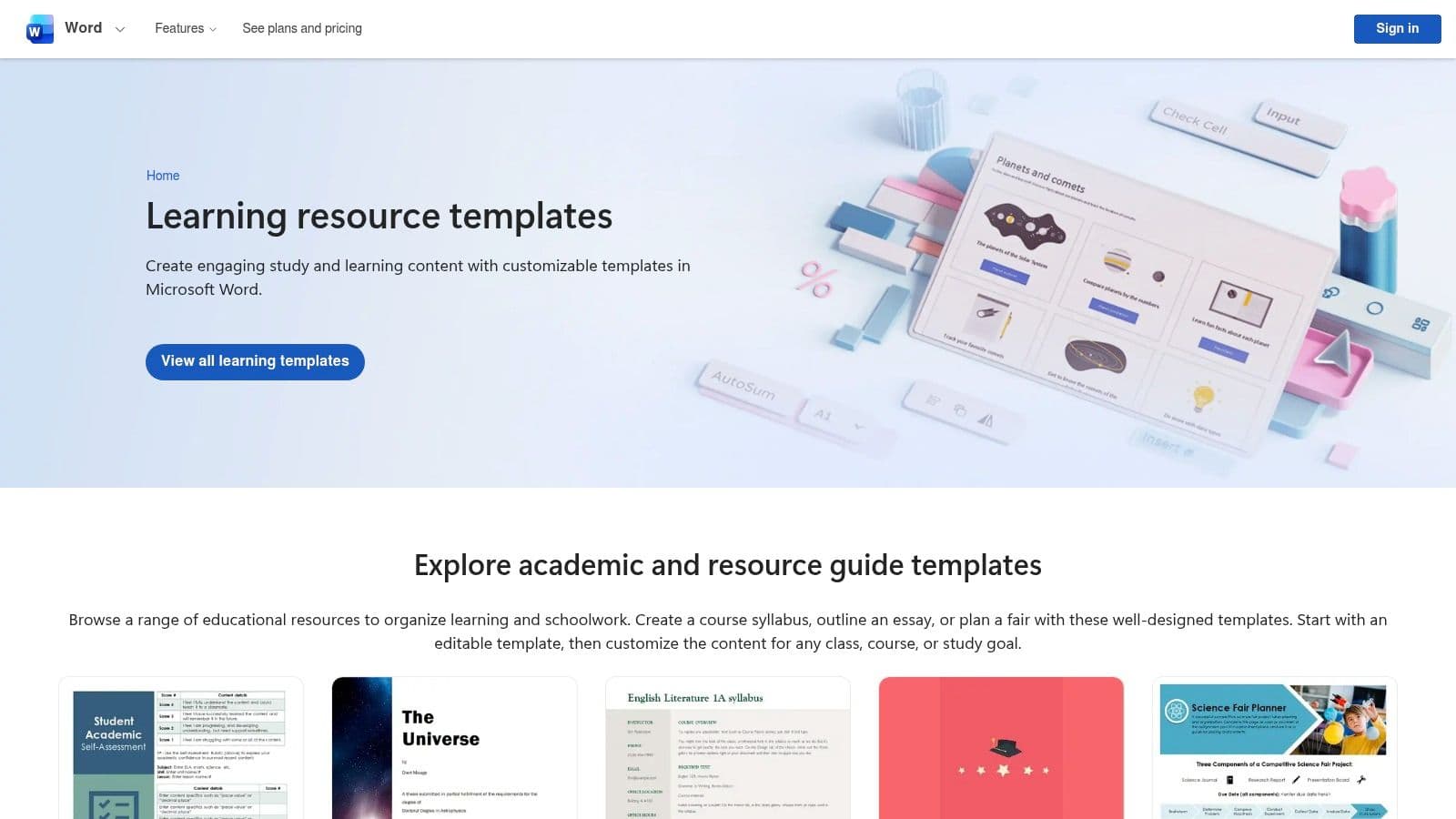
Microsoft Word's learning template gallery is a good match for teachers and districts already working in Microsoft 365. A Word template is familiar, editable, printable, and easy to store in OneDrive or SharePoint. That lowers the barrier to adoption, especially when colleagues don't want to learn a new planning platform.
A basic daily lesson plan can include the standard, objective, materials, vocabulary, teaching sequence, differentiation, assessment, homework, and reflection. Save a clean master version, then duplicate it for each class or lesson. Word also makes it straightforward to export a finished plan as a PDF for an administrator, substitute, or shared staff folder.
Add the missing instructional links
Word gives you a document structure, not a curriculum system. It won't automatically connect a standard to a sequence of lessons or show whether an assessment measures the objective. Add those links manually by placing the objective beside the success criteria and assessment evidence. A short “If students struggle, I will…” field is more useful than a large empty reflection box.
Microsoft 365 users may also have access to Copilot assistance in Word, depending on their account and plan. Treat any generated text as a draft, particularly when it describes content knowledge, student groups, accommodations, or assessment criteria. This guide to writing a lesson plan can help you decide which instructional fields belong in your Word document.
Choose Microsoft Word learning templates when familiarity, document control, and PDF output matter more than automated standards mapping.
7. Google Docs Template Gallery
Google Docs works well when a grade team needs a living lesson plan that several people can edit, comment on, and retrieve from any device. Teachers can copy a template into Drive, share it with a PLC or administrator, and use version history to see how the plan changed. The low-friction workflow is often more important than advanced features.
Start with a shared template containing the learning goal, standard, success criteria, materials, sequence, questions, differentiation, formative assessment, and reflection. For a reading lesson, add fields for the text, vocabulary, comprehension focus, discussion prompts, and evidence students will produce. For mathematics, include the representation or model, anticipated misconception, strategy comparison, and exit task.
Make a simple document behave like a system
Google Docs won't automatically manage pacing, standards libraries, or connected units. Use headings, checkboxes, tables within the document if helpful, and consistent file names to make plans scannable. A team might name files by grade, subject, unit, lesson, and date, then keep a blank master template separate from completed plans.
The platform is particularly useful in Google Workspace districts because sharing and comments already fit existing routines. It's less effective when teachers need automated differentiation, assessment generation, timetable management, or a searchable curriculum database. The template may also need changes to match local observation rubrics and school terminology.
Use this Google Docs lesson plan template as a starting structure, then adapt it to your team's workflow. You can find Google Docs in the Google Workspace environment and store the finished plans in Drive.
8. Twinkl USA
Twinkl USA is most useful when the template is only half the job. Its library combines editable US-format lesson plans and weekly planners with classroom resources, assessments, and activities that teachers can attach to the plan. That makes it a strong option for elementary teachers who need to move from an empty planning page to a teachable lesson.
For a primary science lesson on habitats, start with the template's objective, vocabulary, materials, introduction, activity, differentiation, and assessment fields. Then search for a matching activity sheet, image set, or assessment. Check the reading level, language demands, cultural representation, and required materials before using it. A ready-made resource still needs to fit your class.
Pair resources with evidence of learning
Avoid filling the plan with attractive activities that don't show whether students met the objective. Add a specific question, observation, short written response, performance task, or exit ticket. If the supplied assessment measures recall but your objective requires explanation, revise the assessment before the lesson.
Twinkl's depth is strongest in early and middle grades, and the most extensive content sits behind a paid subscription. Its US-market orientation can be useful for teachers working with US standards, but international or specialist teachers may need to localize terminology and expectations. Search by grade, subject, and standard, then download in PDF or editable formats as appropriate.
Visit Twinkl USA when finding classroom content takes as much time as writing the lesson plan itself.
9. Teach Starter US
Teach Starter US suits teachers who want a template connected to a curated lesson rather than a blank framework. The platform provides editable daily and weekly planners, downloadable templates in formats such as Docs, Slides, and PowerPoint, and complete lessons and units across subjects and grades.
The workflow is straightforward for an elementary social studies lesson. Choose the learning goal, select a supplied lesson or activity, place the resource in the sequence, and add your own opening question, discussion prompts, differentiation, and evidence of learning. For a lesson that includes slides and printables, keeping the materials together reduces the search through separate folders and browser tabs.
Adapt turnkey materials carefully
Curation can reduce search time, but it can also encourage passive adoption. Read through the full lesson before teaching it. Check whether the examples reflect your students, whether the pace fits your timetable, whether the task requires technology or materials you don't have, and whether the assessment produces useful evidence.
Teach Starter also offers resource organization folders and mobile bookmarking, which are practical for teachers who collect materials during the week and plan later. The full catalog requires a subscription, and coverage is strongest in elementary and middle grades. Its US alignment is an advantage for some classrooms and a localization task for others.
Teach Starter US is a sensible choice when the resource library matters as much as the planning template and you want supplied activities, slides, and printables to work together.
Top 9 Lesson Plan Template Comparison
| Product | Key features | UX & Quality | Value & Pricing | 👥 Target audience | Unique selling points |
|---|---|---|---|---|---|
| 🏆 Kuraplan | ✨ AI-generated standards-aligned lessons, unit plans, worksheets, slides, visuals; auto-mapped objectives & rubrics | ★★★★★, curriculum-focused, time-saving | 💰 Free trial; school/district plans (contact) | 👥 K–12 teachers, departments, curriculum teams | 🏆 ✨ 24/7 AI teaching assistant; one-click printable worksheets & custom diagrams; proven school adoption |
| Common Planner (formerly Common Curriculum) | School-wide templates; unit/lesson linking; collaborative editing; standards alignment | ★★★★, team-oriented, consistent workflows | 💰 Freemium / paid tiers for advanced features | 👥 Schools, districts, PLCs | ✨ Backward-design flow; strong for district template standardization |
| Planbook | Custom templates; standards library; multiple schedule views; admin/substitute sharing | ★★★★, reliable, long-standing | 💰 Paid tiers (individual-focused pricing) | 👥 Individual teachers wanting daily/weekly planners | ✨ Flexible templates; robust support and sharing tools |
| Planboard by Chalk (PowerSchool) | Free planner + mobile apps; standards tagging; timetable organization | ★★★★, smooth web-to-mobile sync | 💰 100% free for individual teachers | 👥 Individual teachers who want free, mobile planning | ✨ Free apps with semester/timetable sync; easy copy/shift lessons |
| Canva for Education | Drag-and-drop design; lesson templates; collaboration; export to PDF | ★★★★, polished visuals, easy branding | 💰 Free for verified K–12 educators | 👥 Teachers prioritizing attractive, printable materials | ✨ Large template gallery; strong design/editor capabilities |
| Microsoft Word (Web) Templates | Editable lesson templates in OneDrive/SharePoint; Copilot support | ★★★, familiar, widely used | 💰 Free with Microsoft 365 / Word online | 👥 Districts/schools standardized on Microsoft 365 | ✨ Integrates with OneDrive/SharePoint and Copilot drafting |
| Google Docs Template Gallery | Copyable lesson templates; collaborative editing; Drive storage | ★★★, ubiquitous, low friction | 💰 Free with Google Workspace | 👥 Google Workspace teachers & PLCs | ✨ Easy collaboration, version history, simple sharing/export |
| Twinkl USA | Editable lesson templates; searchable standards-aware resources & assessments | ★★★★, rich elementary content | 💰 Subscription for full access; some free resources | 👥 PreK–8 teachers seeking ready-to-use materials | ✨ Deep elementary resource library; standards search |
| Teach Starter (US) | Downloadable templates, full lessons/units, resource folders | ★★★★, curated, classroom-ready | 💰 Subscription for full catalog | 👥 US elementary & middle teachers | ✨ Quality-controlled lessons + integrated printables |
Choose the Template You Will Reuse
The best teaching lesson plan template is the one you'll still use after the first enthusiastic week. A visually impressive document that takes too long to complete won't help. Neither will an automated plan that lists engaging activities but leaves the objective, differentiation, assessment, and response to student evidence disconnected.
Choose Kuraplan when you want standards-aligned lesson and unit generation with differentiated activities, rubrics, worksheets, slides, and visuals in one workflow. It's especially useful when you're starting with a curriculum objective and need several classroom-ready outputs without reformatting each one. Review every generated plan before teaching, then localize examples, language, materials, accommodations, and assessment expectations.
Choose Common Planner when the central challenge is shared school-wide structure. Its value grows when departments co-plan, connect units and lessons, and use consistent fields across teams. Choose Planbook or Planboard when your priority is calendar-based daily planning, copying lessons across a timetable, and keeping plans accessible during a busy school week. Planboard is the easier zero-cost starting point for individual teachers, while Planbook offers a flexible planning environment with sharing and schedule views.
For polished visual documents, use Canva. It's a good fit for plans that need to be printed, presented, branded, or shared with students and colleagues. Choose Microsoft Word or Google Docs when your school already has a strong Microsoft 365 or Google Workspace routine and teachers need familiar collaborative files rather than another platform. Those tools work well, but you'll need to create your own standards links, pacing structure, and assessment prompts.
Twinkl USA and Teach Starter US are the better choices when ready-made classroom resources matter as much as the template. They can reduce the time spent searching for activities, printables, slides, and assessments, but supplied content still needs review for grade appropriateness, accessibility, cultural responsiveness, and alignment with your specific objective.
A workable test: Use one template for a real upcoming lesson, not a hypothetical example.
Check whether the objective is clear and measurable. Confirm that the activities give students a realistic route to that objective. Add at least one planned check for understanding, identify the evidence students will produce, and decide what you'll do if the evidence shows confusion. Then review differentiation, materials, timing, technology requirements, accessibility, and local documentation requirements.
Formative assessment should be part of the planning loop, not a blank box at the end. OECD guidance describes it as a cycle of setting learning goals, diagnosing understanding, giving specific feedback, and adapting instruction, as explained in OECD guidance on formative assessment and feedback. A strong template asks what evidence you'll collect and how students or the teacher will respond to it.
The same principle applies to feedback. The Education Endowment Foundation's feedback guidance emphasizes that students need an opportunity to receive and act on feedback. Write that action into the plan. Students might revise an answer, correct a worked example, explain a misconception, or attempt a similar problem.
After teaching, make one short note about what worked, what students misunderstood, and what you'll change next time. That small record turns a template from a compliance form into a reusable professional tool. Test the structure against one genuine lesson, revise the fields that slow you down, and keep the version that makes good planning easier without replacing your judgment.
Kuraplan brings standards-aligned lesson and unit plans, differentiated activities, rubrics, worksheets, slides, and educational visuals into one workflow. Visit Kuraplan to explore teaching lesson plan templates and see whether it can make your next real lesson faster to prepare and easier to adapt.