AI Presentation Generator for Teachers
Turn lesson plans into professional slideshows with one click.
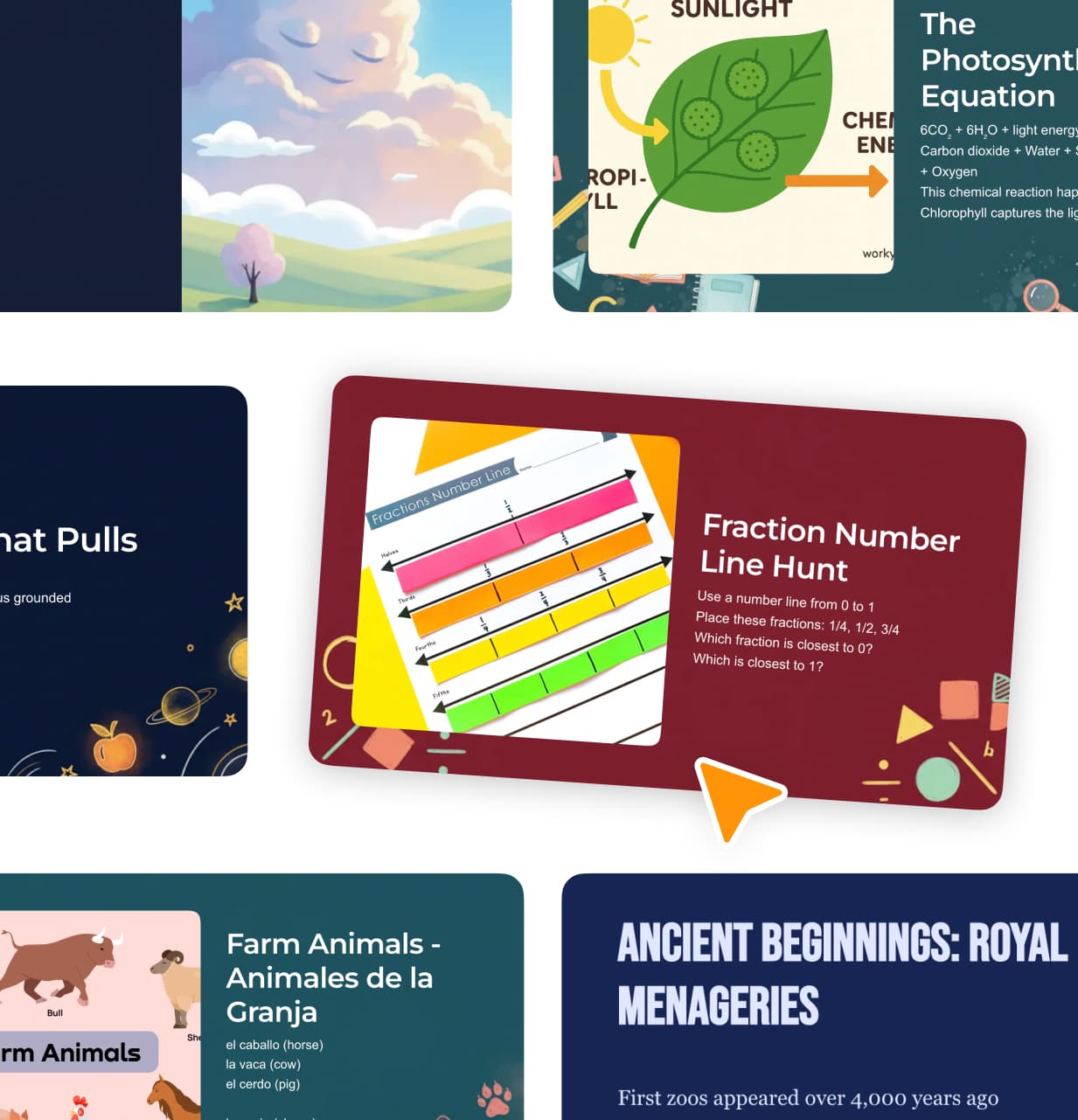
Turn any lesson plan into a slideshow with 1 click
Automatically sources images from Wikipedia
Customisable slides, themes and templates
Finds relevant YouTube videos
Professional presentation styling
Remote control from phone
See how it works
How It Works
Turn any lesson into a polished, professional slideshow presentation with one click. Our AI slideshow generator creates visually engaging, classroom-ready slides from your content so you can focus on teaching rather than designing.
You can generate slides from:
- Any existing lesson plan in Kuraplan
- An uploaded slideshow or lesson plan file such as a PDF or PowerPoint
- A simple text prompt or topic description
Just choose your source, click "Generate Slides", and our AI automatically:
- Breaks your content into logical slides
- Sources high-quality images from Wikipedia
- Finds and embeds relevant YouTube videos
- Builds clear headings, bullet points, and diagrams
- Structures title slides, content slides, and summary slides
- Determines slide count based on lesson length
- Highlights key concepts students should remember
- Adds prompts, questions, and discussion cues
- Suggests examples, keywords, and definitions
- Ensures vocabulary is age-appropriate and accessible
Every slideshow is designed with clean visual hierarchy, readable fonts, and consistent formatting. Presentations are optimized for classroom projectors and screens and structured to support explicit instruction, modeling, guided practice, and student interaction.
You can choose from professional education themes, or customize colors, fonts, and layouts to match your personal style or teaching context. If you are on the School Plan, you can upload custom branding such as logos, colors, and typography, which allows the generator to create slides that are aligned to your school's visual identity.
This provides a consistent and professional look for departments, teams, and entire schools.
Slides include smooth transitions, balanced layouts, and accessible contrast, helping you deliver lessons that are clear, engaging, and inclusive for all learners.
You can also:
- Edit slides manually
- Regenerate specific slides
- Swap out images with one click
- Change layouts instantly
- Export to PowerPoint, Google Slides, or PDF
- Present directly from Kuraplan without downloading
Whether you are teaching history, science, mathematics, literature, or any other subject, our AI produces engaging, student-focused presentations that are aligned to your learning goals and created in a fraction of the time.
Teachers report that slides created with Kuraplan increase student engagement, promote visual consistency, and make it easier to teach complex ideas step by step. Because you can generate slides from a lesson plan, an uploaded file, or a simple prompt, it fits naturally into any planning workflow, whether you are preparing ahead of time or getting ready right before class.
Key Benefits
Perfect For
Frequently Asked Questions
Simply select any lesson plan you've created and click the 'Generate Slideshow' button. The AI automatically converts your lesson content into a complete presentation with appropriate slides, images, and videos.
Yes, the system automatically sources high-quality images from Wikipedia that are relevant to your content and searches for appropriate YouTube videos that complement your lesson. All media is carefully selected to enhance learning.
Absolutely! You can choose from a variety of professional themes and templates designed for education, or customize colors, fonts, and layouts to match your school's branding or personal teaching style.
The AI intelligently determines the number of slides based on your lesson length and content. It creates title slides, content slides with logical breaks, and summary slides to ensure a complete, well-structured presentation.
Yes, all slides are optimized for classroom projectors and screens with readable fonts, appropriate contrast, and clear visual hierarchy. The slides are designed to support effective teaching and student engagement.
Ready to try AI Presentation Generator for Teachers?
Join thousands of teachers who are already transforming their classrooms with Kuraplan's intelligent features.
Explore Other Features
Discover more ways Kuraplan can help you create amazing teaching resources
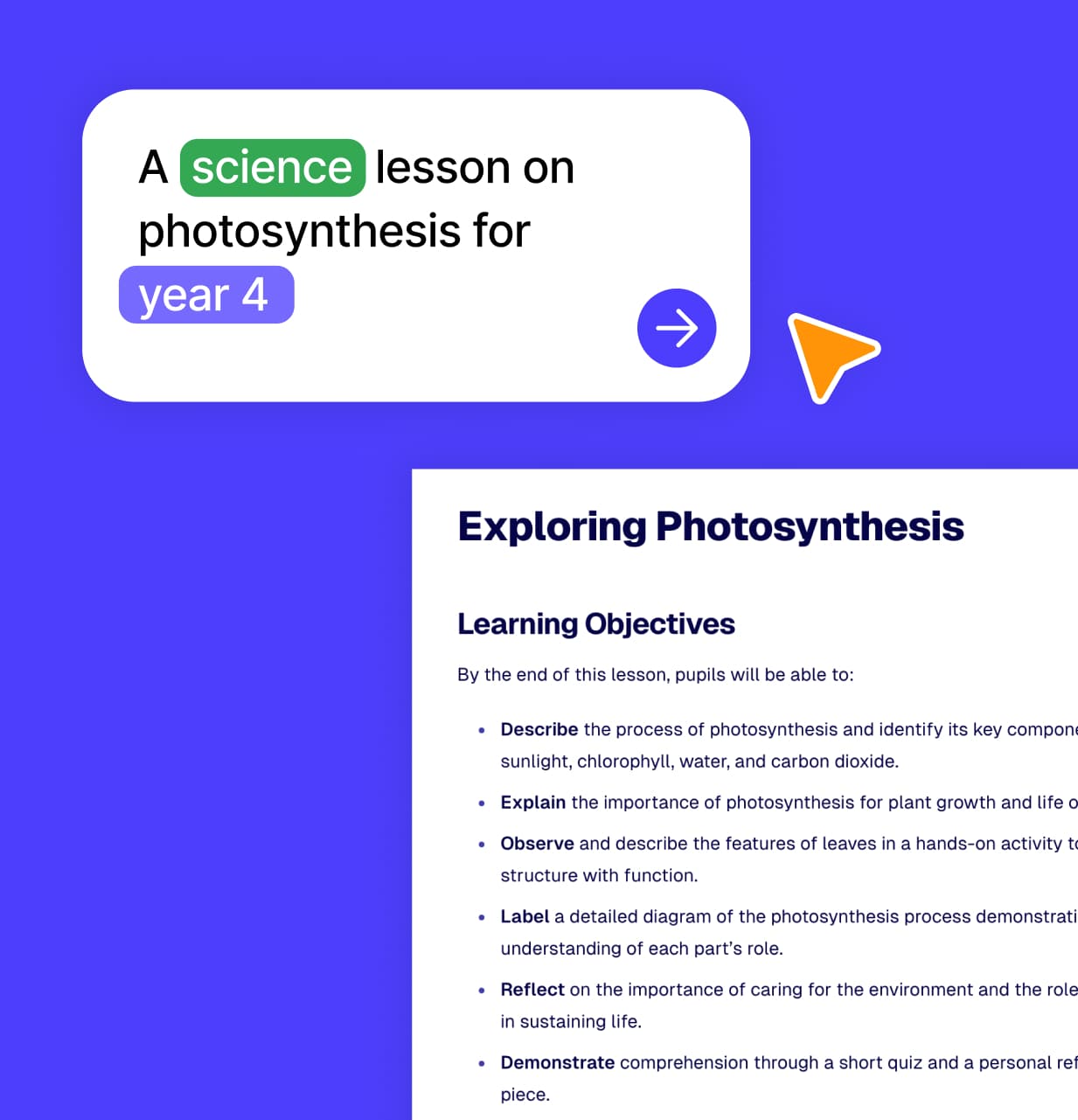
Lesson Plans
Create standards-aligned lesson plans in minutes.
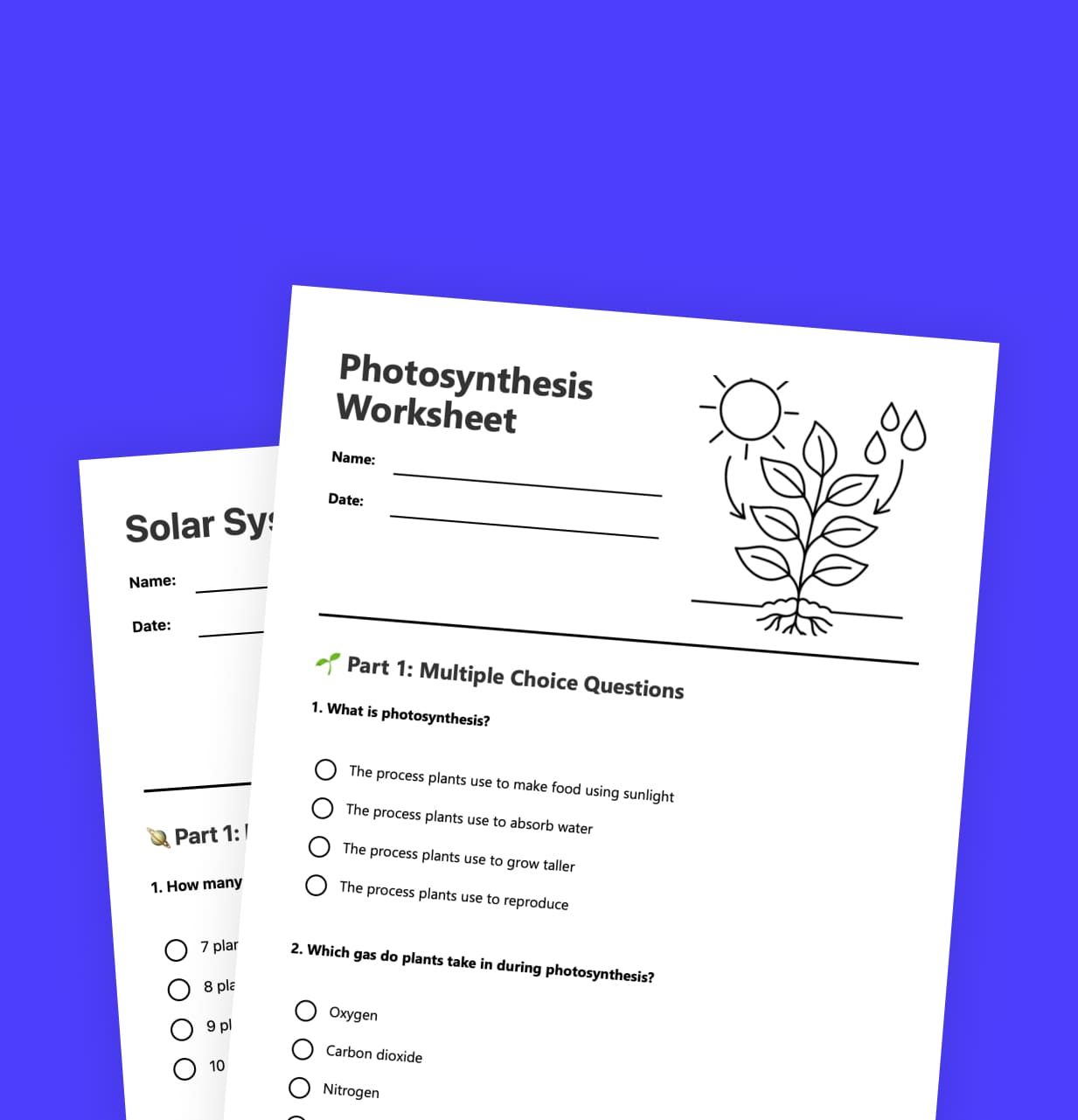
Worksheets
Generate customized worksheets in seconds.
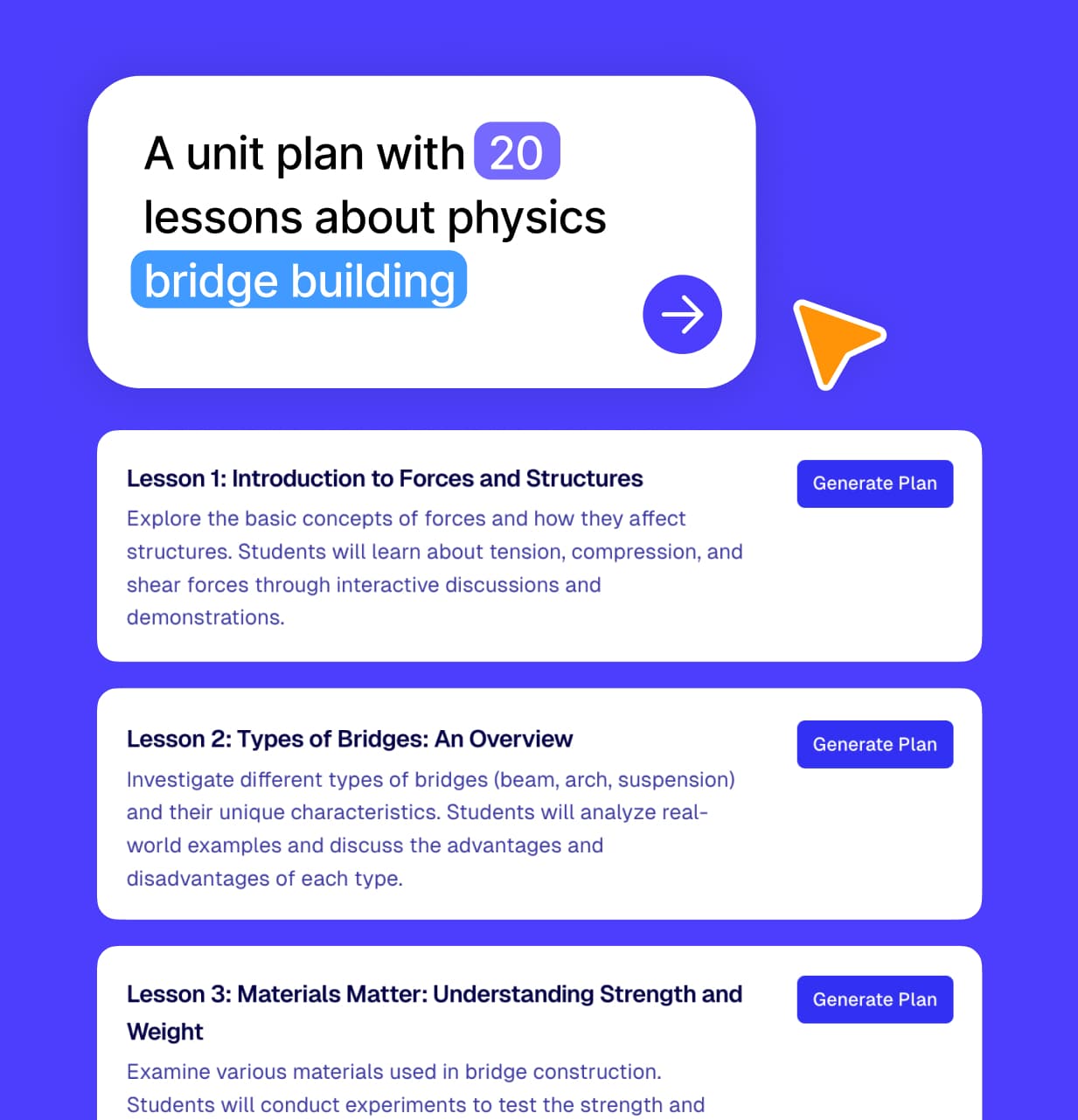
Unit Plans
Design complete unit plans with interconnected lessons.
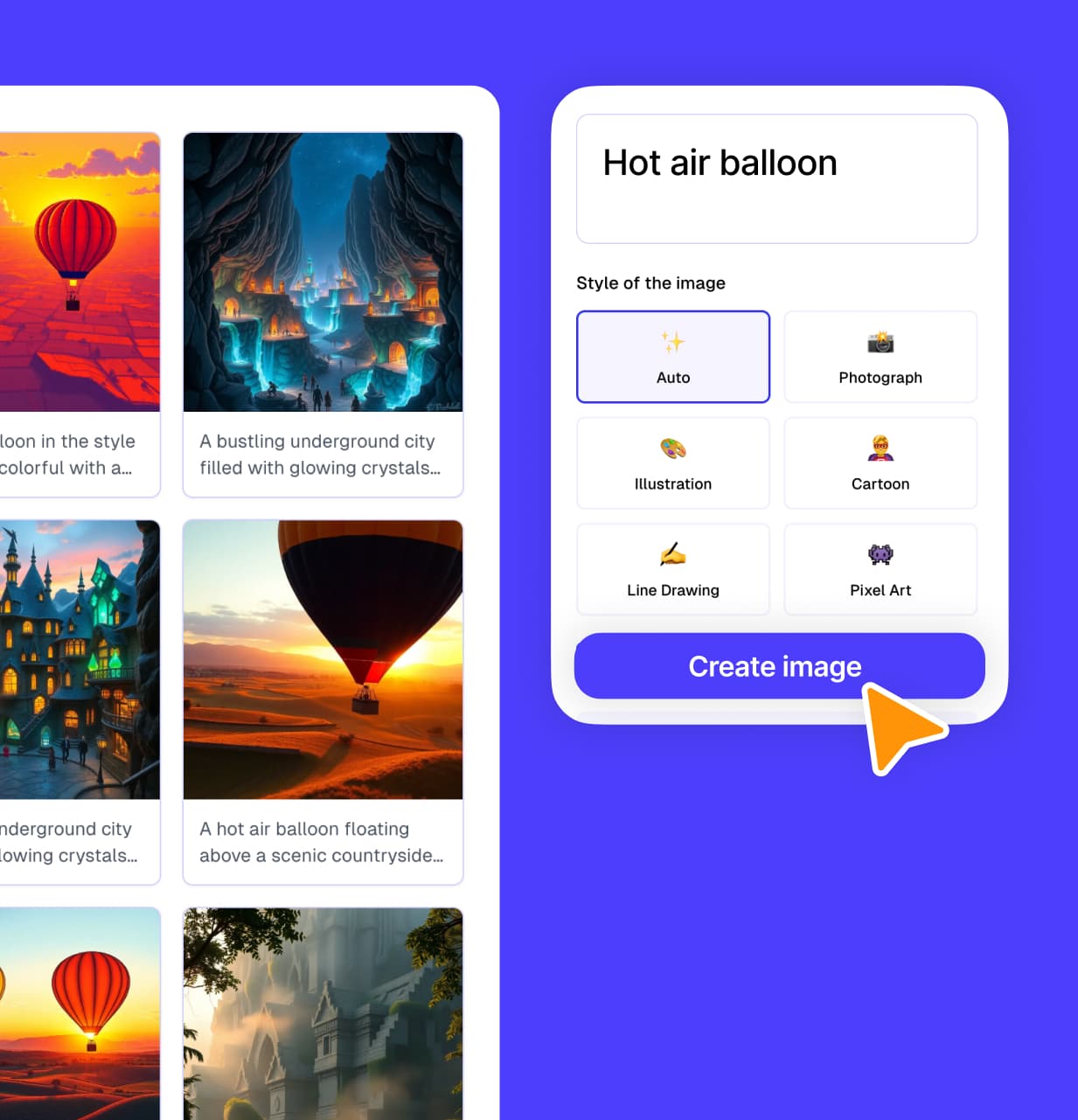
Images
Generate custom educational images and diagrams.
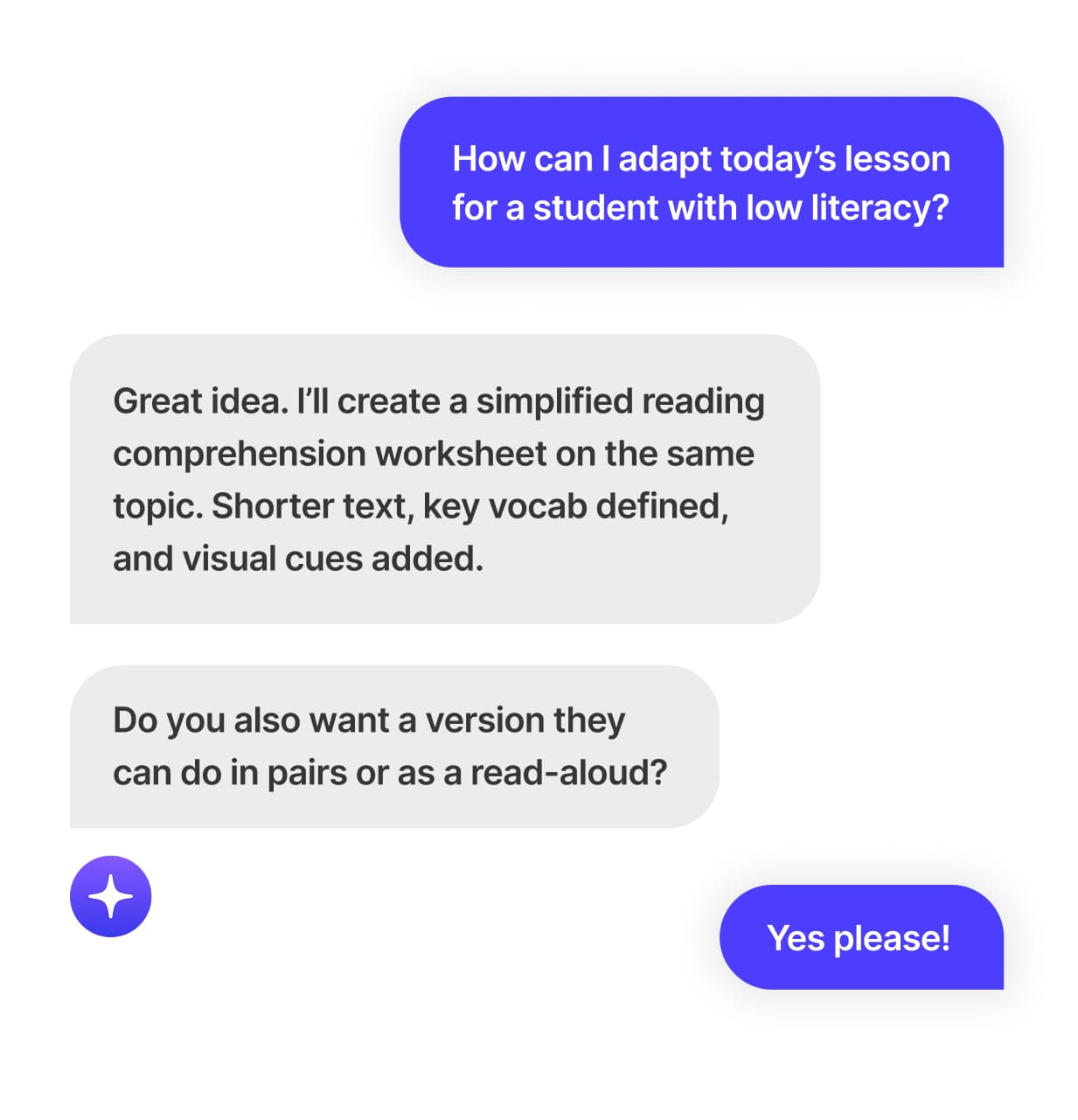
AI Chat
Get instant answers and ideas for any teaching challenge.
Weekly Planner
See your whole teaching week at a glance. Upload a photo of your timetable and Kuraplan extracts it automatically.
What Teachers Are Saying
See how teachers are using Slides to transform their teaching
Thoughtprovoking- questions students enjoy
The different choices that are offered to me are excellent..I am using them consistently with my students. The questions are thought provoking and require careful reading by the students.
Smarter lesson planning made easy
It is a teacher's lesson planning in one place. I love the fact that I can create images with the click of a button. I can work smarter, not harder. Thank you Kuraplan.
Makes lesson planning easy!
Excellent resource! Love the ease in which I can do the worksheet for my lesson! Yay !!!!!! Thank you for facilitating my lesson planning!
Topnotch- plans in under 30 minutes
The lesson plans, decks, and "worksheets" are top notch! I had a week's plans finished in lesson than a half hour.
Lessons tailored to exactly what i need
With explicit prompts - I get lessons with everything I want and more. I love it!
Accurate and valuable for teachers
It's a great and accurate source for teachers thank you Kuraplan