AI Weekly Planner for Teachers
See your whole teaching week at a glance. Upload a photo of your timetable and Kuraplan extracts it automatically.
Upload a photo of your existing timetable
AI automatically extracts your schedule
View your whole teaching week at a glance
Plan future weeks in advance
Multiple templates for different terms
Colour-coded subjects for easy reading
How It Works
The Weekly Planner gives you a clear, visual overview of your entire teaching week — so you always know what's coming up and can plan ahead with confidence.
Getting started is effortless. Simply snap a photo of your existing paper timetable, and Kuraplan's AI will automatically extract your schedule — subjects, periods, rooms, and all.
No manual data entry required.
Once your timetable is set up, you can see all your lessons for the week in one view, plan ahead by browsing and editing future weeks, link lesson plans directly to timetable slots, create different templates for different terms, and colour-code subjects for quick visual scanning.
Whether you teach a single class or manage multiple year levels across different days, the Weekly Planner keeps everything organised and visible.
Australian Curriculum Alignment
Works with any Australian school timetable format
Perfect for managing different term schedules
Key Benefits
Perfect For
Ready to try AI Weekly Planner for Teachers?
Join thousands of teachers who are already transforming their classrooms with Kuraplan's intelligent features.
Explore Other Features
Discover more ways Kuraplan can help you create amazing teaching resources
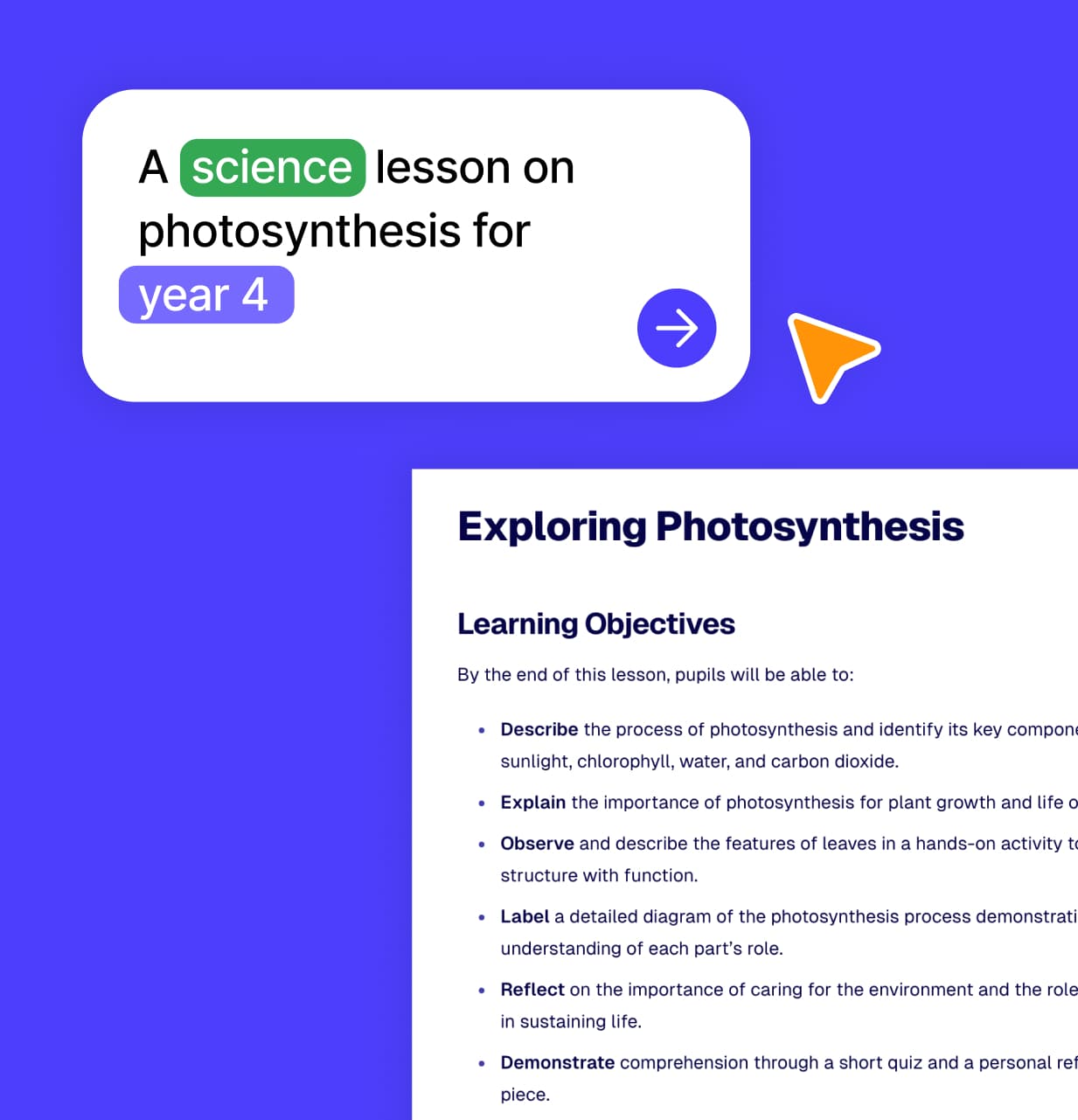
AI Lesson Plan Generator for Teachers
Create standards-aligned lesson plans in minutes.
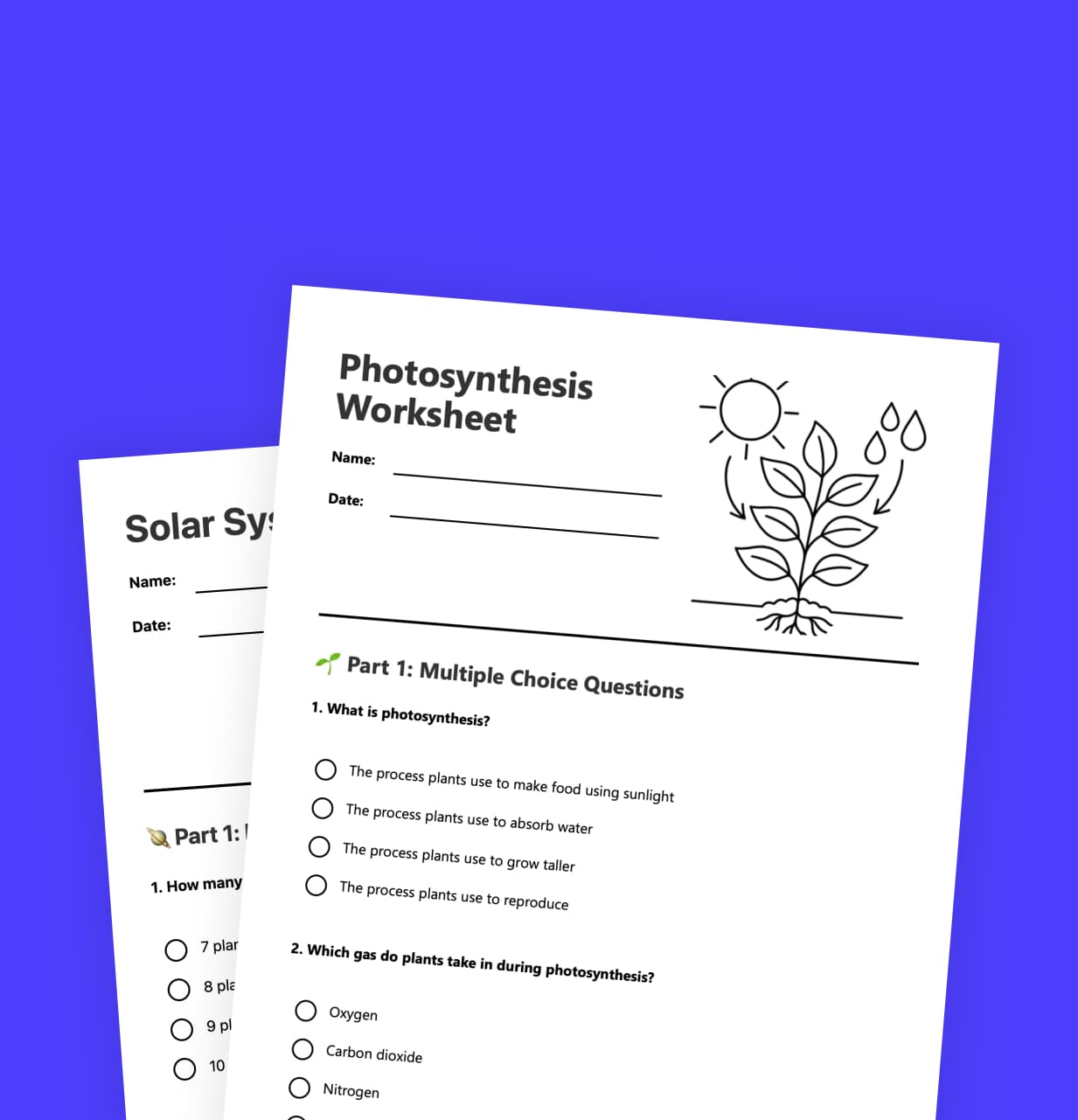
Worksheets
Generate customized worksheets in seconds.
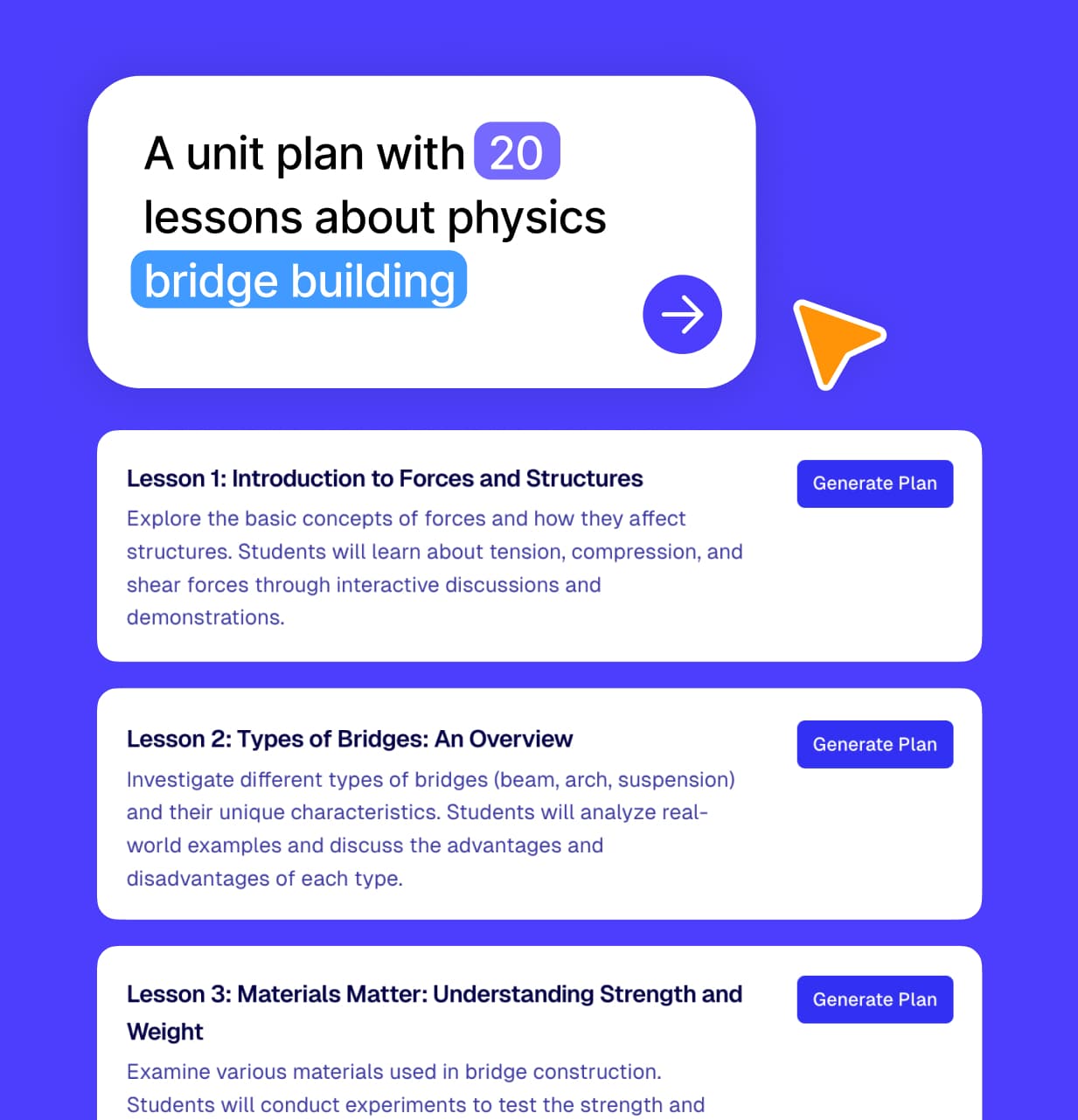
Unit Plans
Design complete unit plans with interconnected lessons.
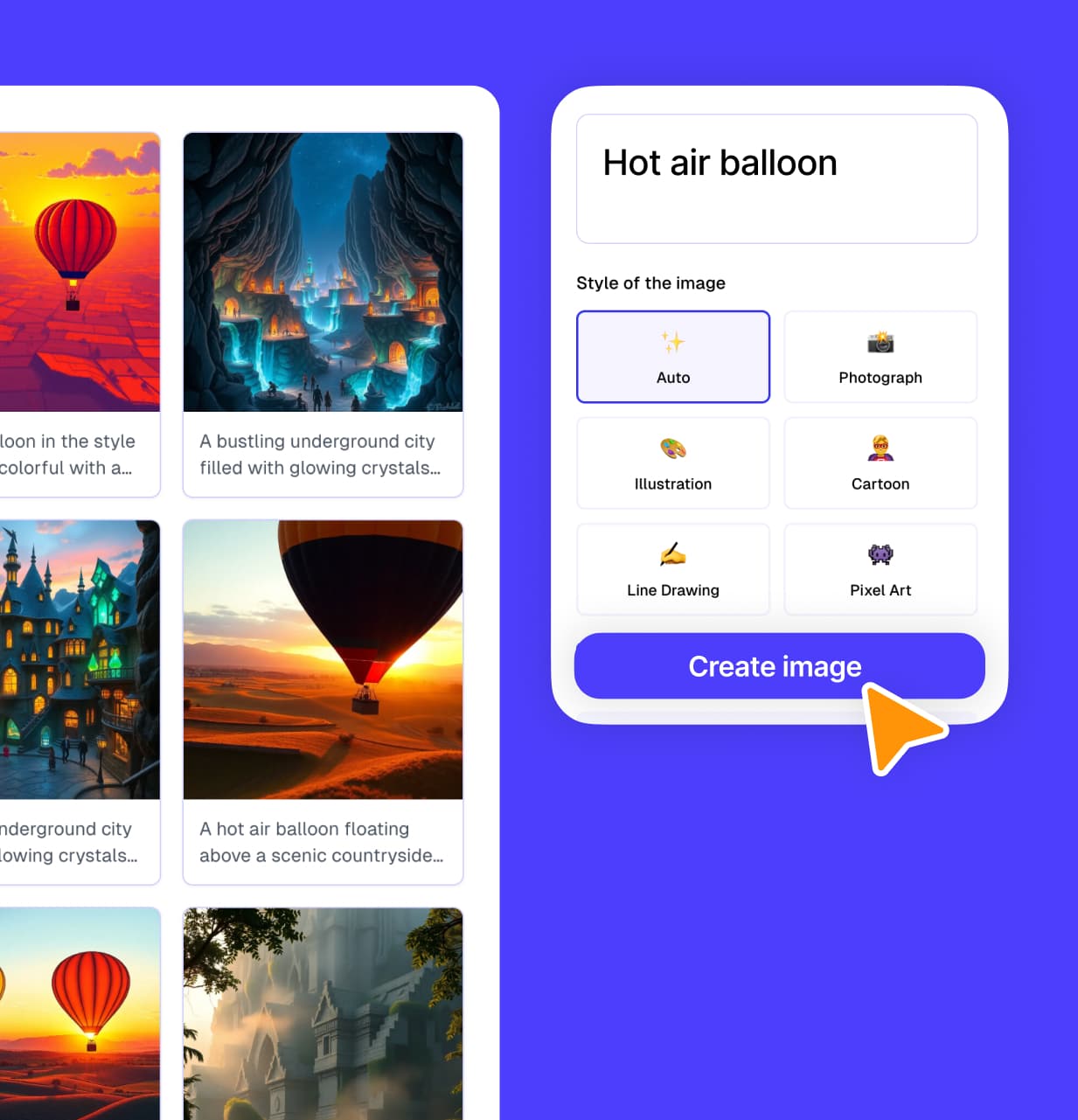
Images
Generate custom educational images and diagrams.
AI Chat
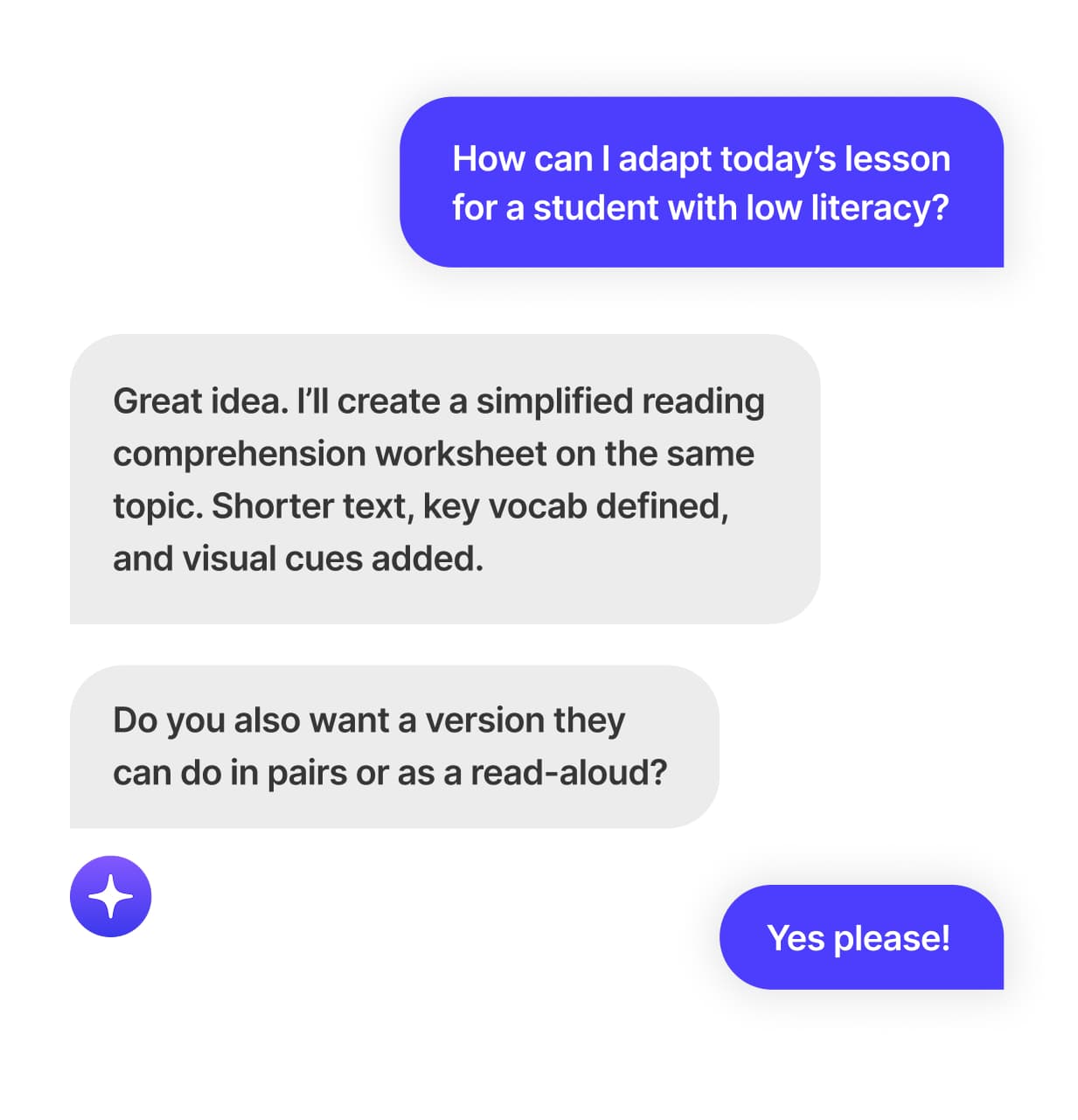
Get instant answers and ideas for any teaching challenge.
Slides
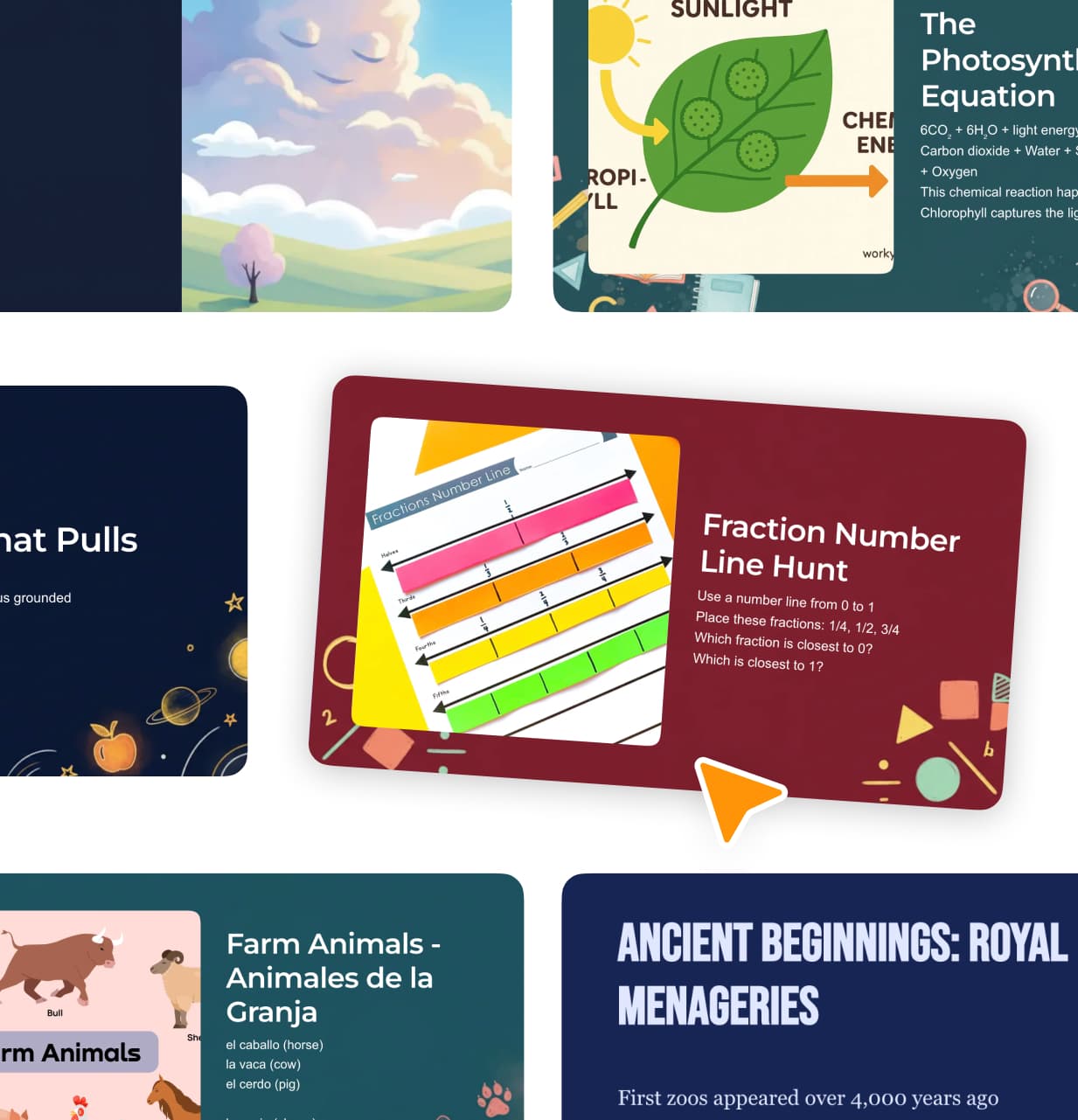
Turn lesson plans into professional slideshows with one click.
What Teachers Are Saying
See how teachers are using Weekly Planner to transform their teaching
The more concise information you are able to gi...
The more concise information you are able to give as the teacher the more detailed and informative the lesson plans are. Great alignment with the NZ Curriculum. The lesson plans are clear, easy to follow and well set out. Everything about Kuraplans is 'User friendly'. Great spring board for any teacher experienced or not, any year level and learning needs. Thank you
Good platform with room to improve
Pretty good platform, but there are improvements that could be made. In terms of worksheets, it cannot add images to them, so it becomes quite limiting. I enjoy the AI-generated images to a point, as they often are not correct, so you will have to edit and/or be more specific with your input of data.
Impressed by the unit, but need downloadable slides
So far, I am impressed with how you created the Unit and broke down each of its parts. I do have a problem with the slides provided--I guess I am not allowed to download, so that I can use it as part of my lesson teaching?
A goto- resource for teachers
very helpful and always use and reccommend to other teachers training
Brilliant, wellorganised- content for teachers
So good for teachers! The content is brilliant and well organsised.
Wonderful app and easy to navigate. fast and ef...
Wonderful app and easy to navigate. Fast and efficient.