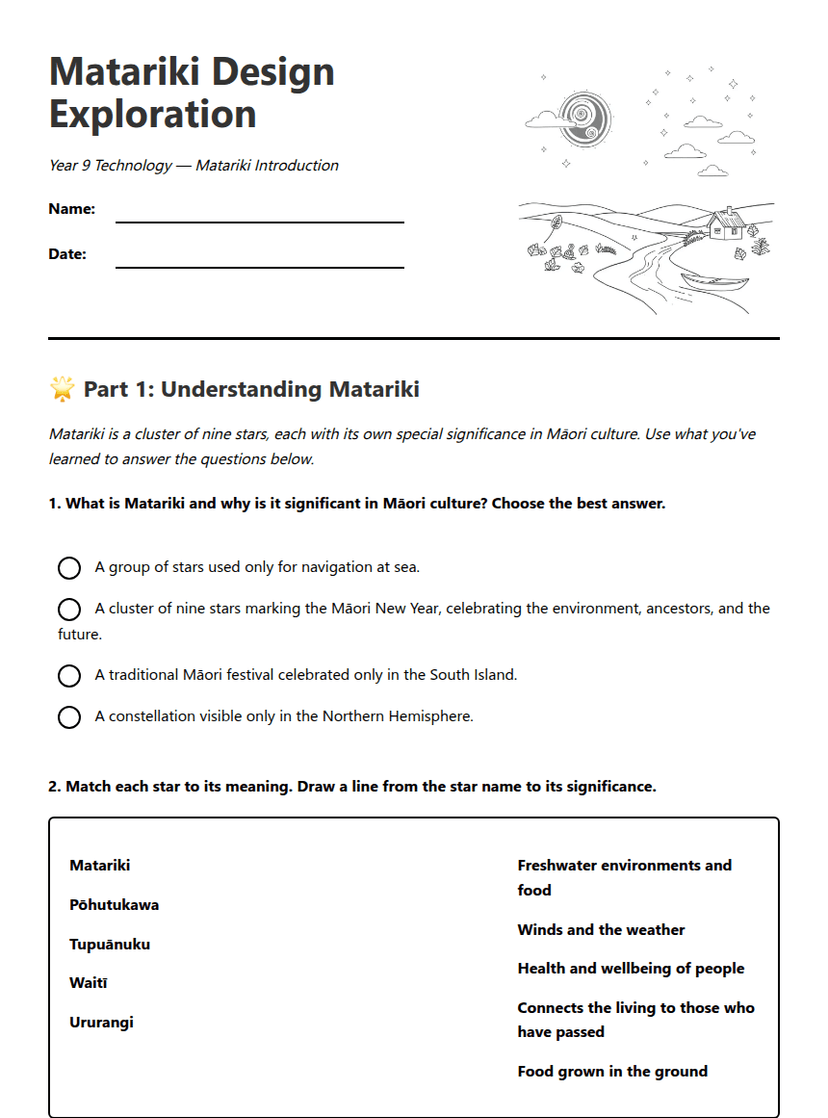
Design Software Basics Worksheet
A free technology worksheet ready for your classroom. Open in Kuraplan to grab the print-ready PDF, customize it for your students, or generate a fresh version in seconds.
Design Software Start — Adobe Illustrator
🖥️ Part 1: The Illustrator Interface
Use your cheat sheet and the teacher's demonstration to help you answer these questions.
Word Bank: Toolbar | Menu Bar | Artboard | Panels
A. The strip of icons down the left side of the screen: _______________________
B. The white working area where you create your design: _______________________
C. The row of menus at the very top (File, Edit, Object…): _______________________
D. The floating windows on the right (Layers, Colour, Properties…): _______________________
Undo:
Group selected objects:
✏️ Part 2: Creating Your Matariki Keychain Design
Follow these steps to create a simple keychain design. Tick each step as you complete it.
💭 Part 3: Reflect and Troubleshoot
Be honest — reflection helps you grow as a designer!
Tool 1: _______________________
Tool 2: _______________________
About This Worksheet
Free in Kuraplan
Sign up free, grab the PDF, and customize it for your class.
Print-Ready
Formatted for standard paper. Clean layout, easy to read.
AI-Generated
Created with Kuraplan's AI, designed for real classroom use.
For Teachers & Parents
Use in classrooms, for homework, tutoring, or homeschool.
Need a custom version of this worksheet?
Kuraplan's AI generates custom worksheets in seconds — differentiated for every learner, aligned to your curriculum.
Generate Custom Worksheets — FreeMore Technology Worksheets
Personal Training Session Design
Free
Packaging Engineer Design Challenge
Free
Aircraft Design and Aerodynamics
Free
Sustainable Farm Design Worksheet
Free
Sustainable Kiwi Invention Design
Free
Keychain Design Worksheet
Free
Design Software Essentials
Free