MathsFreePrintable
Visualizing Multiplication Models
A free maths worksheet ready for your classroom. Open in Kuraplan to grab the print-ready PDF, customize it for your students, or generate a fresh version in seconds.

Visualising Multiplication Models

📏 Part 1: Number Line Models
1. Look at this number line showing jumps of 3. Complete the multiplication fact:
0 → 3 → 6 → 9 → 12
4 × 3 = _______
2. Draw jumps on this number line to show 5 × 2:
5 × 2 = _______
3. Which number line shows 3 × 5?
Jumps of 3: 0 → 3 → 6 → 9
Jumps of 5: 0 → 5 → 10 → 15
Jumps of 2: 0 → 2 → 4 → 6
4. Complete this skip counting pattern:
2 × 10: Start at 0, jump 10 each time
0 → _____ → _____ = _____
📐 Part 2: Area Models
5. This grid shows 4 × 3. Count the squares and write the answer:
4 rows × 3 columns = _____ squares
6. Draw an area model for 2 × 5 in the box below:
2 × 5 = _____
7. Which area model shows 3 × 4?
3 rows and 3 columns
3 rows and 4 columns
4 rows and 4 columns
8. Look at this area model with 5 rows and 2 columns. Fill in the blanks:
_____ groups of _____ = _____ × _____ = _____
🎯 Part 3: Choose Your Model
9. Solve 6 × 2 using EITHER a number line OR an area model. Draw your work:
6 × 2 = _____
10. Explain how your model shows what multiplication means:
11. Circle the mathematical words that describe multiplication:
groups of
times
rows
minus
equal jumps
About This Worksheet
Free in Kuraplan
Sign up free, grab the PDF, and customize it for your class.
Print-Ready
Formatted for standard paper. Clean layout, easy to read.
AI-Generated
Created with Kuraplan's AI, designed for real classroom use.
For Teachers & Parents
Use in classrooms, for homework, tutoring, or homeschool.
Need a custom version of this worksheet?
Kuraplan's AI generates custom worksheets in seconds — differentiated for every learner, aligned to your curriculum.
Generate Custom Worksheets — Free No credit card Curriculum-aligned Under 60 seconds
More Maths Worksheets
Year 5
Multi-Digit Multiplication Practice
Free
Year 5
One-Digit Multiplication Practice
Free
Year 3
Multiplication Division Sentences
Free
Year 2
Counting by Twos
Free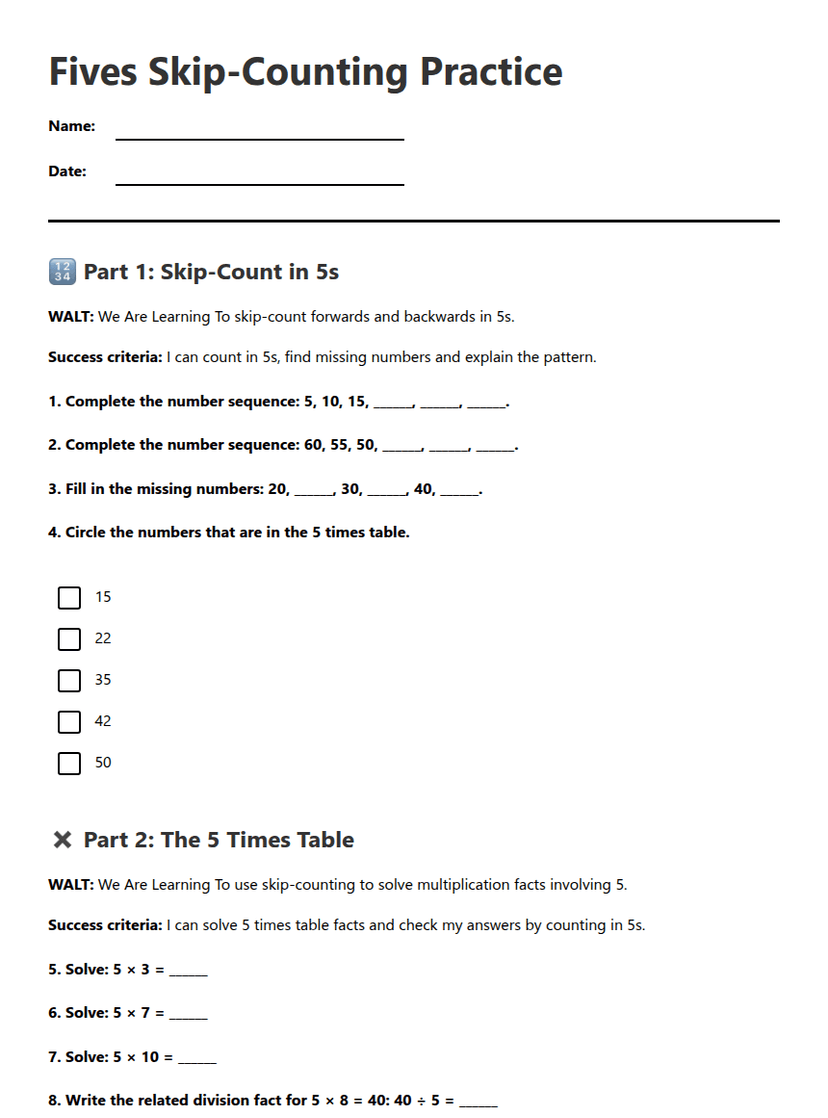
Year 4
Fives Skip-Counting Practice
Free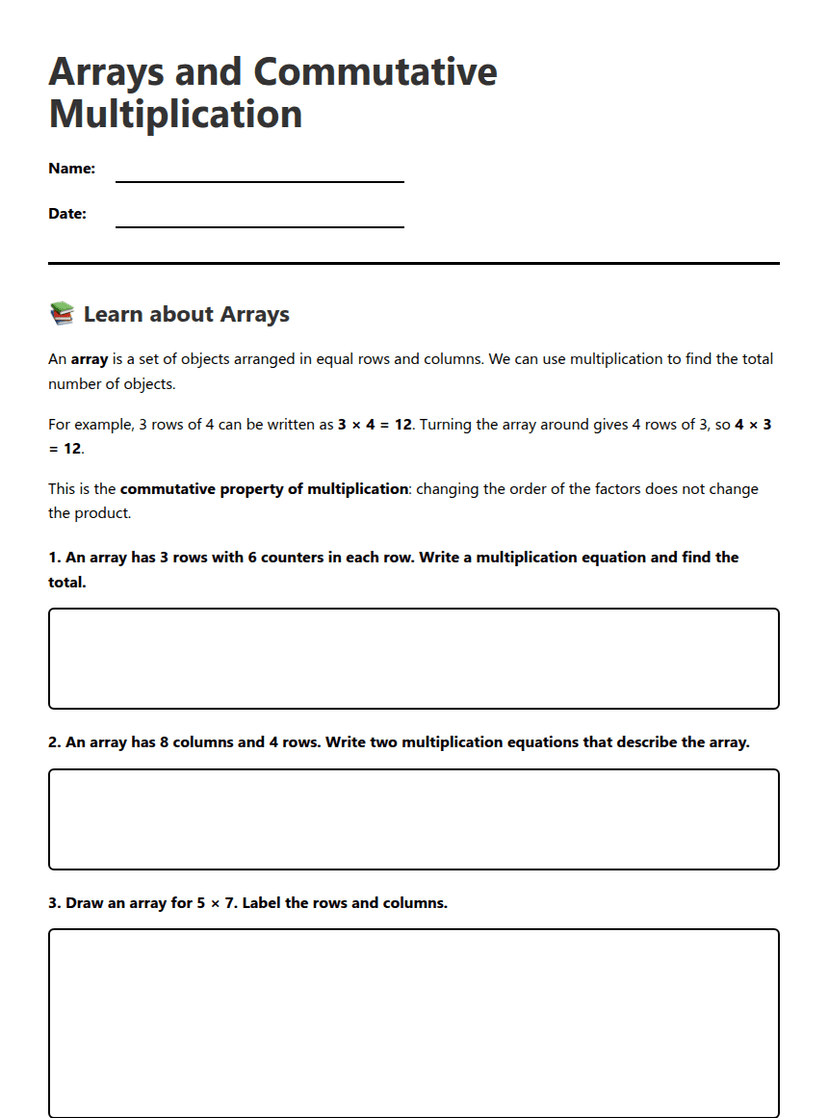
Year 6
Arrays and Commutative Multiplication
Free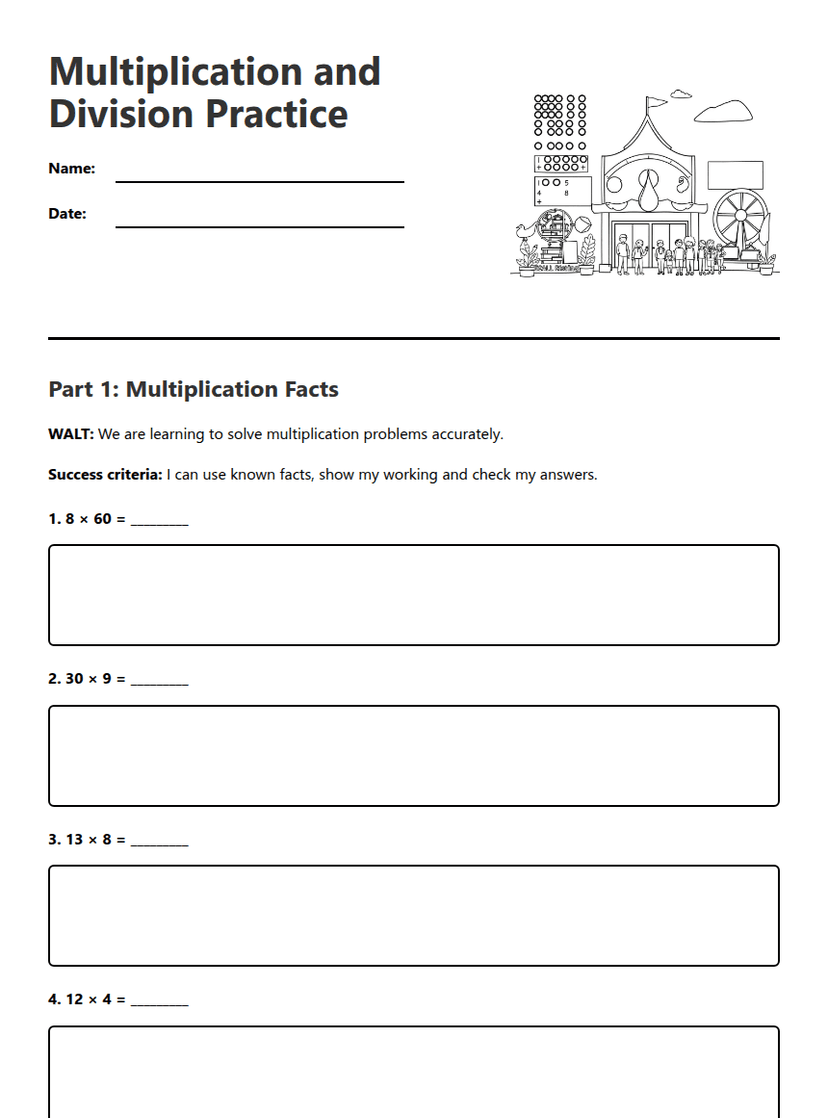
Year 4
Multiplication and Division Practice
Free
Year 5