PowerPoint Creation for Year 7
Learn to create engaging presentations Master essential PowerPoint skills Build confidence in digital communication

What Makes a Great Presentation?
Think about presentations you've seen What grabbed your attention? What made them memorable? Share your thoughts with a partner

The Golden Rules of Presentations
Keep it simple and clear Use large, readable fonts Include relevant images Limit text on each slide Tell a story with your slides
Hands-On: Opening PowerPoint
Open Microsoft PowerPoint on your computer Explore the different template options Choose a simple, professional template Create a new presentation with your chosen template
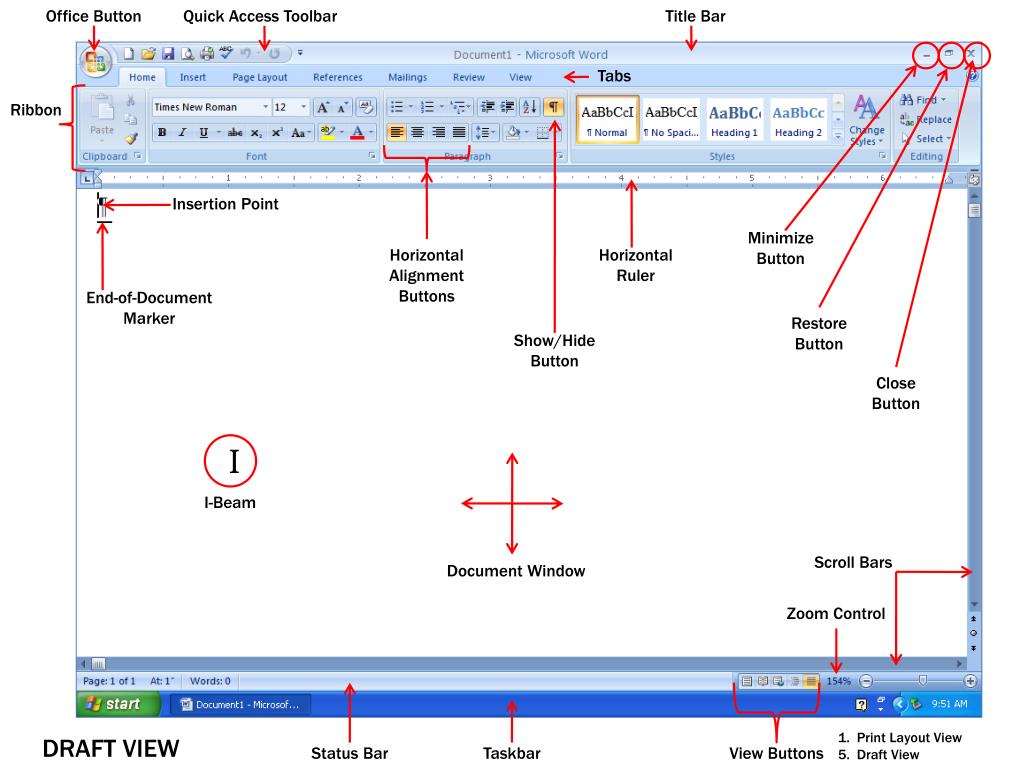
Essential PowerPoint Tools
Home tab: fonts, colours, and formatting Insert tab: images, shapes, and charts Design tab: themes and layouts Slide Show tab: presenting your work Review tab: spelling and comments
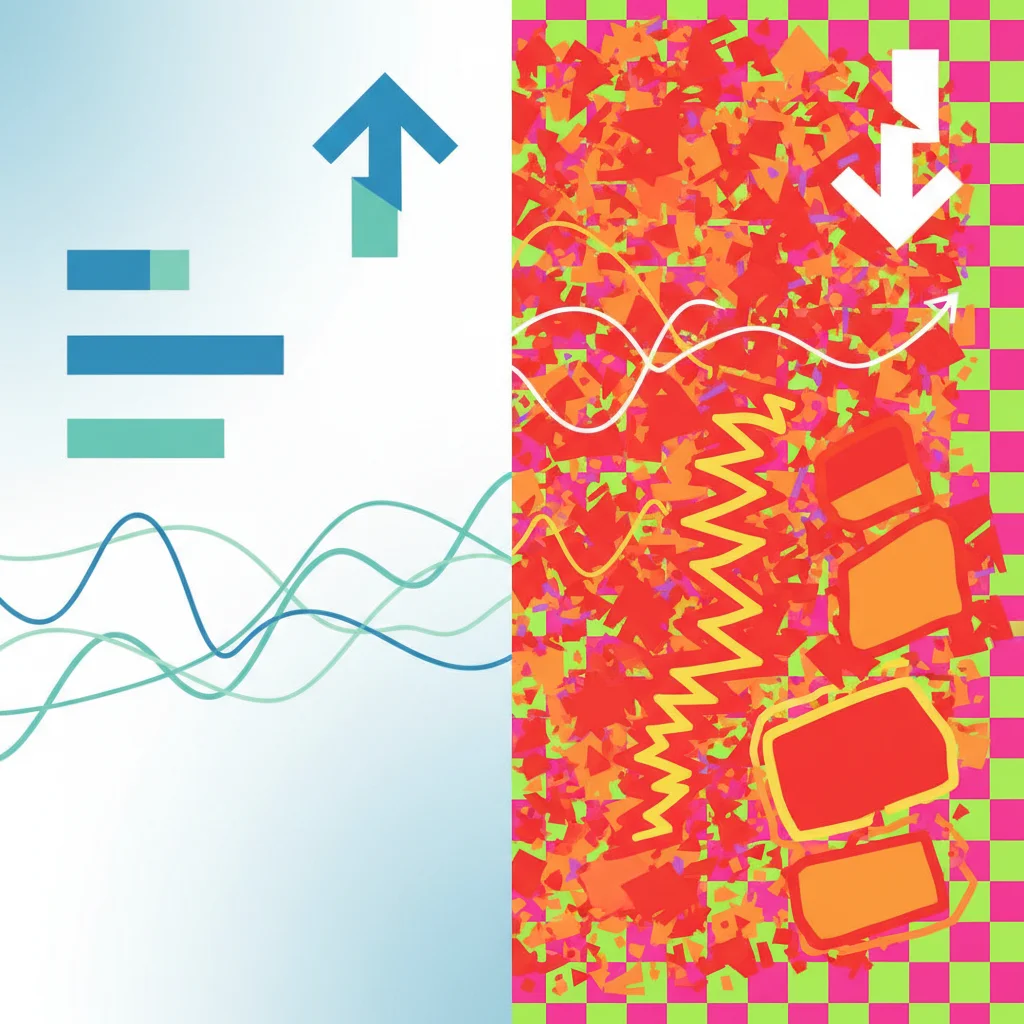
Do's and Don'ts of Slide Design
{"left":"Use bullet points for key ideas\nChoose contrasting colours for readability\nInclude one main image per slide\nKeep animations simple and purposeful","right":"Use too much text on one slide\nChoose fonts that are hard to read\nUse distracting background images\nAdd sound effects unnecessarily"}
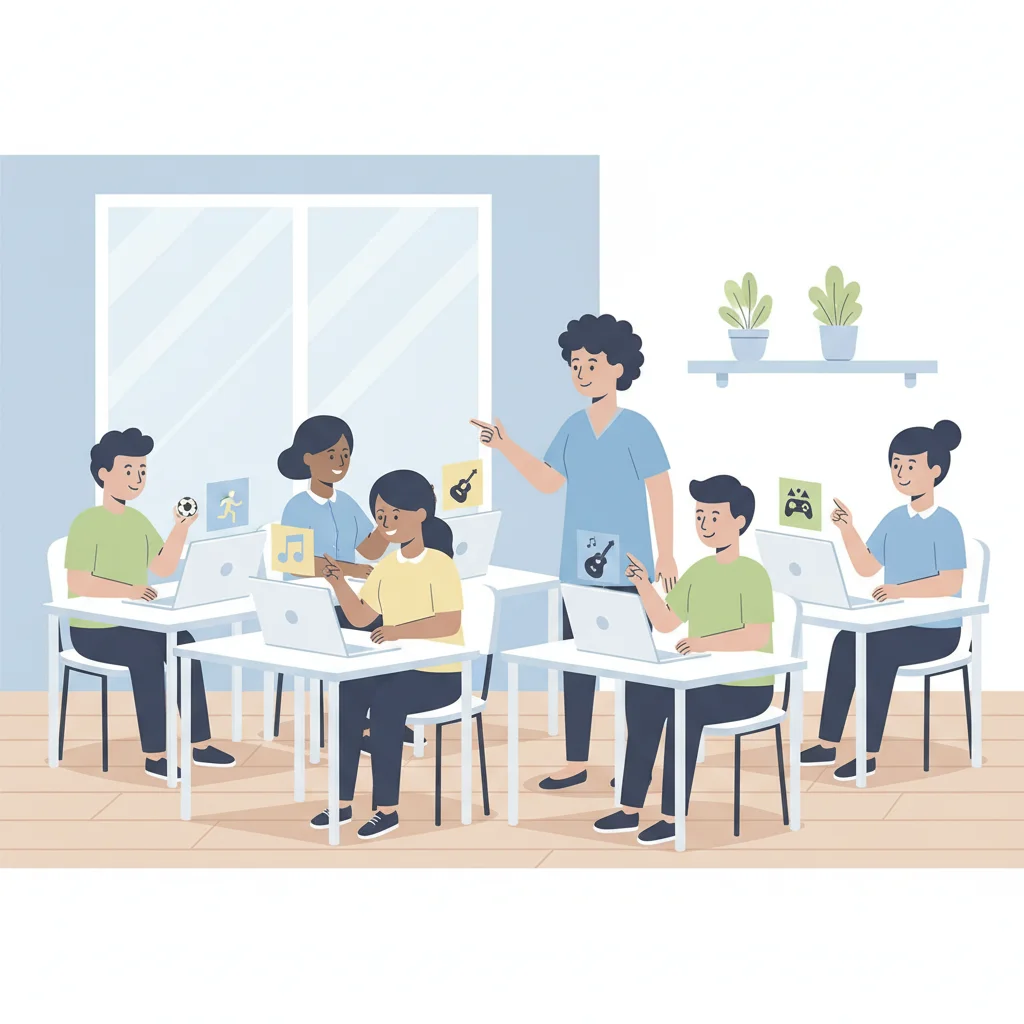
Practice: Creating Your First Slide
Create a title slide about your favourite hobby Add a clear, descriptive title Include 2-3 bullet points explaining why you enjoy it Insert a relevant image from the online pictures feature Format your text to be clear and readable
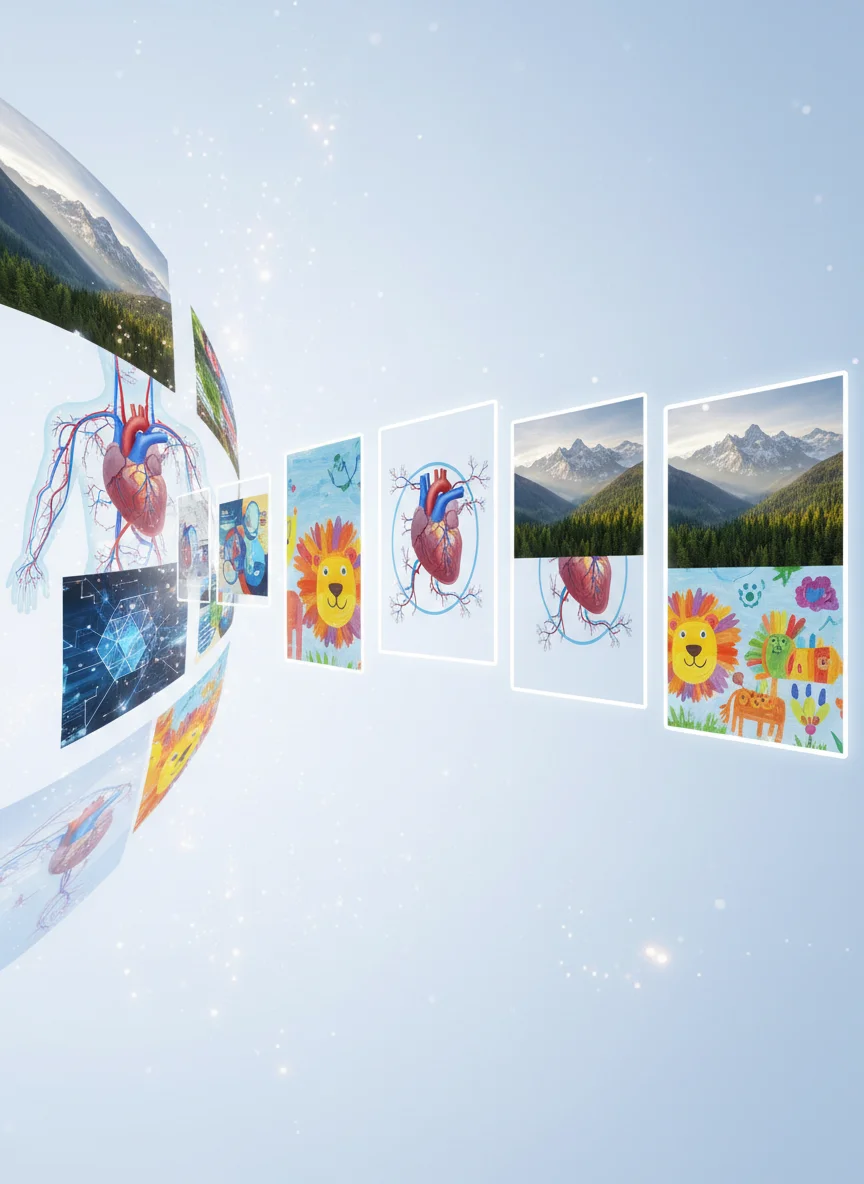
Adding Images and Graphics
Use Insert > Pictures for your own photos Try Insert > Online Pictures for web images Always choose high-quality, relevant images Resize images to fit your slide properly Consider copyright - use free or licensed images

Reflection: What Have You Learned?
What PowerPoint skill are you most excited to use? Which design rule do you think is most important? How will you use these skills in other subjects? What would you like to learn more about?

Your Next Steps
Practice creating presentations for other subjects Experiment with different layouts and designs Ask for feedback from teachers and friends Explore advanced features like animations and transitions Remember: content is king - focus on your message first!