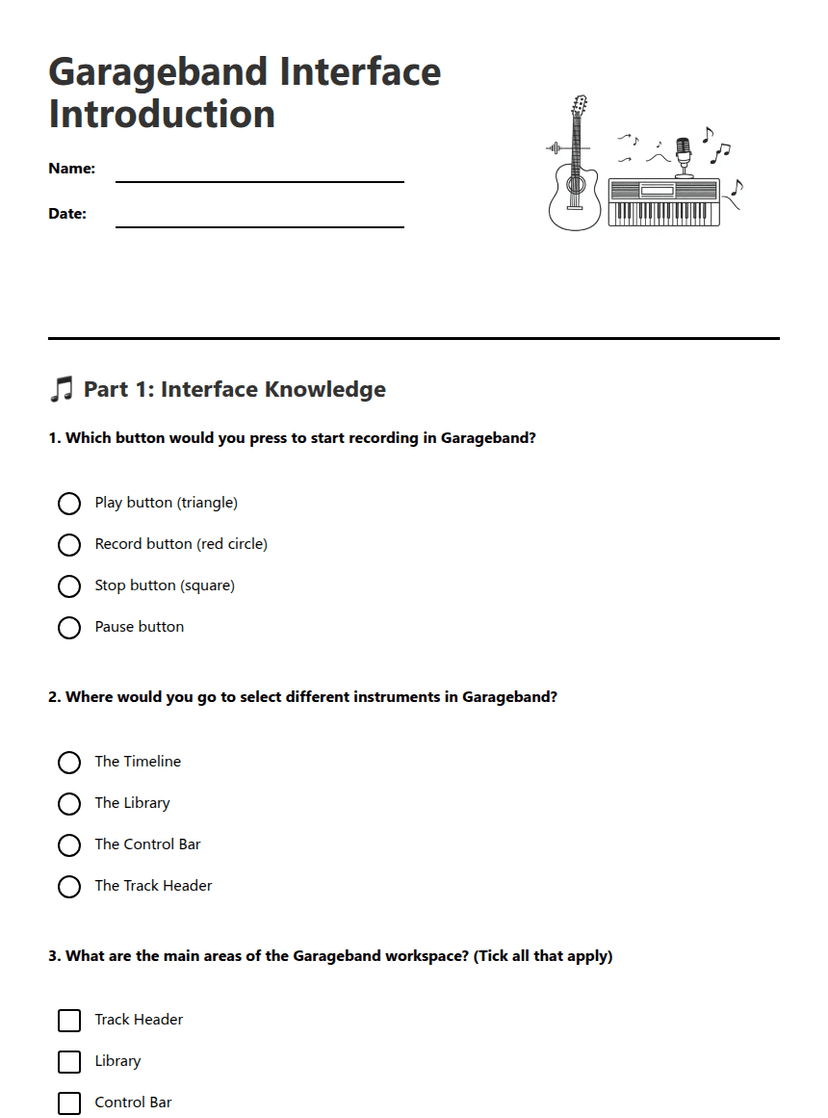
Garageband Interface Introduction
A free music worksheet ready for your classroom. Open in Kuraplan to grab the print-ready PDF, customize it for your students, or generate a fresh version in seconds.
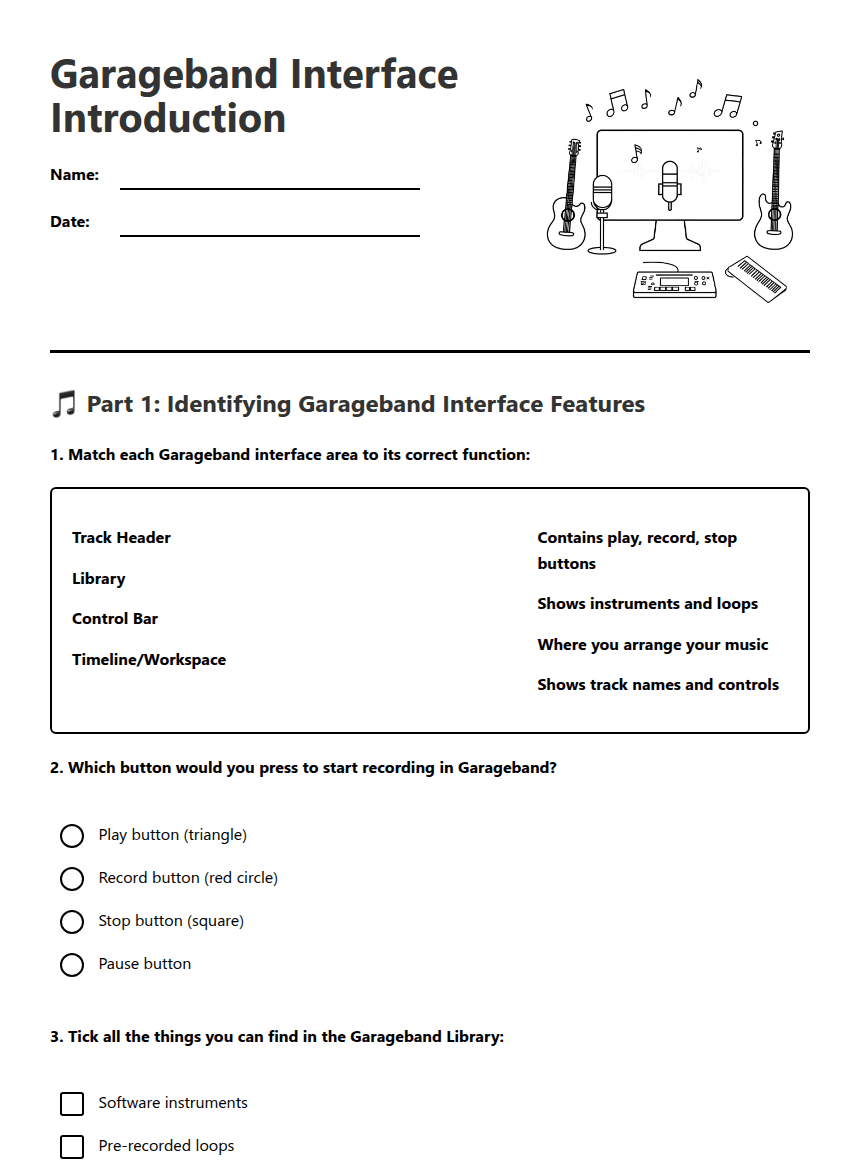
Garageband Interface Introduction

🎵 Part 1: Identifying Garageband Interface Features
✅ Part 2: Creating a New Project - Step-by-Step Checklist
Creating Your First Project:
My project name: _________________________
🎯 Part 3: Reflection and Extension
1. _________________________________________________
2. _________________________________________________
3. _________________________________________________
Open Garageband and start a new project: Yes / No / Need help
Identify the main interface areas: Yes / No / Need help
Use play, record, and stop buttons: Yes / No / Need help
Save my project correctly: Yes / No / Need help
About This Worksheet
Free in Kuraplan
Sign up free, grab the PDF, and customize it for your class.
Print-Ready
Formatted for standard paper. Clean layout, easy to read.
AI-Generated
Created with Kuraplan's AI, designed for real classroom use.
For Teachers & Parents
Use in classrooms, for homework, tutoring, or homeschool.
Need a custom version of this worksheet?
Kuraplan's AI generates custom worksheets in seconds — differentiated for every learner, aligned to your curriculum.
Generate Custom Worksheets — Free