A good lesson plan PDF template is so much more than another document to fill out. Think of it as your secret weapon—a tool that gives you back your time and brings a sense of calm clarity to your classroom. It’s the roadmap that keeps your teaching intentional, organized, and ready for whatever the school day decides to throw at you.
Why a Great Lesson Plan PDF Template Matters

Let's be honest—the last thing any of us need is another task piled onto our already overflowing plates. The idea of creating a standardized template from scratch can feel like just that: one more thing to do.
But trust me, investing a little time upfront into a solid lesson plan template is one of the best moves you can make for your own sanity and your students' success. This goes way beyond just "staying organized." A well-structured template turns your entire planning process from a frantic nightly scramble into a predictable, efficient system.
Reclaim Your Evenings and Weekends
The most immediate win? The time you get back. Instead of reinventing the wheel for every single lesson, your template provides a consistent framework. You just fill in the details. This frees up precious mental energy to focus on the fun, creative parts of teaching, like dreaming up engaging activities, instead of tedious formatting.
In fact, some studies show that teachers who use structured templates can spend 30-40% less time on planning. That can add up to 8-12 hours saved each month—time you can finally reclaim for yourself. You can find more details on lesson planning efficiency here.
As one veteran teacher I know put it, "Switching to a consistent template was the best thing I ever did for my work-life balance. I stopped thinking about how to plan and started focusing on what to teach. My lessons got better, and I got my Sunday afternoons back."
Plan with Confidence and Clarity
A solid template also brings a sense of calm and control. When an administrator pops in for an unannounced observation, you won't be fumbling through scattered sticky notes. Your plan is clear, professional, and shows just how intentional you are.
This structure also ensures you hit every critical component, every time:
- Clear Objectives: You’ll always start with the end goal in mind.
- Standards Alignment: Key standards are baked right into your plan, not tacked on as an afterthought.
- Thoughtful Differentiation: Dedicated sections prompt you to consider the needs of every learner from the get-go.
- Logical Flow: Your activities will naturally build on one another, from the warm-up all the way to the exit ticket.
Ultimately, a good lesson plan PDF template isn't a restrictive box; it's a supportive scaffold. It handles the administrative heavy lifting so you can pour your energy into what truly matters: creating incredible learning experiences for your students.
The Core Components of an Effective Lesson Plan
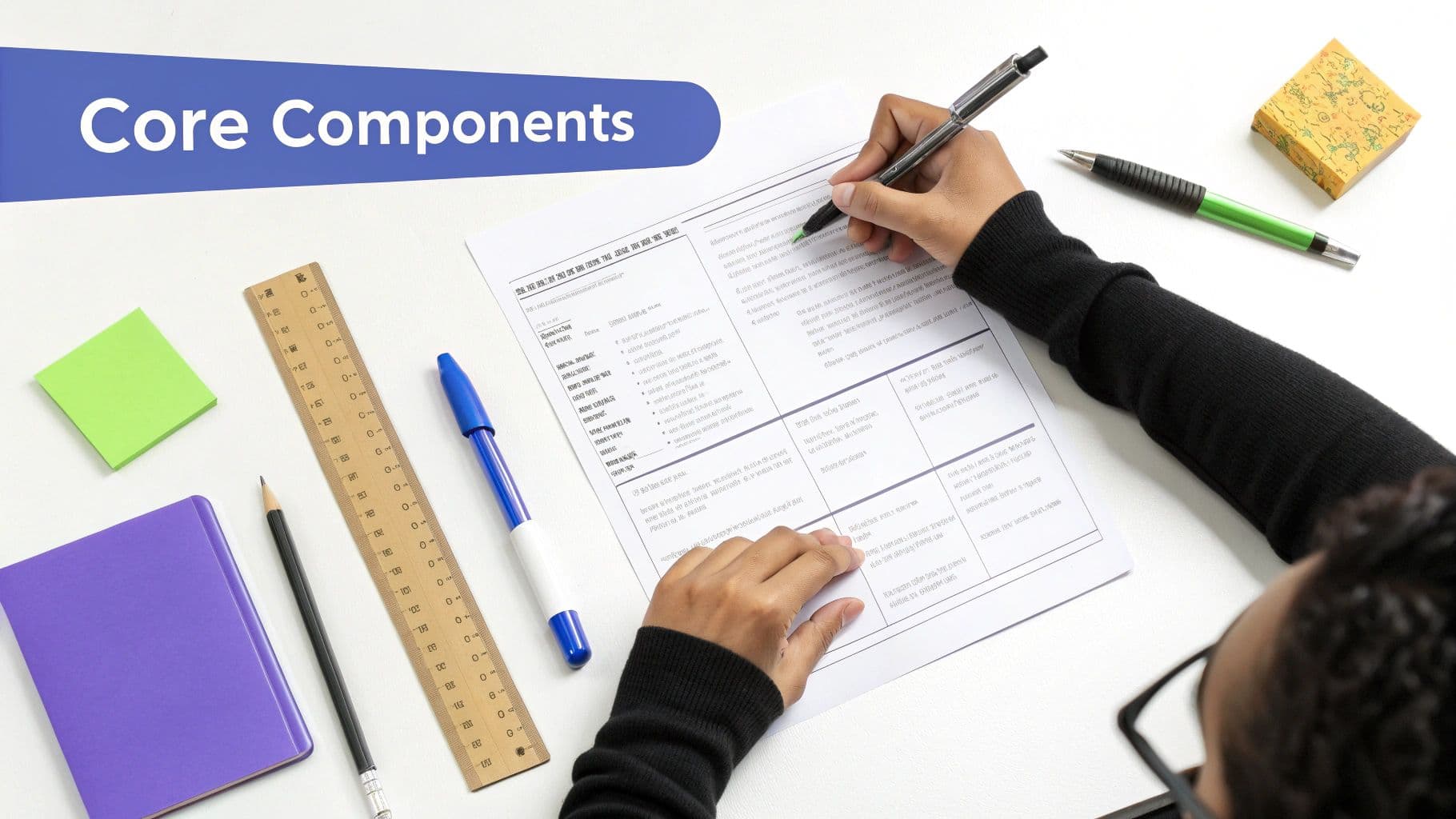
Before you download the first free lesson plan pdf template you find, let's break down what actually makes one work. A good design is nice, but it’s the instructional guts that really matter. An effective template isn't just a box-ticking exercise; it's a thinking tool that guides your teaching from start to finish.
Think of it as your classroom blueprint. Each section has a specific job, making sure your lesson is organized, intentional, and truly aligned with what your students need.
To build a solid foundation, every lesson plan needs a few key elements. I've broken down the must-haves below.
Core Components of a High-Impact Lesson Plan Template
| Component | What It Is | Why It Matters |
|---|---|---|
| Learning Objectives | Clear, specific statements of what students will know or be able to do. | This is your destination. It anchors the entire lesson and makes it purposeful. |
| Standards Alignment | Connecting your objectives to state, national, or curriculum standards. | Ensures your lesson fits into the bigger picture of a student's learning journey. |
| Materials & Resources | A complete list of everything you'll need, from tech to textbooks. | Prevents mid-lesson scrambles and keeps the class flowing smoothly. |
| Sequence of Activities | The step-by-step flow of your lesson (e.g., warm-up, instruction, practice). | Creates a logical rhythm for learning and helps build student understanding. |
| Assessment Methods | How you'll check for understanding (e.g., exit ticket, observation, quiz). | Tells you if students actually met the objective and who might need more support. |
| Differentiation | Strategies to support struggling learners and challenge advanced ones. | Makes the lesson accessible and engaging for every single student in the room. |
These components work together to create a cohesive, effective plan that's ready for the classroom.
Start with Your Destination in Mind
Everything—and I mean everything—starts with your learning objectives. They are the non-negotiable anchors of your lesson, defining exactly what you want students to know, understand, or do by the time the bell rings.
A weak objective is vague, like "Students will learn about fractions." A strong one is specific and measurable: "Students will be able to add two fractions with unlike denominators and simplify the result." If you want to sharpen your skills here, check out our deep dive into how to write objectives for lesson plans that actually guide instruction.
Your objectives also need to connect directly to your curriculum standards. This isn't just for admin; it ensures your lessons are part of a coherent learning journey.
Gather Your Tools and Map the Journey
Once your destination is set, list the materials and resources you'll need. This could be anything from worksheets and textbooks to manipulatives or a specific YouTube video. Listing them out ahead of time prevents that frantic search for a missing supply while 30 pairs of eyes are on you.
Next, map out a logical sequence of activities. This is the heart of your lesson, outlining the flow from the warm-up to the closing bell. A structure that works time and again is the gradual release model:
- Warm-Up/Bell Ringer: A quick activity to get brains buzzing and activate prior knowledge.
- Instruction/Modeling ("I Do"): This is your moment to introduce the new concept or skill.
- Guided Practice ("We Do"): Students try it out with your support and feedback.
- Independent Practice ("You Do"): Students apply what they've learned on their own.
- Closing/Exit Ticket: A brief wrap-up to check for understanding and solidify the learning.
This flow gives the lesson a predictable and effective rhythm, which helps with classroom management and student learning.
A well-sequenced plan is the difference between a lesson that feels like a cohesive story and one that feels like a random collection of worksheets. It builds momentum and helps students see the connections between each part of the learning process.
Check for Understanding and Plan for Everyone
Finally, we have two critical components that often get overlooked: assessment and differentiation.
Your assessment section outlines how you'll know if students met the objective. This doesn’t have to be a formal test. It could be through observation during group work, an exit ticket, a quick quiz, or the work they produce during independent practice.
The differentiation section is where you proactively plan for the diverse needs in your classroom. For a 3rd-grade math lesson, this might mean having base-ten blocks for visual learners and a challenge problem for early finishers. For a 10th-grade English class, it could involve providing sentence starters for a paragraph response or offering texts at different reading levels.
By building these elements into your lesson plan pdf template from the start, you ensure every lesson is thoughtful, inclusive, and designed for success.
Designing a Template for Print and Digital Use
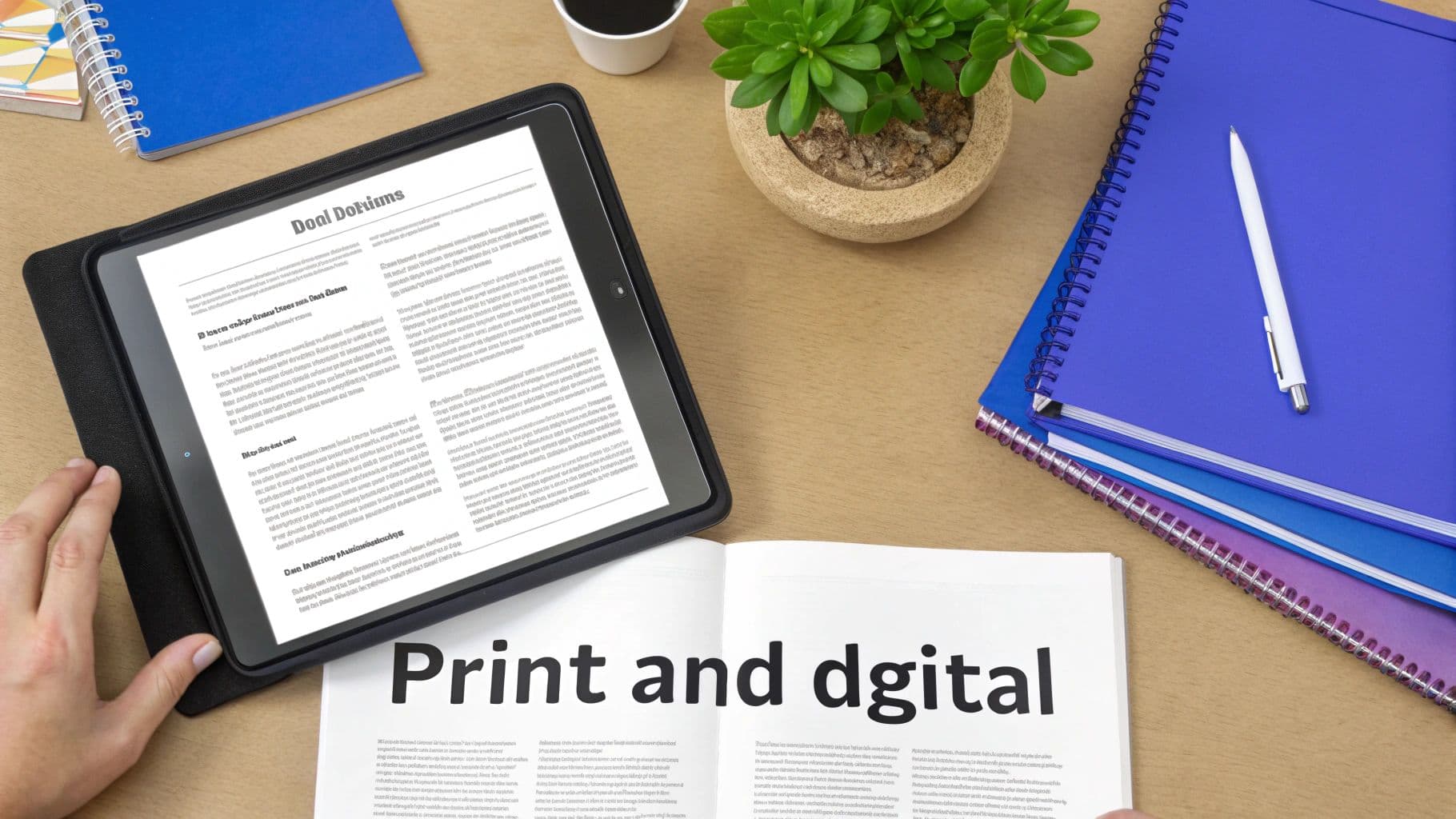
Your lesson plan needs to be your trusted copilot, whether you’re glancing at it on your laptop or holding a printed copy in the middle of a chaotic classroom. A truly great template is designed for both worlds from the start. It’s not just about what’s in it, but how it’s presented.
The goal is a document that’s instantly scannable. When you have 25 students asking questions at once, you don’t have time to hunt through dense paragraphs for your next activity. A well-designed template serves you at a glance.
Laying It Out for Clarity
Good design begins with the basics: clean fonts and smart use of space. I always recommend sticking to simple, readable fonts like Arial, Helvetica, or Calibri. They’re easy on the eyes in both digital and print formats, which makes a big difference by the end of a long teaching day.
Next, embrace white space. It might feel strange to leave parts of the page empty, but this is what separates a clean, professional-looking plan from a cluttered, overwhelming one. White space gives your eyes a rest and helps define different sections, making everything far easier to navigate quickly.
Your template should feel like a calm, organized guide, not a frantic to-do list. The visual presentation directly impacts how useful the document is in the heat of the moment. A clean layout promotes a clear mind.
A clear visual hierarchy is also a must-have. Use headings, subheadings, and bullet points to break up information. This simple structure helps your brain process the content faster, so you can find exactly what you need without a second thought. For teachers who use our free lesson plan templates, you'll notice this scannable structure is a core part of the design.
One Page or Multi-Page?
Deciding between a one-page summary and a multi-page detailed plan is a personal choice that often comes down to the situation.
- The One-Page Plan: This is your daily driver. It’s a high-level overview of objectives, activities, and materials—perfect for veteran teachers or for lessons that are part of a familiar routine.
- The Multi-Page Plan: This is essential for formal observations, substitute teachers, or complex lessons with a lot of moving parts. This version would include detailed scripts, guiding questions, and specific differentiation notes.
A lot of teachers I know use a hybrid approach. They’ll build out a detailed multi-page plan in a tool like Google Docs or Kuraplan, then export a condensed one-page PDF version for their daily clipboard. As you design your template, think about this flexibility. If you plan to fill it out digitally or make frequent changes, you'll need to know how to edit PDF documents effectively. This ensures you have the right level of detail for any situation without having to start from scratch.
How to Integrate Differentiation and Accessibility

Let's be real—meeting the needs of every single learner in a busy classroom can feel like an impossible juggling act. The secret isn't creating a dozen different activities. It’s about building intentional, thoughtful support right into your planning from the get-go.
A truly effective lesson plan PDF template goes way beyond a single, generic "differentiation" box. Instead, it treats inclusivity as a core part of its design. By creating dedicated spaces in your template for specific, actionable strategies, you’re prompted to think about every student from the very start. It turns a big, lofty goal into a manageable daily practice.
Moving Beyond the Generic Differentiation Box
It’s time to ditch that tiny, all-purpose notes section at the bottom of the page. To make differentiation meaningful, your template needs to prompt you with specific categories of support. Think about adding dedicated fields that address the common variations you see in your students every day.
Breaking it down like this makes planning feel much less overwhelming. You can focus on one area at a time, making sure you have a strategy ready to go before the lesson even starts.
Try adding distinct sections like these to your template:
- Scaffolds for Struggling Learners: What specific supports will you have on hand? This could be anything from sentence starters and graphic organizers to manipulatives or a simplified text.
- Extensions for Early Finishers: How will you challenge students who grasp the concept right away? Think beyond just "more of the same." Plan a related logic puzzle, a creative project, or a deeper research question.
- Accommodations for IEPs/504s: This is non-negotiable. List the specific, legally required accommodations for individual students so they're right in front of you during the lesson—things like preferential seating, extended time, or providing notes.
- Support for English Language Learners (ELLs): What visual aids, vocabulary pre-teaching, or partner-work strategies will make the content accessible? Being explicit here makes a world of difference.
When your template asks the right questions, you naturally start providing better answers. It shifts your mindset from, "What will I do if a student struggles?" to "How will I support every student's success from the outset?"
Designing for Universal Access
Beyond individual accommodations, a great template also pushes you toward Universal Design for Learning (UDL). UDL is all about creating flexible learning environments that can accommodate individual learning differences from the start, rather than as an afterthought.
This means building in options for how students engage with the material, understand information, and show what they know. In your template, this could look like a "Multiple Means of..." section.
Practical UDL Fields for Your Template
- Representation (The "What"): How will you present information in multiple ways?
- Example: "Provide both a written text and a short video on the topic."
- Action & Expression (The "How"): How will students show their learning?
- Example: "Offer a choice between writing a paragraph, drawing a comic strip, or recording a short audio explanation."
- Engagement (The "Why"): How will you spark interest and motivation for everyone?
- Example: "Connect the lesson to student interests by using examples from popular video games or music."
Planning for this kind of flexibility doesn't have to be complicated. If you're looking for ideas to fill these fields, AI-powered tools like Kuraplan can be a huge help. It can suggest varied activities and assessments based on your lesson objectives, making it much faster to build a truly inclusive lesson.
By designing your lesson plan PDF template with these principles, you’re creating a foundation for a classroom where every student gets a real chance to thrive.
Using Smart Tools to Accelerate Your Planning
Creating the perfect lesson plan PDF template is a huge win, but let's be real—the daily grind of filling it out can still feel like a chore. This is where modern technology can become your best friend, turning a tedious task into a quick, creative process.
Instead of spending Sunday evenings manually typing out state standards or trying to brainstorm yet another engaging activity, what if you had a partner to help with the heavy lifting? This is exactly where smart planning tools come in.
Let AI Do the Tedious Work
Imagine having an assistant who knows your curriculum standards inside and out. AI-powered platforms like Kuraplan can auto-populate your lesson with the exact standards you need, saving you from endless searching and copy-pasting. That feature alone can shave a significant amount of time off your planning routine.
But it goes much further than that. These tools are fantastic brainstorming partners. Stuck on a warm-up activity? An AI assistant can suggest several age-appropriate ideas in seconds. Need to create a quick exit ticket to check for understanding? It can generate one that aligns perfectly with your lesson objectives.
The real magic of using a smart tool is that it frees up your mental energy. Instead of getting bogged down in the administrative details of planning, you can focus your brainpower on the art of teaching—how to deliver the content, connect with your students, and make learning come alive.
From Plan to Action in Minutes
The connection between your digital plan and classroom-ready materials is often where things get clunky. You’ve got a great plan, but now you need to create the worksheets, slides, and visuals to go with it.
This is where a truly integrated tool shines. With a platform like Kuraplan, you can generate corresponding worksheets, assessments, and even kid-friendly diagrams directly from your lesson plan with a single click. No more wrestling with formatting in Word or trying to find the right clipart. If you're looking for more ways to integrate digital elements, you might want to explore features of a QR code generation tool to link students directly to online resources from a printed worksheet.
By pairing your beautifully designed PDF template with smart, responsive technology, you create a powerful workflow. You get the structure and consistency of your template, supercharged with the speed and creative support of AI. For more ideas on making your planning even more efficient, take a look at our guide to creating a digital teacher planner. This combination drastically cuts down on planning time, giving you back your evenings and letting you focus on what you love most—teaching.
Your Final Checklist Before Printing
You’ve put in the work and designed a fantastic lesson plan PDF template, loading it up with great activities for your students. Before you send it to the printer or save that final version, it’s worth taking a few minutes for one last quality check.
This quick once-over can save you from those little "oops" moments that always seem to pop up mid-lesson.
Think of this as your pre-flight checklist. First, are the instructions for students completely clear? Something that makes perfect sense to you might be a bit confusing for them. I find it helps to read any student-facing instructions out loud—it’s a simple trick to catch any awkward phrasing or ambiguity.
Next, give your timings a quick reality check. Is that five-minute warm-up actually going to take five minutes, or is it more likely to bleed into your main instruction time?
A final proofread is about more than just catching typos. It’s your chance to make sure the whole plan flows. Does the assessment truly measure the learning objective you set out? Are all your links working and materials accounted for? This five-minute check ensures your lesson runs as smoothly in the classroom as it did on paper.
Finally, confirm that your notes on differentiation and accessibility are practical and ready to go. Having a solid plan on paper for every learner makes it so much easier to manage the dynamic energy of the classroom and adapt on the fly.
Got Questions? I’ve Got Answers.
Even with the perfect template, a few questions always come up. Here are some of the most common ones I hear from fellow teachers when it comes to creating and using lesson plan templates.
What’s the Best Format for a Reusable Template?
The best format is always one that’s easy for you to edit but universally accessible for others. I find a Google Doc or Word document is perfect for the initial creation and any future tweaks. You can drag and drop sections, adjust tables, and just move things around until it feels right.
Once you’ve locked in a design you love, save it as a PDF. This is key. A PDF freezes all the formatting, so you know it’ll look exactly the same on any computer and print perfectly every time. For your day-to-day planning, just fill out your master document and export a fresh PDF for that day's lesson.
This whole process gets even easier with tools built for teachers. For instance, a platform like Kuraplan lets you build your lesson and then export a polished PDF with a single click, taking care of all the conversion work for you.
How Do I Make Sure My Template Meets School Requirements?
First things first, get your hands on any existing templates or mandatory components from your administration. A lot of schools have non-negotiables, like specific fields for Common Core standards, social-emotional learning (SEL) goals, or technology integration.
My advice? Make a quick checklist of everything they require. Then, build a dedicated section for each item in your custom template. That way, you know you’re covered.
Pro Tip: Pull up your school's teacher evaluation rubric and cross-reference it with your template. This document is a goldmine for understanding what administrators are actually looking for in a lesson plan, ensuring you’re always one step ahead.
How Detailed Should My Lesson Plan Be?
Honestly, this comes down to your own needs and experience. If you’re a student-teacher or you know you’re being formally observed, you’ll probably want a highly detailed, almost script-like plan that spells everything out.
On the other hand, a veteran teacher might just need a one-page outline with the main objectives, a simple sequence of activities, and a few assessment notes. The goal is for the document to serve you, not the other way around. It just needs to be detailed enough to guide you and a substitute but not so dense that it becomes a burden to use in the classroom.
Ready to stop planning from scratch and reclaim your time? Kuraplan uses AI to help you create standards-aligned lesson plans, worksheets, and visuals in minutes. Try Kuraplan for free and see how much time you can save.