Digital Tech Exploration Worksheet
A free technology worksheet ready for your classroom. Open in Kuraplan to grab the print-ready PDF, customize it for your students, or generate a fresh version in seconds.
Digital Tech Exploration Worksheet

📚 Part 1: Multiple Choice
WALT: We are learning to identify components of digital systems and safe online practices.
Success Criteria: I can choose the correct definitions for basic tech terms and select safe options for passwords and devices.
✏️ Part 2: Short Answers & Matching
WALT: We are learning to explain basic digital tech concepts and match terms to their meanings.
Success Criteria: I can write clear definitions and match technical terms to correct explanations.
🎨 Part 3: Creative Activity
WALT: We are learning to apply design thinking to privacy and security.
Success Criteria: I can sketch a simple icon and label two privacy settings; I can describe one step to create a secure password.
About This Worksheet
Free in Kuraplan
Sign up free, grab the PDF, and customize it for your class.
Print-Ready
Formatted for standard paper. Clean layout, easy to read.
AI-Generated
Created with Kuraplan's AI, designed for real classroom use.
For Teachers & Parents
Use in classrooms, for homework, tutoring, or homeschool.
Need a custom version of this worksheet?
Kuraplan's AI generates custom worksheets in seconds — differentiated for every learner, aligned to your curriculum.
Generate Custom Worksheets — FreeMore Technology Worksheets
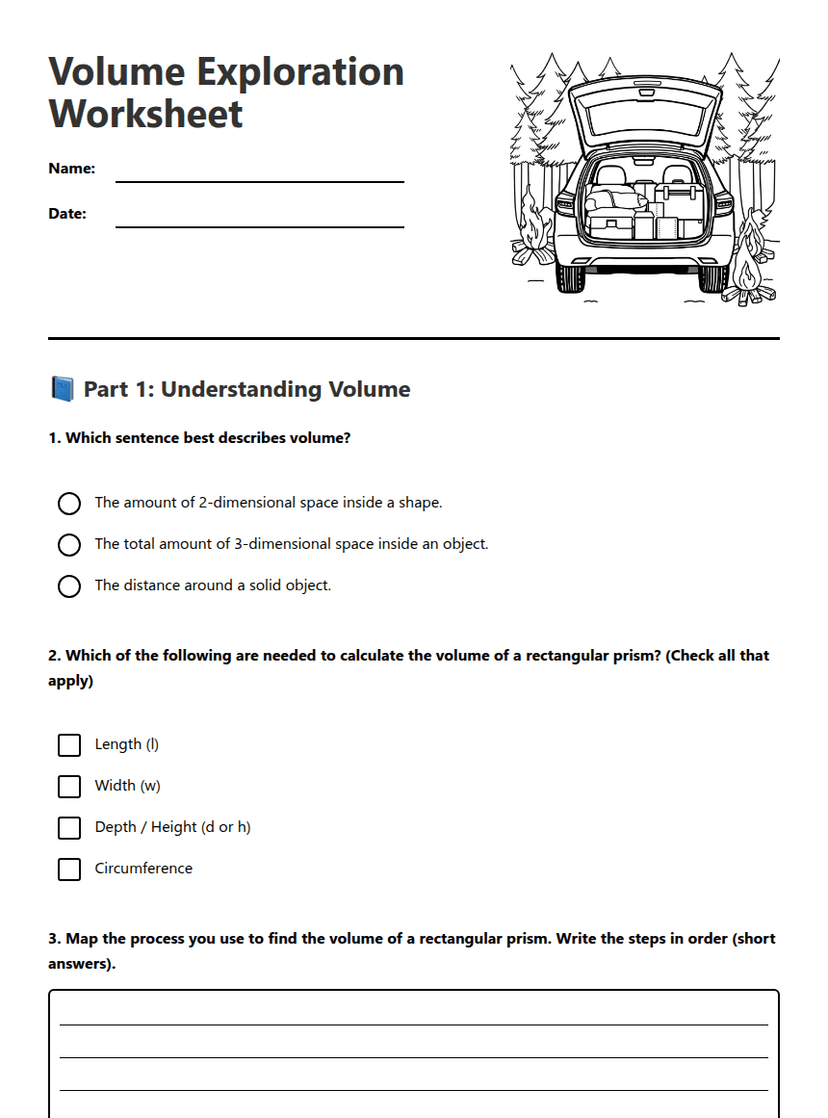
Volume Exploration Worksheet
Free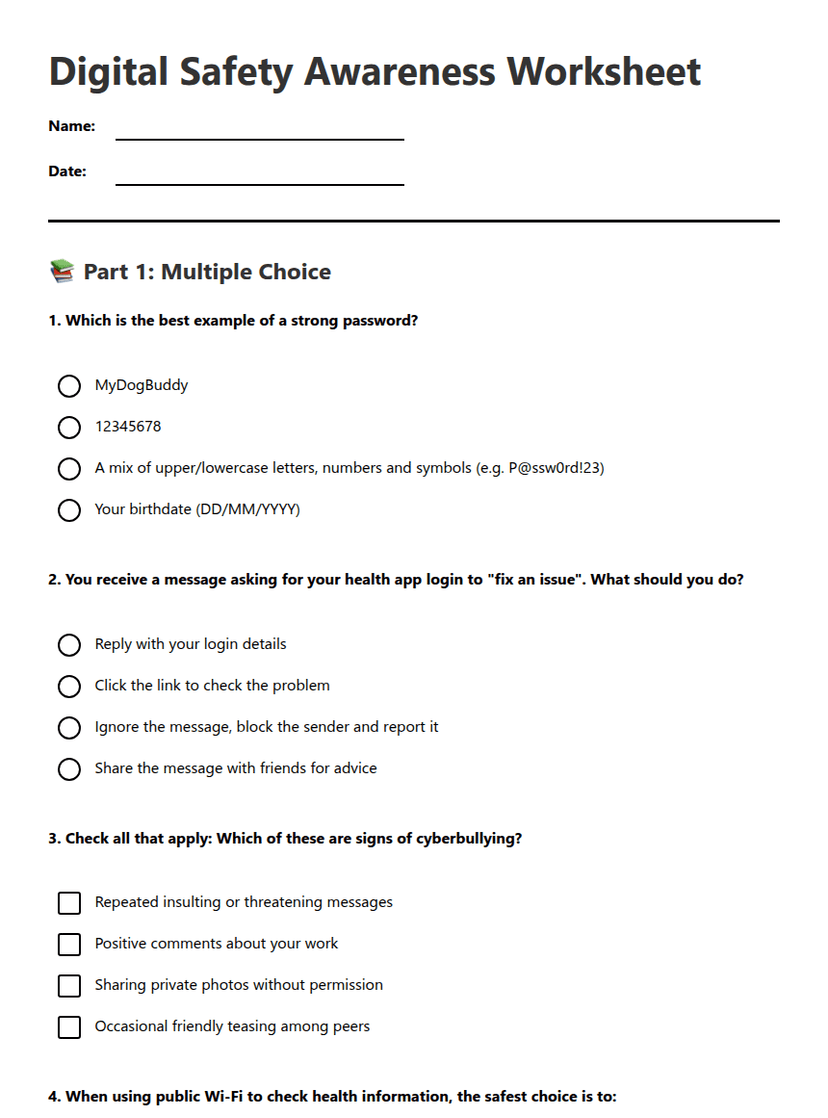
Digital Safety Awareness Worksheet
Free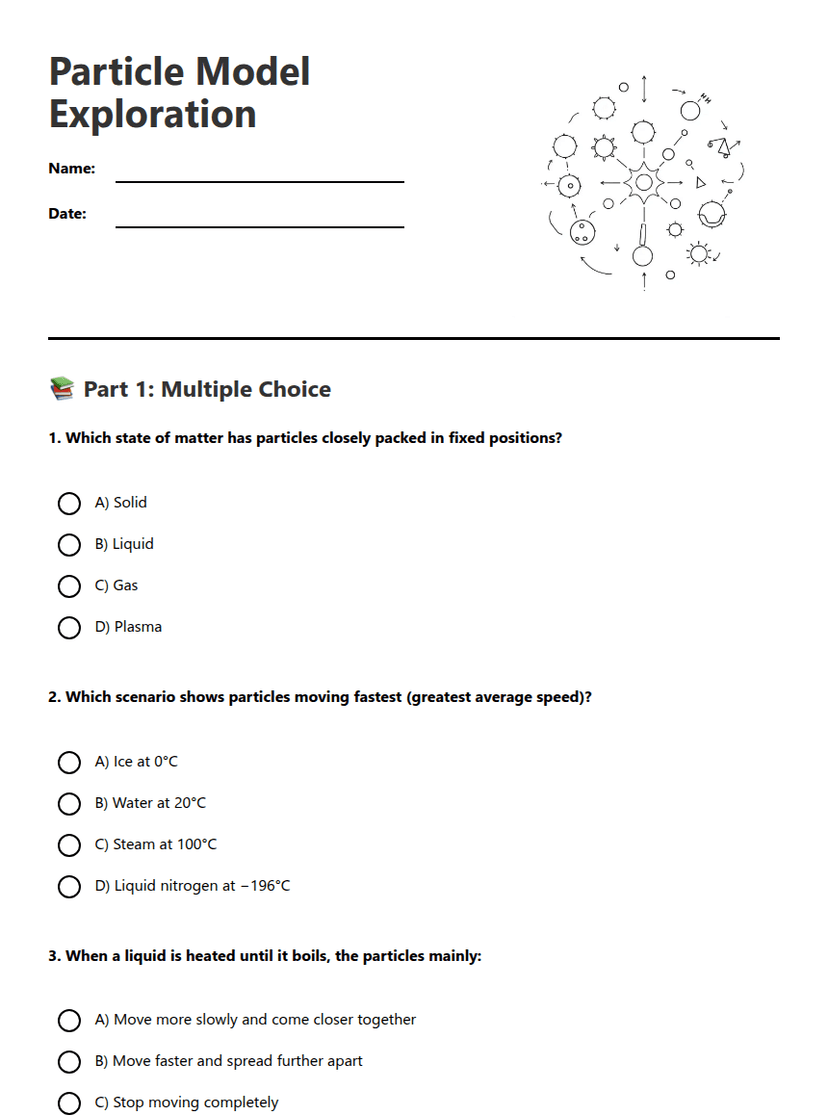
Particle Model Exploration
Free
Understanding Digital Identity
Free
Continents and Oceans Exploration
Free
Fairy Tale Exploration Worksheet
Free
Fairy Tale Exploration Worksheet
Free