It is Sunday evening. Tomorrow's fractions lesson needs a one-page practice sheet with an answer key, and the textbook copy machine is out of toner. You can rebuild the page in a word processor, or you can open a worksheet generator for math and finish before the laundry buzzer goes off. Those minutes stay minutes only if the tool matches your grade and your workflow. A fact-drill site is the right call for third grade and the wrong call for a multi-step algebra review.
This list sorts generators by the job they do well, not by how many buttons they advertise. Quick fact drills for elementary sit beside grade-specific topic packs, AI-built sheets tied to a unit, and harder practice for middle and high school. Free drill generators, narrower topic tools, and AI planners such as Kuraplan all have a place. Every entry flags where you still check the math, where an account or paywall slows you down, and whether the printed sheet needs formatting before students see it.
I have burned a quiet hour on a beautiful PDF that tested the wrong skill. That is the failure this comparison is built to avoid. On a busy week, the winner is rarely the longest feature list. It is the generator that hands you a sheet you would actually teach tomorrow.
1. Kuraplan
When a worksheet needs to follow a unit rather than cover a broad topic, Kuraplan offers an AI planning workflow for K–12. The Kuraplan website describes tools for building standards-aligned lessons, sequenced units, worksheets, slideshows, and visuals. It also lists objective-to-standard mapping, differentiation suggestions, rubrics, and worksheets with custom diagrams. The company describes a teaching assistant and a planner that can read a timetable photo. Check the generated content and the print layout before assigning it, since a detailed planning tool still needs teacher review.
Alignment is one reason to tie a worksheet to a specific objective. A RAND study of U.S. K–12 public-school teachers examined materials used in 2015–2016 against the Common Core. Of 3,524 American Teacher Panel members, 1,718 responded, a response rate of about 48.8%. The study found that most materials teachers used regularly were not highly aligned with Common Core mathematics standards. For a generated sheet, check that its questions assess the stated objective.
Differentiation without a second planning block
A useful unit pack gives you versions for different learners without changing the mathematical goal. In a 2025 Gallup survey, 57% of teachers agreed AI could improve accessibility for students with disabilities, rising to 65% among special-education teachers. The survey also found that 94% of teachers said differentiating for varied math abilities is important, while 70% said schools would benefit from a tool that identifies advanced math skills. Kuraplan may suit intervention, on-level, and enrichment planning when you verify that each version keeps the same target skill.
Practical rule: Check every answer and grade-level instruction before printing. A faster draft still needs a teacher's review.
The product's public notes do not provide pricing details, though they list a free trial and free resources. Copying worksheets or presentations into Google Docs or Slides may require extra formatting. If your state uses standards beyond a Common Core-focused setup, confirm coverage before building a full unit around the generated materials.
2. Math-Aids.com
Math-Aids.com is what I open when I already know the skill and I need a topic pack tonight. It covers more than 90 math topics from elementary through high school. You choose settings, then download a PDF with an answer key. Problems are randomly generated, and Common Core-based materials are in the library. Free access is ad-supported. An ad-free membership exists, so check the site for current pricing.
Paper still earns its place. In PISA 2022, students who used digital devices for learning at school for up to one hour a day scored 14 points higher in mathematics than students with no such use, after socioeconomic controls, across 45 countries and economies. Yet 65% of students across OECD countries said devices distracted them in at least some mathematics lessons. A Math-Aids printout keeps the practice and leaves the screens in the bag.
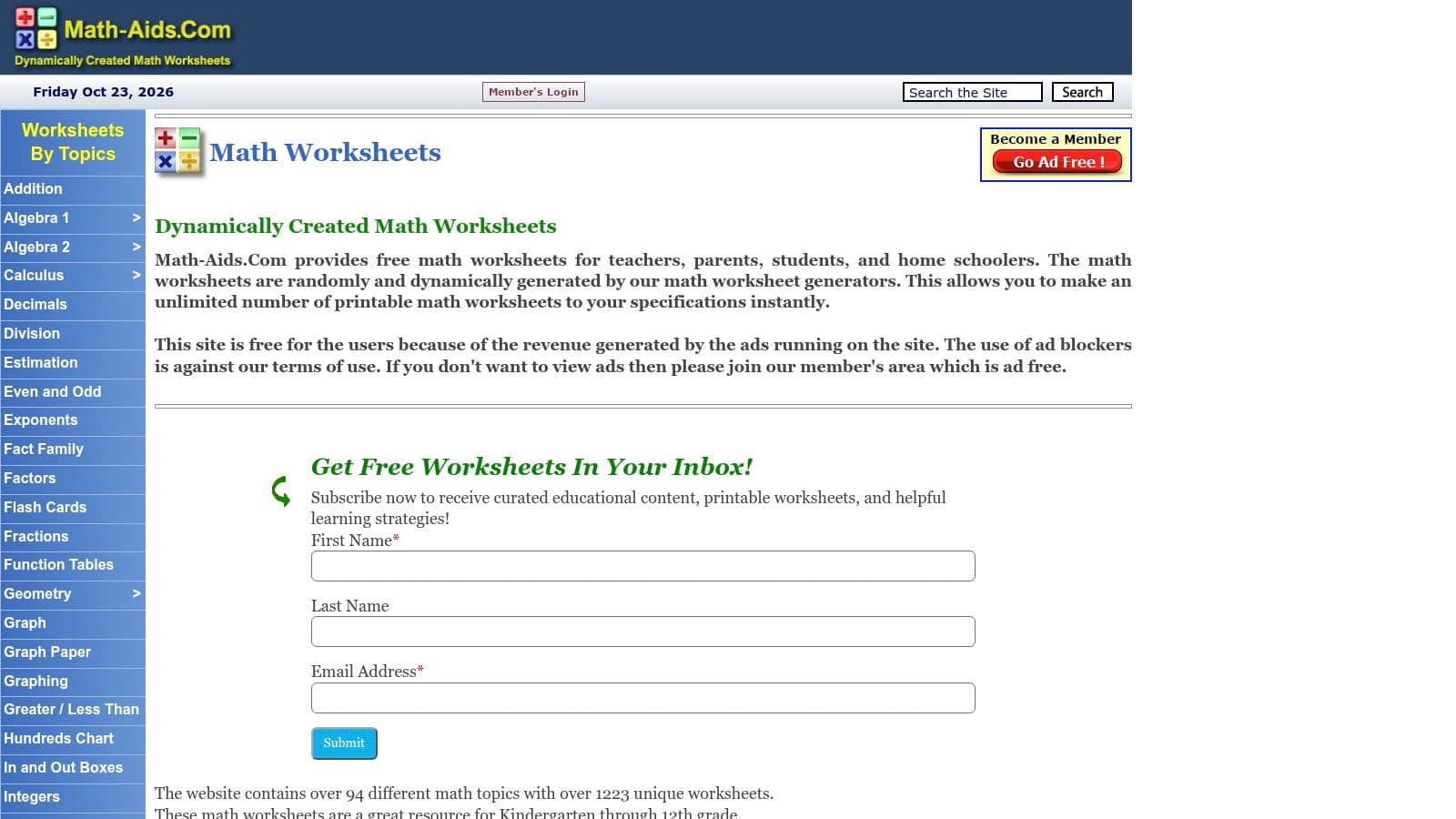
Layouts are functional, not polished. You will sometimes tighten spacing before the page looks like a one-pager. For fraction work that needs a lesson wrapper rather than another random set, pair the drill with a fractions worksheet tied to the objective.
- Check the key: Random items are fine, but skim the first and last problems for range errors.
- Expect ads: The free page feels cluttered, so print to PDF before you judge the layout.
- Don't expect design control: You get a usable sheet, not a custom template.
3. Education.com Worksheet Generator
Education.com's worksheet generator is aimed at younger learners who still need arithmetic, fact families, graph paper, and number lines. You can adjust difficulty and add a theme. Answer keys are included, and the same account reaches reading and puzzle generators if you want a mixed packet. Some content is free. Broader access may require a membership, and printing or saving requires an account. That login wall is annoying when you are on a classroom computer that won't remember you.
Add the example the generator won't write
The Institute of Education Sciences recommends introducing each problem type with a worked example, connecting the important information to that example, thinking aloud through each decision, and giving feedback that asks students to correct errors with an efficient strategy. Education.com will not build that sequence for you. Drop one modeled problem at the top, leave a line for students to mark the quantities, and add a correction item after the independent set.
Friendly themes help early grades. They don't extend the math. Once students leave foundational skills, this generator runs out of road, and you will be back in a topic tool or an AI planner.
4. Math Fact Cafe
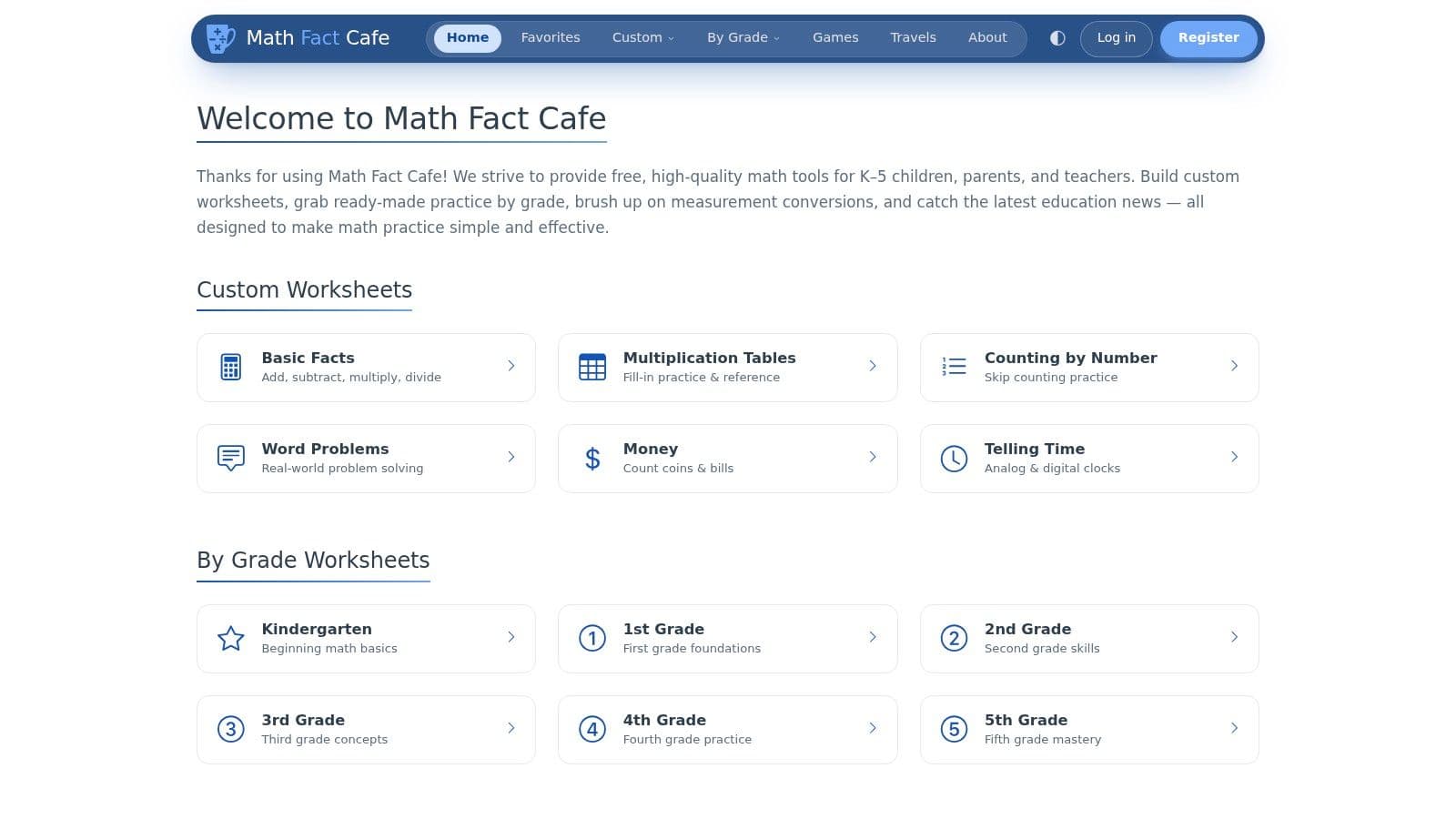
Math Fact Cafe stays in my bookmarks for K–5 fluency. You can build worksheets and flashcards, or grab pre-made pages, covering basic facts, money, time, conversions, and simple word problems. It is free, it is narrow, and that narrowness is the point on a fact-fluency Friday.
The Education Endowment Foundation reports that explicitly teaching pupils to plan, monitor, and evaluate their learning is associated with an average gain of eight months' additional progress over a year. The review draws on 355 studies, rates the evidence as high security, and finds positive results in mathematics as well as literacy and science, in primary and secondary schools. Those strategies belong inside normal content, not in a separate thinking-skills lesson. A bare fact sheet doesn't do that work.
Fact pages save the drill. They don't teach students to check their own reasoning. Add two prompts, or build the page inside a times tables worksheet that already has a place for them.
Design and navigation feel older than newer platforms. Middle and high school teachers will outgrow it in a week. For second grade, the age of the interface doesn't matter if the facts are right and the print is clean.
5. Super Teacher Worksheets
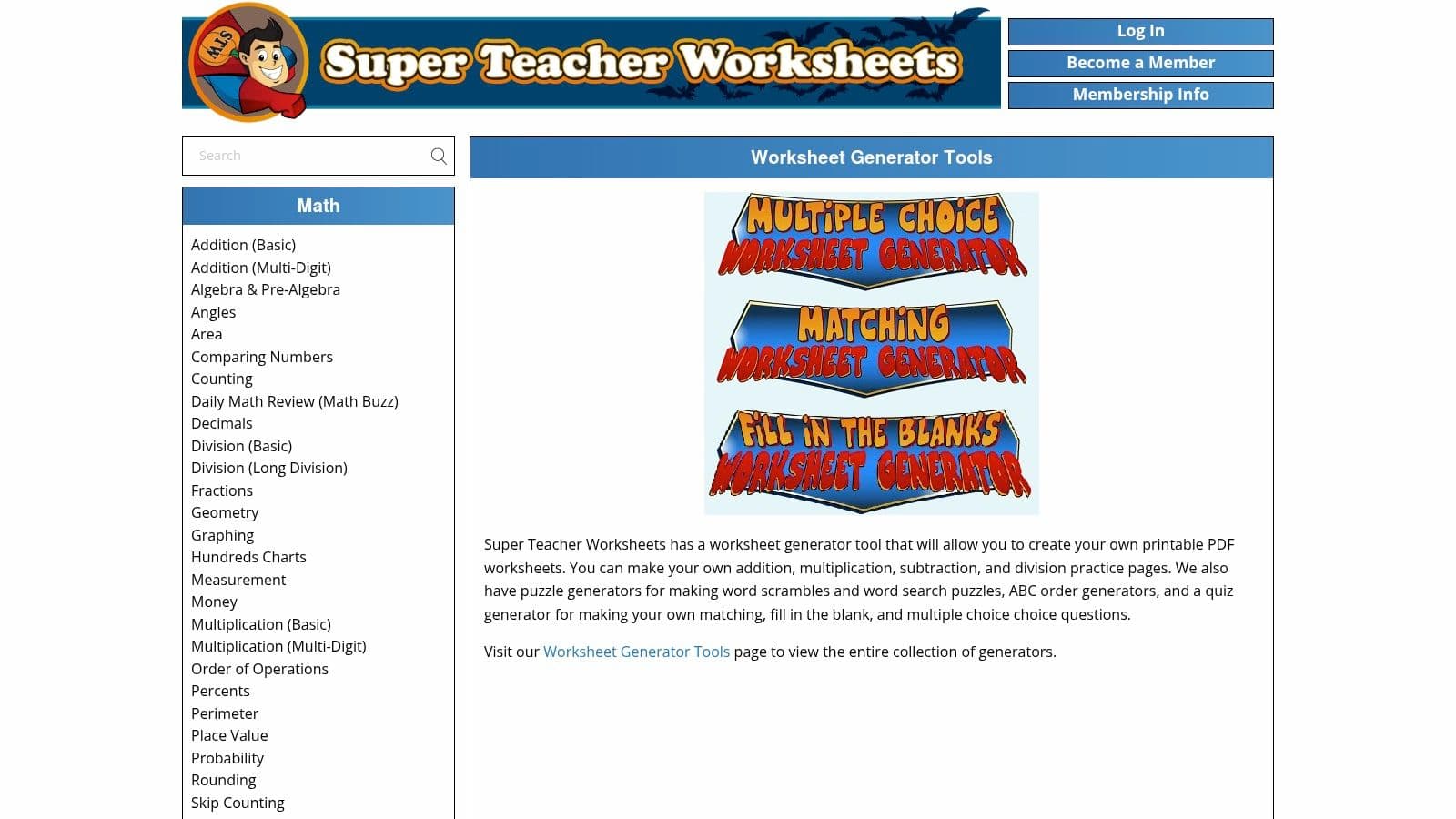
Super Teacher Worksheets suits a quick arithmetic drill when you need a focused set of problems. Its generators cover addition, subtraction, multiplication, and division. Set number ranges and problem counts, with some tools offering layout choices, regrouping, or word problems. A few generators are available without membership; the wider library of games and activities requires a paid membership.
A 2016 teacher survey of mathematics software found that 56% of surveyed teachers used software as a supplement and 28% used it as an intervention; 57% reported overall satisfaction. The survey also recorded individualized instruction and student engagement as benefits cited by 11% and 10% of teachers, respectively. These are general findings about mathematics software, not ratings of this site. Here, a four-operation worksheet can support practice or a short intervention, but teachers still need to adjust the work to students' needs.
- Use it for a skill slice: Target regrouping, a fact family, or a narrow number range.
- Skip it for the full curriculum: Its strongest coverage is arithmetic, with fewer options for secondary topics.
- Check the membership boundary: Some generators are free, while much of the companion library is paid.
Before printing, check that the selected layout fits the problems and leaves students enough room to work. Creating several readiness levels for one objective means adjusting the settings for each version.
6. The Math Worksheet Site
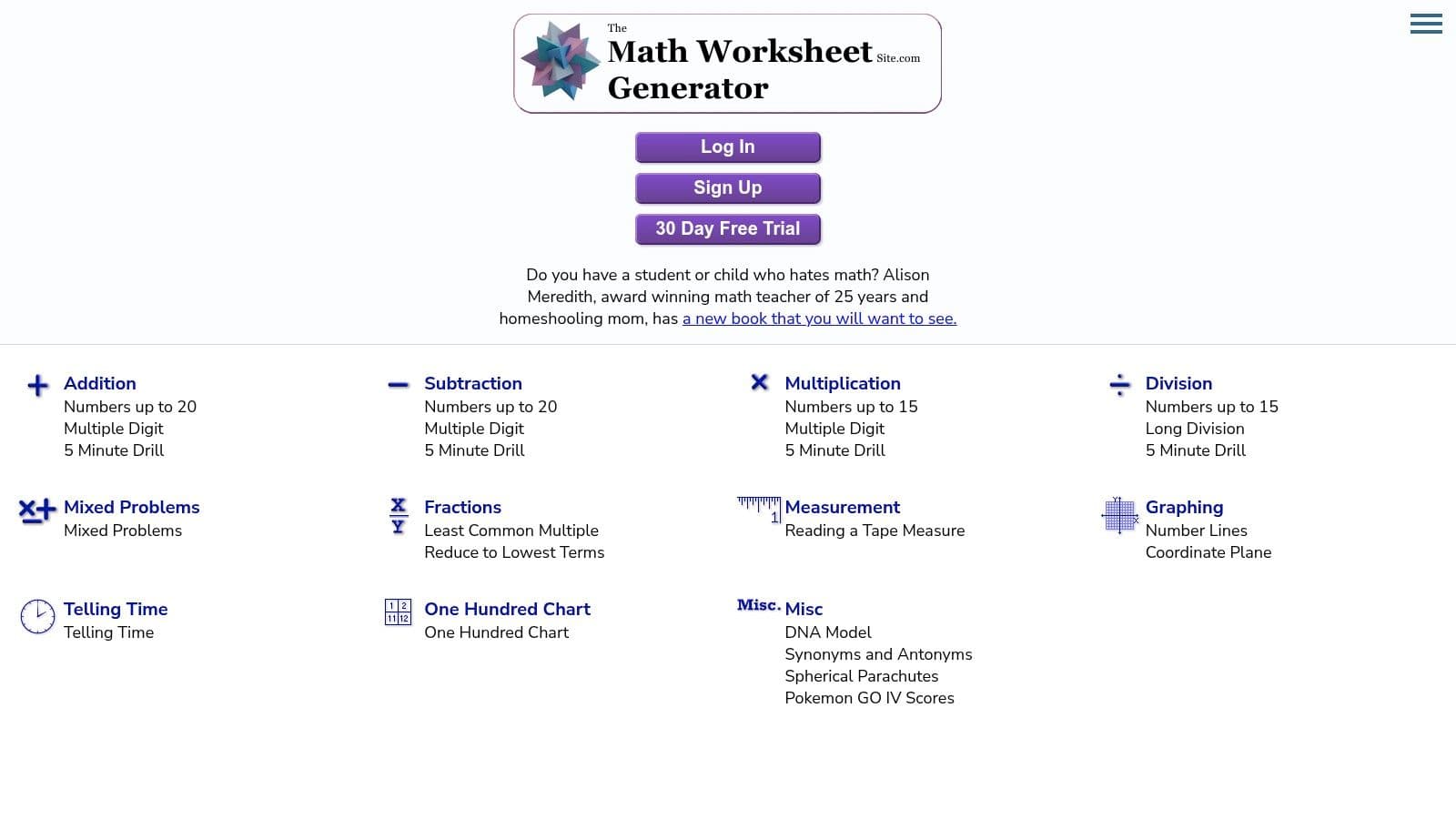
The Math Worksheet Site is a dedicated builder, not a lesson archive with a generator bolted on. You pick formats and problem types across multiple skill areas, then produce a printable worksheet. Licensing includes individual and school options. Pricing on the page may lag, so confirm the live rates before you ask a principal to sign.
Balance the page, or the fluency drills take over
The National Mathematics Advisory Panel tied algebra readiness to four strands: conceptual understanding, computational fluency, factual knowledge, and problem-solving skills. Automatic recall reduces what students must hold in mind, which frees attention for new parts of a problem. The panel also treats formative assessment as a practice that raises mathematics achievement when teachers use the results to choose the next focus. A subscription builder tempts you to run 30 near-identical computation items because that is fast. Mix a short retrieval set with a representation, a sentence of explanation, and one applied question, then use the key as a quick check for misconceptions.
It suits someone who generates sheets every week. It is a poor fit if you also need unit sequencing, slideshows, or a staff-wide planning space. You are paying for worksheets, and only worksheets.
7. Mathter
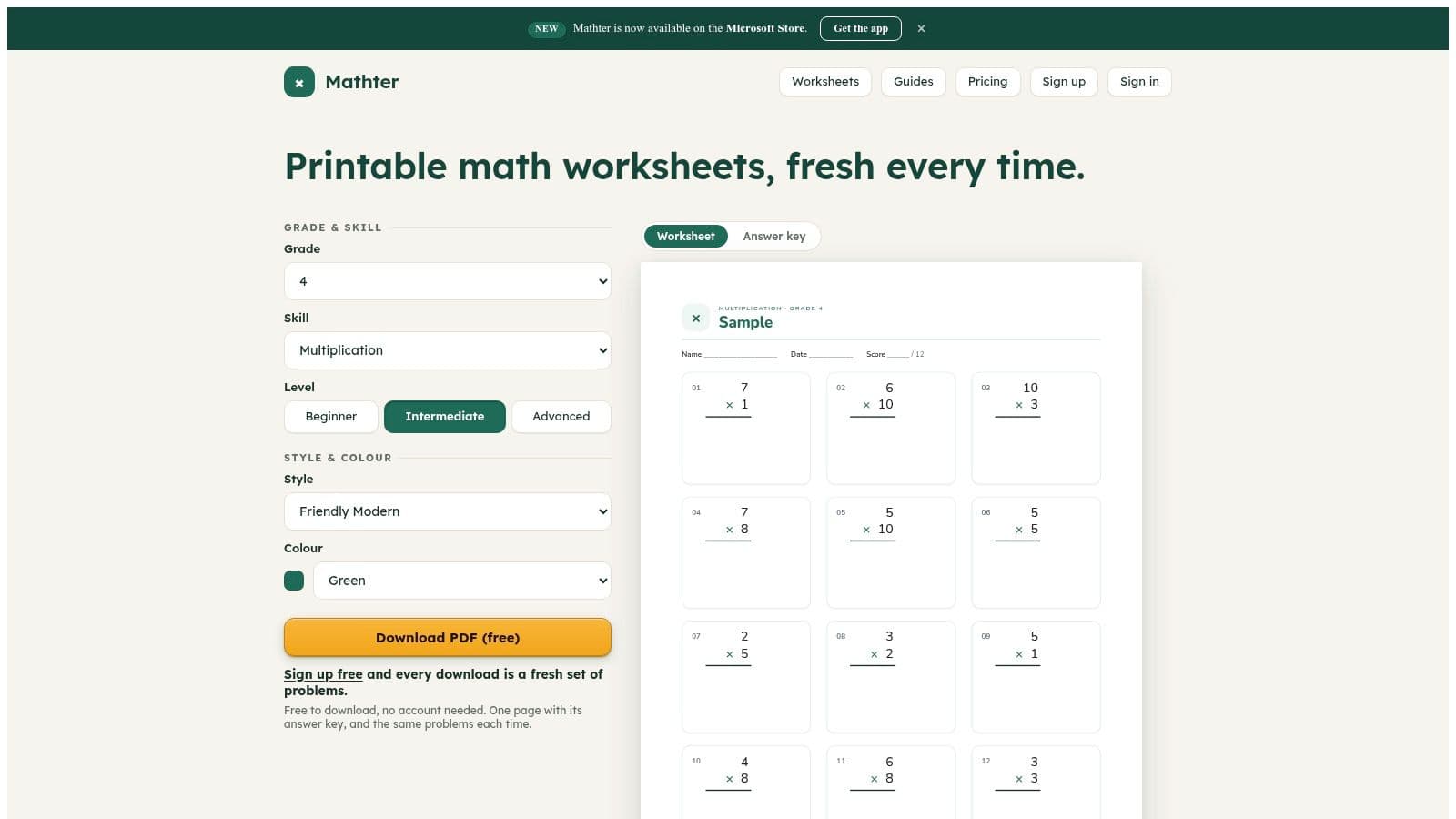
Mathter offers printable packs for grades K–12, with settings for grade, skill, difficulty, style, and color. The vendor describes its generator as deterministic, which it says keeps answer keys paired with their problem sets. Treat that as a claim to test during a trial: generate a sheet and key, then check that the answers match before assigning the pack.
A limited free download is available, and the site advertises a 14-day Standard trial. Larger packs may require a paid plan or account, so check the current terms before building a unit around the tool. For the official Mathter site, search for Mathter rather than relying on the linked verification subdomain or sharing it as a permanent team link.
- Check the key: Confirm that the generated answers match the printed problem set.
- Read the items: Consistent generation does not guarantee wording suits your class.
- Test one topic: Start with a skill you know well and check the grade level and formatting before making a larger pack.
Color and style settings can make worksheets less generic, but they cannot correct a skill tag set to the wrong grade. Use a short trial run to see whether the output fits your students and prints cleanly.
8. WorksheetGen
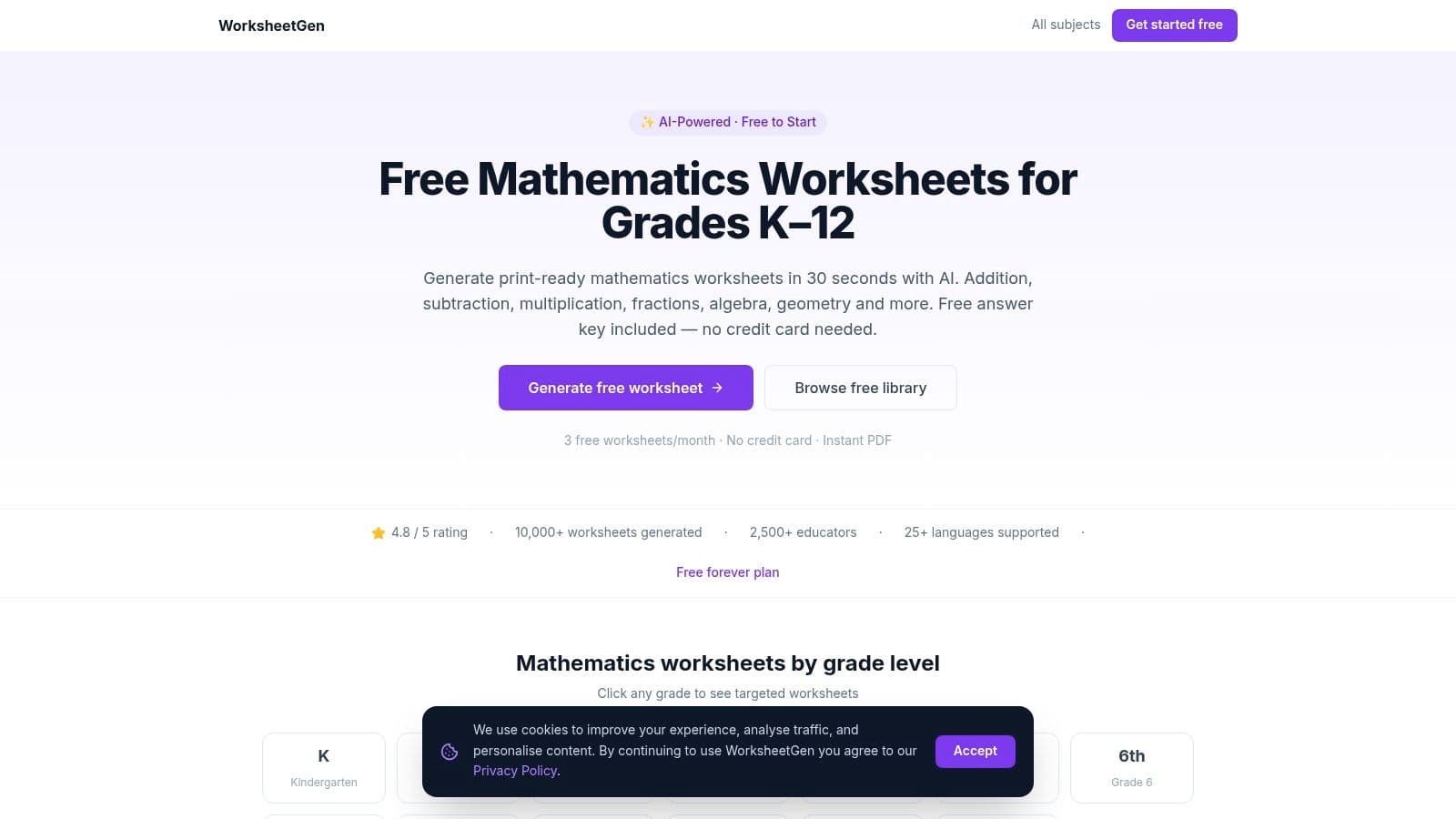
A teacher who needs one printable for tomorrow can set a grade, topic, difficulty, and question count in WorksheetGen. It creates a PDF with an answer key and advertises multiple languages. The free allowance is three worksheets a month, enough to test a topic but limiting for regular use across mixed groups. Check the site for current paid-plan terms before relying on it.
The generator is organized around grade and topic choices, but the available grade and topic coverage should be checked in the tool before building a class set. The PDF gives you a ready-to-print worksheet and key, so compare both before distributing. Education Week reports that many math teachers have had limited training in using AI to teach math. For this tool, a practical safeguard is to solve a sample yourself: confirm the answer key matches each question, the wording is clear, and students have learned any prerequisite method the items require.
A polished-looking item can still ask for a method your class has not covered. Check the key and wording, then adjust spacing or instructions in the PDF if needed before printing.
9. Helping with Math
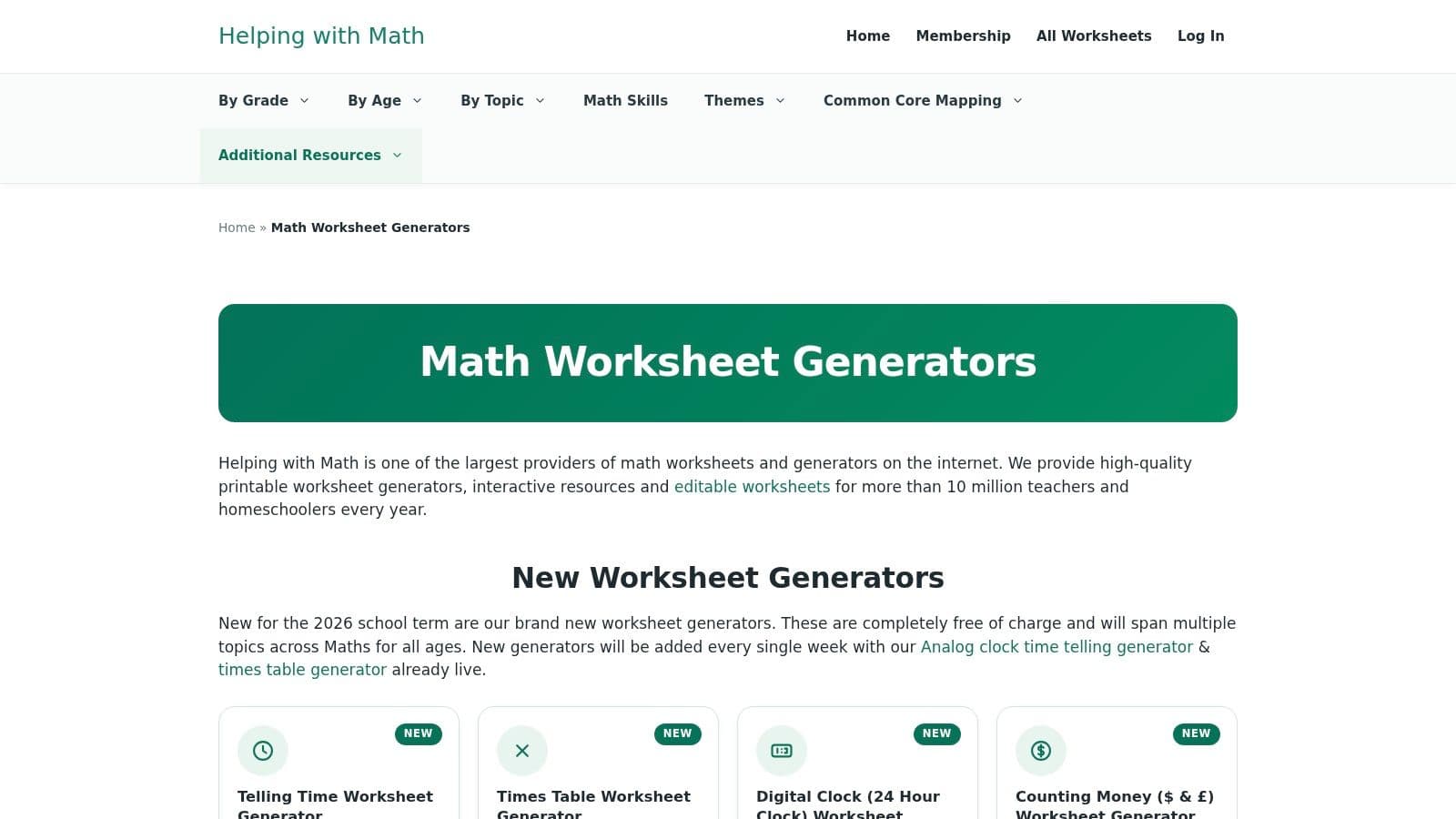
Helping with Math splits the work into separate topic tools: telling time, times tables, money, fractions, number bonds, rounding, and area and perimeter. You also get printable and interactive pages plus pre-made companions. The site describes its newer generators as free. Still open the specific tool, because access rules aren't always uniform.
This is foundational school-age math, not one flexible builder. You can't easily remix a fraction generator into a custom multi-step task. For families and teachers covering several elementary skills in a week, the split tools are faster than a blank prompt. A homeschool math worksheet is the better next step when those separate drills need to sit inside a sequenced plan.
Design for access, then measure it
A systematic review and meta-analysis of digital mathematics interventions for K–12 students with mathematical learning disabilities reported a medium positive effect, 0.37, with a 95% confidence interval from 0 to 0.73. The interval reaches zero and the result is borderline (p = 0.05). That supports careful versions and progress checks, not a claim that generating more digital items automatically lifts scores. Keep language load, visual clutter, and number range under your control.
Strengths stay in early and upper-elementary topics. Secondary teachers will feel the ceiling quickly.
10. Math Generators
Math Generators is where I go when the class has left basic operations. Presets, subjects, curricula, problem types, and difficulty feed a PDF. Topics run from elementary and middle school skills through pre-algebra, algebra, geometry, number theory, probability, and competition-style practice. Sample formats include answer keys and worked solutions. Generating a real worksheet requires an account. Free access looks limited to watermarked samples and a trial, so confirm paid terms before you commit a department.
The IES practice guide for problem solving in grades 4–8 gives a concrete routine: identify the givens and the goal, name the problem type, recall similar problems, use a visual, solve, and check. Five studies found better performance when teachers modeled self-questioning and students then practiced it. A competition-style worksheet becomes useful when you leave labeled space for Known, Need to find, Problem type, Visual, Equation, and Check. Without those boxes, students hunt answers.
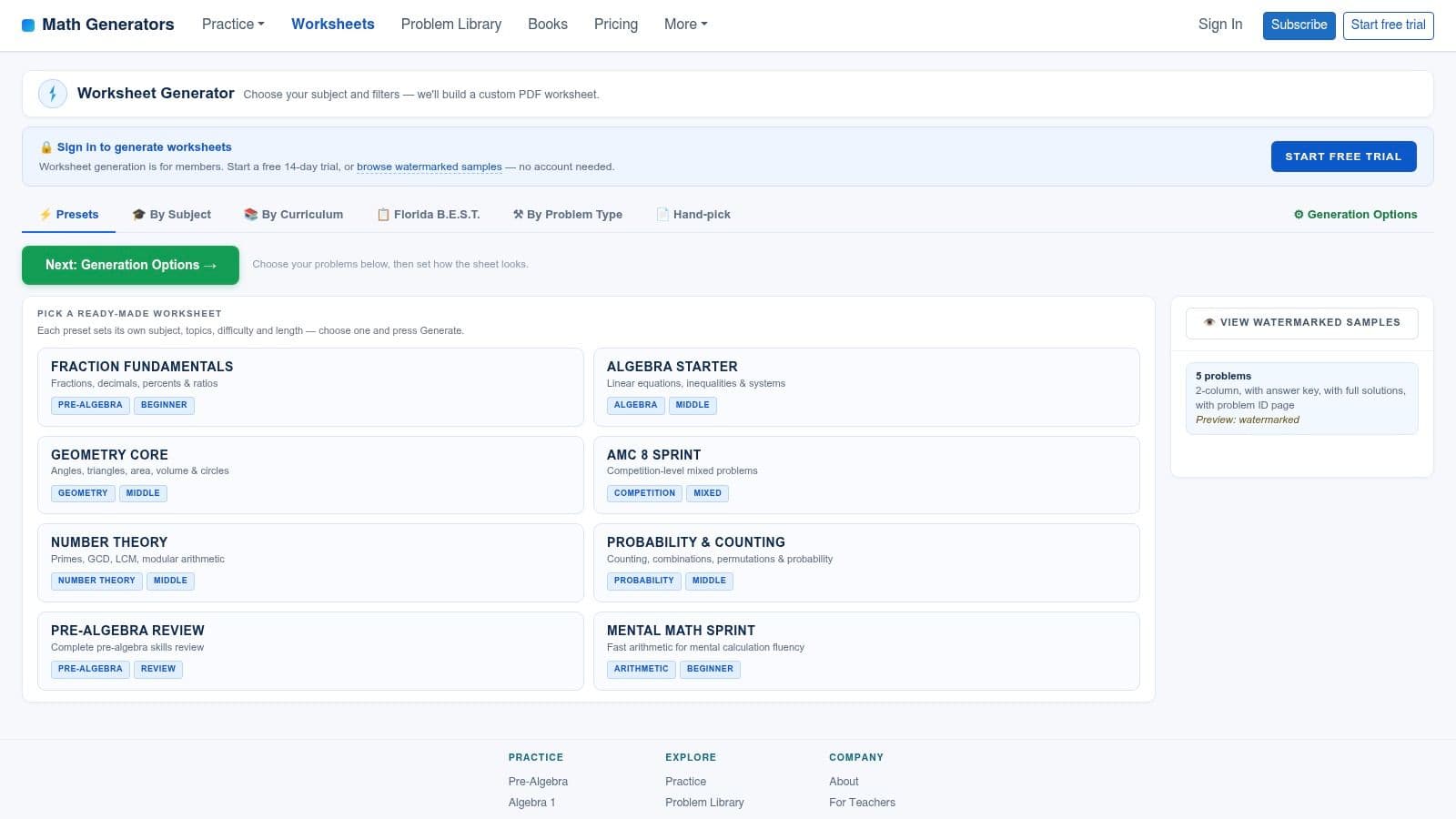
- Presets save setup: Good when you know the course, not just the chapter title.
- Accounts gate the full file: A watermarked sample isn't something you should hand out.
- Advanced items need a slower read: Multi-step and contest problems hide ambiguity more often than fact drills do.
Top 10 Math Worksheet Generators Compared
| Tool | Core capabilities | Best for | Experience / quality | Value and pricing |
|---|---|---|---|---|
| 🏆 Kuraplan, Recommended | Standards-aligned plans, worksheets, units, assessments, visuals, and AI teaching help | 👥 K–12 teachers and school teams | ★ Broad, easy-to-use planning toolkit; some exports may need extra steps | 💰 Free trial and resources; pricing not specified |
| Math-Aids.com | 90+ customizable math topics, printable PDFs, and answer keys | 👥 K–12 math practice | ★ Quick and flexible; free version is ad-supported | 💰 Free worksheet generation; paid ad-free membership |
| Education.com Worksheet Generator | Custom math sheets, themes, difficulty settings, reading and puzzle tools | 👥 Younger learners and teachers | ★ Friendly interface; account required to print or save | 💰 Some free content; broader access may require membership |
| Math Fact Cafe | Worksheets, flashcards, and ready-made elementary math practice | 👥 K–5 learners, teachers, and parents | ★ Useful basics; design and navigation feel dated | 💰 Free |
| Super Teacher Worksheets | Basic-operation generators plus classroom worksheets, games, and activities | 👥 Elementary teachers | ★ Helpful arithmetic controls; strongest in basic operations | 💰 Some tools free; membership unlocks wider library |
| The Math Worksheet Site | Custom math worksheets across multiple skills and formats | 👥 Teachers who create worksheets regularly | ★ Dedicated worksheet builder with printable output | 💰 Subscription; individual and school licenses |
| Mathter | K–12 worksheets with grade, skill, difficulty, style, and answer-key settings | 👥 K–12 math teachers | ★ Fresh problem sets; confirm the listed site and current terms | 💰 Limited free download; trial and paid options advertised |
| WorksheetGen | AI-generated math worksheets with settings, PDF export, and answer keys | 👥 Teachers seeking topic-focused practice | ★ Multiple languages; review generated content for accuracy | 💰 Three free worksheets monthly; paid-plan details on site |
| Helping with Math | Topic-specific generators and printable or interactive resources | 👥 Teachers and families supporting school-age learners | ★ Useful range of foundational topics; separate tools by topic | 💰 Free generators available |
| Math Generators | Presets and adjustable PDF worksheets from foundational to advanced math | 👥 Middle- and high-school math educators | ★ Broad topic range, including competition practice | 💰 Account required; free access appears limited to samples and a trial |
Match the Generator to Your Grade and Your Week
On a busy week, the right worksheet generator is the one that suits the lesson and the time you have. For elementary fact fluency, Math Fact Cafe, Super Teacher Worksheets, and Helping with Math handle quick drills in areas such as addition, multiplication, time, and money. Set the number range, print the key, and get the sheet ready. The trade-off is often presentation: ads or a plain layout may need attention, while the basic drill is ready to use.
For a sheet tied to a unit or mixed readiness levels, try an AI option such as Kuraplan. Math-Aids.com is a practical pick for quickly making a topic-based PDF from its broad grade range. WorksheetGen and Mathter can create fresh practice by grade and difficulty, but check each problem before handing it out. For pre-algebra, geometry, or contest-style work, Math Generators offers a more advanced focus, though access requires an account.
Access can determine whether a tool works for your planning routine. Education.com requires a login to print or save, while The Math Worksheet Site is subscription-based. That can suit regular weekly use, but a one-off substitute plan may not justify the commitment. If you cannot sign in from home, a good worksheet is no help that evening.
Test a generator against a real week, not a feature list. Make three sheets you would teach, then check the math and grade fit before printing. Include the time spent correcting wording, spacing, or problems that assume skills students have not learned. A quick draft that takes much longer to fix is not saving planning time.
The sheet that fits your workflow beats the sheet with the longest menu.
A single grade and skill may call for a drill generator. For three readiness levels practicing the same objective, choose a planner that makes the differences between versions clear. Feature count cannot make that decision for you.
Kuraplan converts a lesson into a print-ready worksheet with custom diagrams and connects the work to standards-aligned lesson and unit plans. That makes it a fit to consider when you want practice linked to what you teach. Visit Kuraplan's site and try it with the three sheets you would prepare this week.