Design Professional Daily Agendas
Grade 8 Technology Mastering Professional Organization Using Microsoft Word & Office 365
What Makes an Agenda Professional?
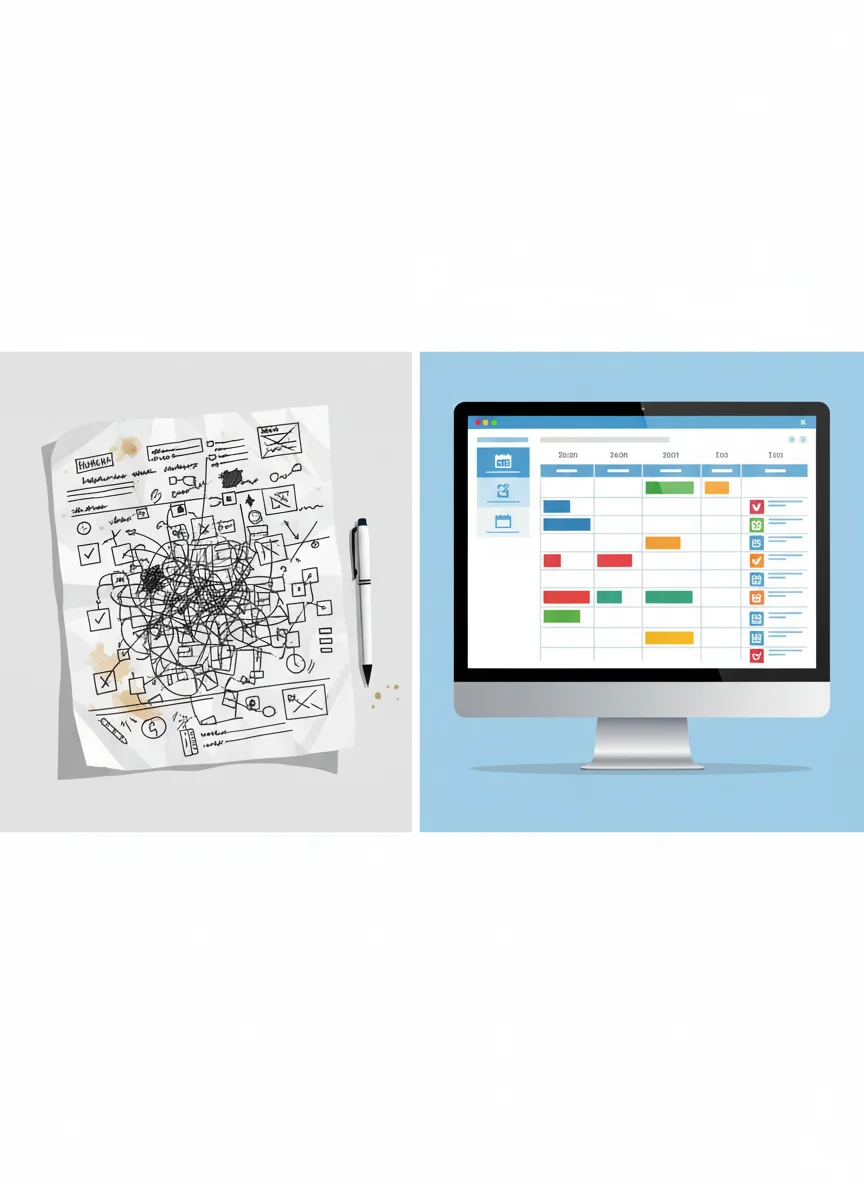
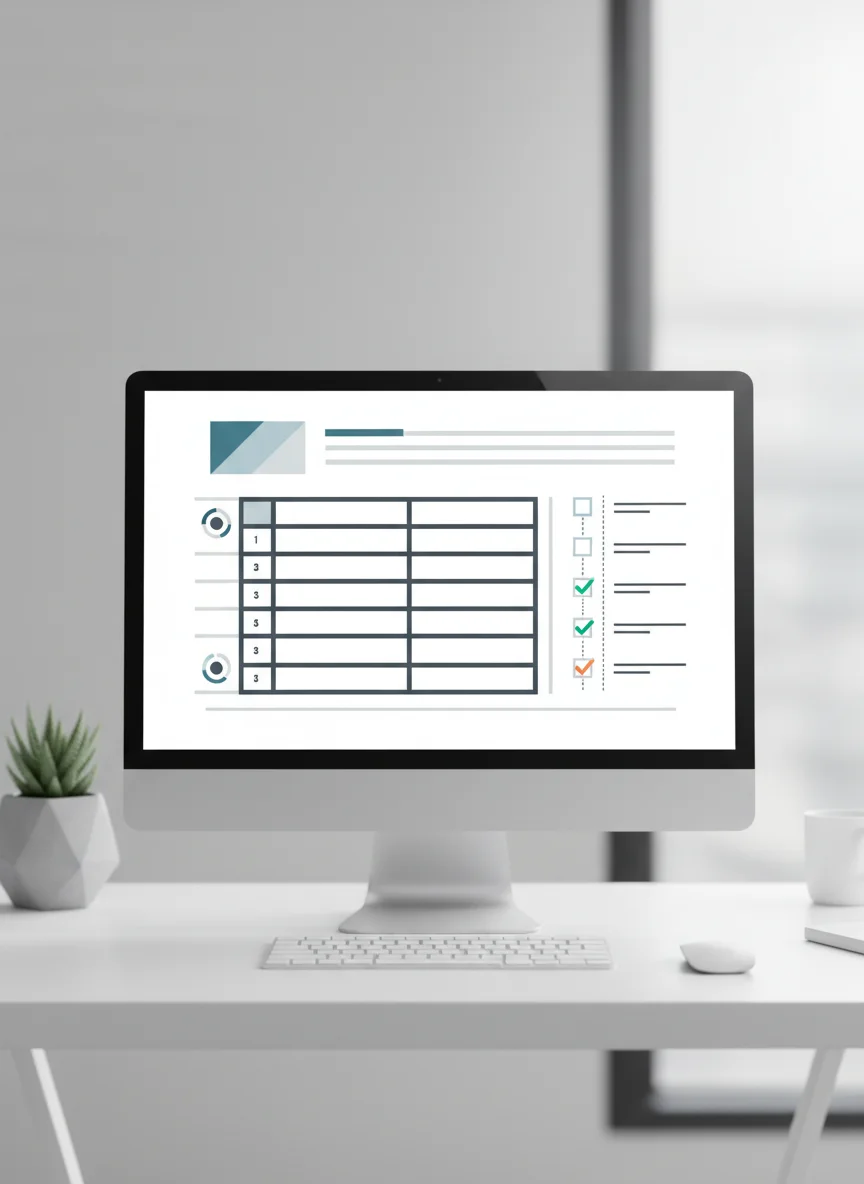
Clear header with essential information Organized schedule in table format Prioritized task checklist Consistent formatting throughout Easy to read and follow

Quick Review: Bad vs Good Agendas
Examine the sample 'Bad Agenda' document Identify 3 formatting problems Discuss with your partner Share one improvement idea with the class
Creating a Professional Header
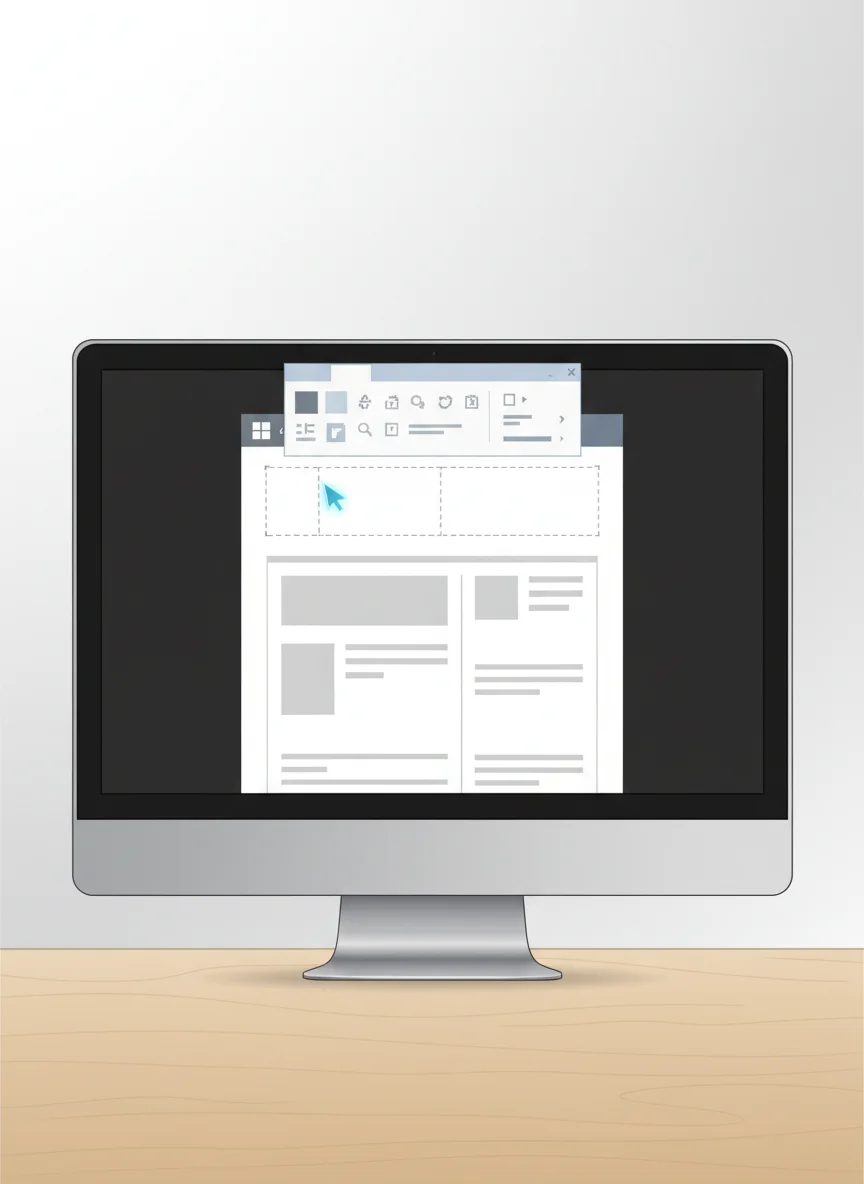
Two-column layout design Left column: Name and date Right column: Daily goal and focus Consistent font and spacing Clear visual hierarchy
Building Your Schedule Table
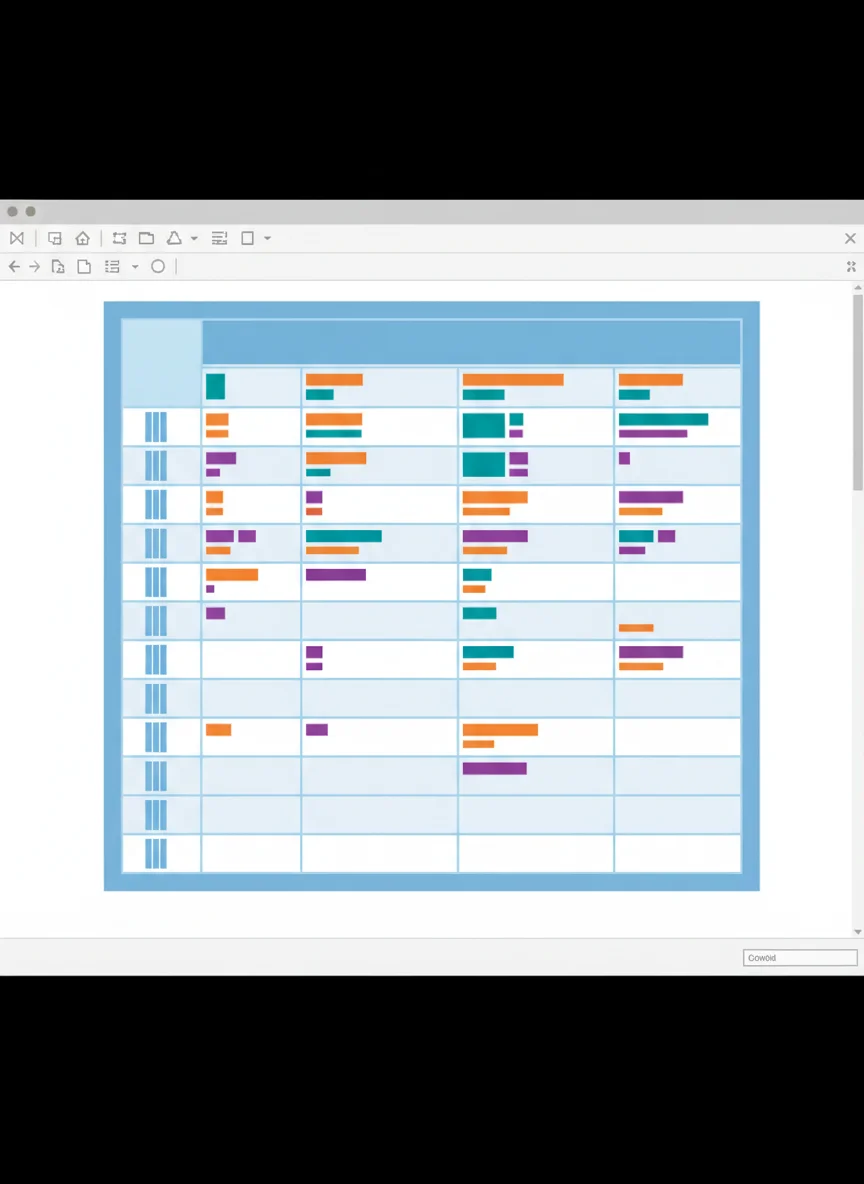
Insert 10-row table for daily schedule Apply alternating row shading Format column widths appropriately Use clear headers: Time, Activity, Notes Professional table style selection

Advanced Formatting: Tab Stops with Leader Lines
Set custom tab stops for alignment Add dotted leader lines for clarity Connect tasks with time durations Improve document readability Professional presentation standards

Create Your Personal Daily Agenda
Design your own daily agenda blueprint Include professional header with your information Build schedule table with your actual daily activities Add priority checklist with custom bullets Apply all formatting techniques learned
Success Checklist
Professional two-column header completed 10-row schedule table with alternating shading Tab stops with leader lines applied Priority checklist with custom bullets Overall professional appearance and organization