
Digital Editorial Publishing with Book Creator
Transforming Written Editorials into Digital Publications Grade 11 English Language Arts Collaborative Digital Publishing Skills
Why Digital Editorial Publishing?
Reach wider audiences beyond the classroom Enhance writing with multimedia elements Develop 21st-century digital literacy skills Create professional, polished presentations Build collaborative skills through peer feedback
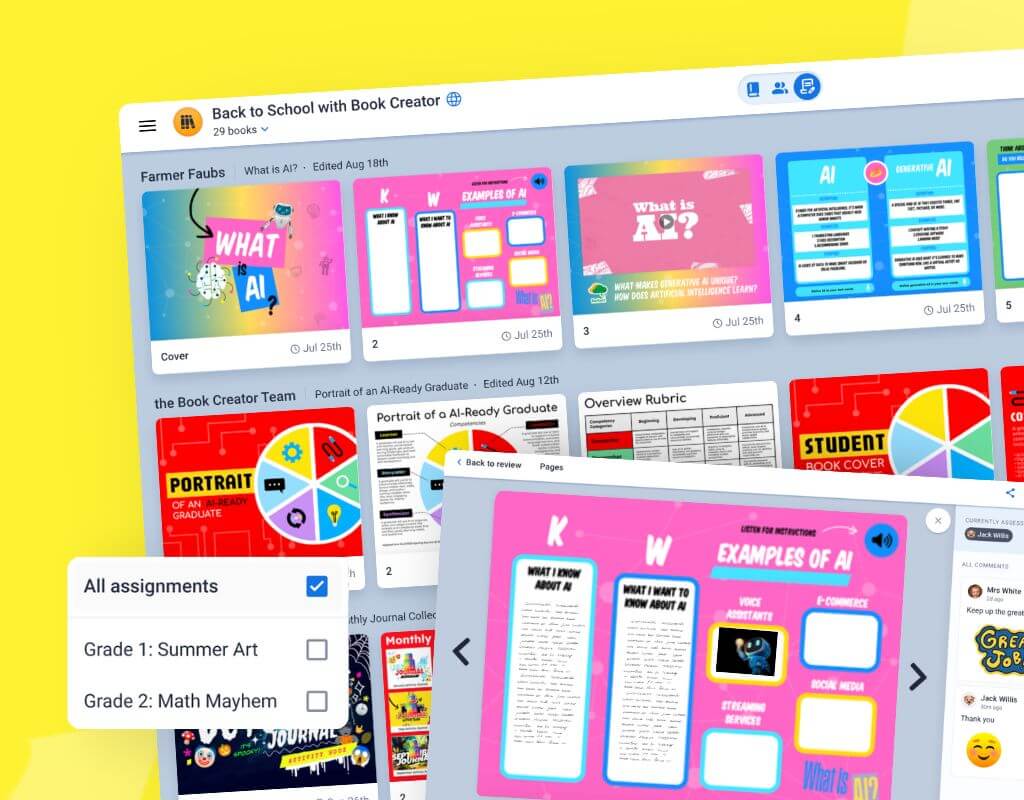
Meet Book Creator: Your Publishing Platform
User-friendly digital book creation tool Supports text, images, audio, and video Real-time collaboration features Professional layout options Easy sharing and publishing capabilities

Guided Demo: Creating Your First Page
Follow along as we explore Book Creator Log in and create a new book project Import your editorial text Apply basic formatting (fonts, colors, alignment) Add your first multimedia element

Essential Book Creator Features
{"left":"Text formatting tools for professional appearance\nImage insertion and positioning options\nAudio recording for narration","right":"Video embedding capabilities\nBackground and theme customization\nCollaboration and sharing settings"}
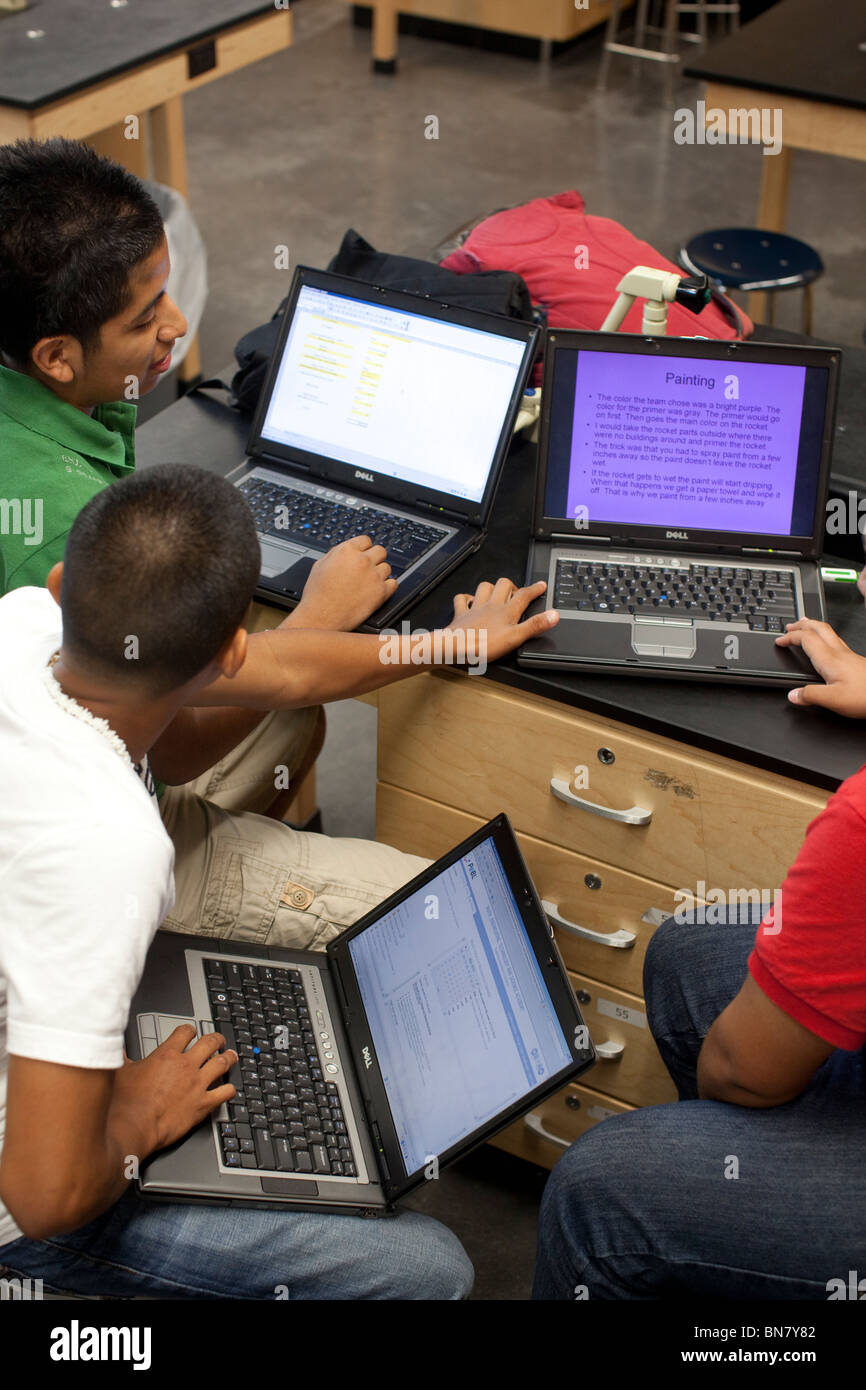
Hands-On Practice: Build Your Editorial Page
Import your pre-written editorial draft Format text for digital readability Add relevant images to support your argument Experiment with layout and design Save your work and prepare for peer review

Peer Collaboration: Feedback and Revision
Exchange your Book Creator links with a partner Provide constructive feedback on: • Clarity and organization of arguments • Effectiveness of multimedia elements • Overall design and readability Incorporate feedback to improve your editorial

Reflection and Next Steps
Share one challenge you overcame today Identify your most successful design choice Plan final revisions based on peer feedback Prepare for our collaborative classroom book publication Continue developing digital literacy skills