
Finalizing Professional Agendas with Peer Feedback
Grade 8 Technology Using Microsoft Word's Review Tools Collaborative Document Editing
Today's Learning Goals
Master Track Changes and Comments tools in Microsoft Word Give and receive constructive peer feedback Make informed decisions about accepting or rejecting edits Save and submit professional documents as PDF files
Warm-Up: Track Changes Demo
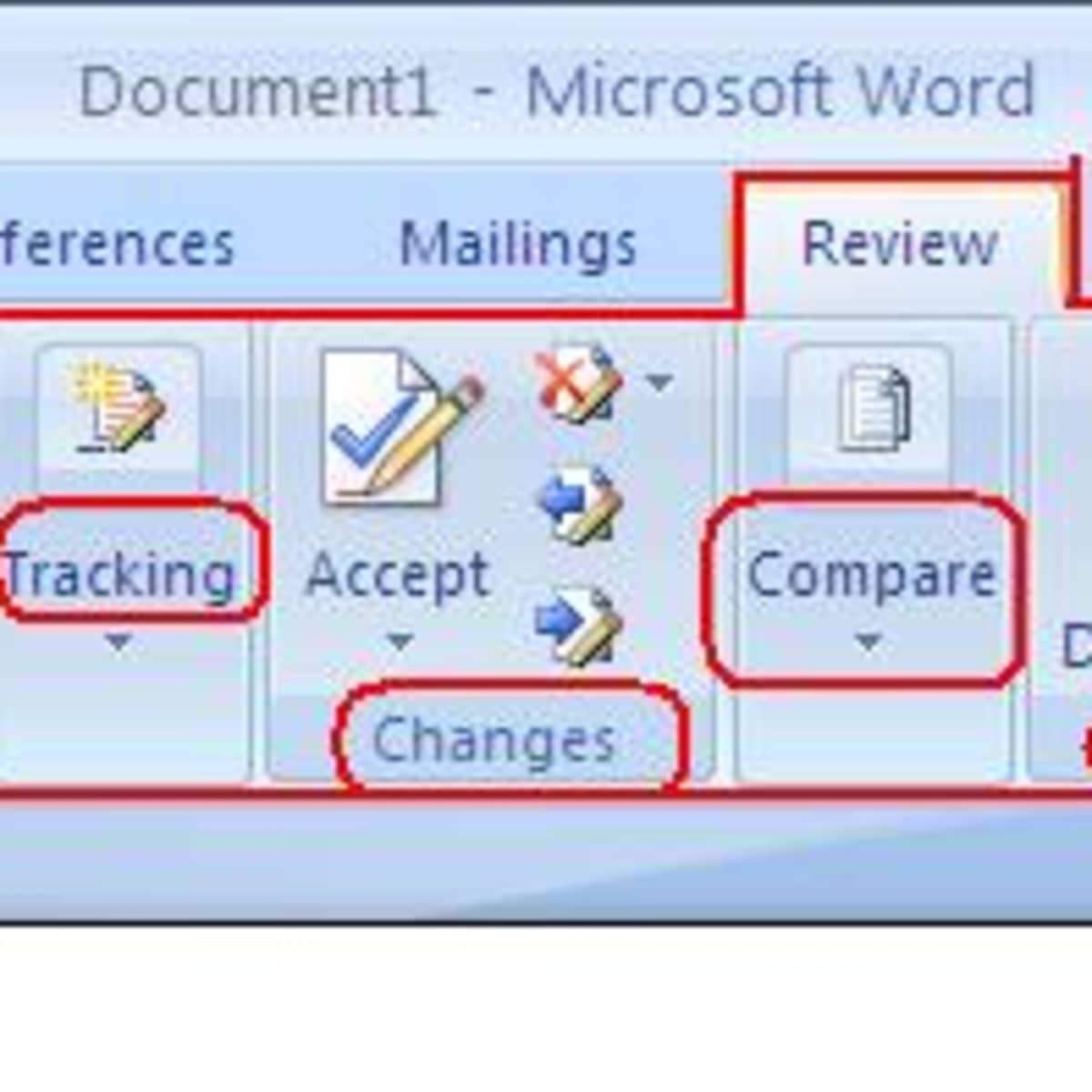
Open your agenda document from Wednesday Follow along as we activate Track Changes Practice inserting one comment on a sample document Explore the Review tab features together

Peer Review Process
{"left":"Exchange agenda documents with your partner\nUse Track Changes for two specific improvements\nAdd one Comment explaining your suggestion","right":"Focus on clarity, formatting, and professionalism\nUse sentence starters: 'I suggest...' or 'This could be clearer if...'\nBe respectful and constructive in your feedback"}

Decision Time: Accept or Reject?
When should you ACCEPT a peer's suggestion? When might you REJECT feedback? How do you maintain professionalism while disagreeing?

Finalizing Your Document
Review each tracked change carefully Discuss decisions with your partner first Accept changes that improve clarity and professionalism Reject changes that don't align with your purpose Use the 'I Can' checklist as your guide
Save as PDF Workshop
File → Save As → PDF format Use correct naming: LastName_FirstName_FinalAgenda.pdf Practice uploading to the learning management system Troubleshoot any technical issues together

Reflection & Wrap-Up
'How did peer feedback improve your agenda? What did you learn about professional document editing?'