
Mastering Professional Agenda Structure Basics
8th Grade Technology Ms. Kenya Akins John R. Griffin Middle School
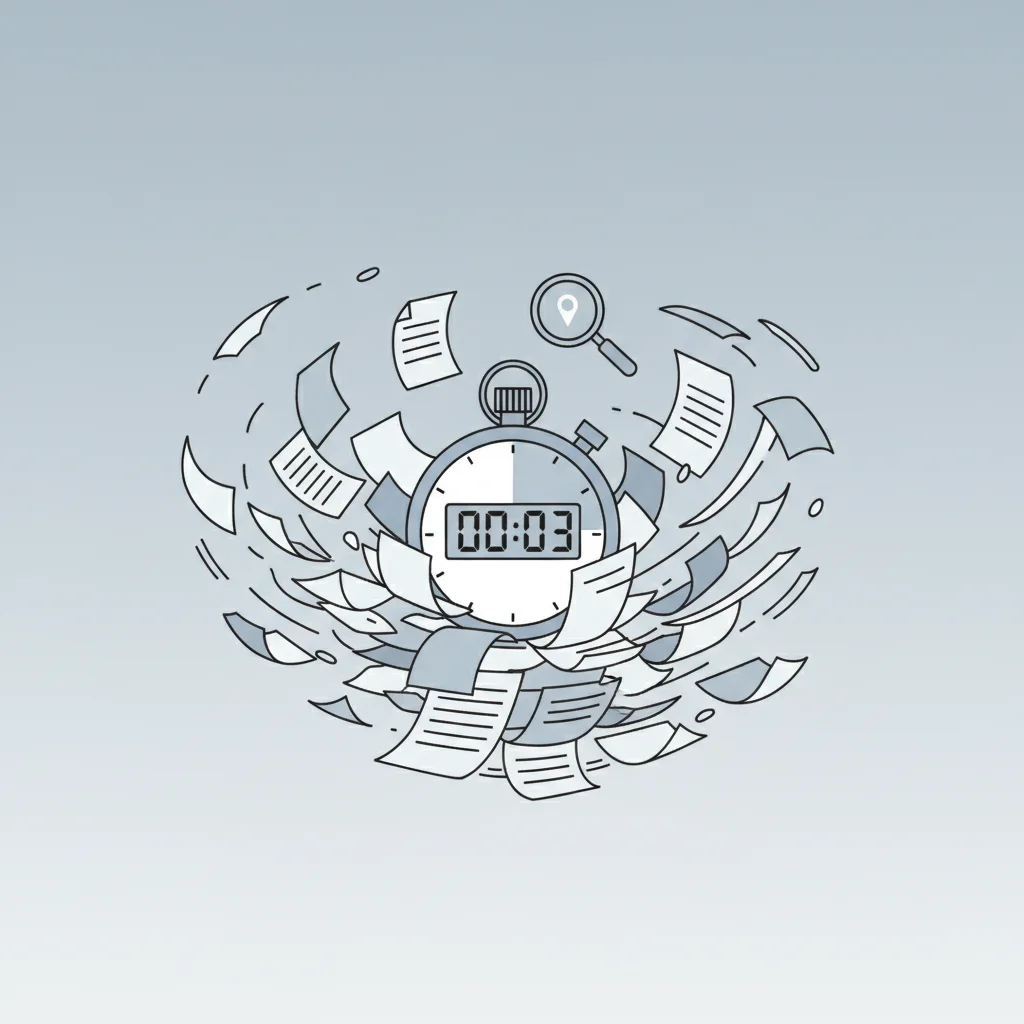
Fast Scan Challenge
Look at this cluttered agenda Find the meeting time in 3 seconds Timer starts... NOW! How did that feel?

The 3-Second Rule
Readers should find key info in 3 seconds or less Essential details: Time, Location, Meeting Goal Good organization saves time and reduces confusion Professional agendas are NOT just notes

Action Items vs. Discussion Topics
{"left":"Action Items: Tasks to be completed\nHave clear deadlines\nAssign specific people\nResult in concrete outcomes","right":"Discussion Topics: Subjects for conversation\nGenerate ideas and feedback\nMay not have immediate action\nFocus on sharing information"}
Microsoft Word Styles for Organization
Heading 1: Main agenda sections Heading 2: Sub-items and action items Navigation Pane: Jump between sections quickly Consistent formatting looks professional

Edit the Bad Agenda
Work in pairs with your laptops Find and underline: time, location, goal Mark action items vs discussion topics Apply Heading 1 and Heading 2 styles Check your work using Navigation Pane

Quick Check: What Makes a Good Agenda?
Think about what we've learned so far What are the three key pieces of information someone should find in 3 seconds? How do Word Styles help organize an agenda?

Create Your Mini Agenda
Scenario: Student group meeting tomorrow Include: meeting time, location, purpose Add 3 topics with at least 1 action item Use Heading Styles properly Apply the 3-Second Rule test
Why Professional Agendas Matter
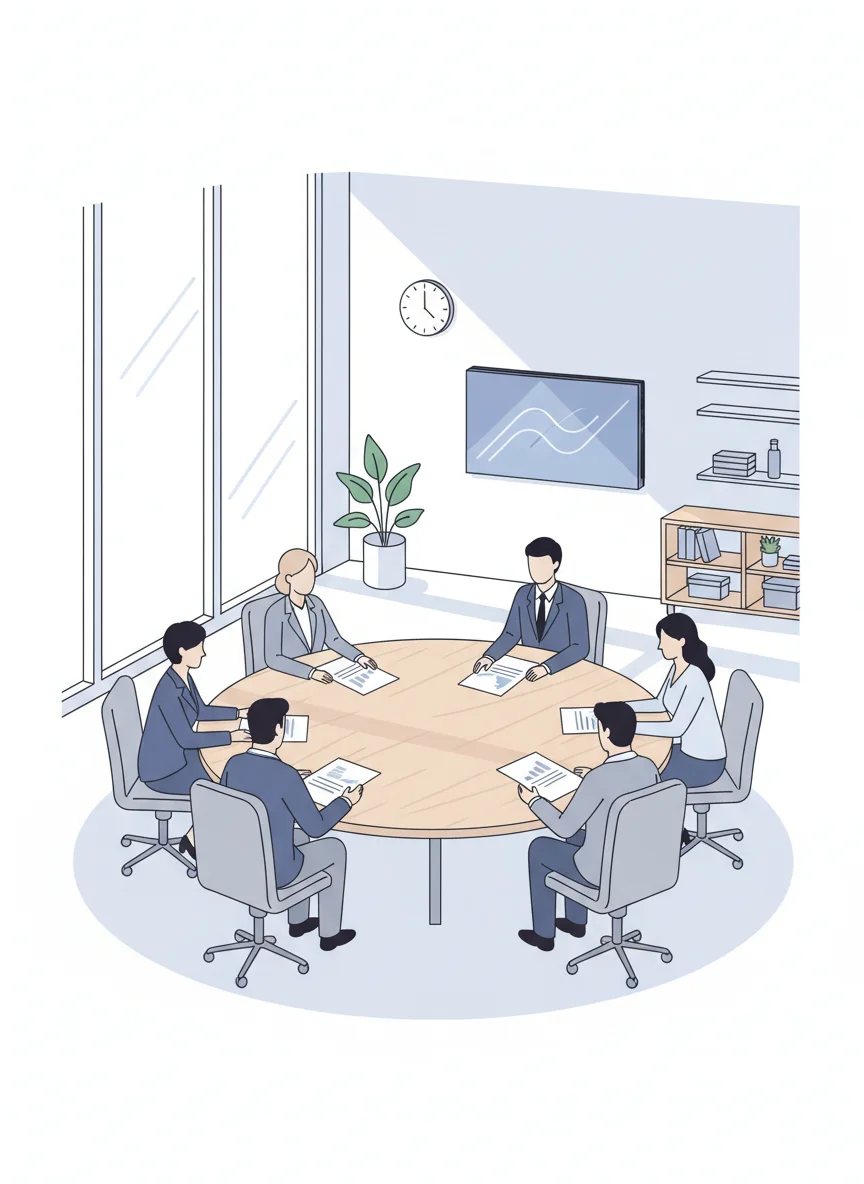
Save time in meetings Keep discussions focused Ensure important topics are covered Create clear action steps Build professional communication skills

Assessment & Reflection
Exit Ticket Questions: 1. What three key details should be found in 3 seconds? 2. What's the difference between action items and discussion topics? 3. How do Word Styles help organize agendas? Submit your mini agenda for review