
Technology User Interface Detective Work
Investigating How We Use Technology Making Technology Better for Everyone Grades 4-5 Special Education Bridge Class

Learning Goals: I Can Statements
I can analyze a computing technology's user interface to identify ways it can be improved I can describe how a user interacts with a technology's interface I can identify at least two areas where the interface could be improved I can explain how my suggested improvements will help users interact better with the technology
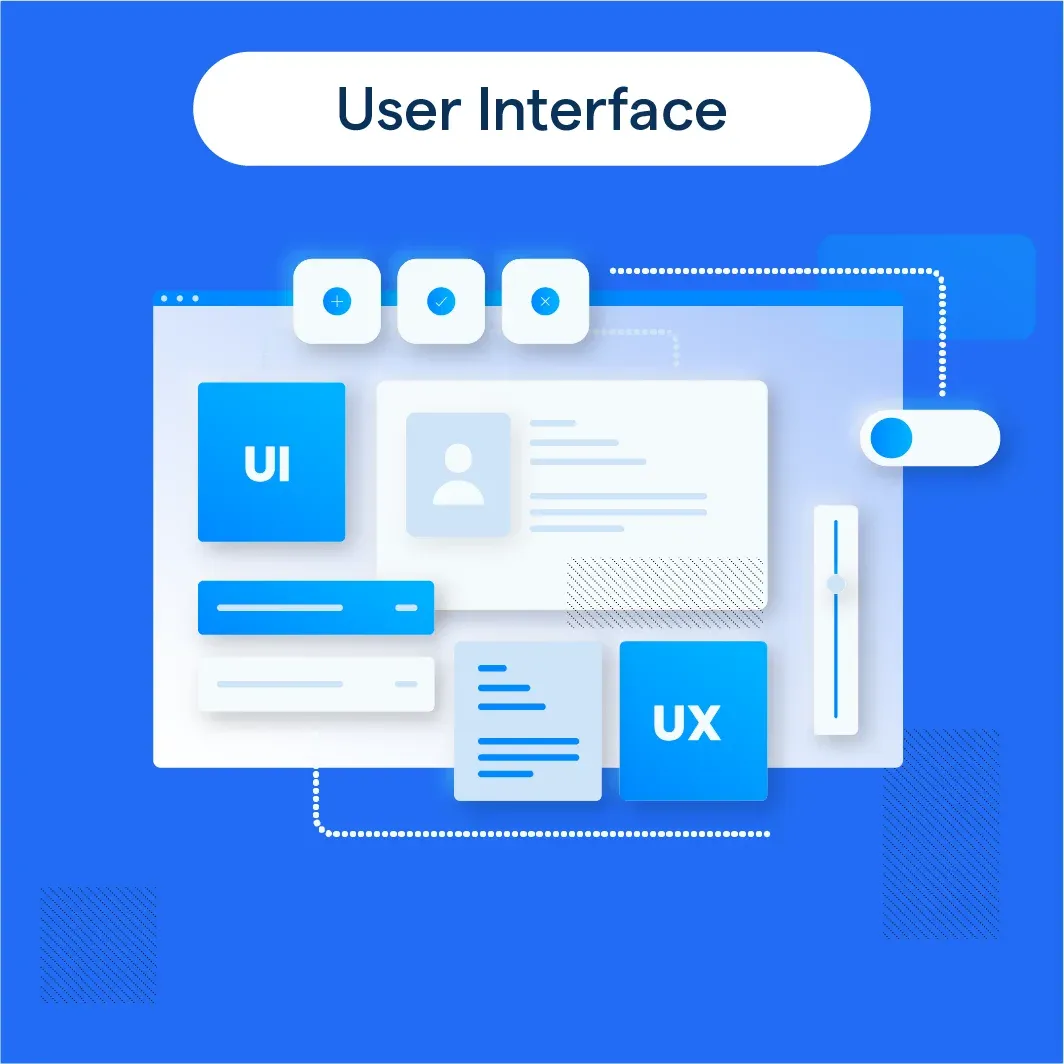
Detective Vocabulary
User Interface: The way a person interacts with a computer or app (buttons, screens) Interaction: How a user uses and controls something on a computer or device Optimize: To make something work better or easier to use Inference: A smart guess based on what you see or know
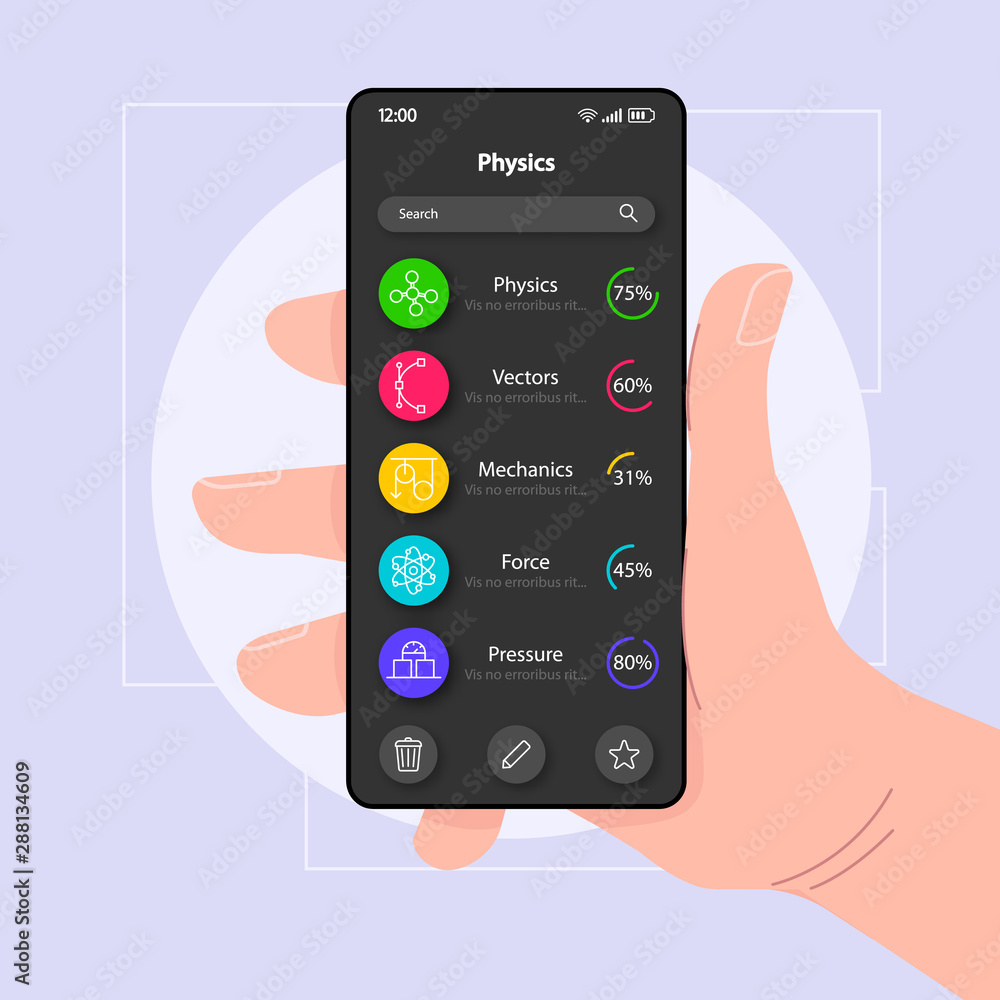
Detective Warm-Up Activity
Look at this app screen What do you notice? What looks easy to use? What might be hard to use? Share with a partner using 'I notice... so I infer...'
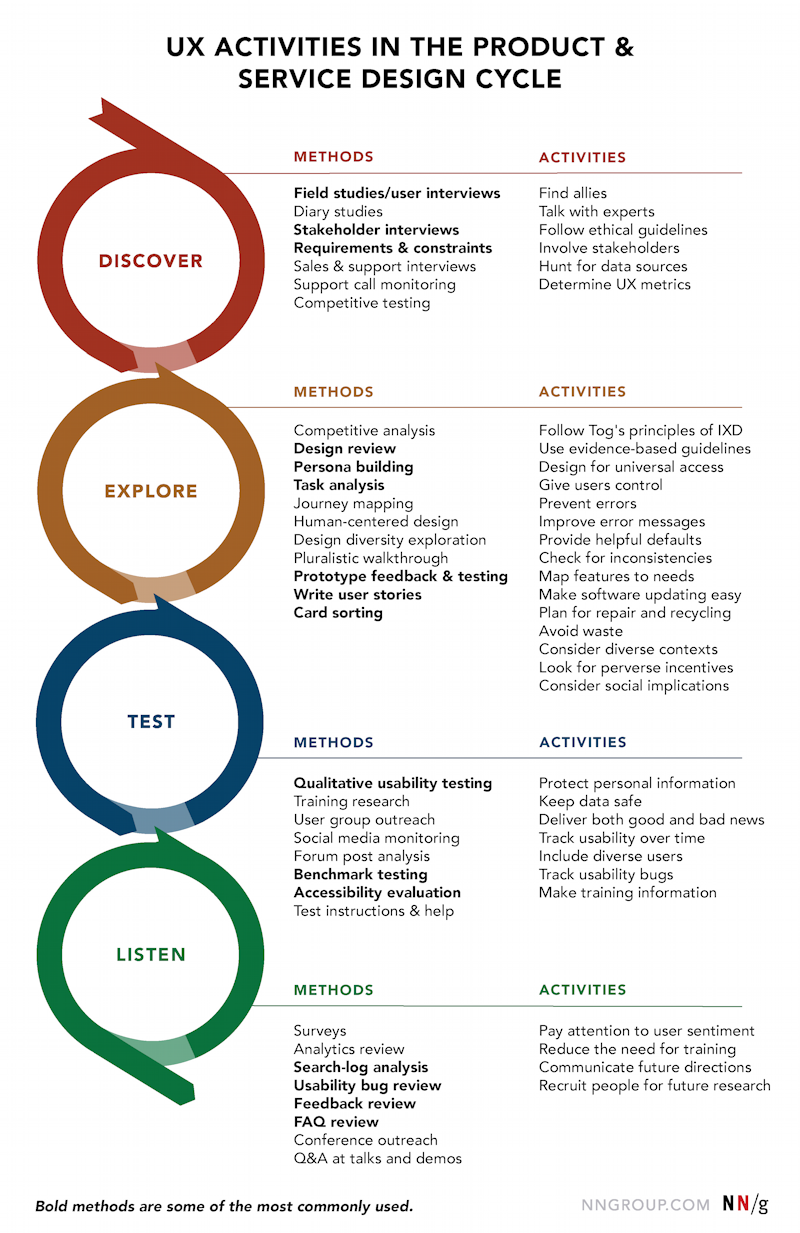
How to Be a UI Detective
Step 1: Observe - What do you see on the screen? Step 2: Interact - How do users touch, click, or swipe? Step 3: Identify Problems - What's confusing or difficult? Step 4: Suggest Solutions - How can we make it better? Use evidence to support your ideas!
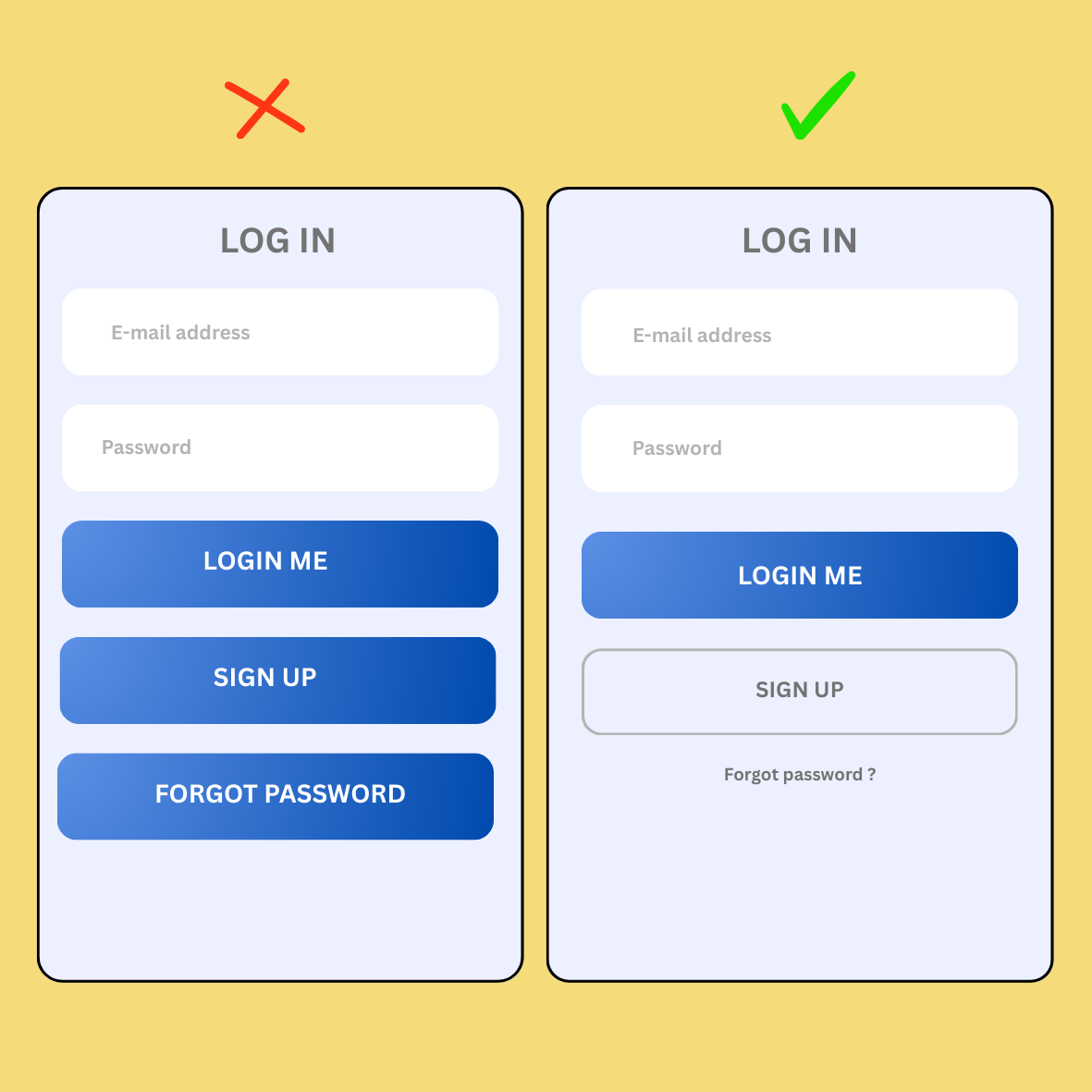
Good vs. Challenging Interface Design
{"left":"Large, clear buttons that are easy to tap\nSimple, readable text and fonts\nBright colors that stand out\nIcons that make sense and are recognizable","right":"Buttons that are too small to press easily\nText that is too small or hard to read\nToo many things on one screen\nConfusing icons or unclear navigation"}

Detective Mission: Analyze & Improve
Work in groups of 3-4 students Use your Detective Worksheet Examine the technology interface assigned to your group Identify 2 problems with the current design Propose 2 specific improvements Explain WHY your changes will help users Be ready to share your findings!

Reflection & Next Steps
What did you learn about making technology easier to use? Which improvement idea are you most excited about? How will you use your detective skills with other apps and websites? What do you want to learn next about technology design?