MathsFreePrintable
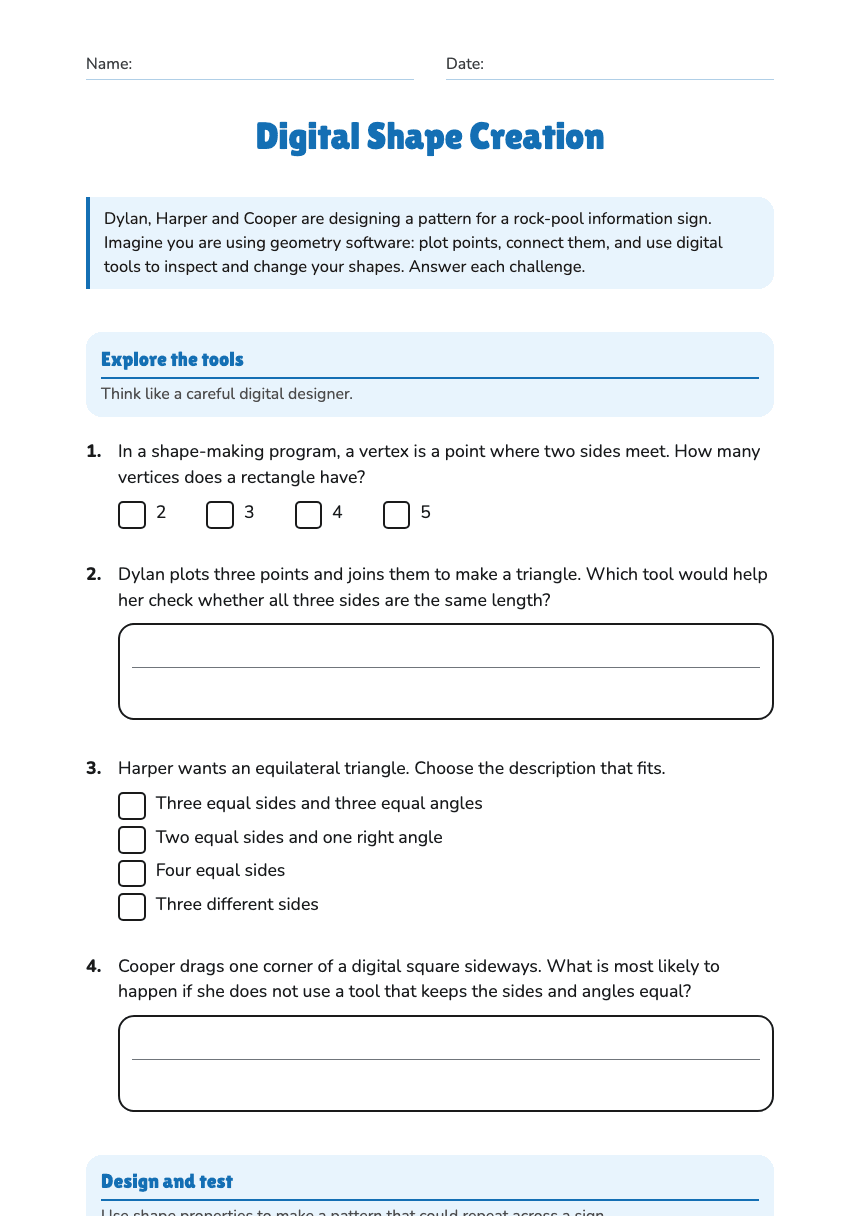
Digital Shape Creation
A free maths worksheet ready for your classroom. Open in Kuraplan to grab the print-ready PDF, customize it for your students, or generate a fresh version in seconds.
Name:Date:
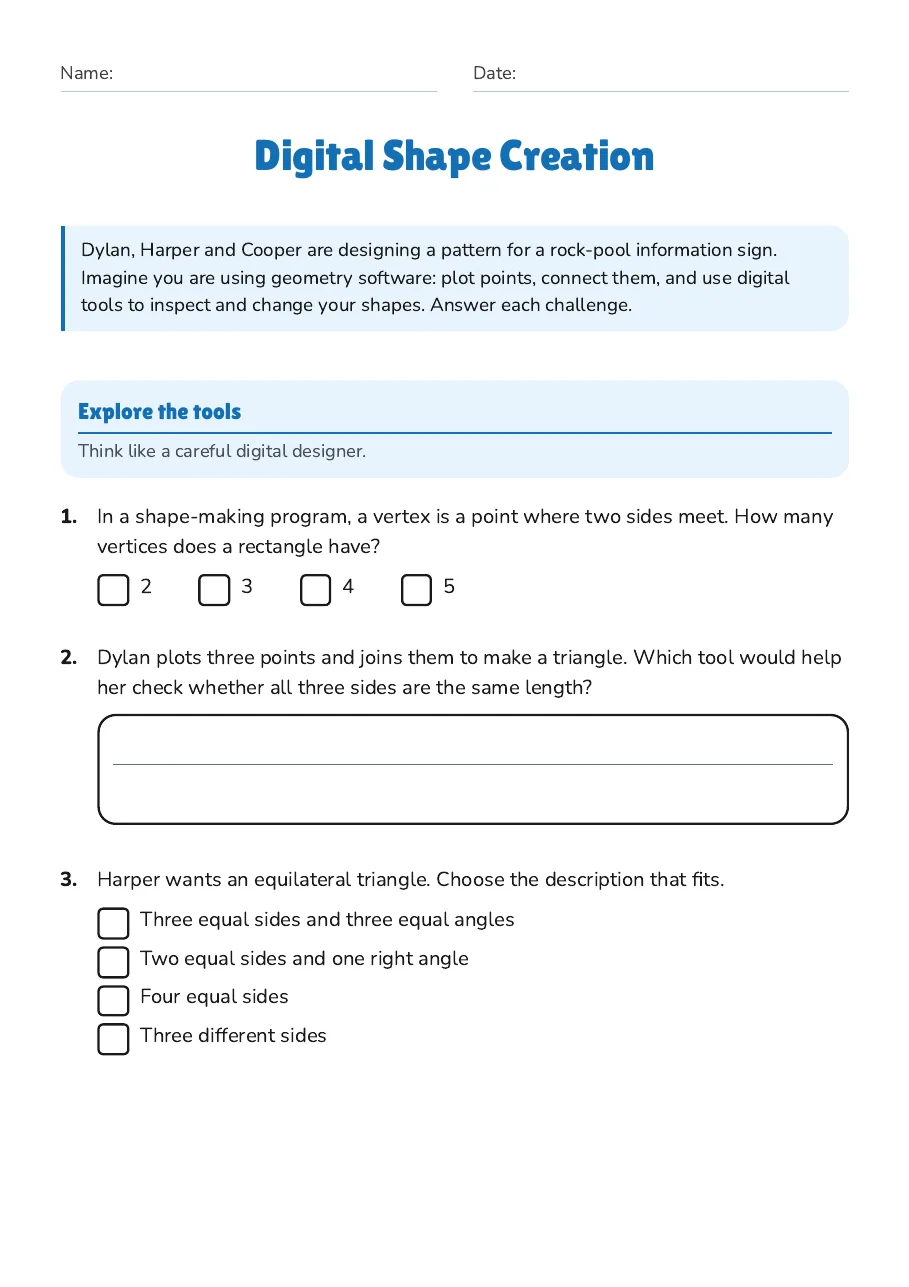
Digital Shape Creation
Dylan, Harper and Cooper are designing a pattern for a rock-pool information sign. Imagine you are using geometry software: plot points, connect them, and use digital tools to inspect and change your shapes. Answer each challenge.
Explore the tools
Think like a careful digital designer.
1.In a shape-making program, a vertex is a point where two sides meet. How many vertices does a rectangle have?
- 2
- 3
- 4
- 5
2.Dylan plots three points and joins them to make a triangle. Which tool would help her check whether all three sides are the same length?
3.Harper wants an equilateral triangle. Choose the description that fits.
- Three equal sides and three equal angles
- Two equal sides and one right angle
- Four equal sides
- Three different sides
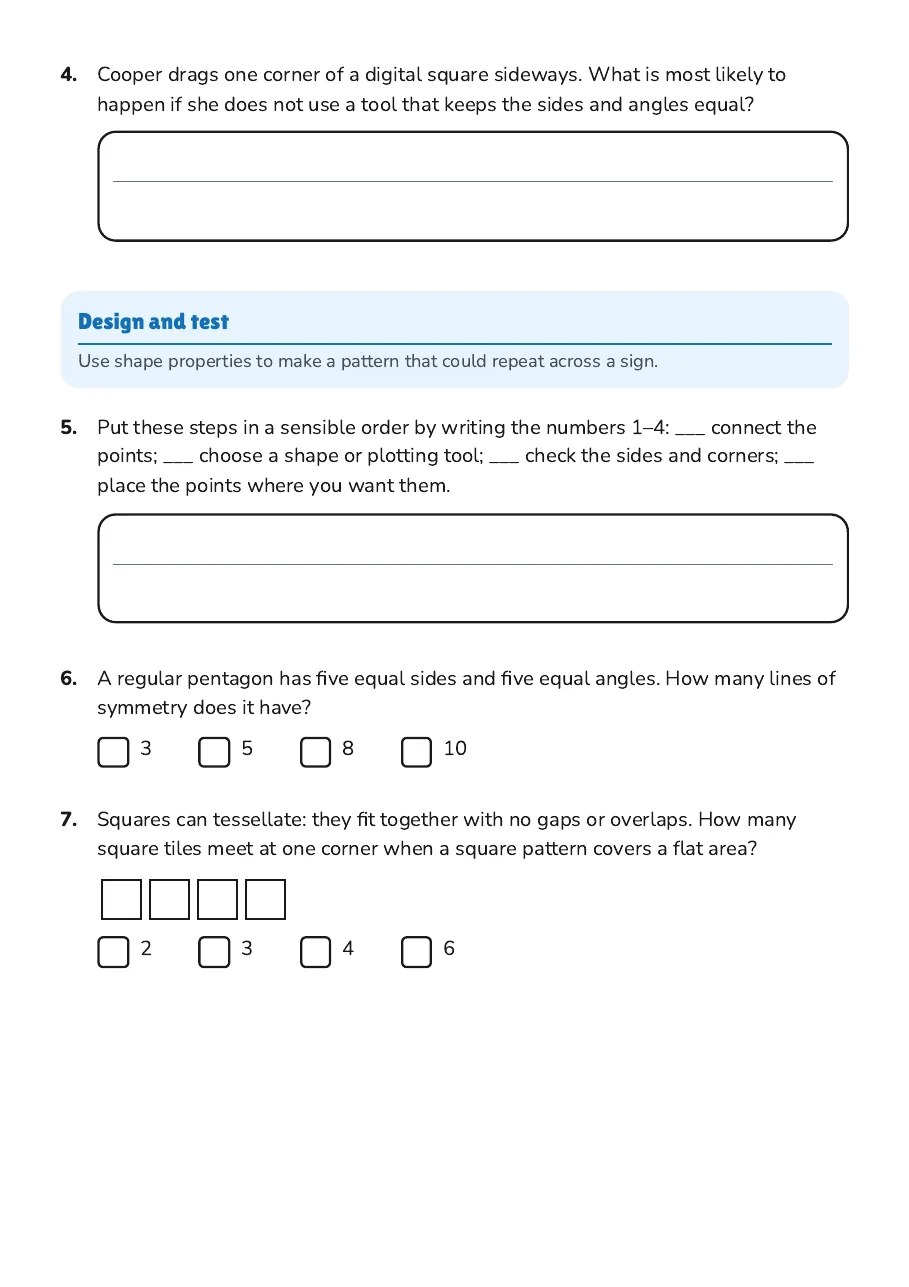
4.Cooper drags one corner of a digital square sideways. What is most likely to happen if she does not use a tool that keeps the sides and angles equal?
Design and test
Use shape properties to make a pattern that could repeat across a sign.
5.Put these steps in a sensible order by writing the numbers 1–4: ___ connect the points; ___ choose a shape or plotting tool; ___ check the sides and corners; ___ place the points where you want them.
6.A regular pentagon has five equal sides and five equal angles. How many lines of symmetry does it have?
- 3
- 5
- 8
- 10
7.Squares can tessellate: they fit together with no gaps or overlaps. How many square tiles meet at one corner when a square pattern covers a flat area?
- 2
- 3
- 4
- 6
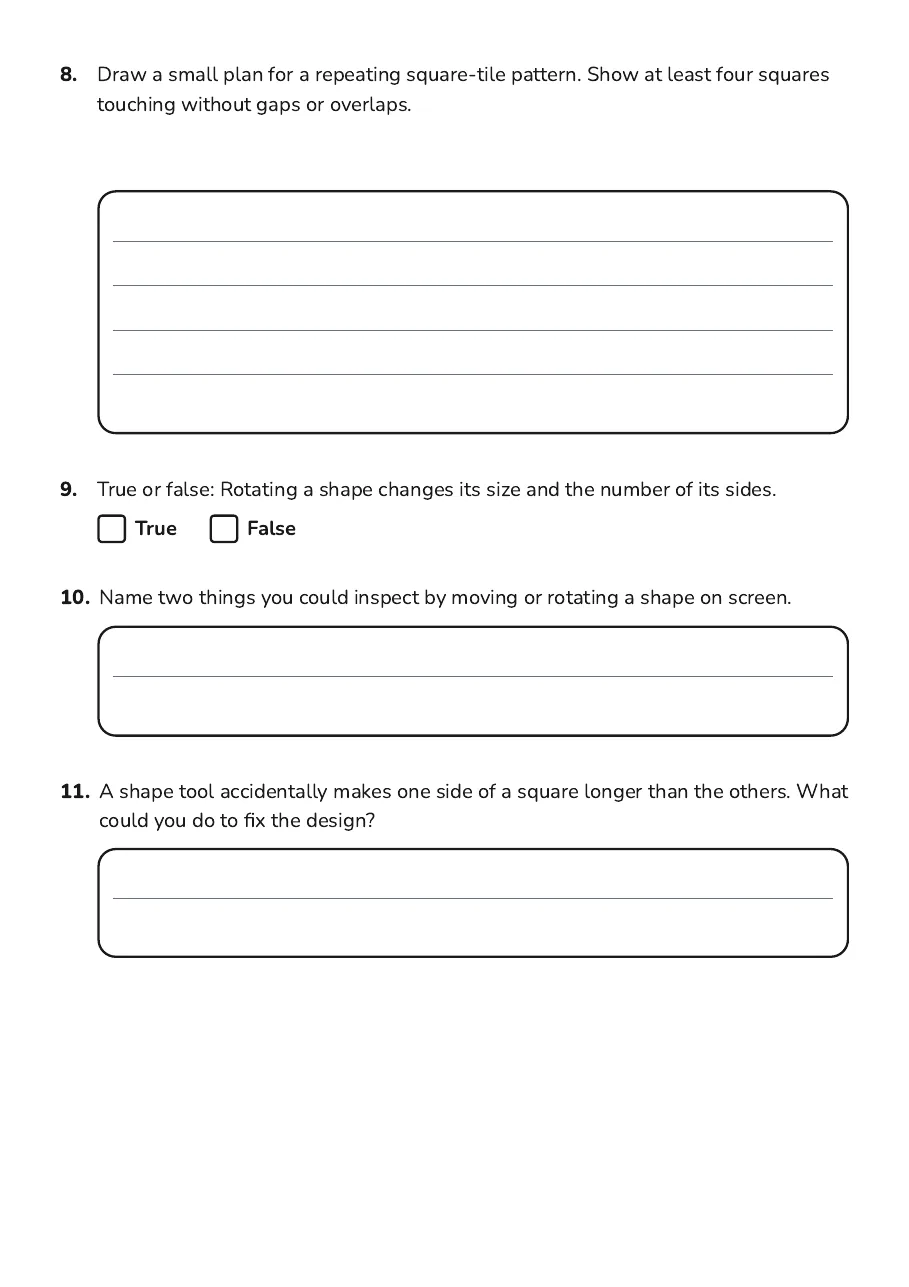
8.Draw a small plan for a repeating square-tile pattern. Show at least four squares touching without gaps or overlaps.
9.True or false: Rotating a shape changes its size and the number of its sides.
TrueFalse
10.Name two things you could inspect by moving or rotating a shape on screen.
11.A shape tool accidentally makes one side of a square longer than the others. What could you do to fix the design?
3 printable pages
Page 1
Page 2
Page 3
About This Worksheet
Free in Kuraplan
Sign up free, grab the PDF, and customize it for your class.
Print-Ready
Formatted for standard paper. Clean layout, easy to read.
AI-Generated
Created with Kuraplan's AI, designed for real classroom use.
For Teachers & Parents
Use in classrooms, for homework, tutoring, or homeschool.
Need a custom version of this worksheet?
Kuraplan's AI generates custom worksheets in seconds — differentiated for every learner, aligned to your curriculum.
Generate Custom Worksheets — Free No credit card Curriculum-aligned Under 60 seconds