MusicFreePrintable

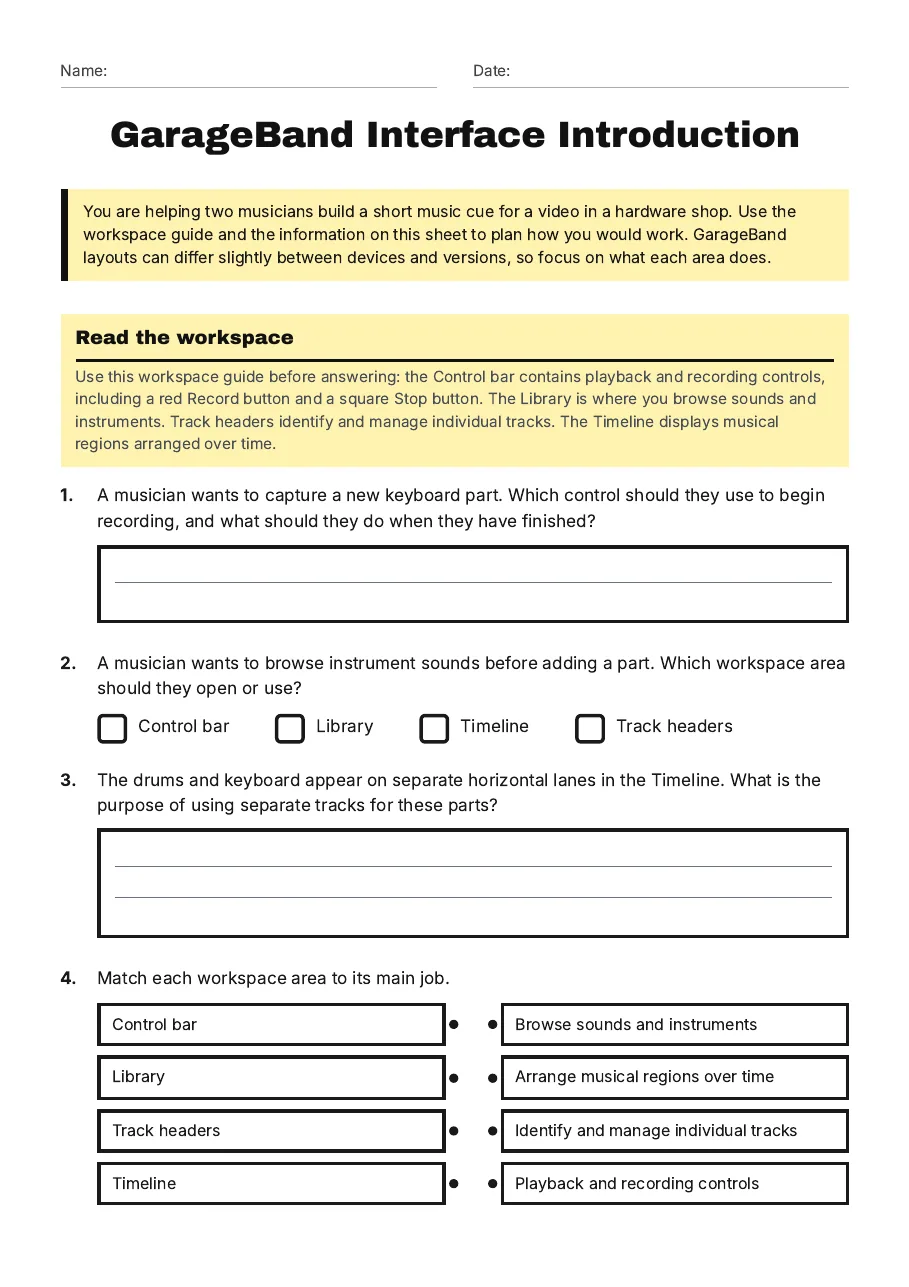
GarageBand Interface Introduction

A free music worksheet ready for your classroom. Open in Kuraplan to grab the print-ready PDF, customize it for your students, or generate a fresh version in seconds.
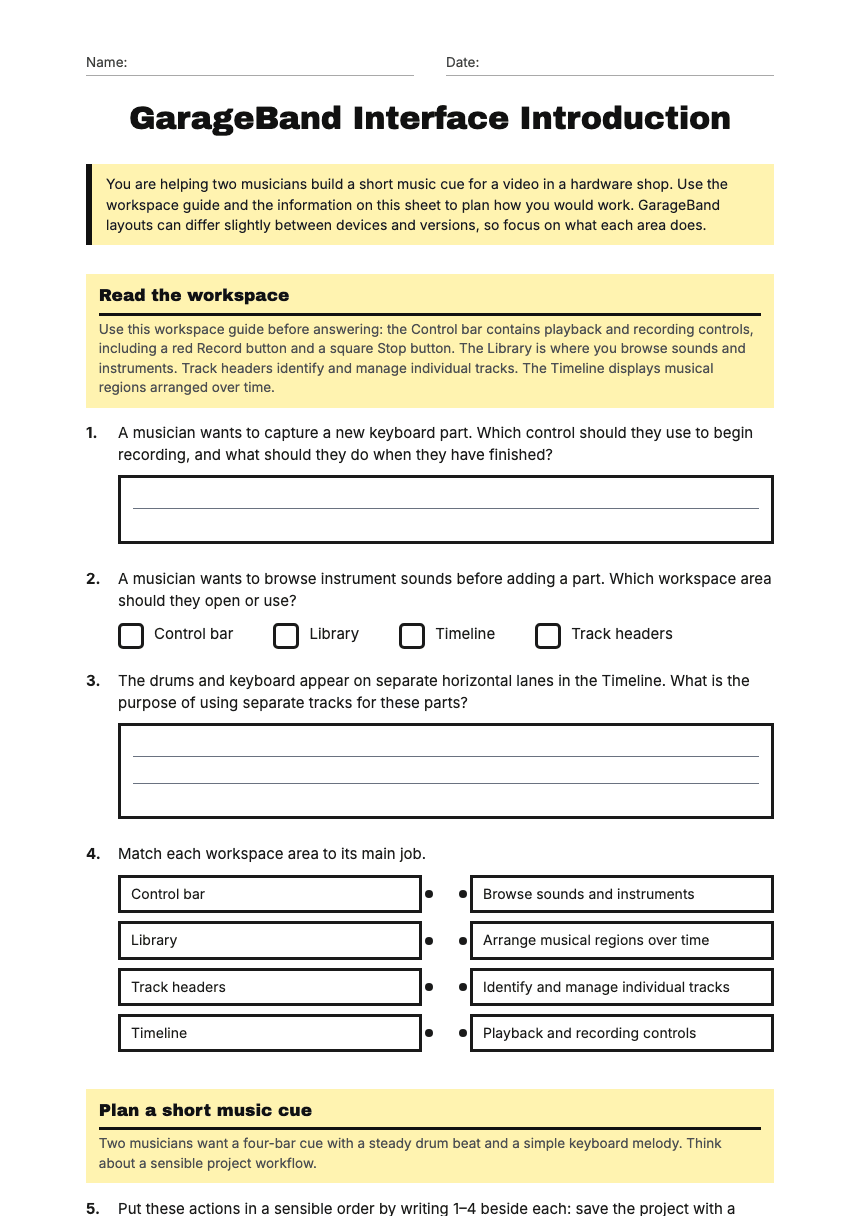
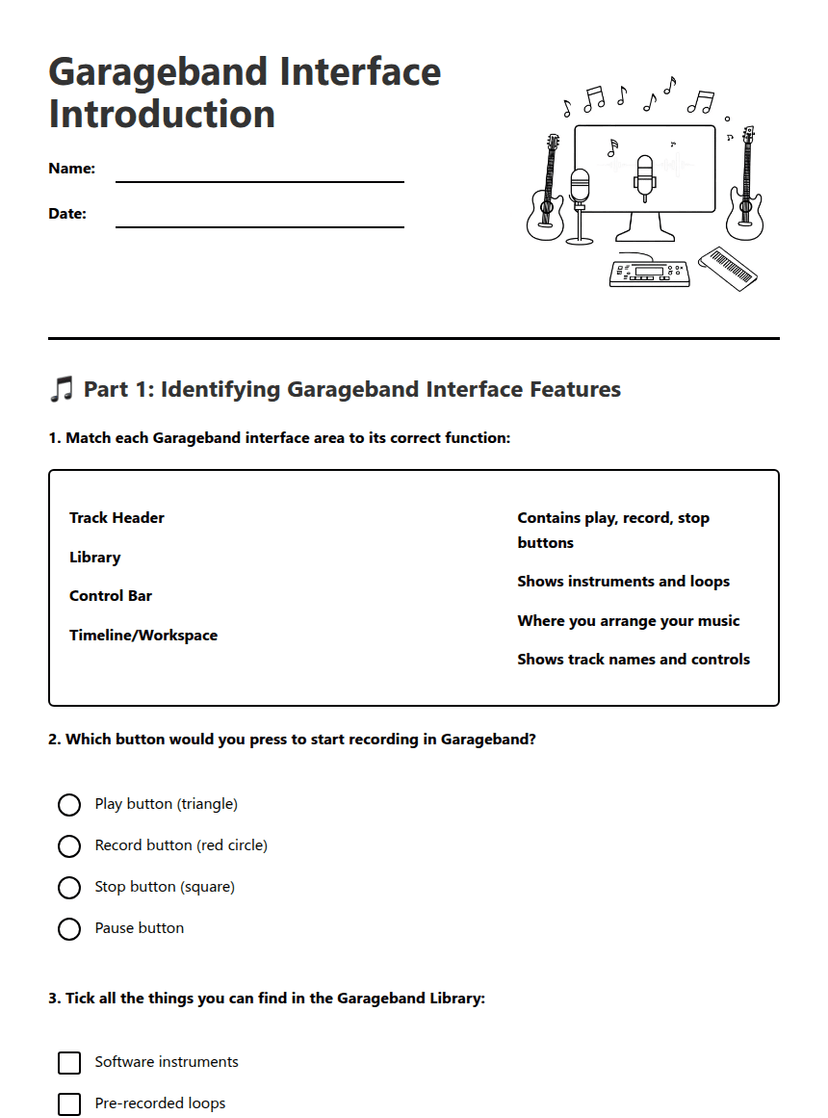
GarageBand Interface Introduction worksheet preview
Name:Date:

GarageBand Interface Introduction

You are helping two musicians build a short music cue for a video in a hardware shop. Use the workspace guide and the information on this sheet to plan how you would work. GarageBand layouts can differ slightly between devices and versions, so focus on what each area does.

Read the workspace

Use this workspace guide before answering: the Control bar contains playback and recording controls, including a red Record button and a square Stop button. The Library is where you browse sounds and instruments. Track headers identify and manage individual tracks. The Timeline displays musical regions arranged over time.

1.A musician wants to capture a new keyboard part. Which control should they use to begin recording, and what should they do when they have finished?
2.A musician wants to browse instrument sounds before adding a part. Which workspace area should they open or use?
  • Control bar
  • Library
  • Timeline
  • Track headers
3.The drums and keyboard appear on separate horizontal lanes in the Timeline. What is the purpose of using separate tracks for these parts?
4.Match each workspace area to its main job.
  • Control bar
  • Library
  • Track headers
  • Timeline
  • Browse sounds and instruments
  • Arrange musical regions over time
  • Identify and manage individual tracks
  • Playback and recording controls

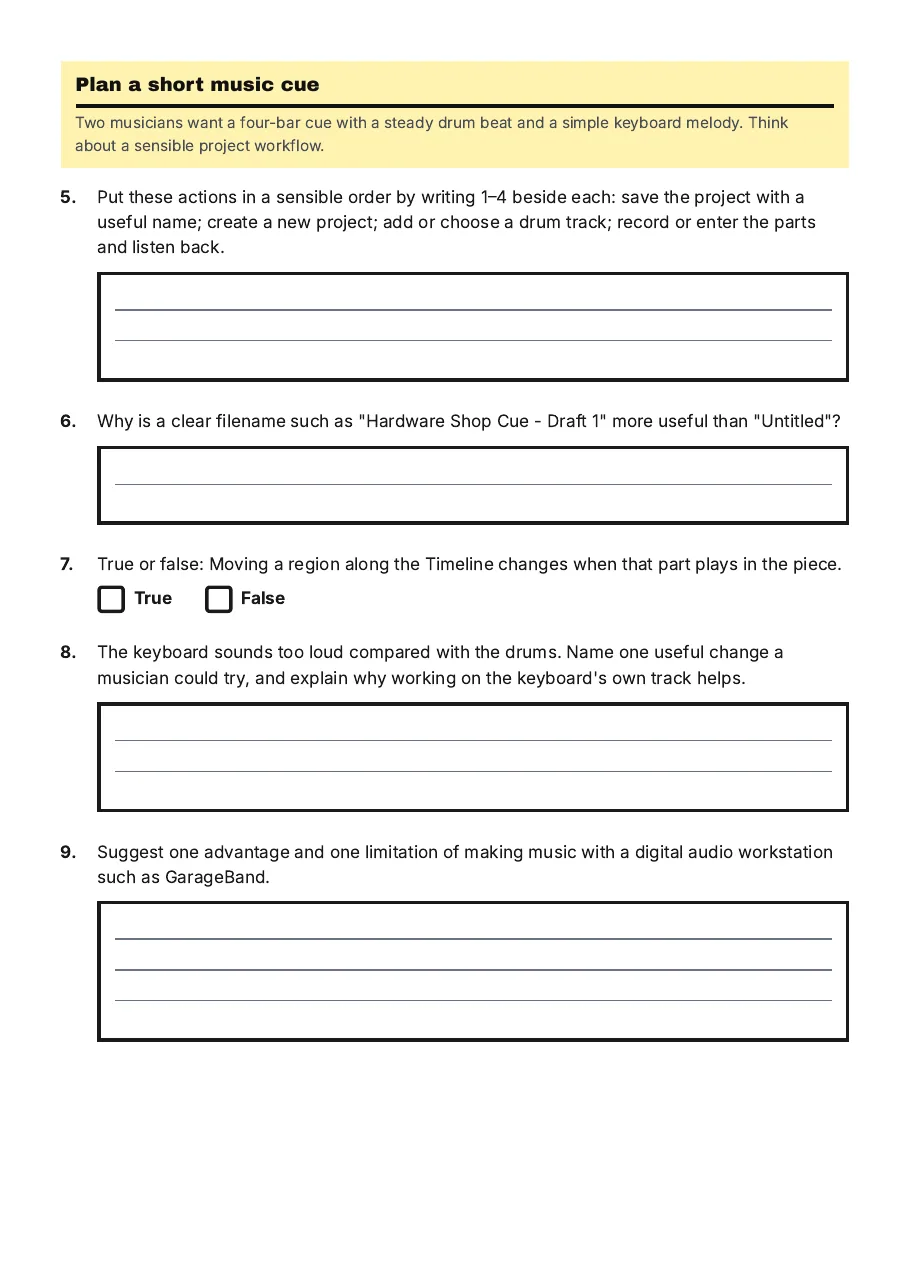
Plan a short music cue

Two musicians want a four-bar cue with a steady drum beat and a simple keyboard melody. Think about a sensible project workflow.

5.Put these actions in a sensible order by writing 1–4 beside each: save the project with a useful name; create a new project; add or choose a drum track; record or enter the parts and listen back.
6.Why is a clear filename such as "Hardware Shop Cue - Draft 1" more useful than "Untitled"?
7.True or false: Moving a region along the Timeline changes when that part plays in the piece.
TrueFalse
8.The keyboard sounds too loud compared with the drums. Name one useful change a musician could try, and explain why working on the keyboard's own track helps.
9.Suggest one advantage and one limitation of making music with a digital audio workstation such as GarageBand.
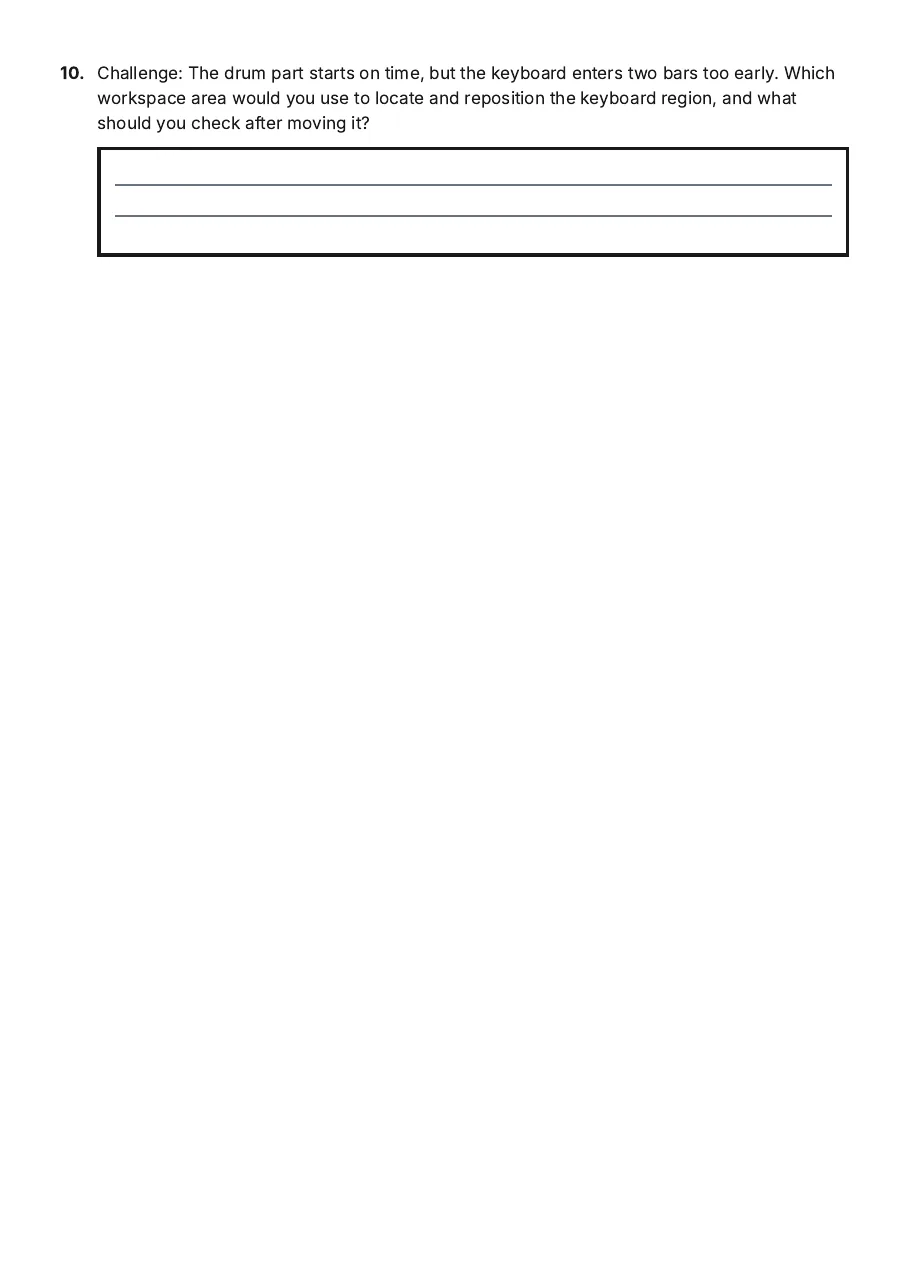
10.Challenge: The drum part starts on time, but the keyboard enters two bars too early. Which workspace area would you use to locate and reposition the keyboard region, and what should you check after moving it?

3 printable pages

  • GarageBand Interface Introduction, page 1 of 3: Read the workspace

    Page 1

  • GarageBand Interface Introduction, page 2 of 3: Plan a short music cue

    Page 2

  • GarageBand Interface Introduction, page 3 of 3: 10. Challenge: The drum part starts on time, but the keyboard enters two bars too early.…

    Page 3

About This Worksheet

Free in Kuraplan

Sign up free, grab the PDF, and customize it for your class.

Print-Ready

Formatted for standard paper. Clean layout, easy to read.

AI-Generated

Created with Kuraplan's AI, designed for real classroom use.

For Teachers & Parents

Use in classrooms, for homework, tutoring, or homeschool.

Need a custom version of this worksheet?

Kuraplan's AI generates custom worksheets in seconds — differentiated for every learner, aligned to your curriculum.

Generate Custom Worksheets — Free
No credit card Curriculum-aligned Under 60 seconds