ScienceFreePrintable

Wind Turbine Design Planning

A free science worksheet ready for your classroom. Open in Kuraplan to grab the print-ready PDF, customize it for your students, or generate a fresh version in seconds.
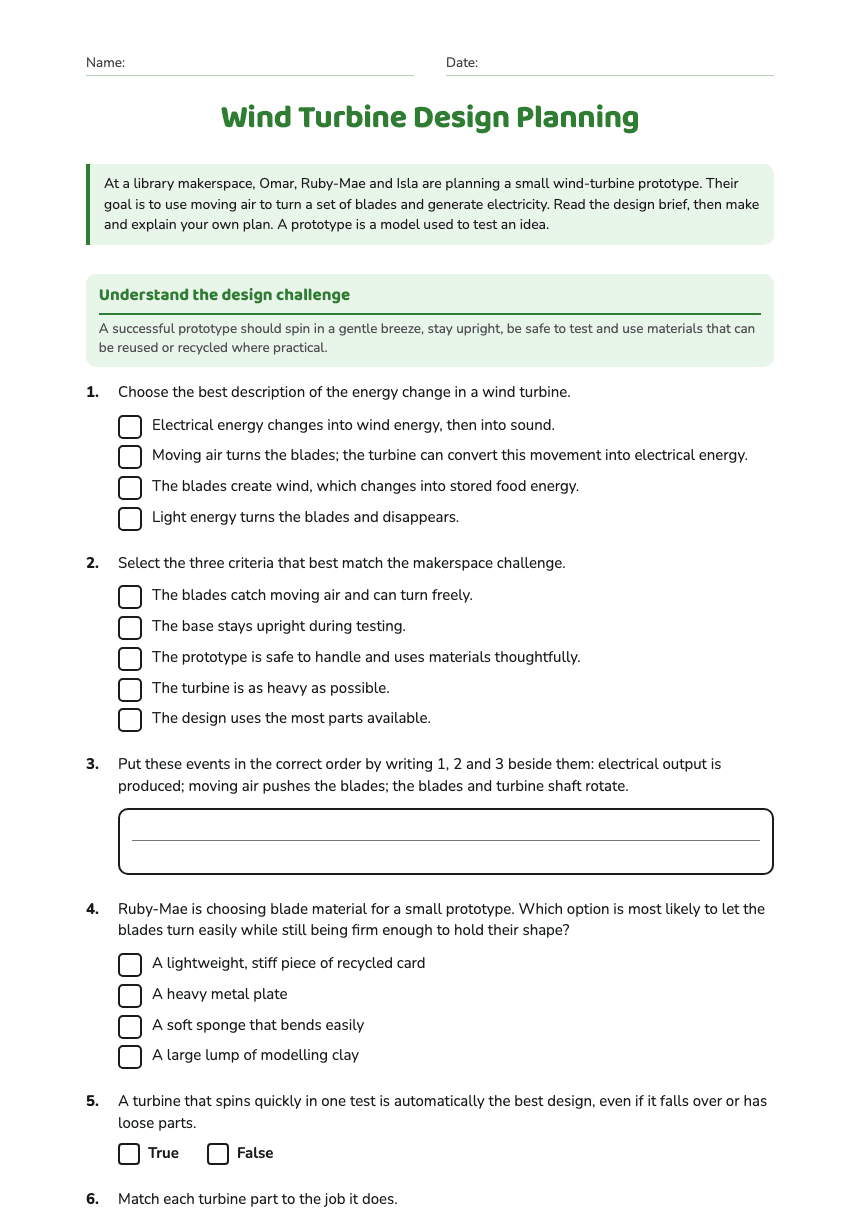
Wind Turbine Design Planning worksheet preview
Name:Date:

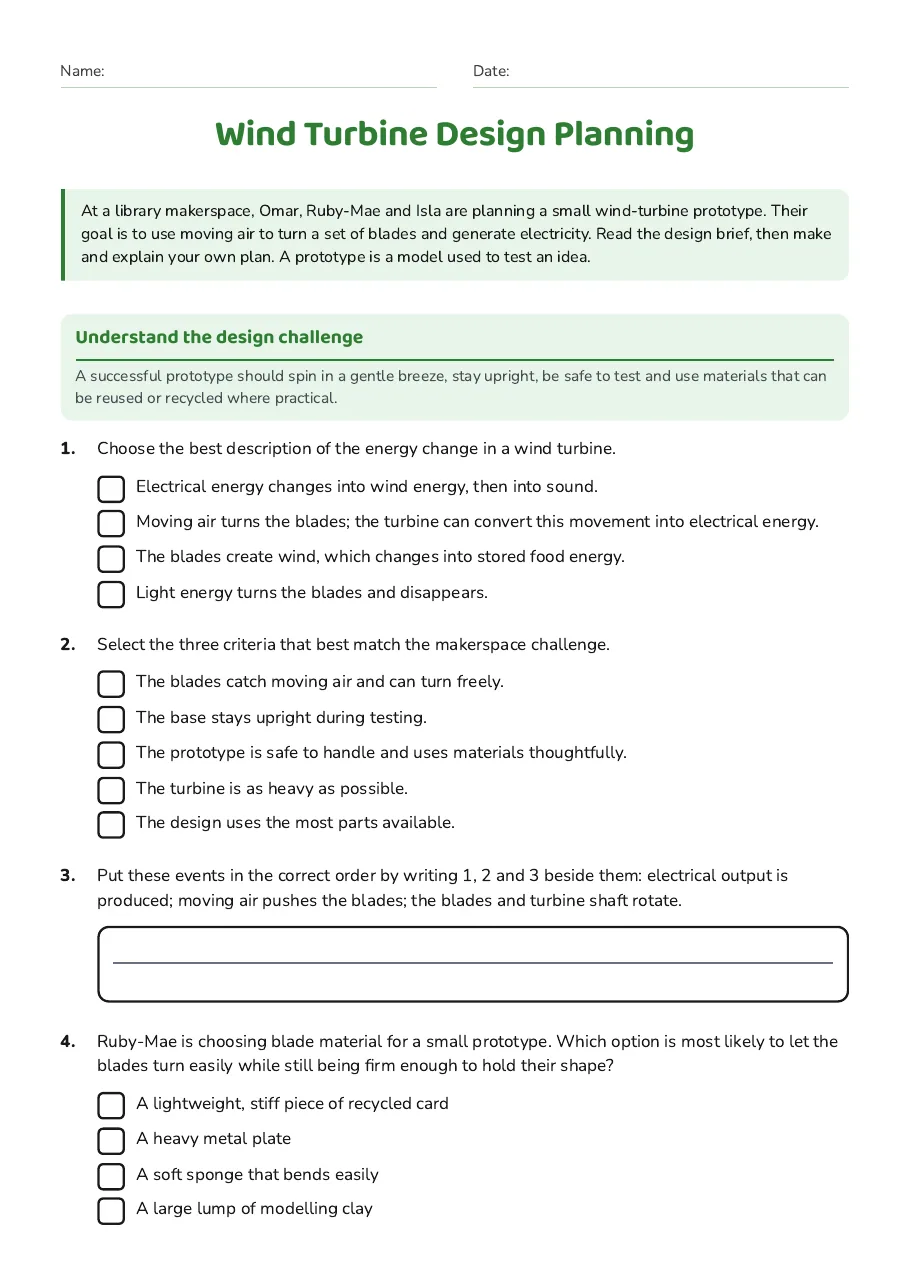
Wind Turbine Design Planning

At a library makerspace, Omar, Ruby-Mae and Isla are planning a small wind-turbine prototype. Their goal is to use moving air to turn a set of blades and generate electricity. Read the design brief, then make and explain your own plan. A prototype is a model used to test an idea.

Understand the design challenge

A successful prototype should spin in a gentle breeze, stay upright, be safe to test and use materials that can be reused or recycled where practical.

1.Choose the best description of the energy change in a wind turbine.
  • Electrical energy changes into wind energy, then into sound.
  • Moving air turns the blades; the turbine can convert this movement into electrical energy.
  • The blades create wind, which changes into stored food energy.
  • Light energy turns the blades and disappears.
2.Select the three criteria that best match the makerspace challenge.
  • The blades catch moving air and can turn freely.
  • The base stays upright during testing.
  • The prototype is safe to handle and uses materials thoughtfully.
  • The turbine is as heavy as possible.
  • The design uses the most parts available.
3.Put these events in the correct order by writing 1, 2 and 3 beside them: electrical output is produced; moving air pushes the blades; the blades and turbine shaft rotate.
4.Ruby-Mae is choosing blade material for a small prototype. Which option is most likely to let the blades turn easily while still being firm enough to hold their shape?
  • A lightweight, stiff piece of recycled card
  • A heavy metal plate
  • A soft sponge that bends easily
  • A large lump of modelling clay
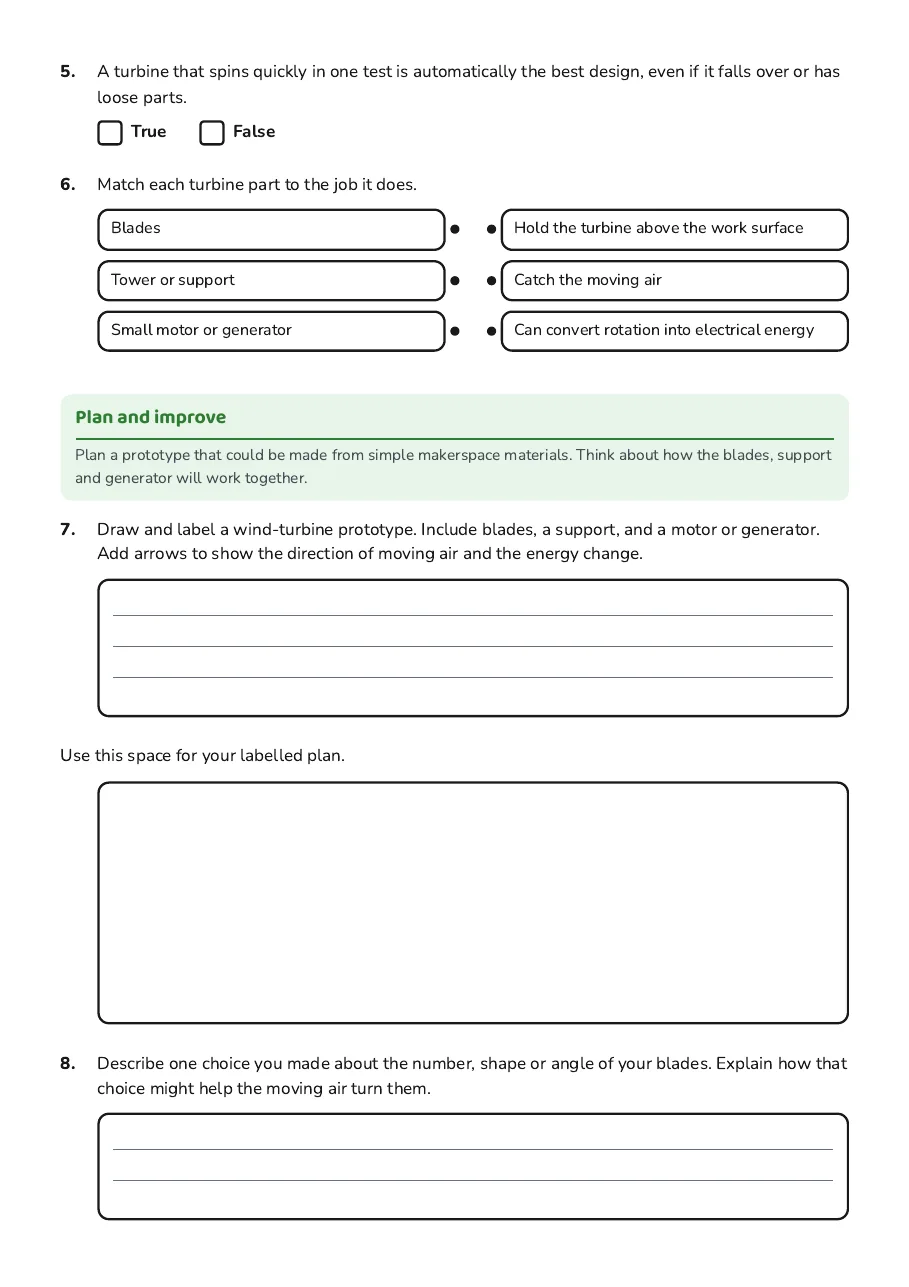
5.A turbine that spins quickly in one test is automatically the best design, even if it falls over or has loose parts.
TrueFalse
6.Match each turbine part to the job it does.
  • Blades
  • Tower or support
  • Small motor or generator
  • Hold the turbine above the work surface
  • Catch the moving air
  • Can convert rotation into electrical energy

Plan and improve

Plan a prototype that could be made from simple makerspace materials. Think about how the blades, support and generator will work together.

7.Draw and label a wind-turbine prototype. Include blades, a support, and a motor or generator. Add arrows to show the direction of moving air and the energy change.
Use this space for your labelled plan.
8.Describe one choice you made about the number, shape or angle of your blades. Explain how that choice might help the moving air turn them.
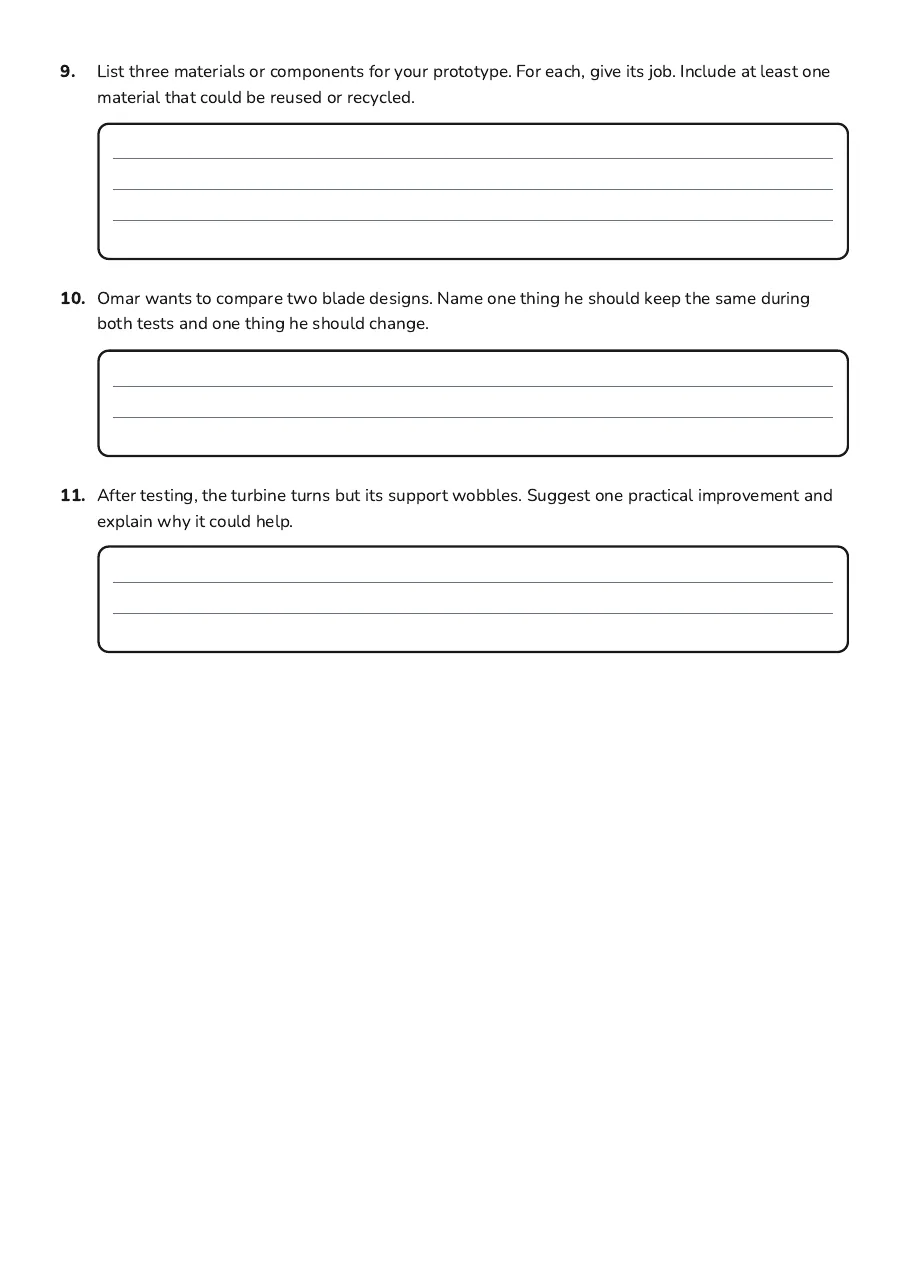
9.List three materials or components for your prototype. For each, give its job. Include at least one material that could be reused or recycled.
10.Omar wants to compare two blade designs. Name one thing he should keep the same during both tests and one thing he should change.
11.After testing, the turbine turns but its support wobbles. Suggest one practical improvement and explain why it could help.

3 printable pages

  • Wind Turbine Design Planning, page 1 of 3: Understand the design challenge

    Page 1

  • Wind Turbine Design Planning, page 2 of 3: Plan and improve

    Page 2

  • Wind Turbine Design Planning, page 3 of 3: 9. List three materials or components for your prototype. For each, give its job. Include…

    Page 3

About This Worksheet

Free in Kuraplan

Sign up free, grab the PDF, and customize it for your class.

Print-Ready

Formatted for standard paper. Clean layout, easy to read.

AI-Generated

Created with Kuraplan's AI, designed for real classroom use.

For Teachers & Parents

Use in classrooms, for homework, tutoring, or homeschool.

Need a custom version of this worksheet?

Kuraplan's AI generates custom worksheets in seconds — differentiated for every learner, aligned to your curriculum.

Generate Custom Worksheets — Free
No credit card Curriculum-aligned Under 60 seconds