Technology Use Answer Key
A free other worksheet ready for your classroom. Open in Kuraplan to grab the print-ready PDF, customize it for your students, or generate a fresh version in seconds.
Technology Use Answer Key
📱 Part 1: Daily Technology Tracking - Answer Guide
Sample Answers: Phone, tablet, laptop, gaming console, TV, YouTube, TikTok, Instagram, Netflix, Spotify, educational apps, messaging apps
Teacher Note: Accept any technology the student actually used. Help students identify all forms of technology, not just obvious ones.
Sample Answers: 30 minutes, 2 hours, 15 minutes, all day (help convert to hours)
Teacher Note: Help students estimate time realistically. Use phone screen time features if available to check accuracy.
Expected responses:
• Entertainment (games, videos, music)
• Communication (texting, calling, social media)
• Learning/School work (research, assignments, educational videos)
• Creative activities (making videos, art apps, music)
• Information seeking (news, weather, directions)
Teacher Note: Help students identify the PRIMARY purpose if they used technology for multiple reasons.
Common Feelings - Help students identify:
• Happy, excited, entertained, focused, relaxed
• Bored, frustrated, anxious, stressed, overwhelmed
• Curious, engaged, creative, productive
Teacher Note: Encourage honest responses. Explain that technology can make us feel different ways and that's normal.
🔍 Part 2: Reflection and Patterns - Answer Guide
Help students recognise these common post-use feelings:
• Satisfied, accomplished, happy, informed
• Tired, guilty, wasted time, eyes hurt, restless
• Want to use more, addicted feeling, empty
Teacher Note: Help students connect the difference between during and after feelings. This is key for self-awareness.
Guide students to identify patterns like:
• Times of day they use technology most
• Which apps/devices they use most often
• How their mood affects their technology use
• Whether they use technology when bored/stressed
Teacher Note: Help students look at their whole week of tracking to spot trends.
Sample positive responses:
• "I learned something new" • "I stayed connected with friends"
• "I completed my homework" • "I felt creative" • "I relaxed after a hard day"
Sample improvement ideas:
• "Use less before bedtime" • "Take more breaks" • "Use for homework first, then fun"
• "Put phone away during meals" • "Try new activities without screens"
🎯 Part 3: Teacher Support Notes
1. Time Awareness: Help students break down their day (school: 6 hours, sleep: 8 hours, technology: ? hours, other activities: ? hours)
2. Feeling Words: Provide a feelings chart if students struggle to identify emotions. Practice describing the difference between "during" and "after" feelings.
3. Balance Concepts: Explain that technology isn't "good" or "bad" - it's about balance and being aware of how it affects us.
4. Practical Strategies: Suggest concrete steps like using timers, charging phones outside bedrooms, or having "tech-free" meal times.
5. Positive Reinforcement: Celebrate students' honest self-reflection and any small improvements they identify.
Remember: This is about building self-awareness, not judging technology use. Focus on helping students become mindful users.
About This Worksheet
Free in Kuraplan
Sign up free, grab the PDF, and customize it for your class.
Print-Ready
Formatted for standard paper. Clean layout, easy to read.
AI-Generated
Created with Kuraplan's AI, designed for real classroom use.
For Teachers & Parents
Use in classrooms, for homework, tutoring, or homeschool.
Need a custom version of this worksheet?
Kuraplan's AI generates custom worksheets in seconds — differentiated for every learner, aligned to your curriculum.
Generate Custom Worksheets — FreeMore Other Worksheets
Ancient Egyptian Technology Innovations
Free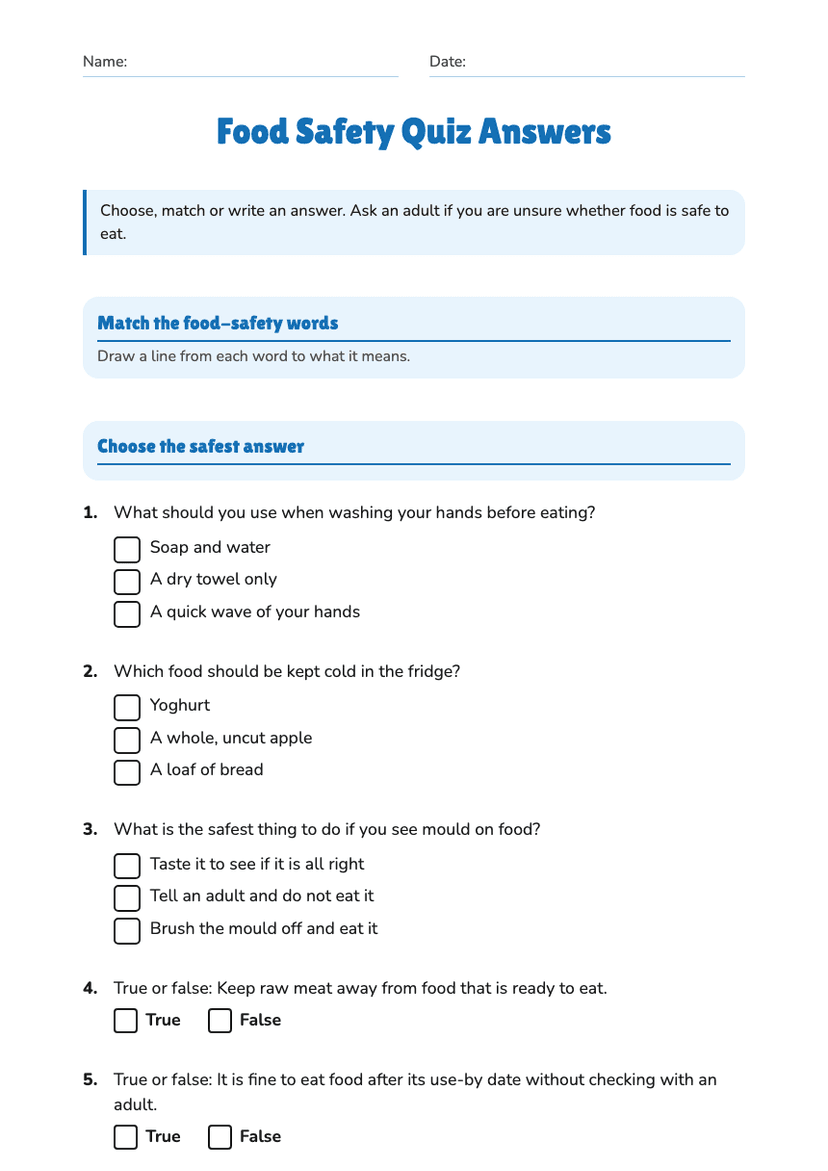
Food Safety Quiz Answers
Free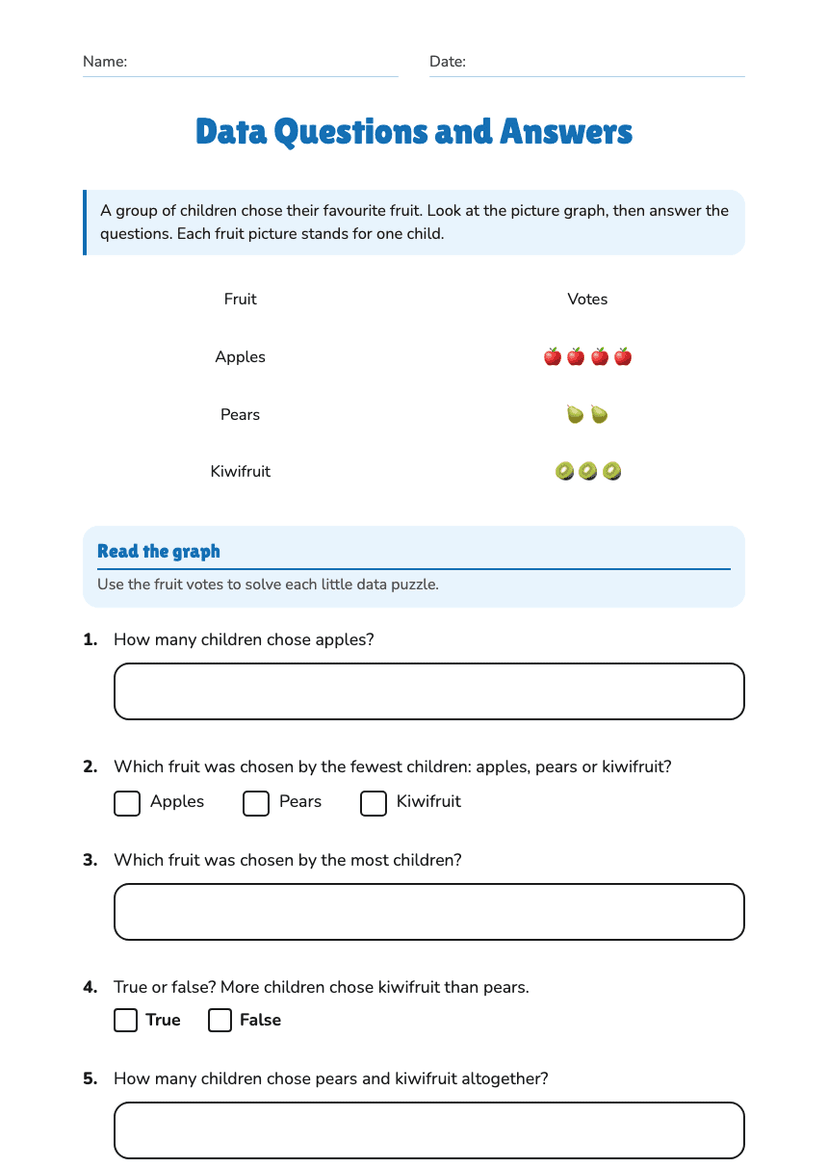
Data Questions and Answers
Free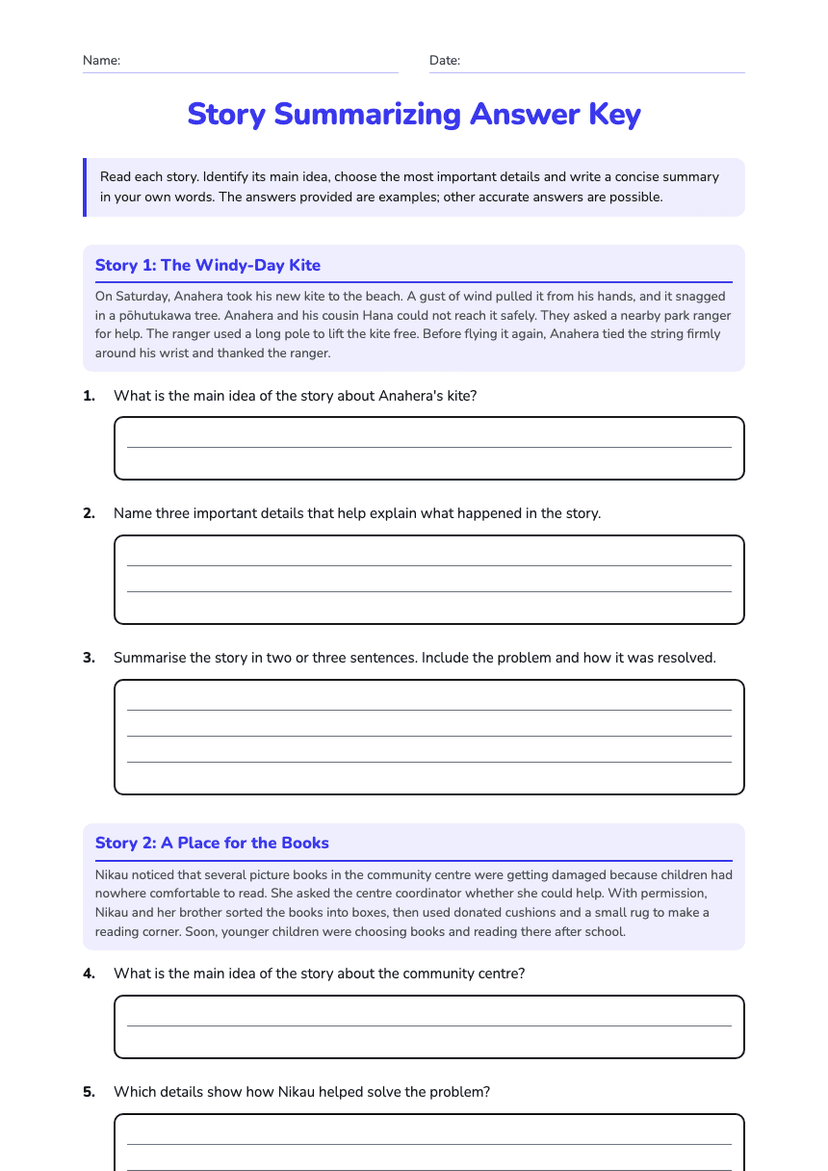
Story Summarizing Answer Key
Free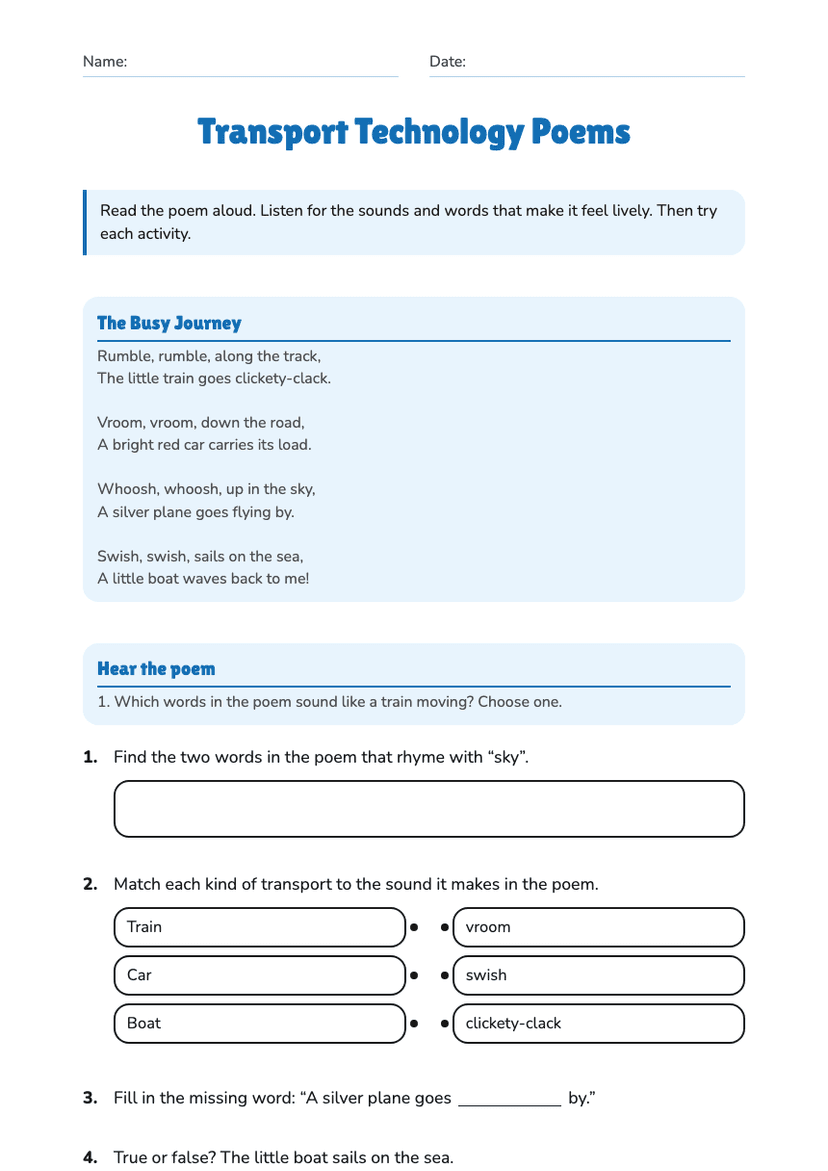
Transport Technology Poems
Free
Place Value Answer Sheet
Free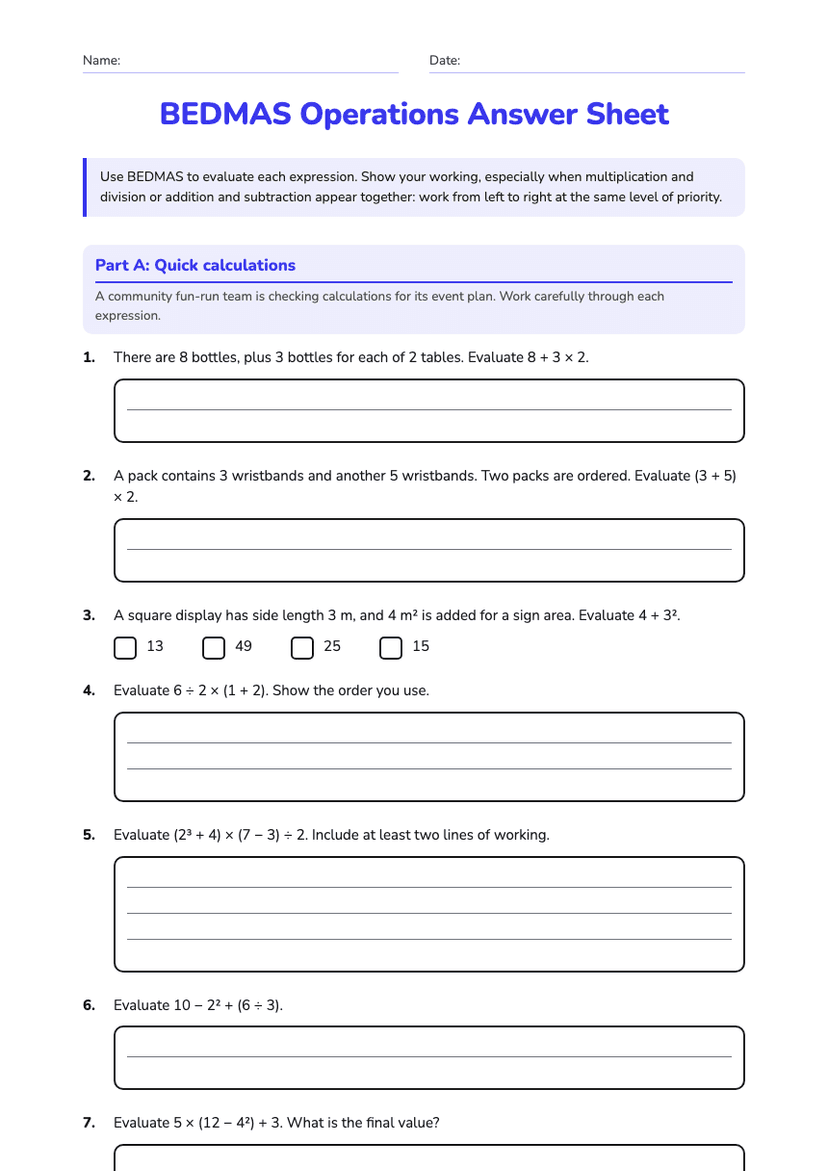
BEDMAS Operations Answer Sheet
Free