HealthFreePrintable
Privacy Settings Practice
A free health worksheet ready for your classroom. Open in Kuraplan to grab the print-ready PDF, customize it for your students, or generate a fresh version in seconds.
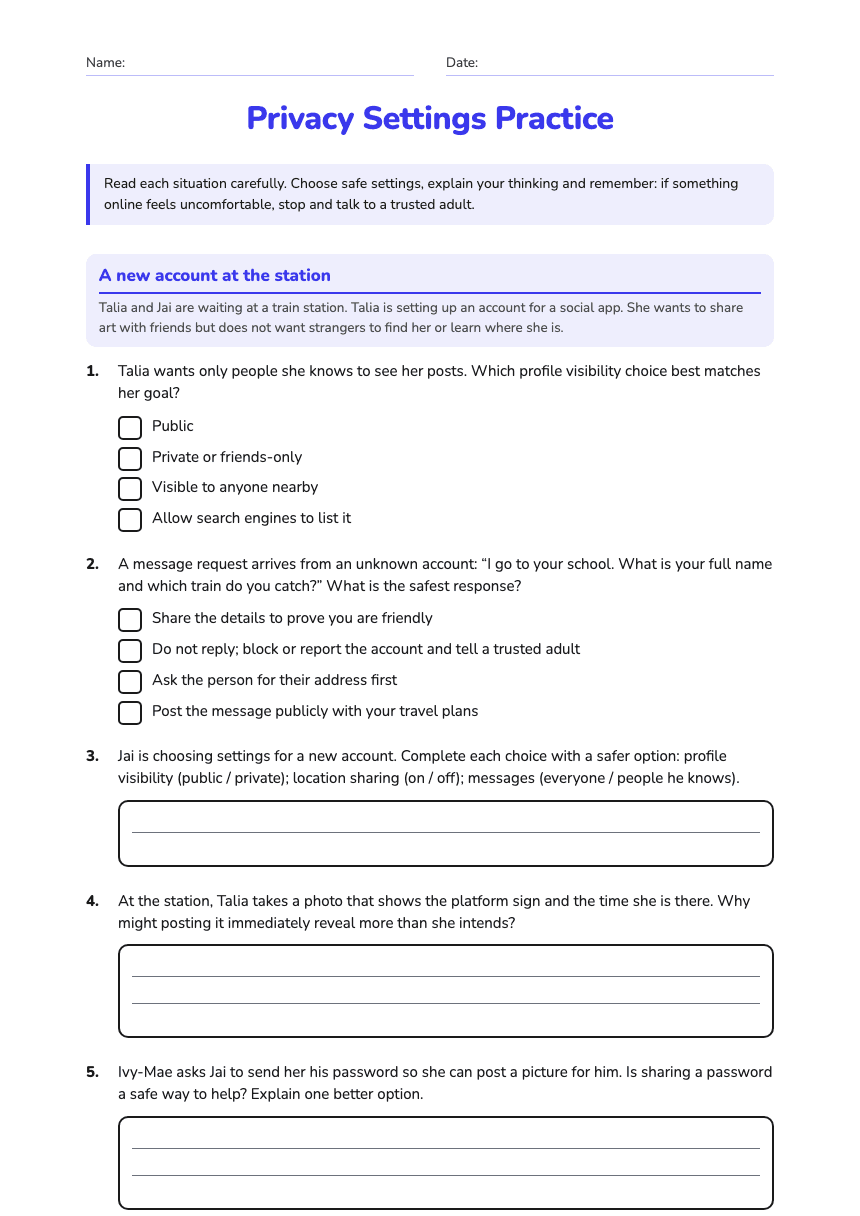
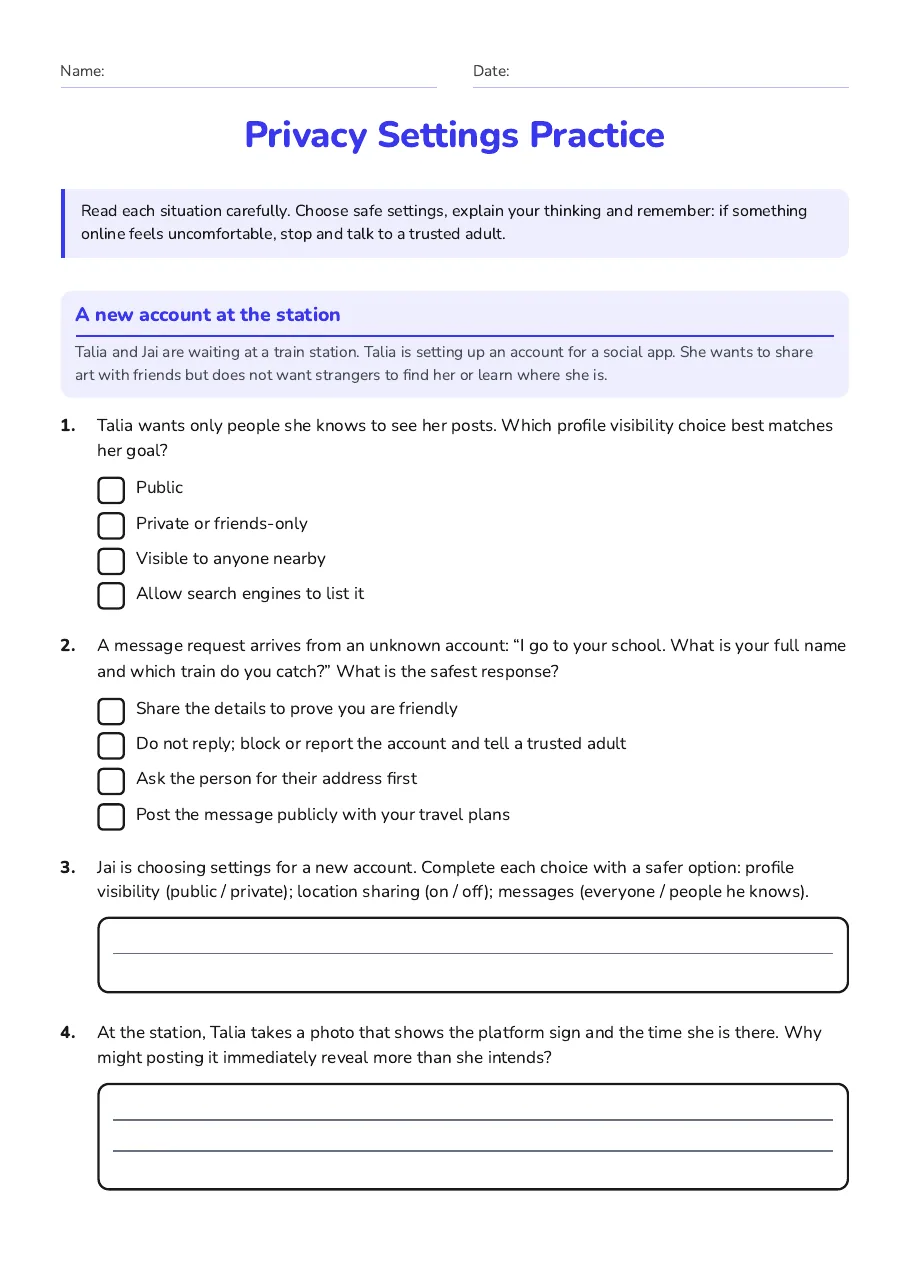
Name:Date:
Privacy Settings Practice
Read each situation carefully. Choose safe settings, explain your thinking and remember: if something online feels uncomfortable, stop and talk to a trusted adult.
A new account at the station
Talia and Jai are waiting at a train station. Talia is setting up an account for a social app. She wants to share art with friends but does not want strangers to find her or learn where she is.
1.Talia wants only people she knows to see her posts. Which profile visibility choice best matches her goal?
- Public
- Private or friends-only
- Visible to anyone nearby
- Allow search engines to list it
2.A message request arrives from an unknown account: “I go to your school. What is your full name and which train do you catch?” What is the safest response?
- Share the details to prove you are friendly
- Do not reply; block or report the account and tell a trusted adult
- Ask the person for their address first
- Post the message publicly with your travel plans
3.Jai is choosing settings for a new account. Complete each choice with a safer option: profile visibility (public / private); location sharing (on / off); messages (everyone / people he knows).
4.At the station, Talia takes a photo that shows the platform sign and the time she is there. Why might posting it immediately reveal more than she intends?
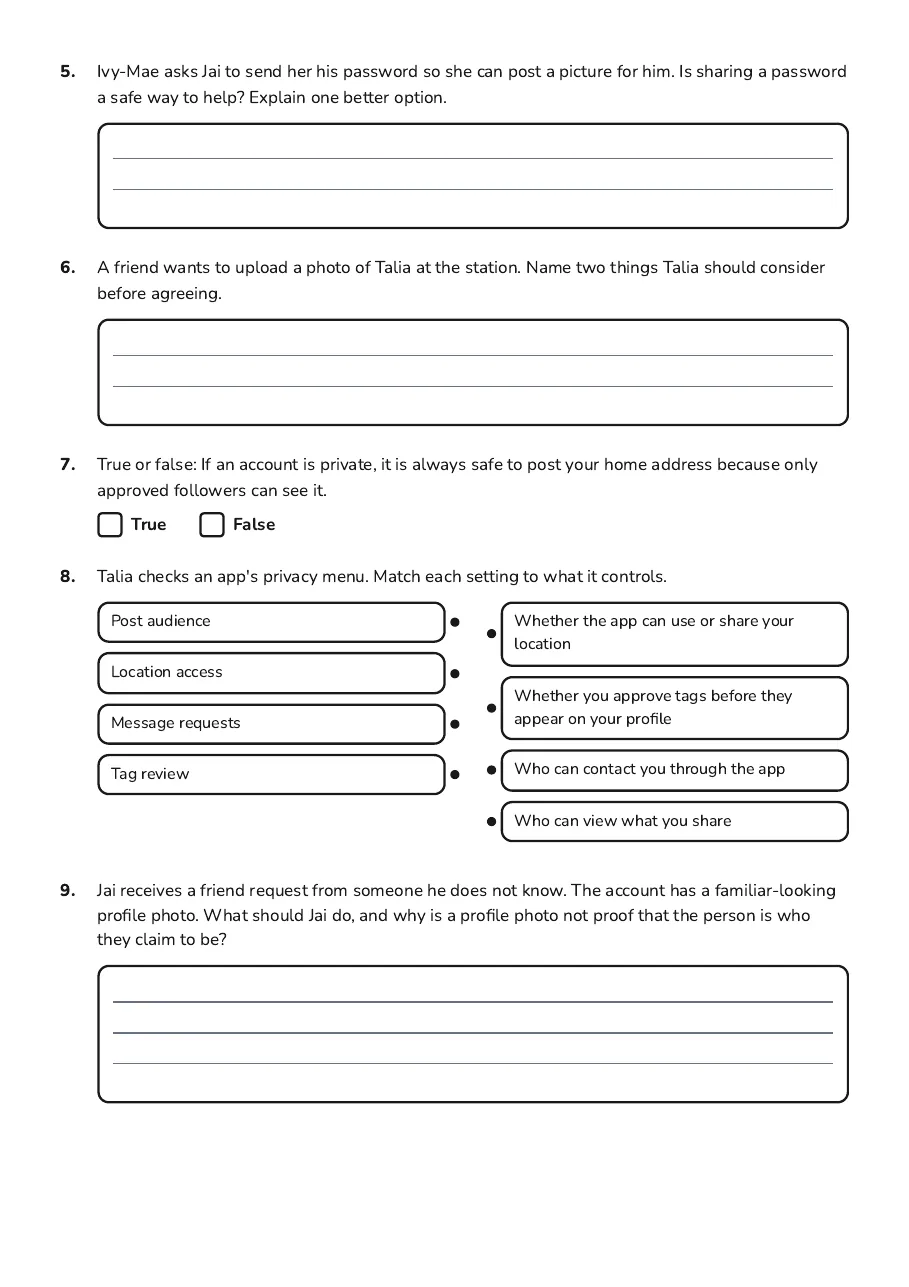
5.Ivy-Mae asks Jai to send her his password so she can post a picture for him. Is sharing a password a safe way to help? Explain one better option.
6.A friend wants to upload a photo of Talia at the station. Name two things Talia should consider before agreeing.
7.True or false: If an account is private, it is always safe to post your home address because only approved followers can see it.
TrueFalse
8.Talia checks an app's privacy menu. Match each setting to what it controls.
- Post audience
- Location access
- Message requests
- Tag review
- Whether the app can use or share your location
- Whether you approve tags before they appear on your profile
- Who can contact you through the app
- Who can view what you share
9.Jai receives a friend request from someone he does not know. The account has a familiar-looking profile photo. What should Jai do, and why is a profile photo not proof that the person is who they claim to be?
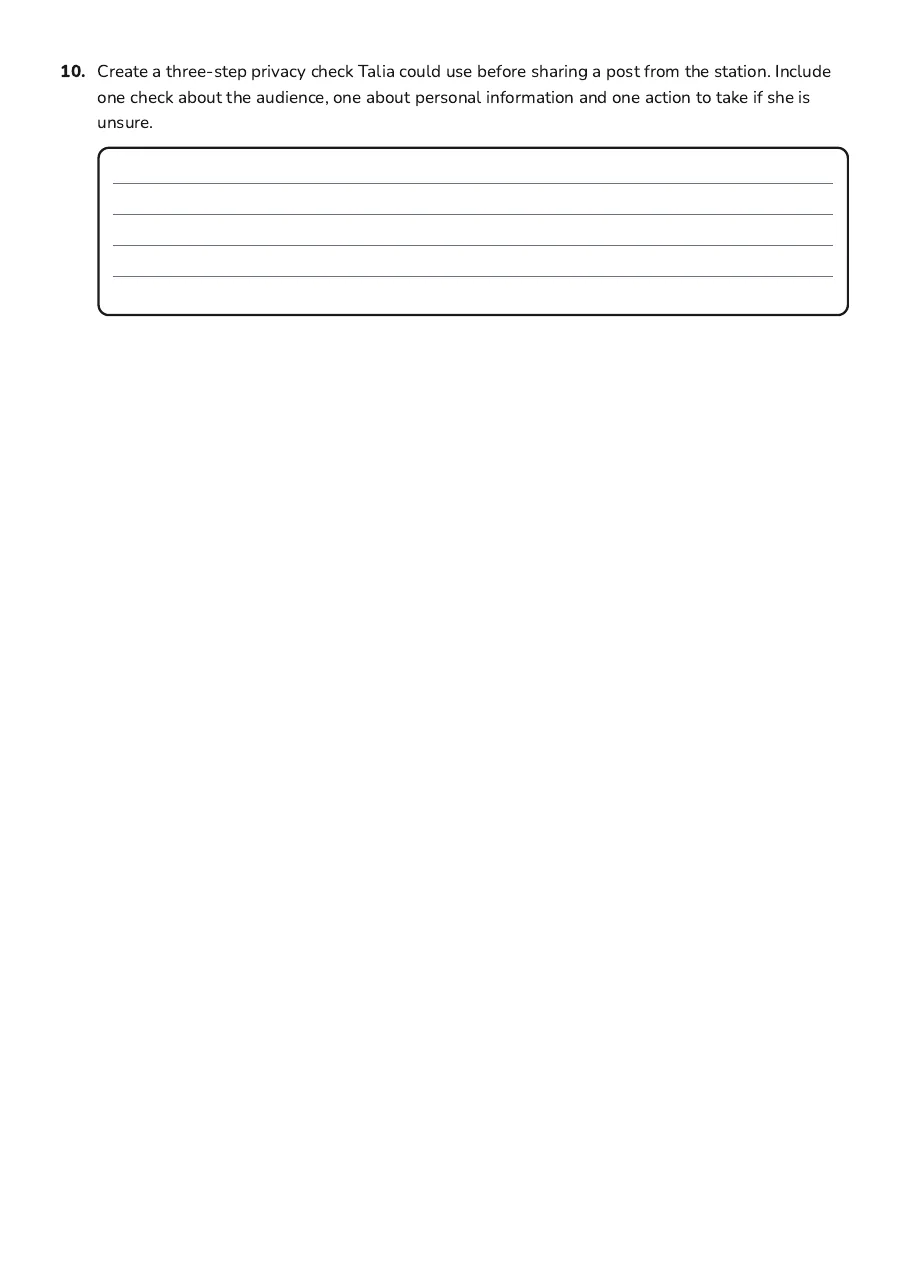
10.Create a three-step privacy check Talia could use before sharing a post from the station. Include one check about the audience, one about personal information and one action to take if she is unsure.
3 printable pages
Page 1
Page 2
Page 3
About This Worksheet
Free in Kuraplan
Sign up free, grab the PDF, and customize it for your class.
Print-Ready
Formatted for standard paper. Clean layout, easy to read.
AI-Generated
Created with Kuraplan's AI, designed for real classroom use.
For Teachers & Parents
Use in classrooms, for homework, tutoring, or homeschool.
Need a custom version of this worksheet?
Kuraplan's AI generates custom worksheets in seconds — differentiated for every learner, aligned to your curriculum.
Generate Custom Worksheets — Free No credit card Curriculum-aligned Under 60 seconds
More Health Worksheets
Year 11
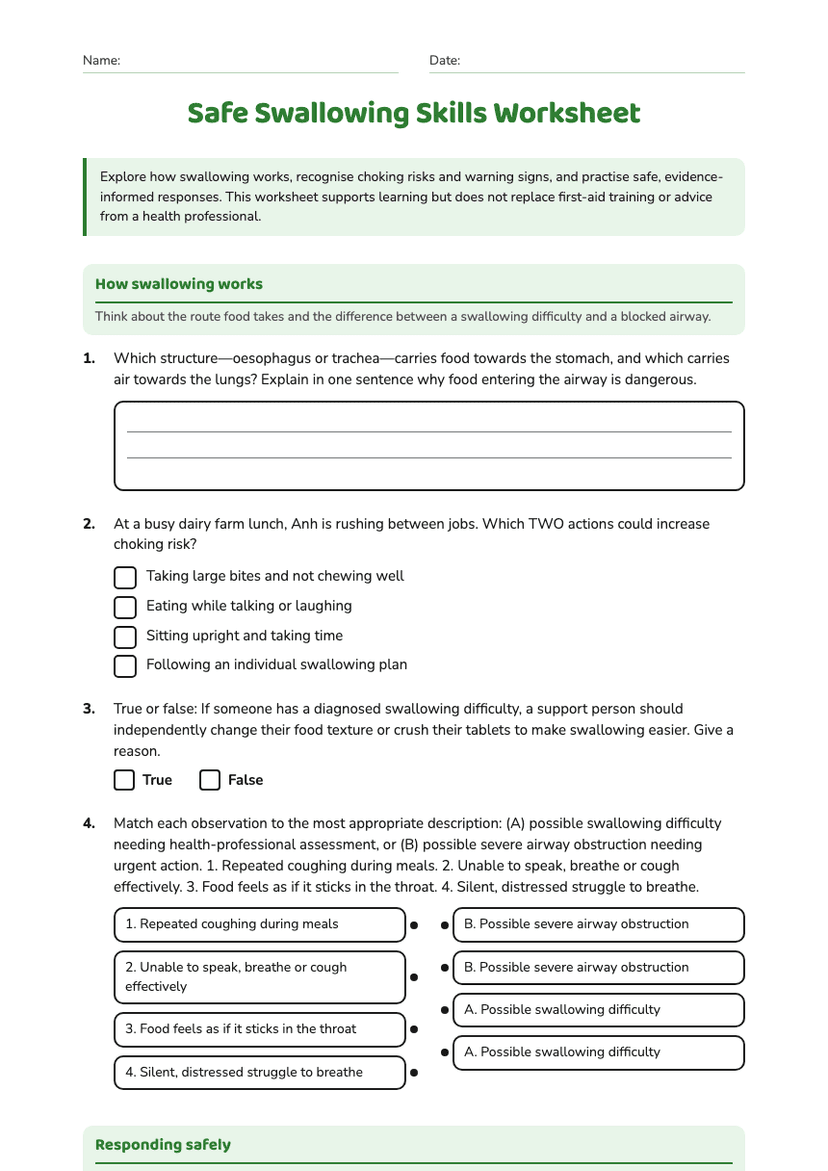
Safe Swallowing Skills Worksheet
Free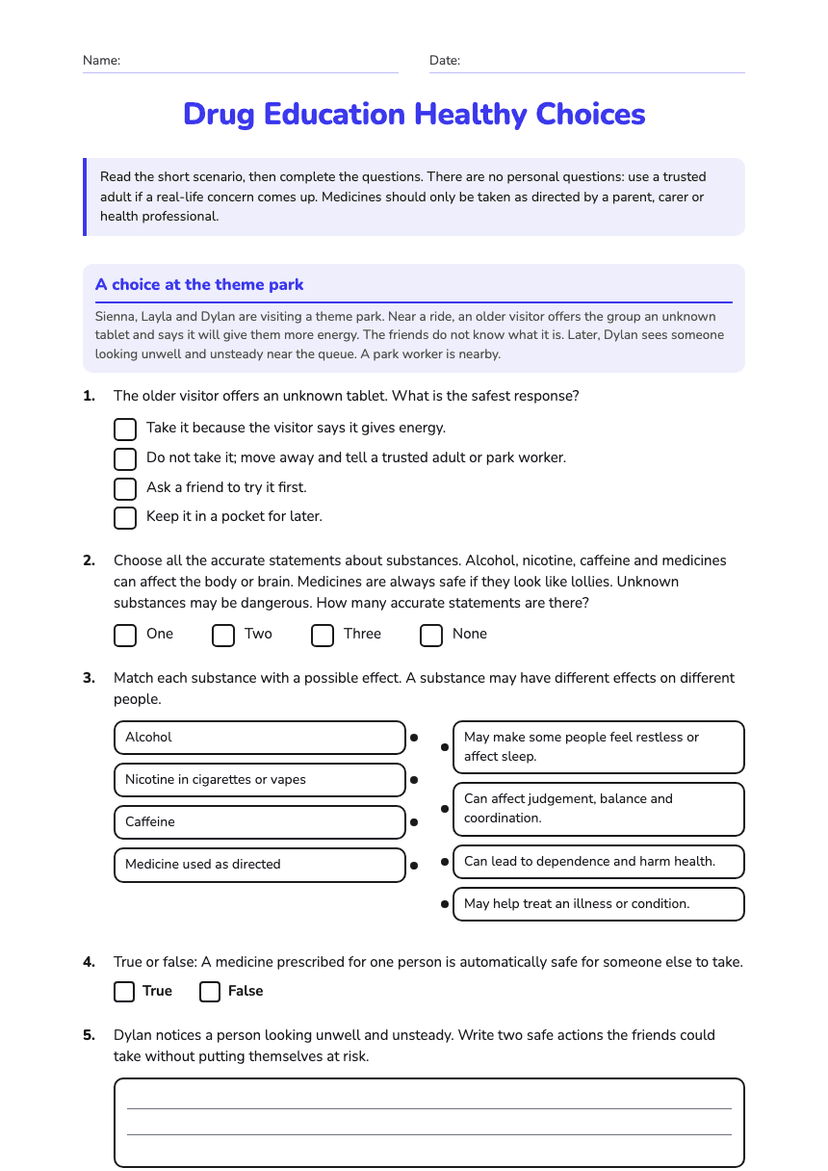
Year 6
Drug Education Healthy Choices
Free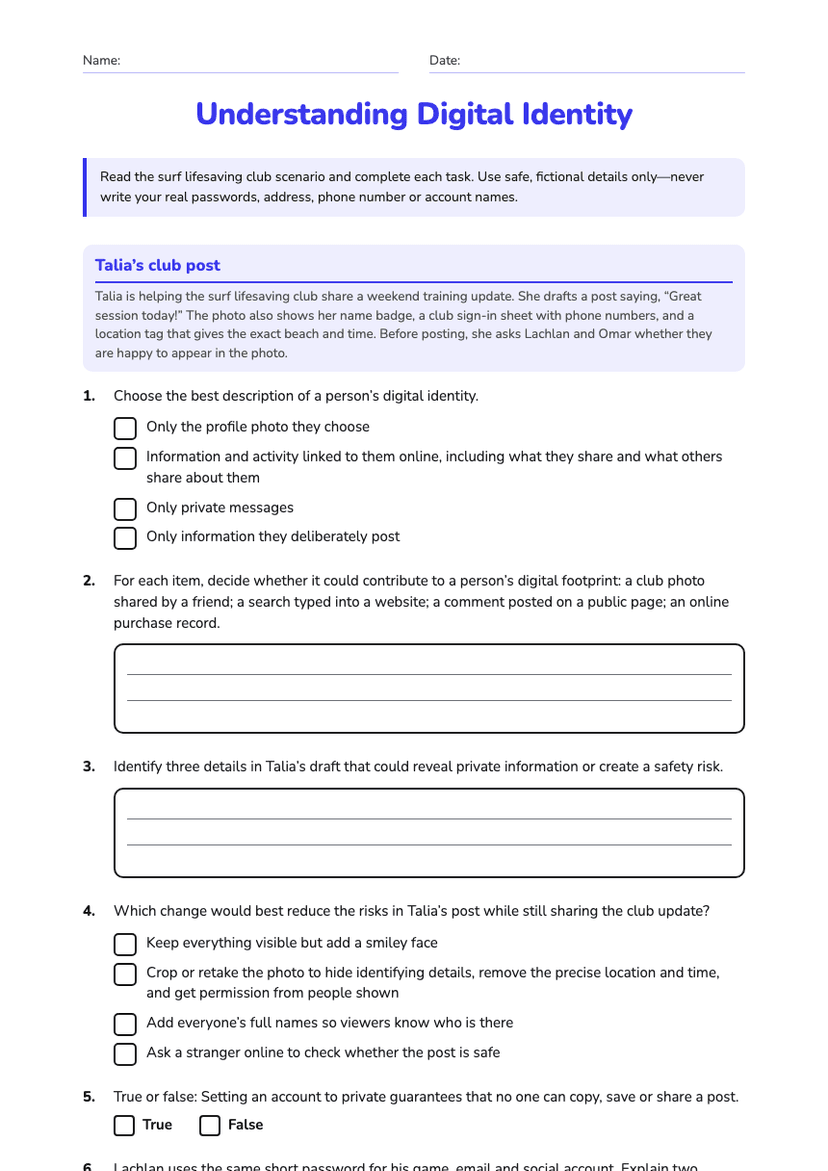
Year 7
Understanding Digital Identity
Free
Year 5
Digital Wellbeing Worksheet
Free
Year 6
Community Safety Planning Worksheet
Free
Year 1
Personal Hygiene Habits
Free
Year 6
Digital Footprint Safety
Free