Economic Activity Overview
A free other worksheet ready for your classroom. Open in Kuraplan to grab the print-ready PDF, customize it for your students, or generate a fresh version in seconds.
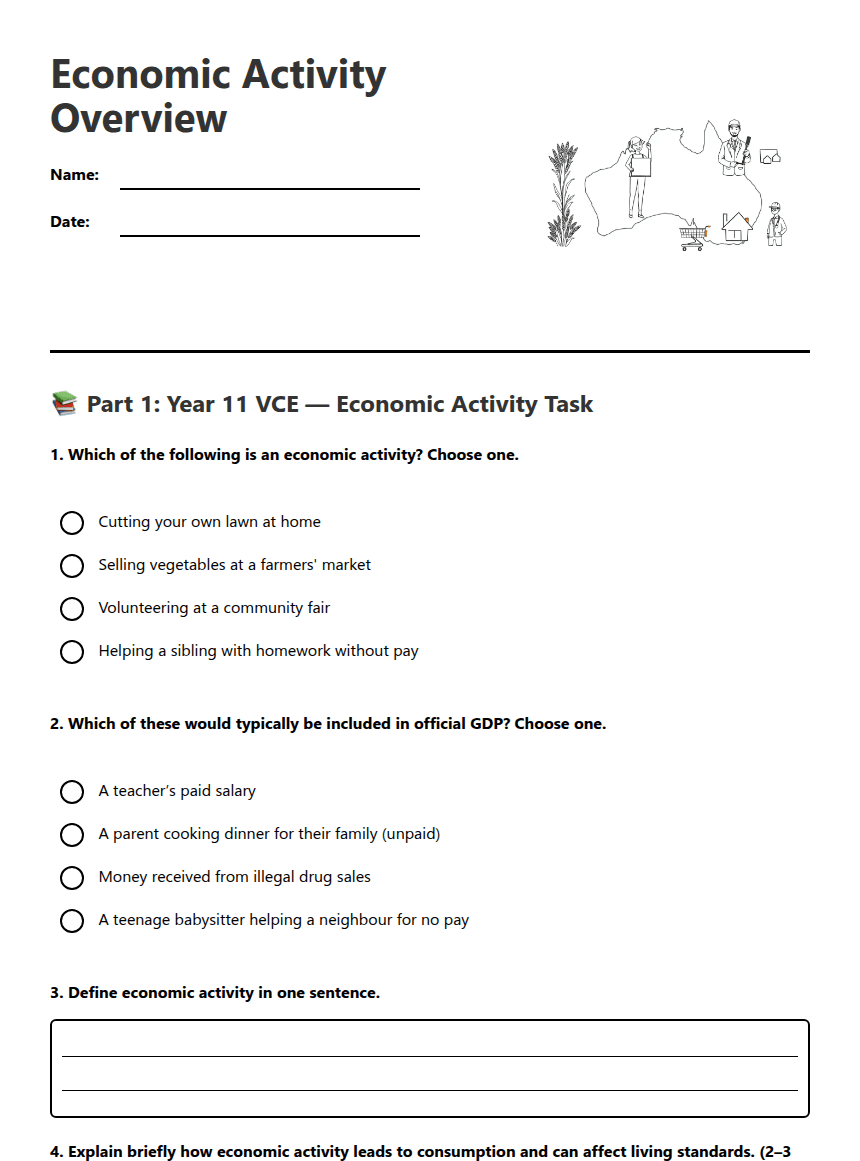
Economic Activity Overview

📚 Part 1: Year 11 VCE — Economic Activity Task
✏️ Part 2: Year 10 Lesson Plan — Basic Excel Functions for Accounting (45–55 minutes)
Overview: Four-part lesson to introduce SUM, AVERAGE, basic formulas, cell referencing and simple formatting for accounting tasks.
1. Checking prior knowledge (10–15 mins)
WALT: We are learning to recall spreadsheet terms and identify data types used in accounting.
Success criteria: Students can name at least three Excel features (cell, formula bar, column) and state when numeric/text formats are used.
Activity: Quick oral quiz and a 3-question slide. Teacher notes two-minute think/pair/share.
2. Main content — explicit teaching with short videos & discussion (20 mins)
WALT: We are learning to use SUM, AVERAGE and simple formulas to total and average accounting data.
Success criteria: Students can write a SUM formula, copy it using fill handle, and explain absolute vs relative reference in one sentence.
Activity: 2 short screen-capture videos (3–4 mins each): entering formulas and copying formulas; teacher models examples and asks targeted questions.
3. Activity — guided practice (15–20 mins)
WALT: We are learning to apply basic functions to an accounting worksheet (totals, averages, and simple profit calculations).
Success criteria: Students produce a sample spreadsheet with correct totals and one calculated profit cell; teacher checks three students’ files.
Task: Students complete a provided Excel file: enter sales data, use SUM to total sales, use AVERAGE, calculate profit = revenue − costs. Pair work encouraged.
4. Exit ticket (5 mins)
WALT: We are learning to express what we can do with Excel for accounting.
Success criteria: Student writes one sentence naming a function they used and one line describing how it helps accounting.
Differentiation strategies (diverse learners)
• Provide step-by-step worksheet and template file for students who need structure. • Pair students strategically: peer mentors with students requiring scaffolding. • Use screen-capture replay and allow students extra time to complete tasks.
Extension activities (advanced learners)
• Create a simple profit-and-loss statement using IF() for basic expense checks. • Explore conditional formatting to flag negative profit. • Link two sheets (sales & costs) and use formulas across sheets.
Dyslexia-friendly reading options
• Provide PDF with sans-serif font, larger spacing and coloured backgrounds on slides. • Offer audio narration of instructions and accessible Excel template with clear labels. • Allow extra time and use chunked instructions (2–3 steps per screen).
Materials & assessment
• Materials: teacher videos, Excel template, projector, student devices. • Assessment: observe paired activity, check exit tickets and sample spreadsheets against success criteria.
About This Worksheet
Free in Kuraplan
Sign up free, grab the PDF, and customize it for your class.
Print-Ready
Formatted for standard paper. Clean layout, easy to read.
AI-Generated
Created with Kuraplan's AI, designed for real classroom use.
For Teachers & Parents
Use in classrooms, for homework, tutoring, or homeschool.
Need a custom version of this worksheet?
Kuraplan's AI generates custom worksheets in seconds — differentiated for every learner, aligned to your curriculum.
Generate Custom Worksheets — Free