It's Sunday afternoon. The curriculum is set, the materials are mostly gathered, and you have a promising lesson idea. The slow part is turning it into a clear plan without rebuilding the same format from scratch or forgetting how students who need extra support will get started.
The right lesson plan template for elementary teachers does more than make a page look organized. It puts the objective, materials, teaching steps, differentiation, and assessment where you can see them fast. Elementary educators in a West Virginia Department of Education study reported an average of 40.25 minutes of planning time during the school day while preparing for an average of 5.87 instructional periods, and the study's executive summary makes a practical case for templates that cut repeated formatting so more of those minutes go to teaching decisions.
Good templates get reused. Weak ones get rebuilt every week.
The ten picks below get compared on planning workflow, standards fit, editable formats, collaboration needs, and classroom use cases. The list also shows how to turn a blank or filled template into a standards-aligned plan a substitute can run and an observer can follow.
If your planning ends at the photocopier, a few entries are built for exactly that: fill in the boxes, print, teach. For more print-ready classroom materials, browse these best printable resources for teachers.
1. Kuraplan
Kuraplan fits the planning block where one idea has to become several classroom artifacts before the bell. It is an AI-powered planning suite for K–12 educators that connects lesson and unit planning with editable materials, so a teacher can draft around curriculum objectives and assessment criteria, then adjust tasks for different learner needs.
The gain is workflow speed. A generated plan can feed worksheets, slides, mark schemes, and age-appropriate visuals in the same space, which cuts the usual copy-paste-reformat loop. It can also organize a week from an uploaded timetable photo, and the assistant is useful when you are stuck on an activity or a classroom challenge.
For UK classrooms, Kuraplan emphasizes National Curriculum alignment and Ofsted-ready lesson structures, with free teaching resources and a free trial on the site. Kuraplan does not publish subscription pricing on its site, so check the current offer before making it part of a long-term workflow. If you teach to Common Core, NGSS, or a state framework, treat the alignment as a starting point and verify reading level, examples, and assessment fit before printing.
Planning rule: Treat AI output as a draft. Check the standard, the materials you actually have, and whether the task gives every learner a fair way to show understanding.
I would use it when the lesson idea is solid but the supporting set is not: a phonics mini-lesson that needs decodable practice, a science task that needs a visual model, or a sub plan where objectives, steps, and checks have to sit on one page. Its guide to writing a lesson plan helps pressure-test that sequence so the finished plan reads clearly to students, substitutes, and observers.
2. Planbook
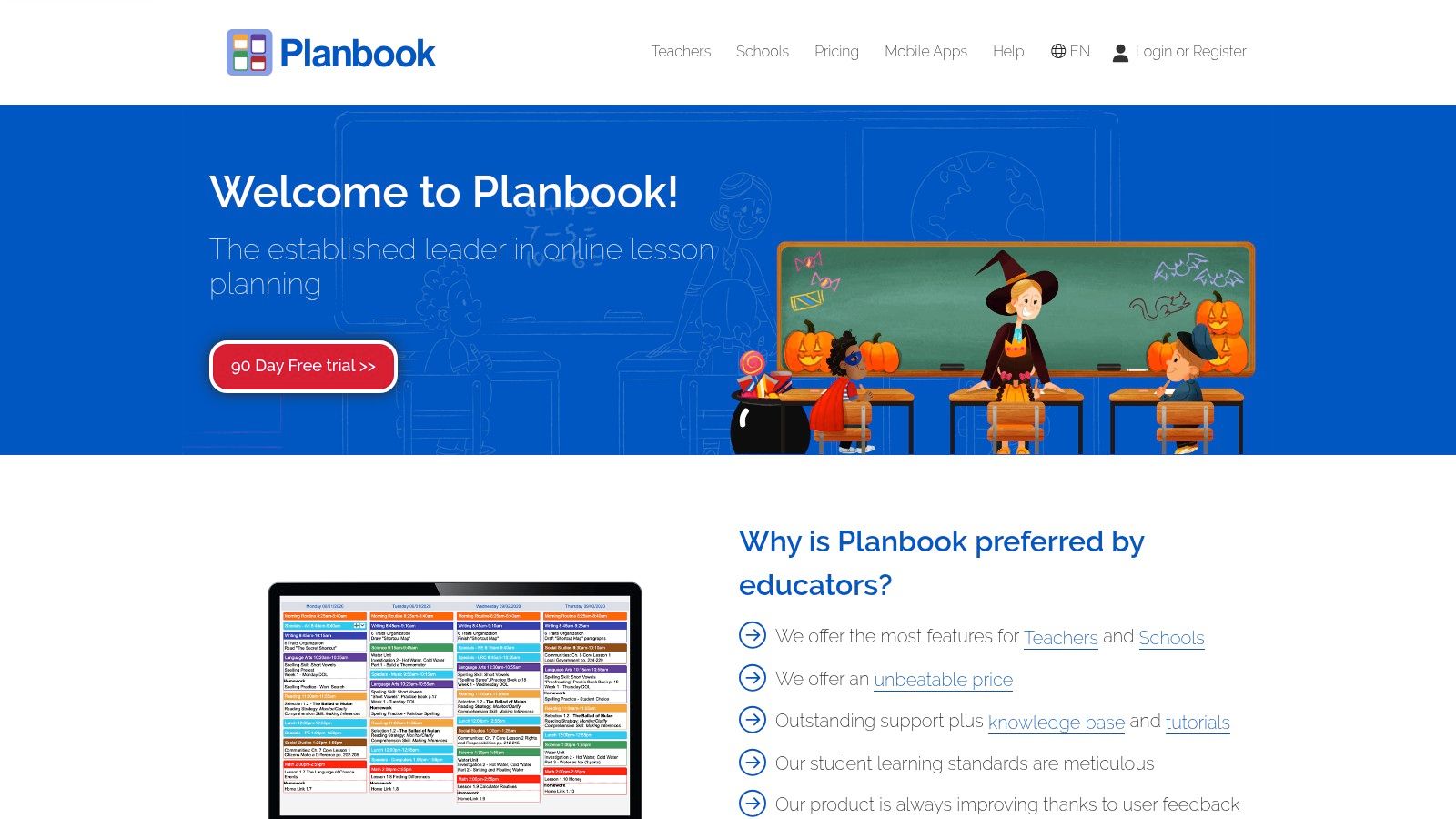
Planbook suits teachers who think in calendars. Instead of treating each lesson as a separate document, it lets you map daily instruction across a week or unit, reuse templates, tag standards, and move lessons when the school schedule changes.
That calendar view is handy in elementary classrooms where the same concept may need to recur across subjects or groups. Common Core, NGSS, and state-standard tagging help keep the plan connected to required outcomes, while PDF and Word exports make it easier to share plans with administrators or leave clear notes for a substitute.
The trade-off is depth. Planbook's teacher plan was listed at $6 per user per month, but rates can change, so check the Planbook pricing page before subscribing. Its range of settings can take time to learn, and some pages rely heavily on JavaScript. Teachers who want a simple printable page may find the platform more involved than they need.
Choose it if you want to manage a sequence, not just fill in tomorrow's lesson. If your priority is a single polished plan that you can print and hand off, a document template may be quicker.
3. Planboard by Chalk
Planboard is a straightforward starting point for teachers who want a digital planner without paying for a core individual planning tool. Its reusable lesson elements, calendar views, and weekly layout make it easy to copy a lesson forward or shift it when an assembly, field trip, or unexpected interruption changes the week.
Standards alignment includes Common Core and state standards. Teachers can export plans as PDFs, and Google integrations vary by tier. That combination works well for someone who wants to build a reliable planning habit and keep lessons connected to standards without maintaining a separate folder of documents.
The free core planner is the draw, but the boundaries of the paid Gold and Teams options aren't as easy to assess from public pricing details. Check the Planboard site for current features and sales information before relying on a specific integration. Products can also change as they evolve within a larger platform ecosystem, so confirm that the sharing and export features you need are available on your plan.
A useful first test is to create one week of lessons and see whether the calendar makes pacing easier to understand. If it does, keep the structure. If you mainly need a reusable form for substitute plans, Planboard may be more planner than you need.
4. Common Planner
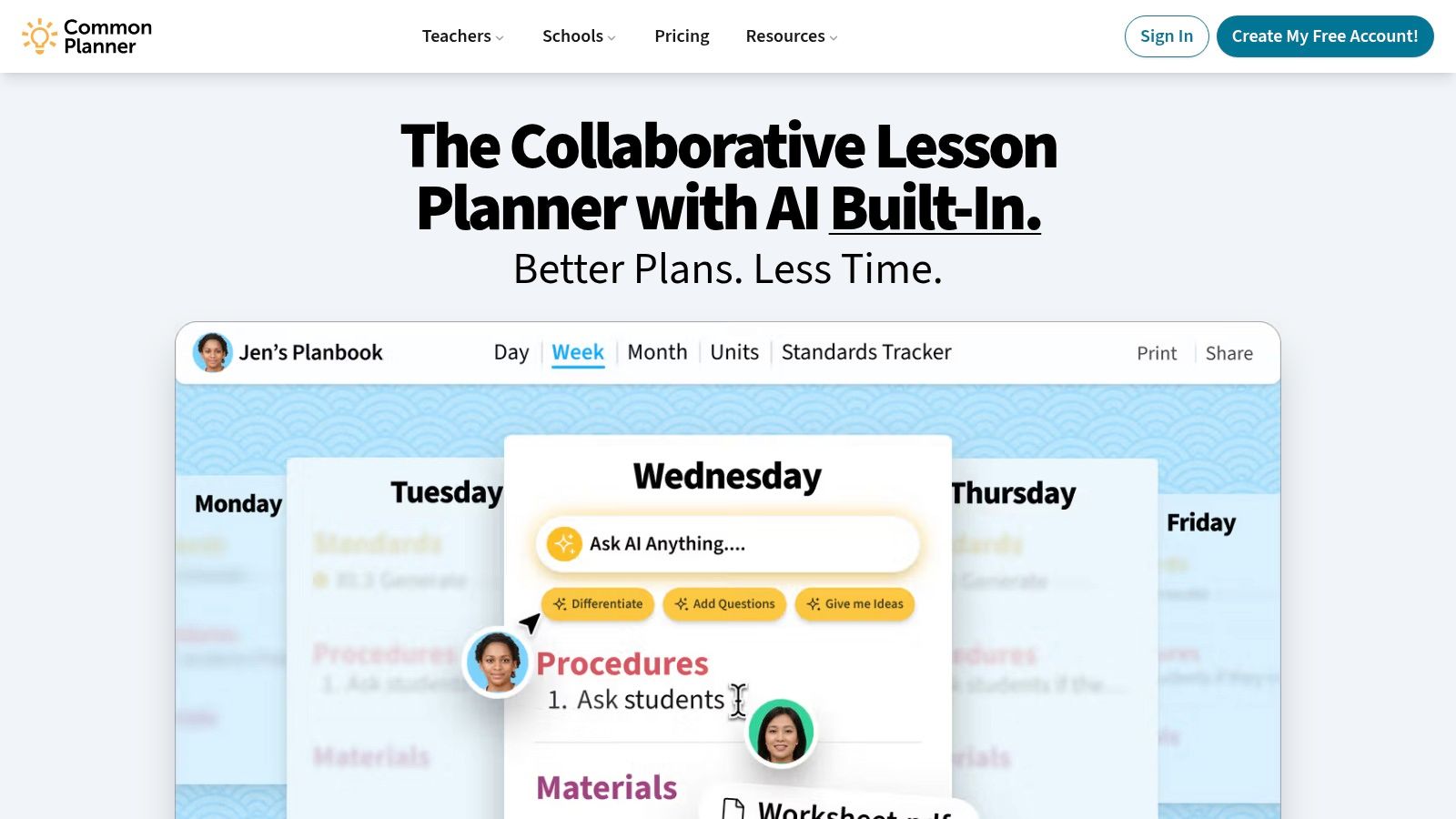
Common Planner is built for teachers who plan together. You can start with a school or district template, reuse a previous lesson, or begin from an AI draft, then collaborate through a shared planbook with commenting and standards tagging.
For an elementary grade-level team, shared templates can establish a consistent baseline without requiring every teacher to write in isolation. Linking units and lessons also helps colleagues see where a daily activity fits in a broader progression. The weekly layout and lesson reuse are practical strengths when teams want to share planning work but still adjust lessons for their own classrooms.
Advanced collaboration and school features may require a paid plan, so check the Common Planner website for current options. It also has a smaller app ecosystem than the template libraries in Google or Microsoft, which can matter if your team already depends on those platforms.
If your team wants a simple weekly structure to adapt or compare with its existing planbook, Kuraplan's weekly lesson plan template is another option. The important thing is to agree on which fields need to be shared, then leave room for teacher decisions about scaffolds, grouping, and pacing.
5. PlanbookEdu
Some classrooms run on a repeating rhythm. PlanbookEdu is a browser-based planner for teachers who want to create that structure once, then apply it across dates or classes. Recurring lesson entries and schedule support can reduce the small but persistent task of copying the same routine into a new day's plan.
The editor is lightweight compared with a full planning suite or learning management system. Teachers can print and share plans for observations or substitutes, which makes it a reasonable fit when the main requirement is a consistent, readable record of instruction rather than a deep standards database.
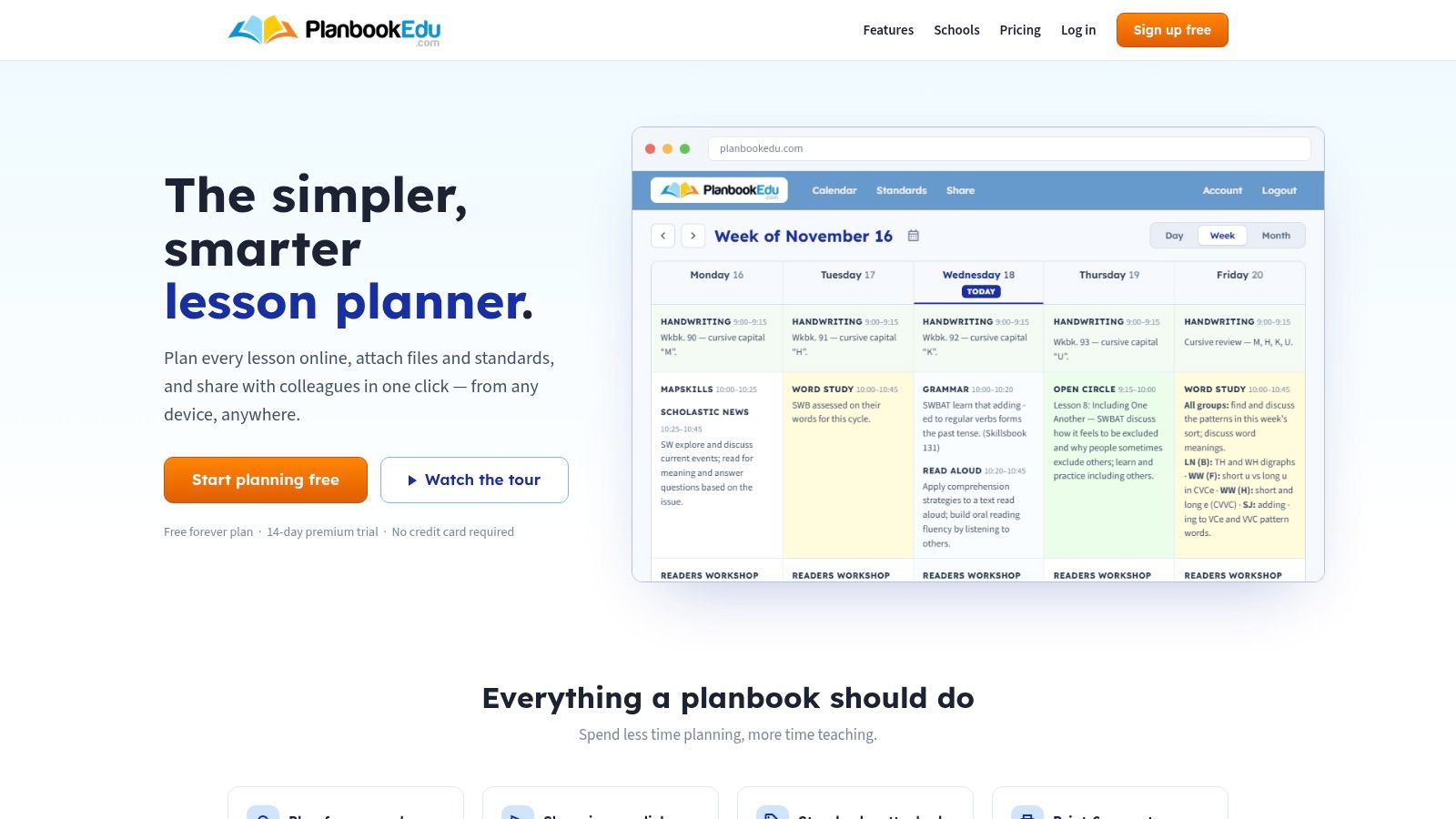
The interface is utilitarian, and the platform offers fewer integrations and analytics than all-in-one planning tools. That may be a plus if extra features tend to distract from the work. PlanbookEdu has individual and organization plans, so check the PlanbookEdu site for current details before choosing it for a team.
A repeating template works best when the routine repeats. Keep the core fields stable, but leave space to record what students will produce, how you'll check their understanding, and what you'll do if they're not ready to move on.
6. Canva Lesson Plan Templates
Canva is the quickest pick when a plan needs to be attractive, easy to read, and ready to print. Its gallery includes daily, weekly, and scope-planning layouts, with drag-and-drop editing, education fonts, design assets, cloud saves, shared folders, and PDF or PNG downloads.
That visual flexibility helps when a grade team wants consistent-looking plans or when teachers need a clean page for a binder, observation, or substitute folder. Canva for Education is free for verified K–12 teachers and schools, and a free tier is also available. Some designs and brand features may require a paid tier, so check the current account options on Canva's lesson plan template page.
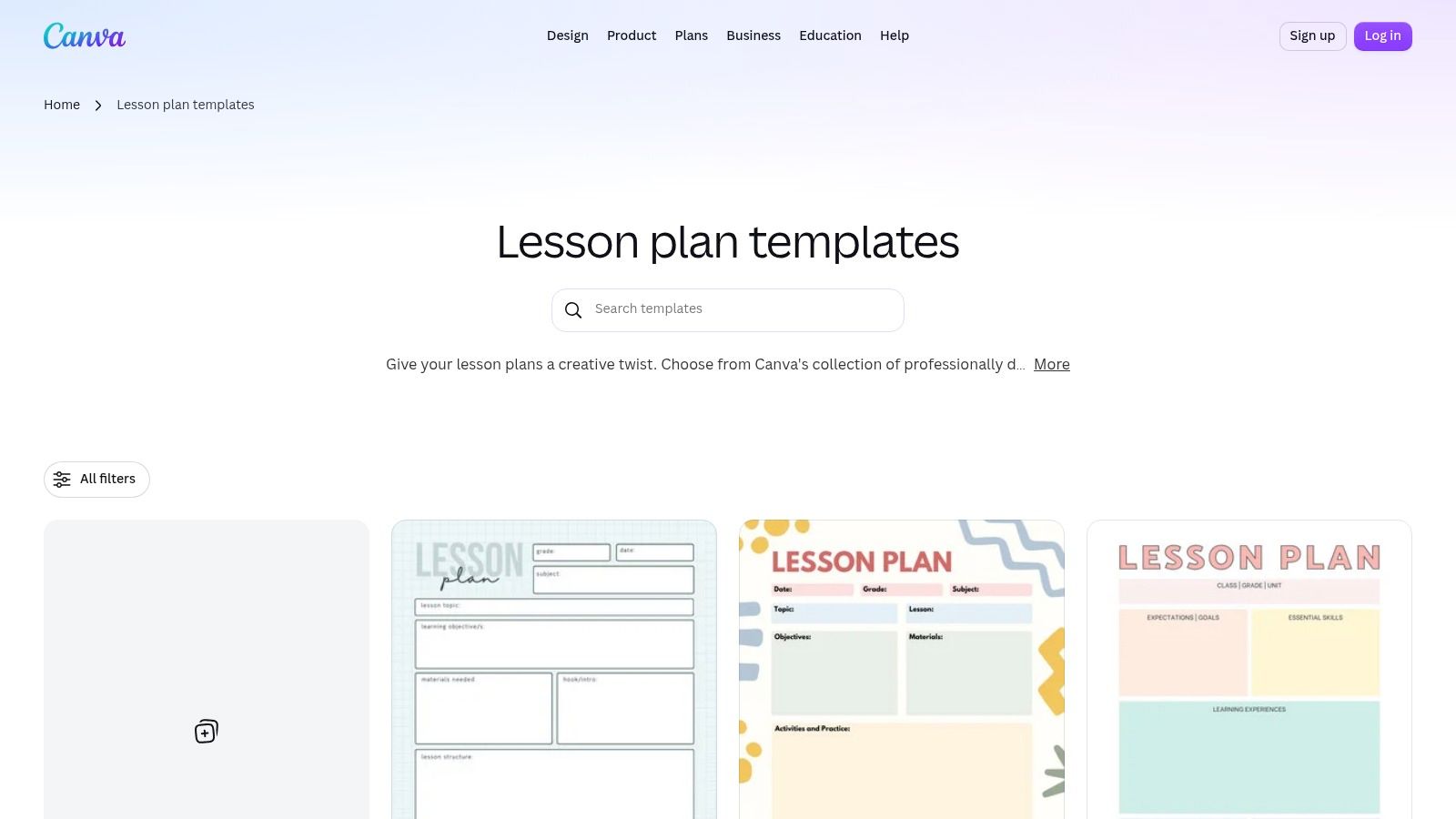
Canva isn't a standards-tracking planner. You'll need to add your own standards and manage your schedule elsewhere, which can mean extra upkeep if your plans change often. Choose a design that leaves enough space for the teaching sequence and assessment, not just a decorative header.
For a ready-made planning structure to customize in your own workflow, compare your design with Kuraplan's lesson plan template. A visually polished sheet is useful, but the fields still need to guide instructional decisions.
7. Microsoft Word Learning Templates
Word works well when you want a document you can edit, print, and file without learning a new planner. Microsoft's learning-template gallery offers ready-made lesson plan formats, and teachers can save their work as PDFs or share through OneDrive or SharePoint.
The familiar document format is the main advantage. It's easy to keep a local copy, email a plan, or make a version for a substitute. Word also makes it simple to change field names and add a school's preferred headings, so you can adapt the page to your routines rather than forcing your workflow into a fixed platform.
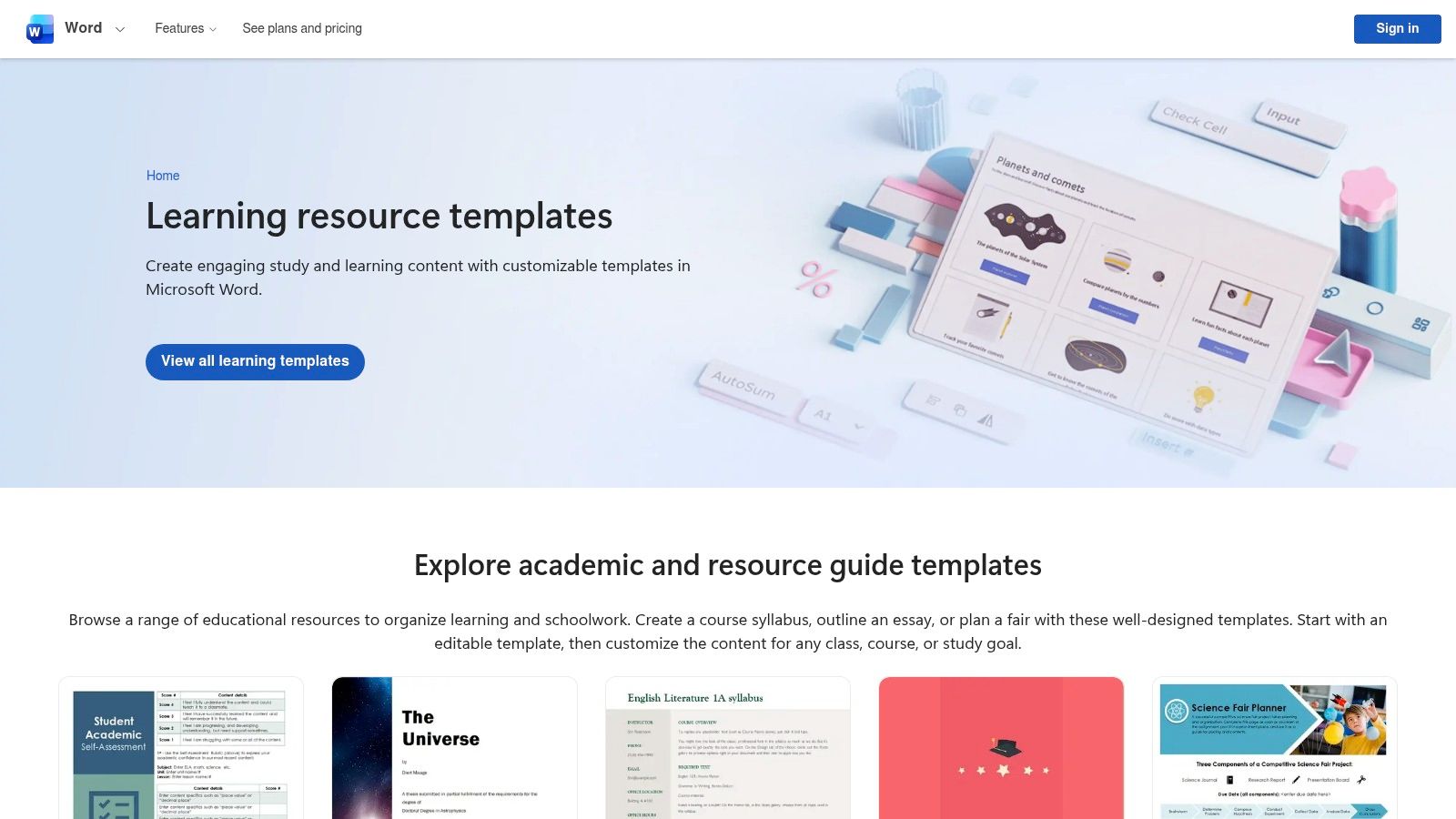
The limitation is that Word doesn't provide an end-to-end planner, calendar, or standards database. Template variety depends on Microsoft's gallery, and a Microsoft account is required. Desktop Word may require Microsoft 365, while web Word offers a browser-based option. Browse Microsoft Word's learning templates and choose a document you can keep using, not one that takes longer to maintain than the lesson itself.
Word is especially useful when a school already expects plans as documents. It's less convenient when your team needs shared standards tagging, recurring schedules, or linked unit planning.
8. Teach Starter Lesson Plan Templates and Packs
A blank template can be hard to use when you're still figuring out what a complete elementary lesson should look like. Teach Starter combines downloadable lesson plans and templates with classroom resource packs, so a teacher can see an example and adapt it rather than begin with empty fields.
Its US collection spans subjects and grades, with filters that include Common Core and TEKS. Resources may include planning pages, differentiation notes, and classroom materials, and editable Word templates support quick adjustments. That makes the library especially helpful for newer teachers who want a concrete model, or for an experienced teacher looking for a ready-made activity to build into a plan.
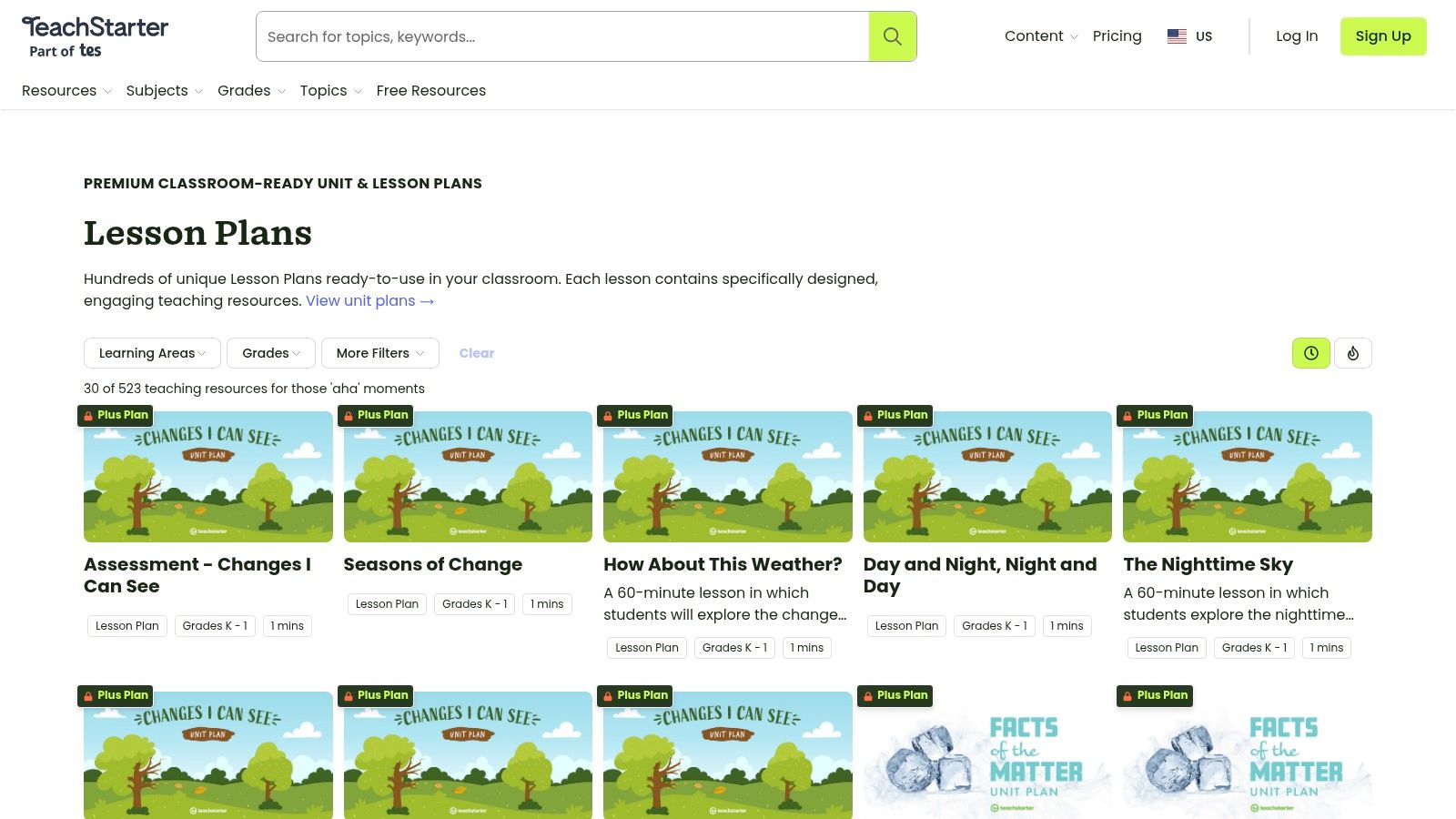
The free plan is limited, and the deeper library requires a paid Plus subscription. Teach Starter also isn't a dedicated scheduling and standards database, so teachers who need a calendar-based planbook may want a separate tool. Check Teach Starter's US lesson plans for current access and subscription details.
Before using a ready-made lesson, check that the objective matches what your class needs and that the suggested materials are available. A resource pack should support your plan, not decide your learning goal for you.
9. Twinkl USA Editable Lesson Plan Templates
Twinkl's editable daily and weekly templates are useful when you want a consistent page you can download, adapt, and print. The collection includes ELL-focused options, and teachers can pair the planning pages with worksheets and centers from Twinkl's broader library.
That makes it a practical choice for classroom binders, observation plans, or substitute folders. Grade and classroom filters, along with the wider library's US standards context, can help teachers find materials that fit their setting. Still, a downloadable template is a document, not a calendar-based planning system, so teachers will need to manage the schedule and standards links themselves.
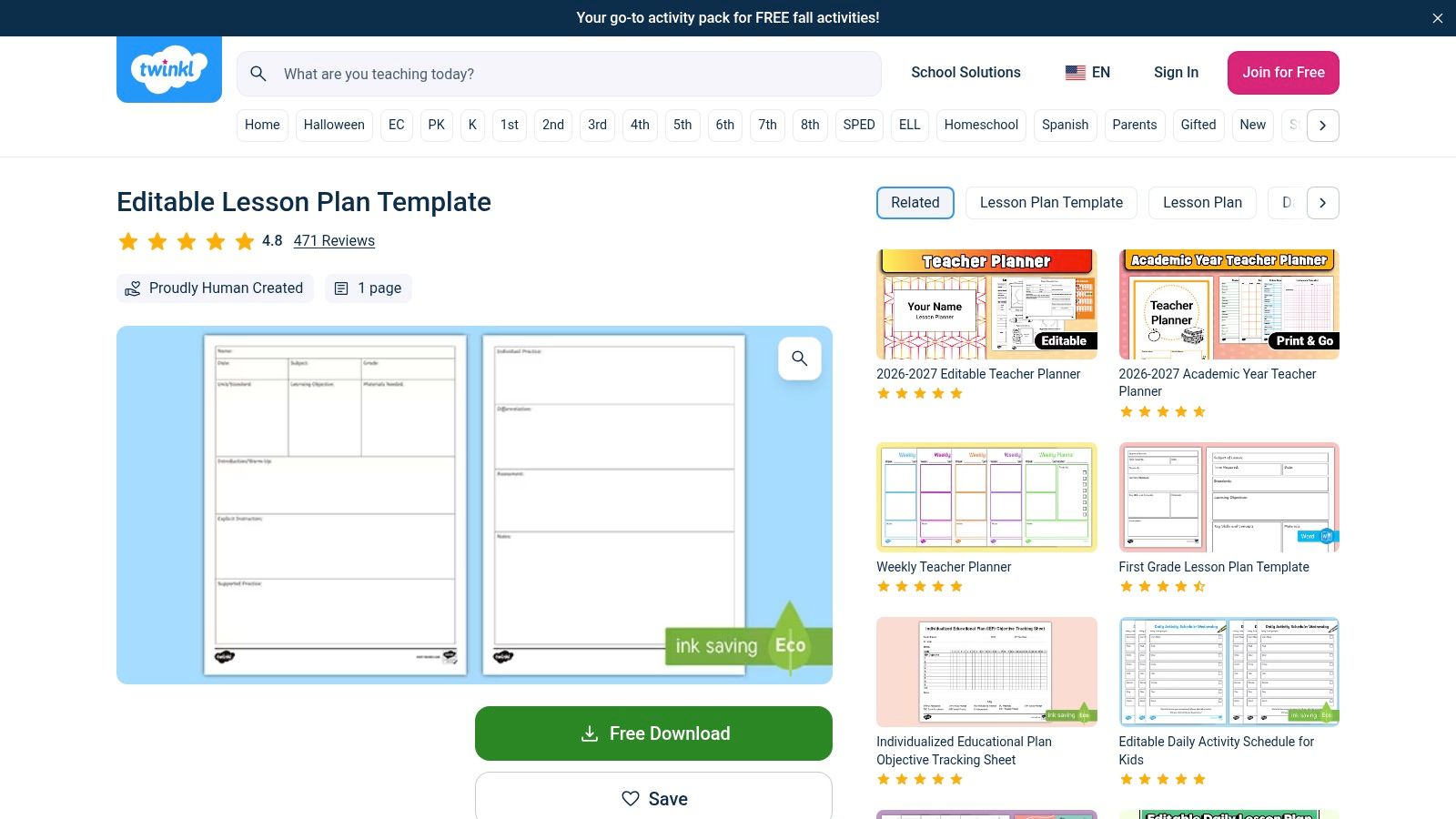
Some downloads are free, while broader library access requires a subscription. Templates can also appear under different localized URLs, so confirm you're using the US version. Start with Twinkl's US editable lesson plan template and check that its fields leave room for language supports, accommodations, and how students will show mastery.
10. ClassWeekly Free Printable Lesson Plan Templates
When you need a printable today, ClassWeekly keeps things simple. Its free downloads don't require sign-up, and the collection includes daily and weekly formats alongside 5E, Madeline Hunter, and emergency substitute plan templates.
That range can save time when an administrator requests a particular planning structure or a substitute needs clear directions. The PDFs use straightforward fields, so they're easy to print and fill out by hand. They're also a sensible backup if you don't want lesson planning to depend on logging into another platform.
The trade-off is limited customization. ClassWeekly doesn't offer standards tagging, scheduling, or collaboration tools, and its printable formats won't adapt as readily as an editable document. Visit ClassWeekly's free lesson plan templates and choose the format that fits the lesson rather than trying to make one page handle every subject and use case.
For a stronger substitute plan, write down the task sequence, materials students should use, what to do if they finish early, and where to find help. A template is only useful to the adult holding it if the instructions are clear enough to follow.
Top 10 Elementary Lesson Plan Templates Compared
| Platform | Core capabilities | Alignment & workflow | Best for | Price / value | Standout point |
|---|---|---|---|---|---|
| 🏆 Kuraplan | AI lesson and unit plans, worksheets, slides, visuals | Standards alignment, differentiation, assessments; converts plans into resources | 👥 K–12 teachers seeking an all-in-one planning assistant | 💰 Free trial and resources; subscription price not specified | ✨ Connected AI workflow; British National Curriculum focus; ★ time-saving |
| Planbook (Teacher Innovations) | Custom templates, calendar planning, exports | Standards tagging; daily, weekly, and unit views | 👥 Teachers needing detailed, reusable plans | 💰 Listed at $6/user/month; verify current pricing | ✨ Flexible scheduling and admin sharing |
| Planboard by Chalk | Templates, calendar views, PDF export | Common Core and state standards; basic sharing | 👥 Teachers wanting a no-cost core planner | 💰 Core planner free; premium pricing by inquiry | ✨ Free individual planning tool |
| Common Planner | Templates, AI drafts, shared planbooks | Standards tagging, real-time collaboration, unit-to-lesson links | 👥 Grade-level teams and PLCs | 💰 Advanced features may require a paid plan | ✨ Collaborative planning and school-wide templates |
| PlanbookEdu | Repeating lesson entries, print and share | Recurring schedules; simple lesson editor | 👥 Teachers who reuse routines and schedules | 💰 Individual and organization plans; check current details | ✨ Quick setup for recurring plans |
| Canva Lesson Plan Templates | Editable, design-focused templates | Shared folders and downloads; no standards tracking or planner calendar | 👥 Teachers and teams creating polished materials | 💰 Free tier; Canva for Education free for verified K–12 educators | ✨ Attractive, print-ready designs |
| Microsoft Word Learning Templates | Editable, printable document templates | PDF export and OneDrive/SharePoint sharing; no planner or standards database | 👥 Teachers who prefer Word documents | 💰 Templates available free; desktop Word may require Microsoft 365 | ✨ Familiar document-based workflow |
| Teach Starter Lesson Plan Templates and Packs | Lesson plans, templates, classroom resources | US alignment filters, including Common Core and TEKS | 👥 Teachers seeking ready-to-use examples and resource packs | 💰 Limited free plan; full library requires Plus | ✨ Plans paired with classroom materials |
| Twinkl USA Editable Lesson Plan Templates | Editable daily and weekly templates; supporting resources | US classroom context; includes ELL-focused options | 👥 US teachers wanting templates and classroom resources | 💰 Some free downloads; subscription for broader library | ✨ Large supporting worksheet and activity library |
| ClassWeekly Free Printable Templates | Daily, weekly, 5E, and substitute-plan PDFs | Print-ready; no standards tagging or collaboration | 👥 K–6 teachers needing a quick printable | 💰 Free; no sign-up required | ✨ Useful observation and emergency-plan formats |
Build a Template That Fits Your Classroom
Pick the template that makes tomorrow's teaching easier to carry out. Field count and color schemes matter far less than whether the plan captures what you need at a glance. As noted earlier, a West Virginia study found that elementary educators had approximately 9 minutes of planning time per preparation, so every field you add has to earn its place or it will crowd out actual instructional thinking.
Start with the decisions a plan needs to make visible: the standard and learning objective, what students already know, materials, the teaching sequence, differentiation, assessment, and what happens next. For each phase, record what you will do and what students will do. Add a quick check for understanding, plus a note on what you will change if the evidence shows students are not ready to move on. Guidance from the Education Endowment Foundation on high-quality teaching points to the same priorities: connecting objectives to prior knowledge, sequencing content, modelling, scaffolding, anticipating misconceptions, and adapting instruction based on assessment.
Write differentiation as the support itself: a visual model, sentence frames, manipulatives, an extension problem, or a different way to demonstrate understanding.
That single habit gives a colleague or a substitute something concrete to act on, and it gives an observer a clear picture of how you respond to student needs.
Test the template with one upcoming lesson before committing to it. Check whether it captures standards, materials, differentiation, assessment, timing, and a substitute-friendly summary without forcing you into an unfamiliar workflow. If completion takes too long, cut the fields that never change what you teach or how you respond to students.
Then take three practical steps: download one blank and one filled example, compare how each handles a real lesson, and adapt the stronger structure to your standards and classroom routines. A filled example is especially revealing because it shows whether the format supports a complete standards-aligned plan or falls apart once real content goes in. If you want to move from that outline into worksheets, visuals, differentiated activities, and shareable materials, Kuraplan is a useful option to consider. Whatever tool you choose, keep the plan anchored to three questions: what students will learn, how you will know, and what you will do next.
Kuraplan brings lesson and unit planning together with worksheets, educational visuals, differentiation, and assessments, so you can prepare the materials that support an elementary lesson without rebuilding them separately. Try it with an upcoming plan and see whether its connected workflow fits your classroom by visiting Kuraplan.