HealthFreePrintable
Digital Safety Essentials
A free health worksheet ready for your classroom. Open in Kuraplan to grab the print-ready PDF, customize it for your students, or generate a fresh version in seconds.
Digital Safety Essentials
📱 Part 1: Identifying Digital Risks
1. Which of these situations shows the SAFEST online behaviour?
Sharing your home address with someone you met online
Using the same password for all your accounts
Only accepting friend requests from people you know in real life
Posting photos of your school uniform with the school name visible
2. Select ALL the warning signs that someone online might not be who they say they are:
They ask you to keep your conversations secret
They want to meet you in person quickly
They ask for personal information like your phone number
They compliment you a lot and say they understand you
They share photos of their family and pets
3. What does "digital footprint" mean?
The size of your phone screen
How much data you use each month
The permanent record of everything you do online
The apps you have downloaded
4. A "strong password" should include:
Your name and birthday only
At least 8 characters with letters, numbers, and symbols
The same word repeated three times
Your favourite sports team name
🛡️ Part 2: Responding to Online Challenges
5. Your classmate Aroha tells you someone at school has been sending her mean messages on Instagram, calling her names and making fun of her appearance. What advice would you give her?
6. List THREE people or places at Wairoa College where students can get help if they're experiencing cyberbullying:
1. ________________________________
2. ________________________________
3. ________________________________
7. Someone shares an embarrassing photo of your friend without their permission. What should you do?
Share it with more people because it's funny
Tell your friend, help them report it, and don't share it further
Ignore it and hope it goes away
Take a screenshot to show other people later
🎭 Part 3: Real-World Scenario
8. Scenario: Tane, a Year 9 student, receives a friend request on Snapchat from someone claiming to be a 16-year-old from Auckland. This person starts messaging Tane daily, asking about his interests, his school, and his family. After a week, they ask Tane to send a photo of himself and suggest they should meet up when they're "in the Wairoa area next month."
a) What are the warning signs in this situation?
b) What should Tane do next? Give at least TWO specific actions:
9. Create a "Digital Safety Tip" that you could share with Year 7 students starting at Wairoa College. Make it practical and easy to remember:
About This Worksheet
Free in Kuraplan
Sign up free, grab the PDF, and customize it for your class.
Print-Ready
Formatted for standard paper. Clean layout, easy to read.
AI-Generated
Created with Kuraplan's AI, designed for real classroom use.
For Teachers & Parents
Use in classrooms, for homework, tutoring, or homeschool.
Need a custom version of this worksheet?
Kuraplan's AI generates custom worksheets in seconds — differentiated for every learner, aligned to your curriculum.
Generate Custom Worksheets — Free No credit card Curriculum-aligned Under 60 seconds
More Health Worksheets
Year 9
Brain Lobes and Substances
Free
Year 10
Factors Influencing Meth Use
Free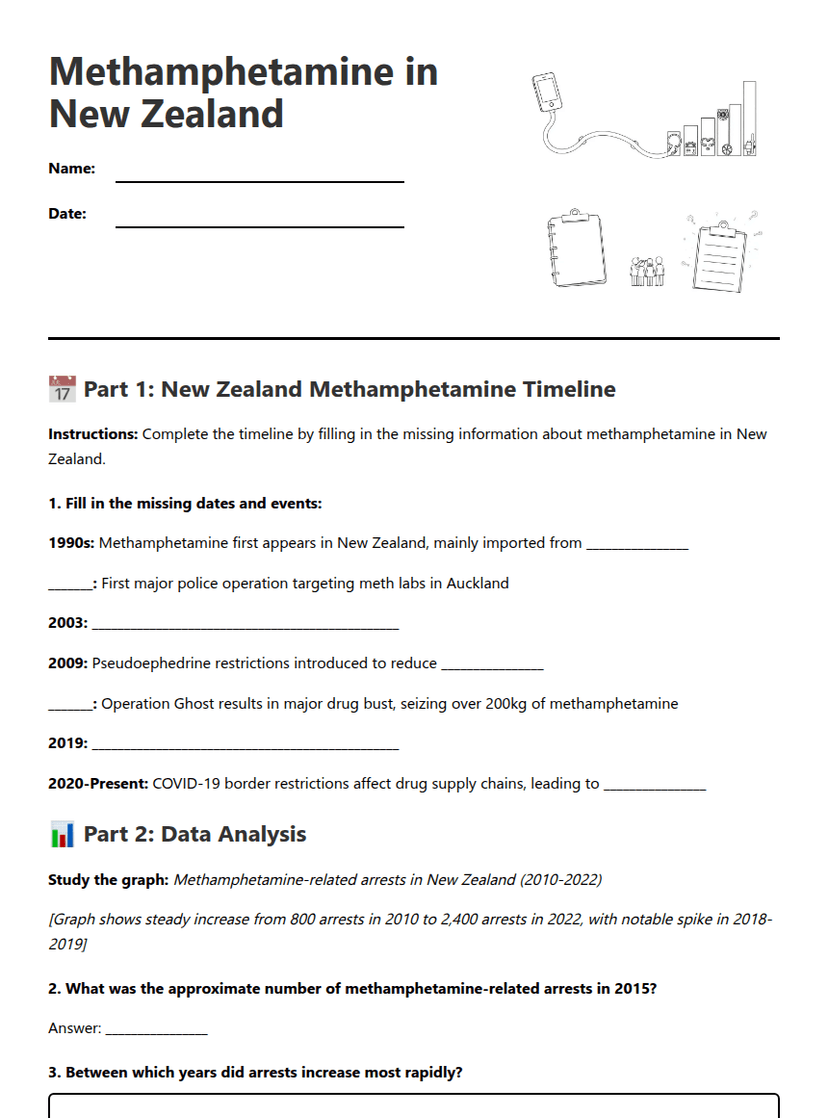
Year 10
Methamphetamine in New Zealand
Free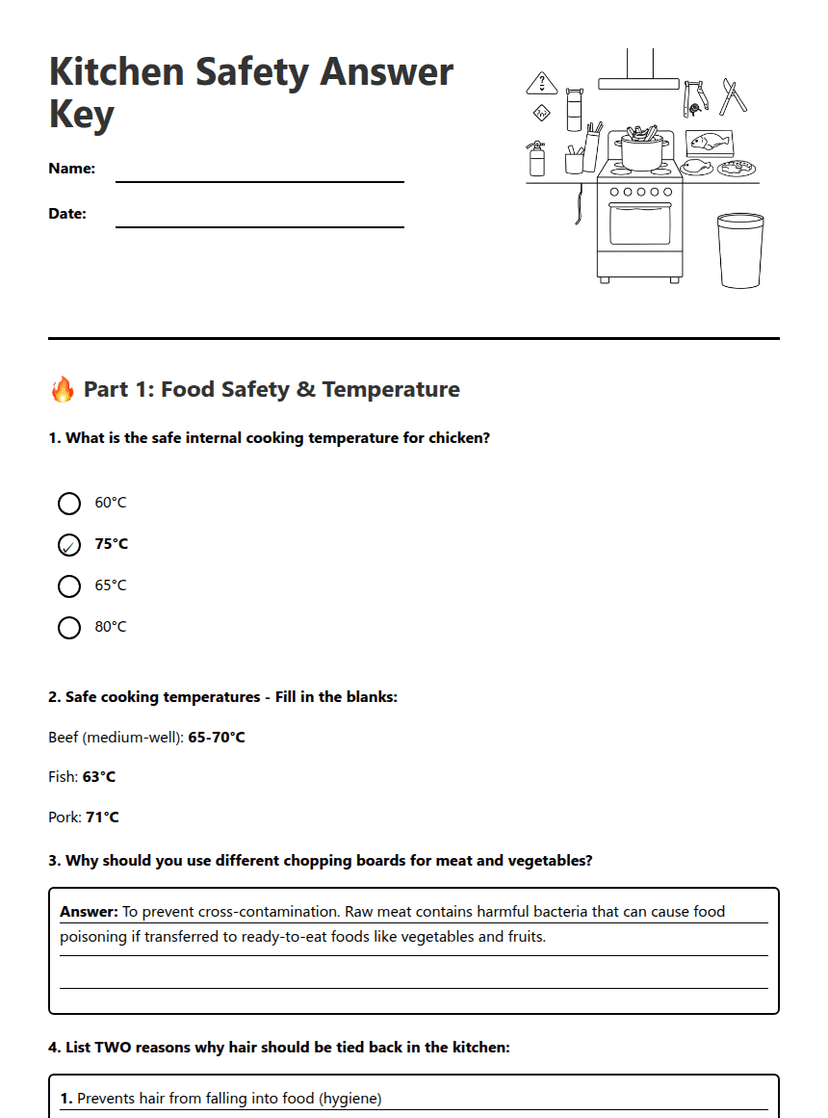
Year 10–11
Kitchen Safety Answer Key
Free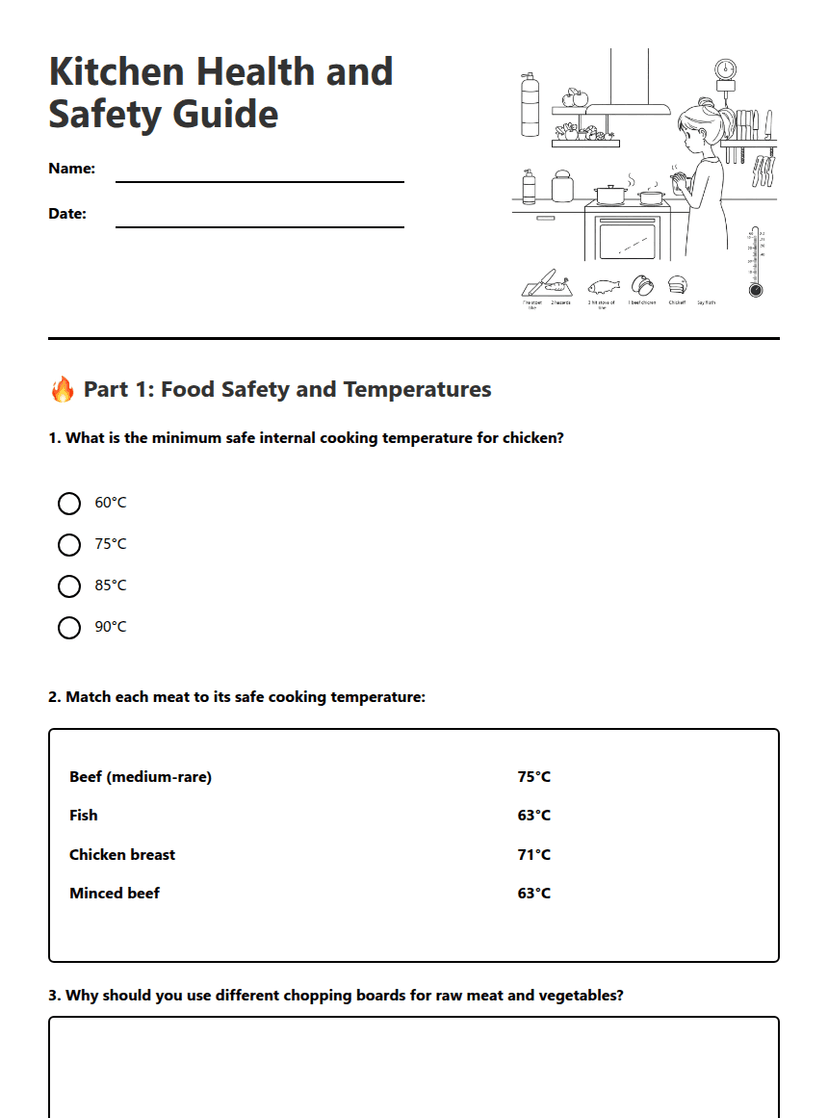
Year 10–11
Kitchen Health and Safety Guide
Free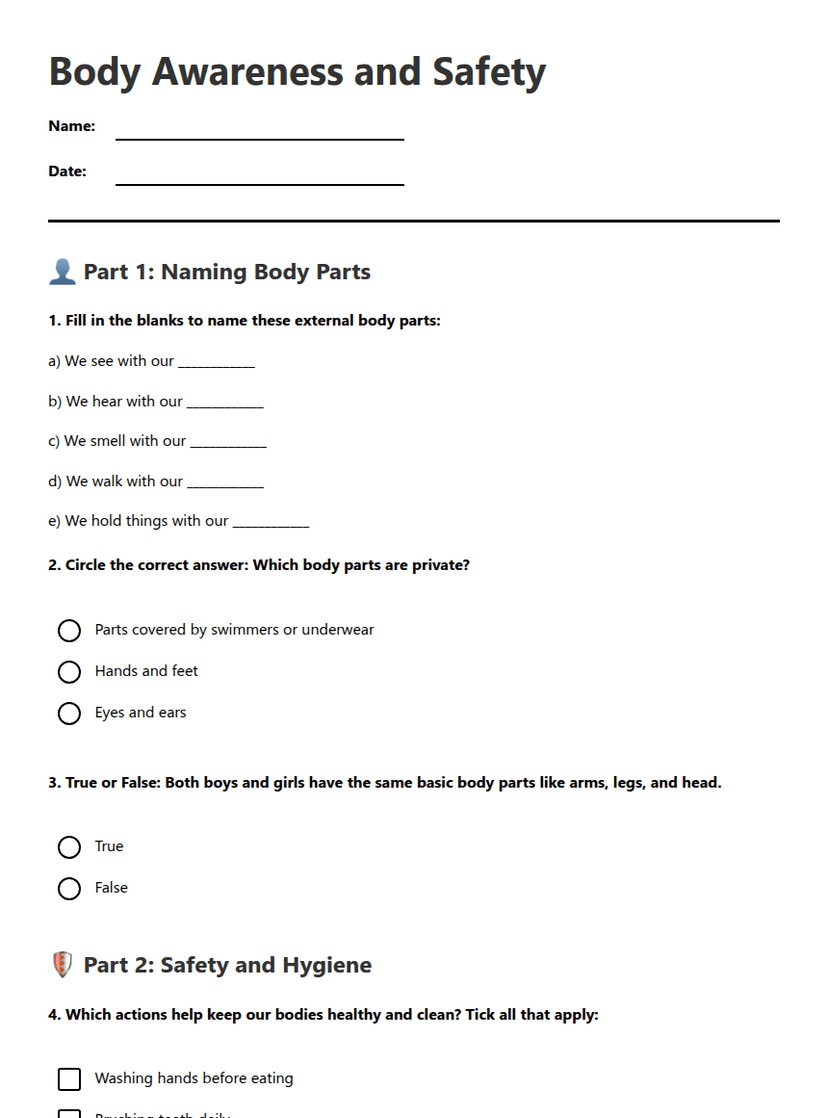
Year 3
Body Awareness and Safety
Free
Year 10
Woodshop Health and Safety
Free
Year 10