
Dream Destination Flyer Design Project
Grade 8 Digital Literacy Desktop Publishing Mastery Creating Persuasive Visual Media
I can navigate file management and create professional typography
Save files with descriptive names before starting work Use proper font sizing (24+ for titles) to create visual hierarchy Apply alignment tools (left align vs. center) effectively Understand why the 'Save First' rule prevents lost work
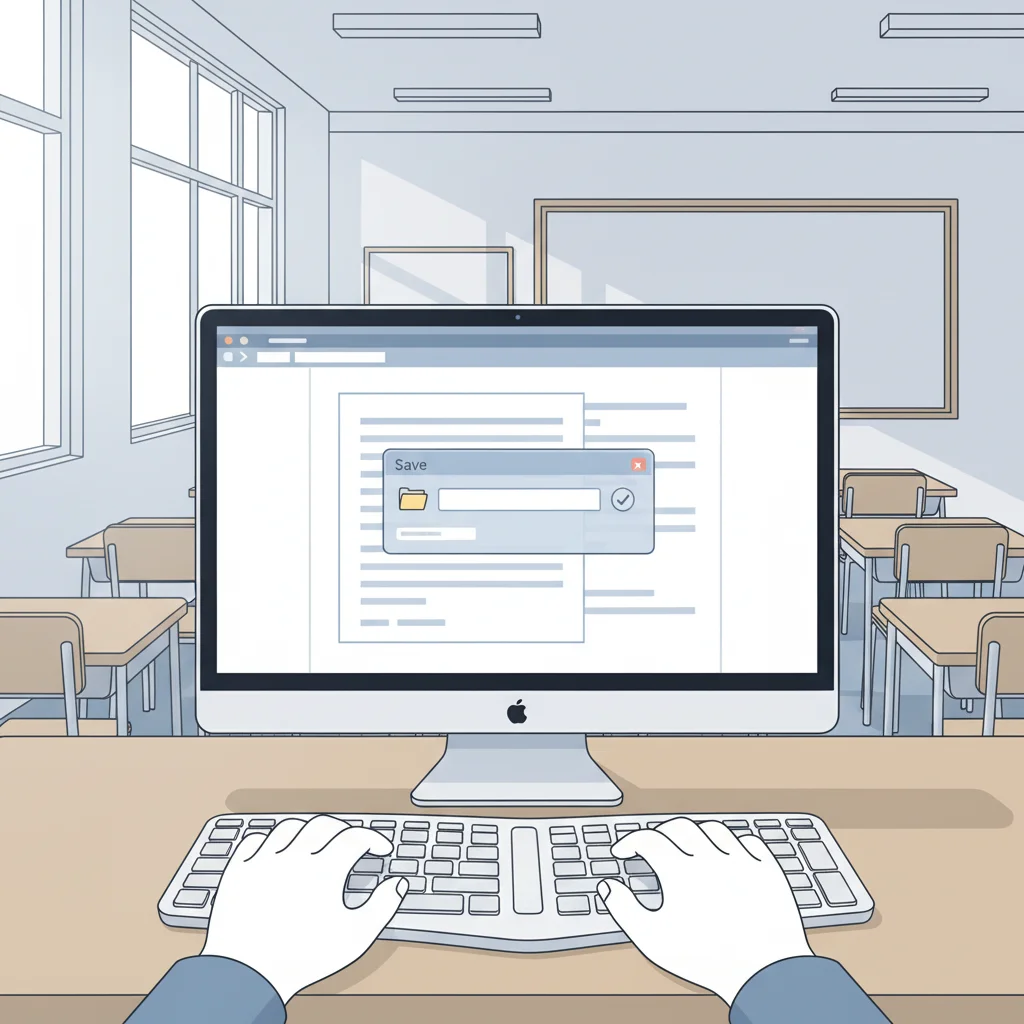
Phase 1 & 2: Setting Up Your Workspace
Create a new document and save it as 'YourName_Destination' Choose your dream destination Create a compelling title using 24+ point font Practice using left align vs. center alignment
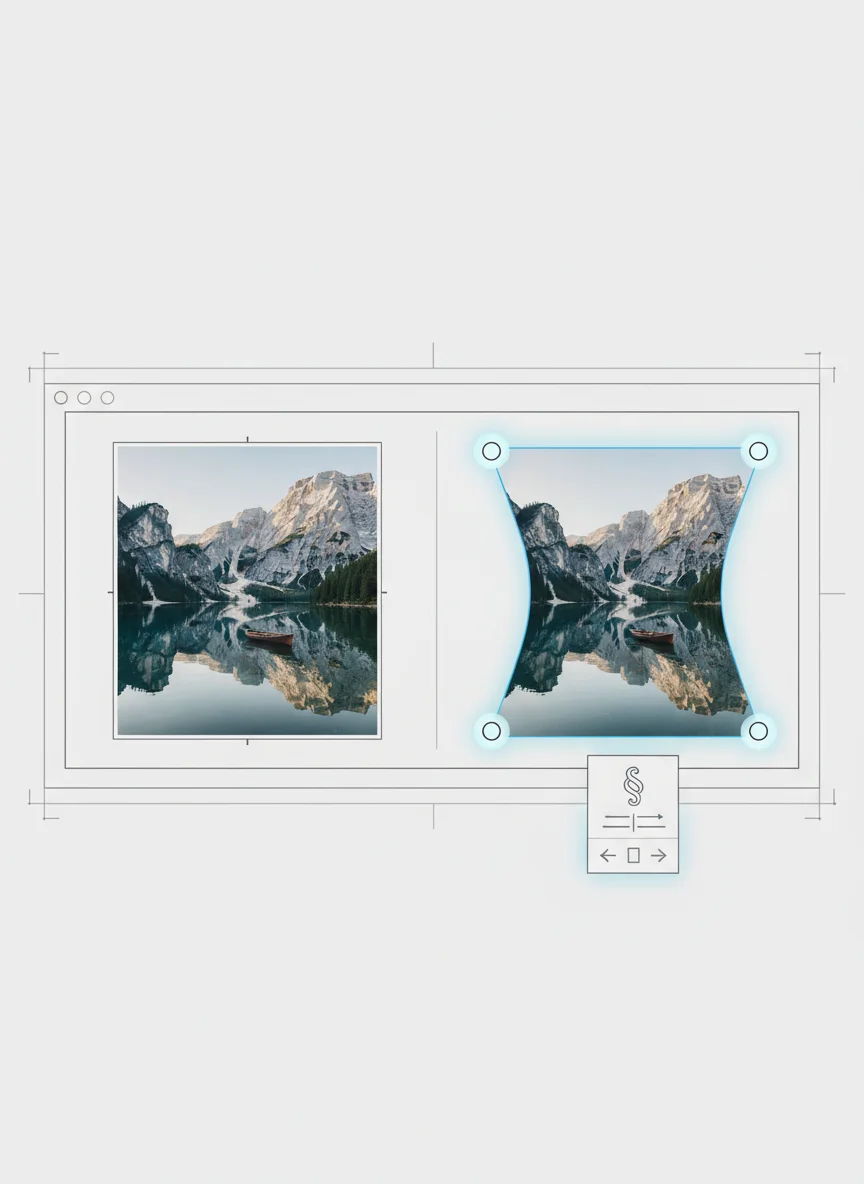
I can source and manipulate digital images without distortion
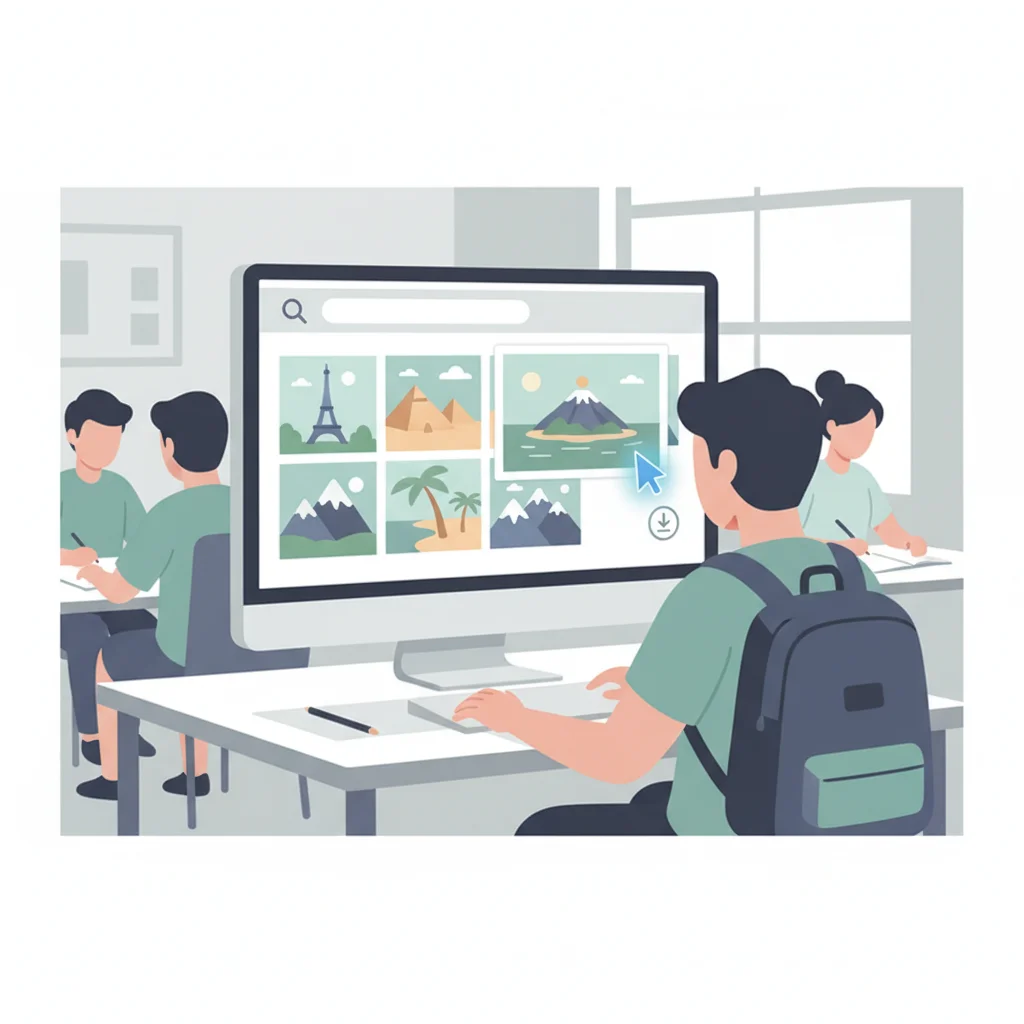
Use corner handles only when resizing images Search with specific keywords for better results Maintain proper aspect ratios to avoid 'squished' destinations Apply text wrapping tools when images won't cooperate
Visual Impact Discussion
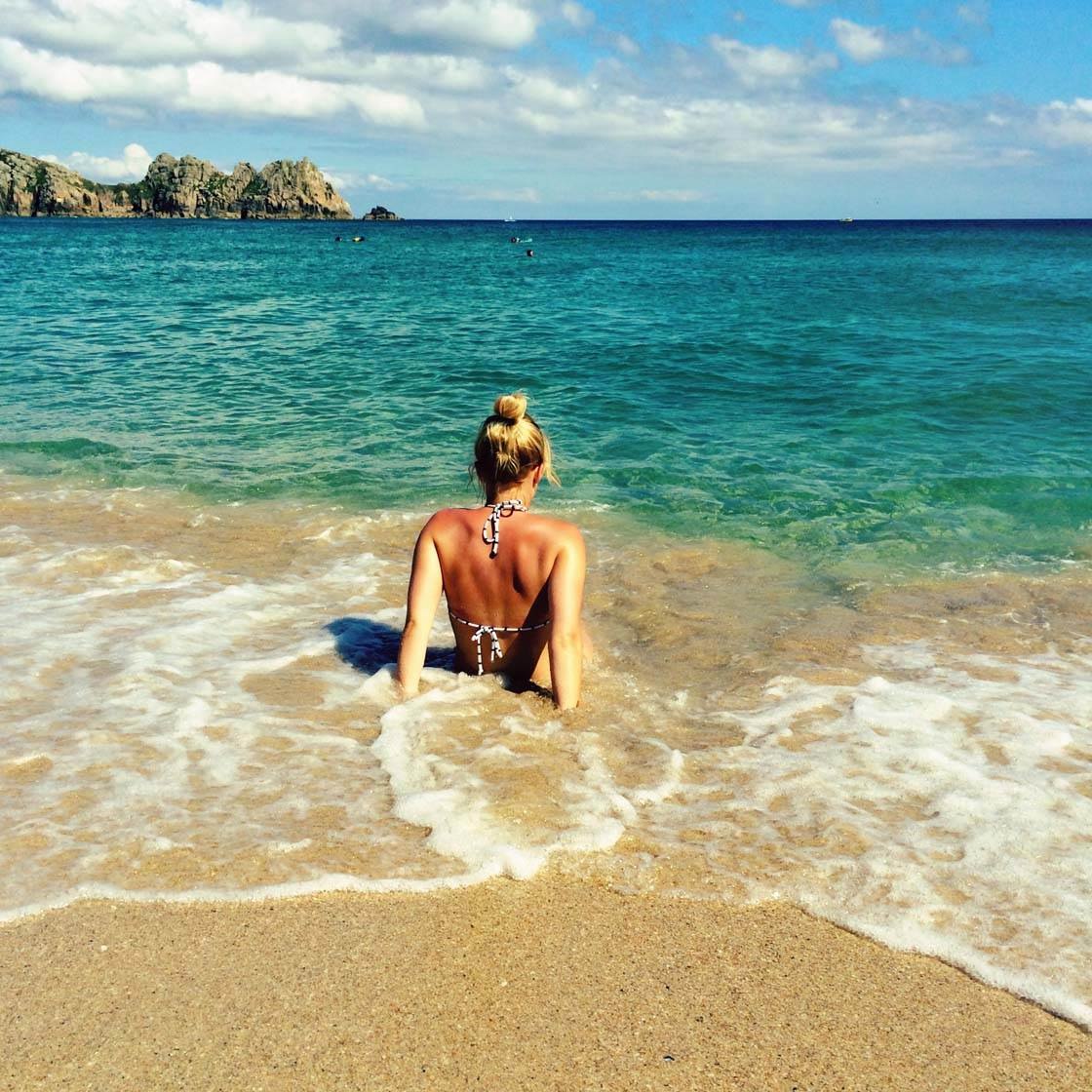
If you see a photo of a beach that is stretched out and blurry, do you want to go there? What makes a destination look appealing in advertising? How does image quality affect trust and interest?
Phase 3: Adding Visual Impact
Search for high-quality images of your destination Use specific keywords (e.g., 'Paris landmarks' vs. 'Paris') Resize using ONLY corner handles Apply text wrapping if needed
I can organize information using bulleted lists effectively
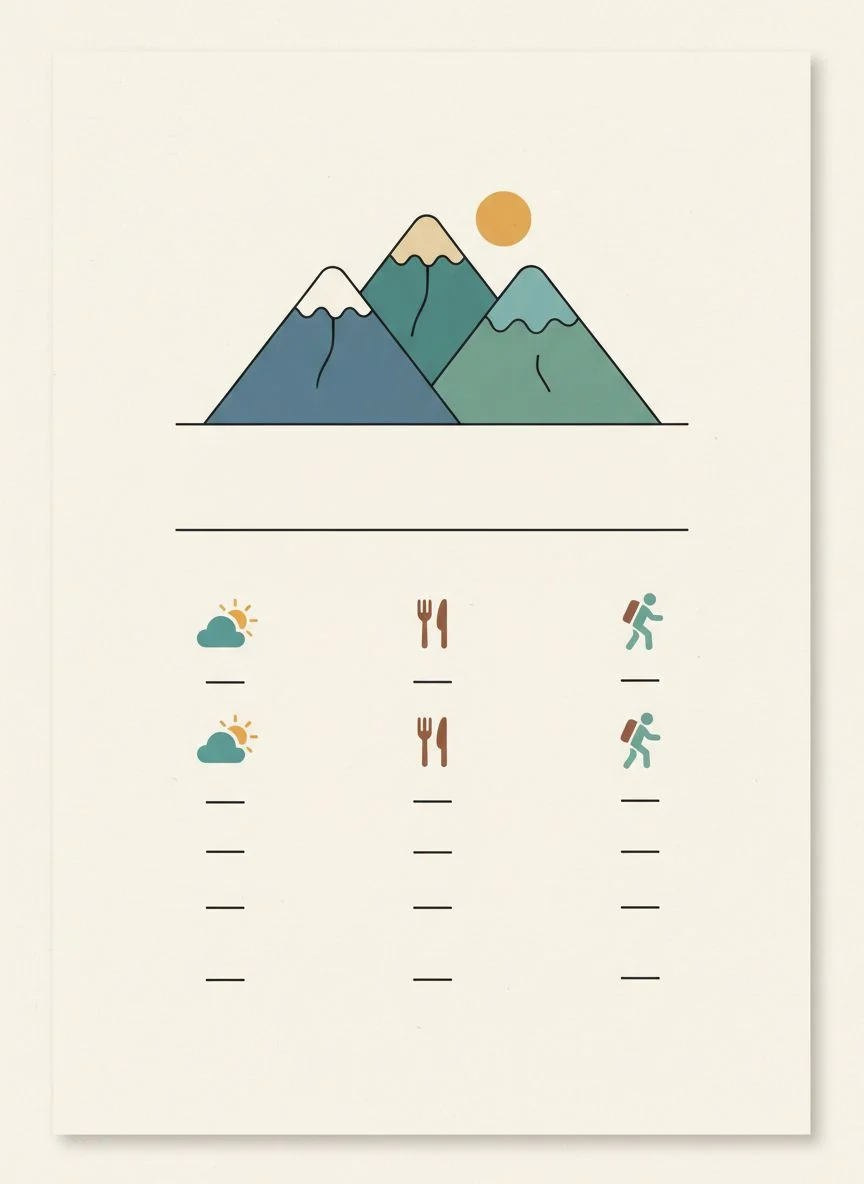
Create clear, scannable lists using bullet points Research and present key destination facts Use the Enter key to create automatic bullet progression Ensure bullets don't overlap with images
Research Requirements for Your Destination
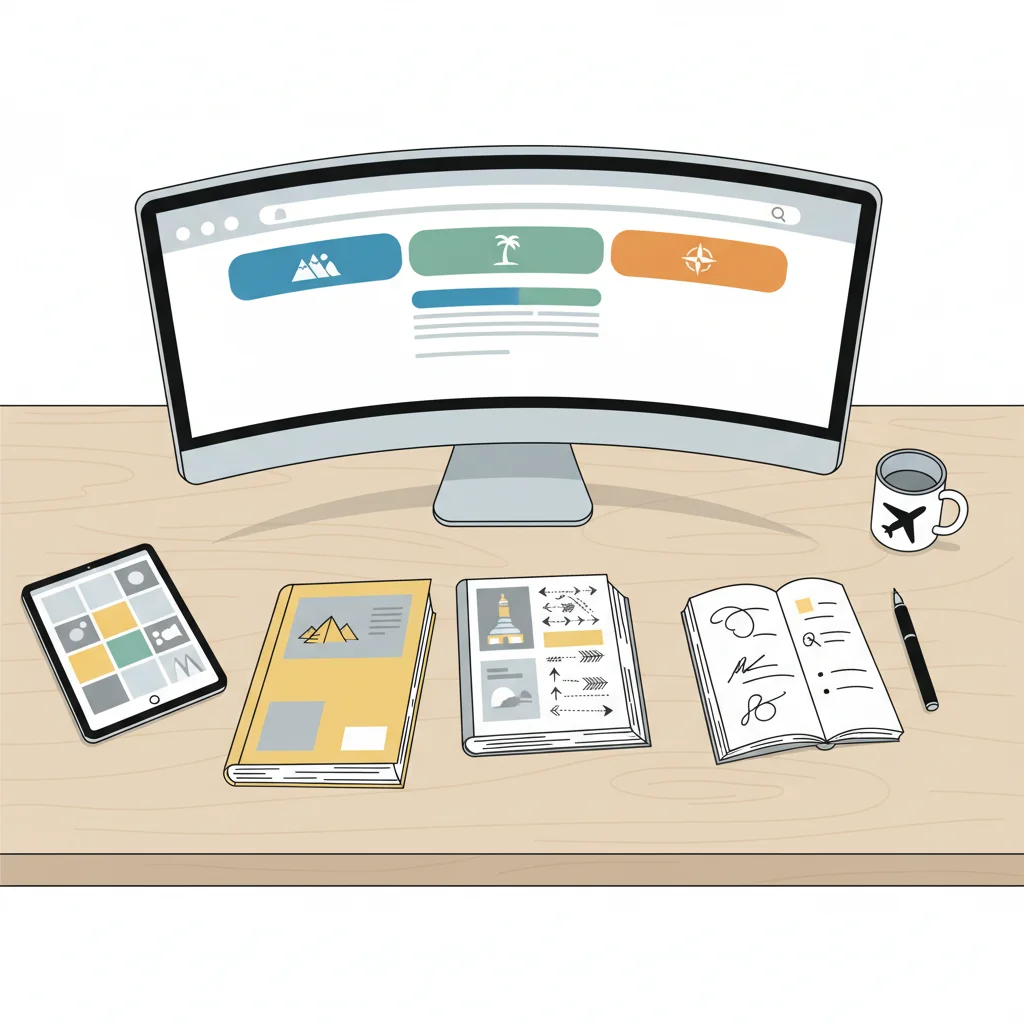
{"left":"Weather patterns and best times to visit\nFamous local foods and dining experiences\nFun activities and must-see attractions","right":"Cultural highlights and unique experiences\nTransportation options and accessibility\nBudget considerations and costs"}
I can use proofing tools to create professional-quality work
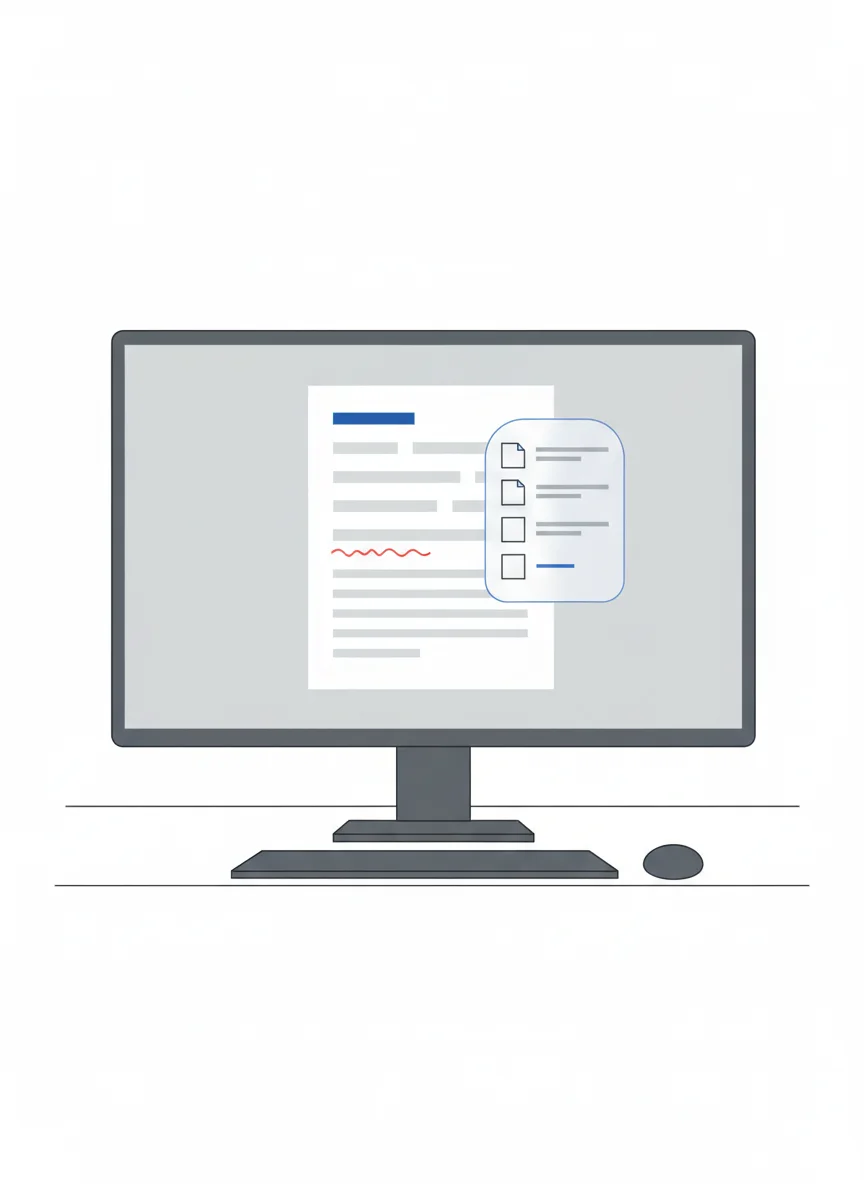
Right-click red squiggles to access spelling suggestions Understand that spell-check is a helper, not a genius Ensure all content fits on one page Use peer review for 'The Big Three': Spelling, Layout, and Save
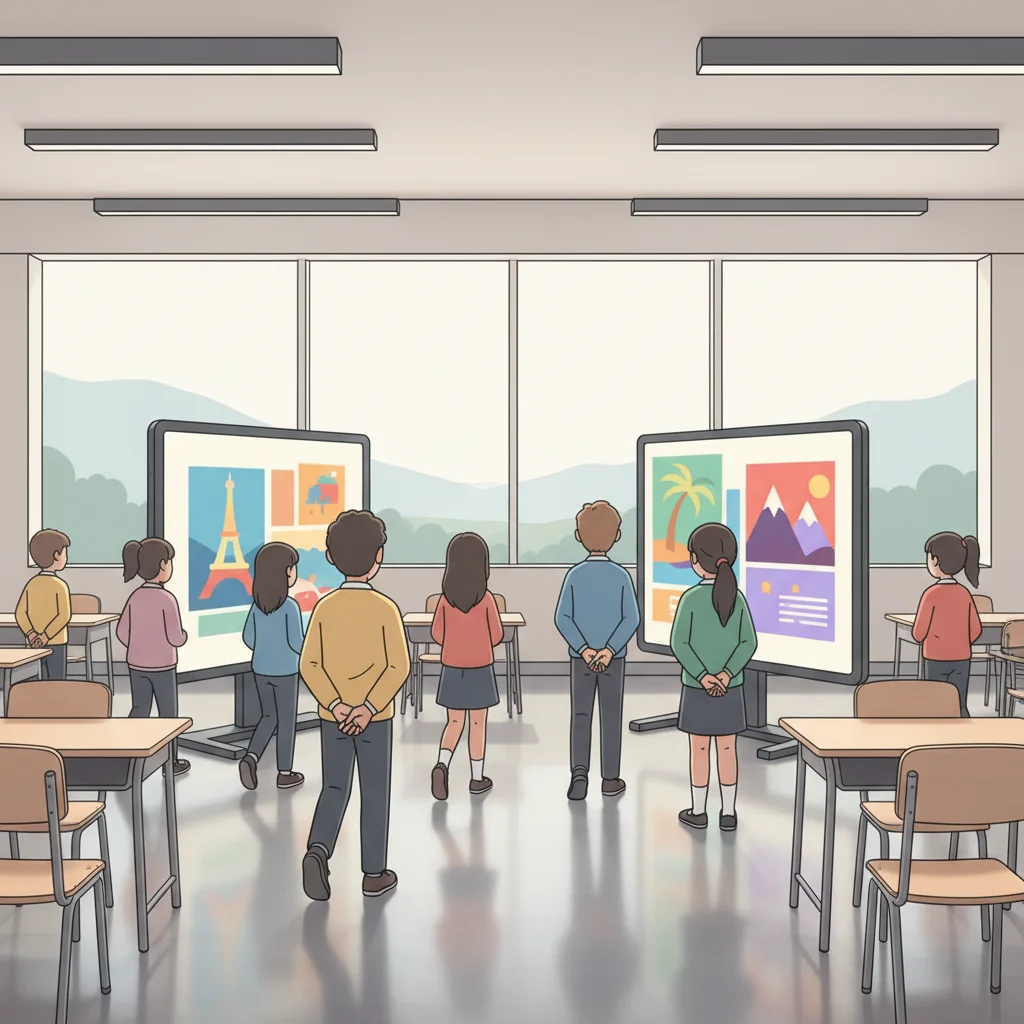
Gallery Walk & Final Submission
Leave your flyer open on your screen for classmates to view Walk around to 'visit' different destinations (hands behind backs!) Reflect: Which destination looks most exciting and why? Submit final file as 'YourName_Destination' to the LMS