IXL: Empowering Students with Disabilities
Using Technology to Support Inclusive Learning Understanding Accessibility Features Building Success for All Learners
What is IXL?
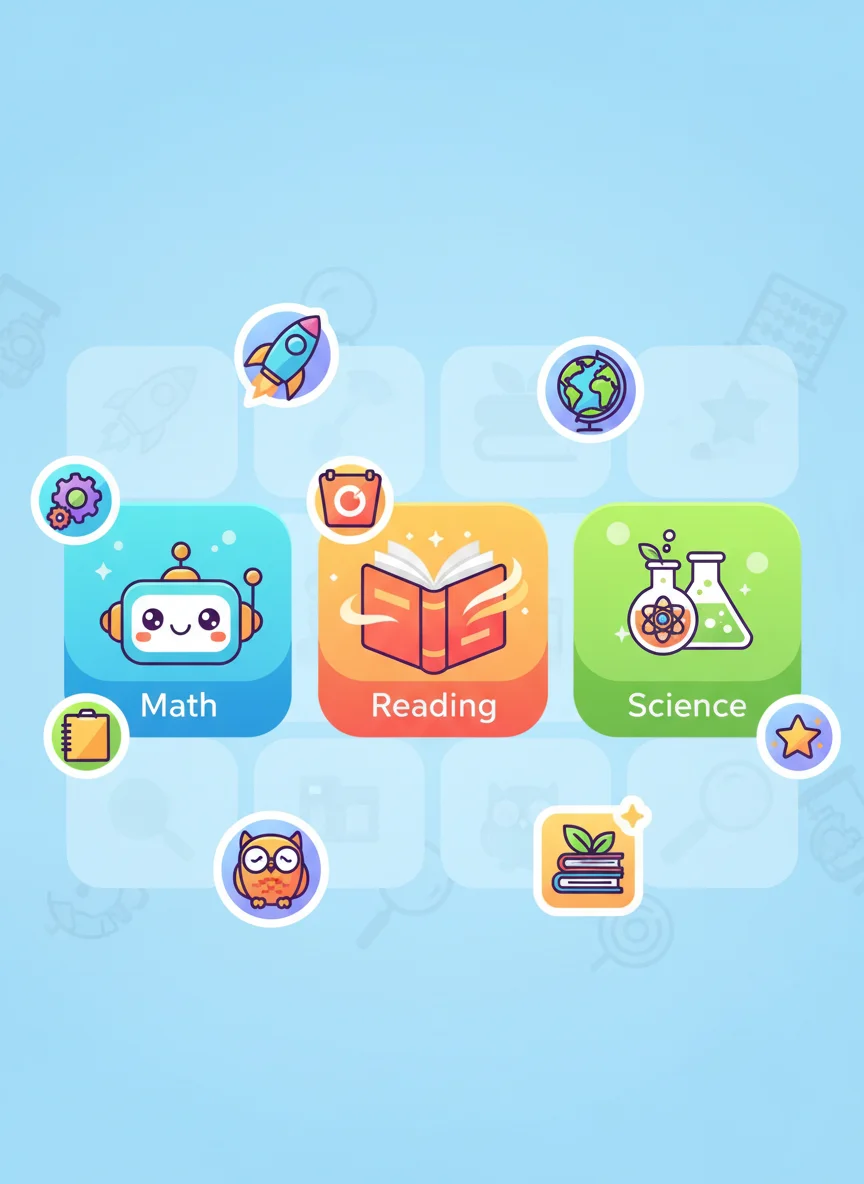
I can identify what IXL is and its main purpose Online learning platform for K-12 students Covers math, language arts, science, and social studies Provides personalized learning experiences Used by millions of students worldwide
Think About It
What challenges might students with disabilities face when using technology for learning? How could technology help overcome learning barriers?
Universal Design for Learning (UDL)
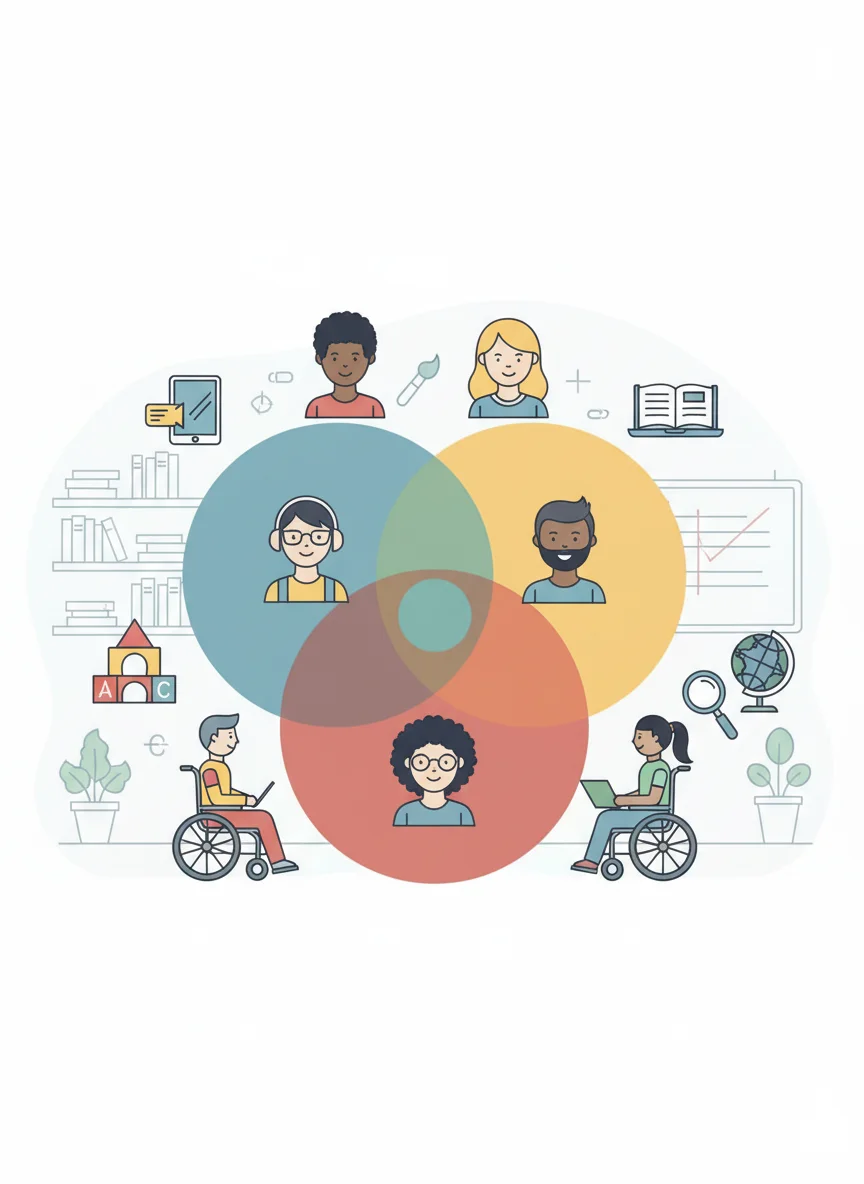
I can understand how UDL principles support all learners Multiple means of representation (how information is presented) Multiple means of engagement (what motivates students) Multiple means of action and expression (how students show learning) IXL incorporates these principles
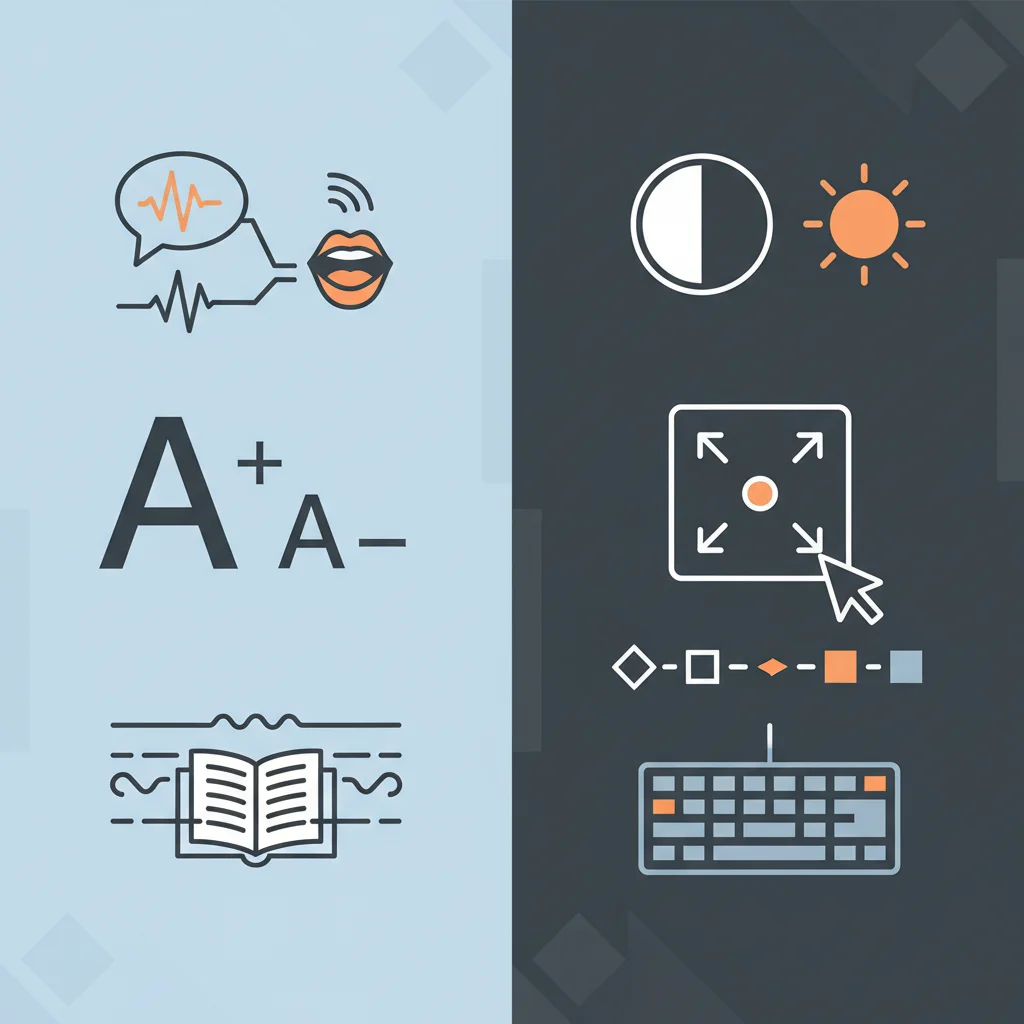
IXL's Accessibility Features
{"left":"Text-to-speech for all content\nAdjustable font sizes and colors\nHigh contrast mode options\nKeyboard navigation support","right":"Screen reader compatibility\nClosed captioning for videos\nSimplified interface options\nProgress tracking tools"}
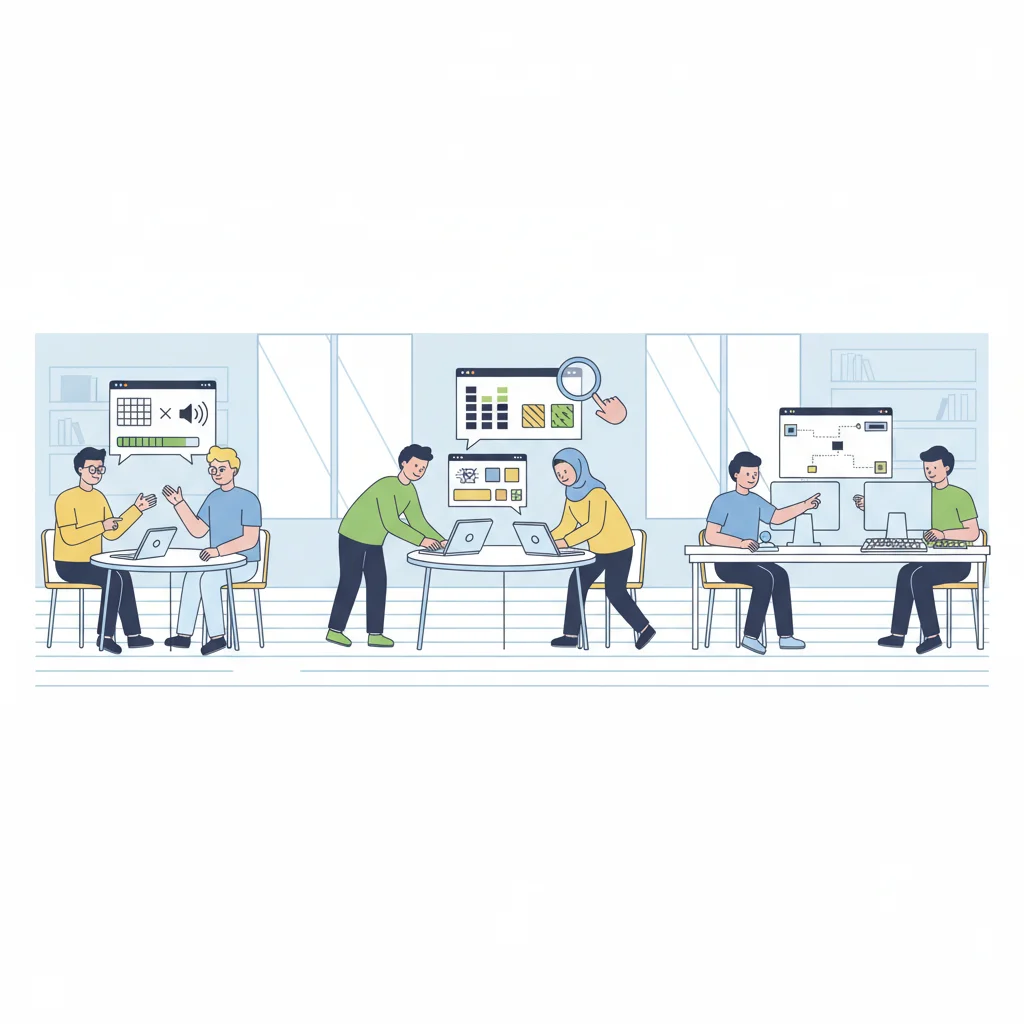
Hands-On Exploration
I can explore IXL's accessibility features Try text-to-speech function Adjust display settings Navigate using keyboard only Test different contrast modes Share observations with a partner
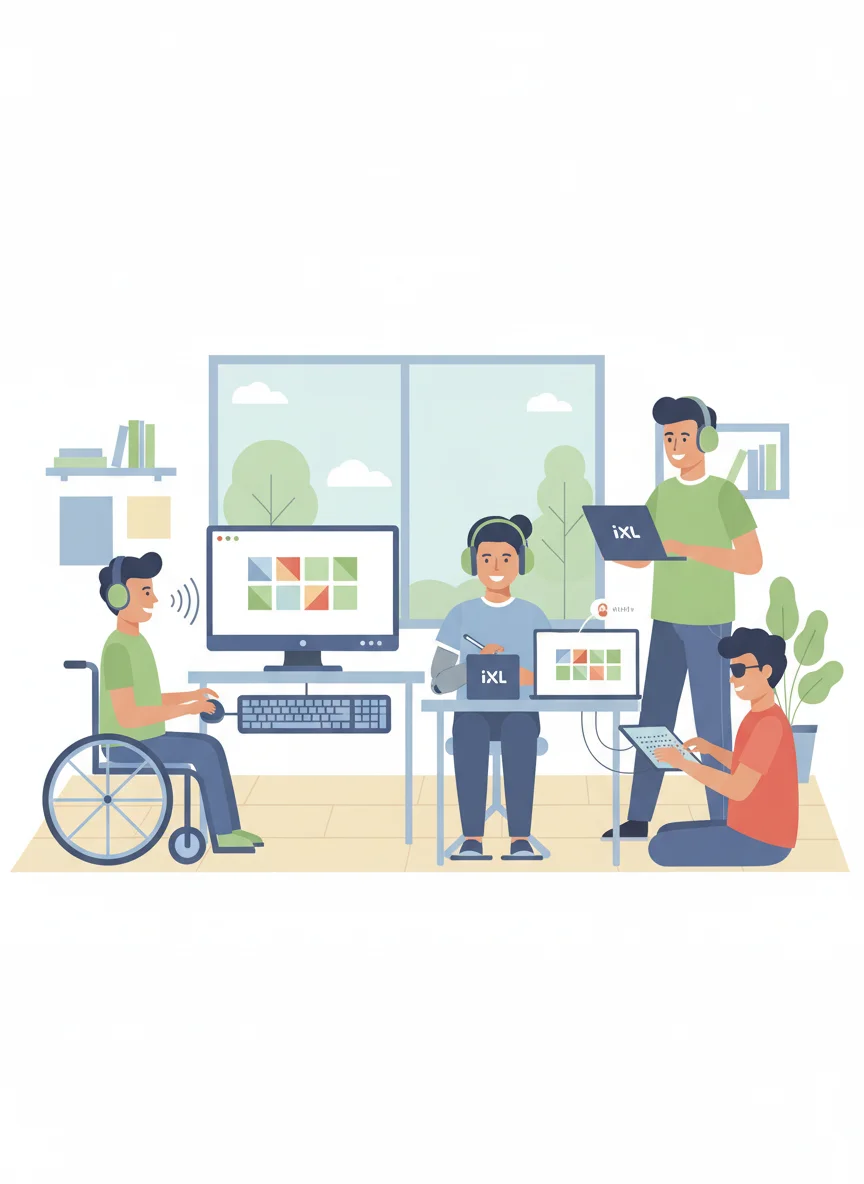
Supporting Different Learning Needs
I can explain how IXL helps students with various disabilities Visual impairments: Screen reader support and audio descriptions Hearing impairments: Visual cues and closed captions Motor disabilities: Keyboard navigation and touch accommodations Learning disabilities: Personalized pacing and multiple formats ADHD: Engaging activities and progress tracking
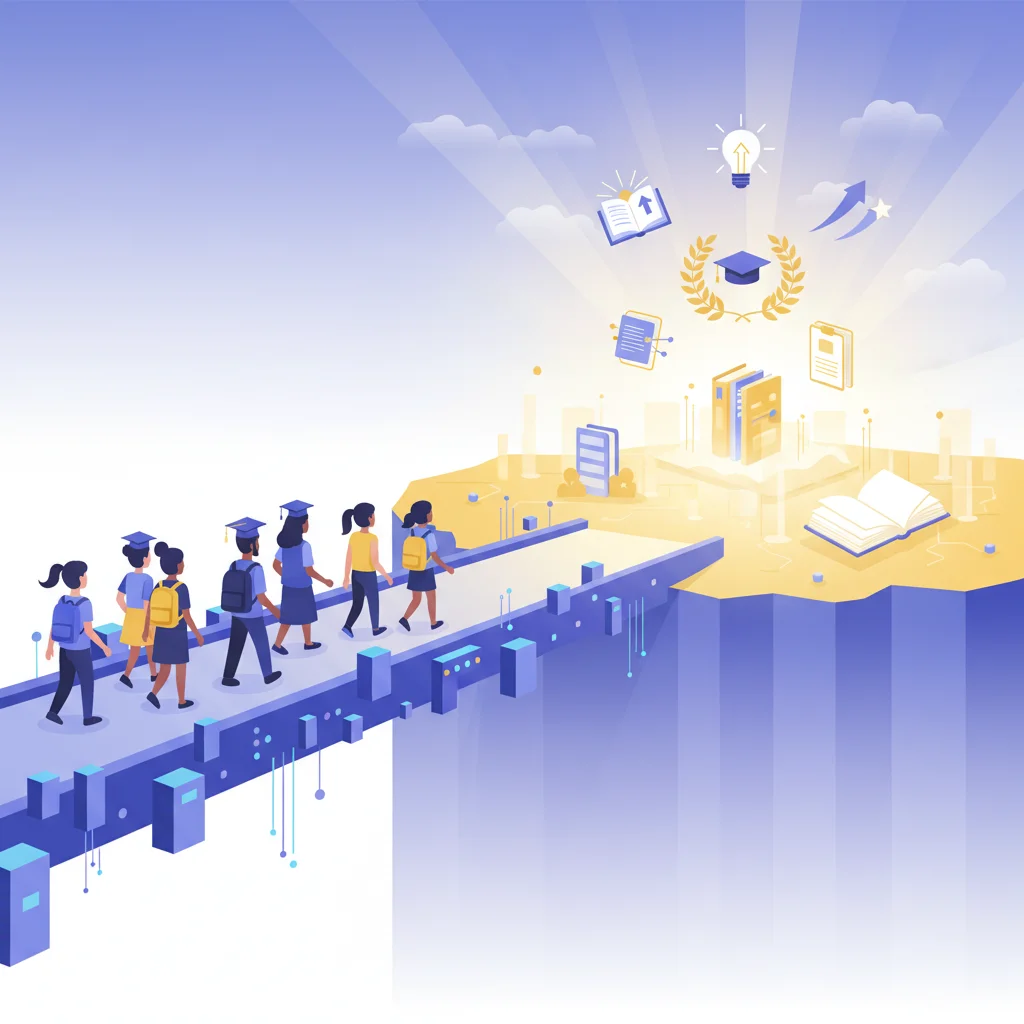
Empowerment Through Technology
Technology is not just a tool; it's a bridge that connects students with disabilities to endless possibilities for learning and growth.
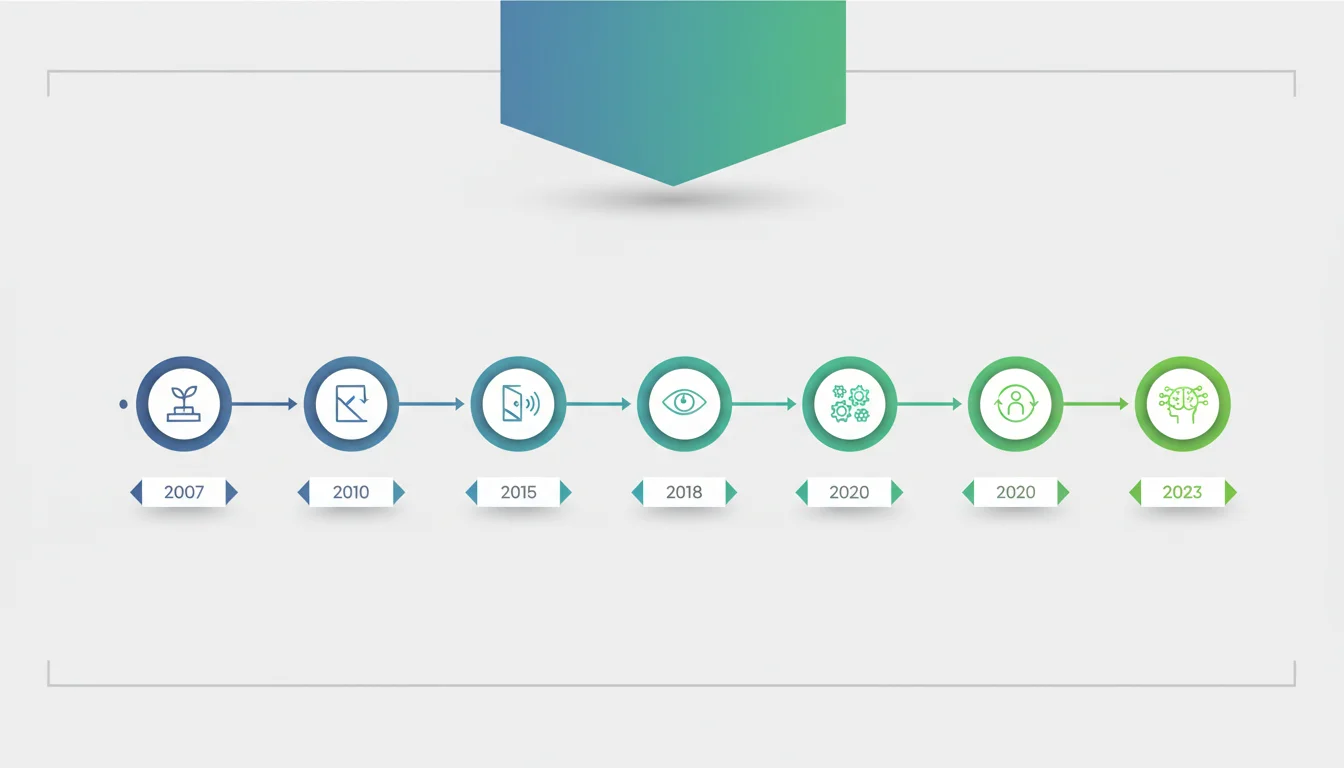
IXL Success Stories Timeline
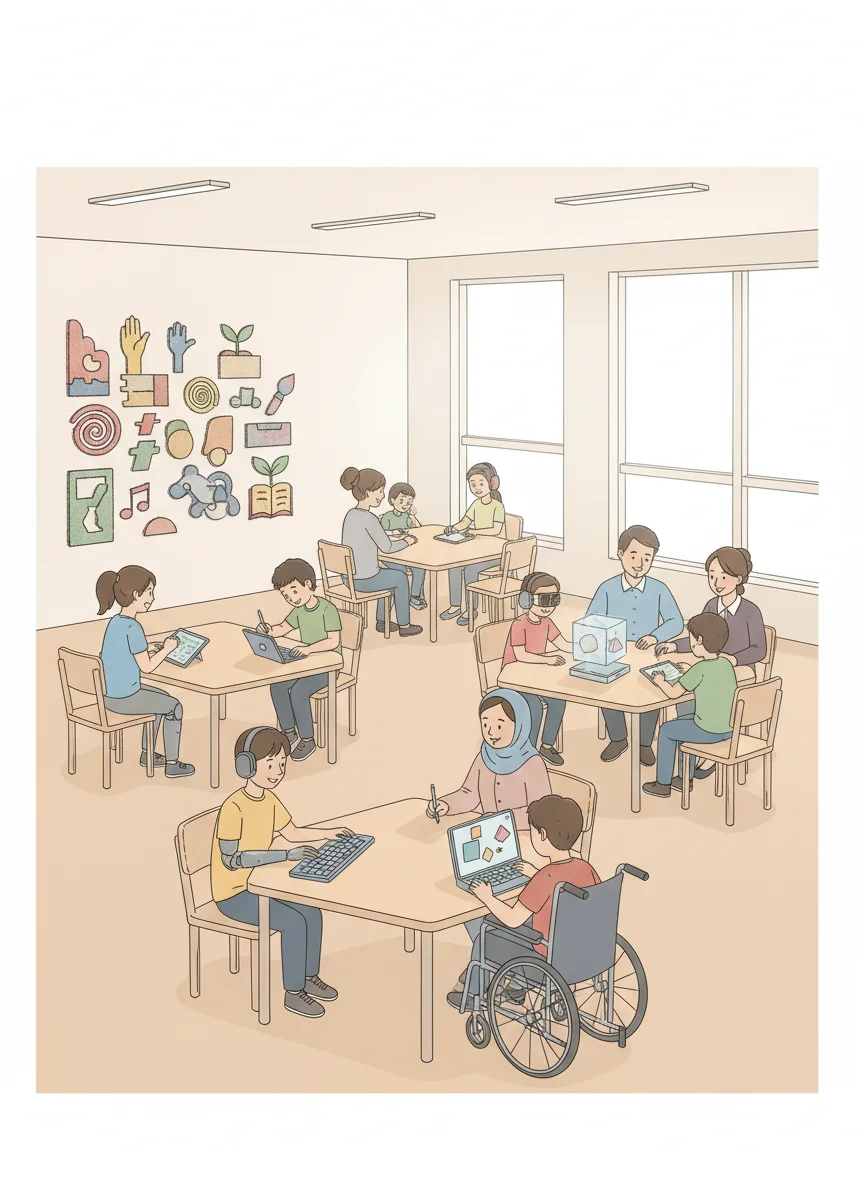
Creating Inclusive Learning Environments
I can identify strategies for supporting all learners Use technology as an equalizer, not a barrier Provide multiple options for engagement Allow flexible pacing and pathways Celebrate diverse learning styles Focus on student strengths and growth Collaborate with families and specialists
More Technology slide decks
Other ready-to-teach technology decks for US classrooms.