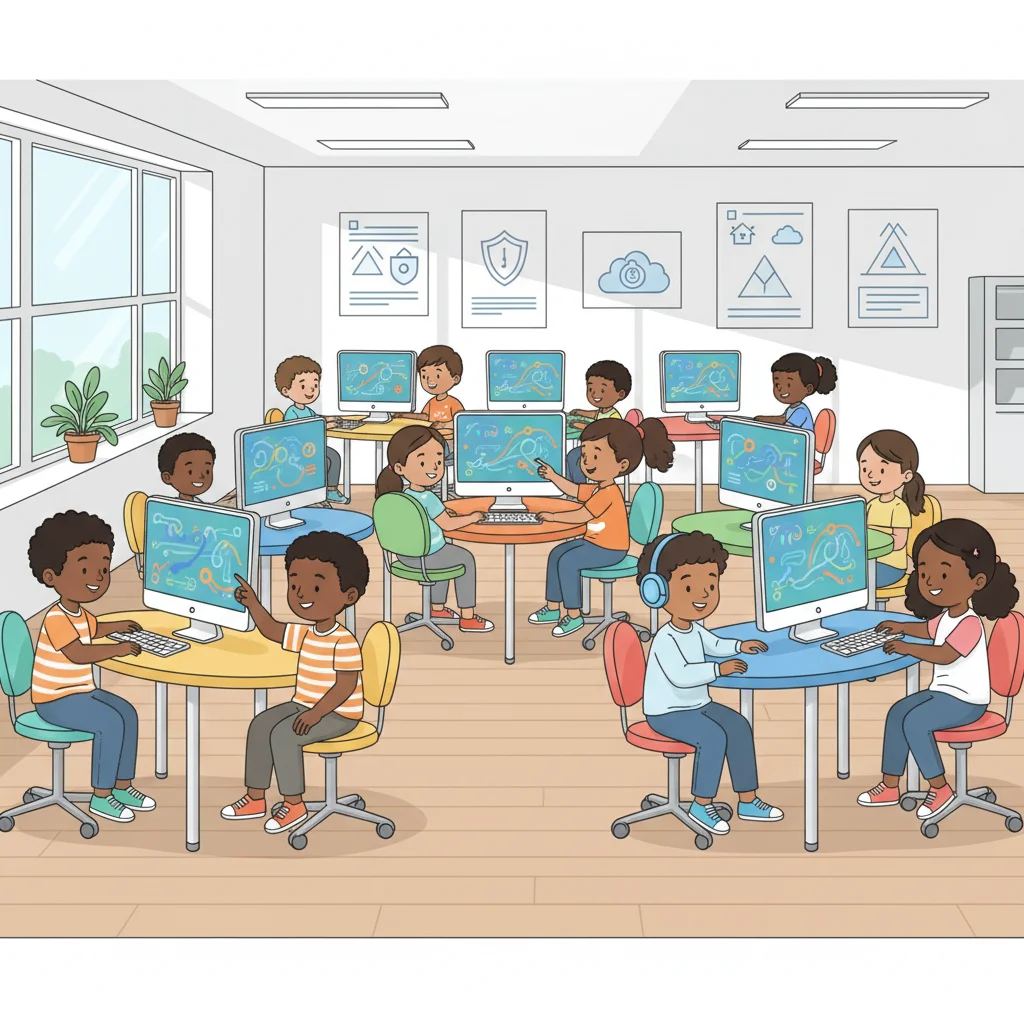
Protecting Personal Information Online Safeguards
Grade 5 Computer Science Learning to Stay Safe Online
Learning Objectives
I can identify safeguards that protect personal information I can explain how safeguards keep information safe I can create strong passwords to protect my accounts

Password Challenge
Look at these passwords: 123456 Password Soccer123! K9$TreeHouse Which password is strongest? Why?
Key Vocabulary
Safeguard: a tool or action that protects information Personal information: details about you Strong password: a password that is hard to guess Two-factor authentication: an extra step to confirm identity
Remember This
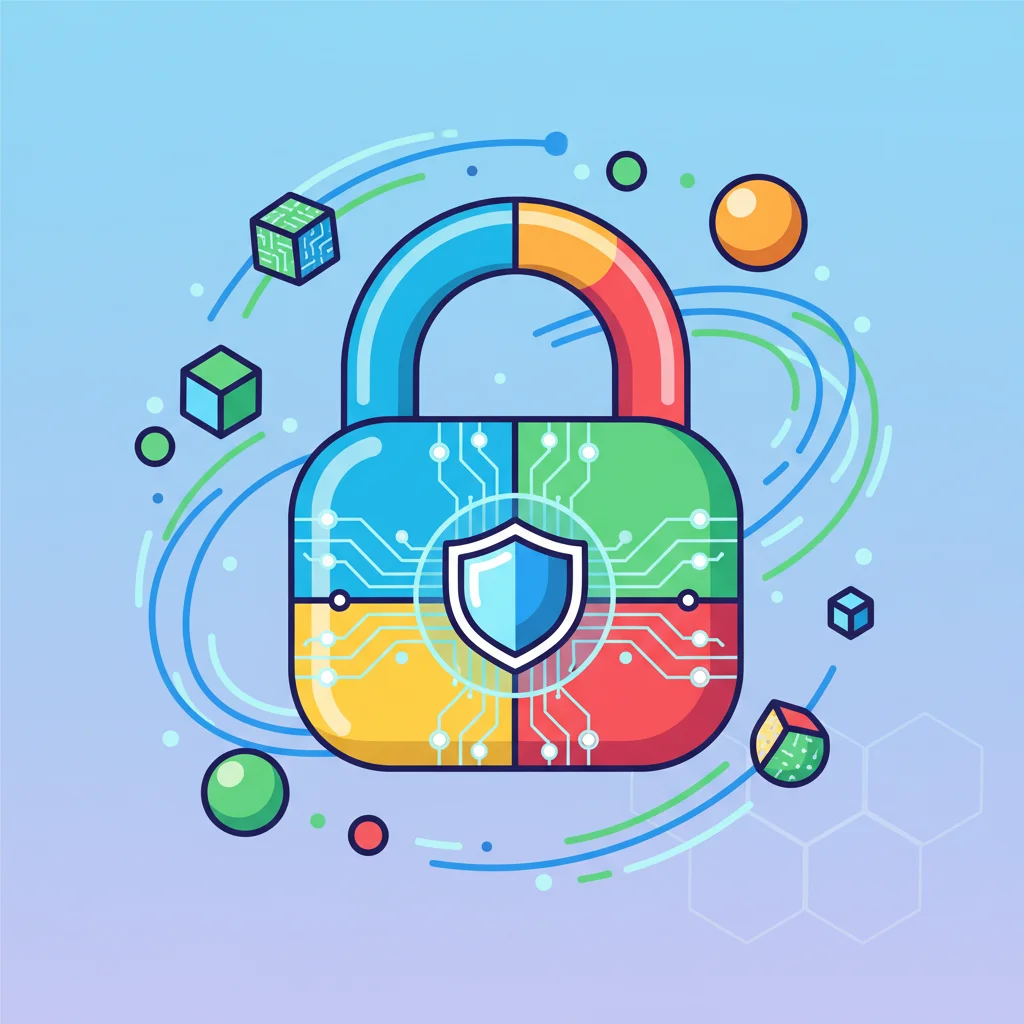
Strong passwords are like strong locks - they keep your personal information safe from people who shouldn't have it!
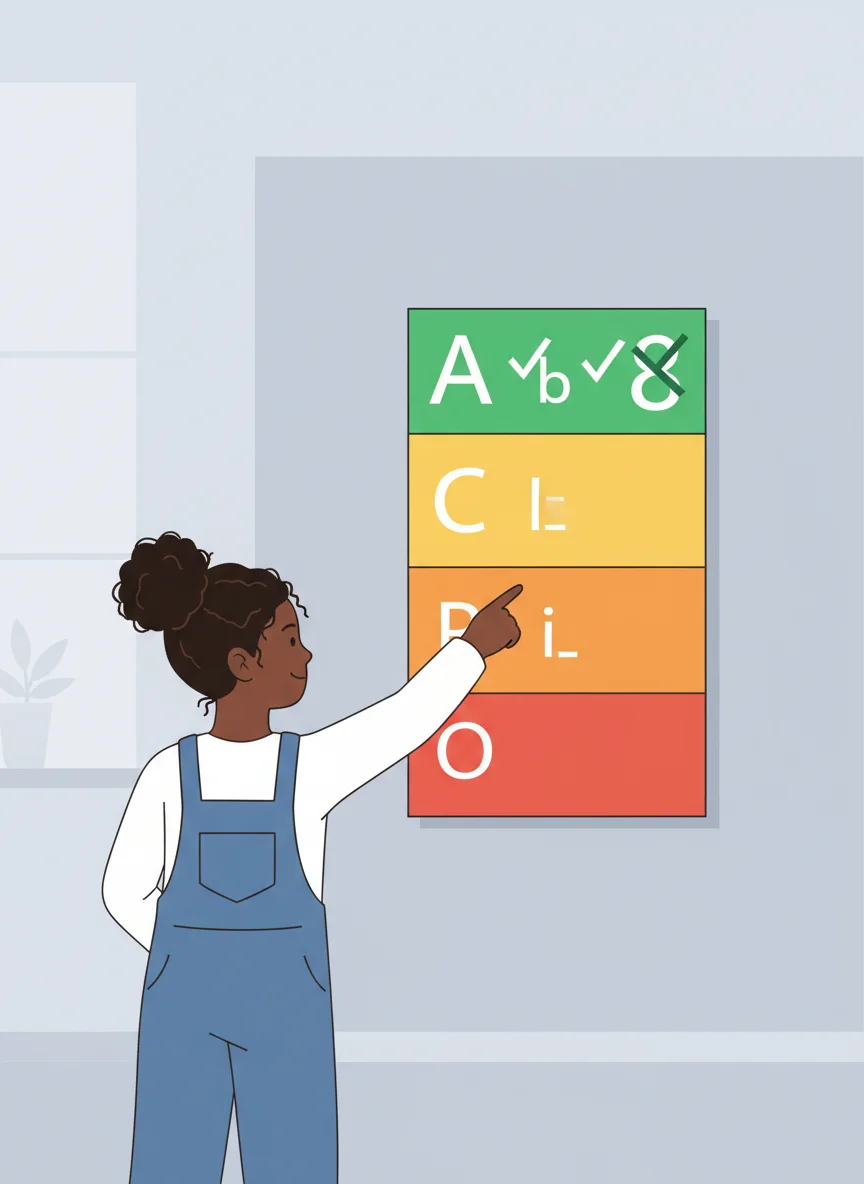
What Makes a Strong Password?
Uses uppercase AND lowercase letters Includes numbers Contains special symbols (!, @, #, $) Is at least 8 characters long Doesn't use personal information like your name or birthday
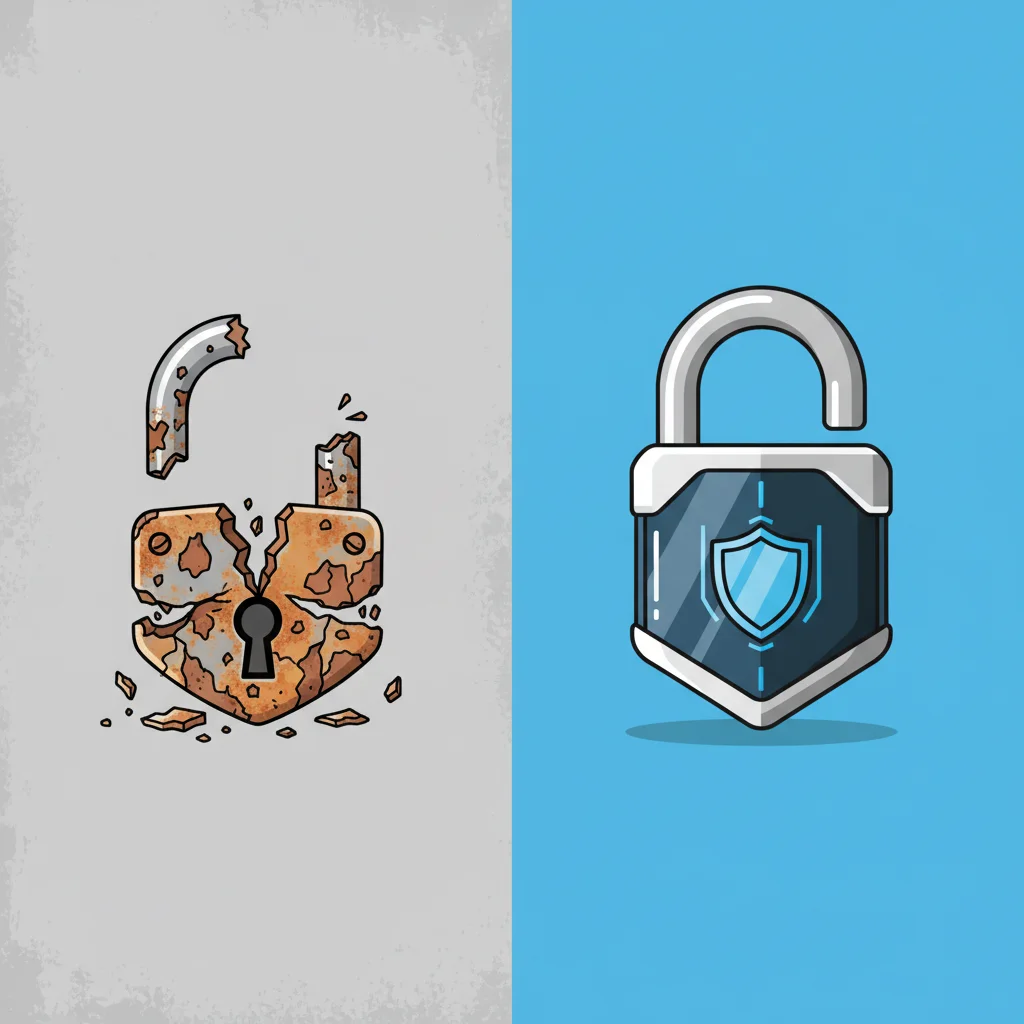
Weak vs. Strong Passwords
{"left":"WEAK: 123456\nWEAK: password\nWEAK: johnsmith\nWEAK: birthday123","right":"STRONG: M0rning$un!\nSTRONG: Tr33House#7\nSTRONG: B1ue&Orange4\nSTRONG: Pizza@Night9"}
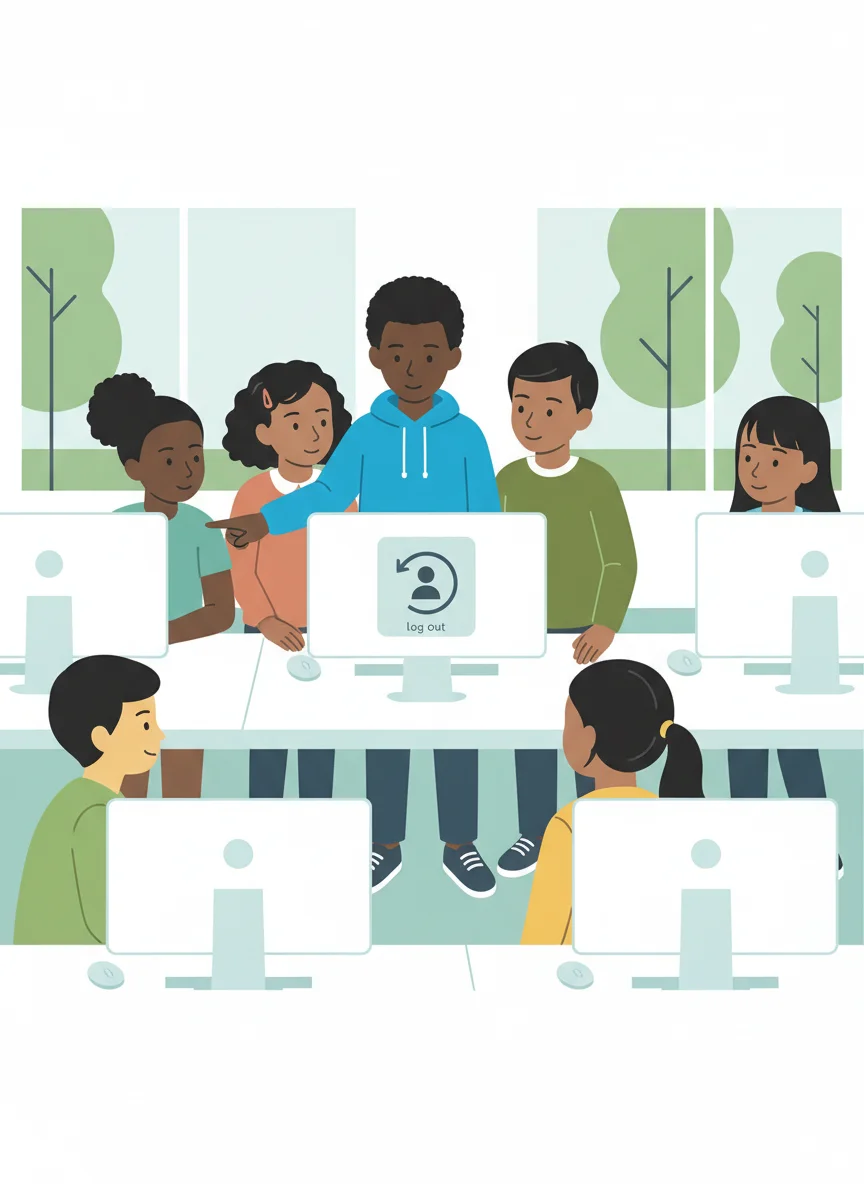
Other Important Safeguards
Always log out when finished Keep passwords private - don't share them! Only use trusted websites Ask an adult before sharing personal information Use two-factor authentication when available
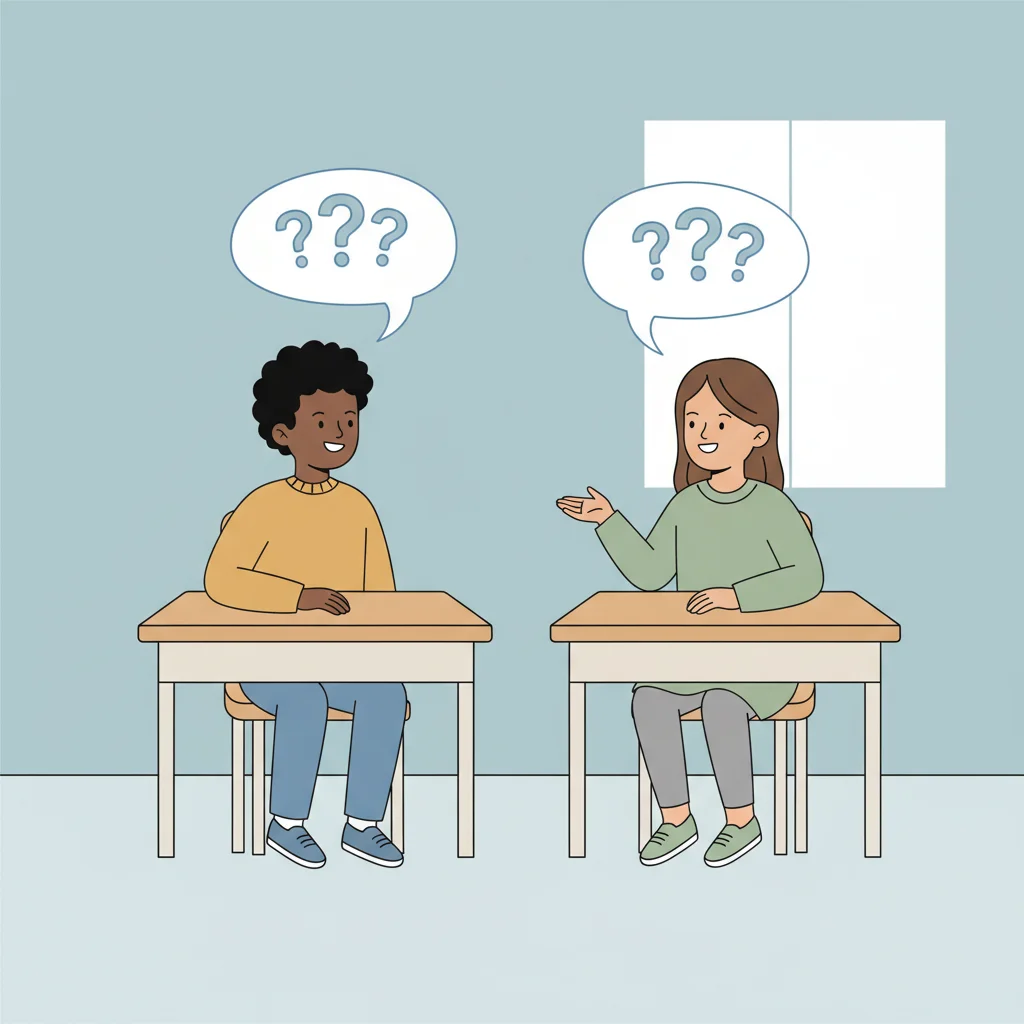
Think and Discuss
Your friend asks for your password so they can help you with homework. What should you do? A) Share it - they're helping you B) Don't share it - keep passwords private C) Only share it this one time
Scenario Practice
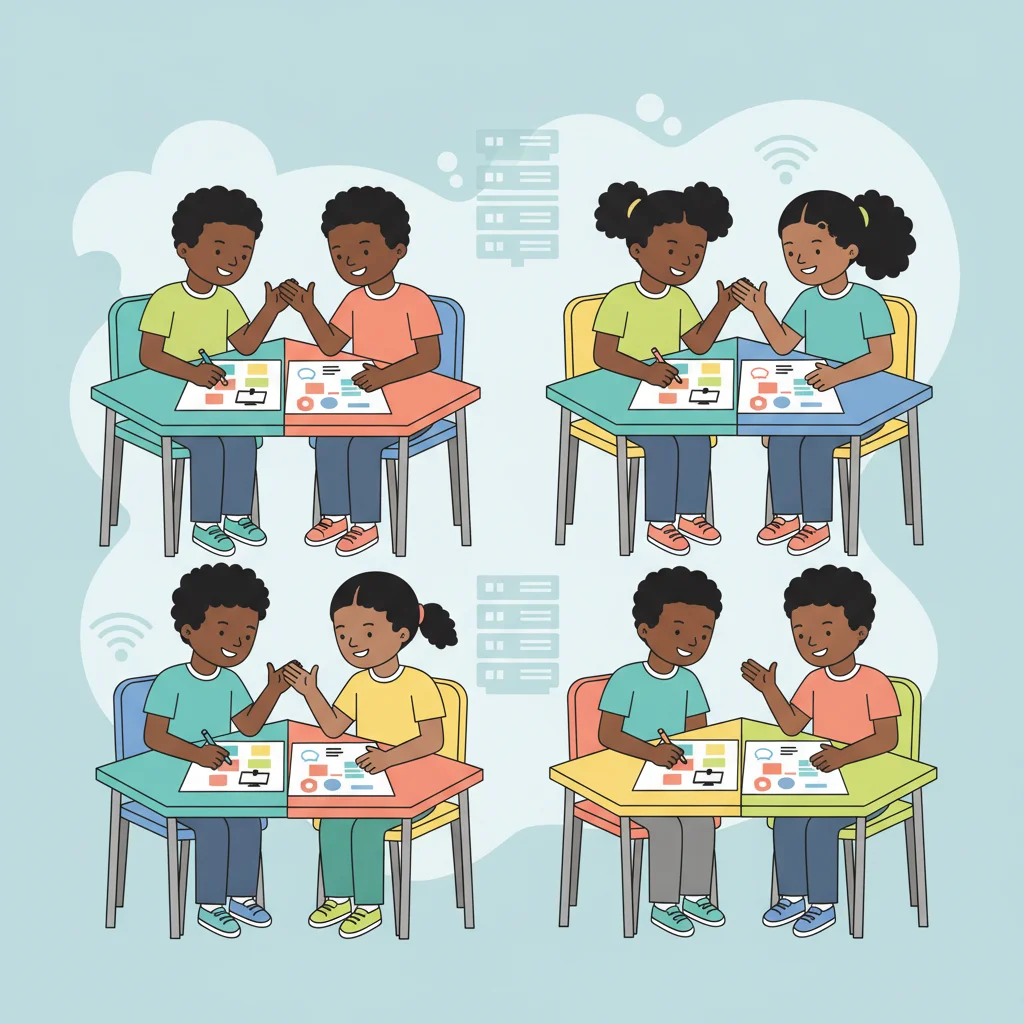
Work with a partner to discuss: Using the same password everywhere Logging out of public computers Sharing passwords with family Using two-factor authentication Which safeguards protect your information?
Create Your Cybersecurity Poster
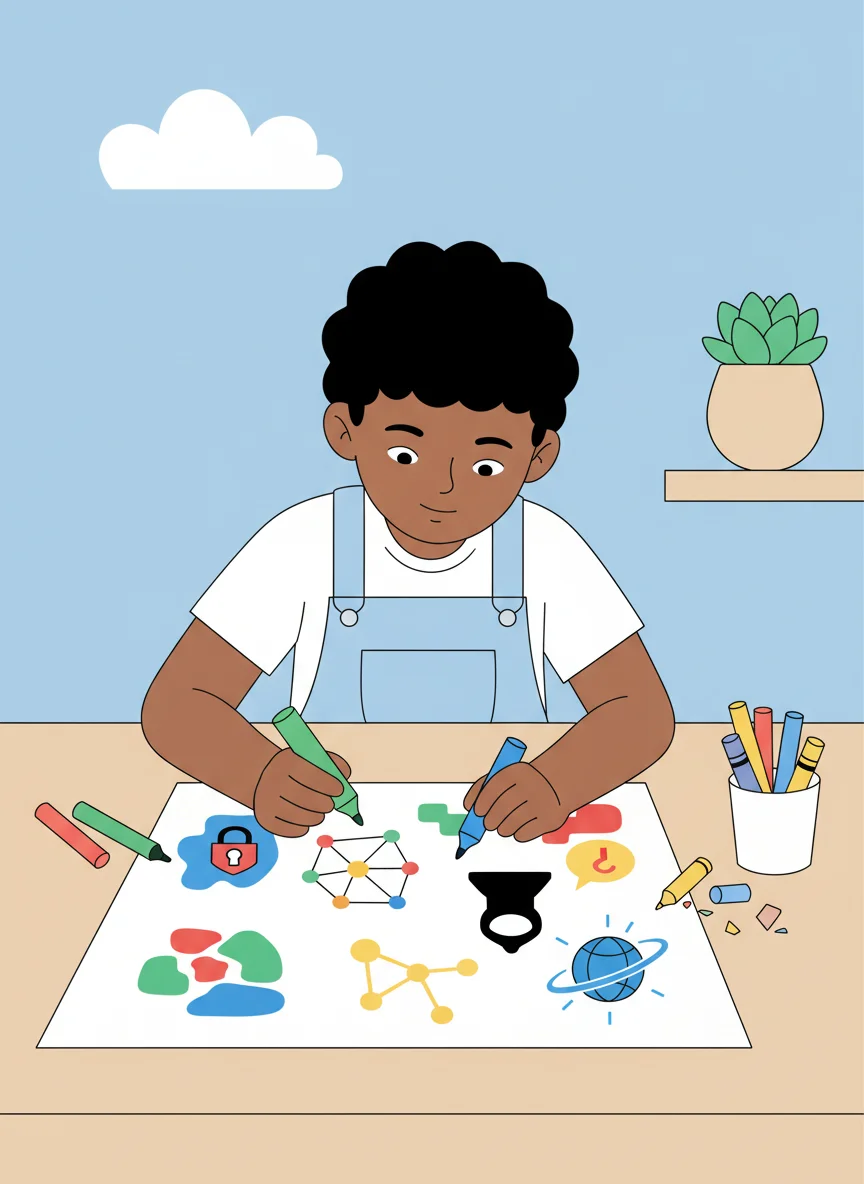
Independent/Group Work Time: Illustrate and explain at least 3 safeguards Examples: strong passwords, logging out, keeping info private, using secure websites Be creative with colors and drawings! Show how each safeguard protects personal information
Review and Reflect
Today I learned that safeguards protect my personal information Strong passwords use letters, numbers, and symbols I should always log out and keep passwords private When in doubt, ask a trusted adult for help I can use these safeguards to stay safe online!