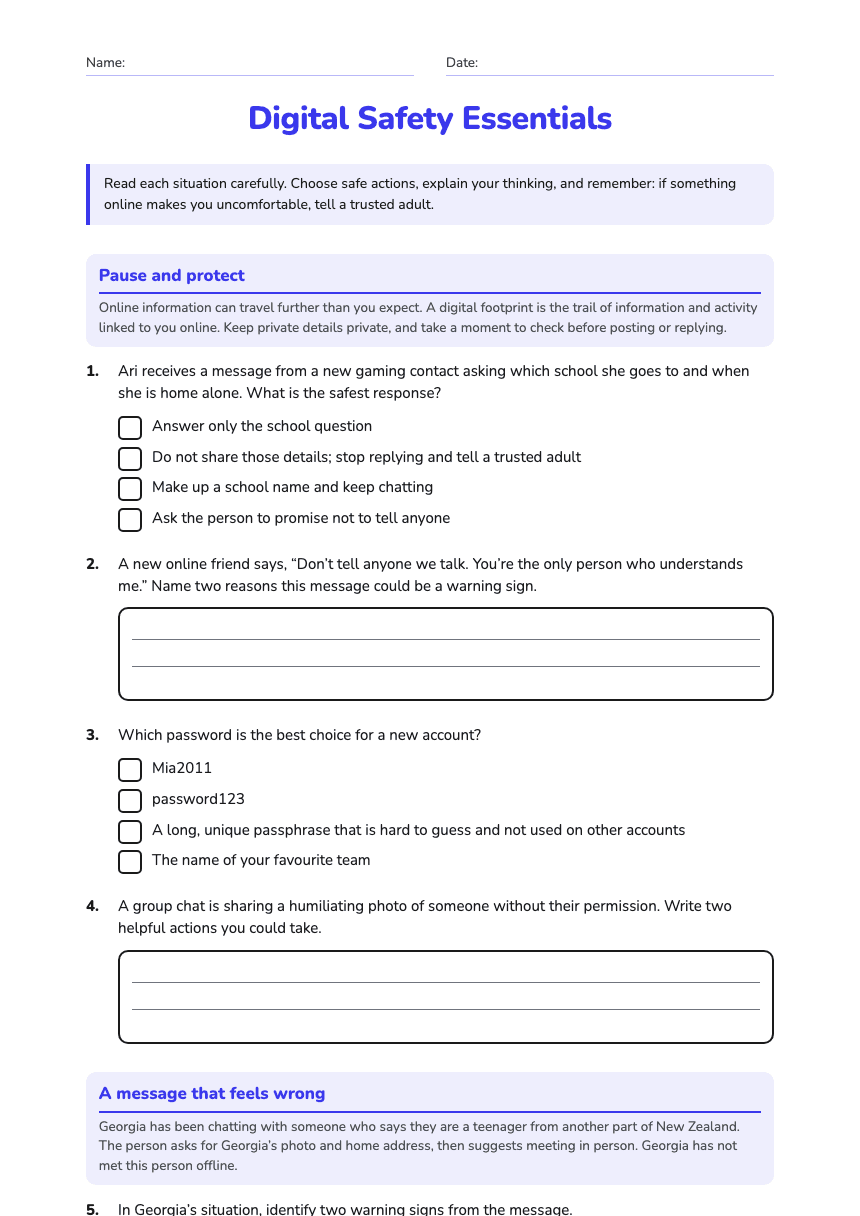
Digital Safety Essentials
A free health worksheet ready for your classroom. Open in Kuraplan to grab the print-ready PDF, customize it for your students, or generate a fresh version in seconds.
Digital Safety Essentials
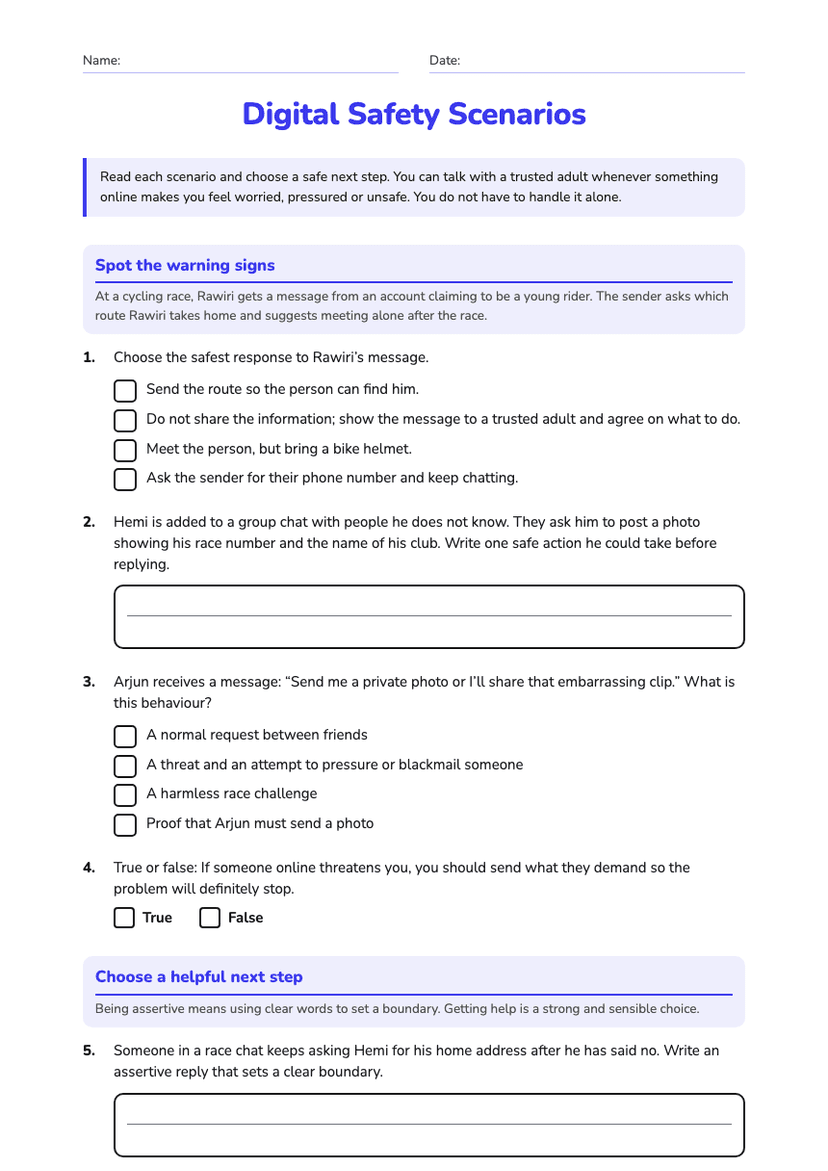
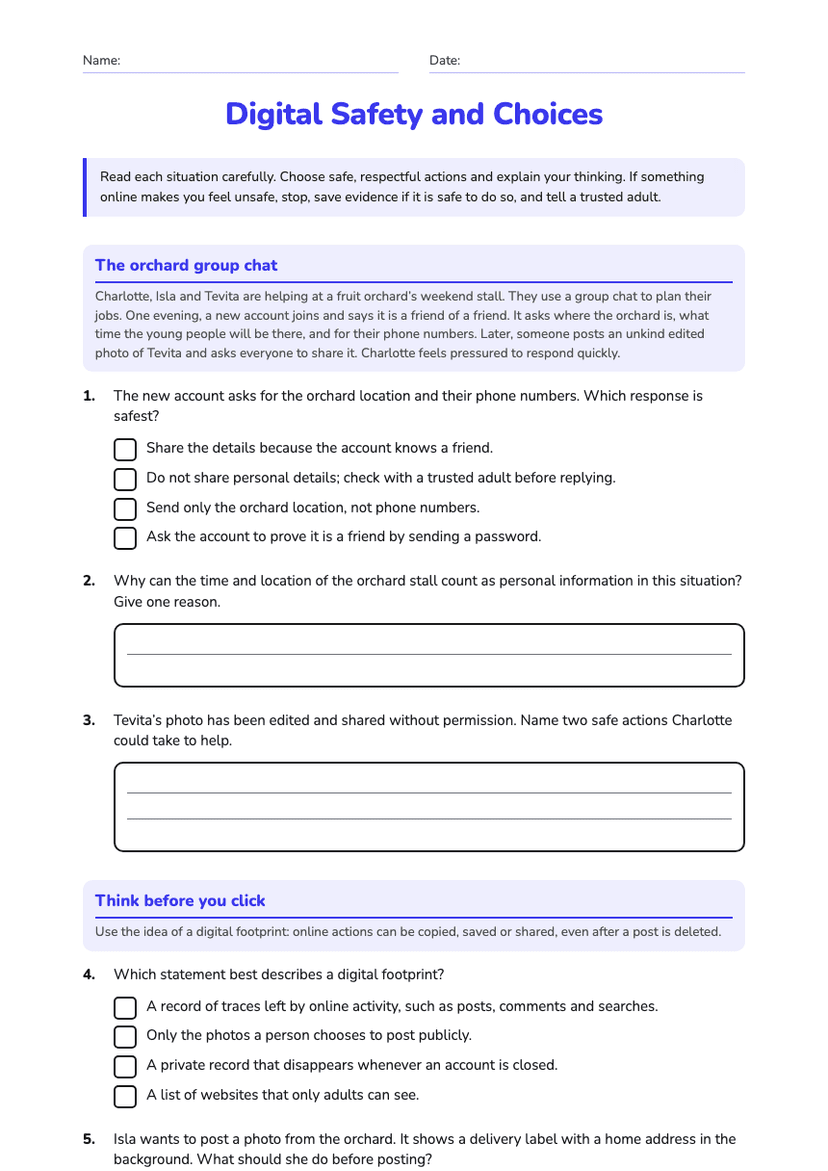
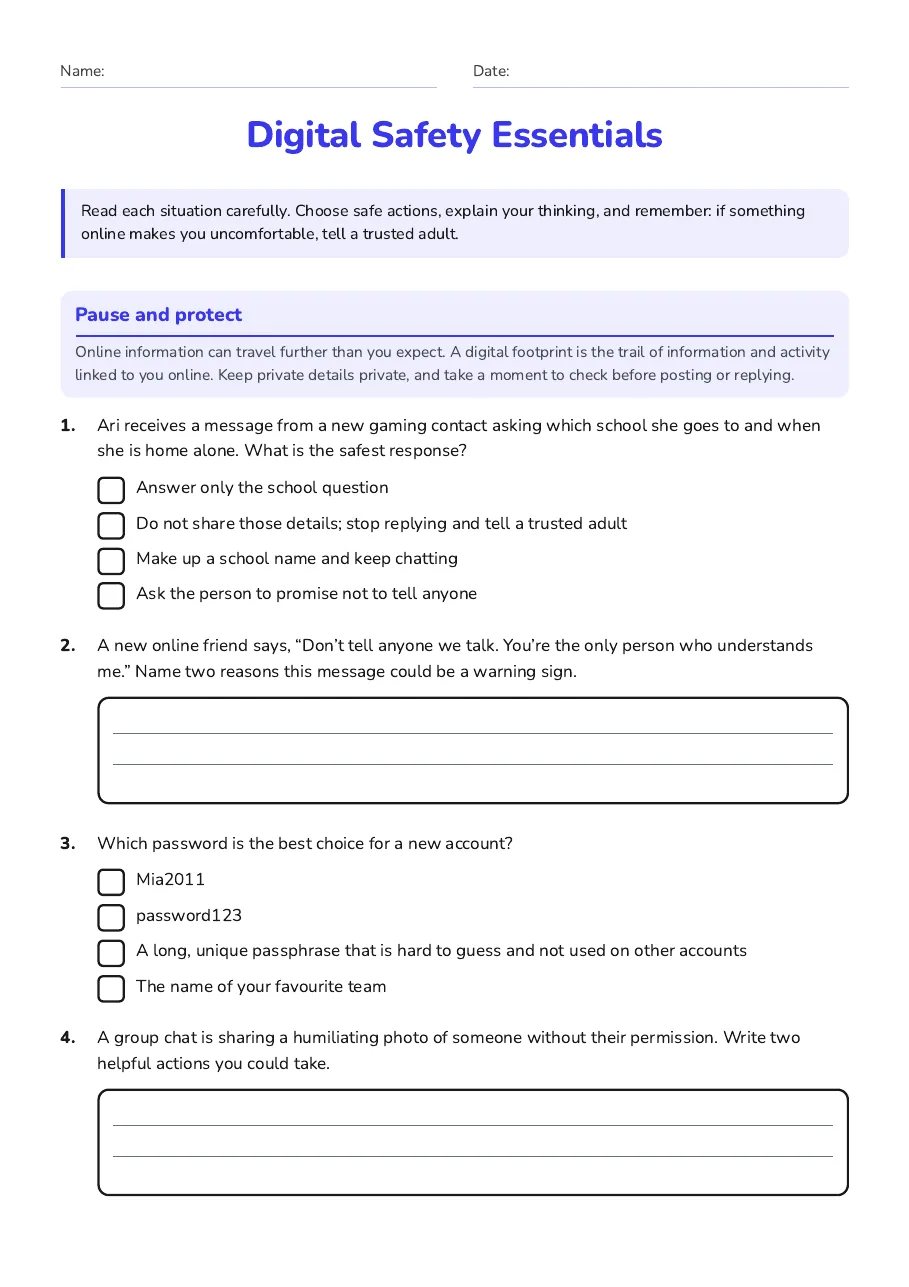
Pause and protect
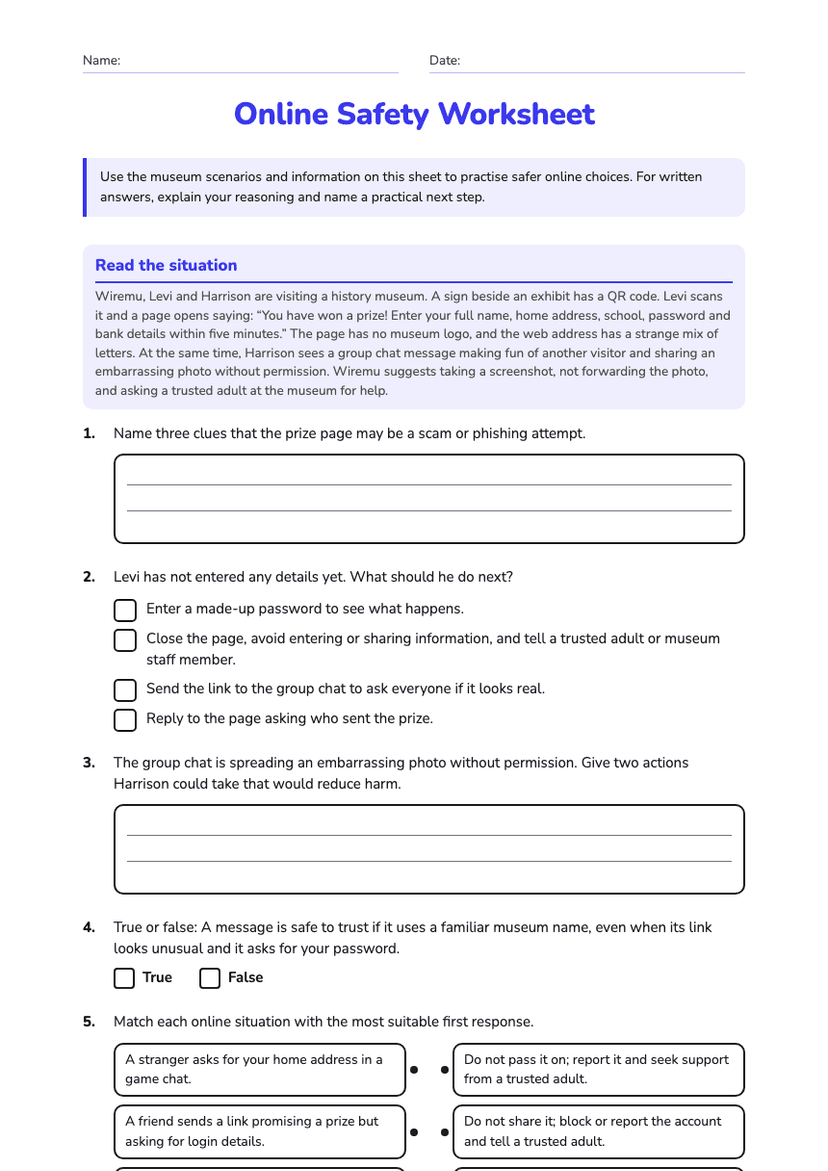
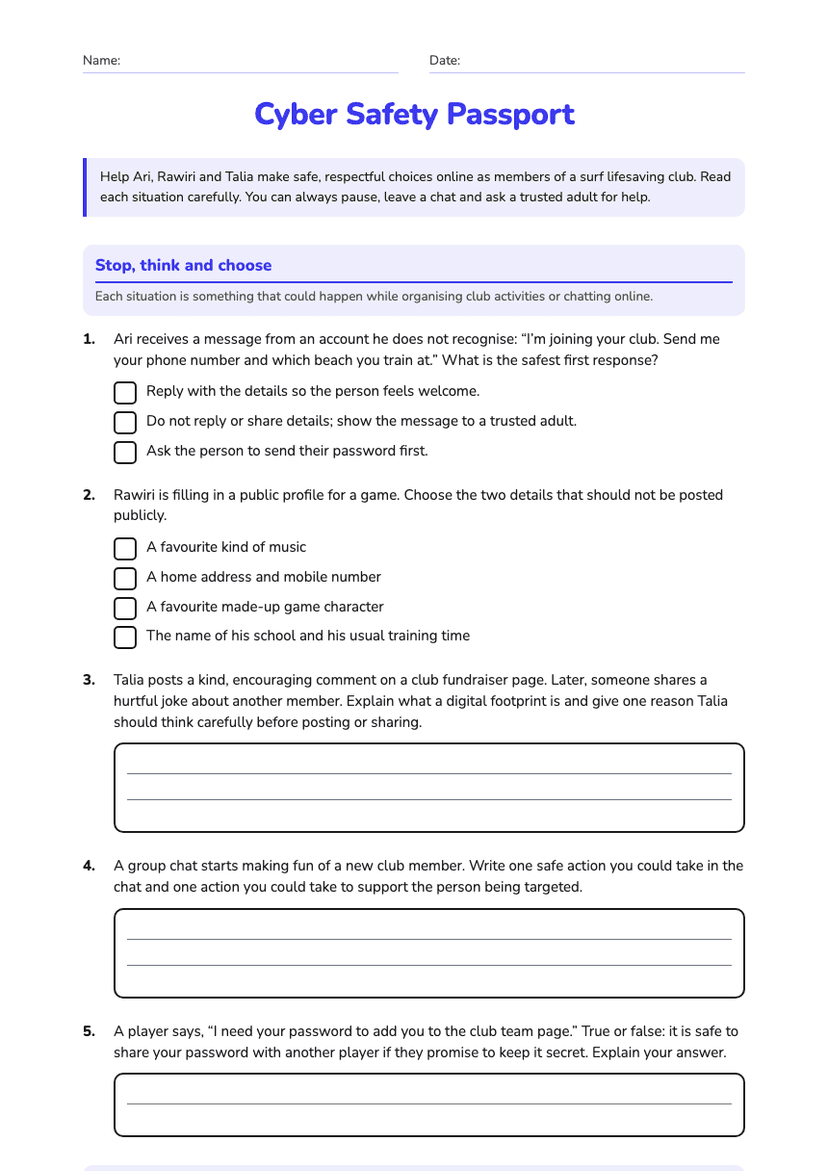
Online information can travel further than you expect. A digital footprint is the trail of information and activity linked to you online. Keep private details private, and take a moment to check before posting or replying.
- Answer only the school question
- Do not share those details; stop replying and tell a trusted adult
- Make up a school name and keep chatting
- Ask the person to promise not to tell anyone
- Mia2011
- password123
- A long, unique passphrase that is hard to guess and not used on other accounts
- The name of your favourite team
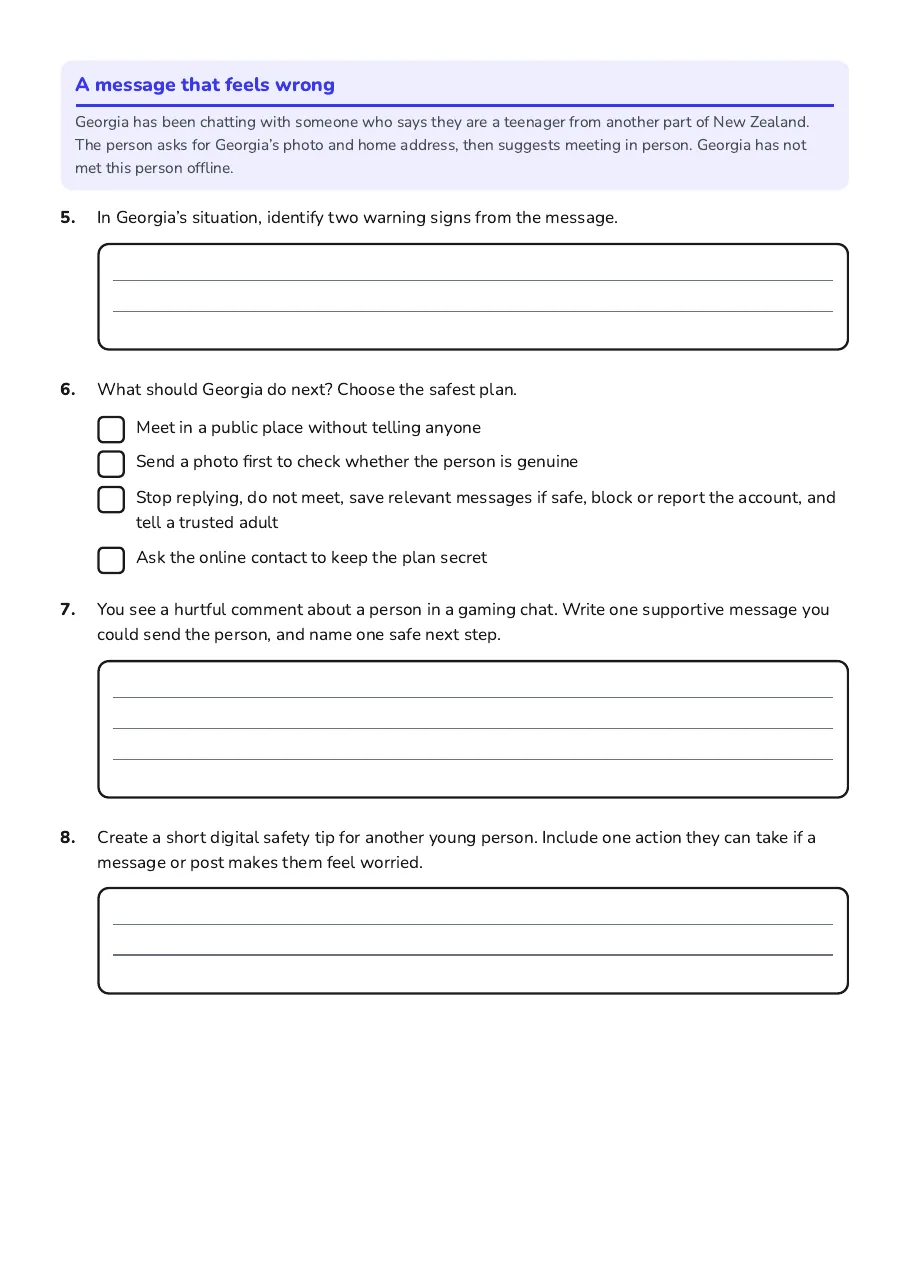
A message that feels wrong
Georgia has been chatting with someone who says they are a teenager from another part of New Zealand. The person asks for Georgia’s photo and home address, then suggests meeting in person. Georgia has not met this person offline.
- Meet in a public place without telling anyone
- Send a photo first to check whether the person is genuine
- Stop replying, do not meet, save relevant messages if safe, block or report the account, and tell a trusted adult
- Ask the online contact to keep the plan secret
2 printable pages
Page 1
Page 2
About This Worksheet
Free in Kuraplan
Sign up free, grab the PDF, and customize it for your class.
Print-Ready
Formatted for standard paper. Clean layout, easy to read.
AI-Generated
Created with Kuraplan's AI, designed for real classroom use.
For Teachers & Parents
Use in classrooms, for homework, tutoring, or homeschool.
Need a custom version of this worksheet?
Kuraplan's AI generates custom worksheets in seconds — differentiated for every learner, aligned to your curriculum.
Generate Custom Worksheets — Free