Digital Storytelling Storyboards
A free social studies worksheet ready for your classroom. Open in Kuraplan to grab the print-ready PDF, customize it for your students, or generate a fresh version in seconds.
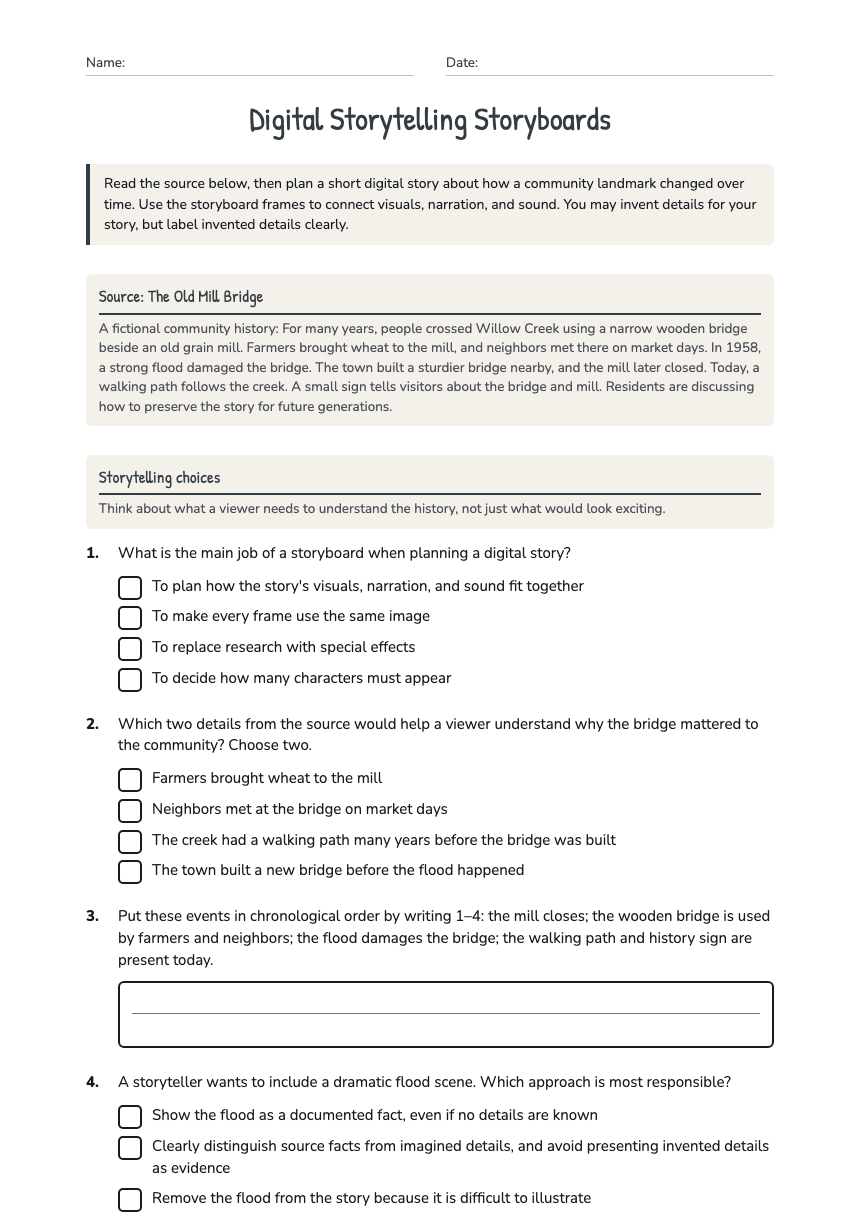
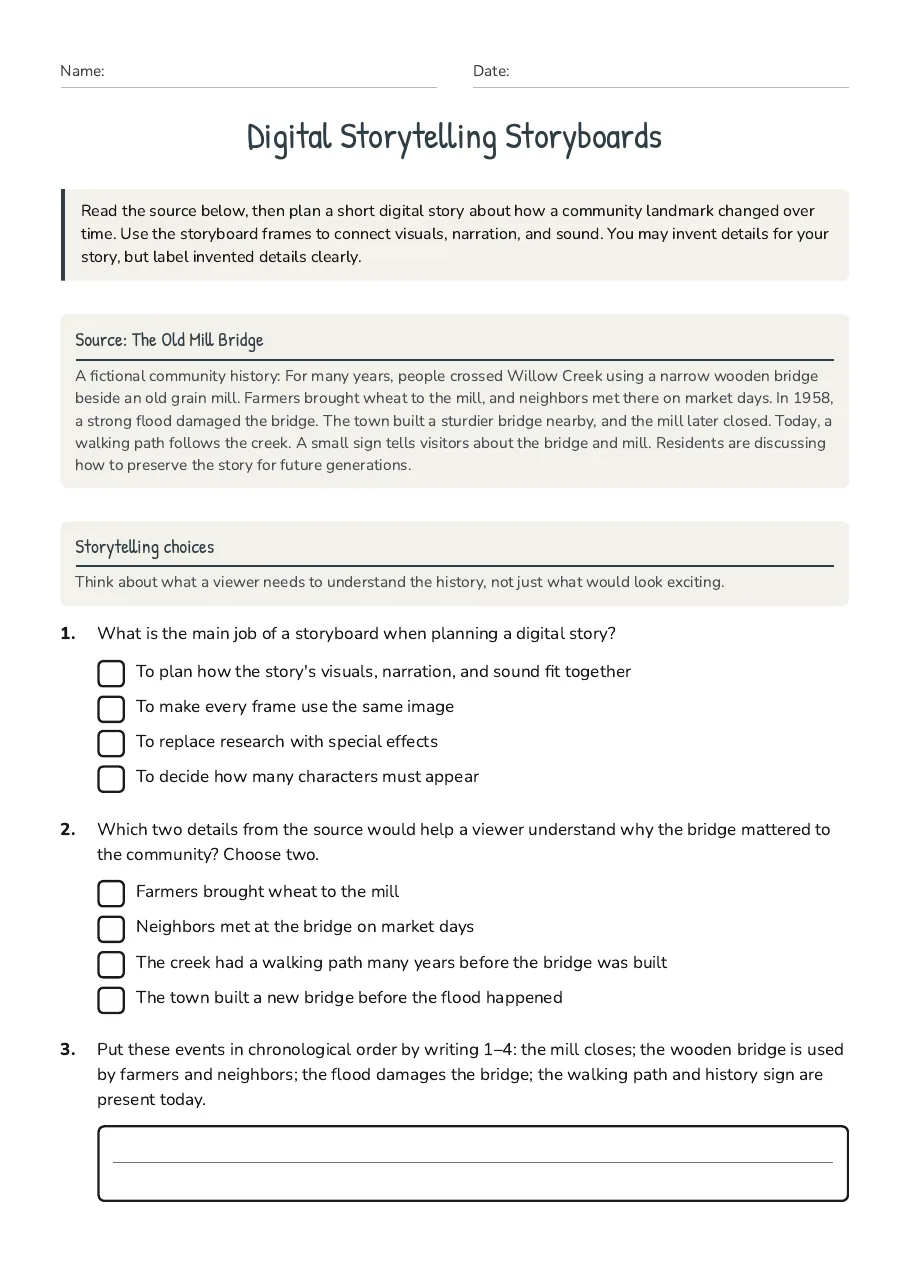
Digital Storytelling Storyboards
Source: The Old Mill Bridge
A fictional community history: For many years, people crossed Willow Creek using a narrow wooden bridge beside an old grain mill. Farmers brought wheat to the mill, and neighbors met there on market days. In 1958, a strong flood damaged the bridge. The town built a sturdier bridge nearby, and the mill later closed. Today, a walking path follows the creek. A small sign tells visitors about the bridge and mill. Residents are discussing how to preserve the story for future generations.
Storytelling choices
Think about what a viewer needs to understand the history, not just what would look exciting.
- To plan how the story's visuals, narration, and sound fit together
- To make every frame use the same image
- To replace research with special effects
- To decide how many characters must appear
- Farmers brought wheat to the mill
- Neighbors met at the bridge on market days
- The creek had a walking path many years before the bridge was built
- The town built a new bridge before the flood happened
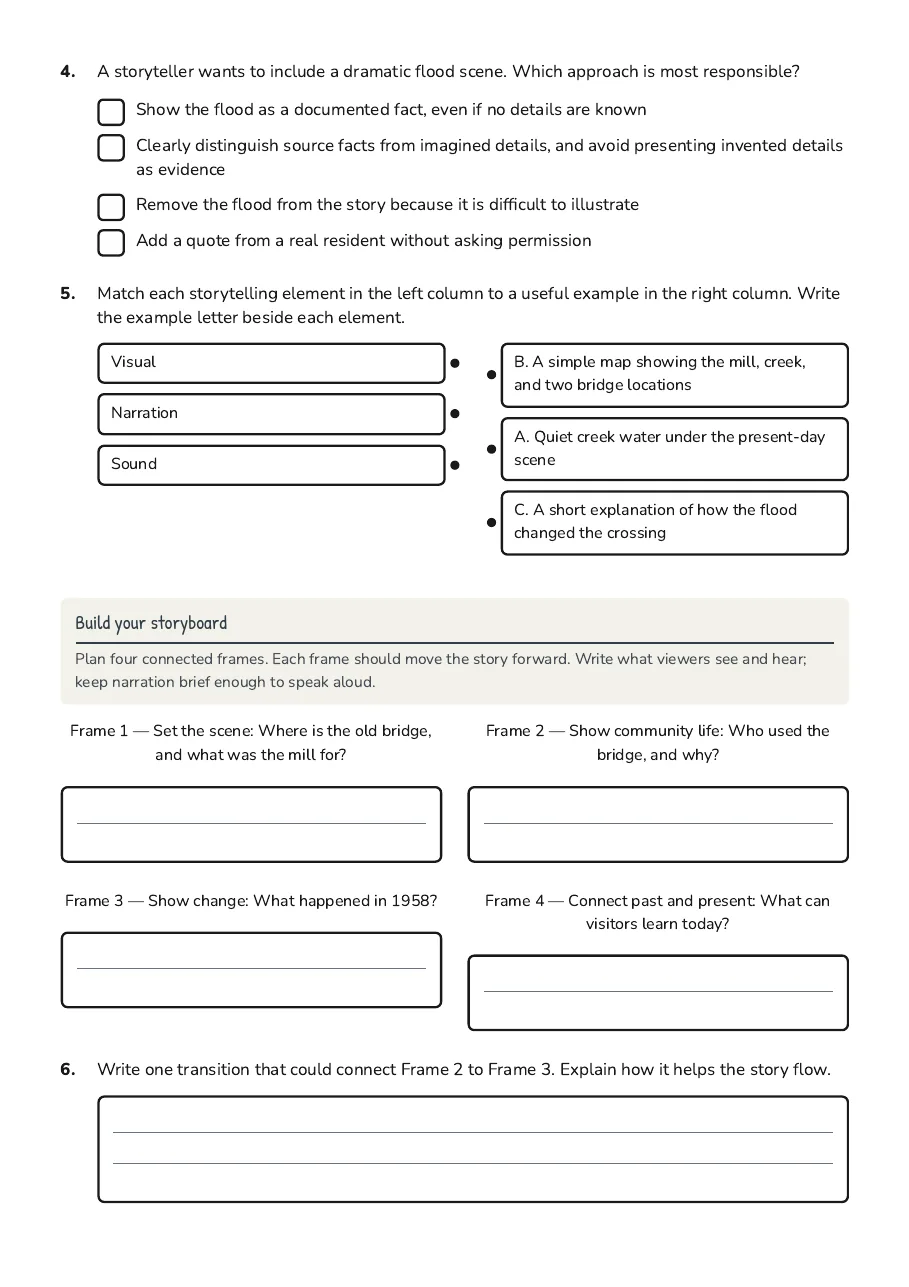
- Show the flood as a documented fact, even if no details are known
- Clearly distinguish source facts from imagined details, and avoid presenting invented details as evidence
- Remove the flood from the story because it is difficult to illustrate
- Add a quote from a real resident without asking permission
- Visual
- Narration
- Sound
- B. A simple map showing the mill, creek, and two bridge locations
- A. Quiet creek water under the present-day scene
- C. A short explanation of how the flood changed the crossing
Build your storyboard
Plan four connected frames. Each frame should move the story forward. Write what viewers see and hear; keep narration brief enough to speak aloud.
Frame 1 — Set the scene: Where is the old bridge, and what was the mill for?
Frame 2 — Show community life: Who used the bridge, and why?
Frame 3 — Show change: What happened in 1958?
Frame 4 — Connect past and present: What can visitors learn today?
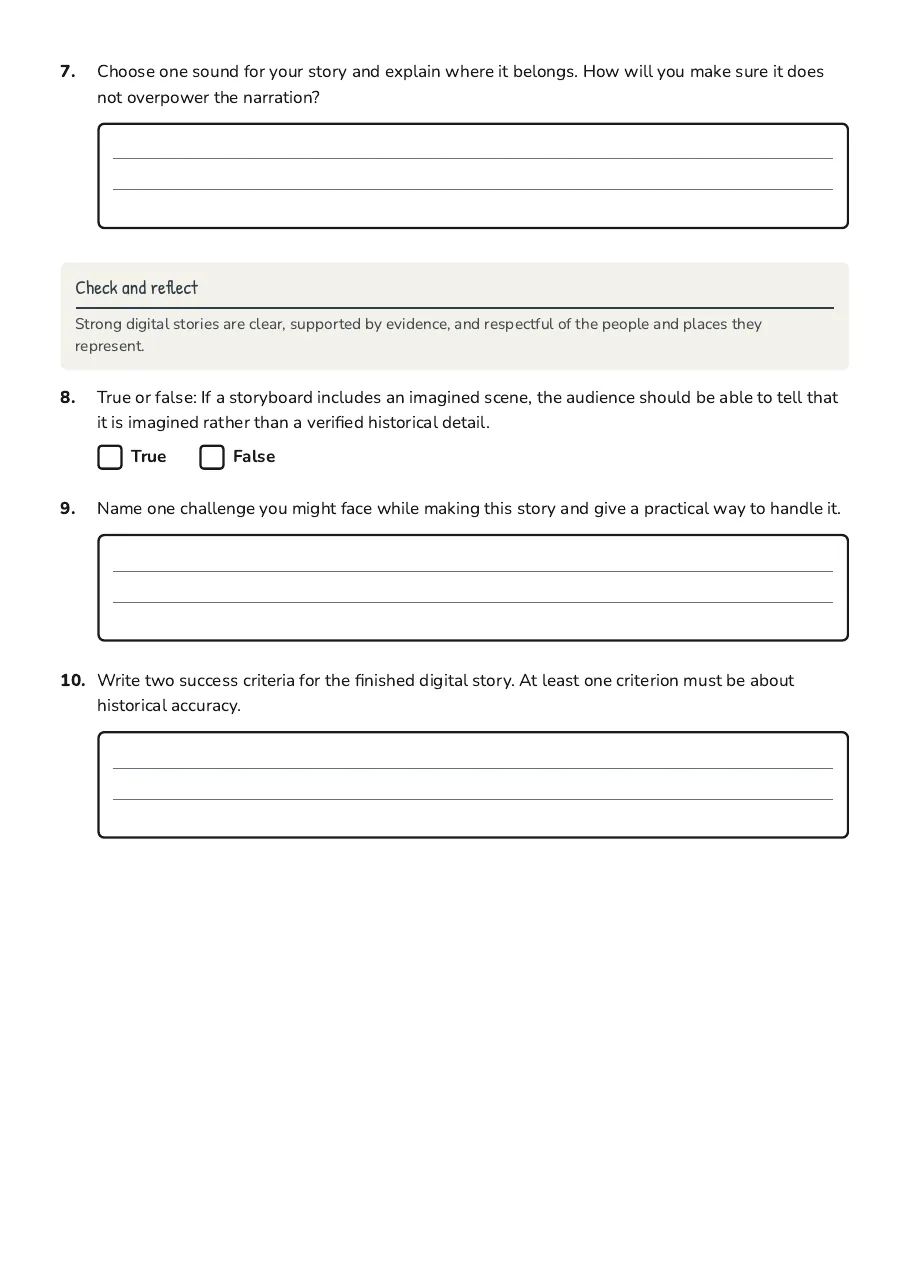
Check and reflect
Strong digital stories are clear, supported by evidence, and respectful of the people and places they represent.
3 printable pages
Page 1
Page 2
Page 3
About This Worksheet
Free in Kuraplan
Sign up free, grab the PDF, and customize it for your class.
Print-Ready
Formatted for standard paper. Clean layout, easy to read.
AI-Generated
Created with Kuraplan's AI, designed for real classroom use.
For Teachers & Parents
Use in classrooms, for homework, tutoring, or homeschool.
Need a custom version of this worksheet?
Kuraplan's AI generates custom worksheets in seconds — differentiated for every learner, aligned to your curriculum.
Generate Custom Worksheets — Free