You need a three-way comparison organizer by tomorrow morning. One class needs a printable worksheet for essay planning, another needs a shared board for sorting ideas live, and a third needs a polished slide for presentations. The best 3-circle Venn diagram template depends less on the circles themselves than on what students must do with them afterward.
This guide compares ten practical resources by format, customization, sharing, export options, collaboration, and classroom constraints. A three-circle Venn diagram separates unique attributes into each circle, places shared attributes in pairwise overlaps, and reserves the center for what all three sets share. That structure creates seven distinct regions, including three single-set areas, three pairwise overlaps, and one central intersection, which makes it useful for more than a simple compare-and-contrast exercise. Britannica explains the diagram's historical development and three-circle structure.
If the immediate need is a ready-to-print comparative writing organizer, Kuraplan's Comparative Essay Venn and Bridge Mat is the strongest starting point. The other tools become more useful when collaboration, visual polish, presentation, or offline editing matters more than instant printing.
1. Kuraplan Comparative Essay Venn and Bridge Mat
For a teacher who needs something printable, focused, and ready for students to use without a design session, Kuraplan's free Comparative Essay Venn and Bridge Mat is the most classroom-ready option on this list. It's a static PDF with a clean three-circle layout, labeled regions, and space for students to record evidence. You can print it for individual work, partner comparison, an exit ticket, or prewriting before students draft.
The useful distinction is the optional Bridge section. Many Venn diagrams stop after students place traits into circles. This mat asks them to move from similarities toward a written insight or thesis, which makes it a better fit for comparative essays than a purely blank diagram. Students can identify what two subjects share, locate what all three share, then explain why that shared idea matters.
Practical rule: Don't accept a filled overlap without a sentence explaining why the evidence belongs there.
The format also works beyond English language arts. Students can compare historical events, scientific concepts, characters, texts, cultural practices, or mathematical categories. Read Write Think describes the three-circle format as a graphic organizer for comparing three objects or ideas across grade levels and content areas, while its printable Venn diagram resource reinforces the organizer's broad classroom use.
Where it works best
The PDF saves preparation time because there's no need to align shapes, adjust transparency, or build writing prompts around a blank template. The labeled regions also help younger students and developing writers distinguish between a feature that belongs to one subject, two subjects, or all three.
Its limitation is equally clear. A static PDF offers little on-page customization, and the fixed three-circle design won't suit a task involving more than three subjects. For broader guidance on choosing and adapting organizers, teachers can use Kuraplan's graphic organizer guide.
Pros
- Immediate printing: It's free and ready to use without formatting.
- Writing connection: The Bridge section prompts synthesis instead of simple listing.
- Clear organization: Labeled regions support evidence placement.
- Subject flexibility: It suits compare-and-contrast tasks across grade levels.
- Honest limitation: The PDF is static, and the three-circle format is fixed.
Visit the Comparative Essay Venn and Bridge Mat when the lesson needs a printable organizer that leads students toward a paragraph, thesis, or structured response.
2. Miro
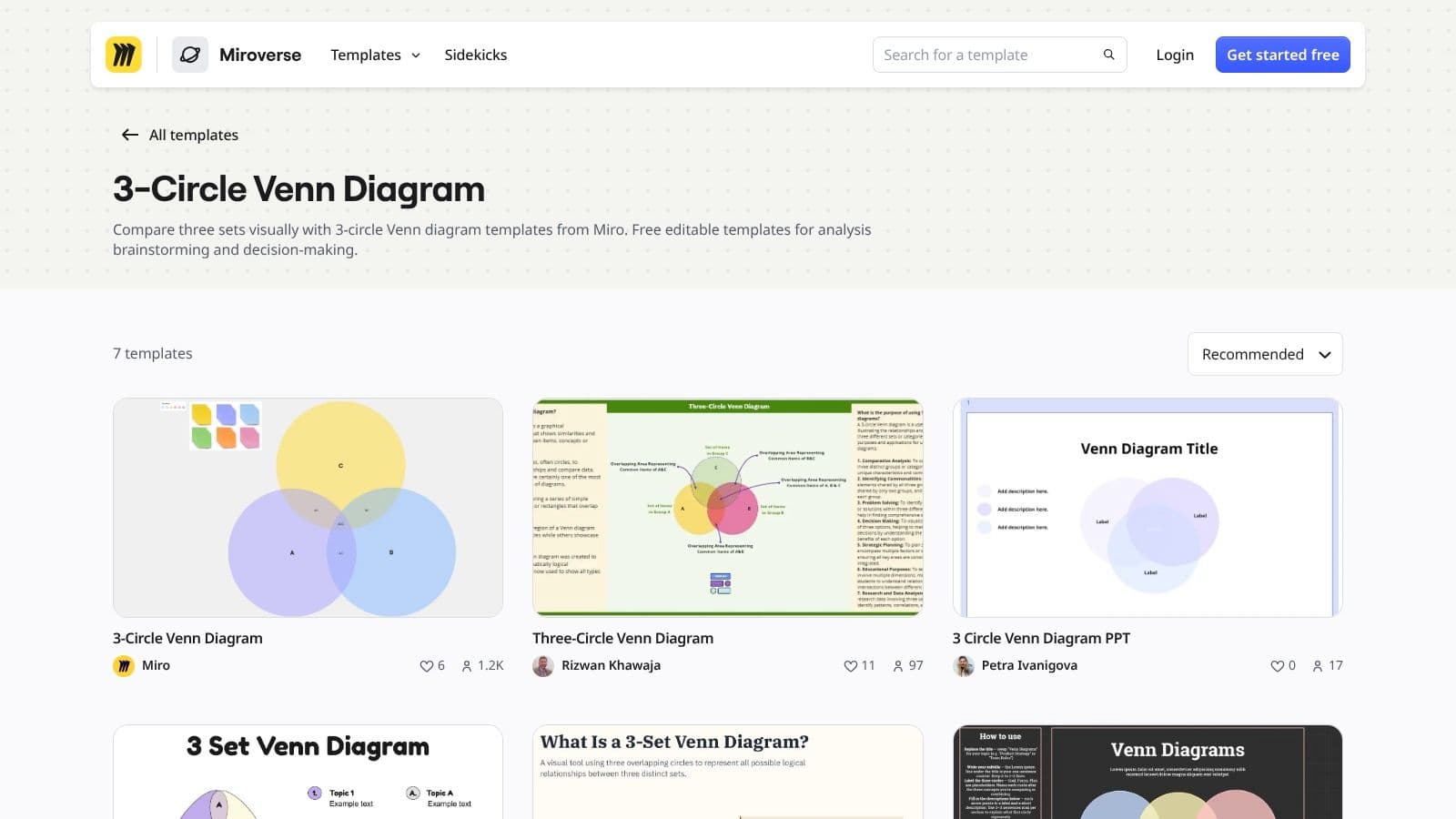
Miro is a better choice when the Venn diagram is the activity rather than just the worksheet. Its ready-made three-circle template opens on an infinite whiteboard, where students can add sticky notes, annotations, examples, and connectors around the central diagram. That gives a group room to sort ideas visibly during a discussion.
The strongest classroom use is live collaboration. A teacher can create three labels, invite students to add evidence, and move contributions as the class debates whether an item belongs in one circle, a pairwise overlap, or the center. The platform also supports exporting the finished diagram for a handout or slide deck, so the discussion can become a record of the lesson.
Miro's main trade-off is account and board management. Its free plan is available for small teams or classes, but it limits users to three editable boards, with additional boards becoming view-only, as described on the Miro three-circle Venn diagram template page. Advanced diagramming shapes and features may also require a higher-tier plan.
Classroom fit
Miro suits secondary classrooms, teacher modeling, project work, and remote or hybrid lessons. It's less convenient when students need a quiet, offline worksheet or when every learner needs an independent copy.
Use it when the lesson depends on co-editing, sorting, and visible reasoning, not when you need a clean page to photocopy.
3. Lucidchart
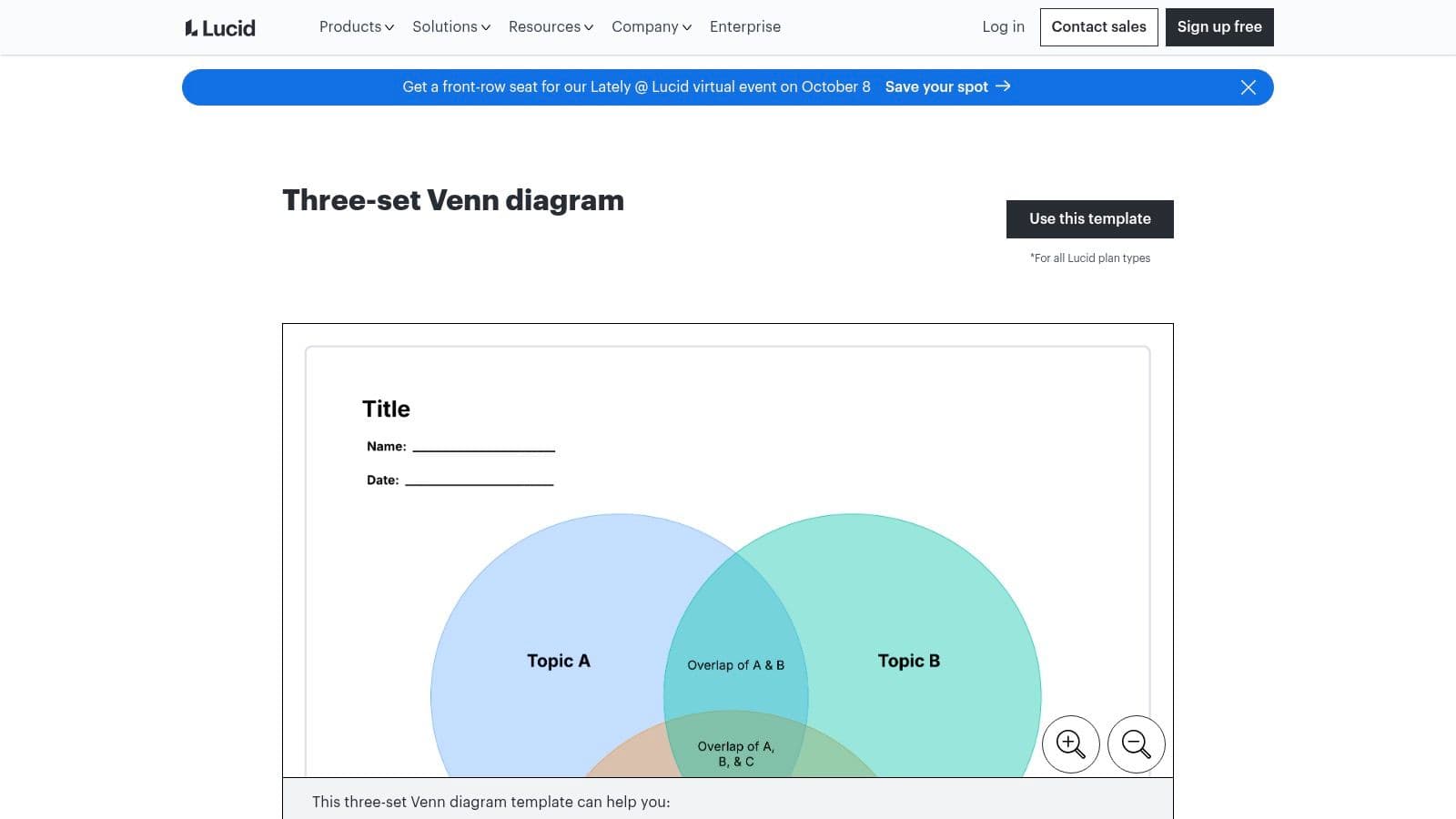
Lucidchart brings a more formal diagramming environment to the three-set Venn task. Its template includes labeled regions, and the editor sits inside a larger library of flowcharts, concept maps, and other diagrams. That makes it useful in schools where students already work with structured visual tools.
Presentation Mode is especially practical for whole-class instruction. A teacher can display the diagram, reveal or discuss regions during a lesson, and use the finished visual in a meeting or student presentation. Lucidchart also integrates with Google Workspace and Microsoft 365, which can reduce friction in districts using those ecosystems. Visio import and export compatibility matters when colleagues or administrators use Microsoft diagram files.
The Lucidchart three-set Venn diagram template is available to try with basic free-plan limits. The free tier restricts the number of documents and shapes, while stronger collaboration features are generally associated with paid plans. That makes Lucidchart more attractive for established school accounts than for a teacher who wants unlimited informal experimentation.
A useful pairing
Lucidchart is strongest for editing, presenting, and moving diagrams between workplace tools. It isn't the fastest route to a student writing page, so pair it with a dedicated text comparison graphic organizer from Kuraplan when students need to turn comparison notes into prose.
Choose Lucidchart for structured digital lessons and mixed-tool environments, not for offline-first instruction.
4. Canva
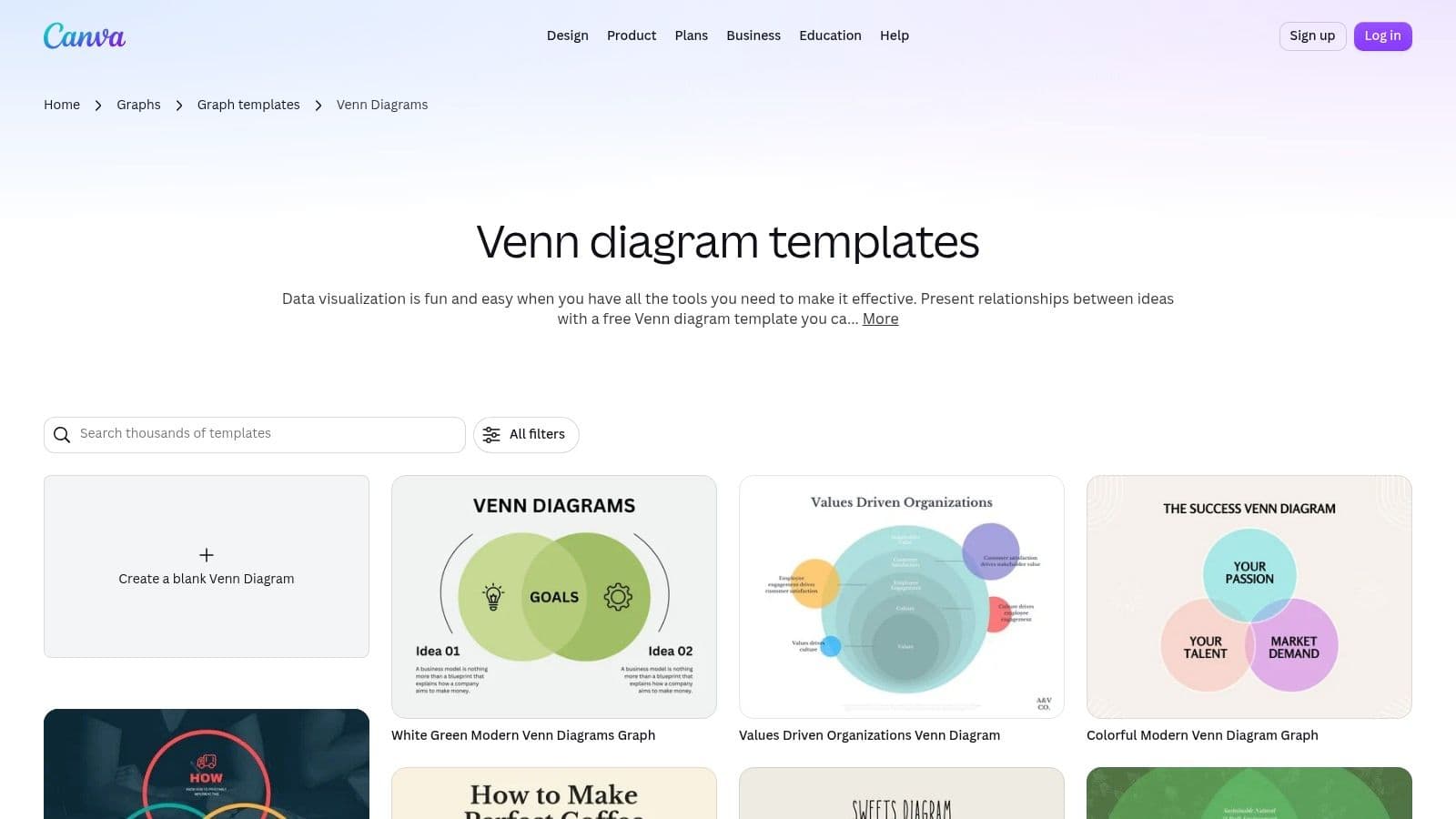
Canva is the strongest option here when the diagram needs to look finished quickly. Its library includes many customizable three-circle styles, and teachers can change colors, fonts, labels, and layout elements without building the graphic from scratch. A diagram created for a worksheet can also be adapted into a presentation slide or class visual.
That flexibility helps when students are expected to present their comparison rather than only complete it. A group might use one template to compare three characters, then adjust the design for a short presentation. Teachers can export diagrams as PNG or PDF, which supports both digital sharing and printing.
Canva's education access can make a significant difference. Eligible K–12 teachers and students can apply for Canva for Education, which provides free premium access for qualifying users, while some graphics and assets remain restricted to Pro or Business plans for others. The Canva Venn diagram template collection is the right place to check available layouts and account requirements.
When design helps learning
Canva works well for polished handouts, display materials, and student presentations. It can also tempt students to spend more time decorating than classifying evidence. Set the labels and content expectations first, then allow design choices after the reasoning is complete.
For teachers creating supporting visuals, Kuraplan's educational infographic generator may be a more direct route from lesson topic to classroom graphic.
5. Creately
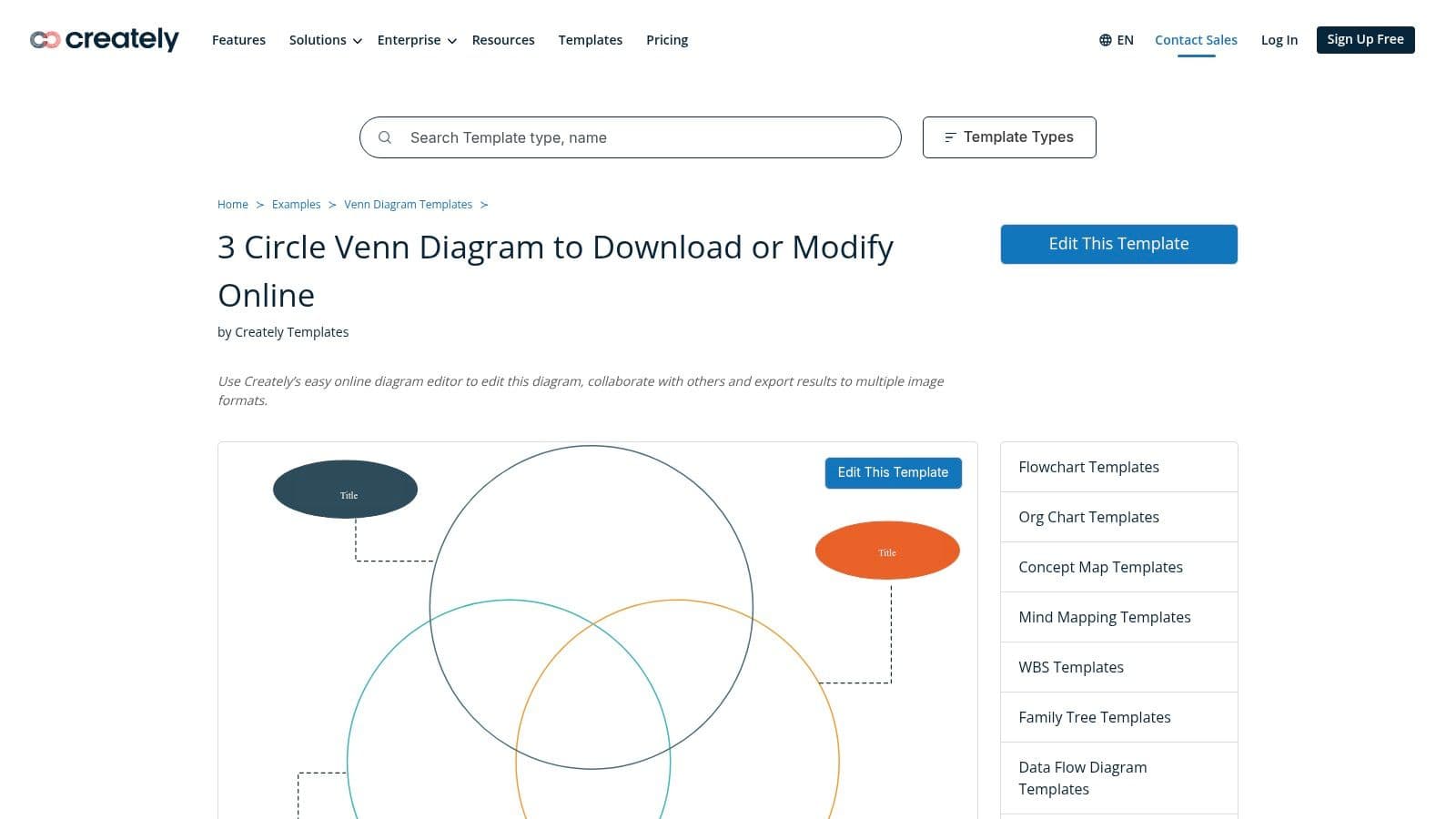
Creately sits between a straightforward worksheet creator and a collaborative diagramming platform. Its direct “Edit This Template” starting point gives teachers an immediate three-circle Venn layout, while the wider community gallery offers other three-set designs. Students can modify labels, add content, comment on one another's work, and share the result.
Export is one of Creately's practical strengths. The platform supports PNG, JPEG, SVG, and PDF outputs, giving teachers options for worksheets, slide decks, and digital learning materials. Its sharing pathways also connect naturally with Word, PowerPoint, Google Docs, and Google Slides, which helps when the diagram is only one part of a larger assignment.
The Creately three-circle Venn diagram template is most useful when students need to produce and revise a shared artifact. Real-time collaboration and commenting support peer review, but some templates and advanced features sit behind paid tiers.
Best classroom use
Use Creately for project groups, collaborative planning, and diagrams that need to move into several file types. It's more capable than a static printable, but that capability adds setup and account considerations.
It's a sensible middle ground for teachers who want co-editing without committing to a presentation-first design platform.
6. Visme
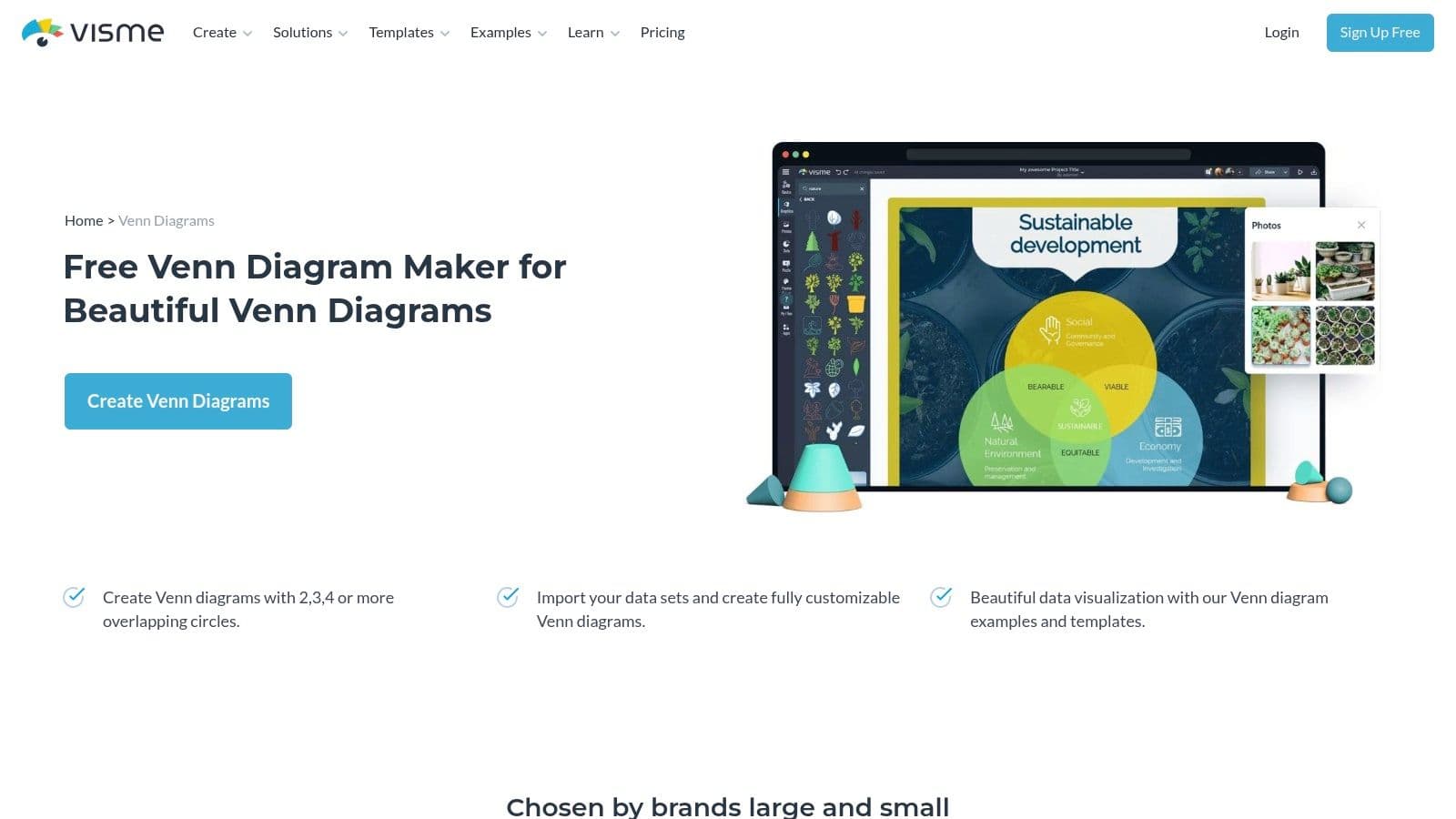
Visme treats the Venn diagram as a communication graphic rather than only a classroom organizer. Its Triple Venn templates can be edited with brand colors, fonts, and resizing tools, then downloaded as high-resolution JPG, PNG, or PDF files. Teachers can also embed or share diagrams in a learning management system or class website.
That presentation focus makes Visme useful for parent nights, department meetings, posters, and administrator presentations. A science teacher could create a polished comparison of three systems, while an instructional coach might use the same format to explain overlapping teaching practices. The templates provide a visual starting point, so users don't need to construct every circle and label manually.
The Visme Venn diagram maker also comes with a clear limitation. Advanced assets and some editing features often require paid plans, and premium template elements may not be available without a subscription. That matters if the goal is a quick free worksheet rather than a finished visual product.
Who should choose it
Visme is a good fit for older students who are learning to communicate information visually, and for teachers who need materials that look polished beyond the classroom. It's less efficient for primary students filling in handwritten evidence or for lessons where the visual design should stay out of the way.
7. SmartDraw
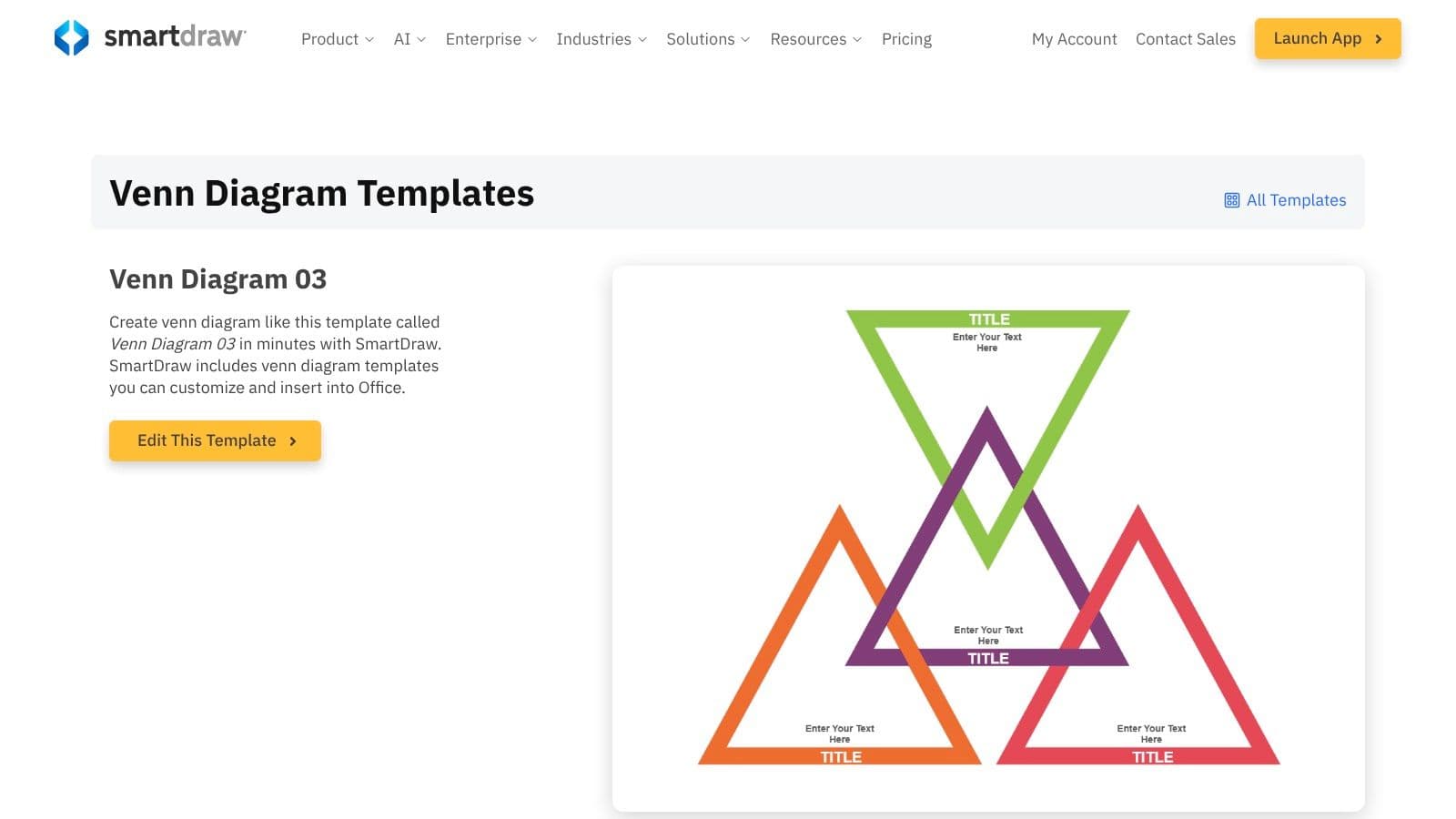
SmartDraw is built for schools that care about diagram consistency, integrations, and administration. Its editable three-circle examples are part of a broad diagramming suite, and the platform integrates with Microsoft 365 and Google Workspace. District administrators may also value its admin and security controls when evaluating software for wider deployment.
The editor and template ecosystem make it straightforward to clone a diagram, rename the sets, and adapt the regions for a new task. That's useful for curriculum teams producing consistent materials across classrooms. A department can create a shared visual style without asking each teacher to learn a separate design workflow.
The concern is licensing flexibility. SmartDraw subscriptions are billed annually, with pricing and licensing structured around annual plans and enterprise seats, as noted on the SmartDraw three-circle Venn diagram example. That can be a poor fit for an individual teacher who only needs a printable organizer for a single unit.
The district-level choice
Choose SmartDraw when governance, integrations, and shared templates matter more than casual access. For a small classroom, its strengths may exceed the actual need. For a district, those same controls can make the platform easier to manage than a collection of unrelated free tools.
8. Piktochart
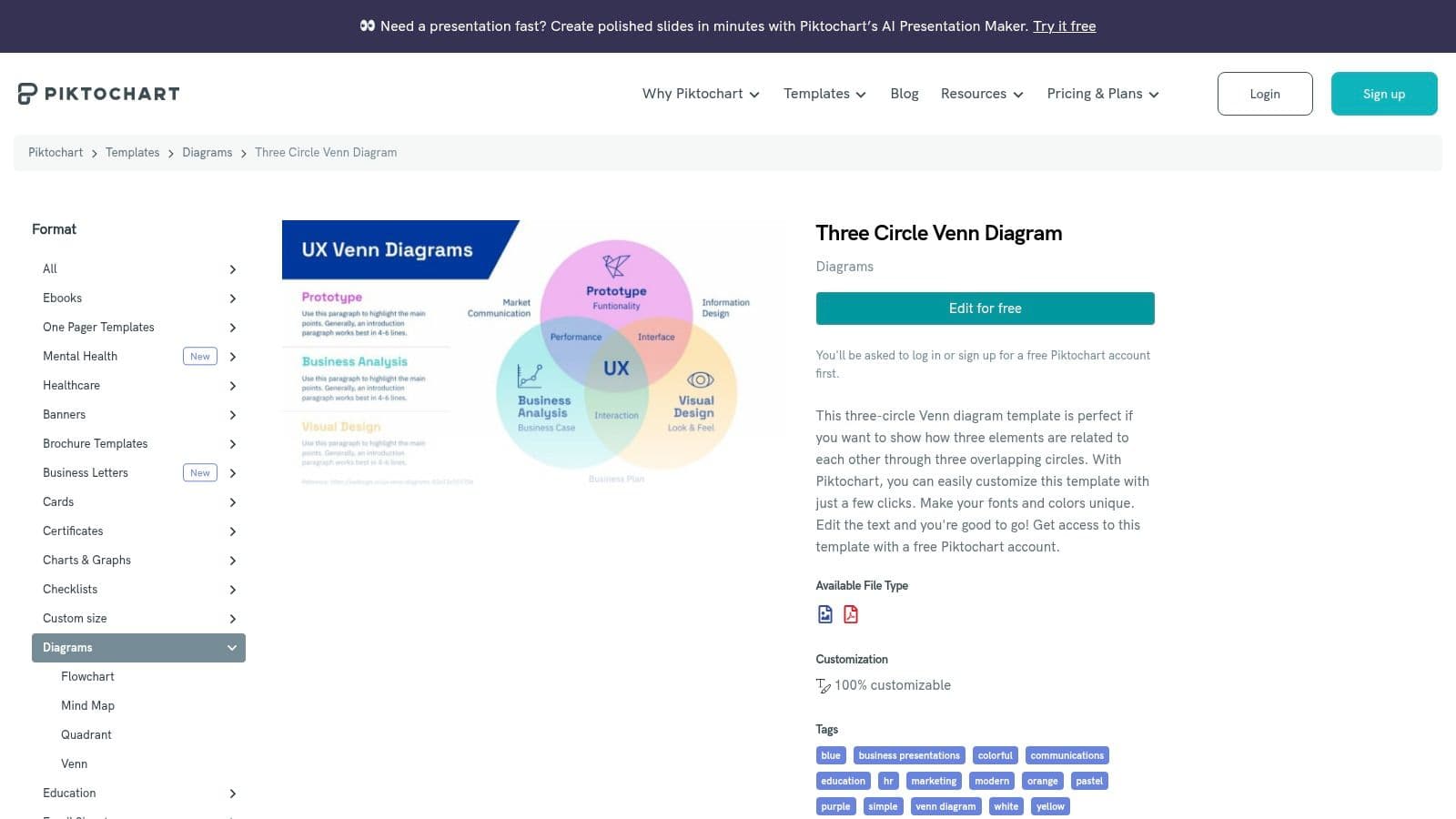
Piktochart makes sense when the Venn diagram needs to sit inside a larger infographic or classroom visual. It offers three-circle templates, an editor focused on accessible visual communication, branding controls, and quick export options for slides, handouts, and LMS posts. The template gallery also includes layouts suited to subject comparisons in areas such as science and English language arts.
The interface has a relatively low learning curve, which helps teachers create a visual without learning a full diagramming system. Students can use it to turn comparison notes into a poster or digital explanation, particularly when the assignment includes headings, icons, and supporting text around the diagram.
The Piktochart three-circle Venn diagram template can be tested with a free account. Some assets and features require a Pro subscription, and lower tiers have historically included watermark limits on exports. Check the current account terms before planning a polished final product for display.
A visual extension, not a writing mat
Piktochart is strongest after students have completed the thinking. Use it to present conclusions, not as the only scaffold for deciding where evidence belongs. If students still confuse pairwise overlaps with the center, a simpler labeled organizer will usually produce better reasoning.
9. EdrawMax Wondershare
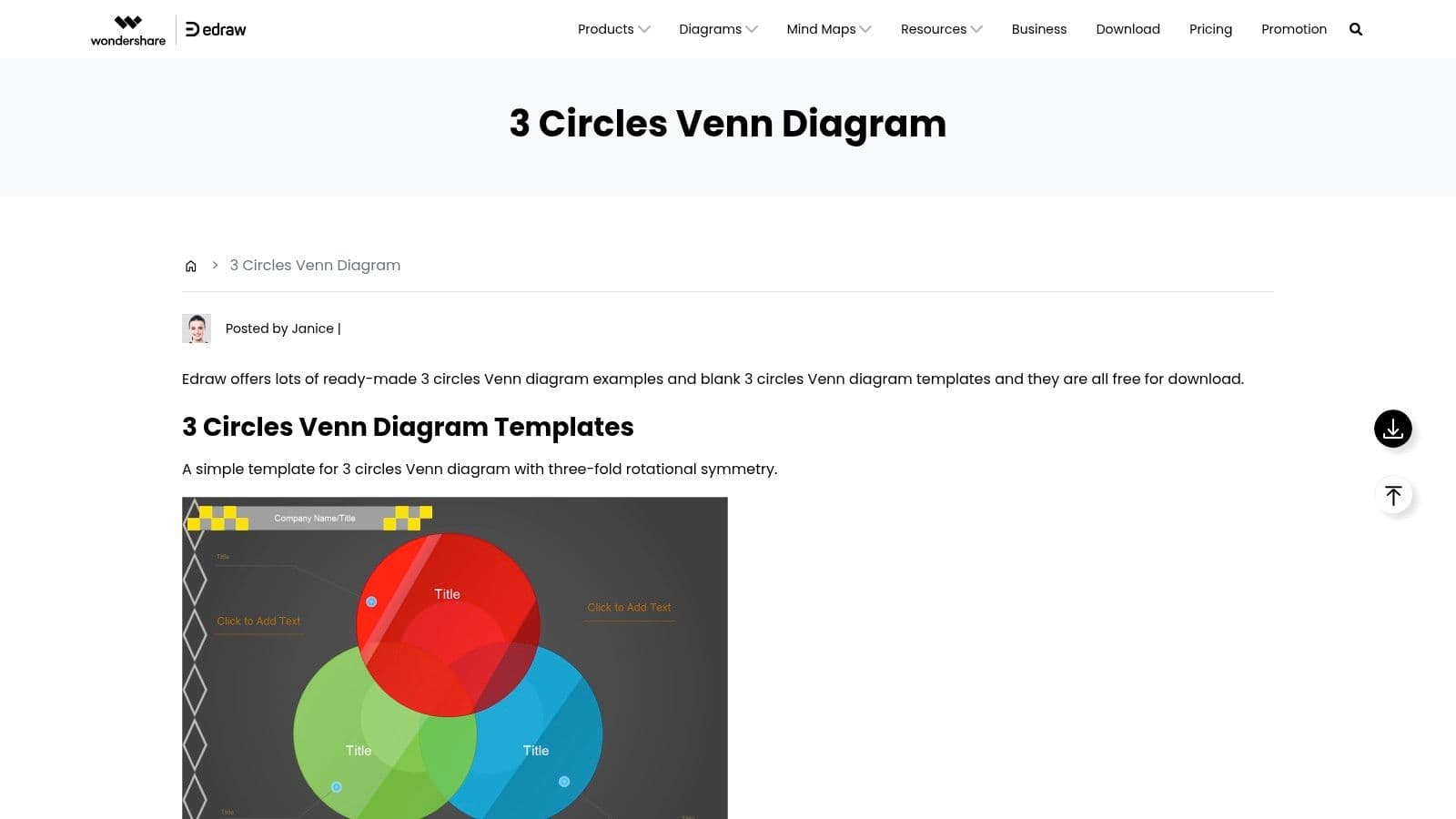
EdrawMax is the practical choice when downloadable files and offline classroom use are priorities. Its template collection includes several three-circle variants, including basic designs, diagrams with a rim, and numbered sets. Teachers can export and print worksheets, exams, and other organizers in PDF and additional formats.
That broad template range helps across grade bands. A primary teacher may want a visually simple page, while a secondary teacher may prefer a labeled or numbered structure for set-based work. Because the workflow supports downloadable, ready-to-print PDFs, EdrawMax is useful in classrooms where student devices are limited or internet access isn't dependable.
The EdrawMax three-circle Venn diagram examples show the platform's wider diagram suite. Its main drawback is that the workflow leans toward desktop software rather than a cloud-native collaborative board. Some AI add-ons and advanced features also cost extra.
Offline classroom fit
EdrawMax is a strong option for preparing a folder of printable variants before a unit begins. It's less suitable for a live whole-class sort where students need to edit the same diagram simultaneously.
10. Whimsical
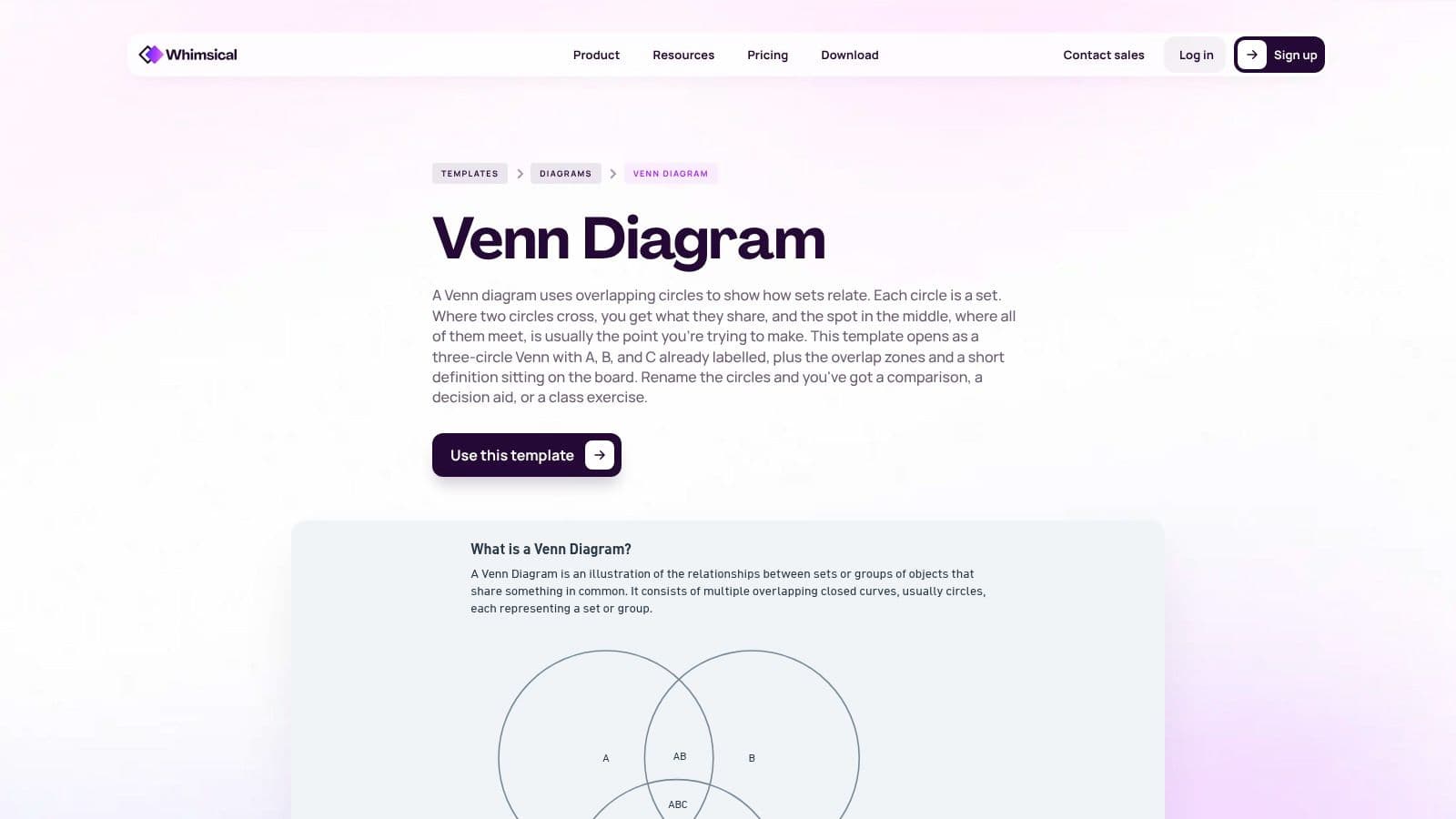
Whimsical is designed for speed. Its web-based Venn diagram template opens with three labeled circles and the overlap regions already tagged, so a teacher can begin a sorting activity without spending time aligning shapes or naming every area. Simple sharing and permission controls make it easy to provide access to students.
That minimal setup works especially well for a live model or think-aloud. The teacher can place an example in a single-set region, compare it with an item in a pairwise overlap, and then ask the class to justify a center placement. The clean interface keeps attention on classification rather than decoration.
The Whimsical Venn diagram template is available with a free plan, and education or nonprofit discounts are noted by the platform. Its limitation is visual range. It offers fewer infographic and presentation flourishes than Canva or Visme, so finished diagrams may need another tool if the goal is a highly designed poster or slide.
Use it for thinking aloud
Whimsical is a good fit for rapid digital discussion, especially when students need to see the teacher revise a classification in real time. It isn't the best pick for offline work or a visually rich final product.
3-Circle Venn Template: Top 10 Tool Comparison
| Tool | Core features / characteristics | UX / Quality (★) | Price / Value (💰) | Target (👥) | Unique selling point (✨ / 🏆) |
|---|---|---|---|---|---|
| Kuraplan, Comparative Essay Venn & Bridge Mat | Free ready-to-print 3-circle Venn + labeled regions & Bridge synthesis area | ★★★★☆ | 💰 Free (printable PDF) | 👥 K–12 teachers & students | ✨ Bridge prompts thesis synthesis, 🏆 standards-aligned classroom-ready |
| Miro | Editable 3-circle template, infinite canvas, sticky notes, co-edit | ★★★★☆ | 💰 Freemium (limits on free boards) | 👥 Collaborative classes & teams | ✨ Real-time co-editing & brainstorming |
| Lucidchart | Three-set Venn template, Presentation Mode, Google/MS integrations | ★★★★☆ | 💰 Freemium (doc/shape limits) | 👥 Teachers, admins, district mixed-tool users | ✨ Visio import/export & presentation-ready |
| Canva | Large template library, one-click styling, PNG/PDF export, Edu program | ★★★★★ | 💰 Freemium; Canva for Education (eligible teachers free Pro) | 👥 Teachers creating polished handouts & slides | 🏆 Fast polished visuals & Education access |
| Creately | Editable Venn starter, exports (PNG/JPEG/SVG/PDF), real-time comments | ★★★★☆ | 💰 Freemium (some features paid) | 👥 Teachers & student groups | ✨ Easy exports into Docs/Slides & collaborative commenting |
| Visme | Triple Venn maker, brand colors/fonts, high-res downloads & embed | ★★★★☆ | 💰 Freemium (most polish behind paywall) | 👥 Admins, presenters, teachers making shareables | ✨ High-res export + LMS/embed options |
| SmartDraw | Customizable 3-circle Venn, MS/Google integrations, admin/security tools | ★★★★☆ | 💰 Paid (annual, enterprise-focused) | 👥 District IT, admin-heavy deployments | 🏆 Enterprise controls & secure district deployment |
| Piktochart | Infographic-focused Venns, quick exports, education layouts | ★★★☆☆ | 💰 Freemium (Pro for assets) | 👥 Teachers making posters/handouts | ✨ Infographic-first templates for visuals |
| EdrawMax (Wondershare) | Multiple 3-circle variants, downloadable/editable PDFs, desktop app | ★★★☆☆ | 💰 Paid / desktop-focused (some add-ons paid) | 👥 Offline classrooms & teachers needing printables | ✨ Broad template gallery + ready-to-print PDFs |
| Whimsical | Pre-labeled 3-circle Venn, fast web editor, simple sharing perms | ★★★★☆ | 💰 Freemium (education discounts) | 👥 Quick live modeling & class discussions | ✨ Minimal setup for fast classroom use |
Choose the Template Your Lesson Actually Needs
The right resource depends on what students must produce after the comparison. If the lesson ends with a paragraph, essay, or evidence-based response, choose Kuraplan's Comparative Essay Venn and Bridge Mat. Its printable format removes setup, and the Bridge section gives students a direct path from shared evidence to synthesis. That's more useful for writing instruction than a visually impressive diagram with no prompt for interpretation.
For live collaboration, choose Miro, Lucidchart, Creately, or Whimsical. Miro gives groups a spacious whiteboard for sticky notes and discussion. Lucidchart is a stronger choice where Google Workspace, Microsoft 365, Presentation Mode, or Visio compatibility matters. Creately offers useful collaboration, commenting, and export flexibility. Whimsical is the fastest for teacher modeling and quick sorting, although it sacrifices some visual polish.
Choose Canva, Visme, or Piktochart when the final product is a polished handout, poster, presentation, or LMS visual. Canva is the quickest route to attractive classroom materials, especially for eligible Canva for Education users. Visme suits formal presentations and embedded visuals. Piktochart works well when the Venn diagram forms part of a larger infographic. All three can distract from the reasoning if students start decorating before they have justified their classifications.
Use EdrawMax for downloadable offline variants, particularly when devices or connectivity are limited. Consider SmartDraw when district-level controls, integrations, and shared diagram standards matter. Its annual, enterprise-oriented licensing makes less sense for a single occasional worksheet.
A few implementation decisions matter more than the software. Name the three comparison subjects before distributing the organizer, and make sure students understand what each circle represents. Model one example in a single-set region, one in a pairwise overlap, and one in the center. Then require students to explain the placement rather than merely list traits.
The seven-region structure is powerful because it distinguishes unique characteristics, two-way similarities, and the all-three intersection. It can also expose misconceptions. Students may place an item in the center because it relates loosely to all three subjects, even though it doesn't share a precise attribute with each one. Sentence stems such as “This belongs in the overlap between ___ and ___ because...” and “All three share ___, which matters because...” make the reasoning visible.
Finally, decide what happens after the diagram. Turn the Bridge response into a comparative paragraph, use the completed organizer for a partner discussion, or convert one overlap explanation into an exit ticket. The template should be the beginning of the thinking, not the final assessment.
Kuraplan offers free printable classroom resources, AI-generated worksheets, standards-aligned lesson planning, and educational visuals that can adapt a three-way comparison to a topic and grade level. Start with the Kuraplan platform to create a printable Venn diagram, build the surrounding lesson, and give students a clearer route from evidence to explanation.